
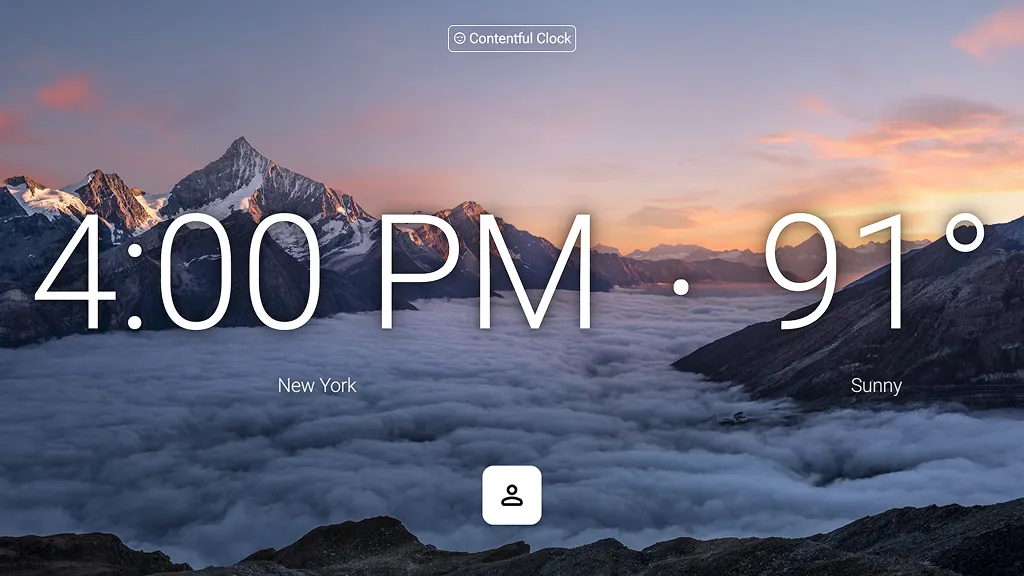

Erstelle dein Designsystem mit KI in Figma Make
Erstelle Designs und Prototypen und skaliere dein System schneller – mit der Leistungsfähigkeit der KI. Nutze KI, um dein Designsystem zu skalieren, zu testen und weiterzuentwickeln – und verbinde Design und Code von Anfang an miteinander.
Designsysteme mit KI entwickeln
Systemgrundlagen mit natürlicher Sprache erstellen
Beschreibe die Komponenten, Token und Muster, die du benötigst. Der KI-Designsystem-Ersteller erzeugt konsistente, wiederverwendbare Elemente – perfekt auf deine Marke abgestimmt.
Erst prüfen, dann festlegen
Verwende Make, um neue Muster, Layouts oder responsive Verhaltensweisen in wenigen Minuten zu testen. Erstelle Prototypen mit echten Daten, Logik und Einschränkungen, um zu sehen, was funktioniert, bevor du es in deinem Designsystem formalisierst.
Design und Code verbinden
Bringe React-Komponenten oder Produktionslogik in Make ein, um sicherzustellen, dass jeder Prototyp die reale Funktionalität widerspiegelt. Wenn ein Muster bereit ist, übergebe den standardkonformen Code, der dein System über Design und Entwicklung hinweg konsistent hält.
Skalierung durch gemeinsamen Kontext
Erstelle Figma Make-Vorlagen, in die dein Designsystem integriert ist, sowie Richtlinien, um sicherzustellen, dass die KI dein Designsystem auf jedes Ergebnis korrekt anwendet. Wenn jede Erkundung mit deinem System beginnt, entsteht standardmäßig Konsistenz.
Erstellt von echten Teams.
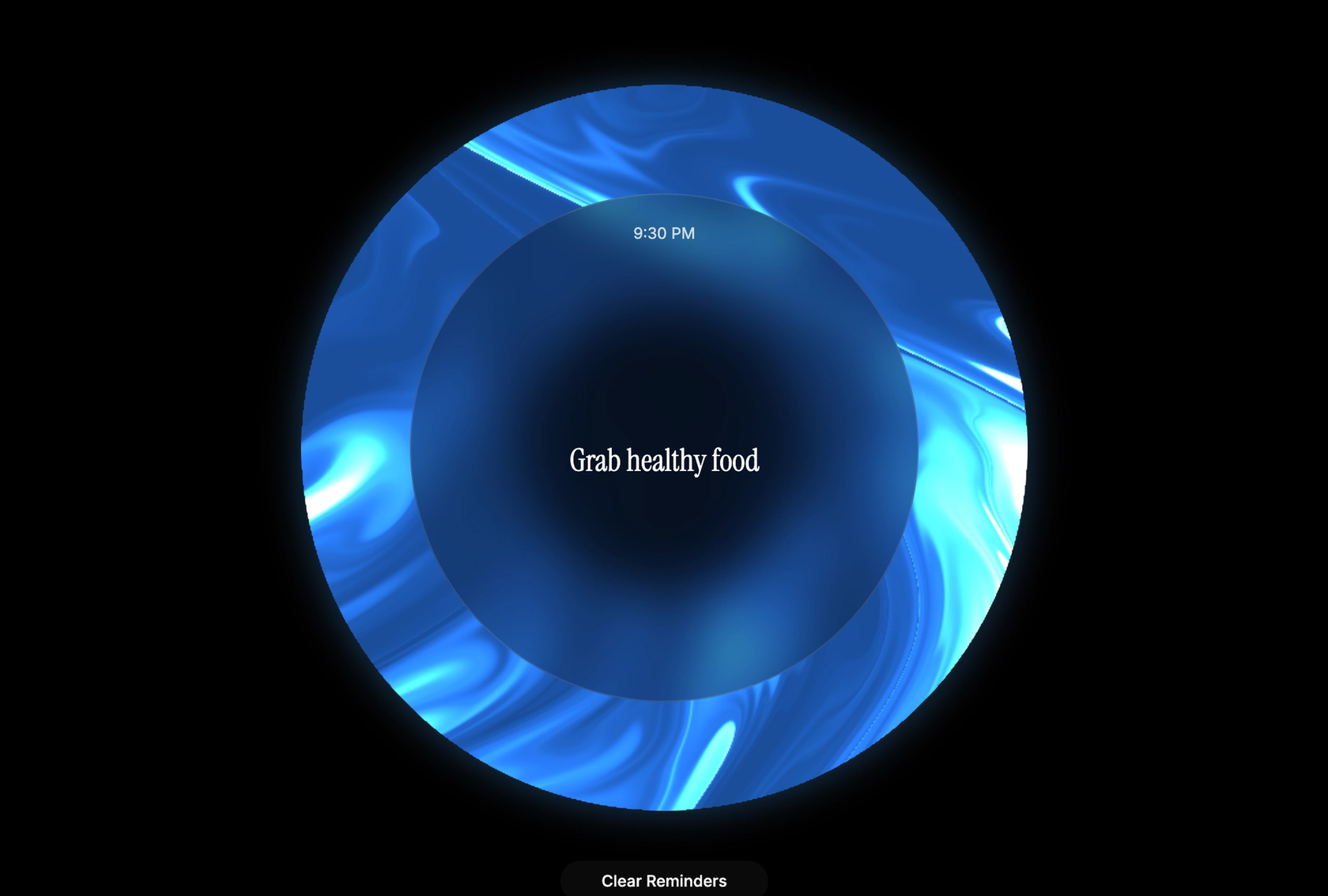
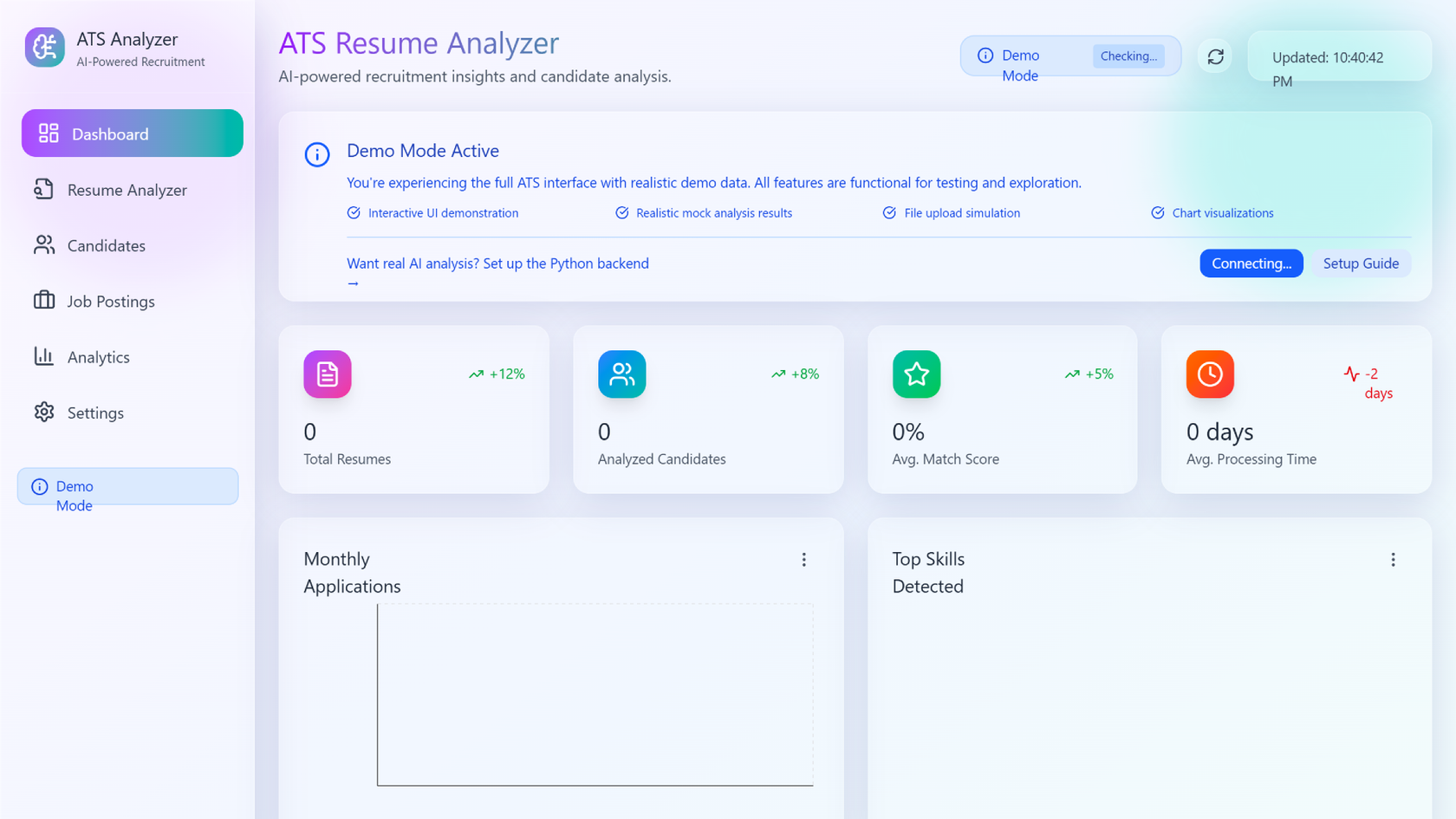
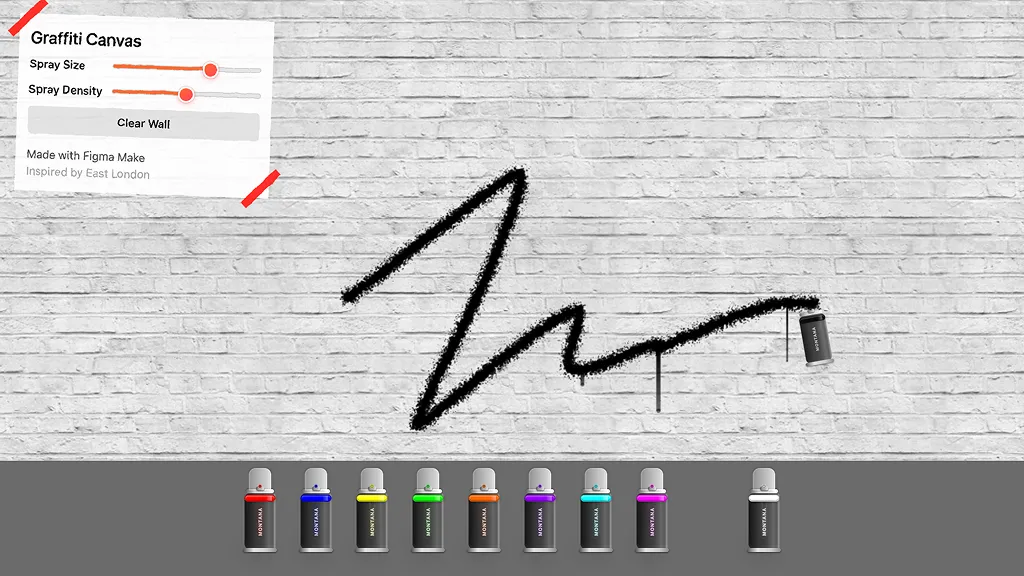
Erfahre, wie Entwickler*innen, Designer*innen und PMs Figma Make nutzen, um No-Code-Web-Apps zu erstellen – von internen Tools bis hin zu Produkt-MVPs.
- Jacques Debeuneure Jr.
- Daniela Muntyan

- kishoree04u

- Seungmee Lee







So generierst du ein Designsystem mit KI in Figma Make
FAQs
Aus dem Blog
Workflow-Lab: Designs direkt mit Figma Make bereitstellen
Die Übergabe vom Design zum Code muss keine Einbahnstraße sein. Dieser Workflow zeigt, wie Designer*innen eine Codebase mit Figma Make verbinden, direkt Änderungen vornehmen und das gesamte Team zur Überprüfung einbeziehen können – bis hin zum Pull-Request.

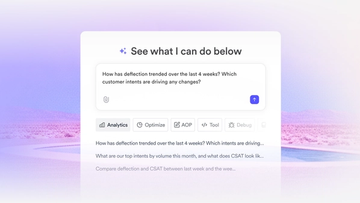
So nutzt Decagon KI zur Sättigung von Designsystemen
Die schnell wachsende Plattform für Kundenerfahrungen erklärt, wie Figma MCP und Figma Make dabei halfen, ein neues Designsystem zu skalieren und Kundenanforderungen zu erfüllen.
GPT-5.6 ist jetzt in Figma Make verfügbar
Mit präzisen ersten Ergebnissen und schnellen Iterationen gibt GPT-5.6 von OpenAI deinen Kreationen in Figma Make einen starken Start.

Hast du was drauf? Mach den Figma-Agenten zu einem besseren Teamplayer
Vom Teilen deiner besten Ideen bis hin zum Lernen aus den bewährten Prompts deines Teams – hier erfährst du, welche Fähigkeiten der Figma-Agent dir eröffnet.

4 Möglichkeiten, wie wir unseren MCP-Server bei Figma nutzen
Der Figma MCP-Server erreicht die Plattform weiter als je zuvor. Vom Aktualisieren eines lebenden Decks bis zum Übermitteln eines Designs in die Produktion – so sieht das in der Praxis aus.


4 neue Wege, um mit KI-Tools von der Idee zum Produkt zu gelangen
KI-Tools verändern, wie Teams Produkte entwickeln – von ihrem Startpunkt bis hin zu dem, was in die Produktion übertragen wird. So sieht dieser Wandel in vier Organisationen aus.
Weitere Ressourcen

Was ist MCP?
Artikel lesenErfahre mehr über das Model Context Protocol (MCP), den offenen Standard, der die Integration von KI vereinfacht, ähnlich wie USB-C für Daten.

Was ist Vibe Coding?
Artikel lesenVibe Coding kombiniert stimmungsbasiertes Design mit nahtloser Programmierung, um immersive digitale Erlebnisse zu schaffen, die emotional ansprechen und einwandfrei funktionieren.


Wie man eine App in fünf Schritten entwickelt
Artikel lesenDie Entwicklung einer App erfordert Recherche und ständige Überarbeitung, um den Kundenbedürfnissen gerecht zu werden. Erfahre in diesem Leitfaden, wie man eine App entwirft und wie Figma dabei helfen kann.