The AI agent that lives on the canvas
Figma’s agent helps you explore new directions, speed up your process, and implement feedback using your design systems.











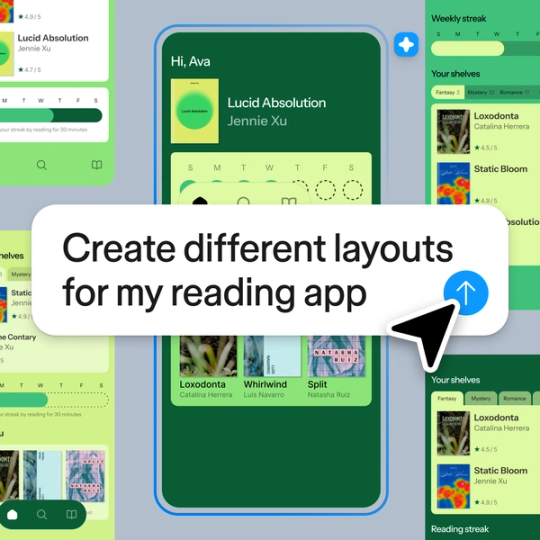
Explore every idea, fast
Figma’s AI agent generates multiple layout directions using your actual components, so you can try infinite options in record time.
Let the agent handle your tedious tasks
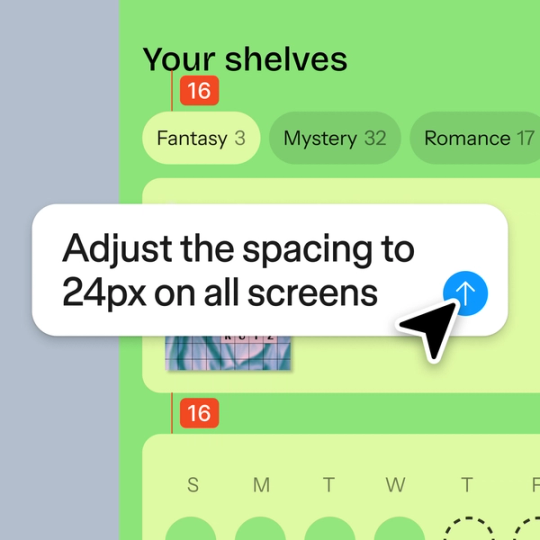
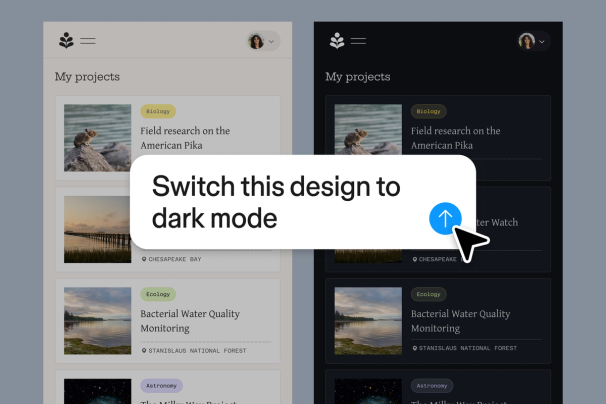
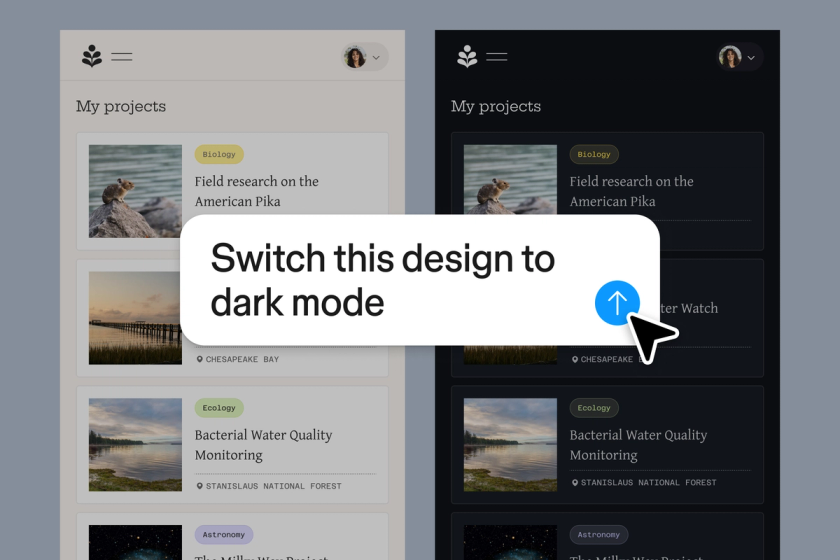
Give the rote work—like bulk edits, font swaps, or finding realistic content—to the agent. You’ll get to focus on the work you enjoy most, like design craft and decision-making.


Turn comments into design changes
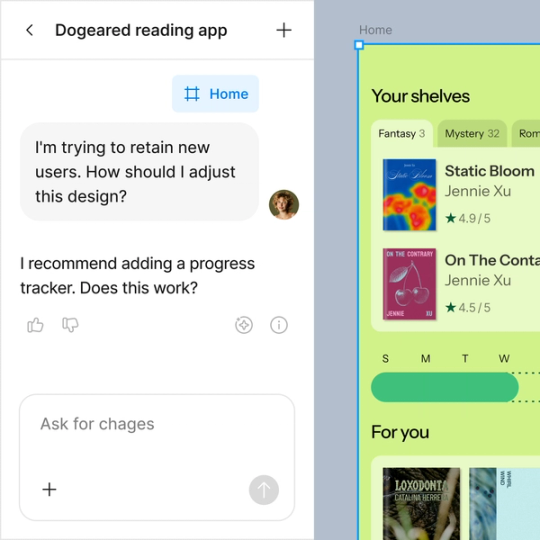
Ask Figma to summarize feedback, identify themes, and turn input into next steps. You can also use it to test designs from different points of view.
Use your design context
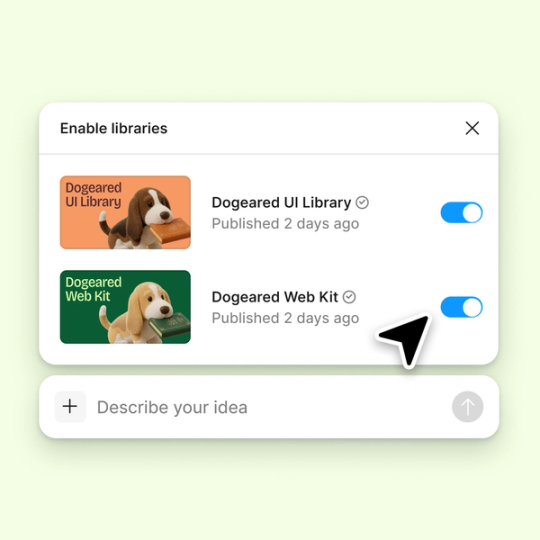
Give the agent access to your design system libraries, so outputs use your components, tokens, and standards.

Figma feels like a natural extension of my hand. I do my design ideation on the canvas, and now the agent takes it the last mile. With my design libraries connected, I can move from design to code faster than ever before.
Andy Madrick
Product Designer, Notion











Get started with Figma’s agent
Figma’s agent is available on Professional, Organization, and Enterprise plans.