

Draw rich illustrations
Create pixel-perfect graphics with vector editing. Use vector brushes, advanced stroke settings, fills, and more.
Skip to main content
Everything you need to design high-quality products.
Quickly generate different directions that pull from your design system. Then shape and refine until it’s uniquely yours.
The Figma agent lives where you work. Ask Figma to apply your design system, automate bulk edits, and give you feedback as you need it.
You can be both expressive and exact—all in one canvas.
Create pixel-perfect graphics with vector editing. Use vector brushes, advanced stroke settings, fills, and more.
Create precise animations, build out reusable motion systems, and ship dev-ready animations.

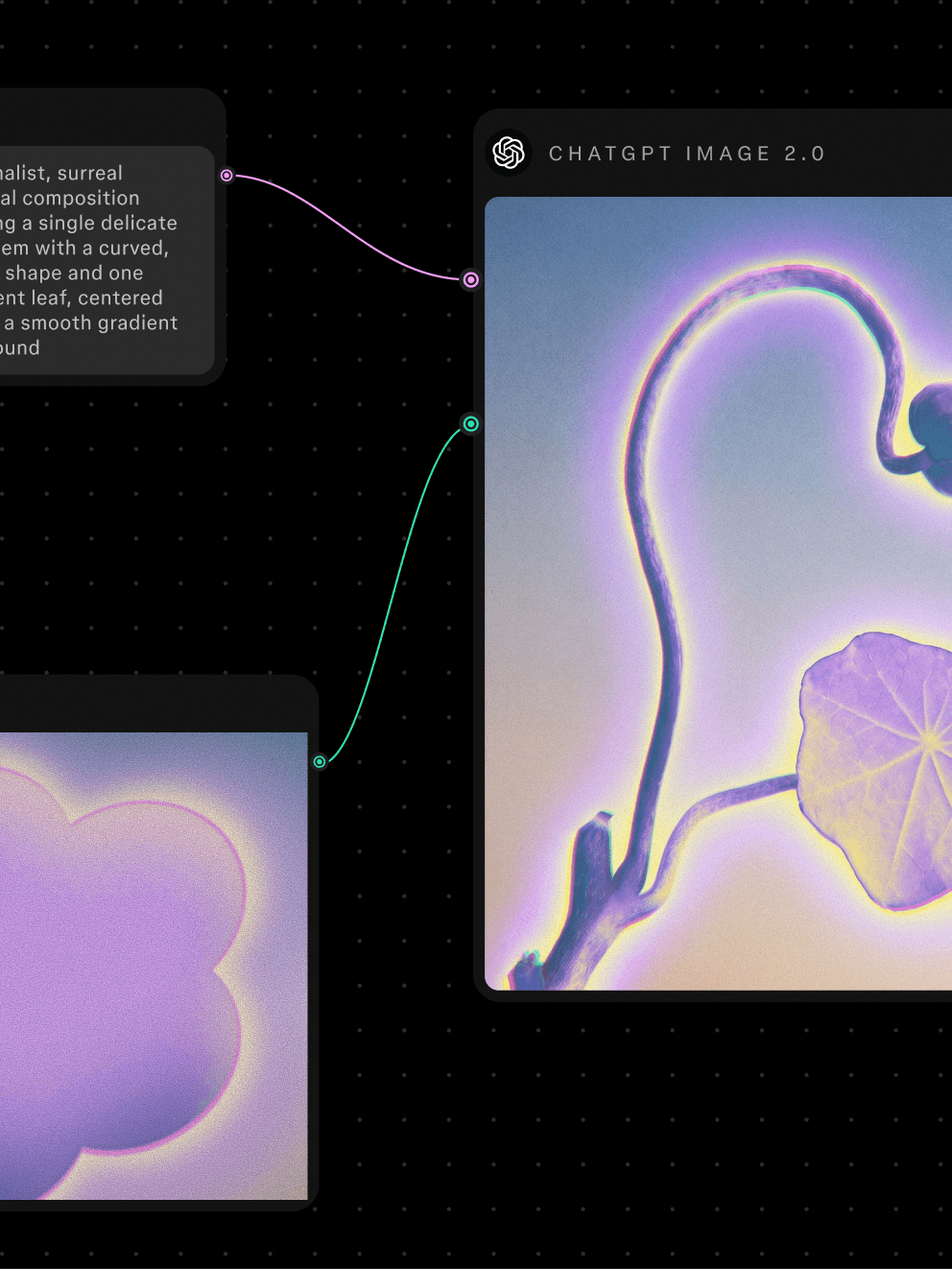
Combine AI models of your choosing to create and edit media.
Turn your designs into code-backed prototypes so your team can touch, tap, and test them out.
Give your team more than a mockup to react to. Prototypes used to take hours to wire up. Now, they’re ready in seconds.
When your whole team builds from a shared design system, anything from a campaign to an app can be made quickly and consistently.
Establish components, variables, and styles across multiple brands to help your team scale and ship polished work—fast.
Figma is a central hub of creative work. It’s where we make sure everything is cohesive and hold live creative reviews where we make changes in the moment.

Executive Creative Director, Instacart
95% of the Fortune 500 uses Figma
Based on data from March 2025.


Prompt custom plugins that are specific to your workflow, or grab pre-built tools that fit your process.

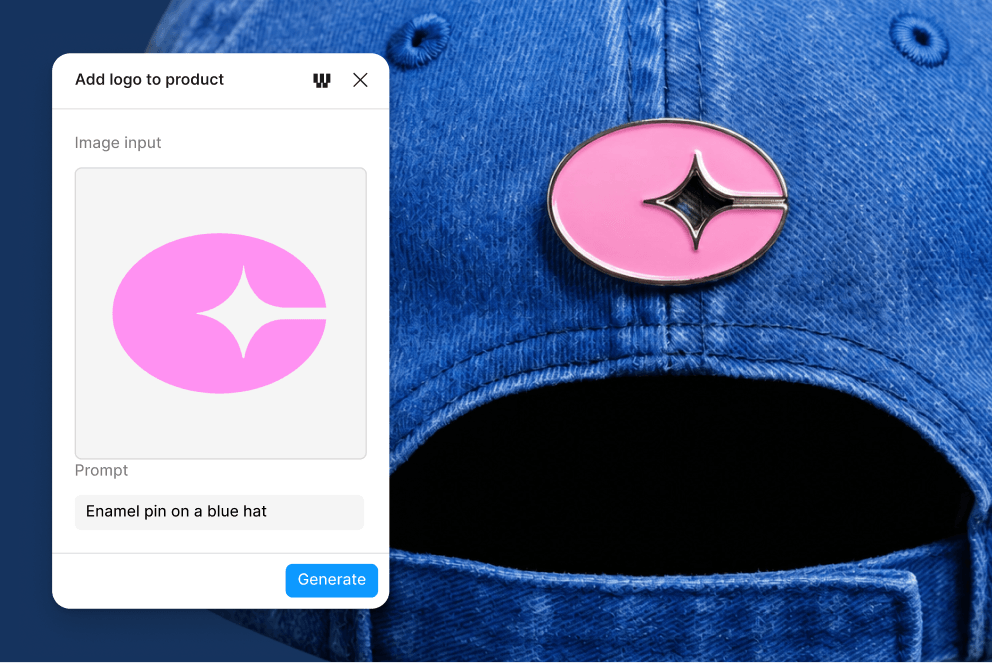
Get pre-built AI workflows that combine multiple AI models to edit images, vectors, video, and more—right on the canvas.

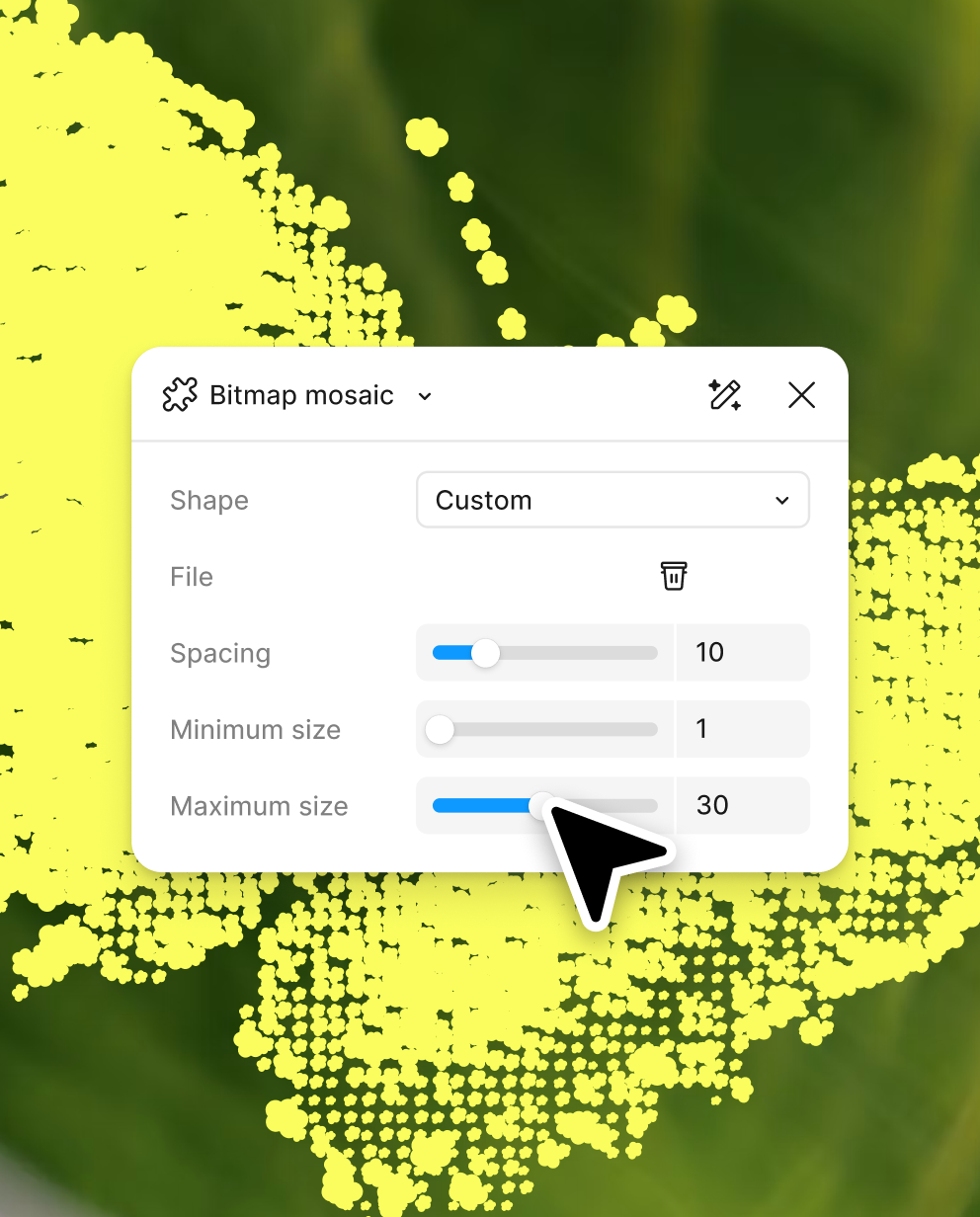
Prompt your own reusable plugins right on your canvas with Figma’s agent. Plus, you can share them across your organization.

Extend what's possible in Figma with over 5,000 community-built plugins that connect the canvas to real data and external APIs.
Built with features that make your hardest design tasks easier to handle.

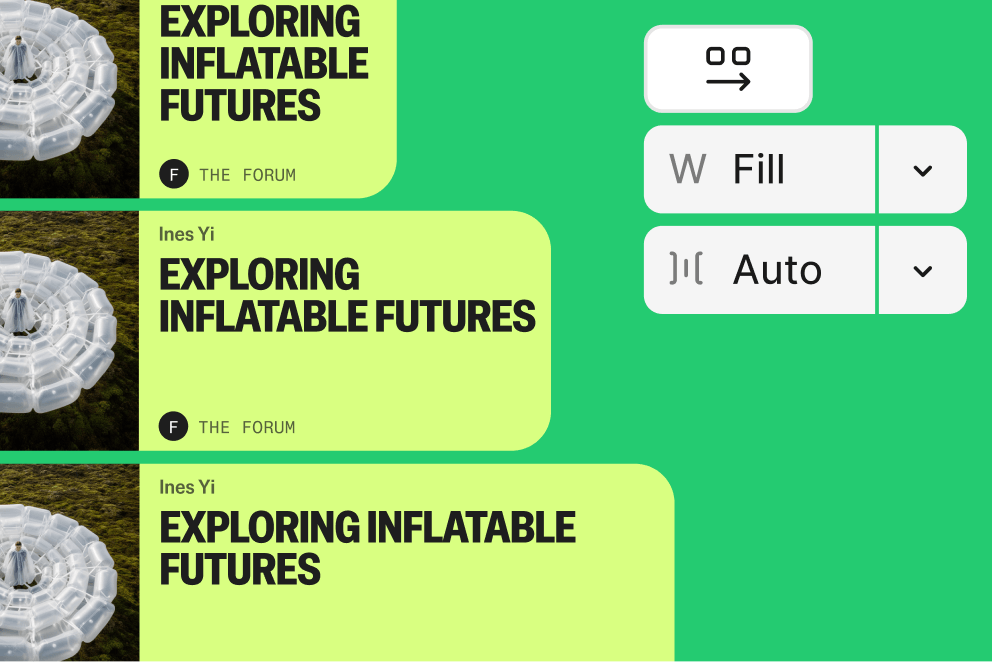
Build responsive frames with auto layout that adjust in size and padding when content changes.

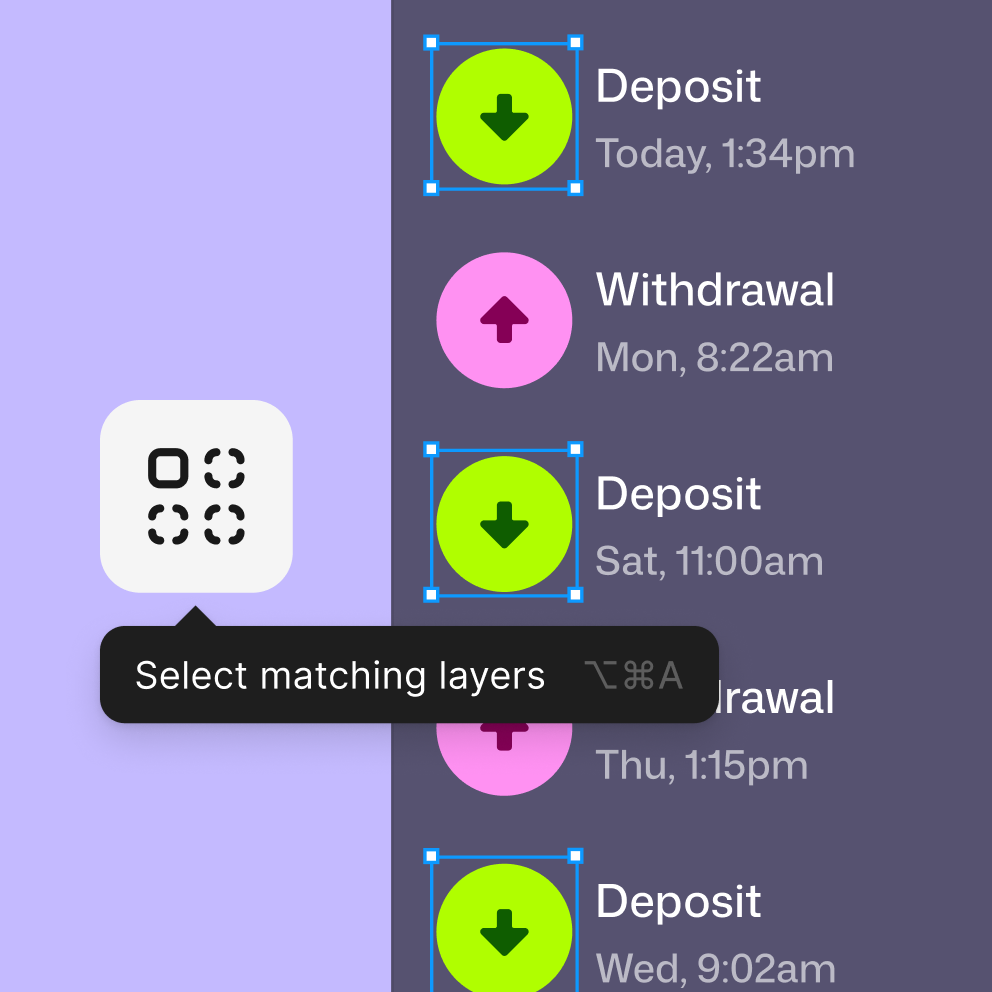
Multi-edit lets you bulk edit multiple layers across frames, groups, and sections all at once.

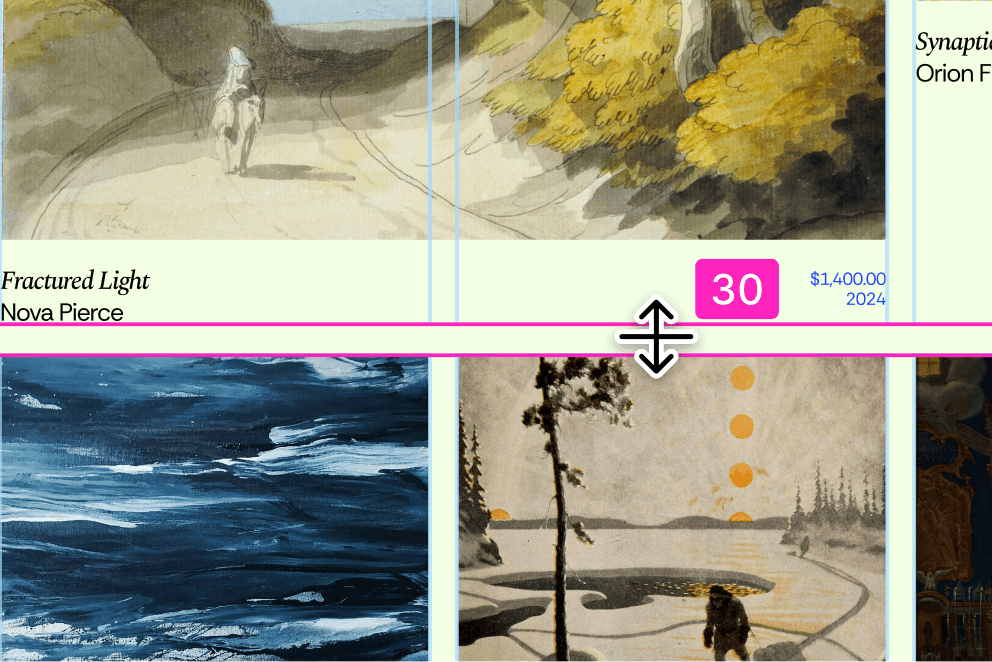
Design flexible, responsive layouts with a grid that adapts to your content and maps to CSS properties.
Free limited access to Figma products
Free
Best for small teams to create and collaborate
$16/mo
Best for businesses designing across organizations
$55/mo
Best for businesses designing for multiple products
$90/mo
