FREE ONLINE WHITEBOARDING
The online whiteboard that connects your workflow
Generate ideas, align on plans, and connect as a team in FigJam, the online whiteboard built for company-wide collaboration.
The go-to whiteboard of teams worldwide





Collaborate from start to finish in one tool
Streamline group projects by bringing your teammates, ideas, and tools together in an online whiteboard.

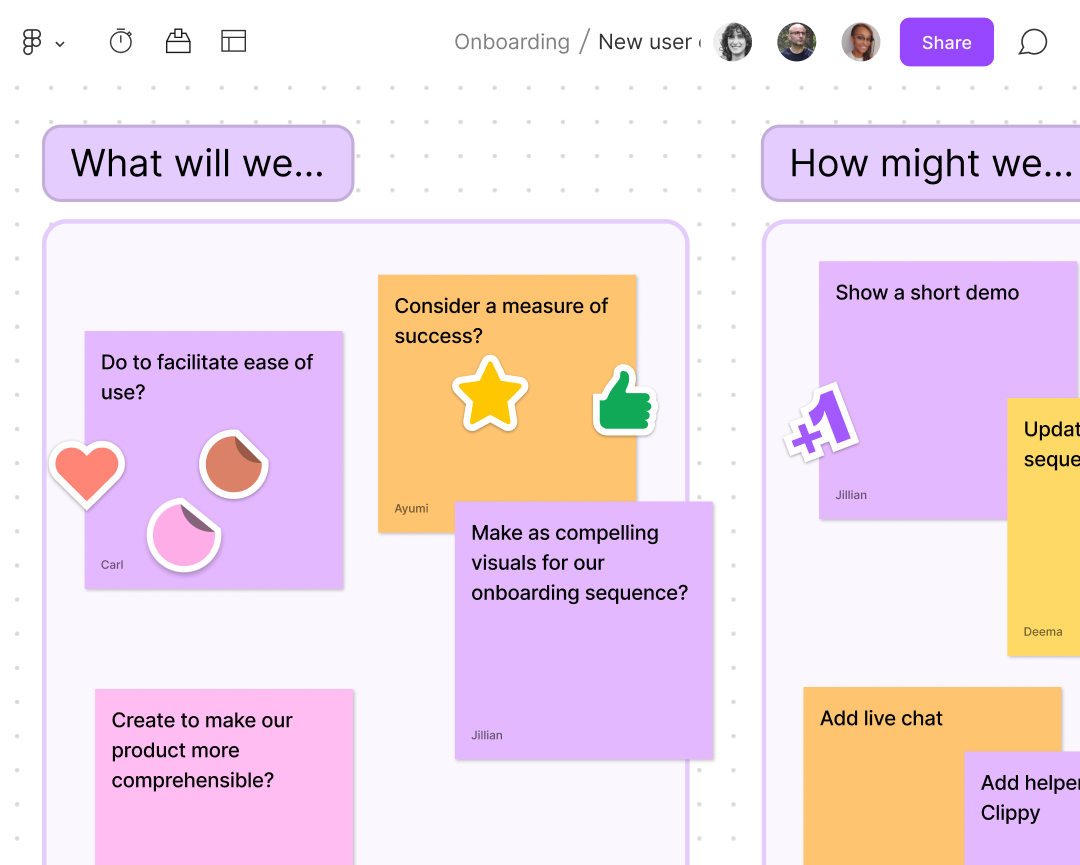
Brainstorm fresh ideas
Build up and workshop ideas in real time to uncover creative ways to tackle tough problems.

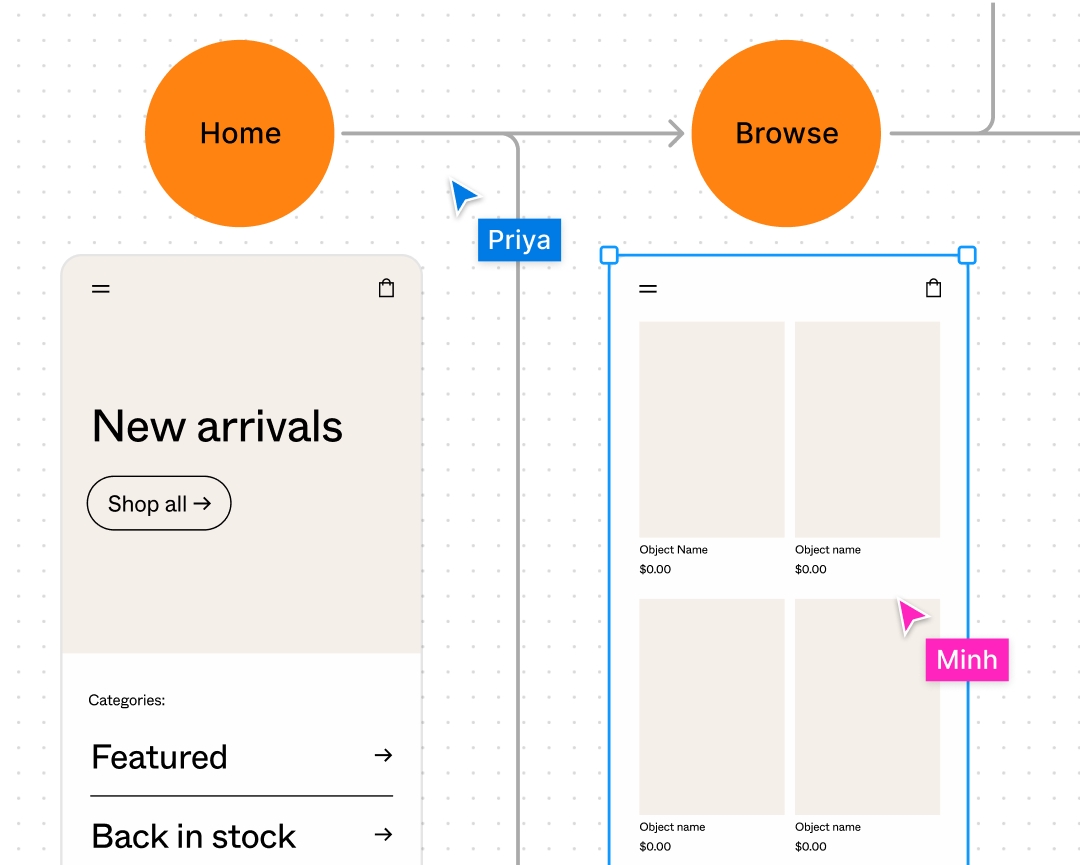
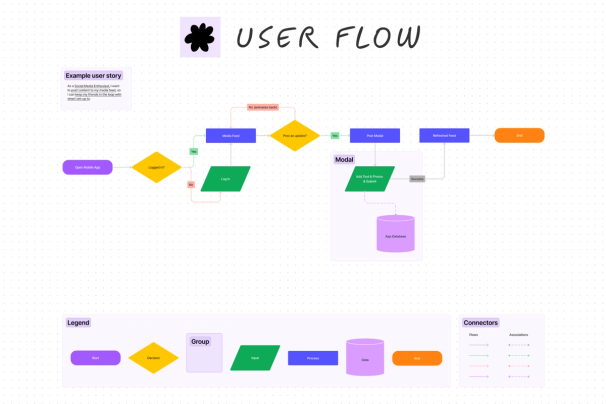
Diagram complex flows
Organize your thoughts by drawing or mapping out complex processes and systems as a team.


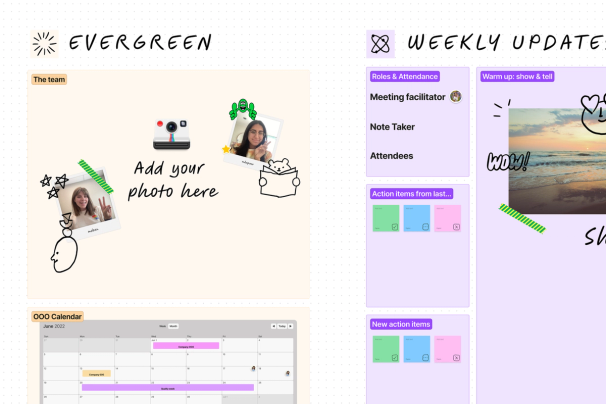
Re-energize meetings
No need to unmute: contribute ideas and express yourself in the moment to align faster, connect as a team, and meet less often.

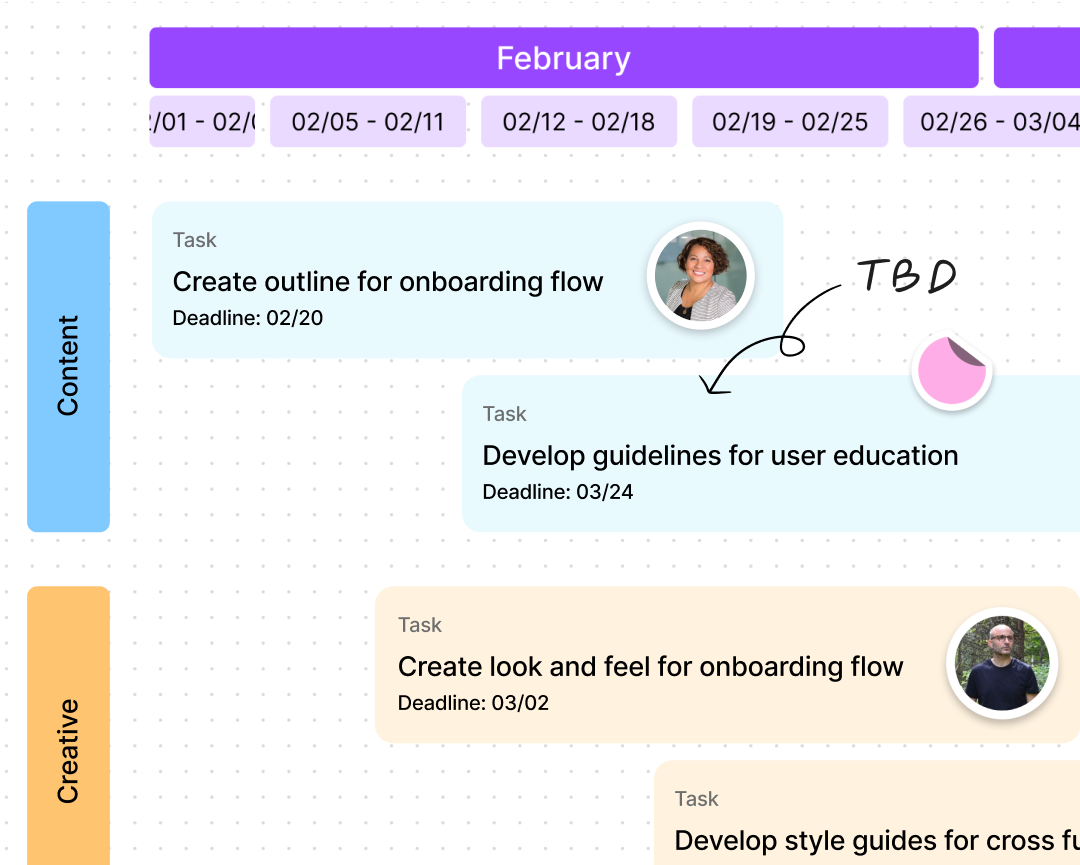
Define and align on plans
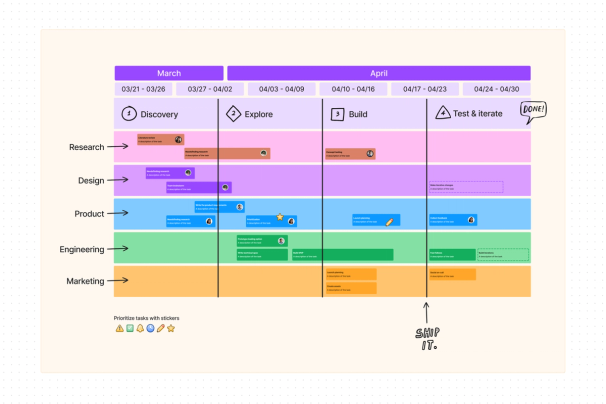
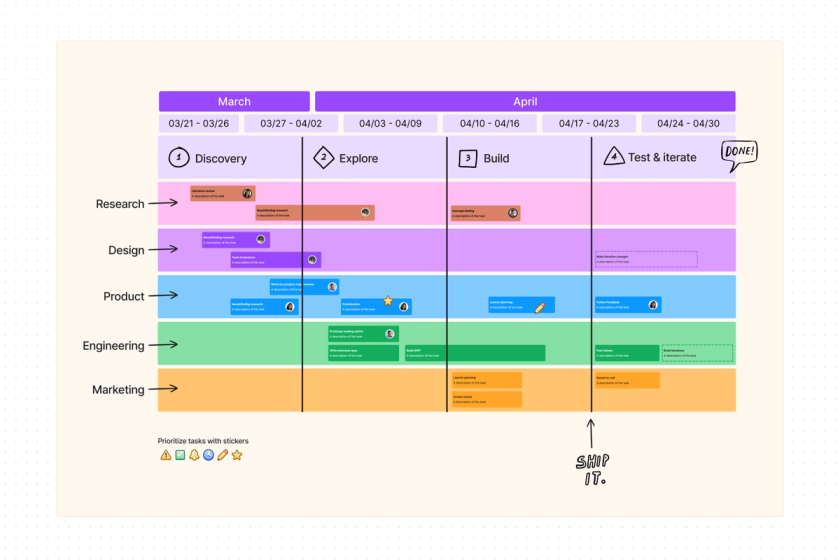
Share early thinking, drive decision making, then visualize plans and roadmaps that are easy for others to act on.
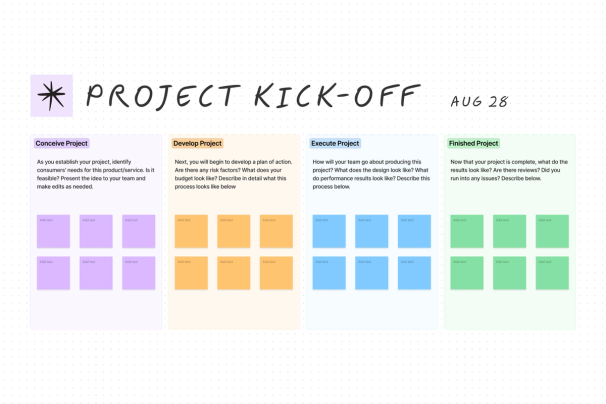
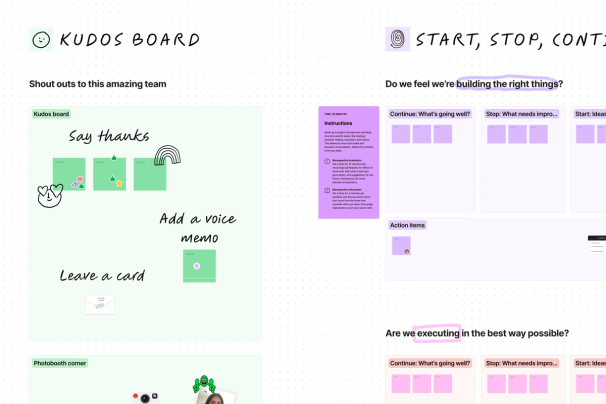
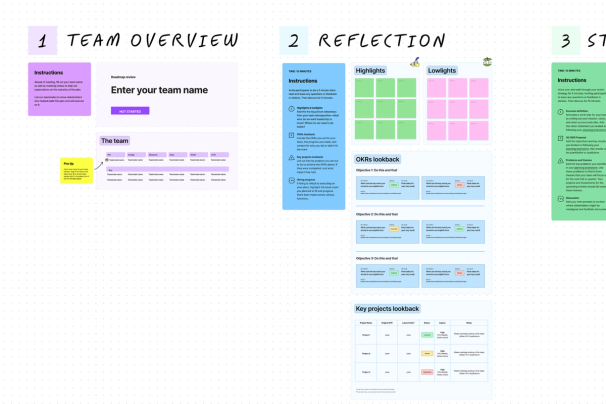
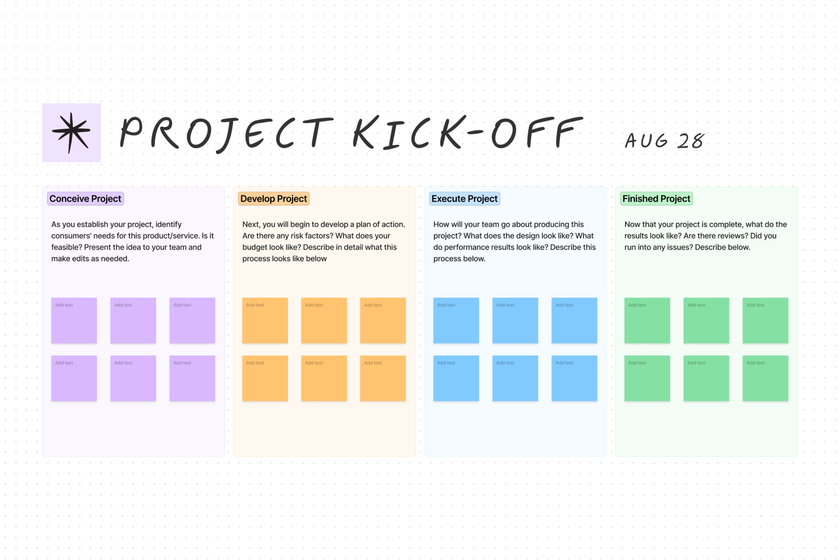
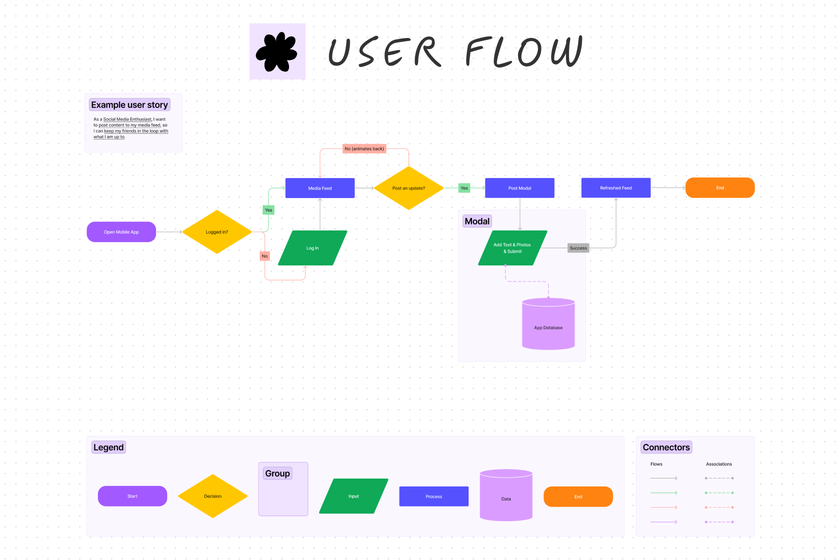
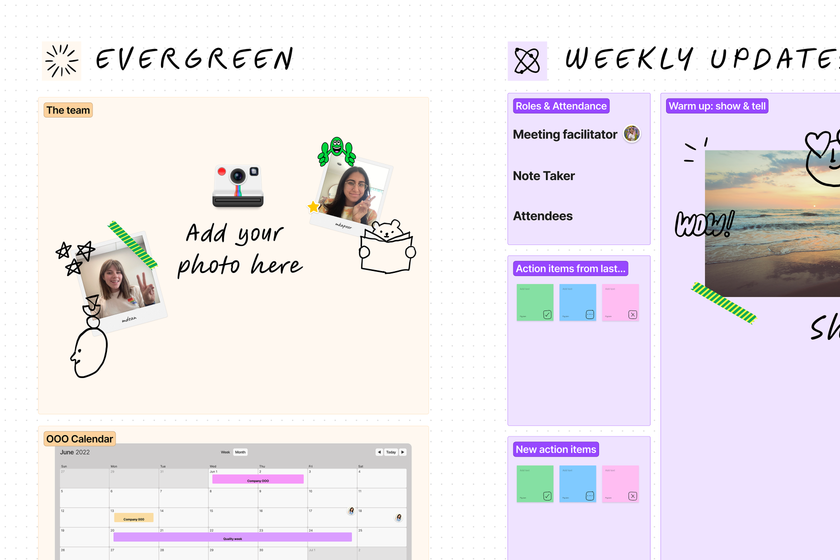
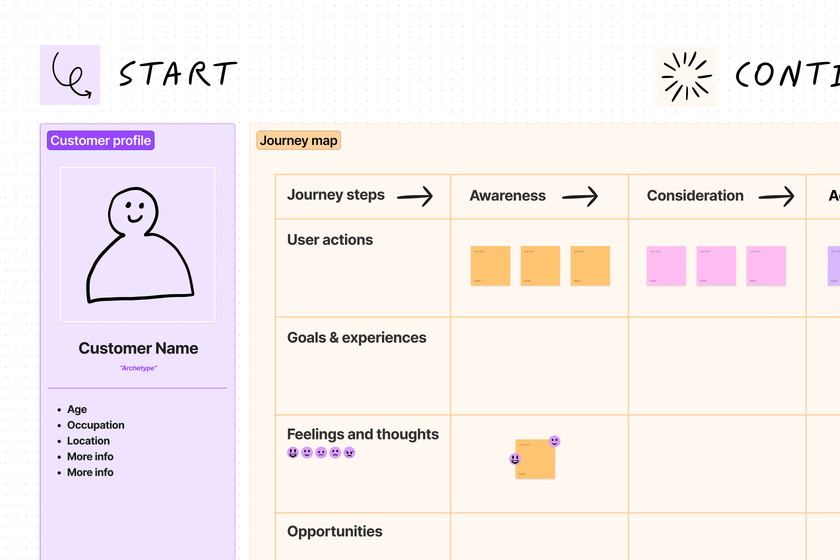
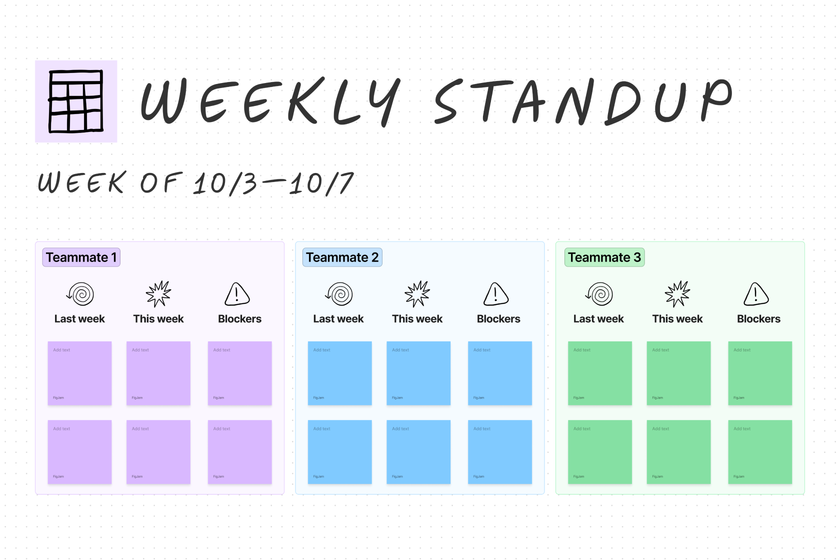
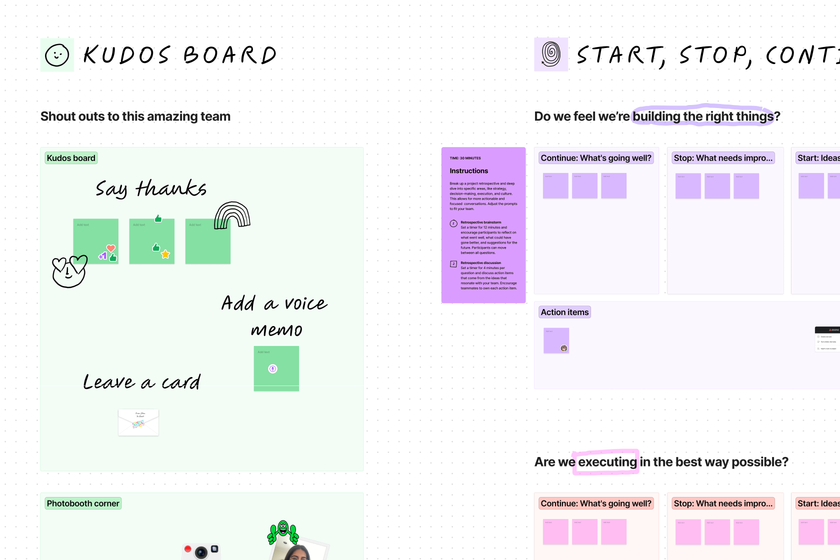
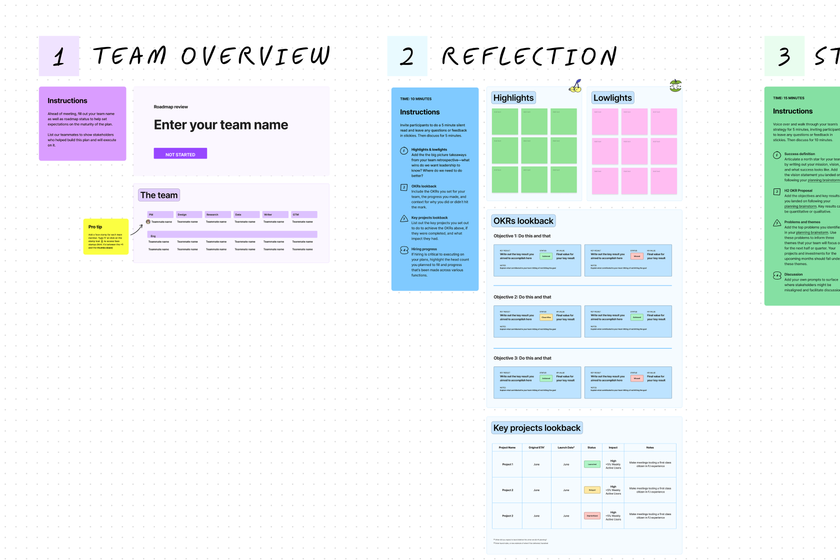
Kickstart ideas with hundreds of free templates
Find inspiration and get projects off the ground sooner with expert-made online whiteboard templates.








All the features teams need to collaborate
Don’t let the simple, drag-and-drop canvas fool you—this fully-featured whiteboard checks all the boxes.

Collaborate without limits
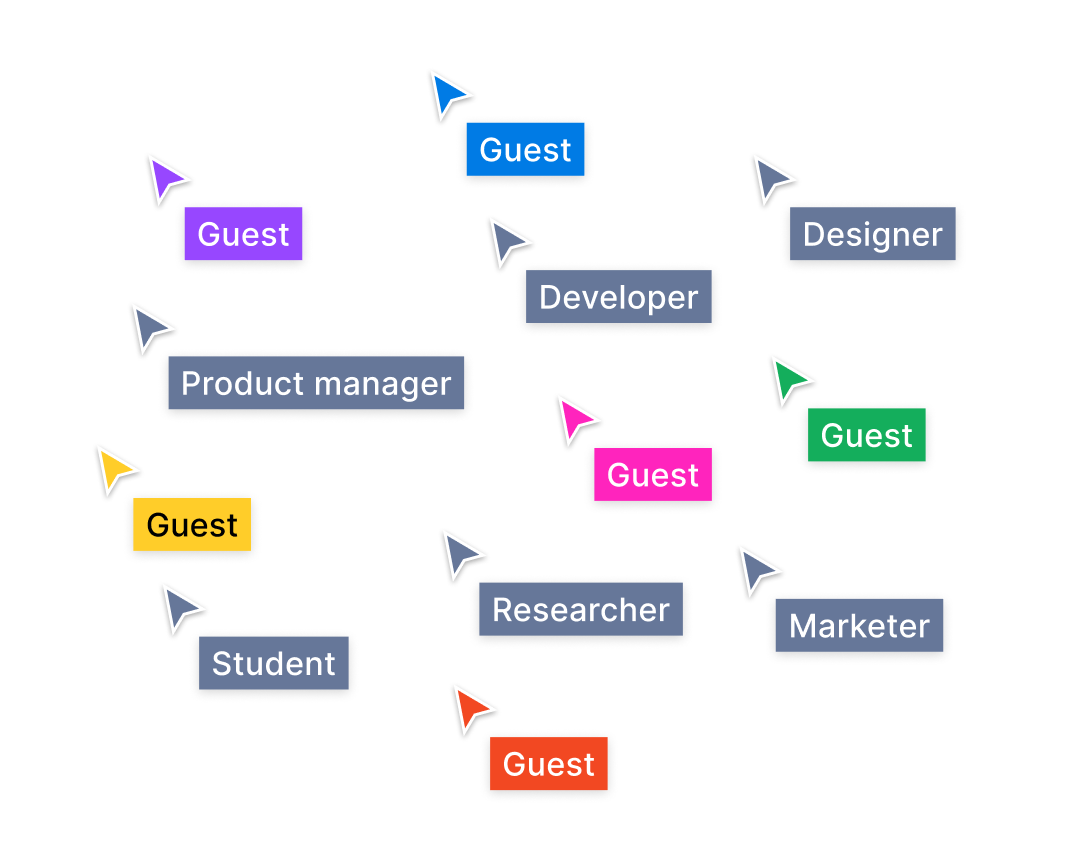
Unlimited collaborators: Jam in real-time with thousands of people in the same board.
Open sessions: Invite anyone to collaborate for free for 24 hours—no account required.
Audio calls: Talk it out live with the people in your board in a quick huddle.
Comments and voiceovers: Leave async written, video, or voice notes.

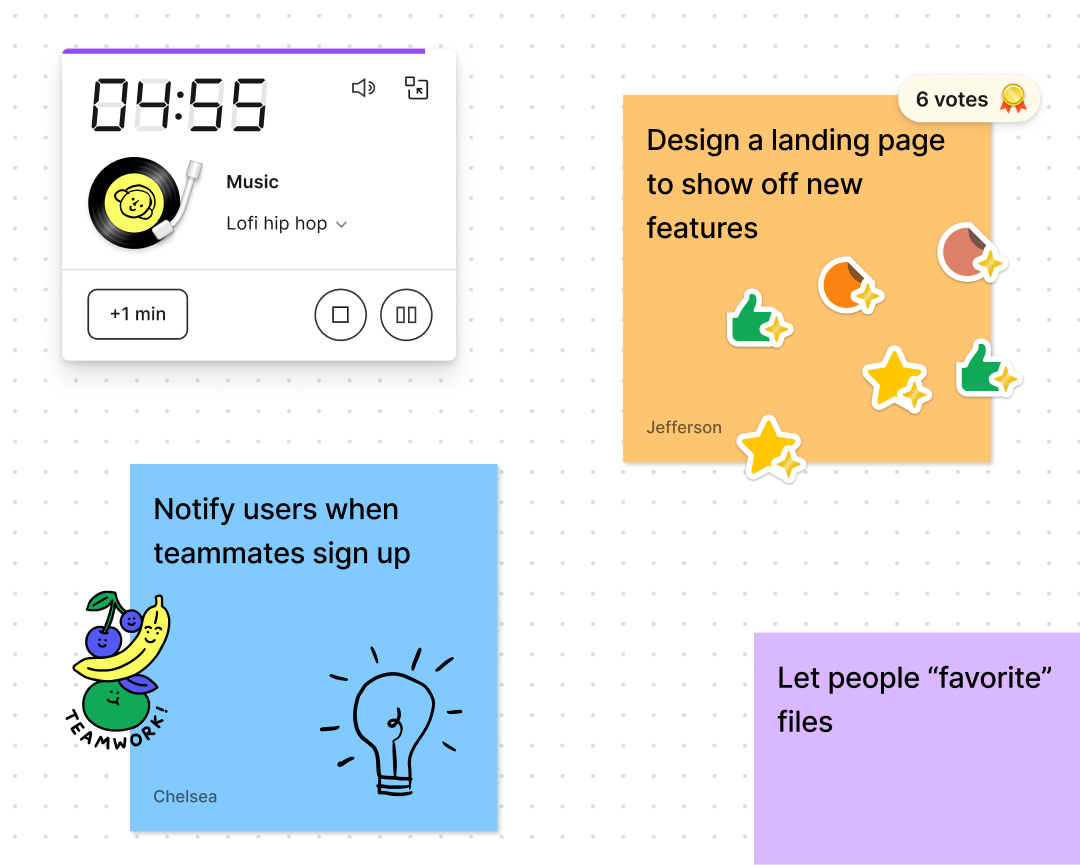
Lead engaging conversations
Spotlight yourself: Guide participants through your file for presentations.
Timer and voting: Keep meetings on track and gather feedback by polling participants.
Tables, timelines, and calendars: Lay out projects visually to get ideas across faster.

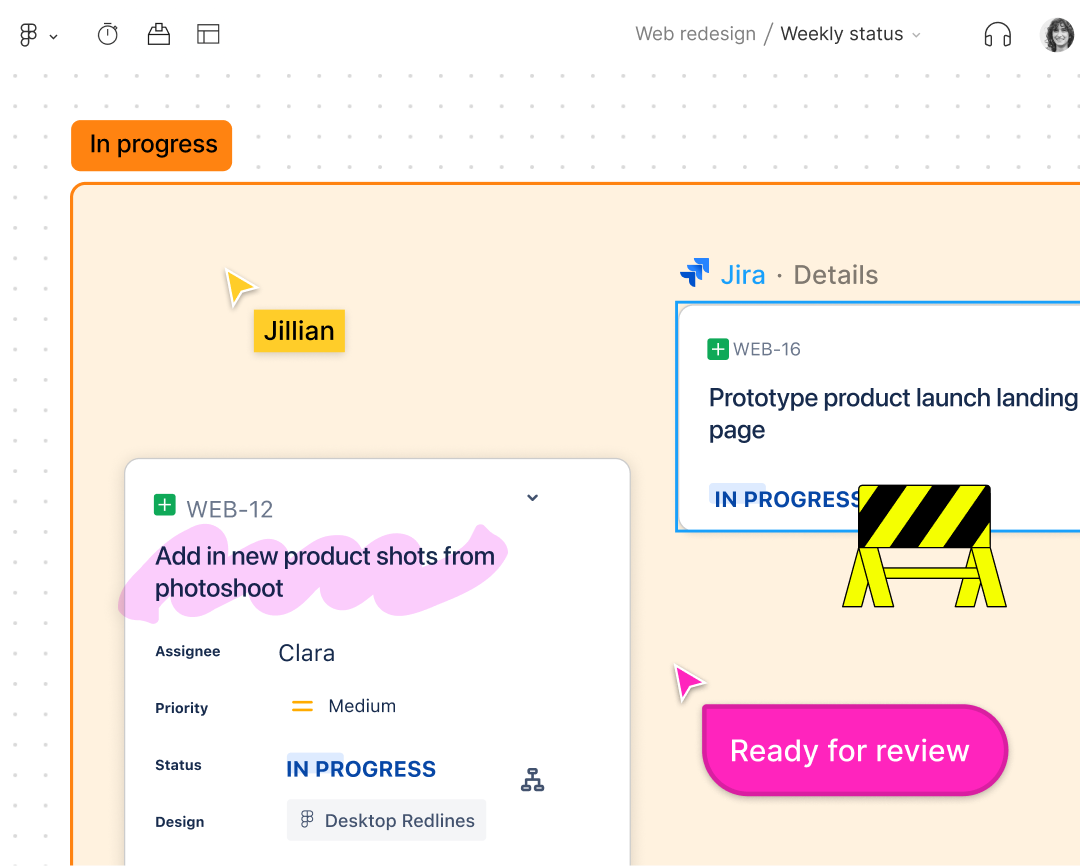
Customize the canvas
Workflow widgets: Bring Jira tasks, dashboards, and more onto the canvas.
Team building widgets: Take selfies, play games, and even add your Bitmoji in files.
Stickers, emotes, and stamps: React in real-time and show teammates how you feel.


Visualize your ideas
Collect inspiration: Drop links and images, and annotate with stickies and notes.
Diagram: Map out systems and processes with drag-and-drop shapes and connectors.
Draw it out: Sketch ideas with the pen tool or Apple pencil on the FigJam iPad app.


Connected to the core tools in your product tech stack
FigJam is the only whiteboard connected to Figma, your home base for design.
Plus, FigJam brings your go-to research, data, project management, and prototyping tools right onto the canvas, so you can streamline your workflow.
FAQs
An online whiteboard is a visual collaboration tool for teams that recreates the feeling of working together in person.
Unlike digital documents or slides, online whiteboards provide teams space to think outside the constraints of margins and text boxes. Plus with an online whiteboard you can express yourself and interact with teammates live on the board, so conversations are more human, dynamic, and productive.
Collaborative online whiteboards like FigJam make all types of activities more inclusive, productive, and fun, including diagramming, journey mapping, strategic planning, agile workflows, and facilitating team meetings and workshops.
FigJam is an online whiteboard that can be used for free forever with unlimited collaborators in 3 editable files. Paid plans start at just $3 per user per month, roughly less than a third of the cost of Miro and Mural.
Teachers from K-12 to higher education love using FigJam to facilitate collaborative classroom discussions, brainstorms, and group work. Learn more about using FigJam for education.
Online whiteboards are great for doodling, sketching out ideas and wireframes, and taking visual notes. Use FigJam’s pen tool on desktop or, for more polished drawing, with the Apple pencil in the free FigJam iPad app.
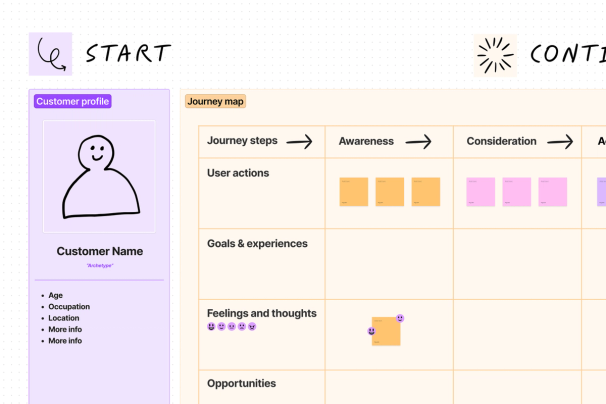
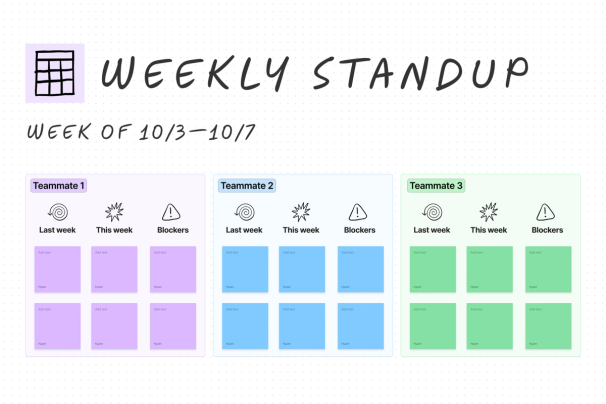
Yes, FigJam provides hundreds of free expert-made templates including project kickoffs, flow charts, customer journey maps, standups, retrospectives, and roadmap reviews.
Yes, FigJam connects to your product tech stack with workflow widgets that bring tools like Jira tasks and dashboards directly onto the canvas.
You can sketch ideas with the marker tool or use the Apple pencil on the FigJam iPad app to draw directly on the canvas.