
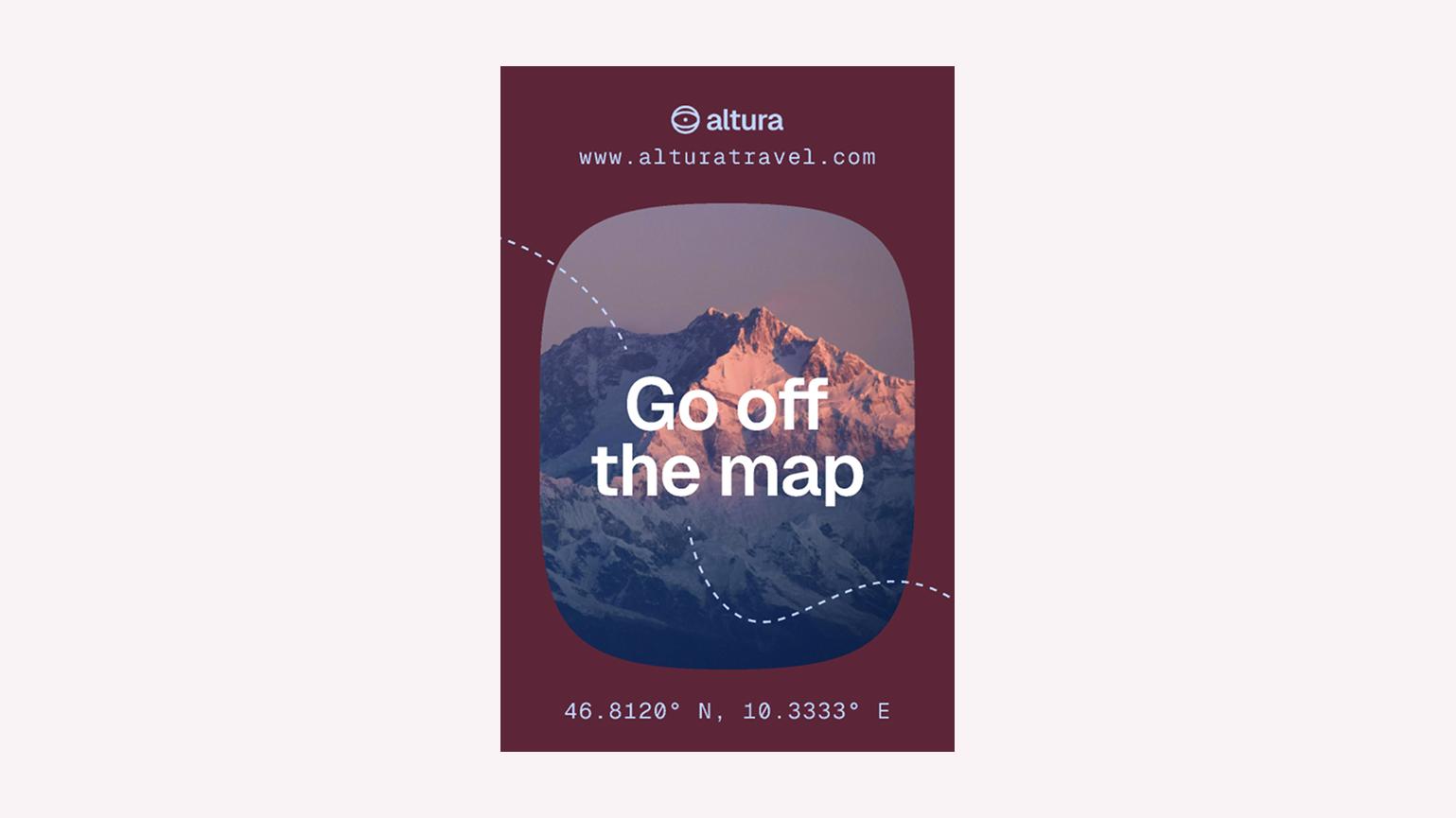

Create ads
Make engaging ads in minutes
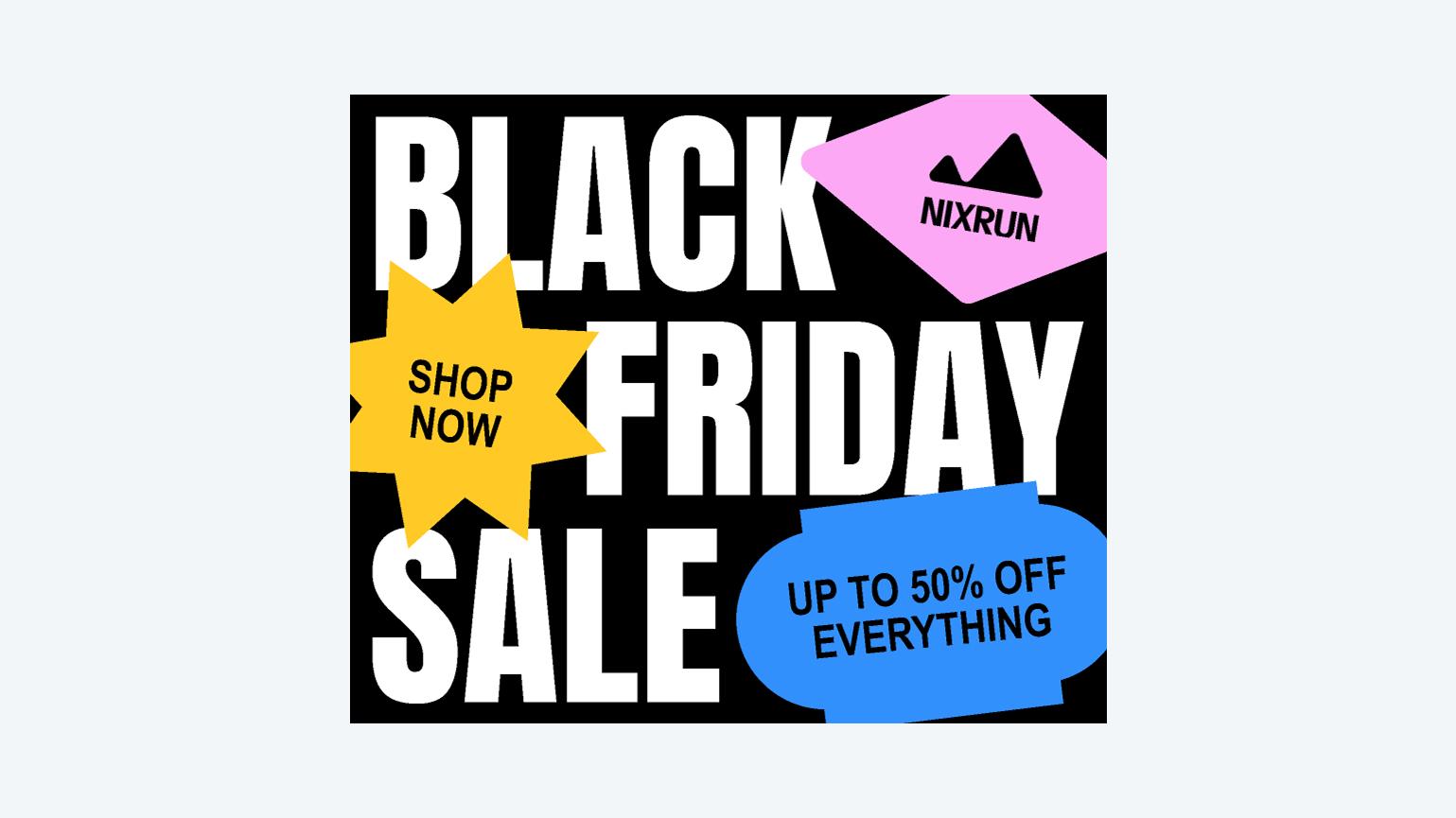
Pick a design, customize your message, and export an ad that’s ready to share across any platform.

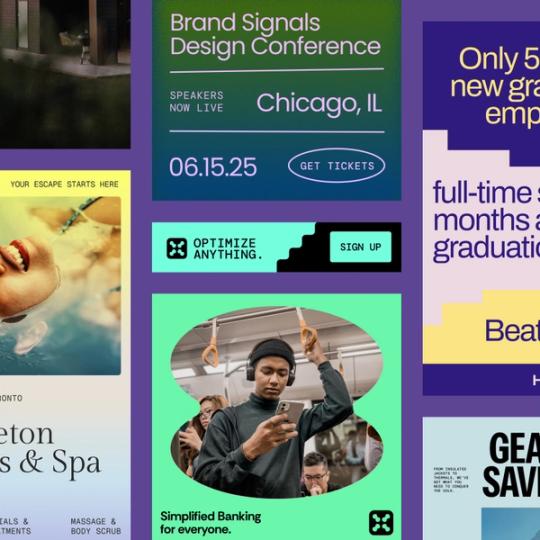
Create once. Promote everywhere.
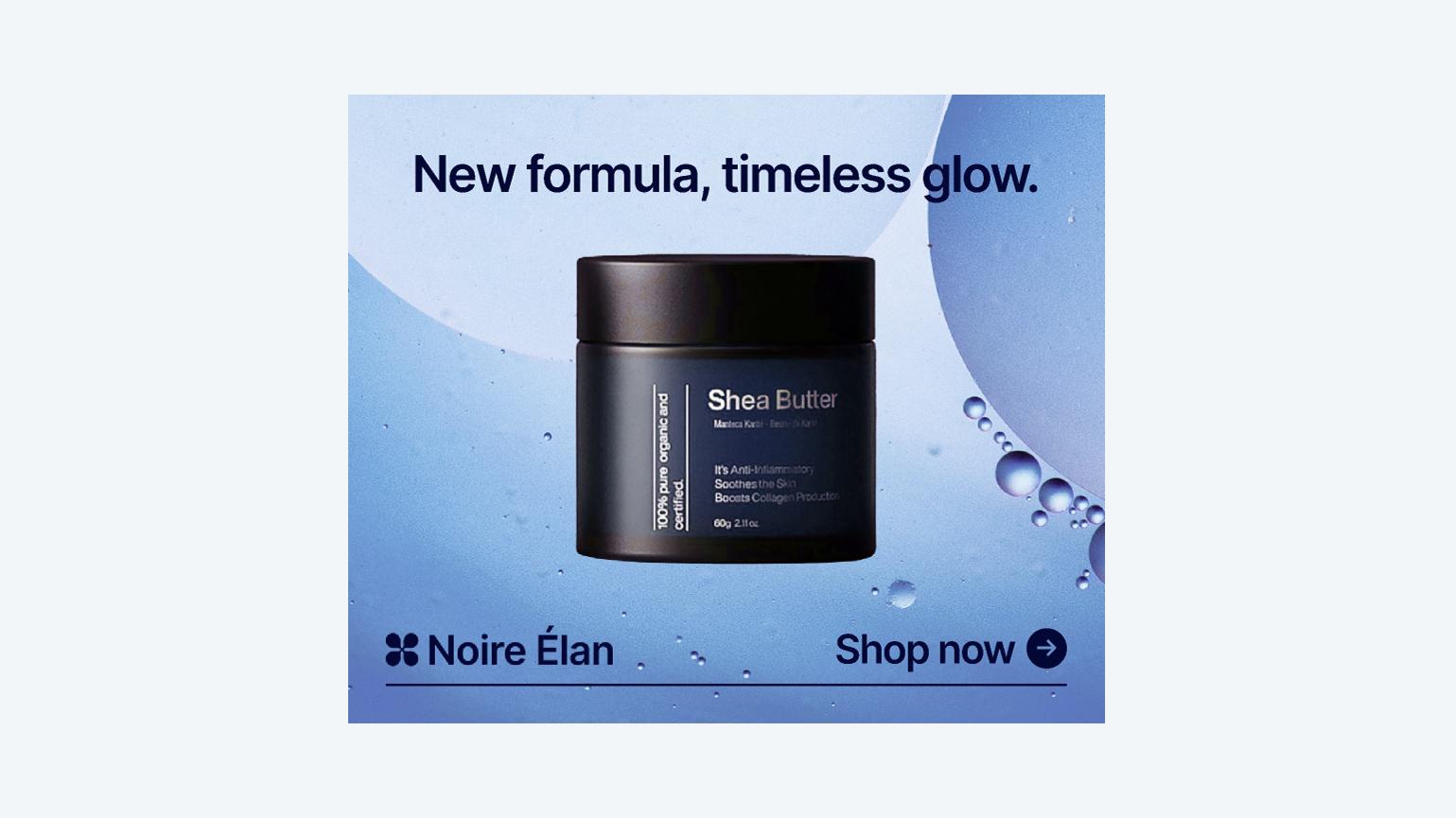
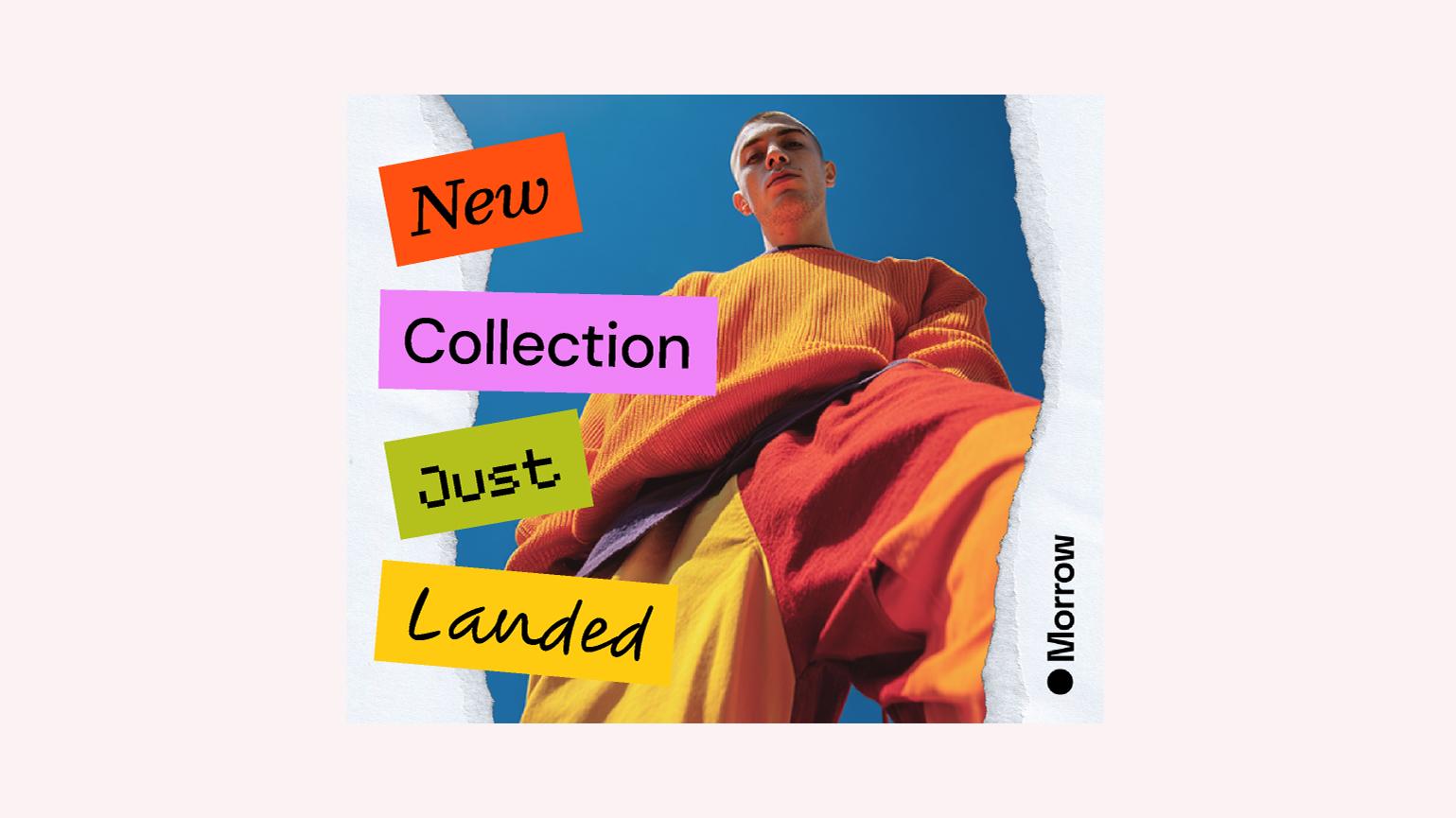
Need a digital ad quickly for a sale, event, or new product? Pick a design that fits your message, make quick edits, and download a polished ad you can use across your channels.

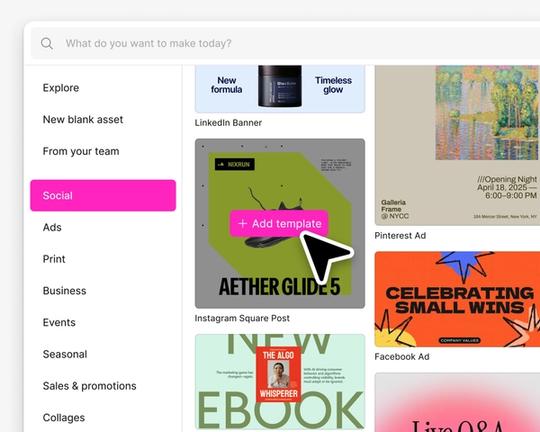
Find the right ad design
Browse ad designs by goal, industry, or platform. Choose one that fits your message and click Create now.

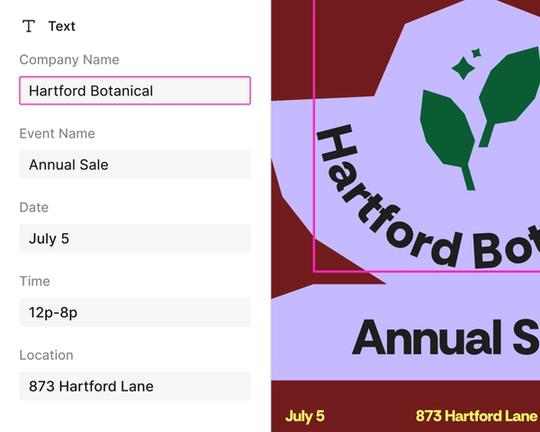
Customize in minutes
Replace images, adjust colors and type, update text, and keep the layout polished as you make it your own.

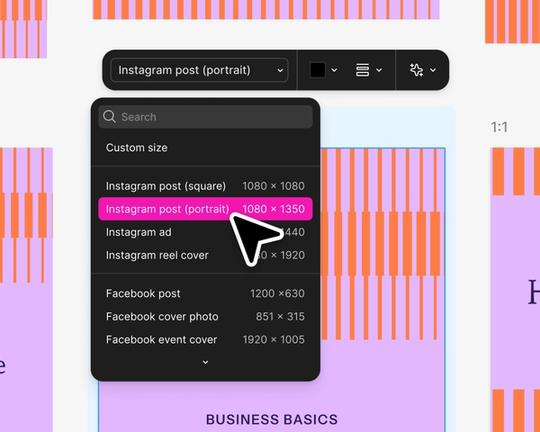
Make versions for each channel
Duplicate your ad design and switch to suggested sizes for social feeds, web banners, email headers, or even print.

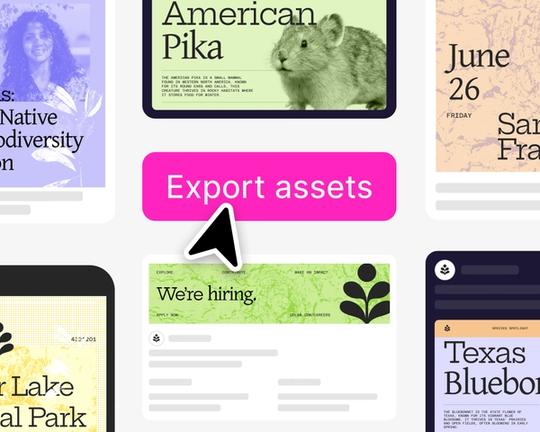
Export and share
Download your ad in common formats and use it across your channels. Export PNG, JPG, or PDF directly from the editor.
How to make an ad
Start with a high quality template
Explore popular categories: product promos, seasonal sales, event announcements, and small business ads. Every design opens in the editor so you can customize and publish quickly.
- Figma
- Figma

- Figma

- Figma







FAQs
See what the Buzz is all about
From the blog
Turn your prompts into visual assets and slide decks with the Figma app in ChatGPT
We’re expanding the capabilities of the Figma app in ChatGPT, so you can turn your ideas into creative assets and presentations that you can polish in Figma Buzz and Figma Slides.

Three new features to help build brand momentum with Figma Buzz
With marketing templates that are now connected to your design system, plugins that pull in your favorite apps, and video trimming in Figma Buzz, we’re giving designers and marketers new tools to create branded assets that speak volumes.


Version control: How Figma Make helped us figure out video playback
To get videos working just right in Figma Buzz, Product Designer Natasha Tenggoro used Figma Make to prototype complex ideas when words alone fell short. We show three of them here, prompts and all.

8 tips for designers building branded templates in Figma Buzz
To create self-serve templates that bend—but don’t break—brand designers need to consider work through a marketing lens. Here’s how to set up editing guardrails and design layouts that flex and scale.

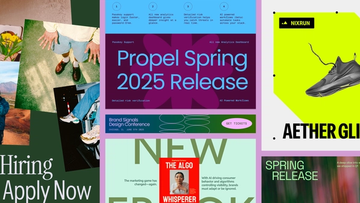
Figma Buzz is where design and marketing teams co-create
With Figma Buzz, brand designers and marketers have a shared space to build beautiful, on-brand assets at scale.