
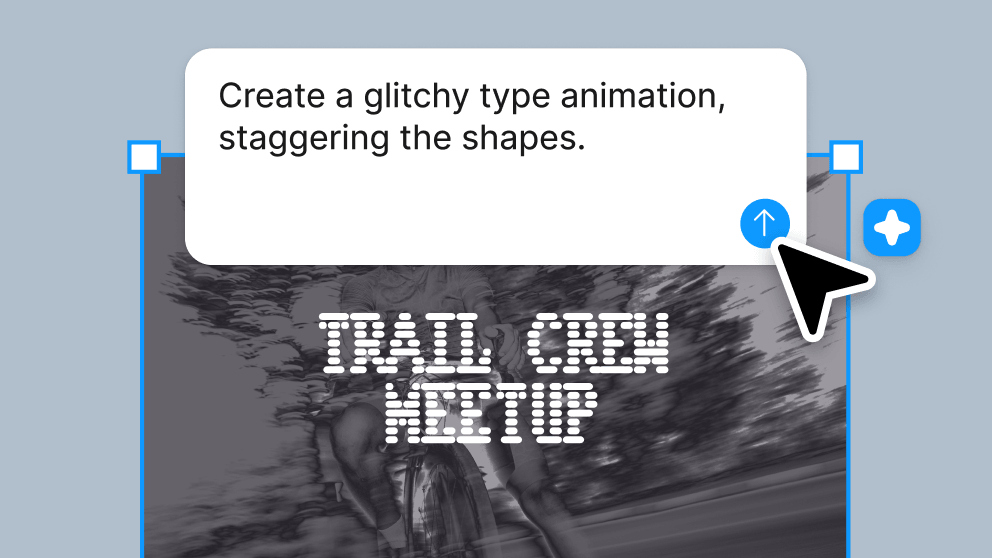
Polished motion in a prompt
Create pro-level animations using Figma’s agent. Use it for repeated moves or complex storytelling.
Skip to main content
Create precise, production-ready animations right on the canvas.
Whether you’re motion-curious or an easing expert, it’s easy to stretch, bounce, and squash your designs.
Create pro-level animations using Figma’s agent. Use it for repeated moves or complex storytelling.

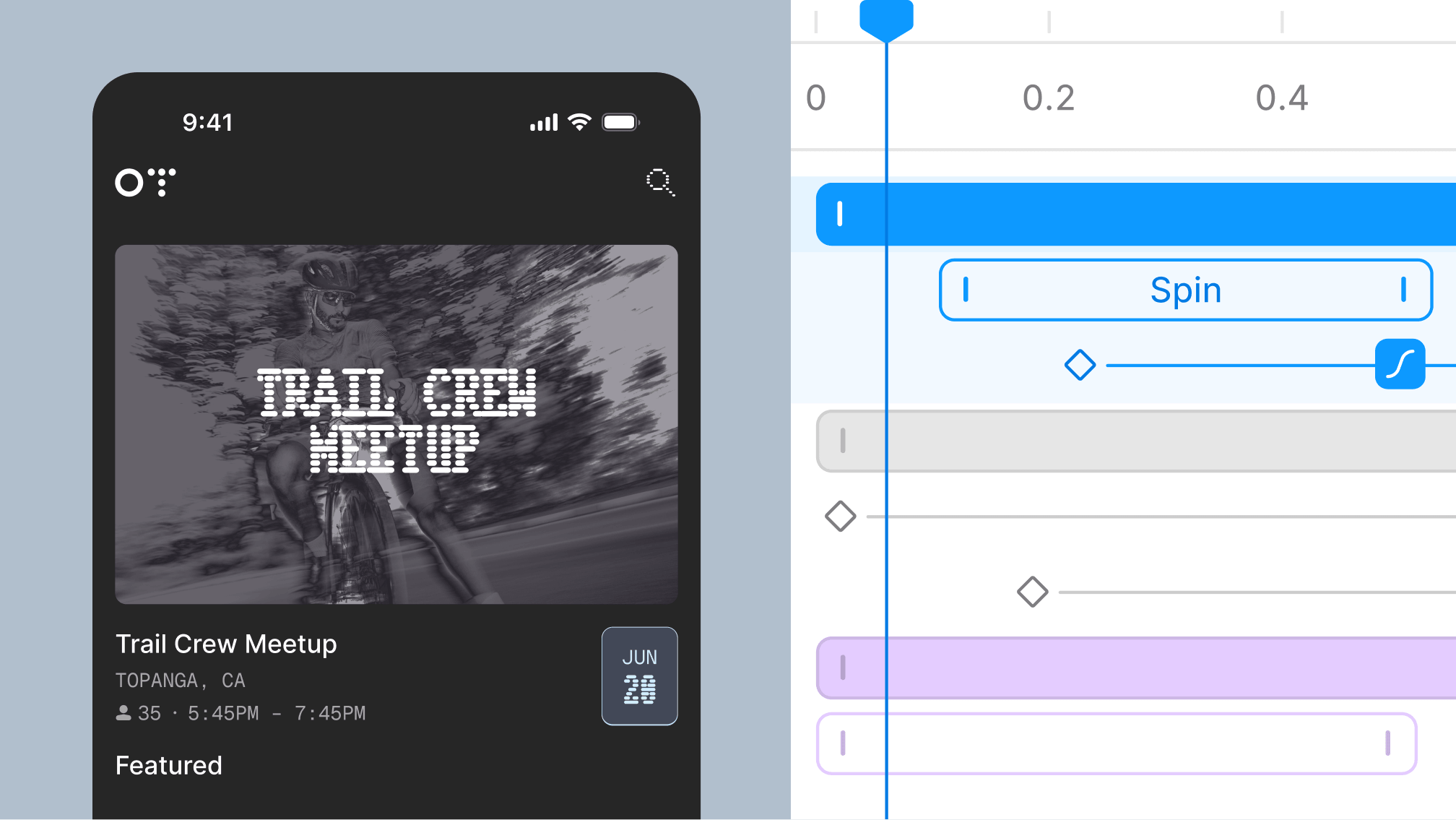
You have full command over the timeline. Set every frame and property exactly how you want them, then bring in teammates to shape the final animation.
Bring clarity and expression to your work. Animate loading states, hover interactions, logo styles, and more. The timeline’s the limit.
Animation styles come baked in—including Fade, Rotate, Scale, Resize, and more. Stack styles to realize your vision. Custom styles coming soon.
Use autokey to track and record your motion movements, then customize each keyframe with bezier curves and springs.

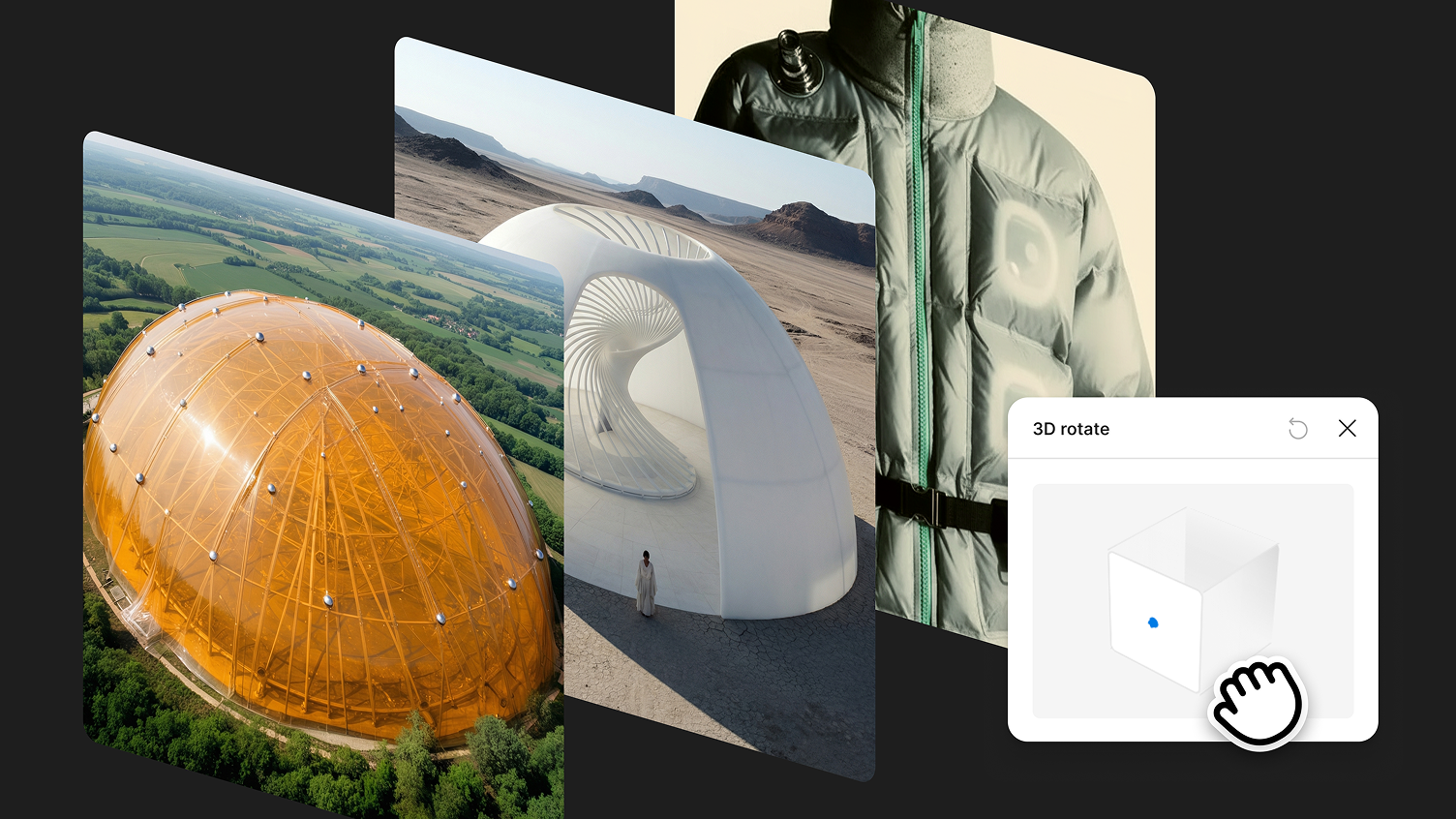
3D transforms give your designs and images depth. Combine with motion to make objects move like they do in the real world. Coming soon.
Every screen-to-screen transition now has a full timeline, and you can adjust the timing for each element. Coming soon.
Motion systems let your whole team quickly add on-brand motion assets anywhere.
Systematize common moves—no need to build from scratch every time. Create modes and components that work wherever they’re applied.
Move between different motion values quickly with variables and tokens.
All of your animations are backed by real, production-ready code and exportable straight from Figma.

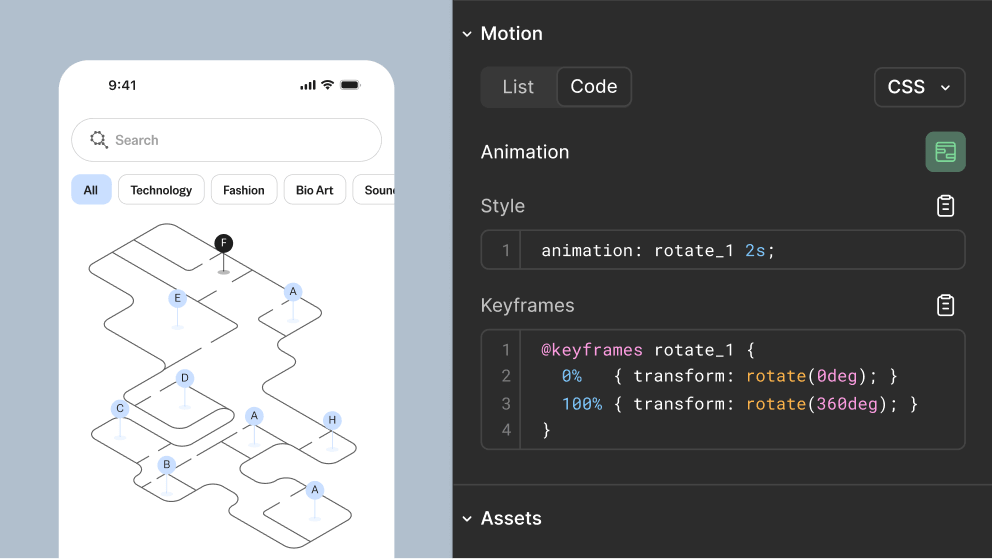
Developers can inspect the entire motion timeline in Dev Mode, then copy animation code directly into CSS, JSON, or React.

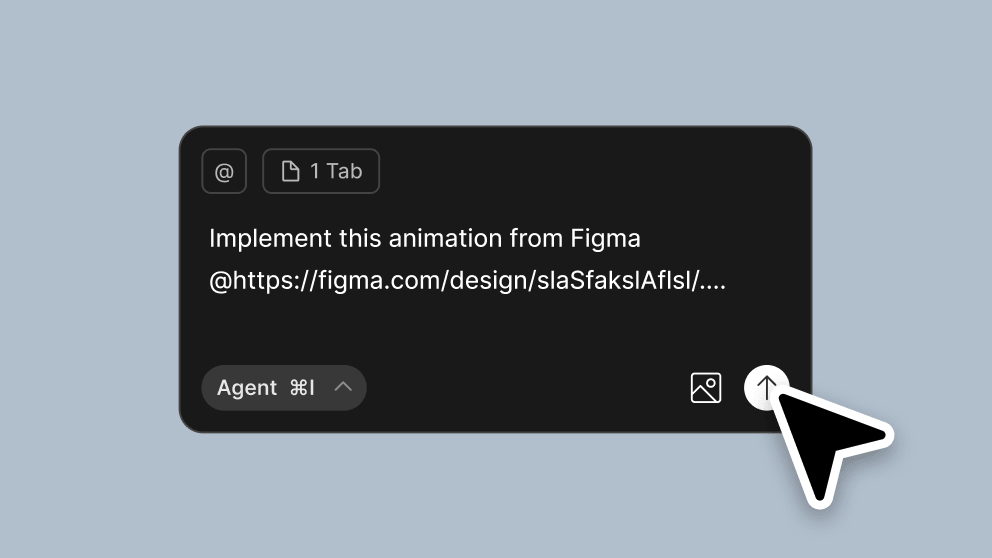
Send animation code to your agentic coding tools via the Figma MCP server. It preserves all your values, like ease and timing.

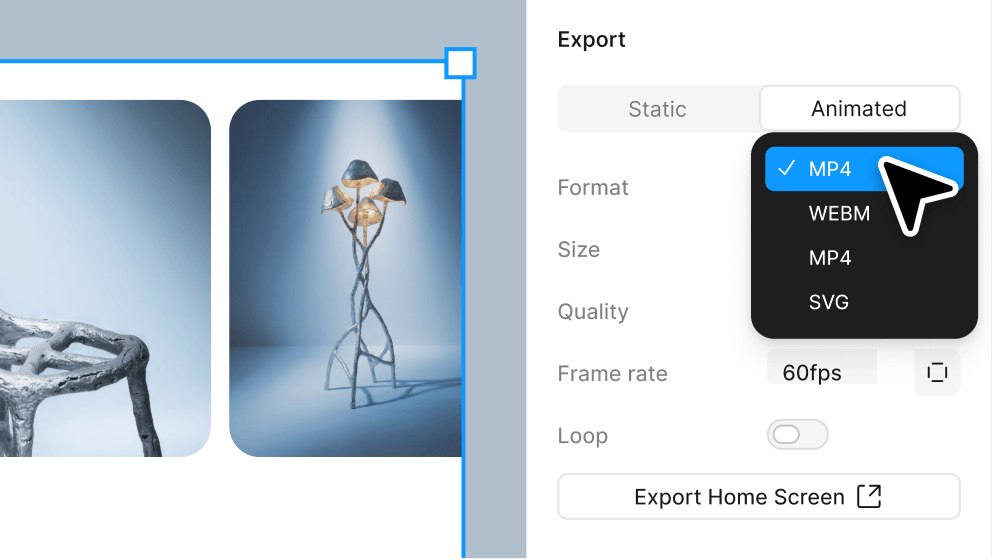
Share motion far and wide. Turn any animated frame into an MP4, GIF, SVG, or WebM file.