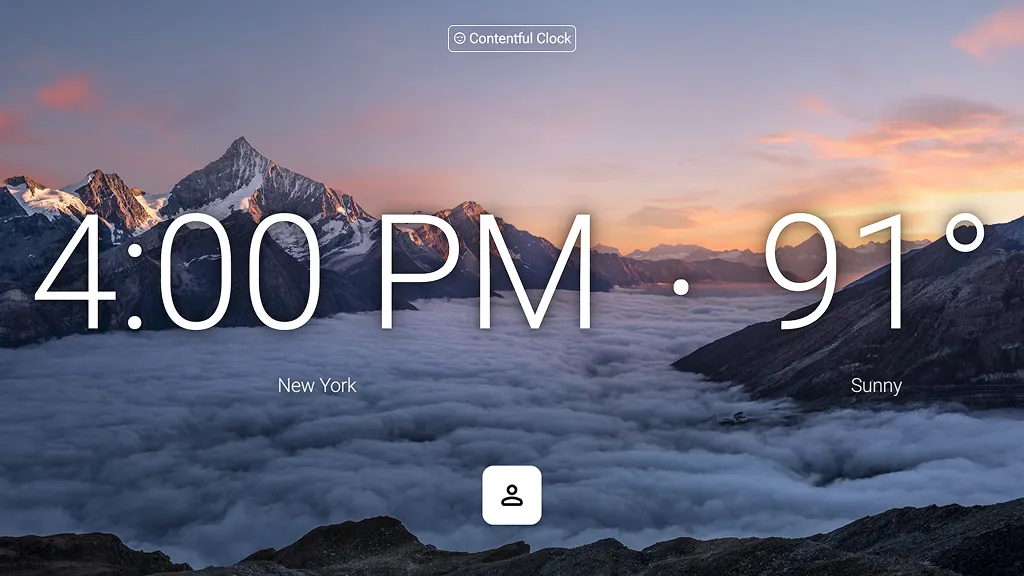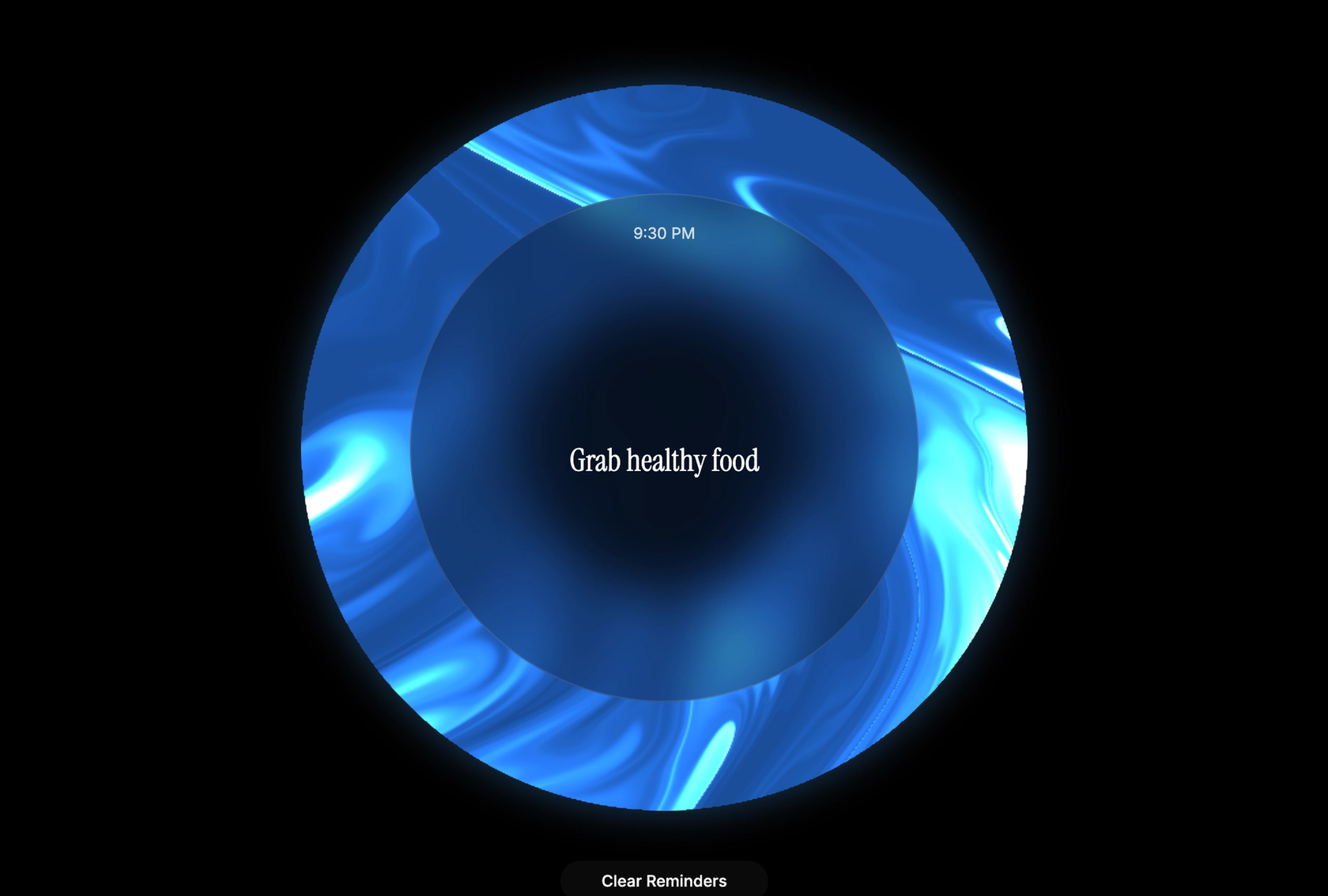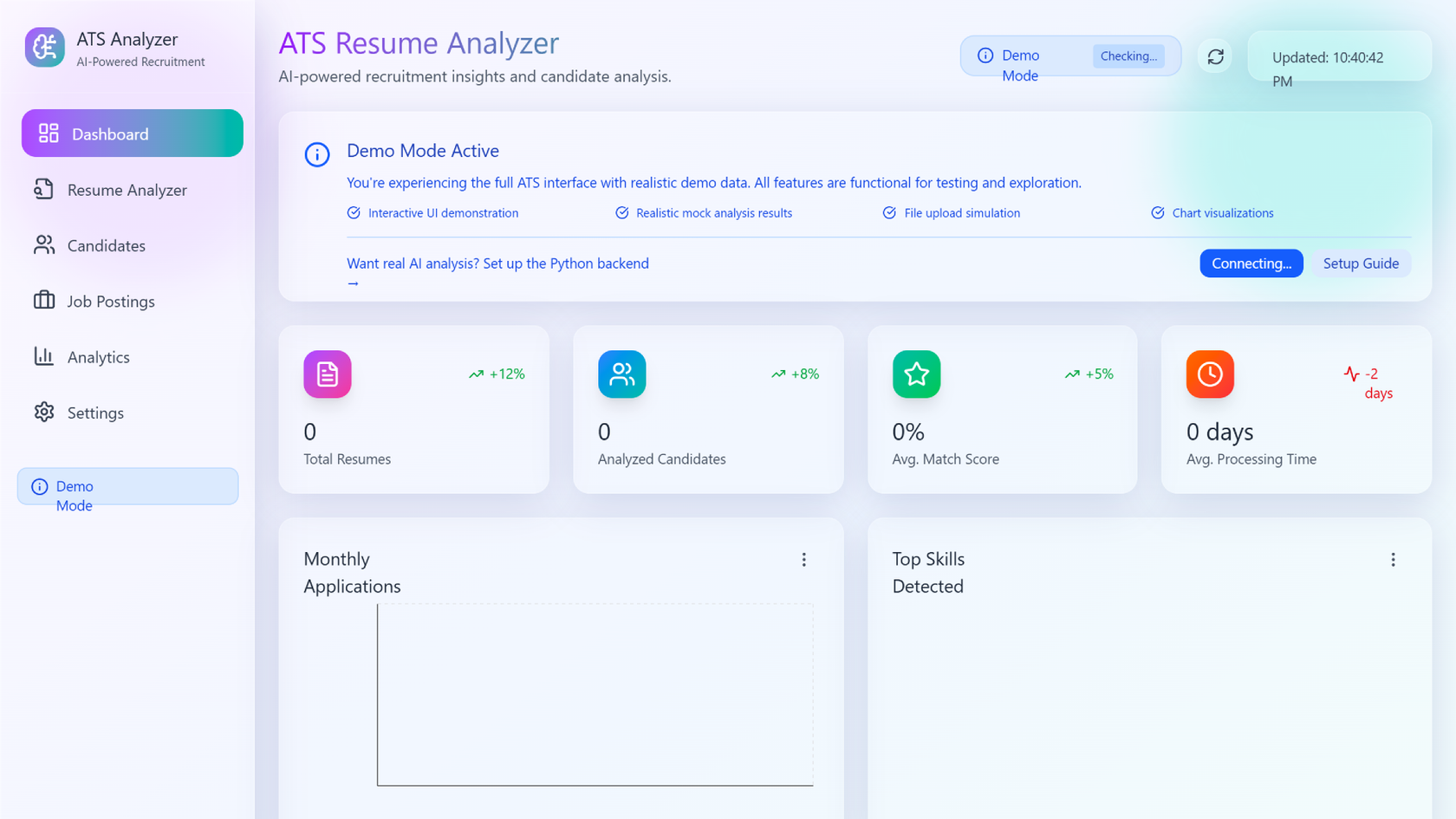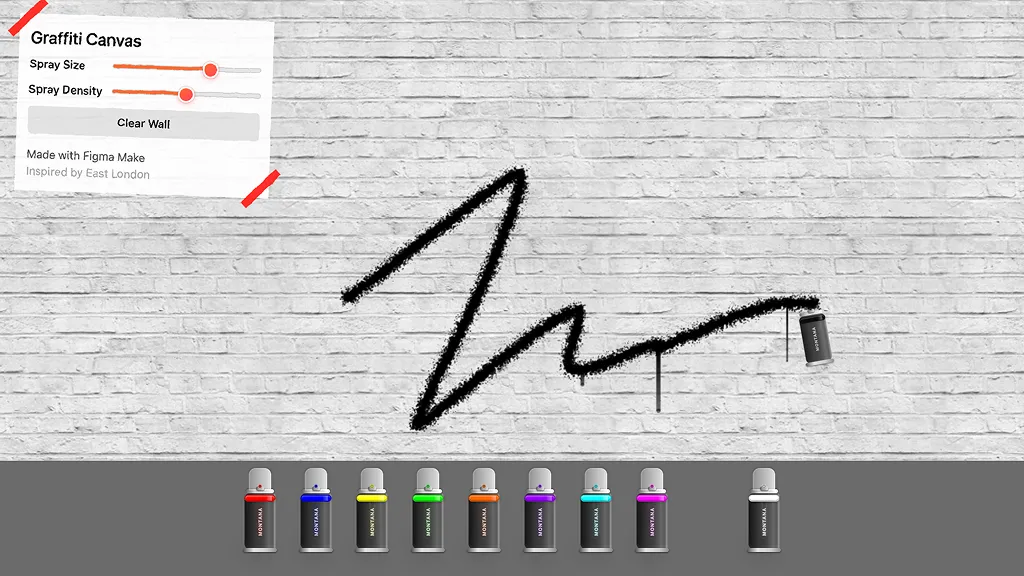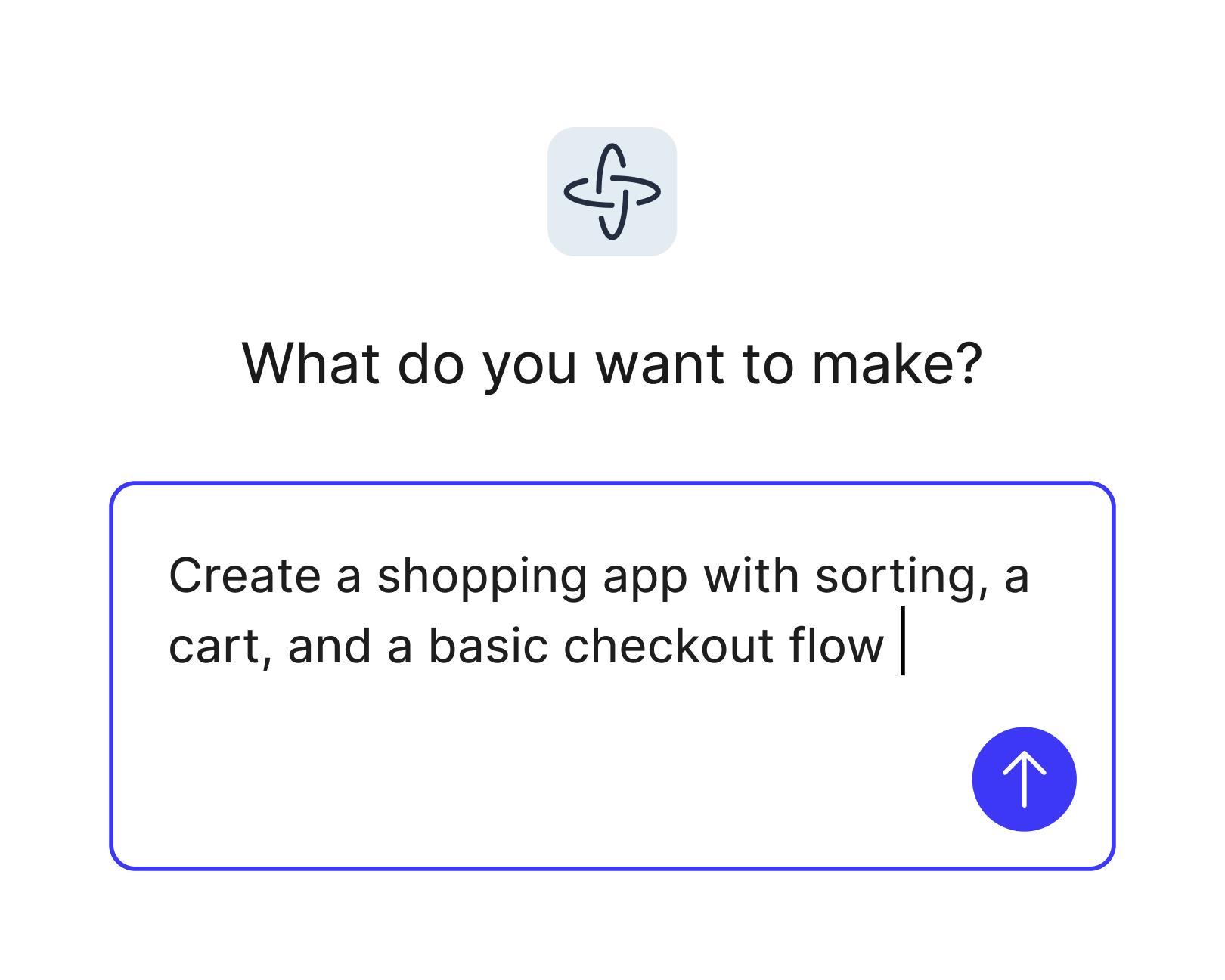
Turn ideas into reality
Skip the dev backlog and bring your concepts to life as interactive flows, dashboards, or complete apps, all from natural language prompts.
Skip to main content
Go from great idea to full-blown app, just like that—no coding required.
Skip the dev backlog and bring your concepts to life as interactive flows, dashboards, or complete apps, all from natural language prompts.

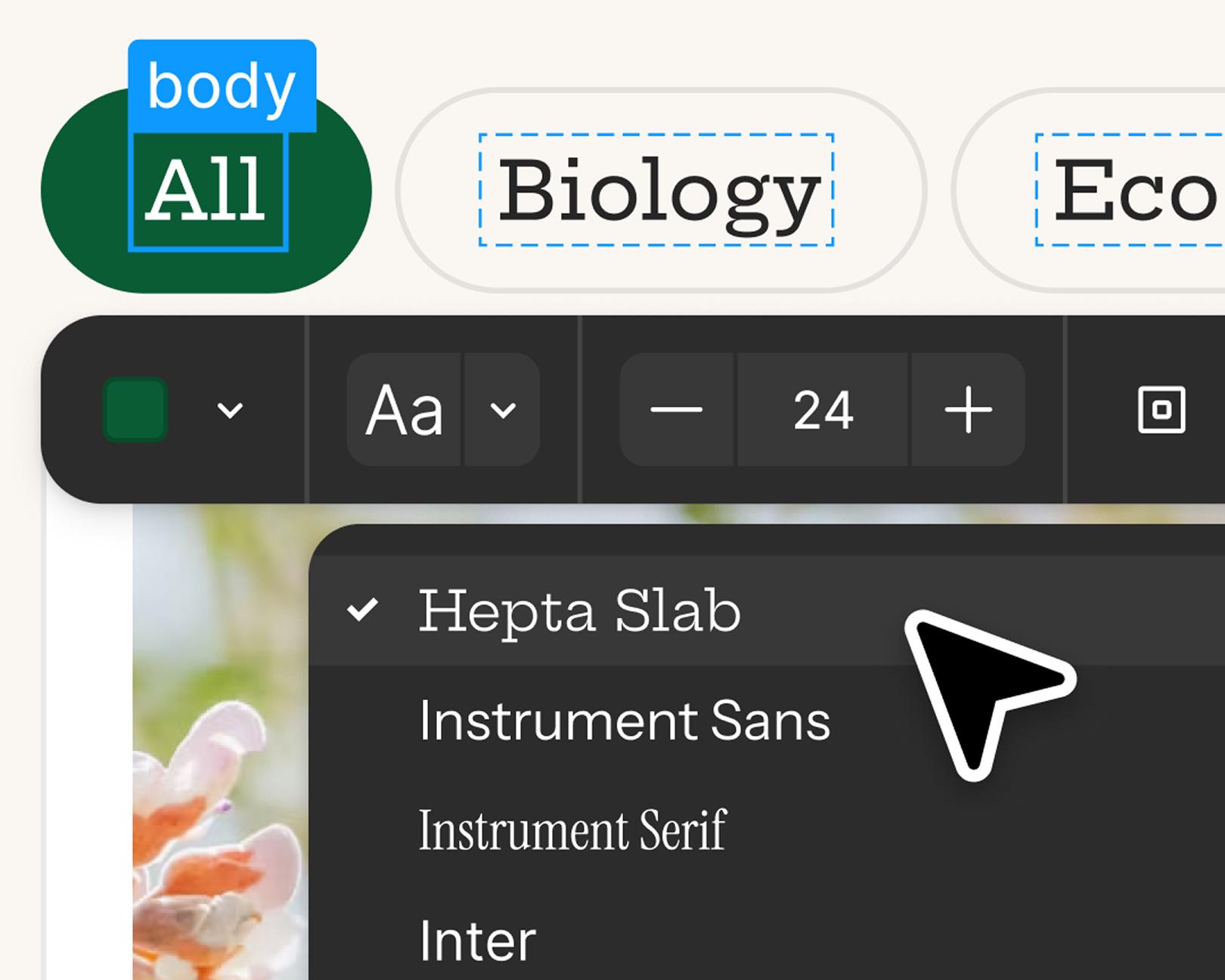
Start with prompts, then refine in the visual editor, adjust the code for more control, or prompt again to explore new directions.

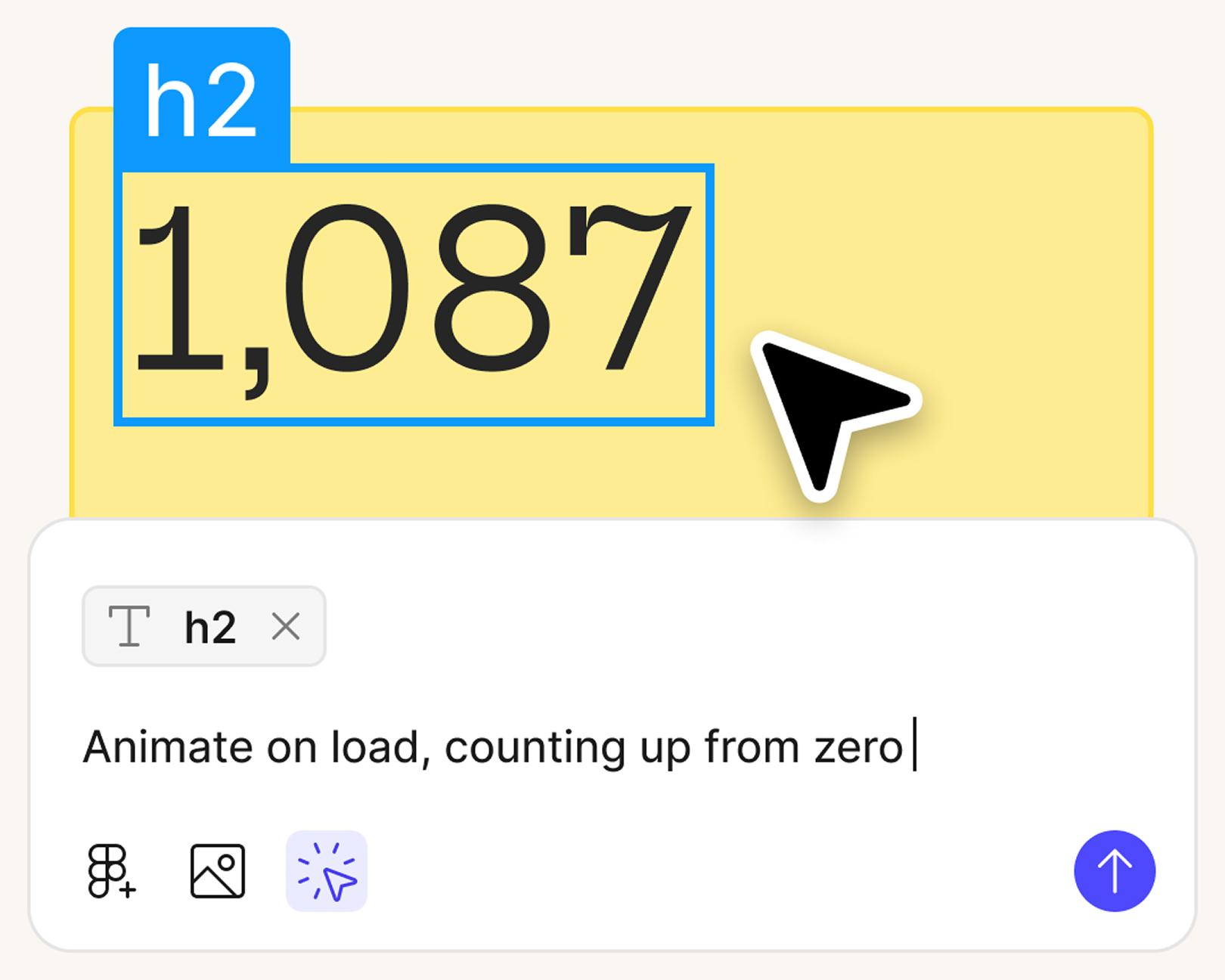
Stay in flow as you create, test, and refine in a single workspace, without switching between design and dev tools.

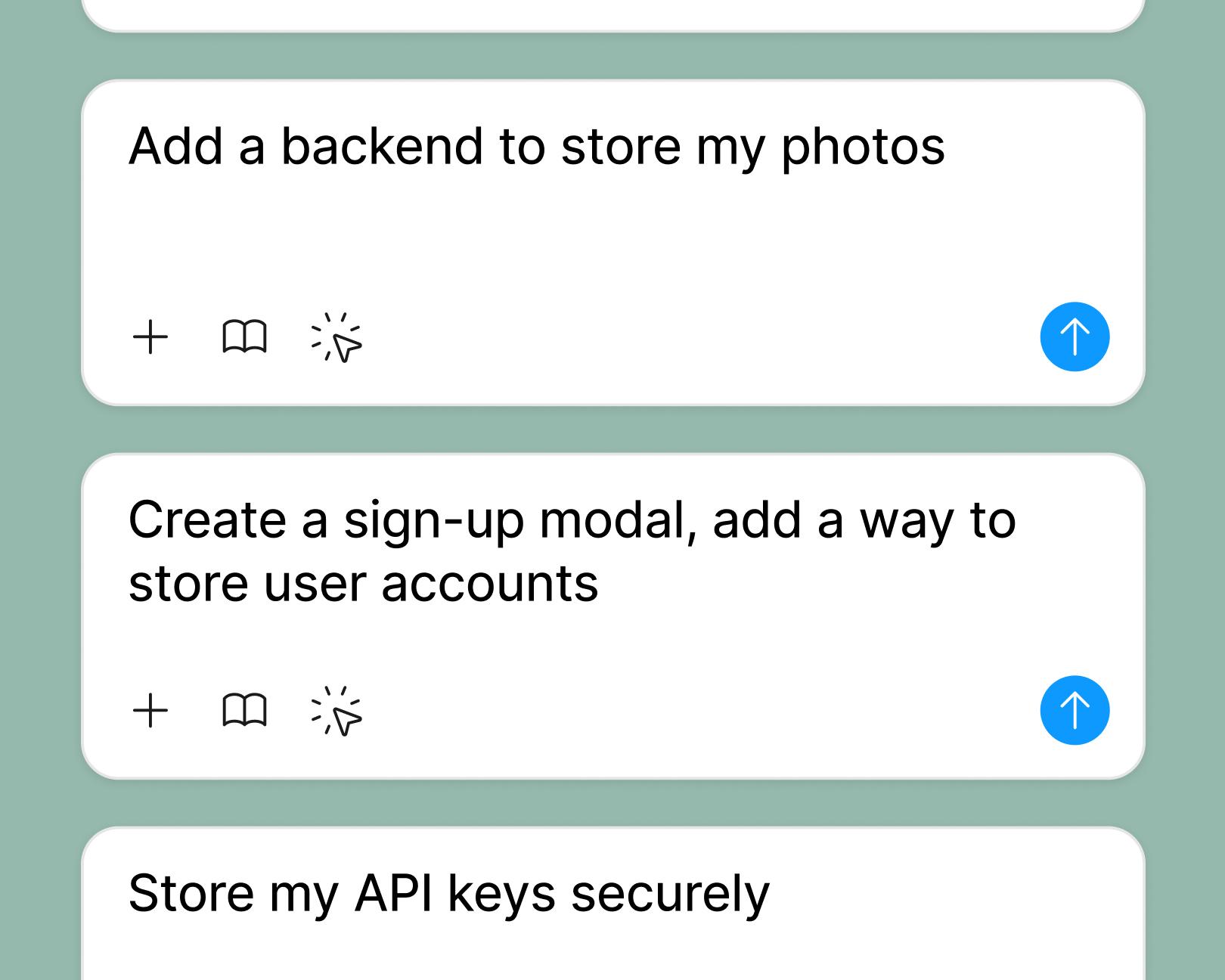
Connect to a backend to preview exactly how your app will look and behave with live, user-driven data.
See how makers, designers, and PMs are using Figma Make to build no-code web apps—from internal tools to product MVPs.
Start from scratch in Figma Make or use an existing frame from Figma Design.
Use a natural language prompt to define the layout, flow, and functionality you want.
Figma Make turns your prompt into an interactive, data-connected app.
Add animations, behaviors, or live data. Or prompt again to iterate.
AI app building is the process of generating functional apps, interactive prototypes, and web apps from natural language prompts without writing code manually. With Figma Make, Figma's AI app builder, you describe what you want to build in plain language and the AI generates the UI, interactions, and underlying code automatically. Figma Make supports building internal tools, product MVPs, dashboards, and interactive flows, all starting from a text prompt or an existing Figma design file.
You can build and test fully interactive prototypes and full-blown apps, complete with live data and component logic.
No coding is required. Figma Make is a no-code AI app builder — you build apps by typing prompts in plain language, and the AI handles the code generation. You can also use the visual editor to click directly on elements and adjust them without touching code. For users who do want code access, Figma Make includes a built-in code editor where you can view, edit, or export the generated code. This makes it useful for both non-technical users building apps from scratch and developers who want a faster starting point.
Yes. You can get started on a free Starter plan. Access to publishing and code editing is available on paid plans.
Figma Make supports building a broad range of app types, including: dashboards and data visualization tools, internal tools and admin panels, product MVPs and interactive prototypes, onboarding flows and quiz apps, scheduling and booking tools, e-commerce interfaces, and portfolio or presentation apps. Any app that can be expressed as a web app with interactive UI is a candidate. Figma Make is particularly well-suited for product teams that want to test and validate ideas quickly before committing to full development.
Yes. Figma Make supports backend integration to power your app with real user data.
Yes, you can publish a Figma Make app.
Yes. Figma Make includes a built-in code editor, and users with a Full seat on a paid Figma plan can export the generated code from their app. Dev seat users can also export code from Figma Make files created in their drafts. The code editor lets you view and directly modify the underlying code of your app alongside the AI chat, giving developers control over the output without losing the ability to continue prompting. Exported code can be taken outside of Figma and deployed or extended in a standard development environment. This makes Figma Make useful as a rapid prototyping and scaffolding tool for development teams, not just a design tool.
Yes. One of Figma Make's core features is the ability to attach your existing Figma designs directly to your prompts. You can copy a frame or component from a Figma Design file and paste it into the Figma Make AI chat, or attach a design file directly to your prompt. Figma Make will use your design as a visual reference when generating the app, so the output reflects your actual layouts, components, and content rather than generic AI-generated UI. You can also bring in style context from a Figma team library, on paid plans, so the AI applies your design system's colors, typography, and components automatically. This design-to-app workflow is one of the primary advantages Figma Make has over standalone AI app builders.
The evidence is strong. Figma's State of the Designer 2026 report found that 80% of designers who increased their AI usage say it helps them collaborate more effectively across teams—and AI tools are actively drawing PMs and non-designers into the product building process alongside designers. Teams that champion AI are also more likely to perceive their company as growing faster than the industry average (41% vs. 33% for those whose usage has stayed flat).
Increasingly, yes. Figma's State of the Designer 2026 report—based on a survey of 906 designers globally—found that 72% of designers now use generative AI in their workflows, with 98% increasing their usage in the last year. Beyond speed, 91% say AI improves the quality of their outputs. For product teams, that means faster validation cycles without sacrificing the standard of what gets shipped.

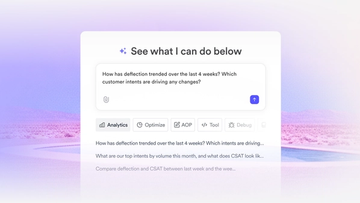
The fast-growing customer experience platform explains how Figma MCP and Figma Make helped them scale a new design system and keep pace with customer requests.
With accurate first results and fast iterations, OpenAI’s GPT-5.6 gives your builds a strong start in Figma Make.

From sharing your best thinking to learning from your team’s go-to prompts, here’s what skills unlock in the Figma agent.


The Figma MCP server reaches further across the platform than it ever has. From updating a living deck to shipping a design to production—here's what that looks like in practice.


AI tools are changing how teams build products—from where they start to what carries through to production. Here's what that shift looks like across four organizations.
From visual editing to contextual prompting and collaboration, Figma Make is expanding how teams can design with code.

Learn about Model Context Protocol (MCP), the open standard that simplifies AI integration like a USB-C for data.

Vibe coding combines mood-driven design with seamless coding to create immersive digital experiences that connect emotionally and function flawlessly.


Building an app requires research and constant iteration to meet customer needs. Learn how to design an app and how Figma can help in this guide.