

Your AI prototype generator, in Figma Make
Describe it once. Figma Make builds it with logic, layout, and data.
Turn ideas into interactive prototypes with AI

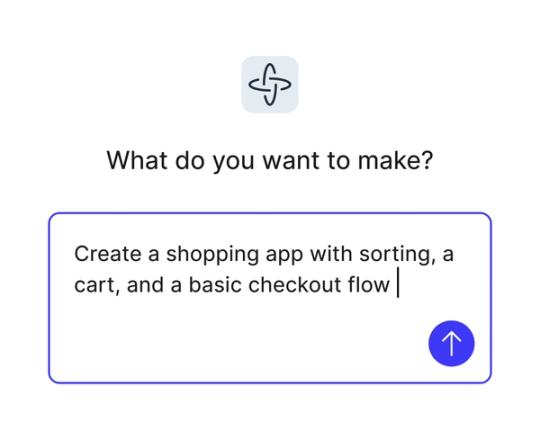
Generate prototypes with natural language
Use simple prompts to create screens, logic, and structure. Figma Make turns your words into functional prototypes you can interact with.

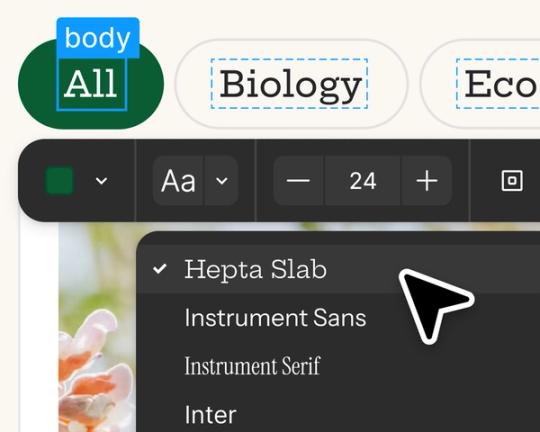
Edit and iterate with AI
Start with prompts, then refine in the visual editor, adjust the code for more control, or prompt again to explore new directions.

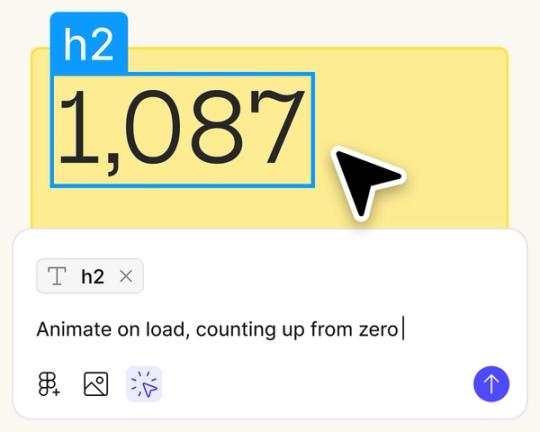
Design and prototype in one place
Stay in flow as you create, test, and refine in a single workspace, without switching between design and dev tools.

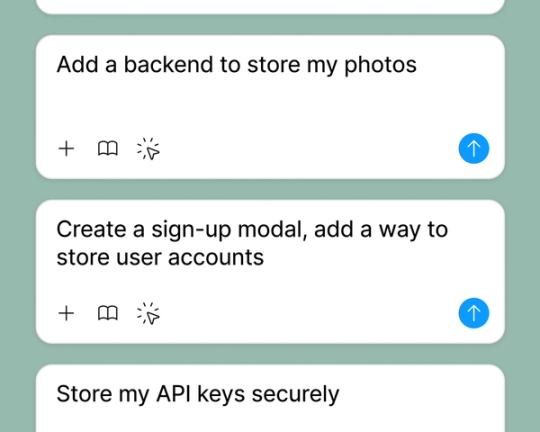
Test interactions with real data
Connect to a backend to preview exactly how your app will look and behave with real user data.
Built by real designers.
See what designers are building with AI UI tools in Figma Make—from marketing pages to product dashboards to mobile-first flows.
- Daniela Muntyan
- Abhiram Ramoju

- Yossef Saeed

- Joshua Guo


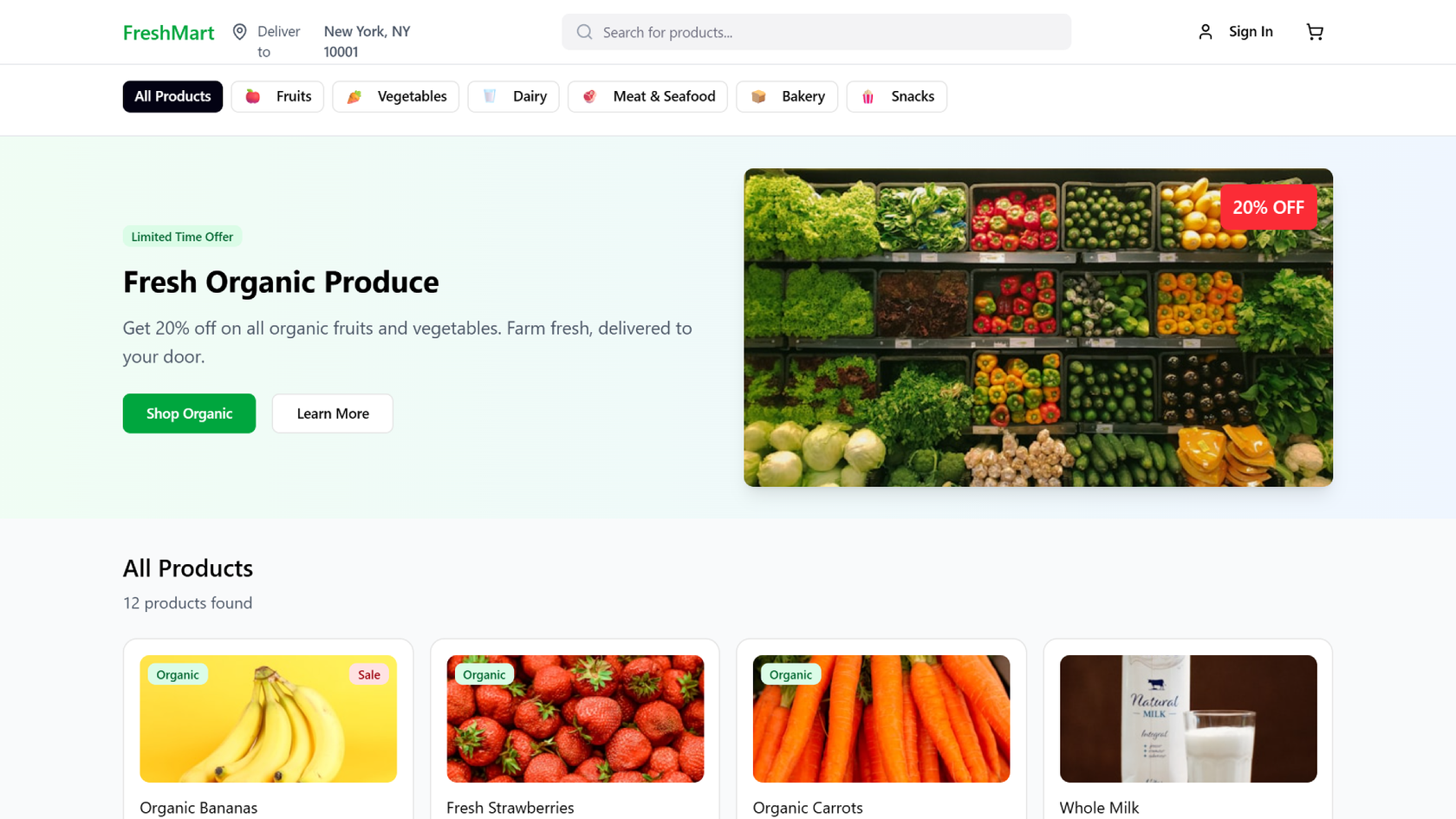


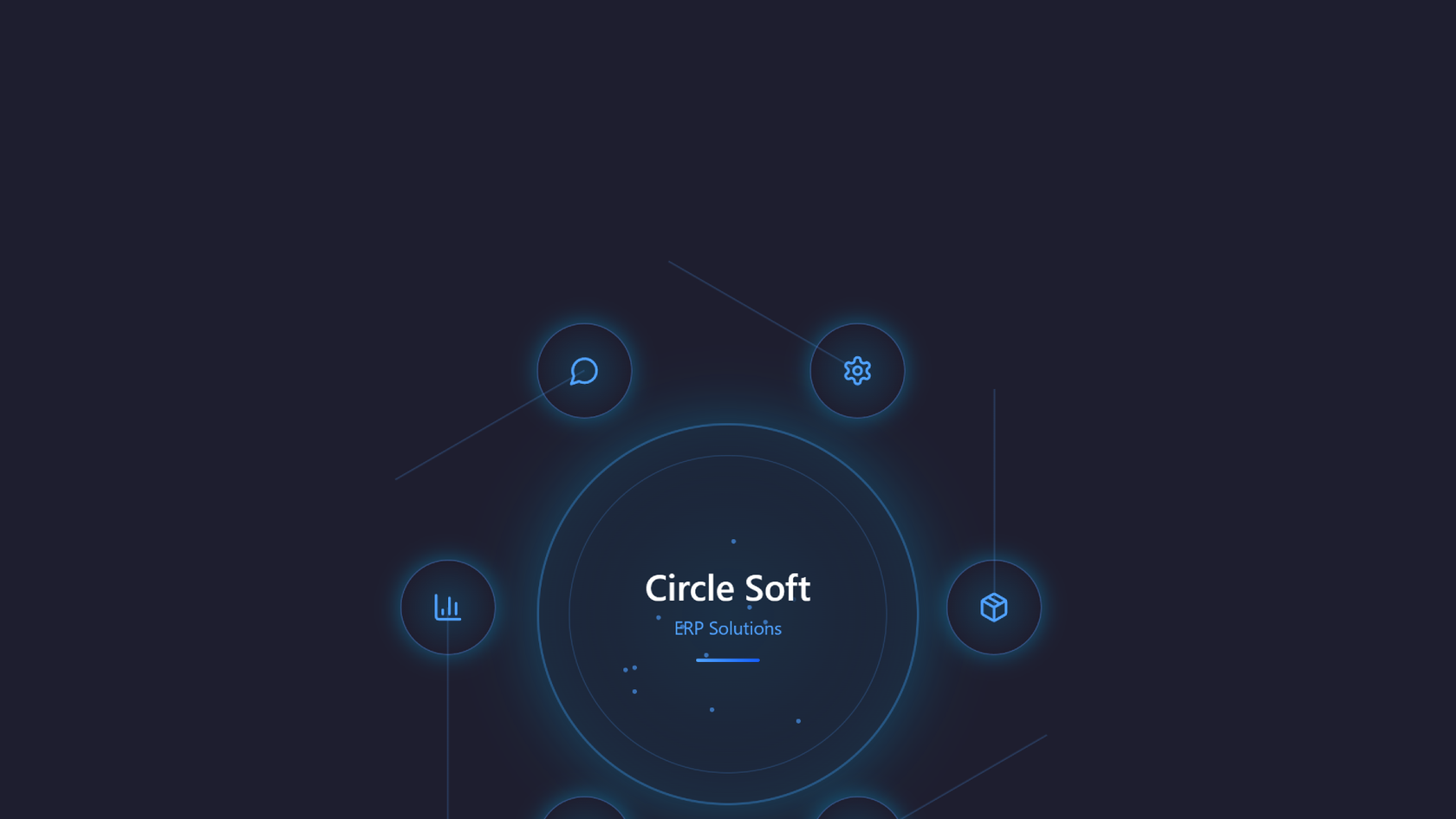


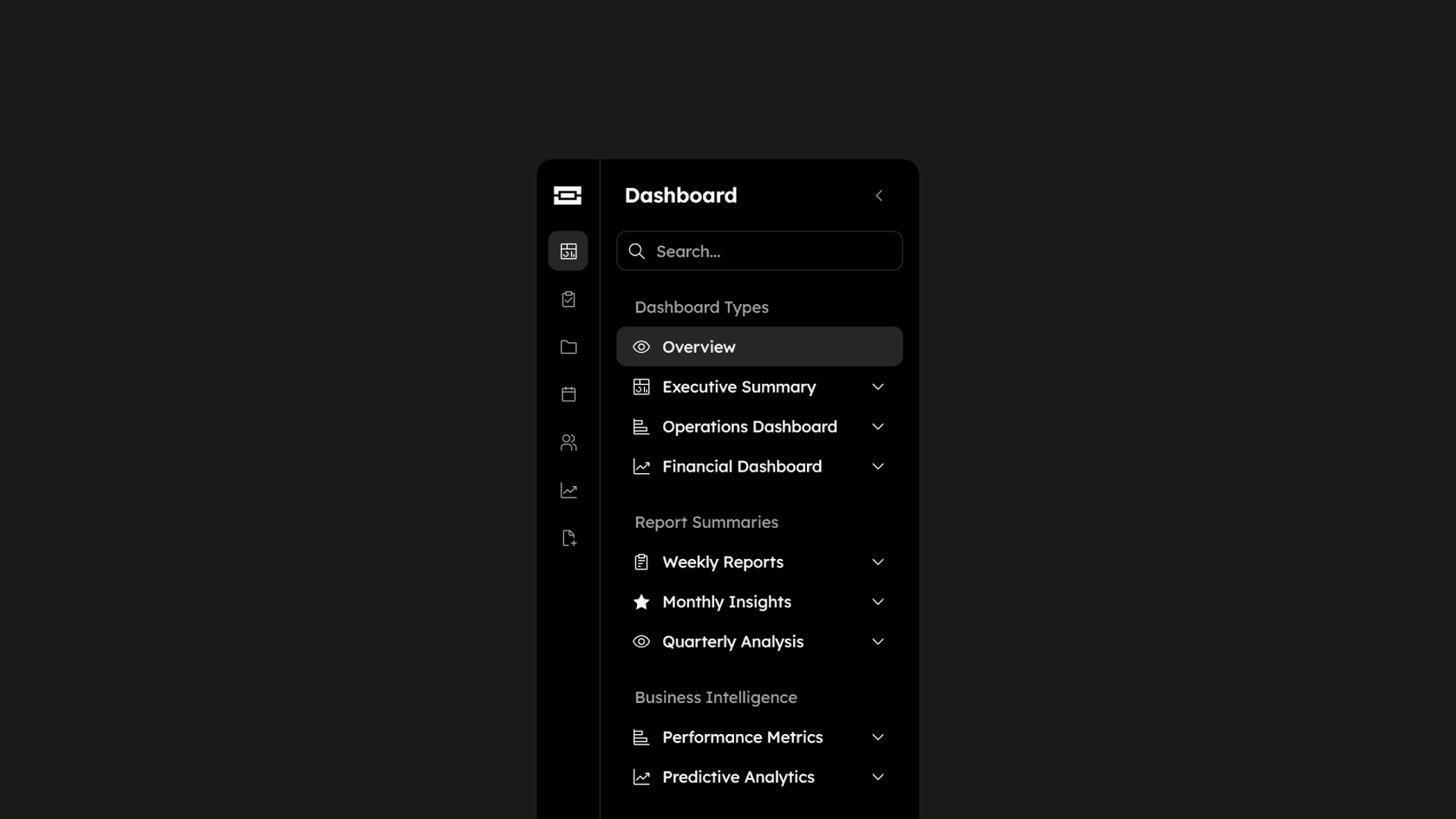

How to generate UI with AI in Figma Make
Start from scratch in Figma Make or use an existing frame from Figma Design.
Use a natural language prompt to define screens, structure, and interactions.
Figma Make generates a responsive, interactive prototype you can test and share.
Use more prompts or tweak the design directly—Figma Make keeps everything editable.
FAQs
An AI prototype generator lets you create working prototypes by describing what you want in natural language. Figma Make uses your prompts to generate screens, interactions, and logic—no code needed.
Figma Make combines your design input with AI to generate interactive prototypes you can refine, test, and publish—all in one place.
No. Figma Make is built to work without code. But if you want more control, you can edit the code behind your prototype.
You can try Figma Make for free on the Starter plan. Advanced features are available on paid plans.
Figma Make supports everything from onboarding flows to dashboards, mobile UIs, signup pages, and more.
Yes. You can simulate data directly in Figma Make, or connect a backend to pull in real data via API.
No—and the data backs that up. Figma's State of the Designer 2026 report found that designers who increase their AI usage rank creative freedom at the same rates as those who don't—indicating that AI and creative control go hand in hand rather than trading off against each other. 91% also say AI improves the quality of their outputs, making it a tool for better prototypes, not generic ones.
Yes. According to Figma's State of the Designer 2026 report, prototyping and motion design remains one of the most in-demand skills in the industry—and 72% of designers now use generative AI to accelerate that work. The designers seeing the strongest results are those who use AI to expand how many ideas they can explore and test, while keeping creative decisions in their own hands.
From the blog

How Decagon uses AI for design system saturation
The fast-growing customer experience platform explains how Figma MCP and Figma Make helped them scale a new design system and keep pace with customer requests.
GPT-5.6 is now available in Figma Make
With accurate first results and fast iterations, OpenAI’s GPT-5.6 gives your builds a strong start in Figma Make.

Got skills? Make the Figma agent a better collaborator
From sharing your best thinking to learning from your team’s go-to prompts, here’s what skills unlock in the Figma agent.


4 ways we’re using our MCP server at Figma
The Figma MCP server reaches further across the platform than it ever has. From updating a living deck to shipping a design to production—here's what that looks like in practice.


4 new ways to go from idea to product with AI tools
AI tools are changing how teams build products—from where they start to what carries through to production. Here's what that shift looks like across four organizations.
Figma Make, now on your local code
From visual editing to contextual prompting and collaboration, Figma Make is expanding how teams can design with code.
More resources

What is MCP?
Read articleLearn about Model Context Protocol (MCP), the open standard that simplifies AI integration like a USB-C for data.


What is Vibe coding?
Read articleVibe coding combines mood-driven design with seamless coding to create immersive digital experiences that connect emotionally and function flawlessly.


How to design an app in five steps
Read articleBuilding an app requires research and constant iteration to meet customer needs. Learn how to design an app and how Figma can help in this guide.