4 ways we’re using our MCP server at Figma




The Figma MCP server reaches further across the platform than it ever has. From updating a living deck to shipping a design to production—here's what that looks like in practice.
Share 4 ways we’re using our MCP server at Figma
Two months after opening the canvas to agents Starting today, you can use AI agents to design directly on the Figma canvas. And with skills, you can guide agents with context about your team’s decisions and intent. Figma’s MCP server brings your design decisions into the tools where code gets written—so what gets built actually matches what was designed. Here’s what that unlocks for everyone who builds products. Agents are changing your code faster than your team can follow. Now you can close that gap with new MCP skills, architecture layouts, and more in FigJam. From visual editing to contextual prompting and collaboration, Figma Make is expanding how teams can design with code. Starting today, work with an agent that is built for Figma—directly on the canvas.
Agents, meet the Figma canvas

The TL;DR on MCP: Why context matters and how to put it to work

FigJam is now your coding agent’s whiteboard too
Figma Make, now on your local code
The Figma design agent is here
Here are four workflows Figmates are running right now using these new capabilities.
1. Create and refresh decks in Figma Slides
Mallory Dean, a designer advocate at Figma, maintains an evergreen deck covering Figma’s AI product launches. It's a living deck that she refreshes every few weeks so that what she's presenting at design talks and customer meetings stays current as we ship.
The Figma MCP server now supports uploaded custom fonts, so any typeface saved on your machine can be prompted to render correctly in designs or slides.
After we launched the Figma agent Starting today, work with an agent that is built for Figma—directly on the canvas.The Figma design agent is here
"Update my Figma AI deck to include our new Figma agent. Pull content from Slack, Google Drive, our Shortcut blog, and Release Notes webpage. Give me suggestions for what to refresh, plus ideas for new slides." The agent pulled relevant conversations, briefs, and launch messaging, then used the use_figma tool as well as the /figma-use-slides skill in Figma Slides to update the deck against her template.
The new slides still needed a review pass, images to swap out placeholders and copy edits, but the first 80% of the content work was already done by the time she jumped in. With our new custom font support, the agent rendered type in her uploaded custom fonts—not web-safe approximations—so the deck stayed on-brand.
This same setup shows up across the product development process, whether you’re generating something from scratch or updating an existing document. A PM building a kickoff deck. A designer presenting a design exploration. Marketing pulling together a GTM plan for a feature. Sales updating a customer-facing deck with the latest product changes. The work isn’t just faster—it comes out on-brand, built from your team's design system.
2. Generate FigJam boards from live data
Skills help agents create better and more consistent outputs. Explore custom skills from the Figma community or submit your own skills to the Figma community-resources repo for others to use with the Figma MCP server.
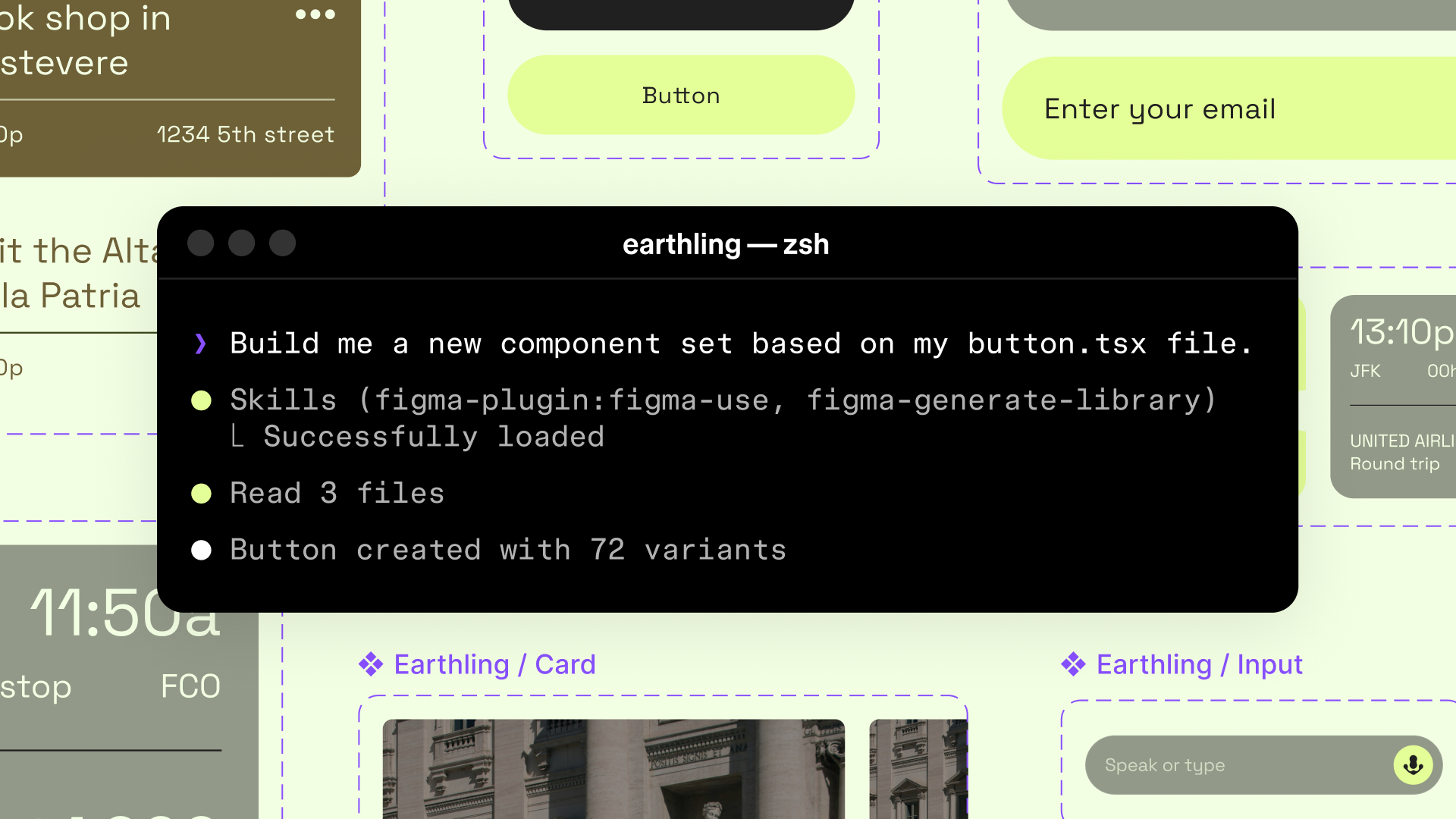
As a product manager at Figma, Prasant Lokinendi runs feature kickoff workshops often. Prepping an engaging FigJam for these workshops—pulling in context from across the company and formatting sections to fit the session—takes time. So he built /figjam-builder, a custom skill that carries those instructions so he doesn't have to re-prompt them every time.
For our Make voice-to-text launch earlier this year, he prompted his agent to generate a FigJam board from context pulled across Slack, Asana, and Notion for project structure, and Hex for analytics. Instead of an empty FigJam, he started from the most up-to-date data, including product vision, customer insights, and key decisions.
3. Move designs between code and canvas with Figma Make
The MCP server now also works in Figma Make—closing the loop from design edits to production PR From visual editing to contextual prompting and collaboration, Figma Make is expanding how teams can design with code.Figma Make, now on your local code
For example, when Iris and a teammate recently built a sample audio editor as a demo file, her teammate shipped a first version, but Iris wanted to update the designs. Interactions are hard to show in a static file, so she branched the code and built the real thing in Figma Make: audio clips you can drag and reorder, a popover with level controls, and a playhead that scrubs.
Since Iris wanted to make edits to her design system for her demo file she brought the Make preview into the canvas by prompting in the Make prompt box: “Can you bring back the preview here into Figma as design layers?” The screen landed on the canvas, rebuilt with the relevant components from her library. Iris changed the audio clip component following her normal design patterns on the canvas, giving it a clear default, hover, and drag state. Then she sent it the other direction: “Pull those new states back into the code.” The agent read her design changes and wrote all three into the component, ready to push to GitHub as a PR.
This workflow puts you in control of what ships, all from within Figma. The agent reads and writes your real components on both ends—the same way Code Connect Today, we’re announcing beta for Code Connect, a feature built to improve design system adoption by making code more accessible and useful for developers.

The right code for your design system
4. Split the work with the Figma agent
As the product manager behind the Figma MCP server Figma’s MCP server brings your design decisions into the tools where code gets written—so what gets built actually matches what was designed. Here’s what that unlocks for everyone who builds products.The TL;DR on MCP: Why context matters and how to put it to work
Pull all assets out of Figma directly through the Figma MCP server with our new download_assets capability. Unlike a screenshot, it returns the actual exportable file—SVG, PDF, JPG, or the original source image. No manual export needed.
Working from a sample app with a login flow and a dashboard, she prompted from her code editor: "Push this dashboard and the login flow into Figma. Reuse my existing components and variables where they exist, and generate proper component sets and variables where they don't." The Figma plugin ships with skills that give the agent context on how to use Figma, so it read her library in both Figma and her codebase and decided what to reuse and what to build new, rather than duplicating work she'd already done.
It got her a strong first pass, not a finished one. The auto layout, the fonts, and a few unmapped colors still needed work. That's where the Figma agent picked up—working beside her on the canvas with deep context on her design system. She prompted it to fix the layout, correct the type, and map every color to the right variable. When it was where she wanted it, she pushed it back to code through the MCP server. If needed, she could also pull source images and icons straight from the agent with our new download_assets tool without exporting separately.
In this use case, the MCP server and the Figma agent tag-team to get to final designs. The server connects Figma to the agent you're already in and brings a code-only screen onto the canvas, built from real components. Then the Figma agent takes it from there. Native to the canvas, it explores directions while staying grounded in your components and tokens, right where you and your team design.
The Figma agent and Figma Make's production codebase integration are currently in closed beta. The write capabilities in the Figma MCP server are in open beta—check out our setup guide to get started and we’d love to see what you build.
Mari Kong is a product marketing manager at Figma focused on AI tools across design and code.