FigJam is now your coding agent’s whiteboard too



Agents are changing your code faster than your team can follow. Now you can close that gap with new MCP skills, architecture layouts, and more in FigJam.
Share FigJam is now your coding agent’s whiteboard too
As a backend engineer, I usually live in the infrastructure layer—building platforms, designing architecture, pitching a different technical approach. I've never touched the C++ editor or made a single edit to Figma Design. But during a recent MCP team hackathon, I found myself doing something I'd never done before: advocating for another team's product, FigJam. Specifically, making it the place where engineers and agents think through systems together.
My team is shipping faster than ever, building features that would have taken quarters in weeks. But there's a hidden toll. Every agent-written PR we merge without deep human review adds confusion and hidden complexities to the codebase. As a visual learner, I wanted a way to zoom out and see the bigger picture of all these changes.
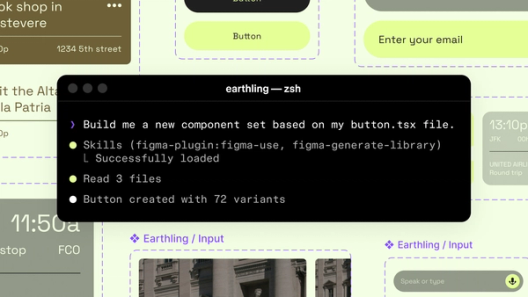
So during the hackathon, I built an extension of our existing generate_diagram tool to support more complex architecture and ERD layouts. From there, my team created figma-use-figjam—a new MCP skill that lets agents read and write directly to FigJam boards—and workflow skills like generate-project-plan that turn docs, codebases, and conversations into visual boards. One place for the whole team, agents included.
These tools and skills all launch today. They build on Starting today, you can use AI agents to design directly on the Figma canvas. And with skills, you can guide agents with context about your team’s decisions and intent.use_figma, an MCP tool we shipped last month that lets AI agents create or edit designs
Agents, meet the Figma canvas
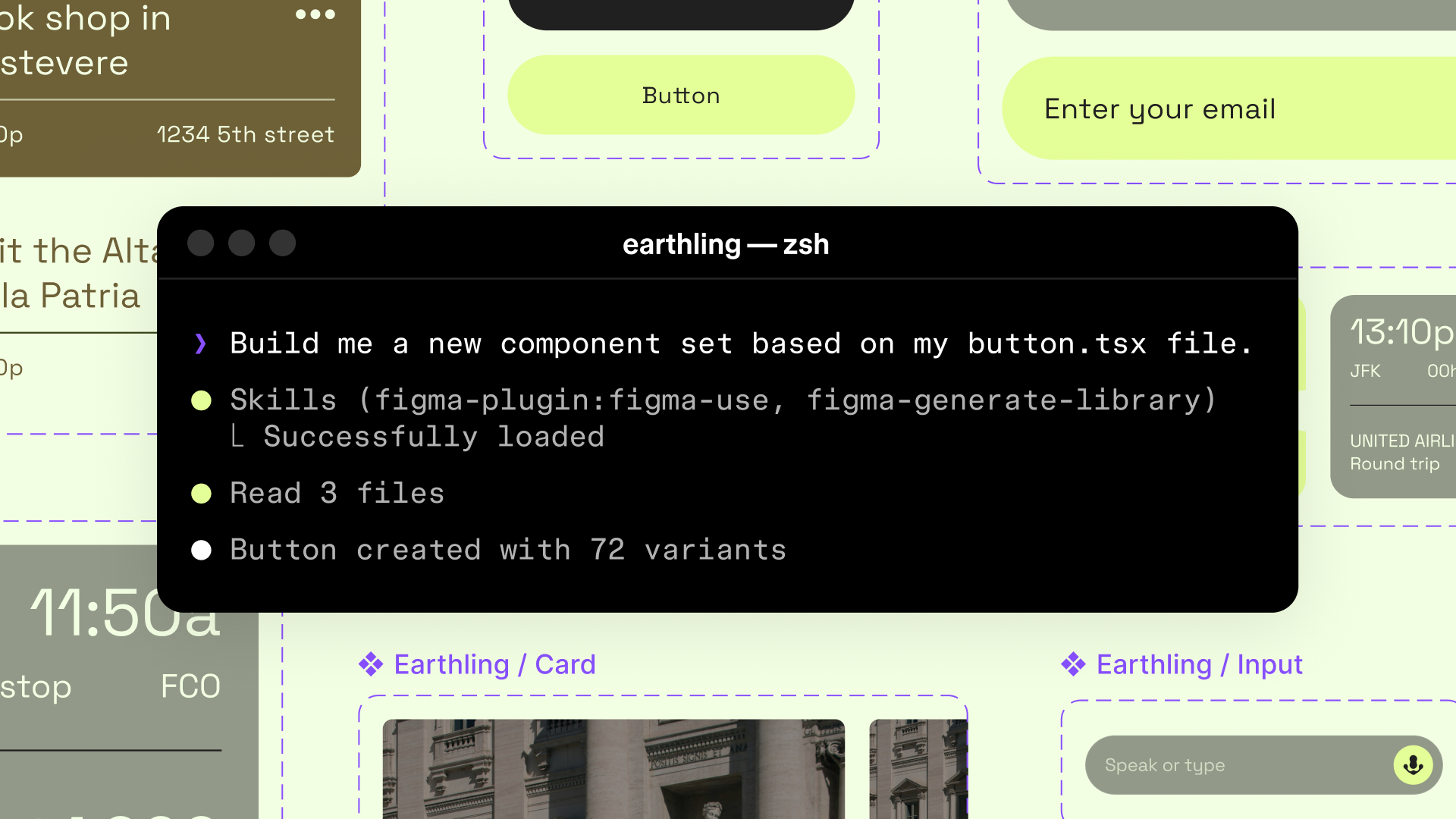
create_new_file, which allows agents to generate designs inside new Figma files. Together, these capabilities let any team recreate this kind of workflow in FigJam. Here's how it works:
Step 1: Research, plan, and make it visual
First, I have my coding agent fetch the relevant context for planning the addition of a new tool—MCP server Figma’s MCP server brings your design decisions into the tools where code gets written—so what gets built actually matches what was designed. Here’s what that unlocks for everyone who builds products.
The TL;DR on MCP: Why context matters and how to put it to work
At this point, I have solid implementation options, but they’re hidden in a wall of markdown—not the easiest thing to drop in Slack for feedback. Now I can use the new FigJam capabilities to turn that plan into an interactive eng crit in minutes:
- Architecture and ER diagrams from the
generate_diagramMCP tool and skill - Notes, code blocks, and annotations from the
figma-use-figjamskill
What used to be a dense block of text is now a visual my team can actually engage with—and the cleanest architectural approach becomes obvious.
Step 2: Collaborate before committing to code
Next, I share the board with my team. Teammates jump in to leave feedback and ask questions: Will this tool support multiple file types, or just design files? Should it accept a folderId, or create all new files inside the user's Drafts folder?
We may not all be in the same conference room whiteboarding with a marker anymore, but FigJam brings all the technical context into a familiar, collaborative visual format. With these new integrations, we can brainstorm and collect feedback on agent-generated diagrams across remote teams.
Step 3: Start implementing
Once all the reviews are in, I take the plan back to my coding agent, iterate based on the comments, and get ready to implement. Previously, that meant screenshotting the diagram, recapping the comments, and manually explaining what changed. Now, I use the get_figjam tool to grab everything from the board—the diagram, the decisions—and bring that into my coding environment to start implementation. By the time I put the PR up (which links to the Figjam with all the design context, of course), it's an easy merge because the architecture has already been reviewed.
Build on this foundation
Seeing your systems mapped out has always mattered—but in this new era of development, it matters even more. And once something's in production, keeping those diagrams up to date manually is its own kind of work. I originally built this to visualize my own understanding at the speed of code. Since then, I've watched it take on a life of its own at Figma—developers, PMs, and cross-functional teams are using it for everything from onboarding docs and eng crits to tech specs and PRDs.
The tools and skills we’re shipping today are intended to be building blocks—a foundation you can use to support your own development process. Use generate-project-plan to turn a spec into a visual board you can collaborate on with your team. Build your own skills on top of figma-use-figjam and figma-generate-diagram to fit the way your team actually works.
Read our guide to the Figma MCP server to start using this tool, or explore our developer docs to see what's possible when building on top of figma-use-figjam. You can also contribute skills by submitting them to our GitHub repository.
This will be a paid API, but it’s free during the beta period as we learn how to account for agentic behavior in our paid seats. It currently works with MCP clients including Augment, Claude Code, Codex, Copilot CLI, Copilot in VS Code, Cursor, Factory, Kiro, and Warp.
Caroline Okun is a software engineer at Figma working on AI integrations and developer tooling. She’s led major infrastructure efforts across search, notifications, and realtime systems, including redesigning core platforms and most recently launching the Figma MCP server.