
How Decagon uses AI for design system saturation



The fast-growing customer experience platform explains how Figma MCP and Figma Make helped them scale a new design system and keep pace with customer requests.
Share How Decagon uses AI for design system saturation
Customer service is the next industry AI is poised to reshape, and Decagon is building the platform to do it. Just three years in, the company’s AI agents span voice, chat, and email, replacing the ticket queues and hold times that have defined customer service for decades. That’s how Decagon landed on the CNBC Disruptor 50 list—but what got them there isn’t just what they build. It’s how they build.
Building a design system for quality at scale
At an AI-native company like Decagon, the design-to-code loop moves fast, but it can break down just as quickly. Coding agents need precise inputs As developers increasingly use agentic coding tools, the structure and clarity of design files matters more than ever. By thoughtfully organizing your work, you can help your developer counterparts build more efficiently and accurately.

Why you should care about design context
The result is an org-wide library in Figma that now includes hundreds of components, styles, and variables encompassing the vast majority of use cases across the whole platform for multiple teams. According to Figma’s library analytics, it logged tens of thousands of inserts in 30 days, a sign that people are using it. “With a built-out library, we aren’t debating styles or implementation,” says Jennifer. “Engineers have a clear view of which button or table should be used. It also means we have a shared vocabulary. As a designer, I can anchor on very similar primitives that an engineer does, so when we’re building a product or thinking about a flow, it’s a lot easier to communicate.”

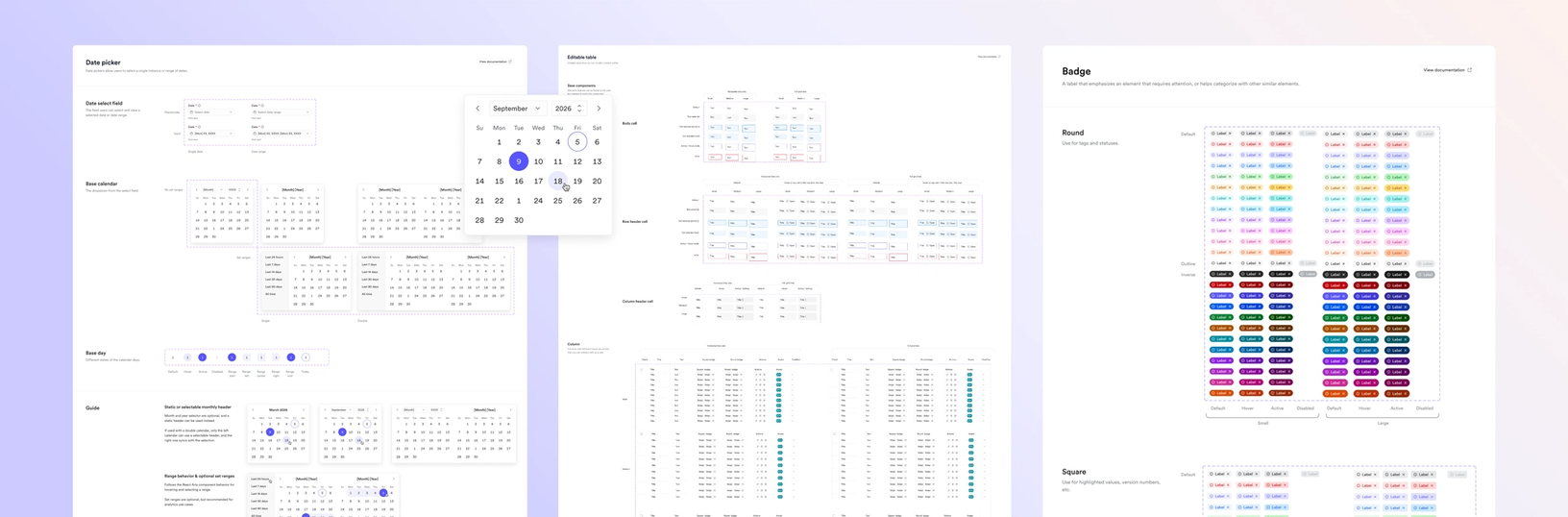
Deco is published to the whole organization, helping designers assemble new screens from existing components, rather than building them from scratch. “It’s also easier for developers to create work that is aligned to our overall design goals,” says Jennifer. “As we’re trying to ship quickly, we want to make sure everything is still aligned, and a design system is a really great way to have a single source of truth.”
Closing the loop between design and code
Coding agents don't interpret specs the way a developer might; they work only with what they're given. If what they're given is inconsistent, the output reflects it. At Decagon, that handoff used to mean a familiar back-and-forth: designers exported specs, developers interpreted them, mismatches got caught in review, and the cycle repeated. The Figma MCP Figma’s MCP server brings your design decisions into the tools where code gets written—so what gets built actually matches what was designed. Here’s what that unlocks for everyone who builds products.

The TL;DR on MCP: Why context matters and how to put it to work
Decagon’s engineering team moved the design system’s components into Storybook, then created a skill for their coding agents to use exact components when implementing designs. Another skill lets designers add new components, keeping Figma and code in continuous parity. “Our agents have the Figma MCP enabled, so all the specs, code, and canvas stay in one loop instead of having to bounce back and forth,” says Jennifer.

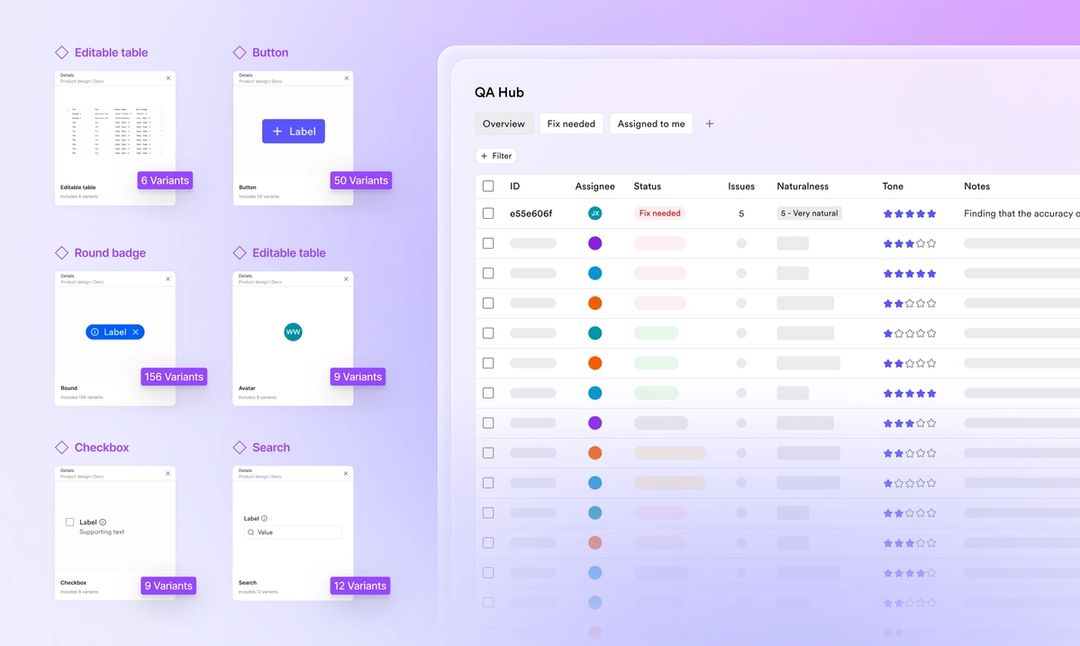
Our agents have the Figma MCP enabled, so all the specs, code, and canvas stay in one loop instead of having to bounce back and forth.
Connecting to Deco through the Figma MCP sped up the pace of iteration. Now, coding agents can read directly from Figma to create high-fidelity starting points. “With MCP, I can just copy and paste a link of my Figma into the coding agent, and it’ll not only use the skill of getting design context, but also map it to our design system components,” says Jennifer. “It can create things that are really high-fidelity and close to our design without having to do a lot of nit iterations.”
Customer obsession, made tangible
Roughly 70 percent of Decagon's product roadmap comes directly from customers. It’s not just their philosophy; it’s core to how the team builds. “We’ll do hands-on roadmap sessions with a customer’s team to make sure that the features we’re shipping are addressing what they need,” says Bihan Jiang, director of product at Decagon. Being able to present mockups and working prototypes in Figma is central to that process. “Tools like Figma Make From visual editing to contextual prompting and collaboration, Figma Make is expanding how teams can design with code.Figma Make, now on your local code
Instead of gathering requirements and presenting an end product, the team can now build 10 different prototypes and show them to 10 different customers. Says Bihan, “The result is a better product that is built much more quickly.”
Tools like Figma Make and connectors to all the systems we use enable us to raise the ceiling on the products we’re building.
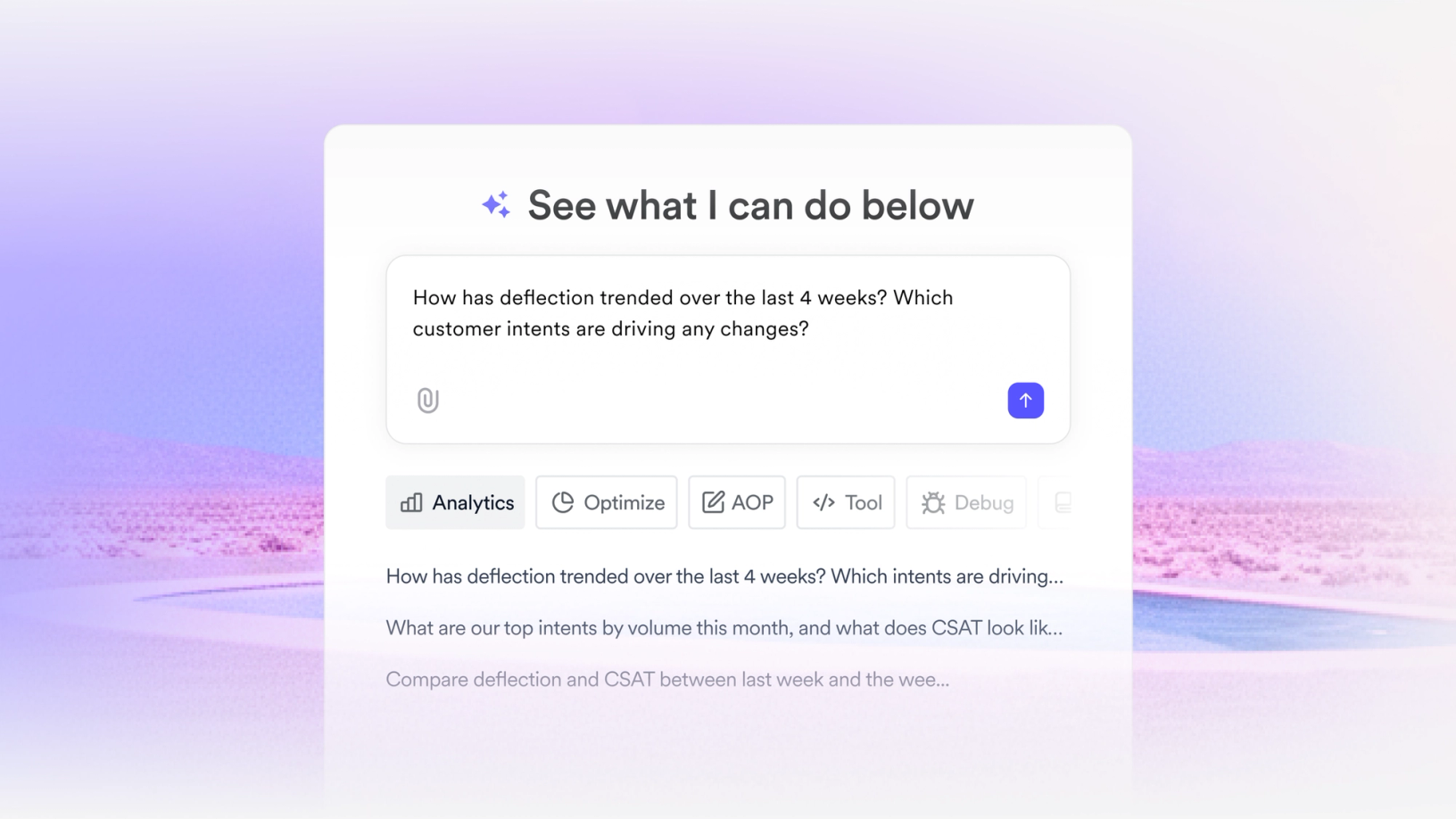
Interactive dashboards, metrics, and AI insights are core to what Decagon offers their customers who need to understand both quantitative and qualitative data—like Customer Satisfaction Scores and sentiment in conversations across channels. One Decagon PM uses Make to prototype new graphs and redesign pages to surface different data sets based on what customers are asking for. “The PM could prompt, ‘I want you to do it in the style of this page’ and paste in a Figma screenshot, and that would allow us to think about the tool and the graph in the context of the overall platform,” says Jennifer. “We could then talk to our engineering team and our customer-facing team to see whether or not the change was actually useful before we start investing a lot of engineering and design resources into it.”
The same principle applied when the team wanted to revamp an interactive chart to be cleaner and more user-friendly. The PM fed the original chart into Make, described the changes they wanted, and sent that to the developer. Jennifer says, “It was a lot simpler than the process of translating that to a designer, a designer creating a mock, and then the engineer developing it. It cut down on development time.”
High-fidelity prototypes allow the team to work in a visual medium from the start, rather than translate ideas from docs to wireframes. “As a designer, I’m thinking visually, and when you’re working on analytics, the problem is visual,” says Jennifer. “I’m looking at it as a picture, not as a doc. So starting to think in the modality the end product is in, from the very beginning, is useful.” That instinct to get concrete—and get it in front of customers early—has become part of Decagon’s DNA: “It’s a big part of our culture to use Figma as part of our brainstorming. This allows collaboration to be faster and at a higher fidelity than it used to be.”
Decagon centers AI not just in the platform they offer, but in how they build it. The design system keeps craft consistent as the team scales. MCP keeps design and code aligned, so nothing gets lost in translation. And Figma Make puts visual thinking in the hands of anyone who has an idea worth testing. “This new world of design is really exciting,” says Jennifer, “and I think we’re really at the forefront of it. It allows us to ship high-quality things very quickly.” For Decagon, gaining speed without sacrificing craft is the real edge.