Meet the AI agent made for designers
Figma’s AI agent is your creative collaborator. Explore ideas, tackle tedious tasks, and build alongside your team, without losing context.











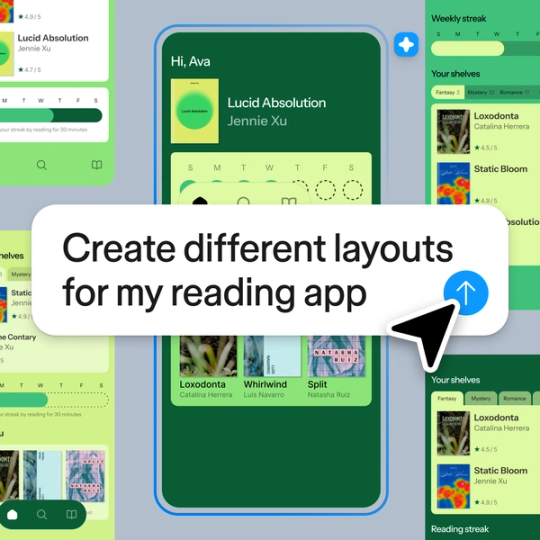
Explore every idea, fast
Figma’s AI agent generates multiple layout directions using your actual components, so you can try infinite options in record time.
Let the agent handle your tedious tasks
Give the rote work—like bulk edits, font swaps, or finding realistic content—to the agent. You’ll get to focus on the work you enjoy most, like design craft and decision-making.

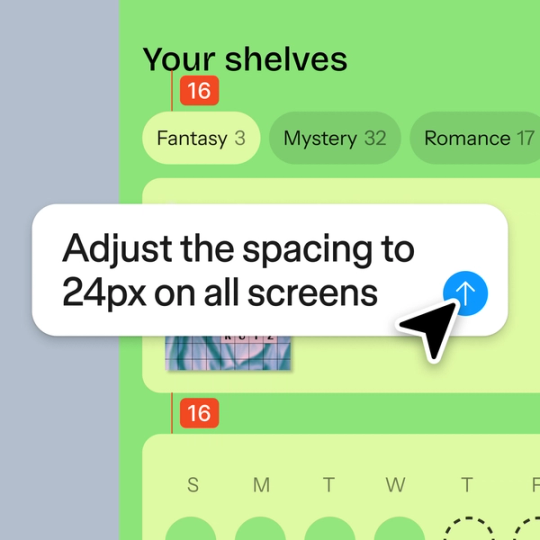

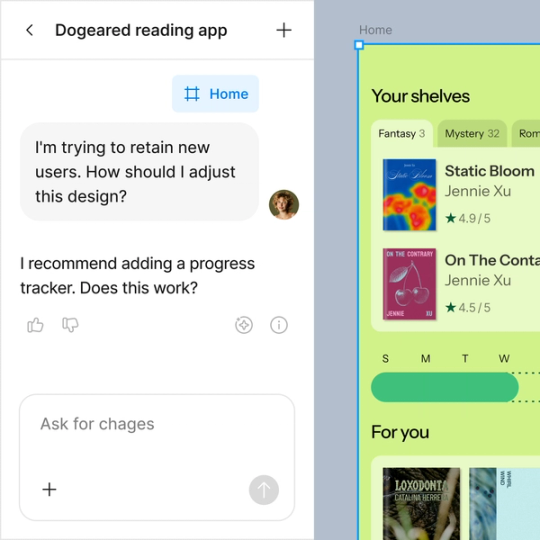
Turn comments into design changes
Ask Figma to summarize feedback, identify themes, and turn input into next steps. You can also use it to test designs from different points of view.
Figma feels like a natural extension of my hand. I do my design ideation on the canvas, and now the agent takes it the last mile. With my design libraries connected, I can move from design to code faster than ever before.
Andy Madrick
Product Designer, Notion

How to start building with Figma’s agent
Open Figma and create a new file. The AI agent lives on the canvas, which is the working space inside each file.
Select the agent icon on your left side panel to start prompting. You can ask the agent to do just about anything, from generating a layout to adding text.
Explore multiple directions, then edit visually until one feels right—or start prompting something new. Every AI chat stays in your file.
Get started with Figma
Figma’s agent is available on Professional, Organization, and Enterprise plans.