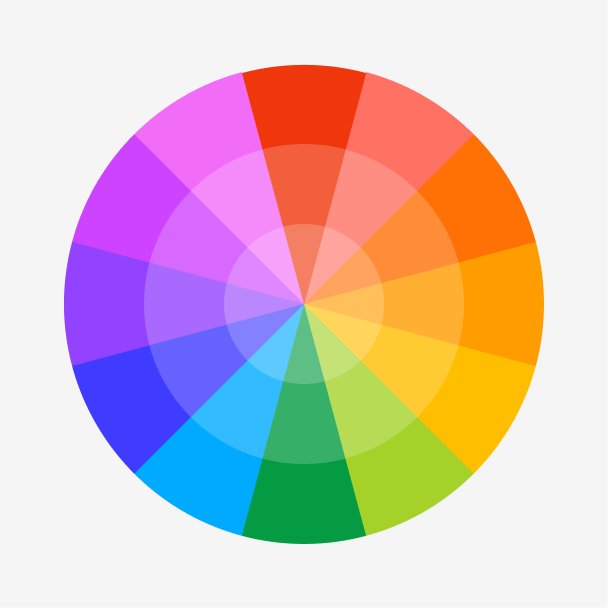
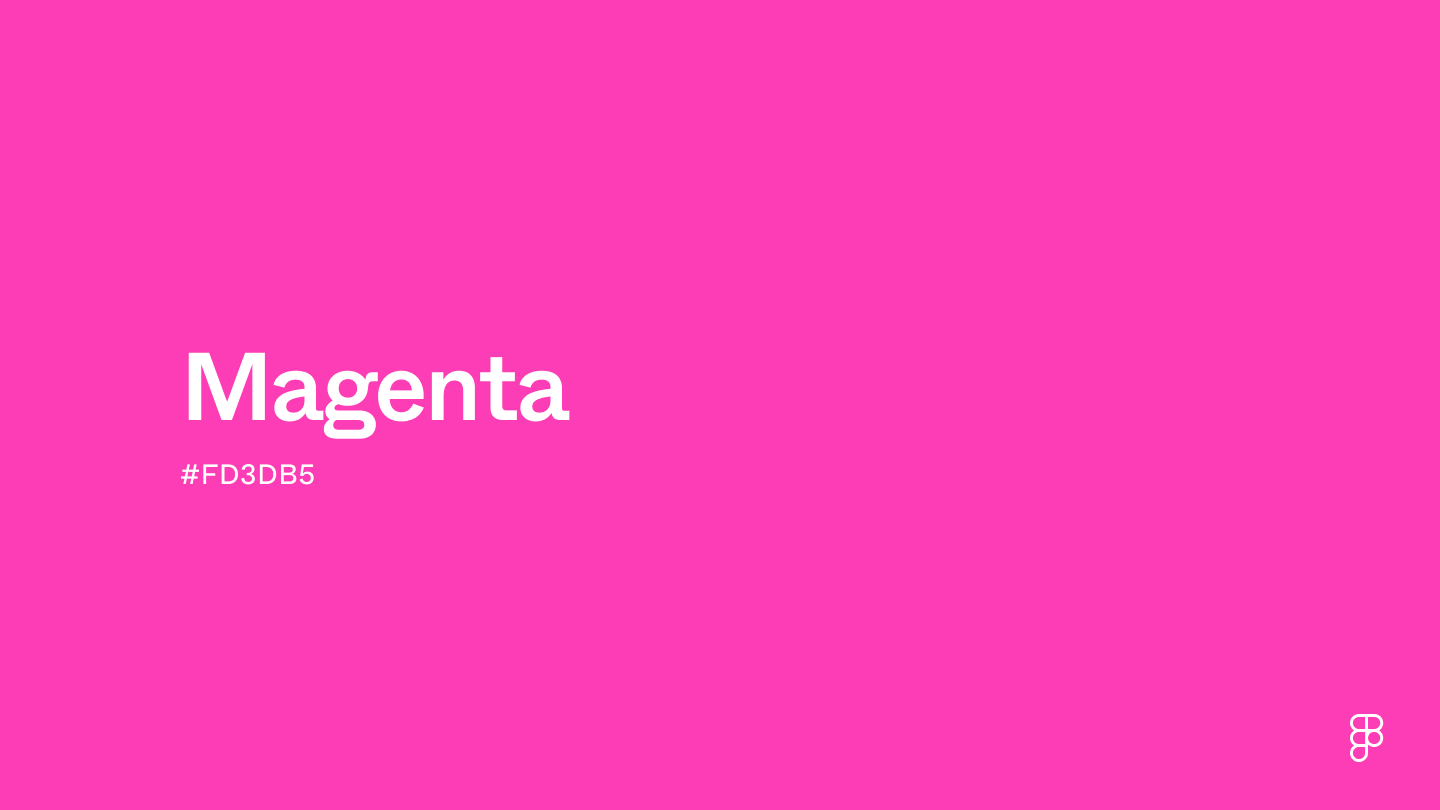
Magenta is a vibrant color that embodies cheerfulness, creativity, and innovation. Positioned between purple and red on the color wheel, this bold shade blends the calm of blue with the intensity of red, resulting in a captivating purplish-red hue. This bold shade is also one of the four primary colors included in the CMYK color model used in color printing.

Color variations
Shades
Tints
Tones
Hues
Color harmonies
Complementary
Split
Monochromatic
Analogous
Triadic
Square
Custom palettes
Electric Nightshade
Flamingo Paradise
Space Berries
Magenta is defined by the following color codes and values to ensure consistency across various digital platforms and devices.
- HEX code: #FD3DB5
- RGB value: 99.2% red, 23.9% green, and 71% blue
Accessibility considerations play a crucial role in UX and UI design color choices. Figma offers plugins in the Community to make sure your designs meet Web Content Accessibility Guidelines.
Here are some ways to incorporate magenta into UI designs:
- Make interactive elements pop. Magenta’s bold and eye-catching color can help make toggles, input fields, and sliders easy to identify.
- Spark energy and creativity. Incorporating hints of magenta can add a creative and youthful vibe, making it a great shade for apps designed for kids.
- Enhance flat designs. Pairing magenta with other bright and contrasting colors can create a simple yet visually engaging flat design style.
Keep in mind that color and its meaning can change from culture to culture—and at any given time. If you are designing for a global audience, research color considerations for your specific regions.
For variations within the same bold spectrum as magenta, consider:
- Fuchsia (#FE3894) isn’t as saturated and has a slightly bluish undertone.
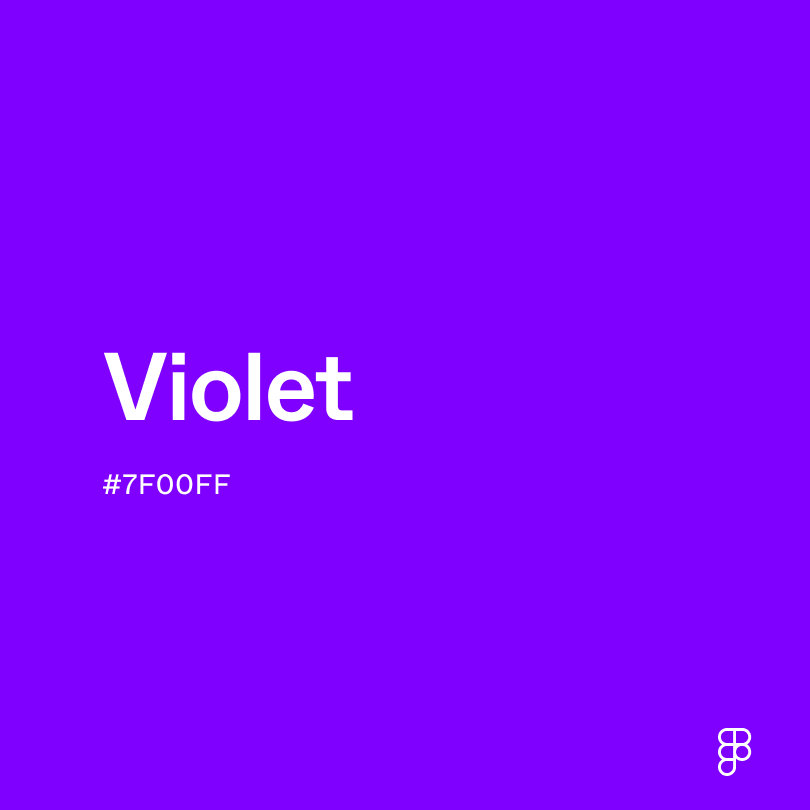
- Violet (#7F00FF) has the same striking appearance, with more hints of blue and purple.
- Rose (#FF1D8D) shares the same vibrancy, with an added softness in its pink hue.
- Raspberry (#E30B5C) captures the essence of the fruit, with rich reddish-purple undertones.
To complement magenta, consider pairing it with:
- Yellow-green (#CCFF00) sits opposite magenta on the color wheel, creating a bold and vibrant look when paired together.
- Aquamarine (#66F1C2) has cool blue-green undertones that create the perfect contrast next to magenta.
- Puce (#E491A6) is a muted pink shade that can add a touch of softness next to magenta.
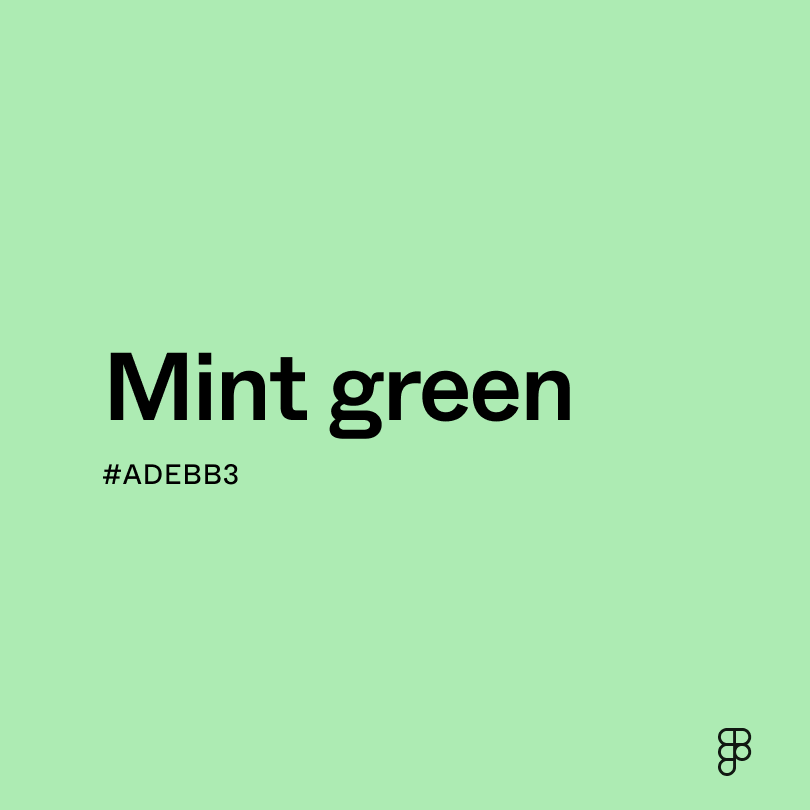
- Mint green (#ADEBB3) has calming green undertones that balance out the intensity of magenta.
Other colors worth considering include deeper red shades like maroon or crimson for a rich and luxurious color combination or purple shades with blue undertones like indigo or violet for a harmonious feel.
While magenta is vibrant, it may clash with:
- Brown (#895129) can create a muddy color scheme, disrupting magenta’s vibrancy.
- Red (#FF2C2C) offers a warmth that may clash with magenta’s cool undertones, creating a visually jarring effect.
- Cyan (#00FFFF) shares a similar vibrancy that can create visual tension.
- Olive green (#636B2F) has earthy undertones that may not harmonize with magenta’s vibrancy.
Magenta symbolizes creativity and imagination. Its vibrant hue also carries connotations of harmony and balance, as it blends the energy of red and the calmness of purple.
In color psychology, magenta’s reddish-purple undertones can evoke feelings of optimism and cheerfulness. It can also spark creativity and innovative ideas, while softer magenta hues promote empathy and understanding.
For UI designs, magenta can add pops of color that bring a creative and youthful feel to interfaces and interactive elements on a page.
French chemist François-Emmanuel Verguin created the first magenta pigment in 1859, originally called "fuchsine" after the bright reddish-purple fuchsia flowers. In 1860, the color was renamed "magenta" to commemorate the Franco-Sardinian victory at the Battle of Magenta.
Since then, magenta has been a significant shade in many artistic movements, like Pop Art and Art Nouveau. Designers and artists use magenta to bring life and vibrancy to their work.
Contrast checker
Contrast 3.23
- Large Text
#FD3DB5
- Normal Text
How you design, align, and build matters. Do it together with Figma.
| Category | ||
|---|---|---|
Fail | Fail | |
Pass | Fail | |
Pass | Fail |
Contrast 6.51
- Large Text
#FD3DB5
- Normal Text
How you design, align, and build matters. Do it together with Figma.
| Category | ||
|---|---|---|
Pass | Fail | |
Pass | Pass | |
Pass | Pass |
Color simulations
Protanopia
Deuteranopia
Tritanopia
Achromatopsia
The hexadecimal color #FD3DB5, known as magenta, has RGB values of R:253 G:61, B:181 and CMYK values of C:0, M:0, Y:0.76, K:0.01.
| VALUE | CSS | |
|---|---|---|
| HEX | #FD3DB5 | #FD3DB5 |
| RGB DECIMAL | 253, 61, 181 | RGB(253, 61, 181) |
| RGB PERCENTAGE | 99.2, 23.9, 71 | RGB(99.2%, 23.9%, 71%) |
| CMYK | 0, 76, 28, 1 | |
| HSL | 322.5°, 98, 61.6 | HSL(322.5°, 98%, 61.6%) |
| HSV (OR HSB) | 322.5°, 75.9, 99.2 | |
| WEB SAFE | #FF33CC | #FF33CC |
| CIE-LAB | 59.49, 79.628, -20.32 | |
| XYZ | 50.518, 27.561, 46.373 | |
| xyY | 0.406, 0.221, 27.561 | |
| CIE-LCH | 59.49, 82.18, 345.684 | |
| CIE-LUV | 59.49, 106.139, -44.093 | |
| HUNTER-LAB | 52.499, 79.893, -15.623 | |
| BINARY | 11111101, 00111101, 10110101 | |
| iOS - SwiftUI | Color(red: 0.992, green: 0.239, blue: 0.71) | |
| iOS - UIKit | UIColor(red: 0.992, green: 0.239, blue: 0.71, alpha: 1) | |
| Android - Compose | Color(0xFFFD3DB5) |