Add motion
Create precise animations, build out reusable motion systems, and ship dev-ready animations.
Skip to main content
Made for the big picture. Perfect down to every pixel.


Work the way you want to—whether that means building design systems, editing with AI, or fine-tuning the details.
Draw it, animate it, and make it exactly the way you imagine.
Create precise animations, build out reusable motion systems, and ship dev-ready animations.

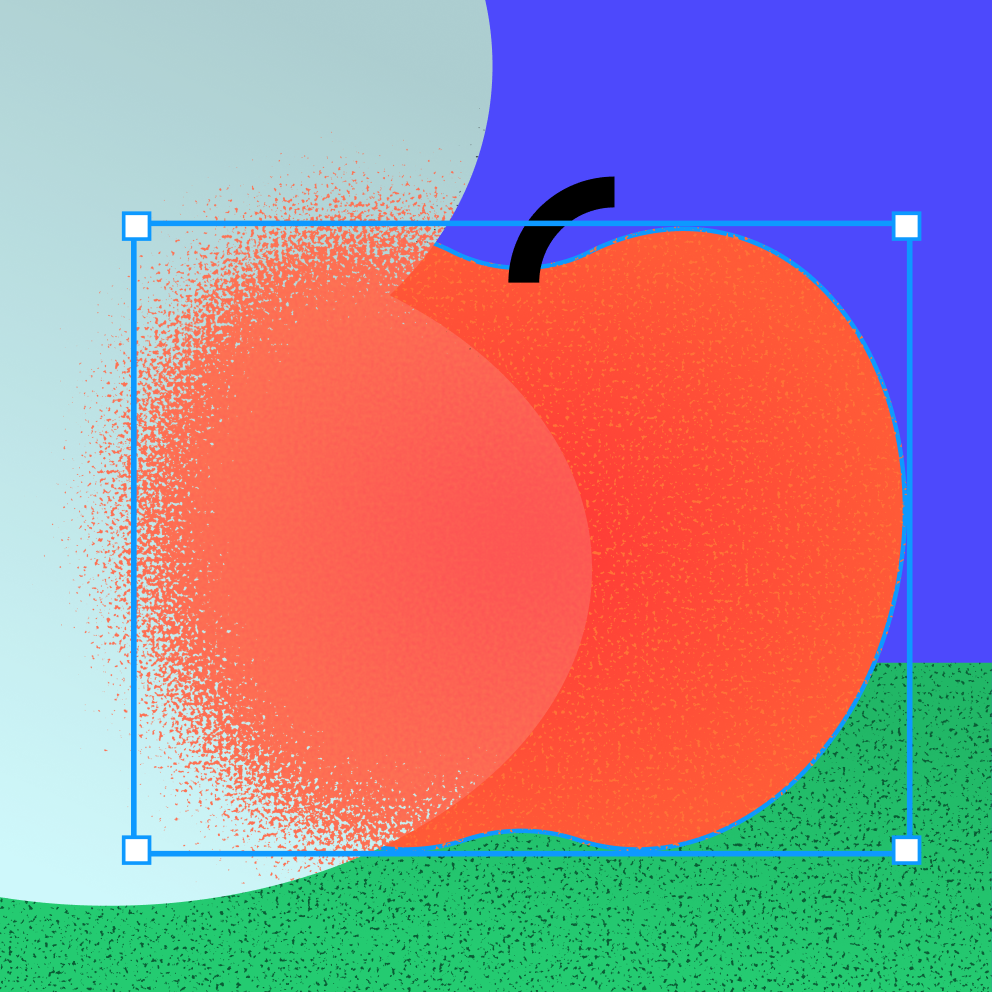
Create pixel-perfect designs with vector editing. Use vector brushes, advanced stroke settings, fills, and more.

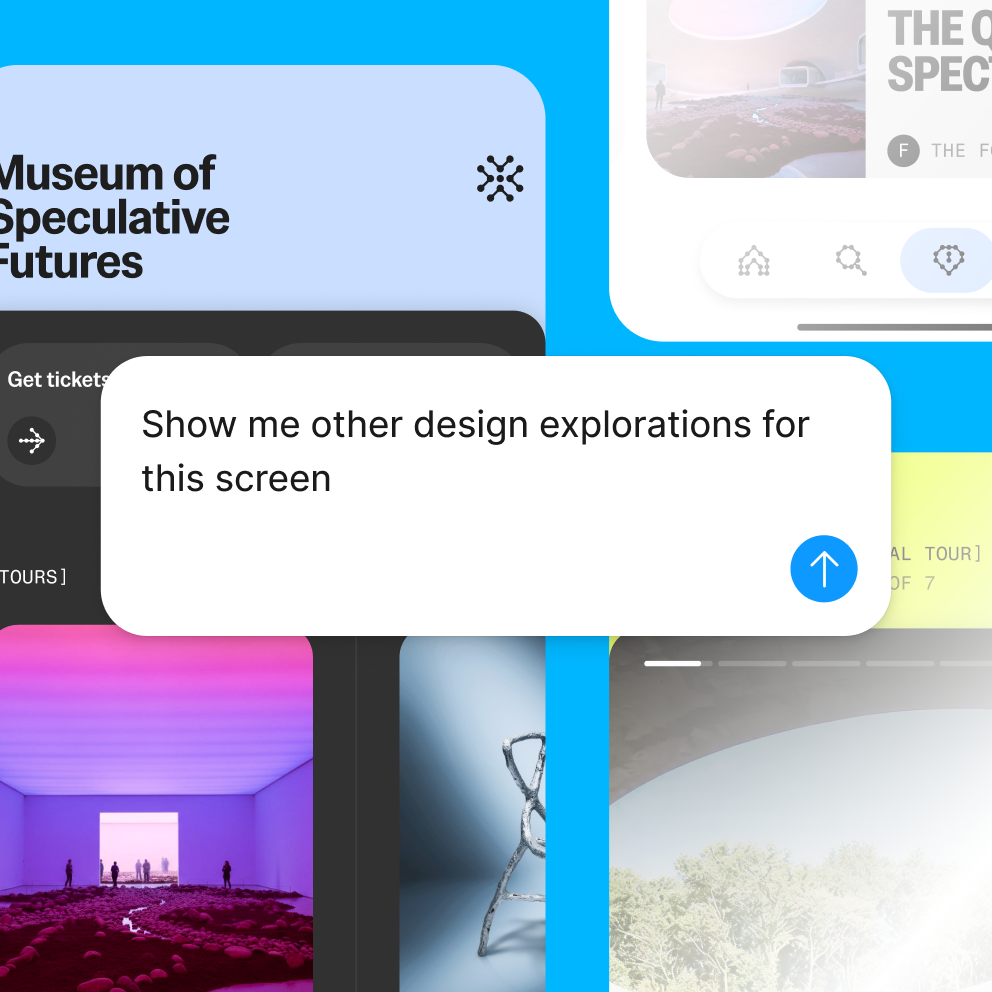
Prompt Figma’s AI agent to generate new design directions, make bulk text and image edits, and apply your design system. It’s all built right into the canvas.
Prompt your design to life. Then shape it until you have a code-backed prototype your team can see, feel, and react to.
Prompt out a high-fidelity prototype in Figma Make, then polish the details however you prefer to work—by design, code, or prompt.


Drop your prototypes into Figma Design, FigJam, and Figma Slides so your team can click through, interact, and give better feedback.
We’re all working in one place versus multiple tools. This helps with context switching and costs, but it’s mostly about speed and ease. Figma has what we need.

Head of Product Design, The Economist
95% of the Fortune 500 uses Figma
Based on data from March 2025.


Create one source of truth that lets your whole organization consistently build quality products.
Standardize styles, components, variables, and modes so that everything—from color to padding to motion—scales seamlessly across your products and brands.

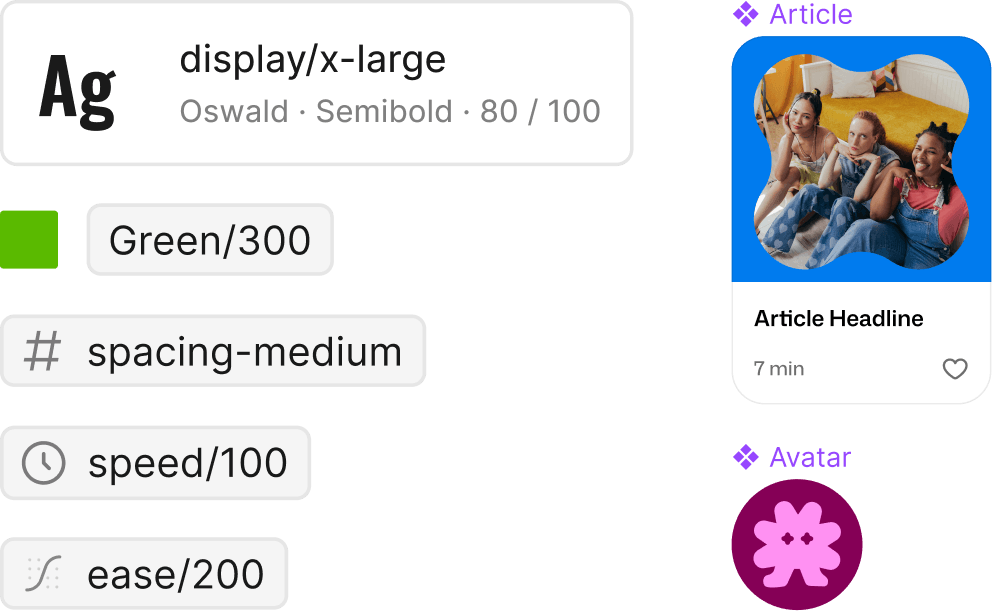
Share libraries, components, fonts, and more across your organization so everyone builds from the same foundation—whether it’s for one brand or many.
All of your designs are connected to real, production-ready code. What you intend is what gets shipped.
The Figma MCP server gives agentic coding tools design context—like variables and components—so you can create via prompt, code, or hands-on designing.
Connect your design system directly to your codebase with Code Connect, so developers get real, working code.

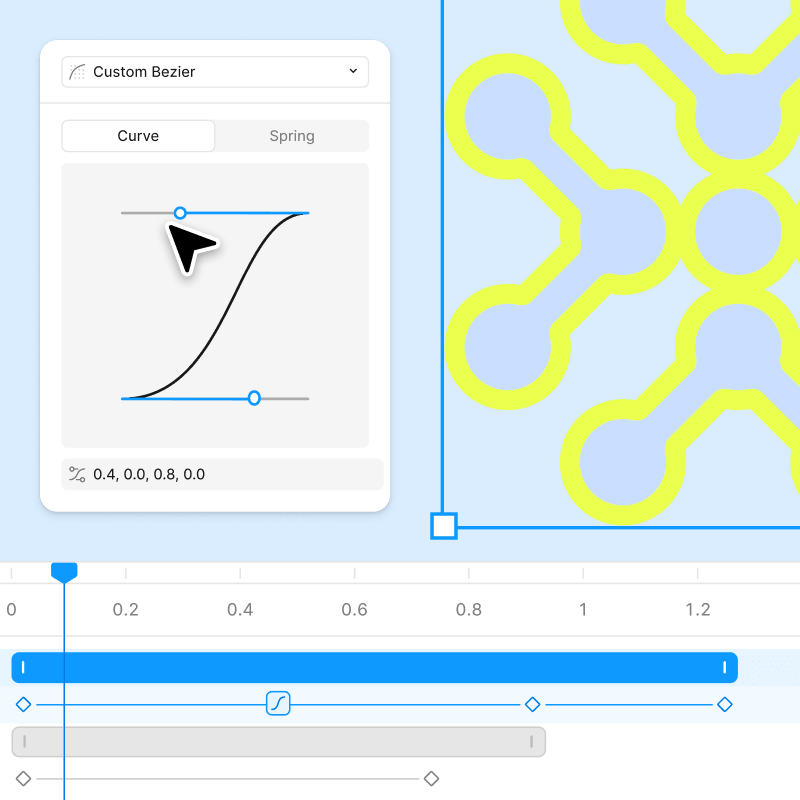
Animate with timeline control or agent assist, extend your design system to include motion, and ship with dev-ready export.

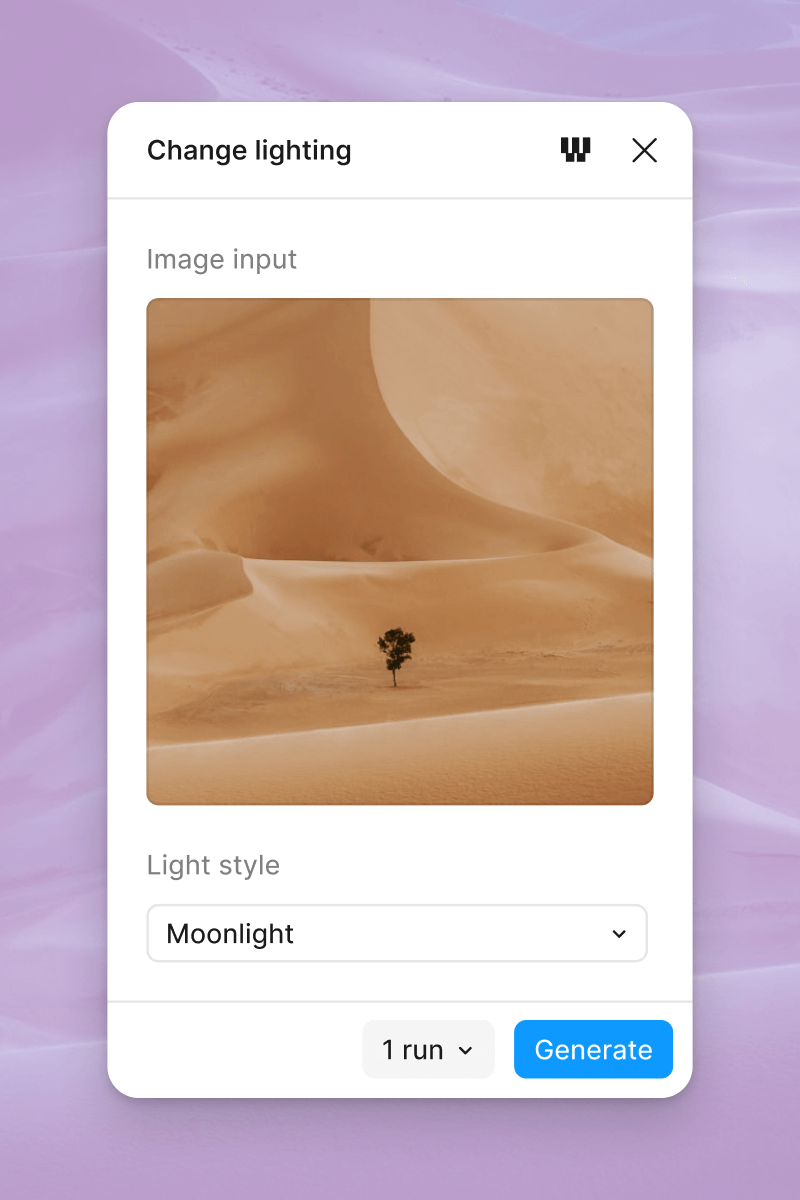
Choose from a list of pre-built AI workflows to generate images and vectors directly in Figma.

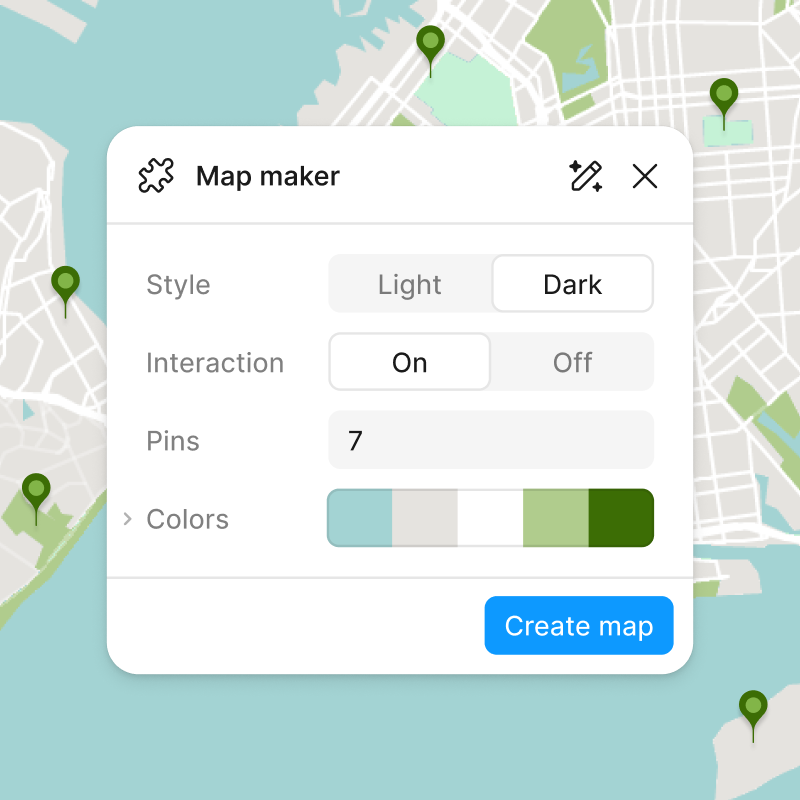
Prompt your own reusable plugins right on your canvas with Figma’s agent. They’re shareable across your organization.

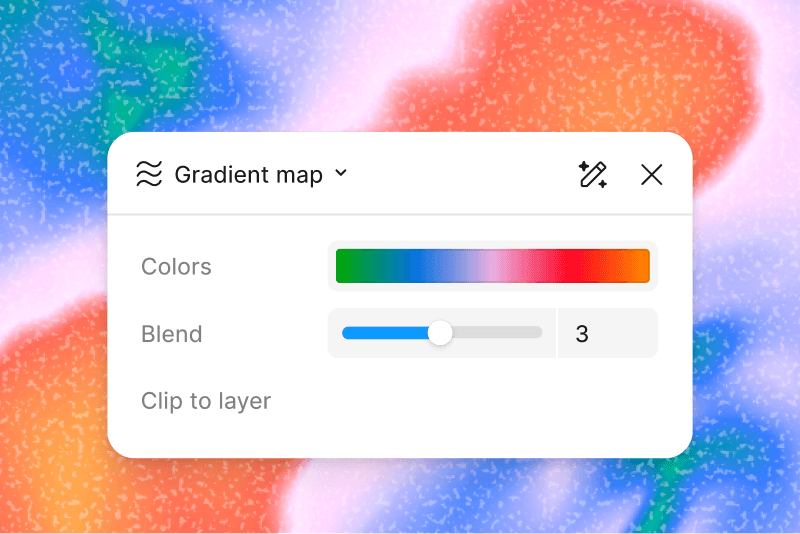
Prompt custom shader effects and fills for use in designs, with export support to Figma Make and other platforms via the Figma MCP.
Collaborate with an agent to generate and remix designs, automate busywork, and get design feedback.
Connect Figma to external tools so AI agents can read, reference, and act on your designs as part of your workflow.

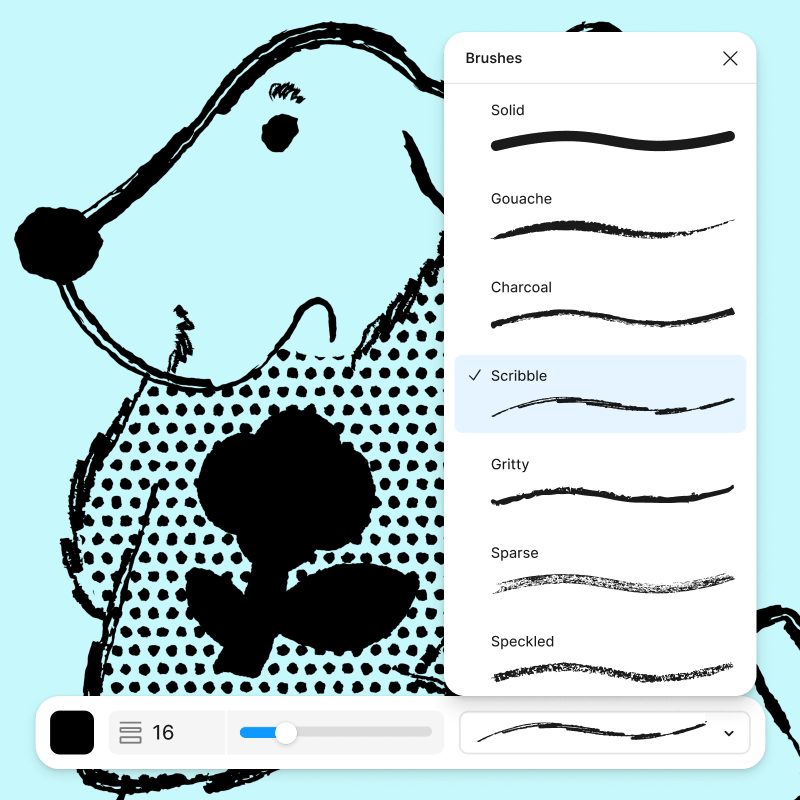
Paint and add hand-drawn detail directly in your design file with brush tools that create organic, textured strokes.
Add depth and detail to any design with effects like shadows, blur, noise, texture, and glass.
Create custom icons, illustrations, and shapes with a full set of vector drawing and editing tools.
Convert any flat, static image into an editable, scalable vector in seconds.
Build reusable UI elements once and use them across your file, keeping designs consistent and easy to update.

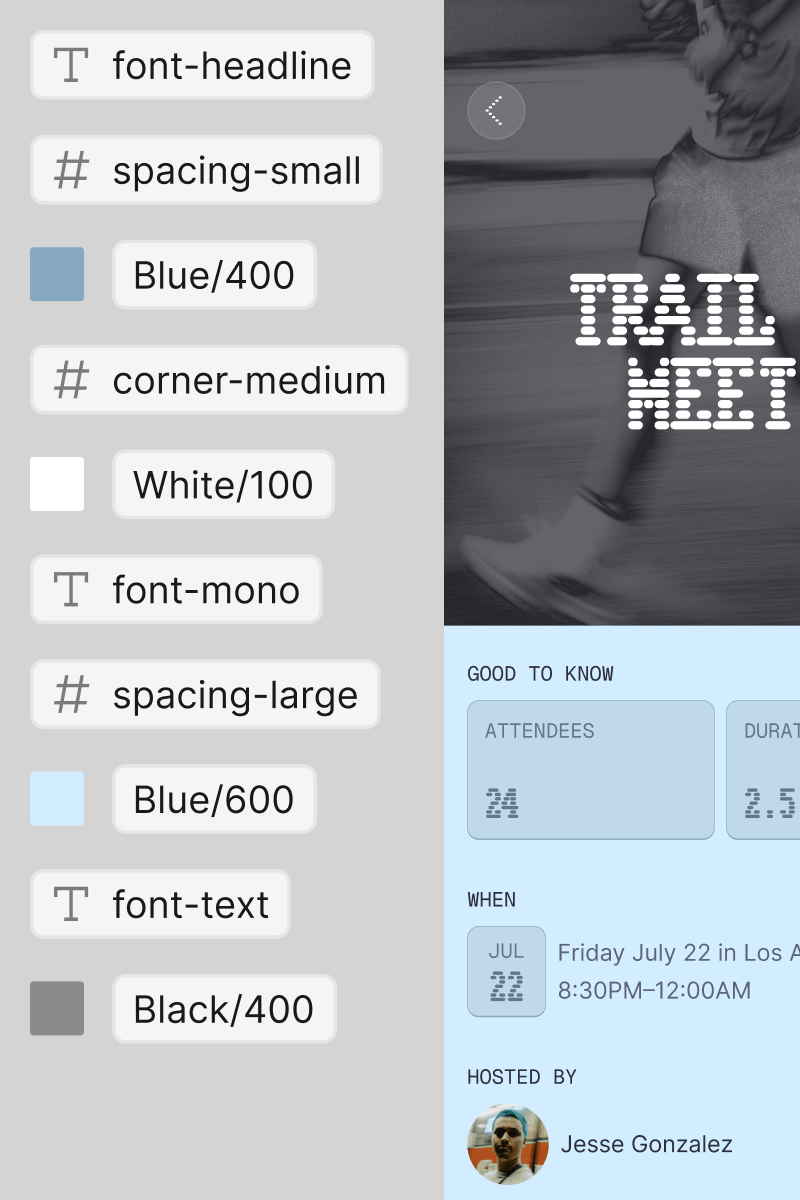
Apply reusable values for color, spacing, text, and more so changes update at scale across all designs.
Customize components—like menu dropdowns, modals, and cards—without detaching, so content can flex without breaking structure.

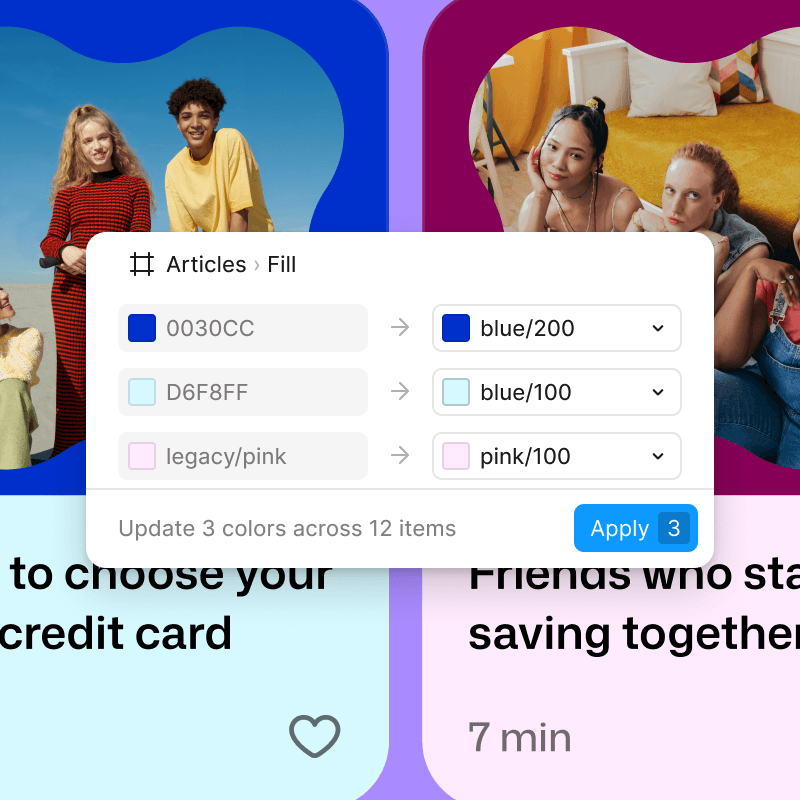
Compare your designs against your design system, see what's off, and apply the correct fix in one click.

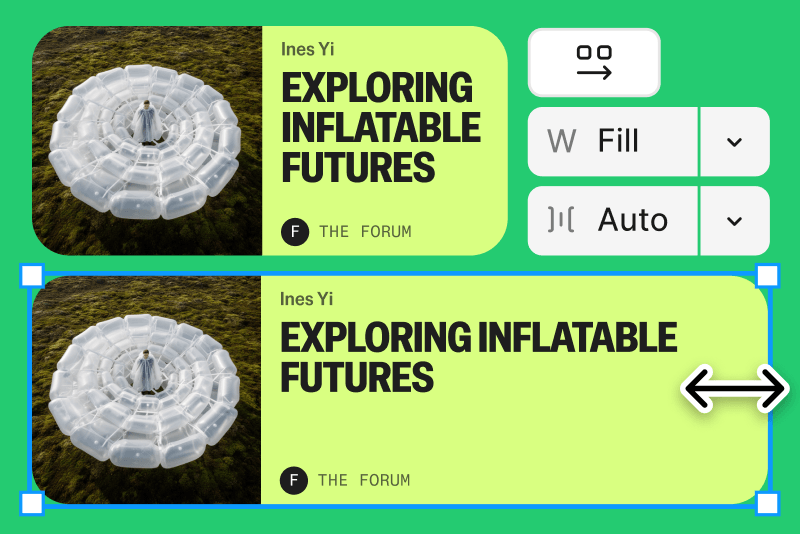
Build frames that resize and reflow automatically as content changes, so your designs adapt without manual adjustments.

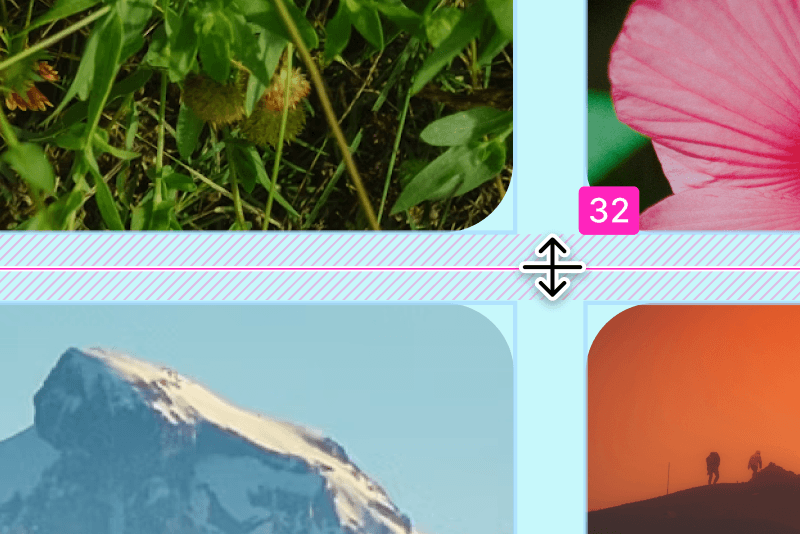
Build flexible layouts like bento, card, and galleries with precise control over spacing, sizing, and structure.
Select and edit multiple objects across frames and component sets all in one go.
Work on design changes in an isolated branch and merge them back when ready, without disrupting the main file.
