Dev Mode

Development and design,
connected at every step

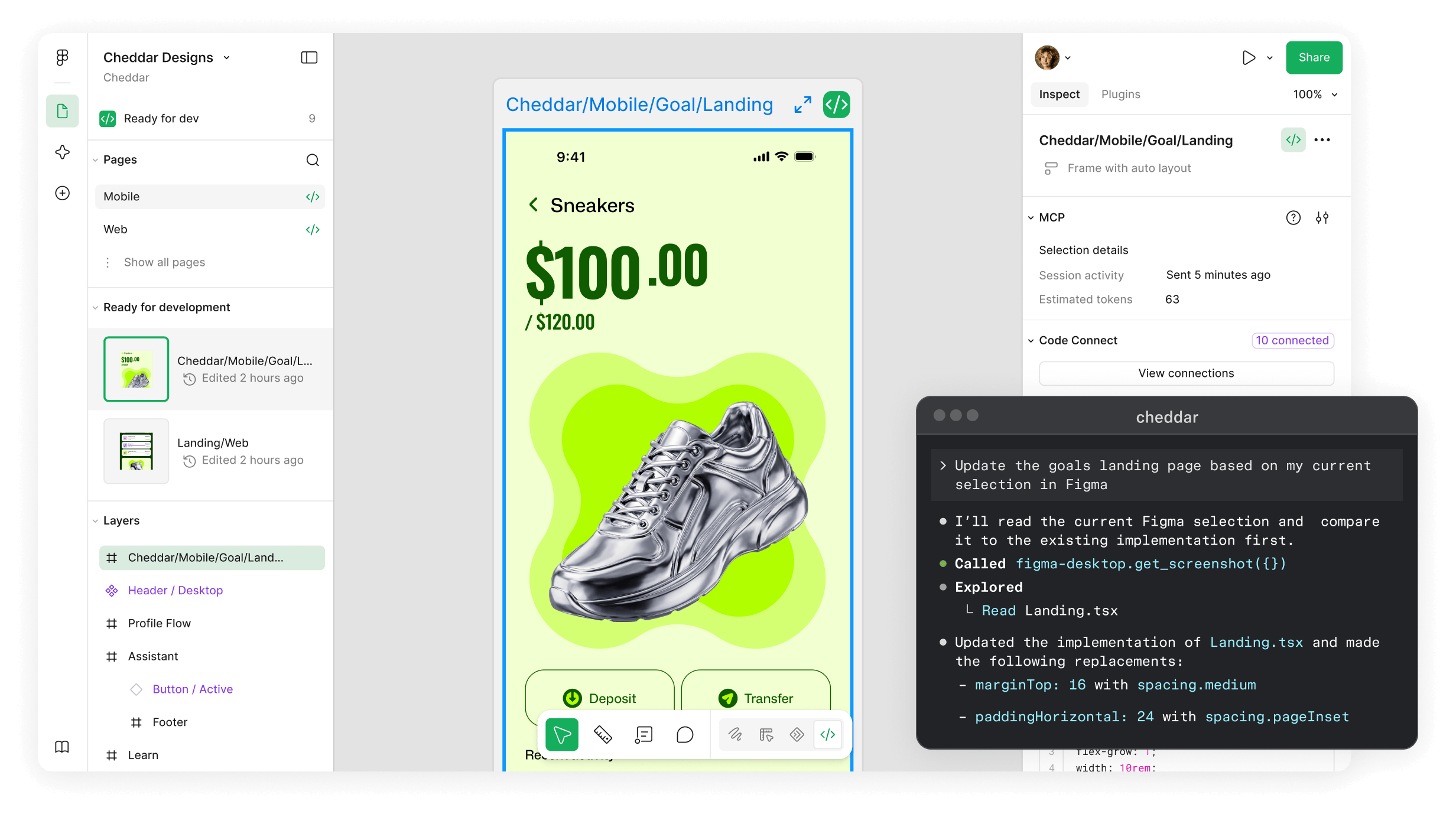
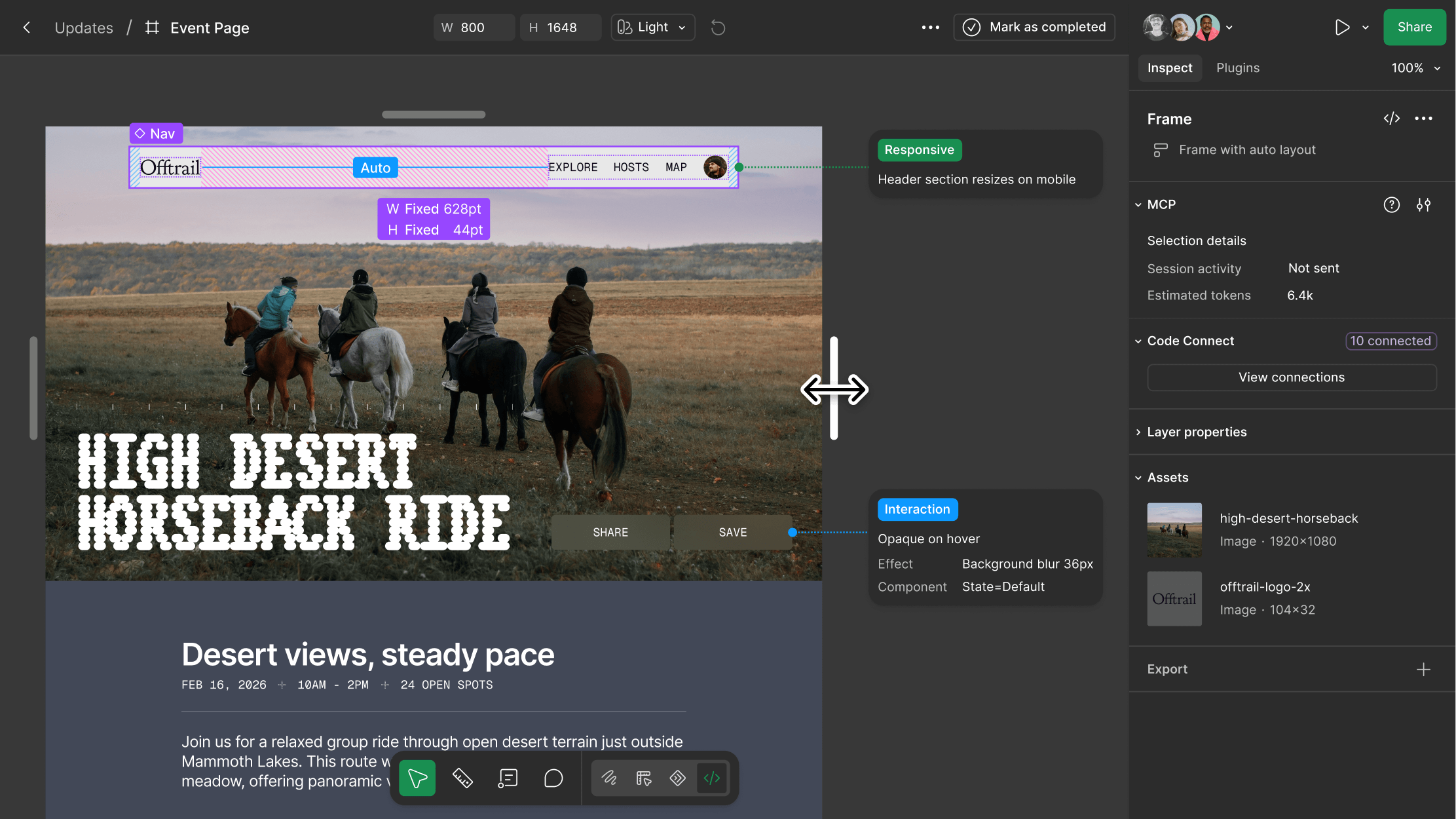
A mobile image of a silver sneaker is in the middle of the Figma canvas. A popup next to it signals that the image is being used to give context to a landing page via Figma's MCP server. The server creates a connection between Figma and a codebase, so Figma files are automatically turned into code components. A mobile image of a silver sneaker is in the middle of the Figma canvas. A popup next to it signals that the image is being used to give context to a landing page via Figma's MCP server. The server creates a connection between Figma and a codebase, so Figma files are automatically turned into code components.

The Figma MCP server pulls design system components right into your codebase.

Go from canvas to code—and code to canvas.

Move fluidly between different parts of the production process so you close the gap between design intent and code.

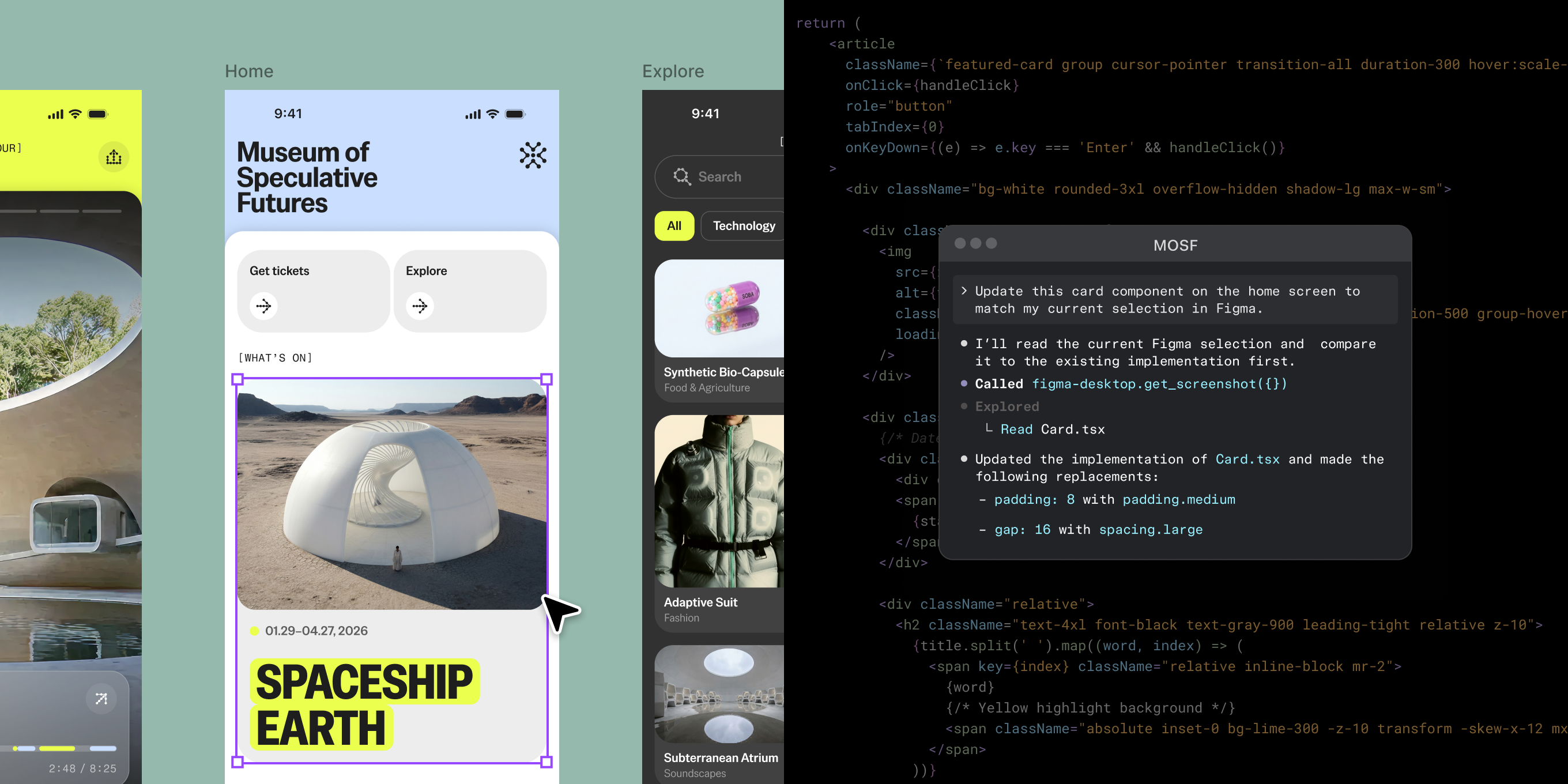
A mobile app for a museum side-by-side with code for that specific designA mobile app for a museum side-by-side with code for that specific design
  • Figma MCP server

    Give AI agents access to structured design context so you generate accurate, design-informed code.

  • Write to canvas

    Create working Figma designs right from your AI agent. They’re editable, so your team can tweak on canvas.

  • Connect code and design

    Map design components to real production components. That way, new code uses your actual system.

  • Code syntax in variables

    Represent variables in code for easier implementation. The variable’s code snippet will appear when inspecting.

The products you love are designed in Figma

With Dev Mode, we’ve also had a big mindset change. It’s helping designers and developers speak the same language, and helps us rethink the process of how they build products.

Andrei Garcia

Director, Design Systems, HP

  • 90%

    90% of devs saw work quality improvements

  • 1.5 hr

    1.5 hours of work saved per week

  • airbnb logo
  • atlassian logo
  • dropbox logo
  • duolingo logo
  • github logo
  • microsoft logo
  • netflix logo
  • pentagram logo
  • slack logo
  • stripe logo
  • the new york times logo
  • zoom logo

Stay in sync without having to meet.

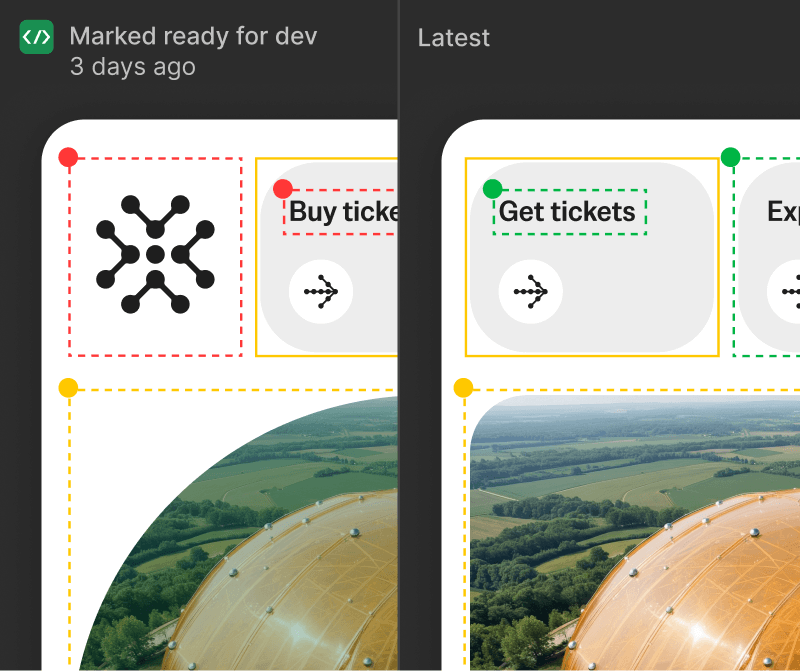
Turn code into reviewable visuals, track when designs are ready for dev, and see all updates in a feed made for developers.

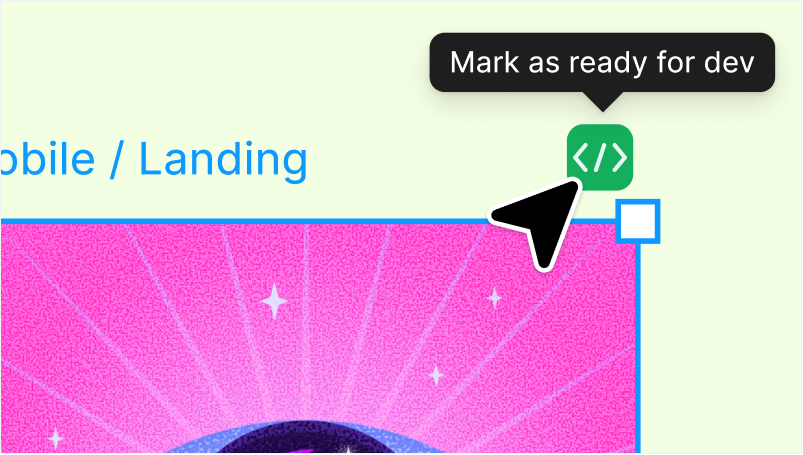
  • A finished webpage is ready for development. The cursor hovers over a button marked "Mark ready for dev." A finished webpage is ready for development. The cursor hovers over a button marked "Mark ready for dev."

    Dev statuses and notifications

    Track when designs are ready for dev. Get notified when statuses change or designs are updated.

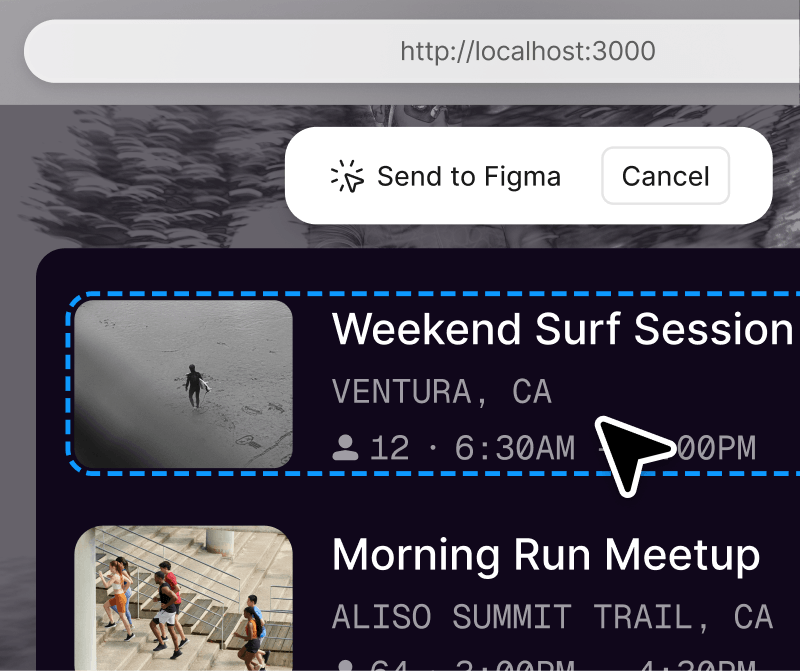
  • A designer created an outdoor activities website using code Their cursor is hovering over a UI card, and they're getting ready to send it to Figma for review and direct editingA designer created an outdoor activities website using code Their cursor is hovering over a UI card, and they're getting ready to send it to Figma for review and direct editing

    Code to canvas

    Turn live UI into an editable Figma file so designers can review in context.

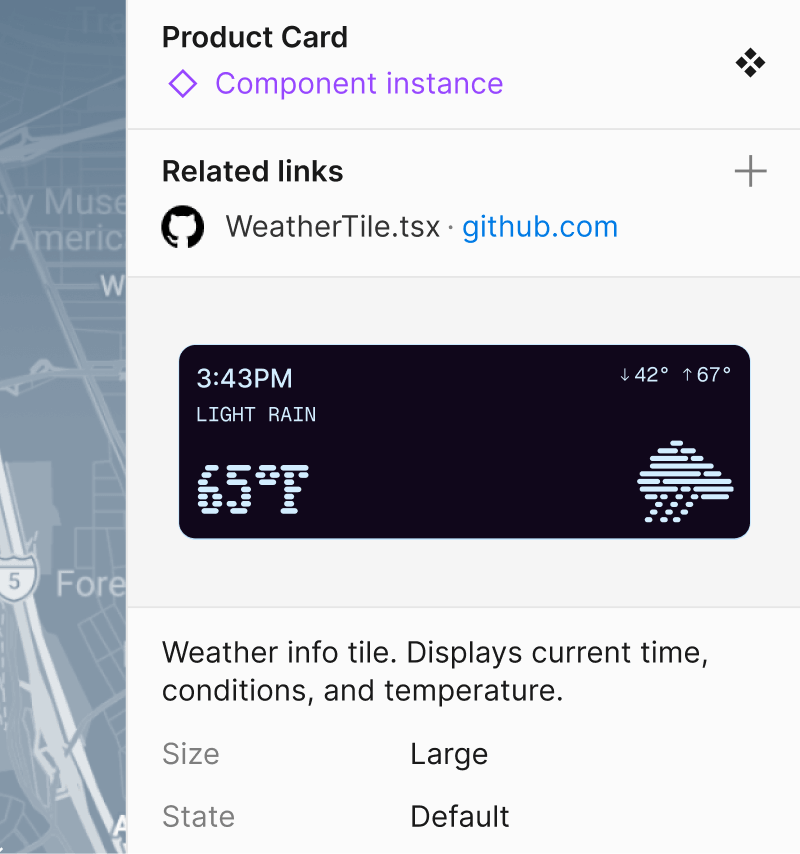
  • A developer is connecting a Github file directly to a piece of UI showing the weather forecast. A developer is connecting a Github file directly to a piece of UI showing the weather forecast.

    Dev resources

    Link GitHub files, Jira tickets, and Storybook stories directly to layers.

Find the details you need to build, fast.

Understand the structure behind every design. Experiment, test, and code without affecting the design file.

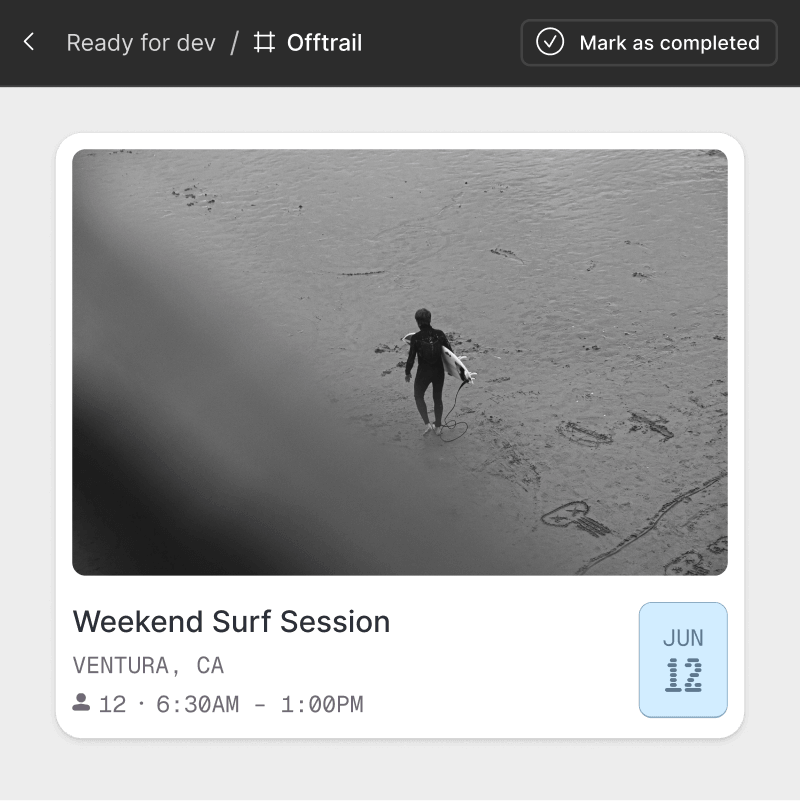
  • A developer is in Dev Mode, where they're viewing a UI card in focus view, so they don't see anything else on screen. A developer is in Dev Mode, where they're viewing a UI card in focus view, so they don't see anything else on screen.

    Focus view

    Get an isolated view of the frames you're building, filtering out the rest of the canvas.

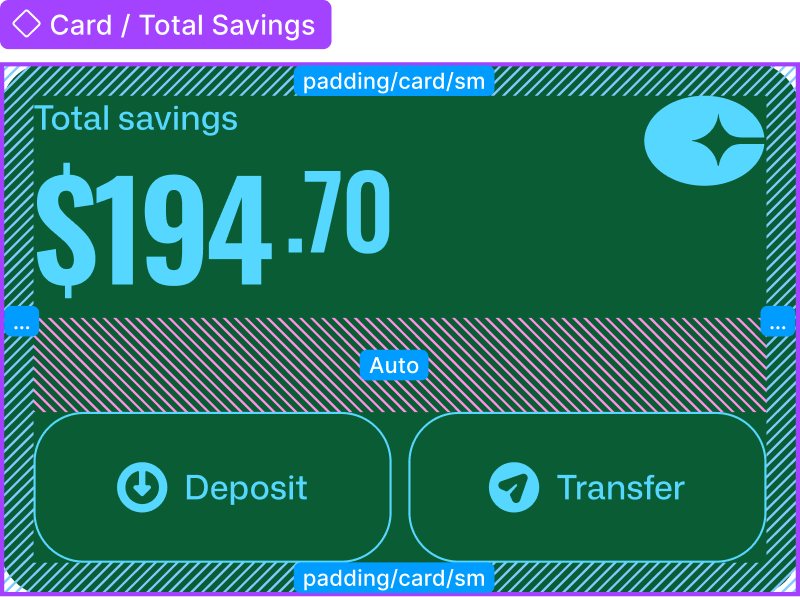
  • A finance app product screen is being inspected, which shows the specific component type and padding. A finance app product screen is being inspected, which shows the specific component type and padding.

    Advanced inspection

    Access code snippets, component properties, and structured layer data directly from the canvas.

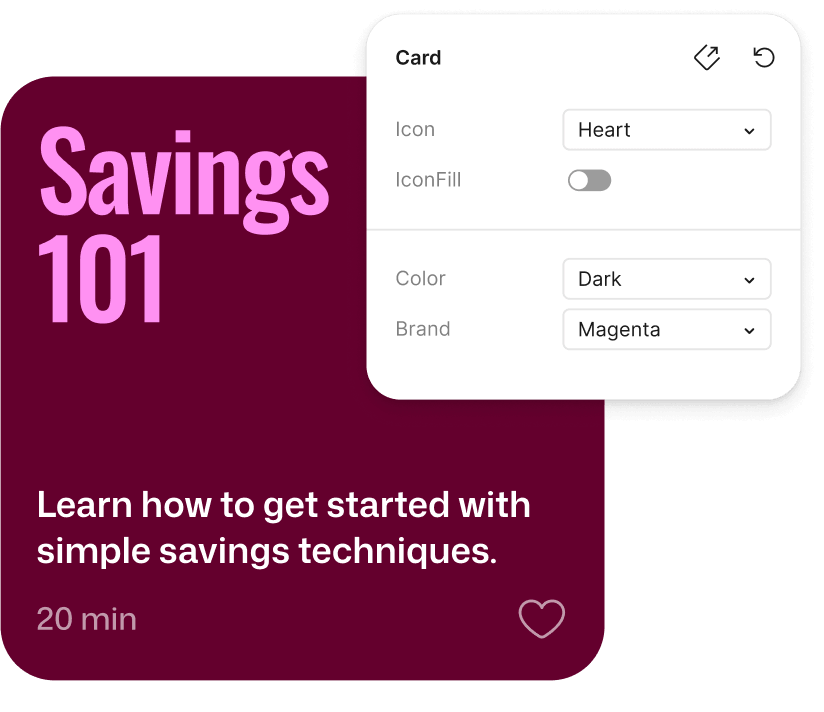
  • A product screen with an overlay of all the components available to the developer, like dark mode and the brand colorA product screen with an overlay of all the components available to the developer, like dark mode and the brand color

    Component playground

    Explore component properties and variants interactively. Know which component to use and how to use it.

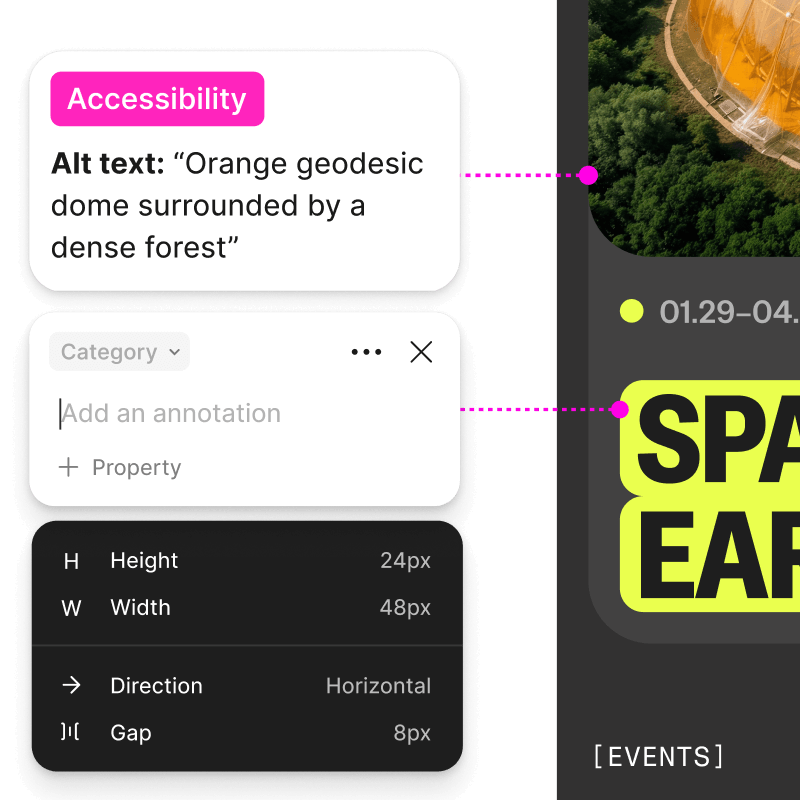
  • An annotation attached to a product screen is marked with an accessibility tag, and includes the alt text for the product screen image of a dome surrounded by forestAn annotation attached to a product screen is marked with an accessibility tag, and includes the alt text for the product screen image of a dome surrounded by forest

    Annotations

    Developers can retrieve variable, property, and measurement information for specific layers.

  • react logoreact logo
  • swift logoswift logo
  • open ai logoopen ai logo
  • claude logoclaude logo
  • codex logocodex logo
  • cursor logocursor logo

Work with your favorite agentic tools in Figma