Google Display Ad Size Guide


Share Google Display Ad Size Guide
Explore more from
Social media guide
Make Social Media Work Smarter, Not Harder
Transform posts into lasting growth with Figma Buzz.
Google display ads are one of the most valuable ways to reach customers. The sheer reach of Google’s network, combined with the ability to customize design and targeting allow you to convert your audience at scale.
But even with the scale of Google’s network your audience is likely inundated with ads across platforms and it’s important to set your ads apart. In this post, we’re sharing best practices for designing and sizing Google display ads to capture your audience’s attention and drive conversion.
Designing Google display ads
The core advantage of display ads over AdWords is that you’re able to reach 90% of people on the Internet visually, through banner images that capture your brand’s identity. Being creative with your ads is a great way to shine through the chaos of the Web, but it’s important to keep Google’s best practices in mind as well when you’re building great display ads.

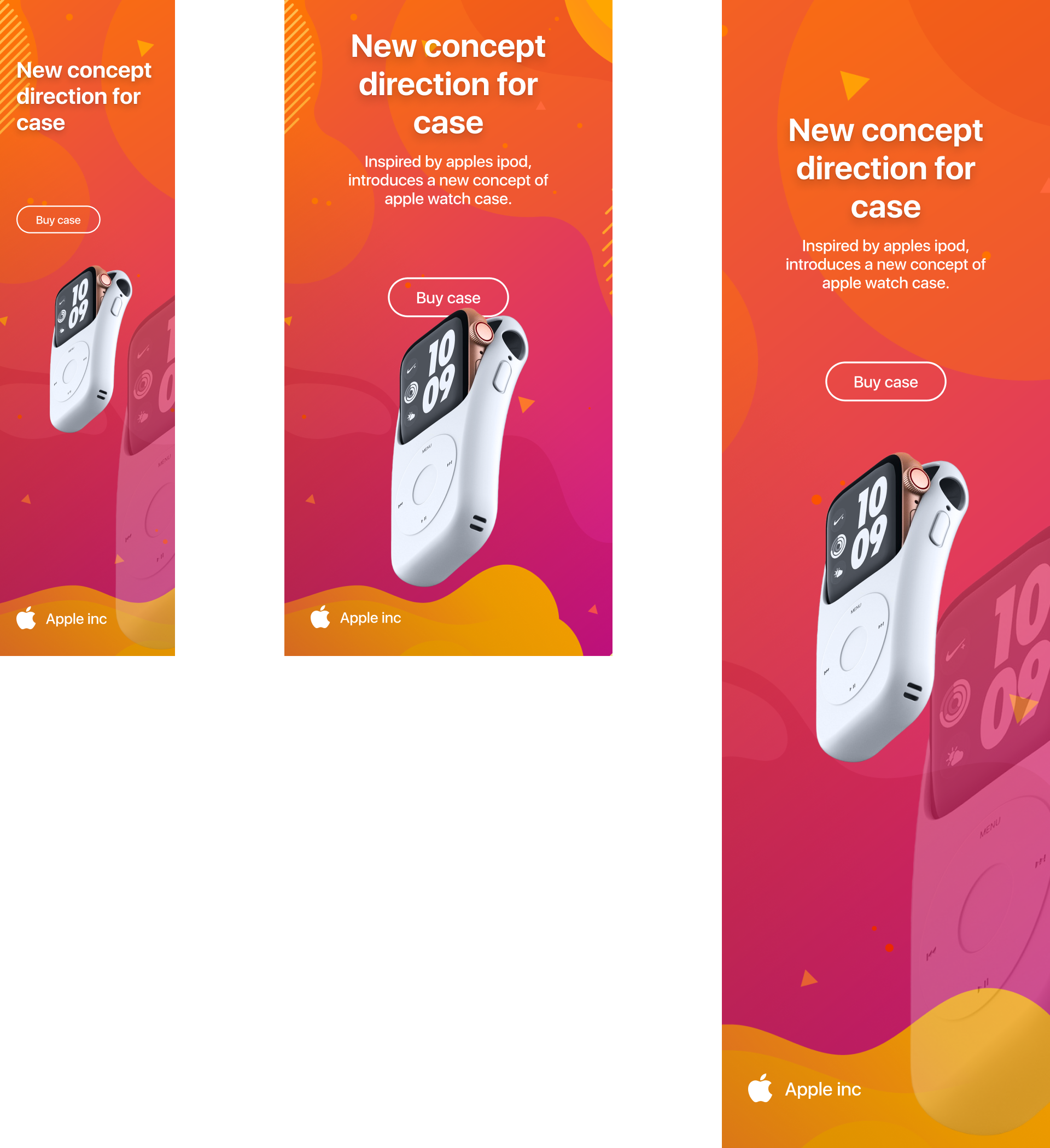
Make sure to keep your branding elements consistent throughout your ads so the audience can continue to build awareness and familiarity with your brand over time. Beyond that, your ad needs to be as clean as possible. For starters, make sure text doesn’t cover more than 20% of your image and make sure your ad does not have a white background, as it will blend into the website it is displayed on. Ideally, your ad should use a crisp image that keeps your product in focus, without large CTAs or buttons that distract from the core message.
Google restricts the maximum file size to 150 kb, regardless of image dimensions. Google only accepts images in PNG, GIF, or JPG formats. You can also export AMP HTML/HTML formats directly from Figma in seconds using a plugin like Bannerify.
Dimensions matter
When you’re creating your display ads, it's important to keep in mind one thing: dimensions matter. If you don’t supply Google Display Network with all the requested desktop and mobile sizes, they may artificially resize your ads. To get the best results for your campaign, make sure to include all ad sizes.
Mobile display ad sizes

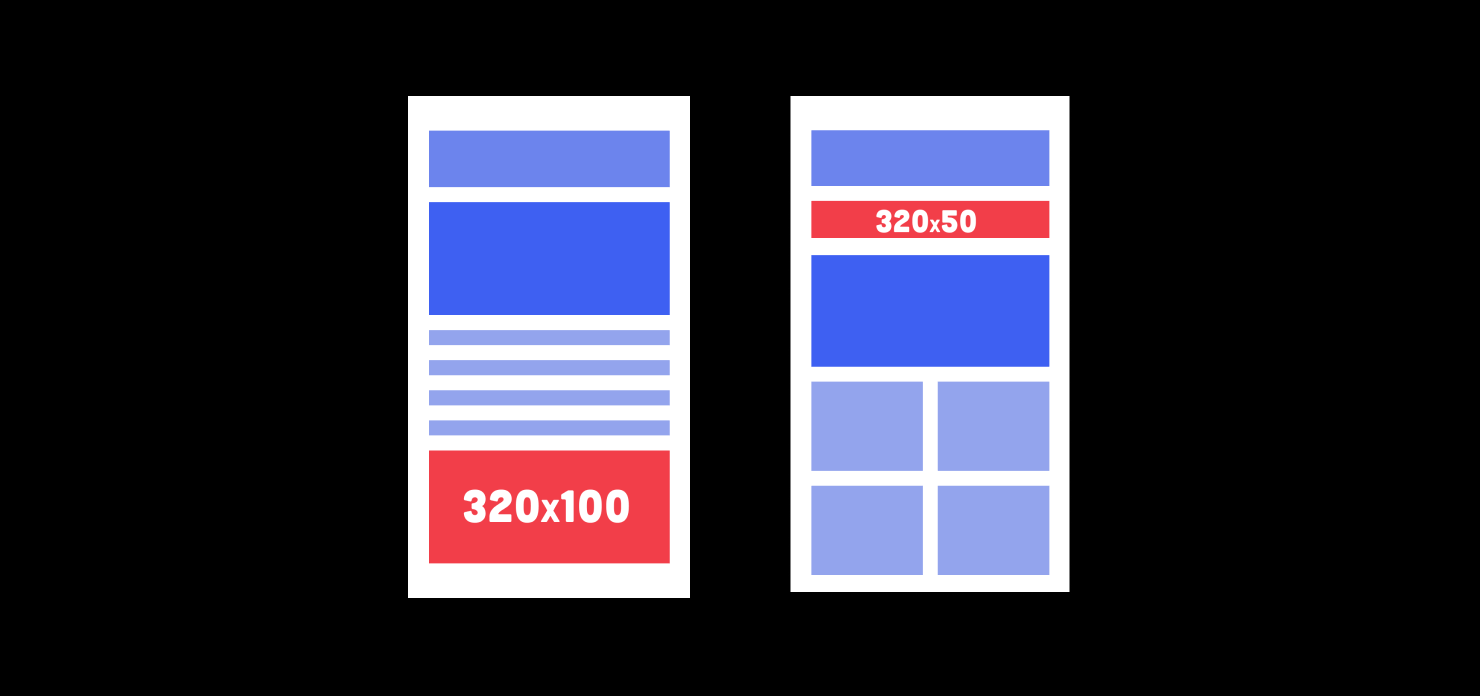
The best performing Google Display Network ad sizes for mobile ads are 300 x 250 pixels (Medium Rectangle), but we recommend that you optimize for 320 x 50 px (Mobile Leaderboard), 320 x 100 px (Large mobile banner), 250 x 250 px (Square), and 200 x 200 px (Small Square) as well.
Design your next big mobile ad campaign in Figma. Get started for free today, and launch campaigns quickly with our pre-sized Mobile Google display ad templates.
Desktop display ad sizes
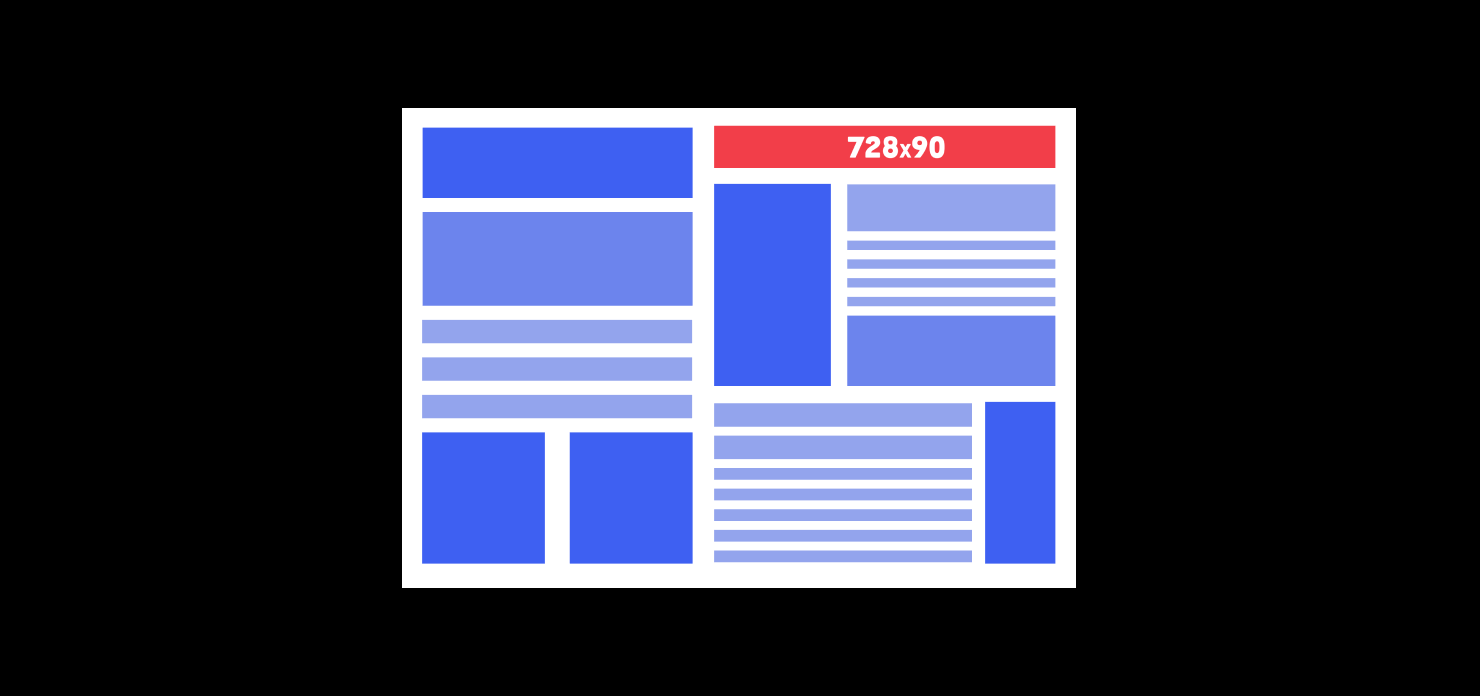
When building desktop google display ads, we recommend 300 x 250 pixels (Medium Rectangle) as well, but you should also optimize for 336 x 280 px (Large Rectangle), 728 x 90 px (Leaderboard), 300 x 600 px (Half-Page Ad), 160 x 600 px (Wide Skyscraper), 970 x 90 px (Large Leaderboard), 468 x 60 px (Banner), 250 x 250 px (Square), 200 x 200 px (Small Square).
Create responsive desktop display ads with our free Google display ad templates.

Making a great impression
Mobile ads allow you to reach your customers on the go, but also give you a tighter window to grab their attention. Oftentimes, a smaller screen size means giving consumers relevant information and a frictionless call to action. The goal is to maximize the brief opportunity you have to make an impression by making the ad clear and easy to understand.


To maximize your interactions with your customers on mobile we recommend highlighting a specific aspect of the products and services that you offer in your ad. Even though you have limited screen real estate, you can utilize simple and clean designs, like the example above, to promote what makes your business, products, or services unique.
Standing out amidst the noise
When targeting your audience on desktop, screen real estate is typically not your constraint. Google ads will take up a portion of your audience’s screen, meaning you have more time and screen space for your ad content. Even with the additional size, your ad needs to create a unique and memorable impression that emphasizes your value proposition.
Depending on how you structure your ad targeting your banners may be the first impression many people will have of your business. So, make sure it visually communicates how your business or product solves your customer's pain point. Designing unique ads, with concise copy, and clear CTAs makes your ads more relevant to potential customers and also increases your Quality Score.
Ready to get started?
When you’re building your campaign make sure to iterate and test different ads to find the most optimal campaign for you. With Figma, iterating on multiple ads is easy. Simply build and export your ads using pre-made Display Ads templates. Try it today by signing up for free.
More size guides

Facebook has several different image types, and each one comes with its own parameters. Here is a breakdown of each image type and size, as well as some guidelines on best practices to follow for Facebook cover photos, banners, profile pictures, and more.

YouTube
When you think of YouTube, the first word that probably pops into your mind is “video.” But static images play an important role in your YouTube profile. YouTube banners and channel art tells the story of your brand before your audience even hits play.

Instagram is an incredibly visual medium, so it’s important to really dial in on best practices when posting to the platform. Beyond filtering your posts to be aesthetically appealing, there’s more to Instagram’s visual curation than meets the eye.

Brevity is the soul of Twitter. Since you’re restricted to 280 characters, media is a great way to help you convey your message. Image and video posts give you new ways to communicate with your followers and help you stand out in a vast sea of Tweets.

You might not think of LinkedIn as an image-centric social media platform. But LinkedIn photos play an important role, and give prospective employers or clients subtle but important cues. Here are some best practices to help you make your best impression.

Besides Instagram, Pinterest is probably the most image-heavy of all social media platforms. As a result, many individuals strive to post images that are eminently pinnable. Pinterest makes their image requirements as straightforward as it gets.

Twitch
Boasting more than 100 million unique users, Twitch is no longer a niche social network. The social media landscape is always evolving, and Twitch boasts an engaged, coveted demographic of 18 to 34 yr olds, making it an attractive platform for marketers.

Soundcloud
Gone are the days of handing out your mixtape. Soundcloud has enabled musicians to build a following by putting them directly on the radar of music consumers. Create a 🔥 album cover or profile pic and step up your music marketing.