InVision taught the world to prototype. Figma puts it hand-in-hand with design.
Designers are consolidating tools so they can design, prototype, collect feedback, and handoff in Figma. Start designing on the Web today.
Why are people switching from InVision to Figma?

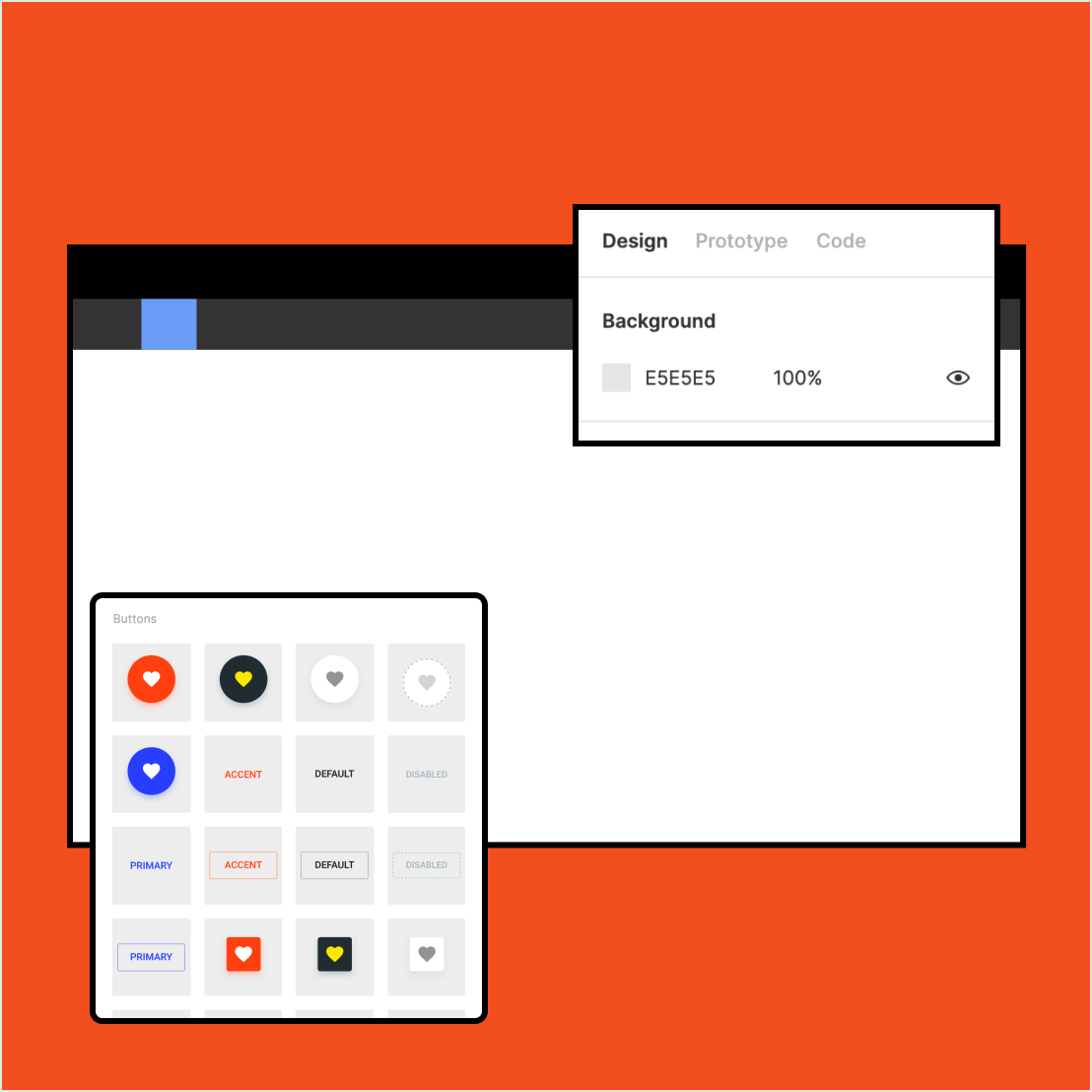
Less is more
Using InVision means you have to use Sketch, Abstract, or Zeplin too. Figma is all-in-one and gets you a lot more for a lot less.

Create together
Exporting between Sketch and InVision to gather feedback is exhausting. In Figma, design files, prototypes, and comments are all in one place.

Design at scale
Design systems should live where you design, not in a separate app. With Figma, you can easily share libraries and improve components with built-in analytics.
We’re constantly building, testing, and iterating. Being able to pull together a prototype in Figma so quickly and easily is massive for us.
Senior User Researcher, Bulb
Wait, can Figma really replace Sketch, InVision, and Zeplin?
Figma is built for your entire product design workflow. Create and collaborate on a design file. Prototype interactions. Share a link to your file or prototype. Gather feedback via comments. And grab all the code snippets and specs you need for development.

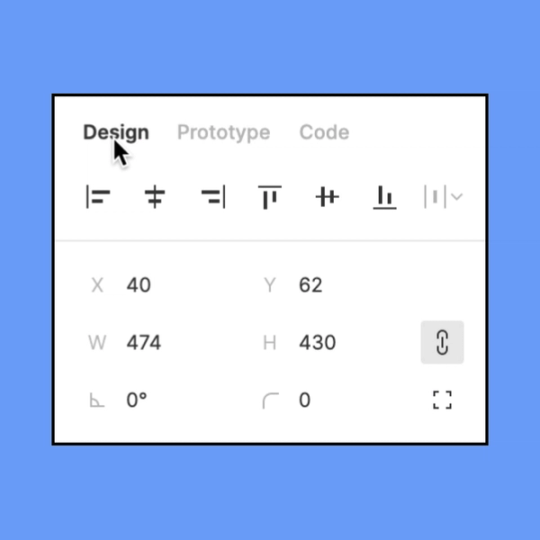

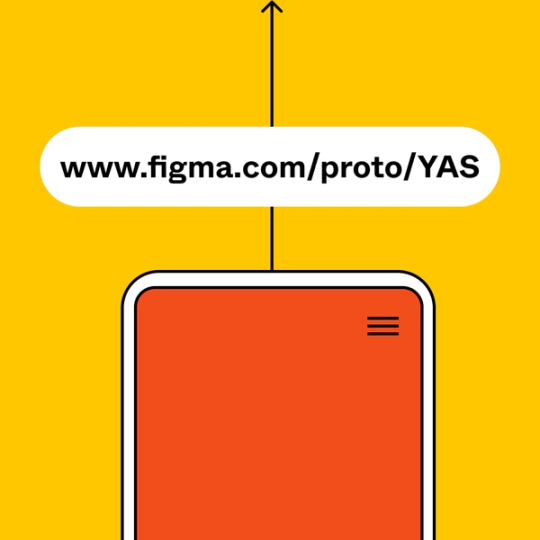
But with InVision, all I have to do is send a link…
With Figma, you can do that too. And it’s even better because the comments you get on your prototypes appear in your design files in real-time, eliminating the need to flip back-and-forth to incorporate feedback. When it’s this easy to share and collect feedback, prototyping becomes part of your iterative design process, instead of being an afterthought.
What else do I get if I switch to Figma?
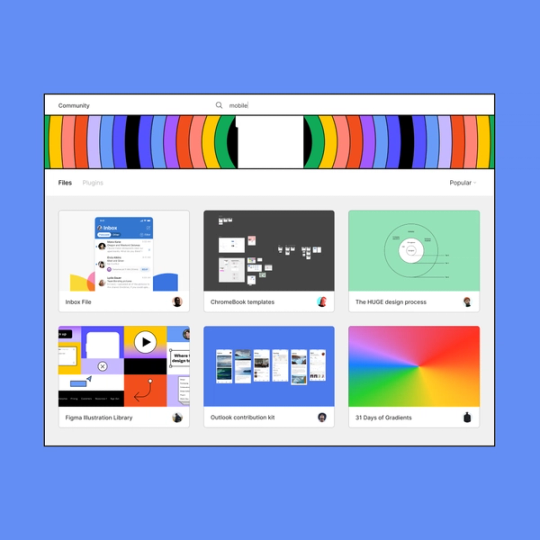
For starters, Figma’s platform is extensible and our community is awesome (if we do say so ourselves). This means Figma has the plugins you need to help you automate your work and a ton of templates and resources available through the community for you to re-use and learn from.

Ok, I’m ready. How do I make the switch?
Making the switch from InVision to Figma is easy. Start a free Figma account and give it a test drive.