How PhonePe brings speed and reliability to 700+ million users with Figma
Summary
PhonePe is one of India’s largest fintech platforms, trusted by 700+ million users and 50+ million merchants.

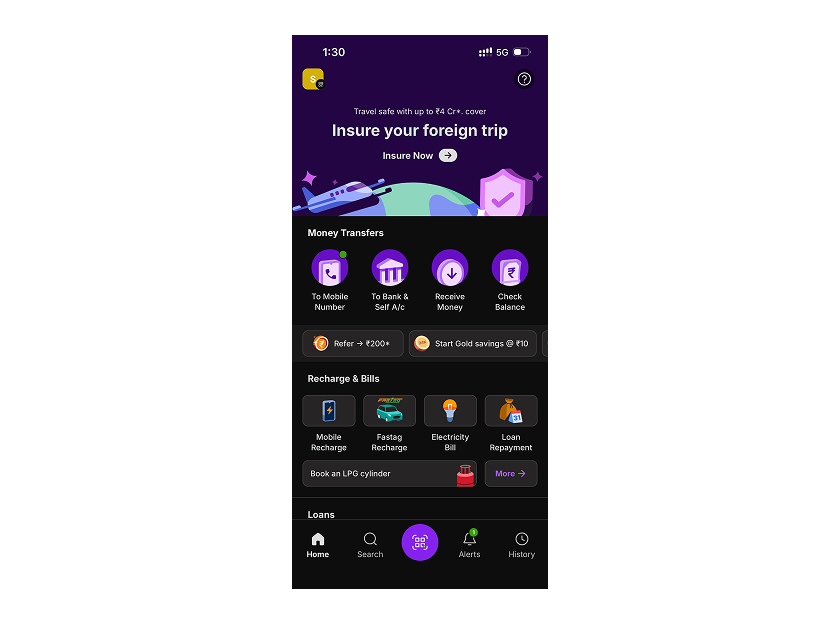
As the company scaled, its lean design team needed to move faster, stay aligned across products, and maintain a consistent user experience. By adopting Figma as its “central living system” for design and development, PhonePe streamlined cross-functional workflows, sped up handoff, and evolved its design systems with confidence across Figma Design, Dev Mode, and Figma MCP.
Today, teams go from concept to 50% clarity in just a few hours. With three design systems in place and early success with AI-driven tools, PhonePe is scaling smarter without compromising speed or quality.
Challenge: Scaling with speed and consistency
As the PhonePe Group launched new businesses like Share.Market and the Indus Appstore, collaboration grew more complex. With more teams and 700+ million users, keeping design, strategy, and development aligned became increasingly complex.
The team needed a more connected, scalable way to maintain consistency without sacrificing speed. Centralising design and documentation in one place became essential to help teams work more efficiently and spend less time tracking down information.
Collaboration and consistency had long been areas the design team was working to improve. As the organisation matured, clearer processes and standard ways of working began to take shape, helping teams maintain consistency across products.

Solution: Three design systems, one shared language
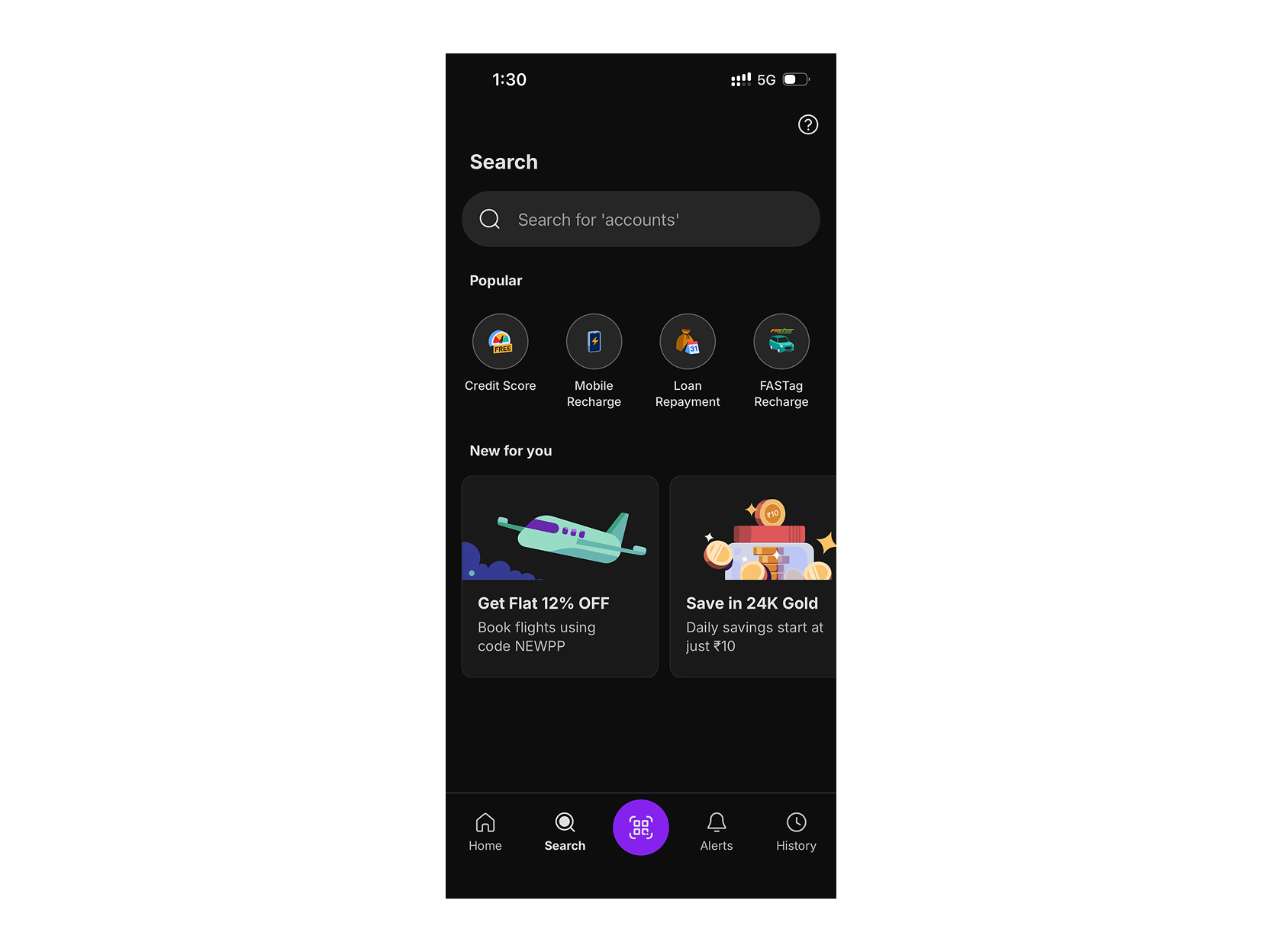
To support their growing ecosystem, PhonePe runs three design systems. The most mature one powers its flagship consumer app, while two newer systems support businesses like Share.Market, offering more room to experiment as those apps evolve.

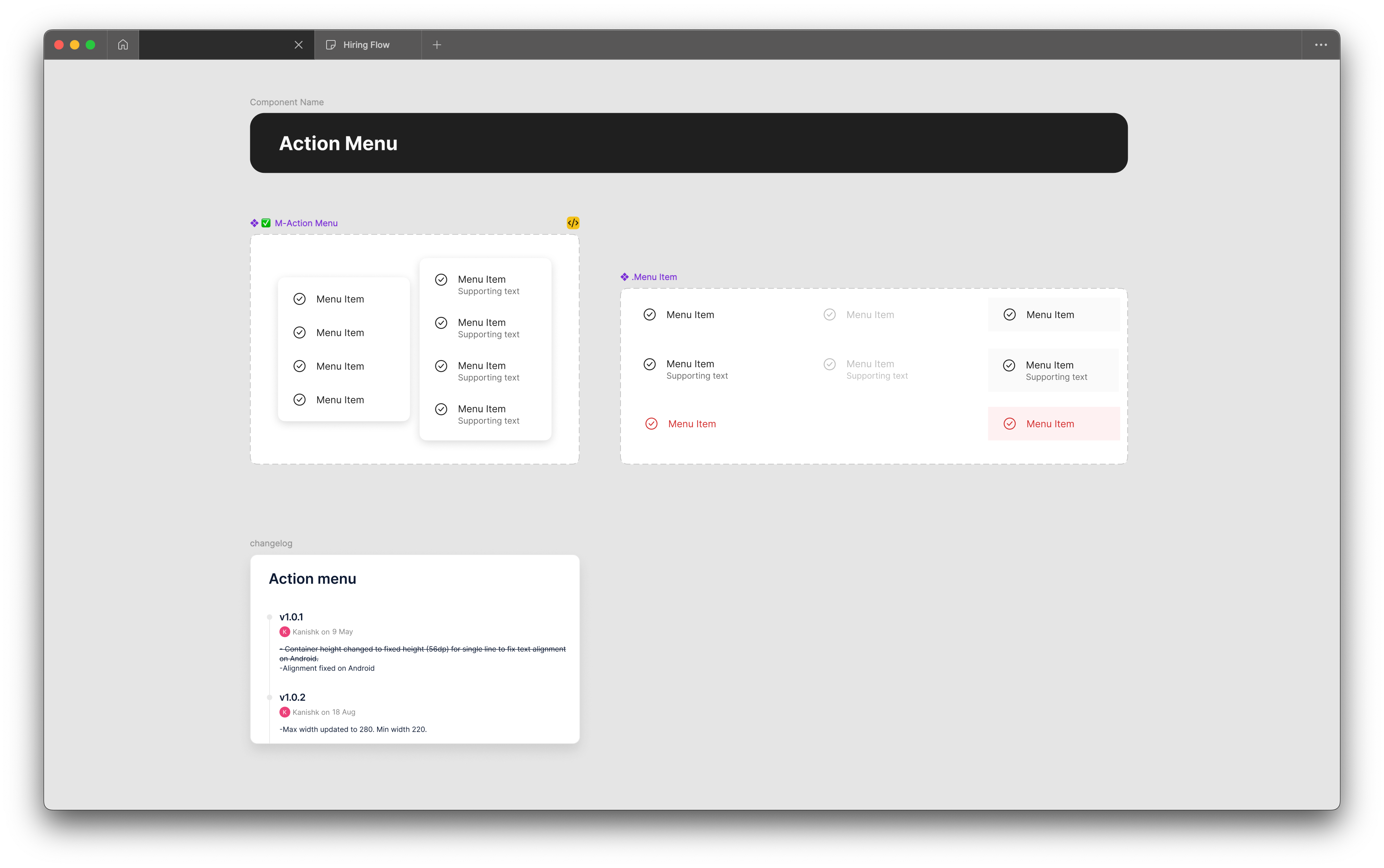
Figma became the single, shared space where PhonePe’s design systems live, bringing together components, tokens, icon libraries, and documentation. With everything in one place, design and engineering teams could stay aligned, move faster, and keep quality high.
Figma gives the team a single source of truth for our design system. Everyone knows where to find it and what lives there. So when someone’s looking for the latest version of anything, that’s the first place they would go.
— Rahul Gonsalves, Head of Design, PhonePe
Despite its differences, all three design systems are built on a common foundation on Figma: structured processes, shared design tokens, and scalable documentation. This consistency gives teams a shared language—accelerating handoff, reducing guesswork, and helping everyone build great products.
Having the design tokens in place helps a lot because now the teams are speaking the same language. All people involved know exactly what they’re talking about. We talk in terms of design tokens now.
— Sindhu Shivaprasad, Content Design & Design Communications Lead, PhonePe
Most feedback and reviews happen directly in Figma through comments and shared links, keeping communication fast and contextual. Meanwhile, Figma Enterprise features like SSO, access control, and version history keep the system secure and up to date, so everyone can move with clarity and confidence.
FigJam as a collaborative “scratch pad” and documentation tool
The team at PhonePe is all-in on FigJam. It’s become the go-to space for early thinking across design, engineering, product, business, marketing, and creative teams. What once lived on sticky notes or in hallway chats now lives in FigJam, making ideas easier to capture, share, and build on across the company.
The early core group building a feature would sit down in a meeting room, project FigJam on the screen, and start doing things that you would have otherwise done physically.
— Sindhu Shivaprasad, Content Design and Design Communications Lead, PhonePe
FigJam helps the team track the full journey of a feature, from initial concept to final execution. Over time, it has become a key part of PhonePe’s documentation workflow. “From a design ops perspective, that has been a win,” says Sindhu, Content Design and Design Communications Lead at PhonePe. “Collectively, we’ve been trying to vastly improve documentation culture as much as we can.”

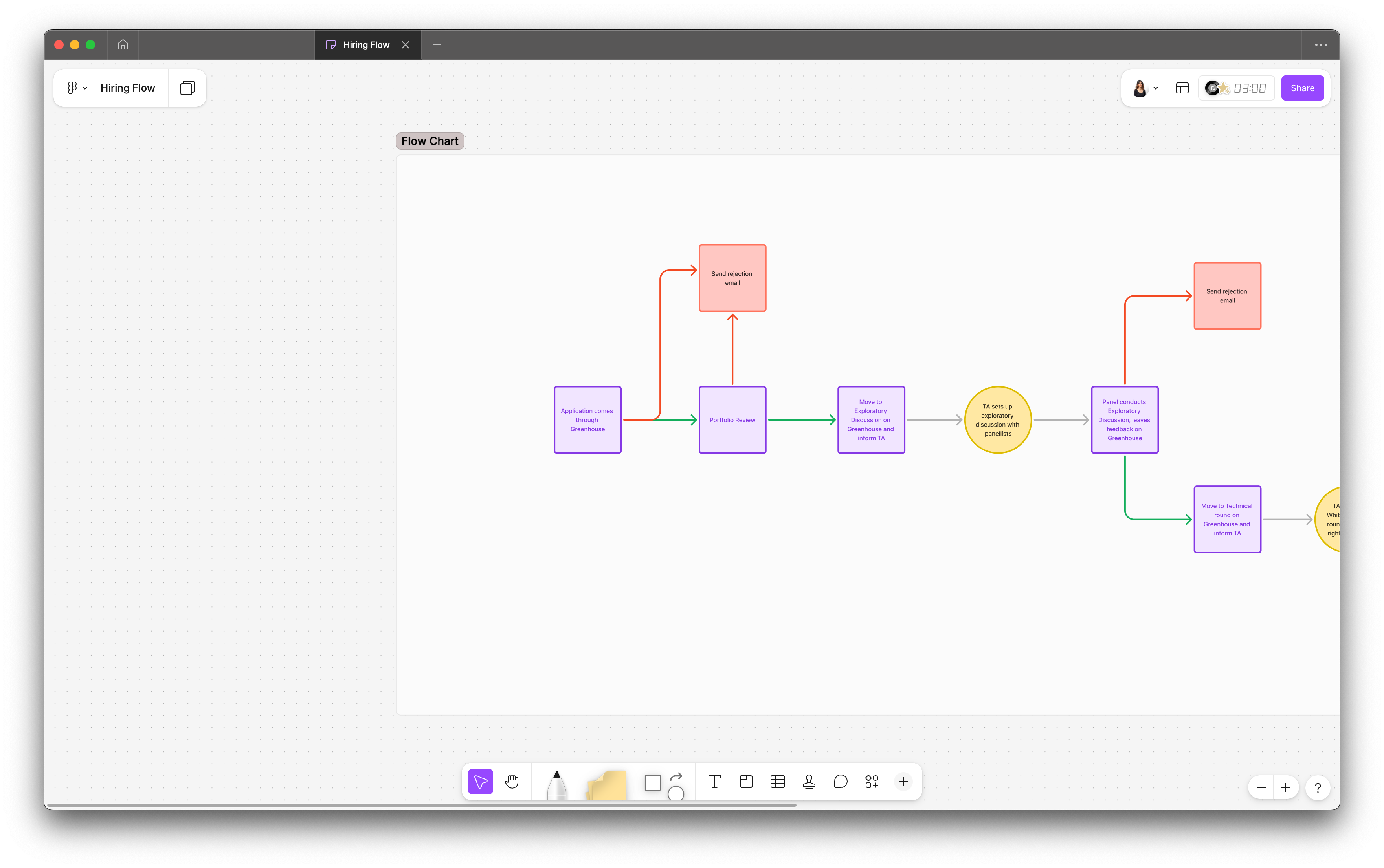
It also acts as a “virtual scratch pad”—simple enough for anyone to use, but powerful enough to shape big ideas. Even non-designers like product managers can jump in to map flows or sketch out early concepts, while designers and developers use it to draft information architecture, build site maps, and share quick iterations. That low barrier to entry makes it easier for teams to explore, co-create, and refine ideas together more quickly.
Clarity, visibility, and productivity with Dev Mode
Figma’s Dev Mode became a cornerstone of PhonePe’s streamlined design-to-development workflow. While designers always worked with full context on components, Dev Mode gave developers that same visibility—plus the tools they needed to inspect, test, and understand components in real time. It created a hands-on space where engineers could explore how things behave without needing to go back and forth with design.
Instead of relying on repeated handoffs or clarification meetings, teams could interact directly with files, test variations, and build with confidence. Plugin support further streamlined handoffs. Developers now run a custom design system plugin built by the team to make specs clearer and more consistent.
“Before Dev Mode, we could only look at the different variants the design team used to render the component itself. It was a huge upgrade for us,” says Sachin Kumar, Software Engineer and App Excellence Team at PhonePe.
Dev Mode has also helped cut down meetings and made collaboration more seamless. “Instead of having multiple meetings between handoff and post-handoff to understand a component’s functionality, you can just get that information on your own. I think that’s one of the most powerful features of Dev Mode,” says Rahul Gonsalves, Head of Design at PhonePe.
Developers can access platform-specific code snippets for Android and iOS, helping them translate design into production-ready code more efficiently. Support for plugins and the ability to flag detached components adds another layer of control and helps protect system integrity across teams.

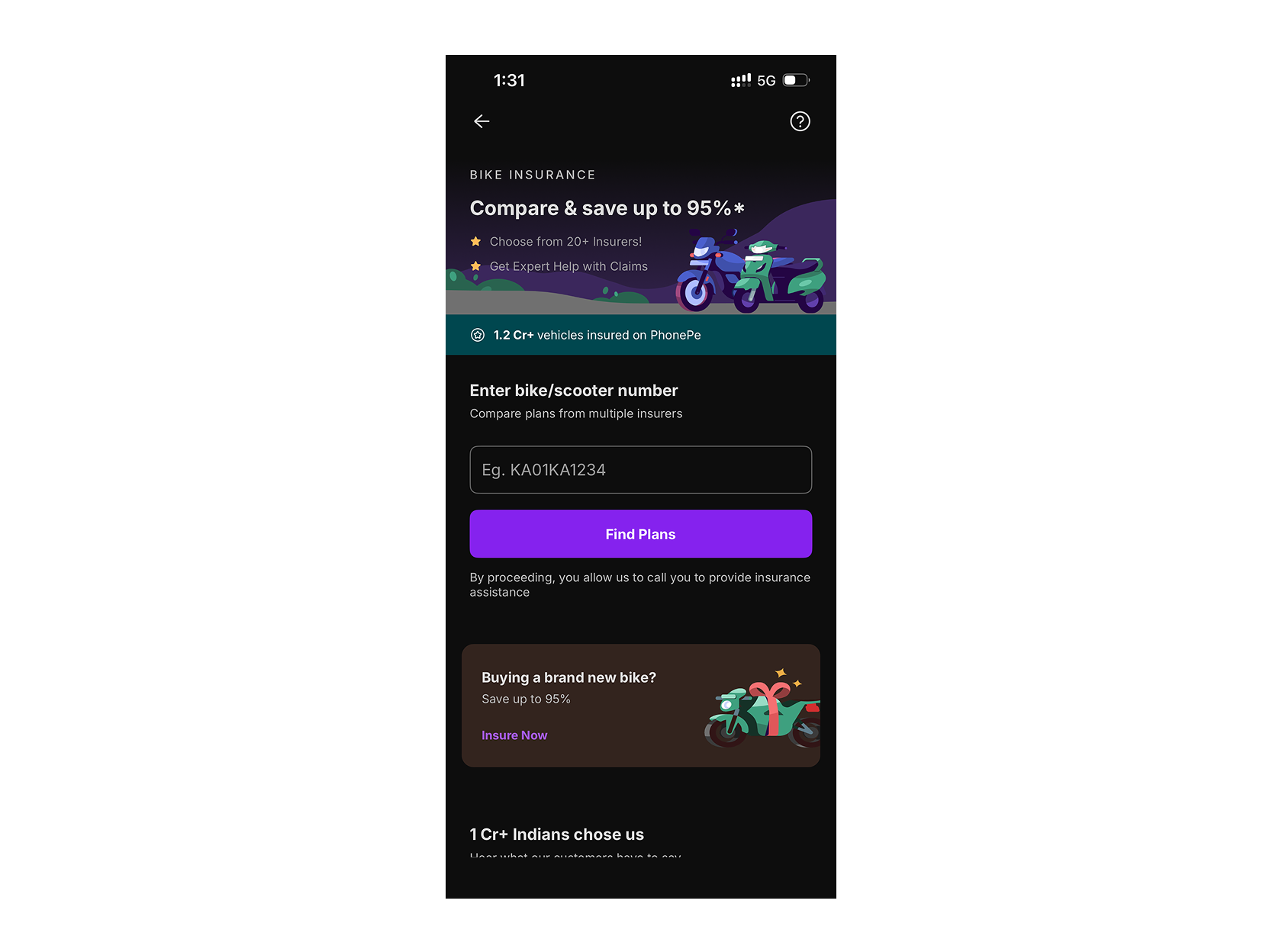
Bringing AI into the workflow with Figma MCP
As PhonePe scales, the team is exploring how AI can support faster delivery without compromising quality or consistency. With speed and code stability as top priorities, they’ve been focused on improving how design context flows into development.
A key step forward has been adopting Figma MCP, which allows PhonePe to securely connect AI coding agents to Figma and give them structured access to design files, components, and system metadata. Using standardised prompts and instruction files, the team can pass accurate design context into their AI workflows—enabling code generation that is consistent with their existing standards and reducing development time significantly.
We get all the information required from Figma MCP, which combines with our prompt, plus the instruction file. It generates good output. This has been a major use case that we have been successful with.
— Sachin Kumar, Software Engineer and App Excellence Team, PhonePe
Beyond code generation, Figma MCP is also helping streamline component creation and updates. The team is using it to support adding new components to their design systems, with early pilot teams already seeing success on simpler screens as the approach continues to mature.

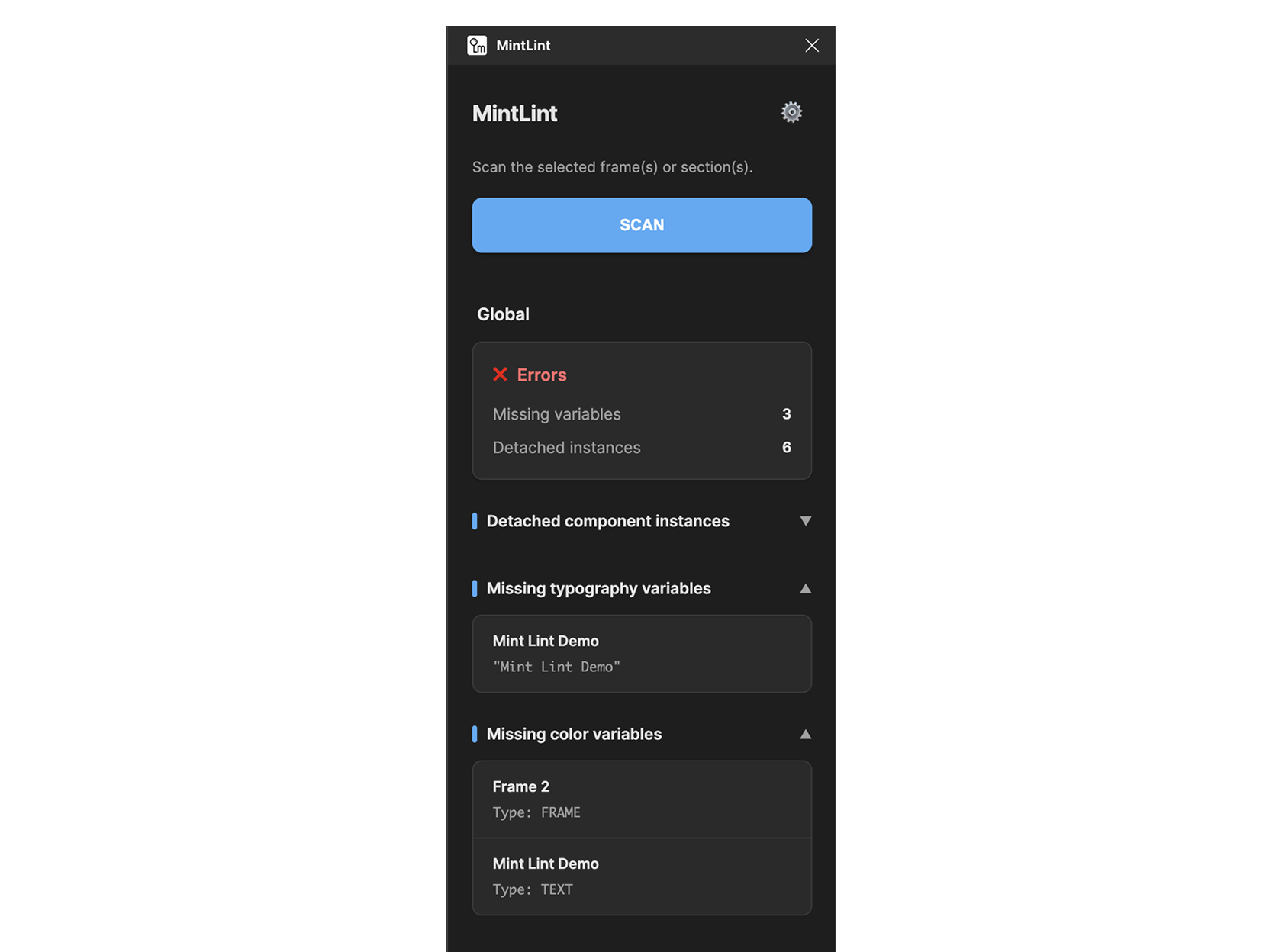
To further protect quality at handoff, PhonePe built a custom linting plugin to catch issues before handoff. The plugin surfaces details such as applied tokens and component metadata, making it easier for developers to confirm if files are implementation-ready.
“We want to utilise that and improve our plugin,” says Sachin. “So apart from the features we are already getting from Figma, we’ll add some of our own to make our design system even more robust.”
Shipping products faster with Figma
With Figma, shared visibility reduces friction and allows handoffs to happen twice as fast. Teams often go from concept to 50% clarity in just a few hours. And because collaboration goes beyond design, business partners and non-design teams can quickly explore prototypes and give feedback. Involving them earlier—especially during low-fidelity stages—has helped reduce the risk of sunk costs from building in the wrong direction.
“Allowing other teams to dig through screens on Figma if they need to or visualise a clean, neat design brings everyone on the same page faster,” Sindhu says.
Looking ahead, the team plans to use Figma Make to turn early ideas into testable prototypes—especially in moments when time constraints might otherwise stall exploration. With Make, PhonePe aims to test more ideas, explore more options, and ship better products, faster.
Having Figma as our central living design system has made a real difference. With everything—including documentation—in one place, our teams can move faster and build better products together.
— Rahul Gonsalves, Head of Design, PhonePe
See how Figma can help you scale design
Get in touch to learn more about how Figma can help companies scale design.
See how Figma can help you scale design
Great design has the potential to differentiate your product and brand. But nothing great is made alone. Figma brings product teams together in a fast and more inclusive design workflow.
Get in touch to learn more about how Figma can help companies scale design.
We’ll cover how Figma can help:
- Bring every step of the design process—from ideation, to creation, to building designs—into one place
- Accelerate design workflows with shared company-wide design systems
- Foster inclusivity in the product team process with products that are web-based, accessible, and easy to use