
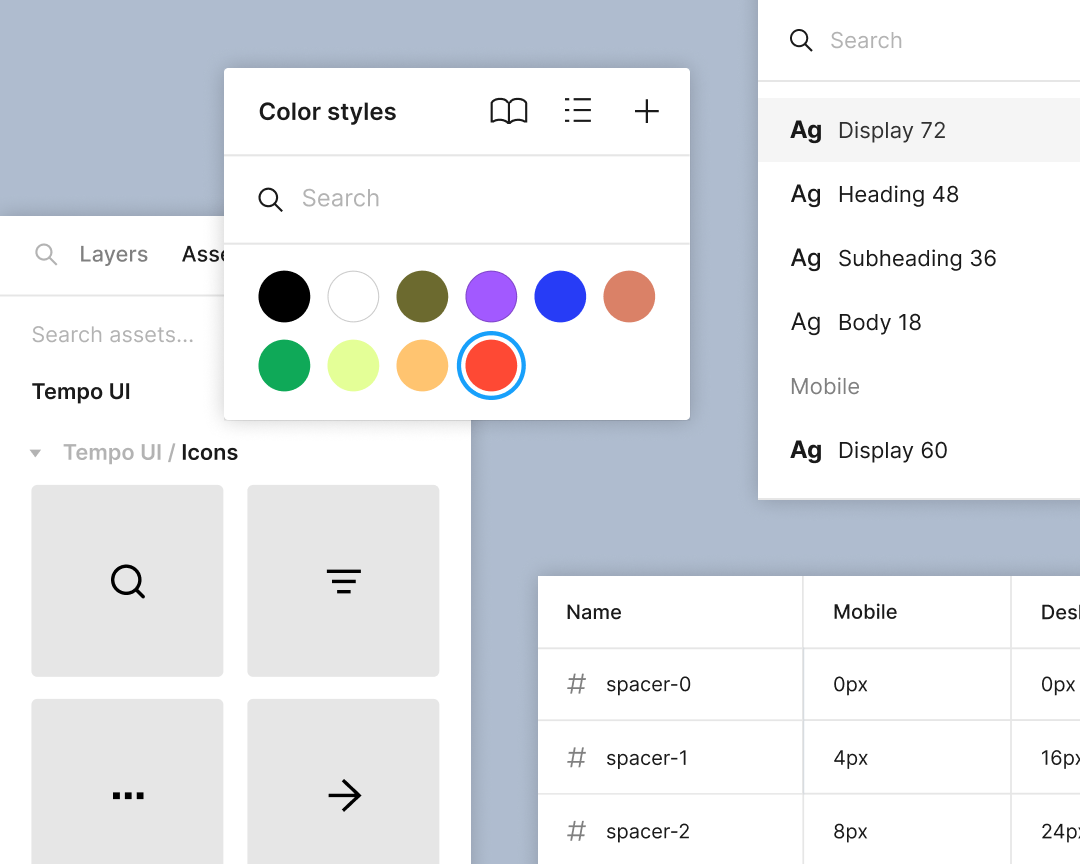
Enable consistency at scale
Standardize styles, components, and variables so that everything, from color to padding, scales seamlessly across your products and brands.
Skip to main content

Design better, together. Explore ideas, build realistic prototypes, and streamline product development alongside your team. Figma Design is included in the Full seat on every plan.




Figma combines powerful design tools with AI on a shared canvas, so your team can explore ideas, design together, and capture feedback in real time.

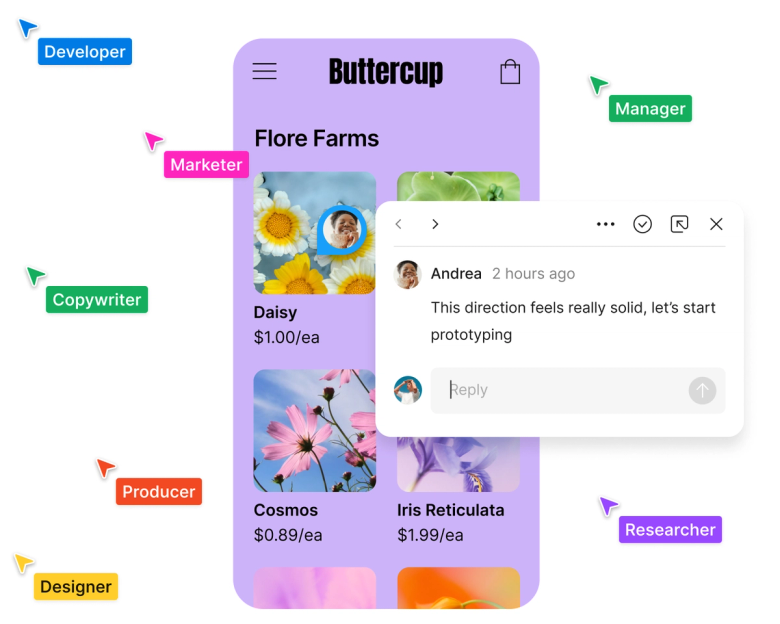
Work together in a multiplayer, version-controlled design file, and get contextual feedback from stakeholders with commenting.
Speed up your workflows, generate and explore ideas, and more with an agent right in your canvas. Ask Figma to apply your design system, automate bulk edits, and give you feedback as you work.
Create realistic, no-code interactions with prototyping. Fine tune every element of your user experience by iterating and testing in a single tool.
Standardize styles, components, and variables so that everything, from color to padding, scales seamlessly across your products and brands.

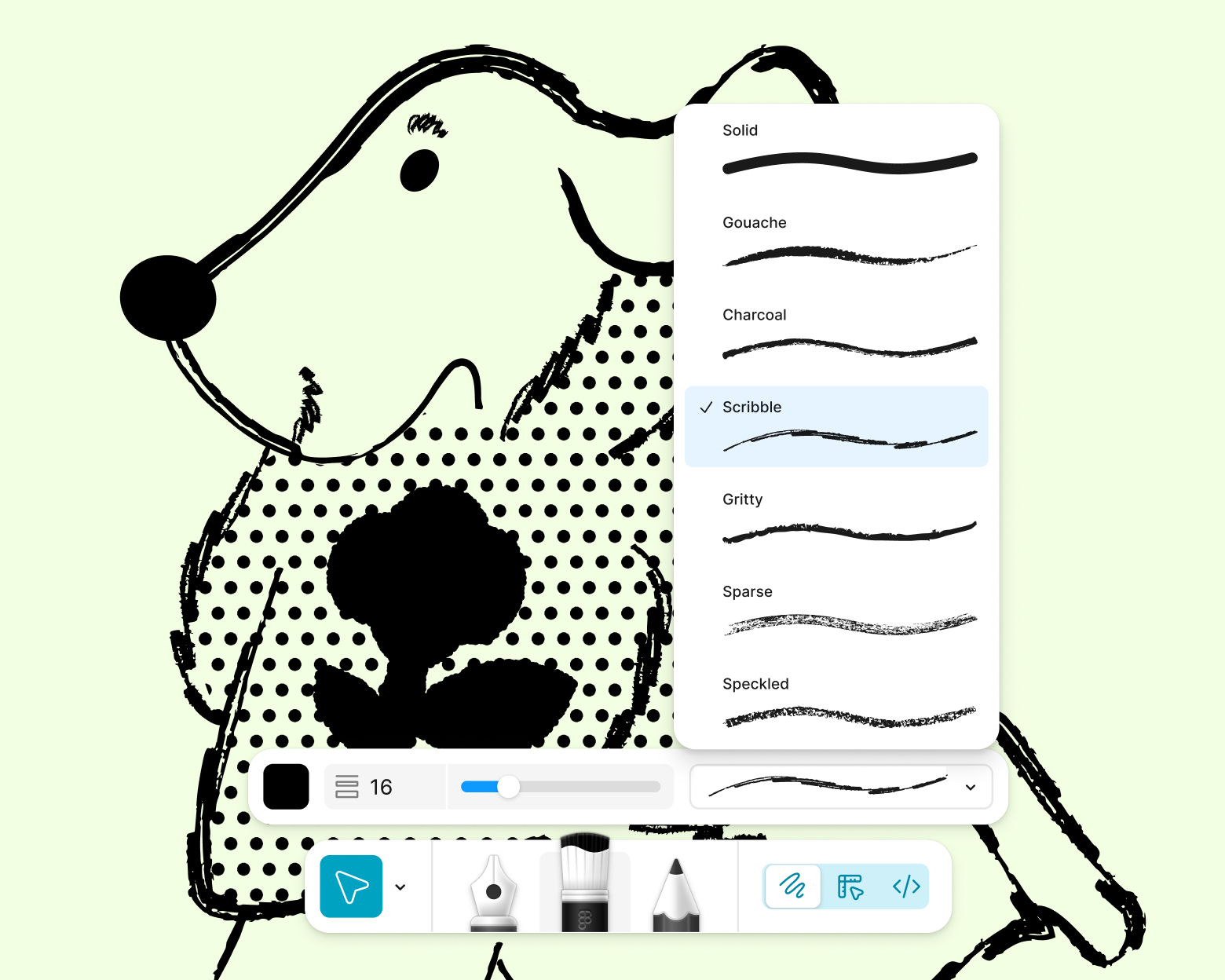
Illustrate in Figma Draw with a set of creative tools for visual expression, from brushes to textures to text on a path.
Try Figma Draw
Figma’s intuitive interface and features were built for the web, enabling industry experts and amateur designers alike to design with ease.
Design flexible, responsive layouts with a grid that adapts seamlessly to your designs—and maps to CSS properties.
Uniformly rearrange, reorder, or adjust layers in your design with smart select.

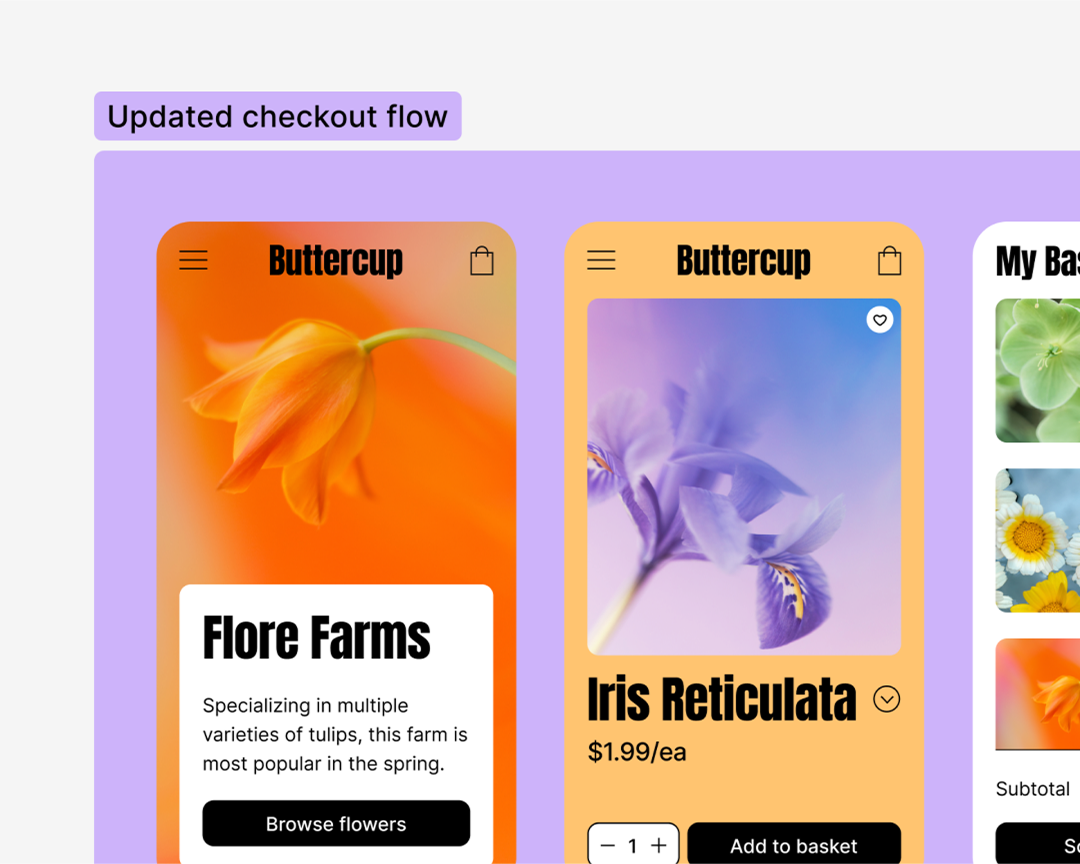
Spend more time actually designing—and less time manually resizing—with fully responsive auto layout. Plus, you can automatically apply auto layout using AI Assistant.

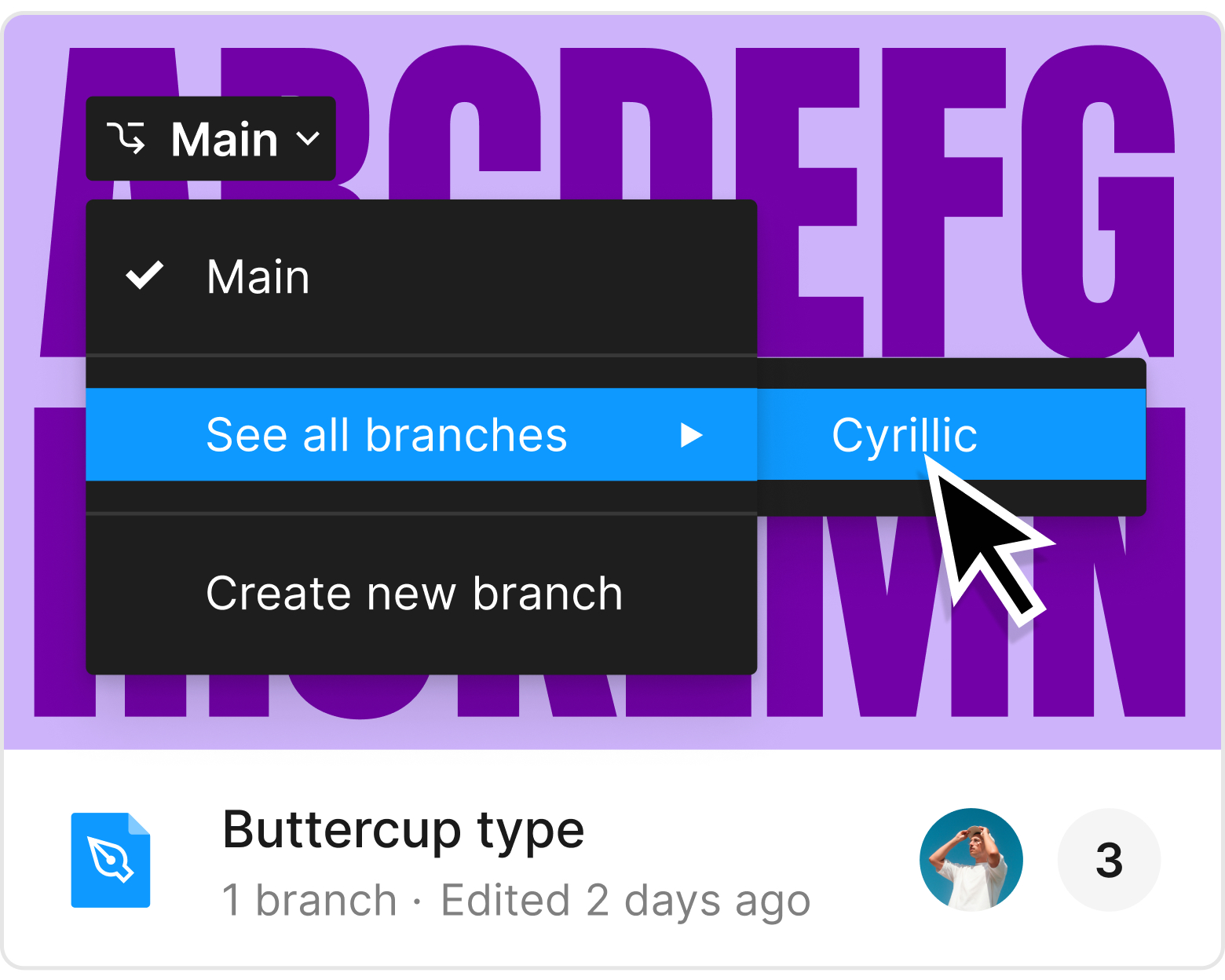
Use branching to freely explore possibilities, then bring those updates into your main design file with merging.

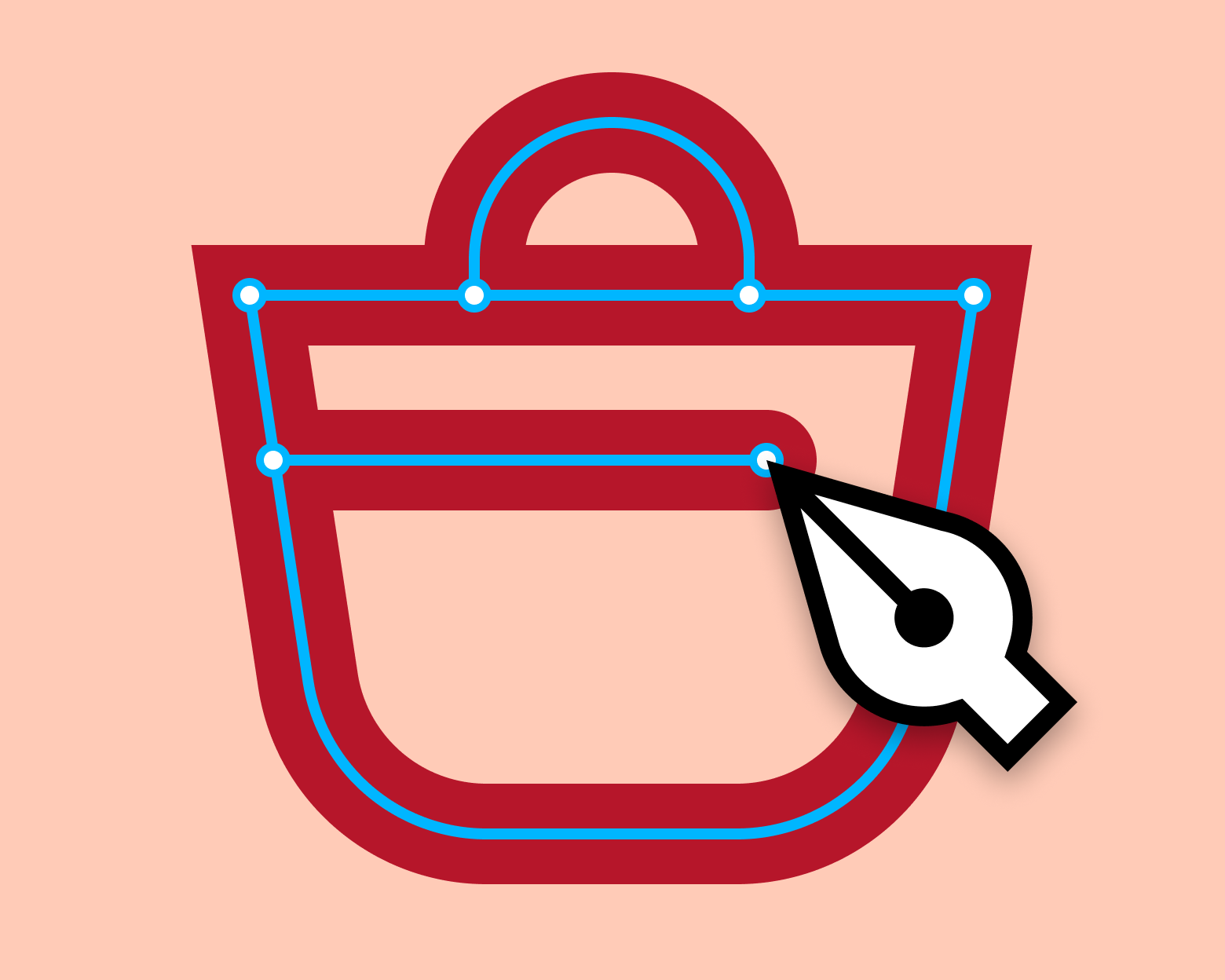
Use the pen tool to draw vector networks in any direction—no need to merge or connect to the path’s original point.
Enjoy more control and better creative expression with OpenType and variable fonts in Figma.

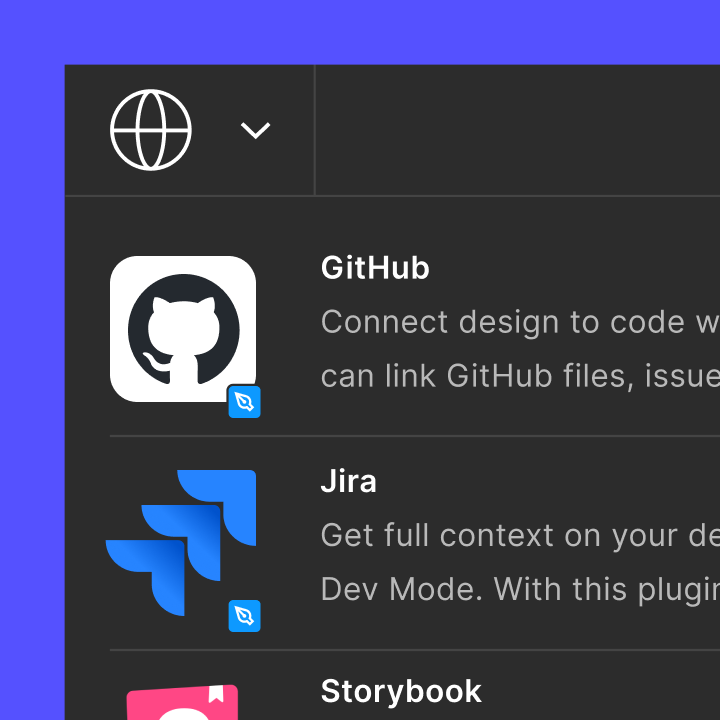
Automate tasks, bring data into your designs, and boost collaboration with a wide range of plugins and widgets created by—and for—the community.

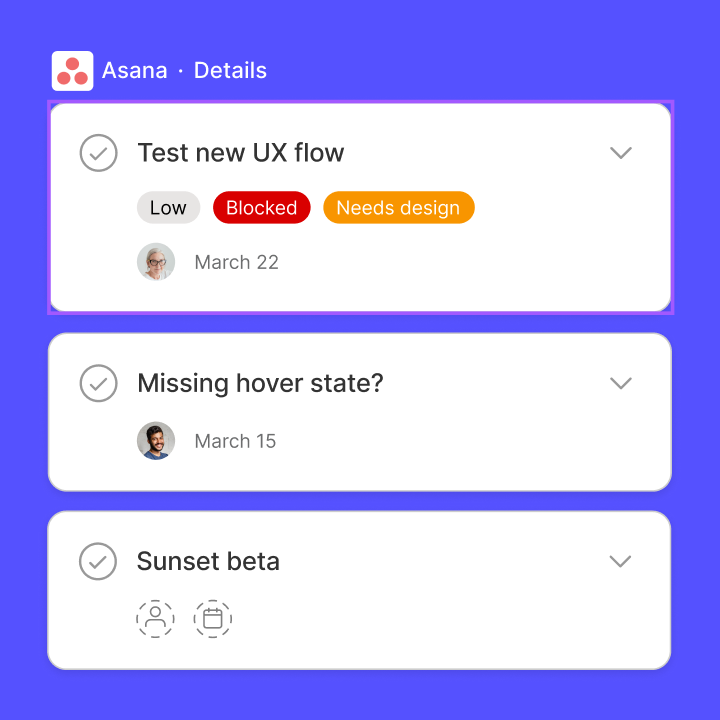
Connect your Figma files to other tools, like Asana and Microsoft Teams, with helpful integrations that keep you organized and efficient.

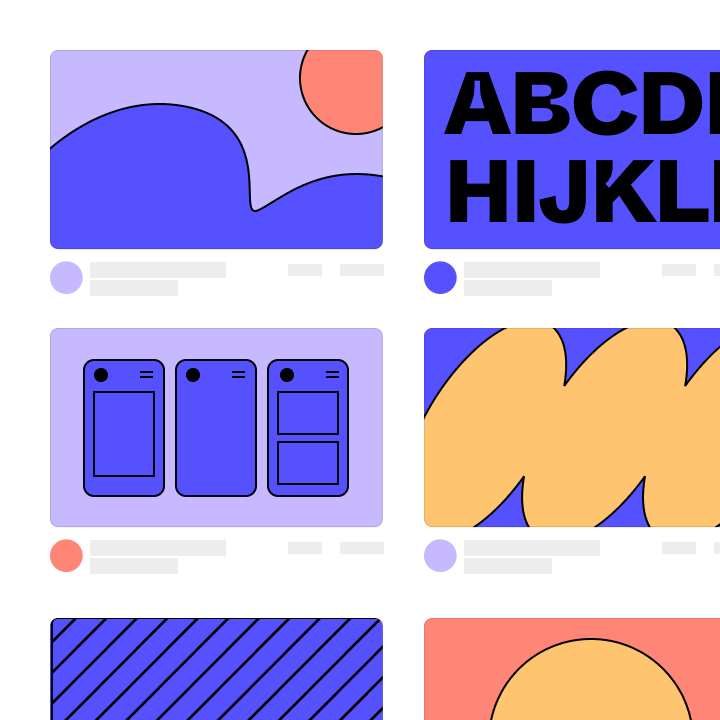
Find the right templates and files to start your next project. Whether you need wireframes, UI kits, or research guides, there’s something for everyone.
Figma brings together designers, project managers, product managers, and engineers. The quality of feedback is 10x better.
Shawn Lam, Head of Design, Zoom


Define ideas, align on decisions, and move work forward in FigJam, the collaborative online whiteboard for teams.

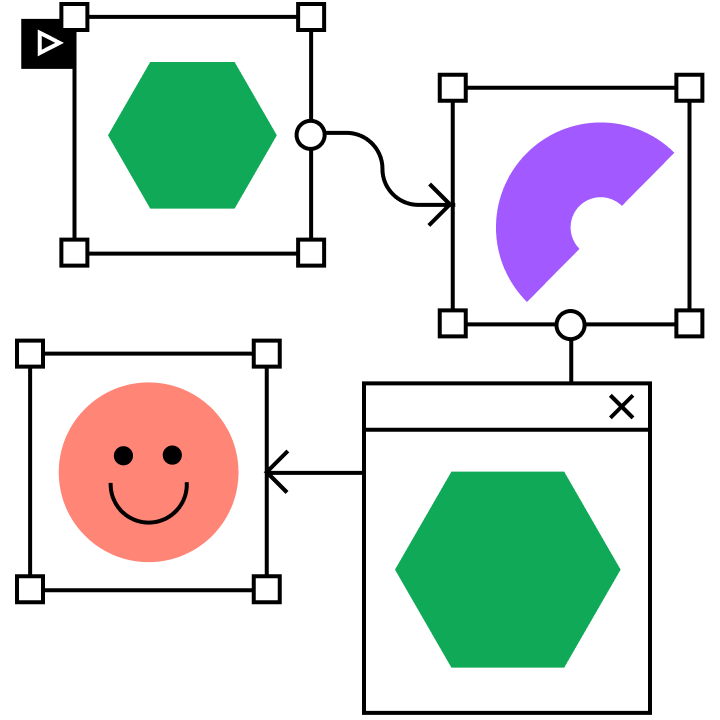
Create high-fidelity, animated prototypes in a few clicks right from your design canvas.

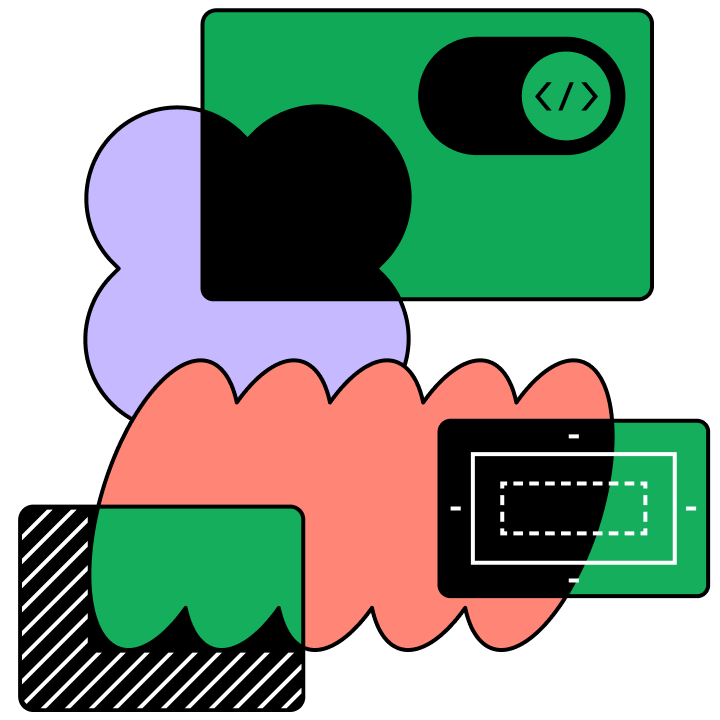
Translate designs into code faster with Dev Mode, a new space for developers in Figma.