Figma for prototyping
Create realistic experiences, fast
Figma’s prototyping tools make it easy to build and share high-fidelity, no-code, interactive prototypes. Design and prototype, all in Figma.

Trusted by teams at





Bring designs to life—before development
Express your full vision with no-code prototypes so that there’s no guesswork for developers about how an experience should look and feel.
Design and prototype in one place
Edit everything in context, then immediately play and preview your prototypes on canvas for fast feedback loops and rapid iterations.
Create rich, animated prototypes in a few clicks
Automatically switch between variants with interactive components, so you can create more animations in fewer steps.

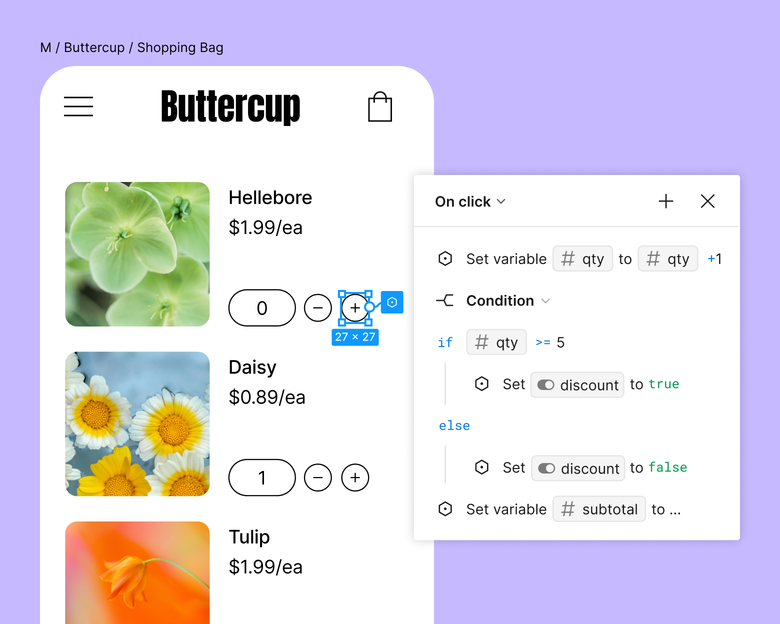
Make even complex interactions feel real
Create detailed experiences with fewer frames using variables, conditional logic, and mathematical expressions.
Explore features built for faster, richer prototyping
Add pre-built interactions
Define a range of interactions between frames including on click, while hovering, during scroll, and more.
Create beautiful transitions
Smart animate lets you automagically animate similar objects to create detailed transitions—from parallax scrolling to touch gestures.
Prototype for any screen size
View your designs on any screen size with a new prototype viewer experience that resizes responsively.
Add rich media
Include animated GIFs and videos to replicate the experience your users will have when engaging with rich media on your website or app.
When the developers see it, it feels real. They know exactly how to begin developing. Those prototyping tools are just elite.
Andrew Matthews, Design Director, YETI

Learn more about prototyping best practices

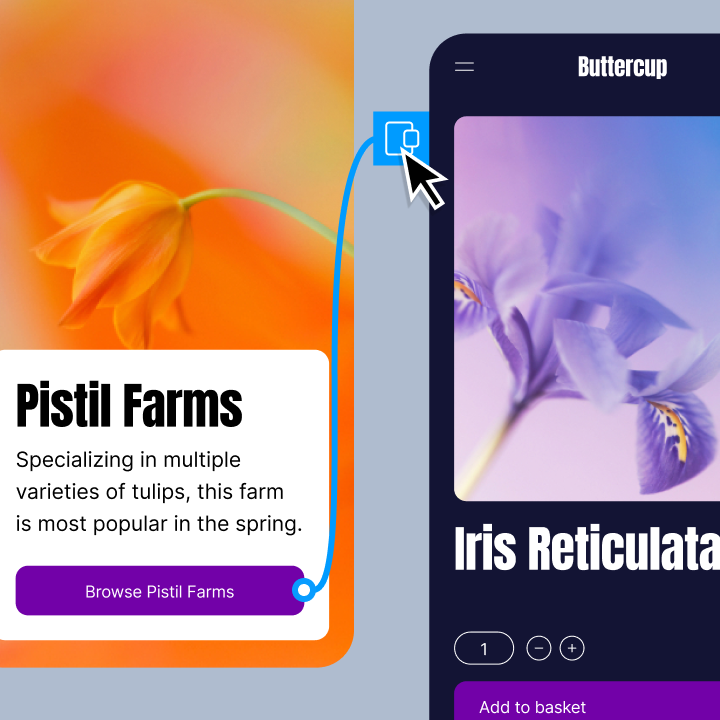
Figma’s guide to prototyping
Learn how to get started with prototyping in Figma—and more.


Why a prototyping culture matters
When integrated into the product development process early, adopting a prototyping culture fosters innovation.


Five ways to improve your prototyping workflow
Some of our favorite tips for making prototypes quickly and easily.
FAQs
Figma is a versatile design and prototyping tool that empowers designers and teams to create interactive prototypes, collaborate seamlessly, and bring their creative ideas to life. It offers a wide range of features for designing and prototyping web and mobile interfaces, making it a valuable asset for design professionals and teams looking to streamline their workflow. Check out these Figma prototyping resources.
Prototyping is an essential stage in the design process that requires creating interactive models or representations of a product or system. These prototypes act as tangible, visual, and functional representations of the final design. Prototypes enable designers, stakeholders, and users to test and validate concepts, interactions, and functionalities. Prototyping helps designers identify potential problems, refine ideas, and confirm that the final product meets user needs and expectations.
Prototyping in design serves as a crucial step in validating and refining design concepts before investing significant time and resources in the development phase. Prototypes help designers gather feedback from users to assess how intuitive and user-friendly the design is. Prototypes also reveal how users interact with the product, including navigation and functionality. With insights based on real-world user testing, designers can minimise the risk of costly design errors by identifying and addressing issues early in the process. Prototyping remains one of the most valued skills in the industry—Figma's State of the Designer 2026 report found that motion design and prototyping is cited by 29% of designers as among the most in-demand skills, even as AI-related capabilities rise to the top of the list. Figma offers robust prototyping resources that make it easy to enhance your prototyping process and collaborate with teams for feedback.
Prototyping used to mean a lot of manual work for something that still felt like a rough approximation of the real thing. That's changed. Tools like Figma Make now generate fully interactive, code-backed prototypes from a text prompt — no coding required. The result behaves like a real product rather than a simulation of one. Figma's State of the Designer 2026 report found that 89% of designers who increased their AI usage say it helps them work faster, and 91% say it improves the quality of their outputs.