Figma for web design
Create beautiful, responsive web designs
Figma is the free online platform where people design the world’s best websites together. From wireframe to design to prototype to development—Figma makes web design seamless.

Trusted by teams at




Responsive web design for any device
Go from idea to implementation fast with designs that work well everywhere.

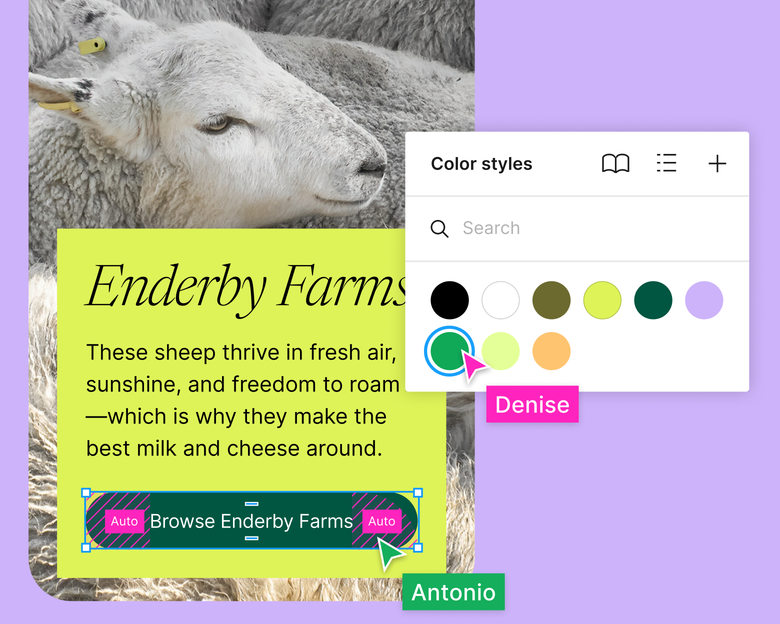
Design faster with the right tools
Jump start your project and design consistently at scale with tools like auto layout, components, styles, and more.
Bring it to life, before development
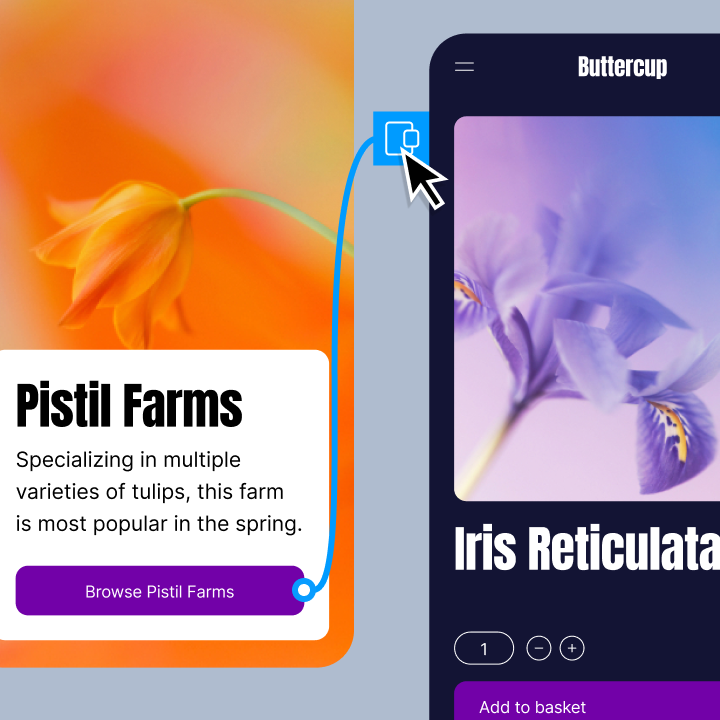
Show off your vision with interactive no-code prototypes. Get realistic web experience in just a few clicks.
Go from design to live site, faster
Dev Mode adds structure to handoff and makes it easy for developers to find what they need.
Explore features for web design
Design better web experiences, faster, with features that help you build together from start to finish.

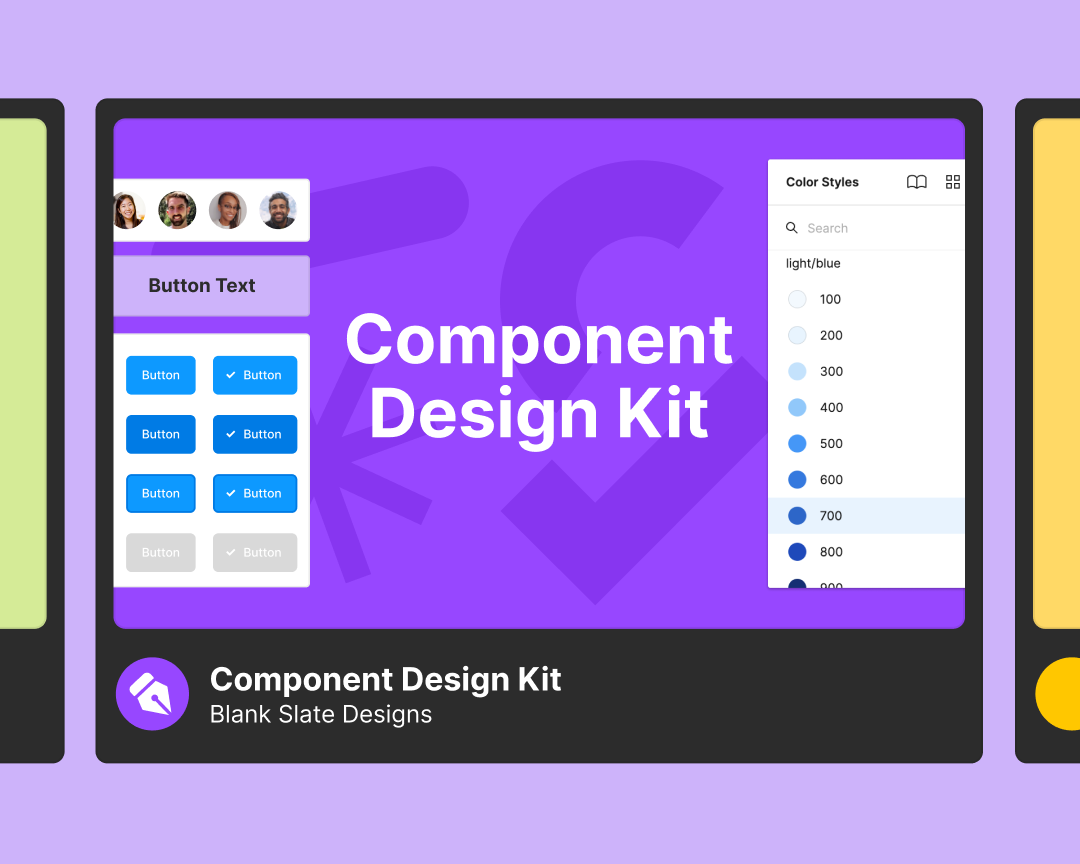
Get started with UI kits and templates
Speed up your website design workflow with free component-based wireframe kits built by the Figma Community

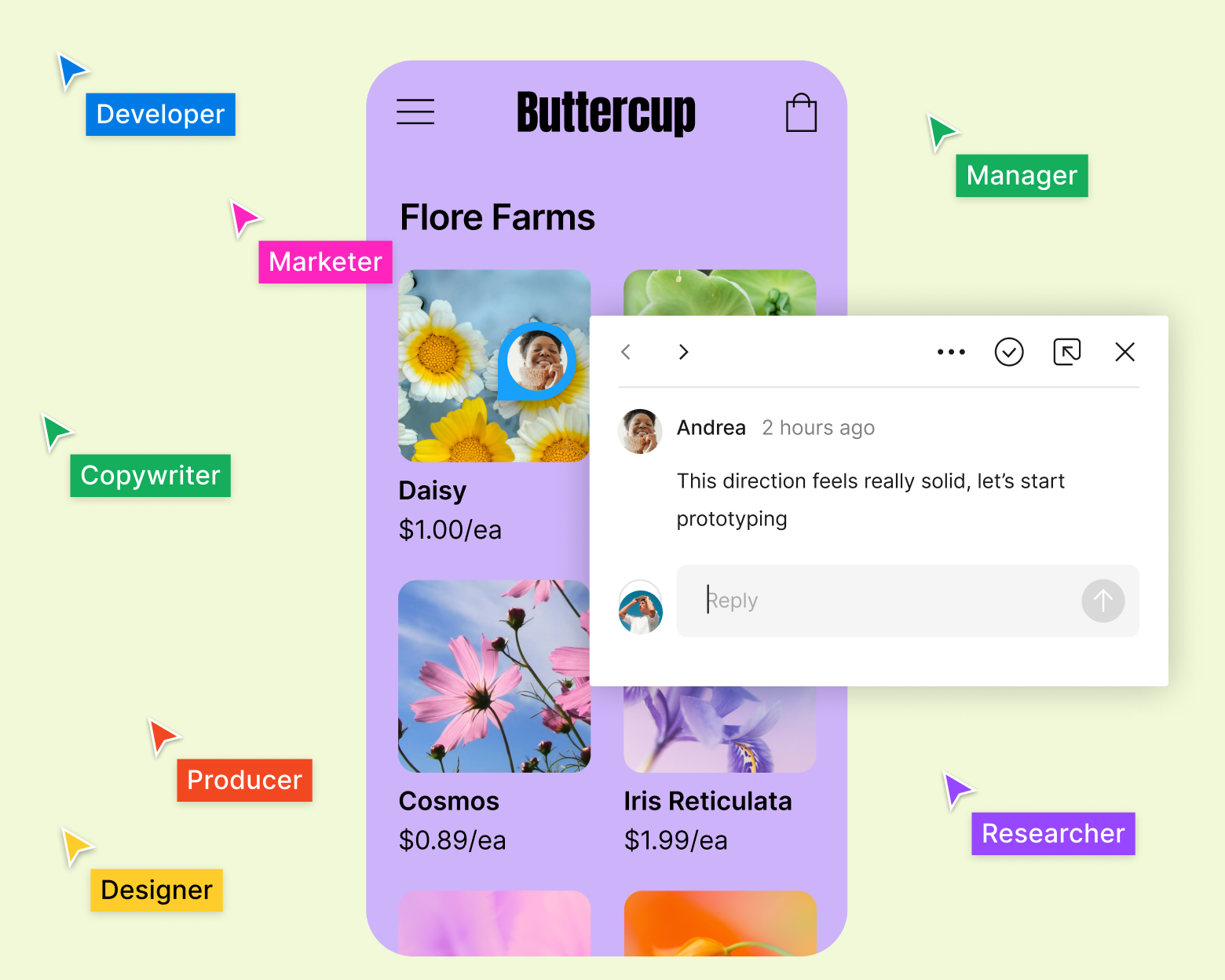
Invite collaborators
Invite cross-functional partners and stakeholders to add contextual comments to your web designs for instant feedback.

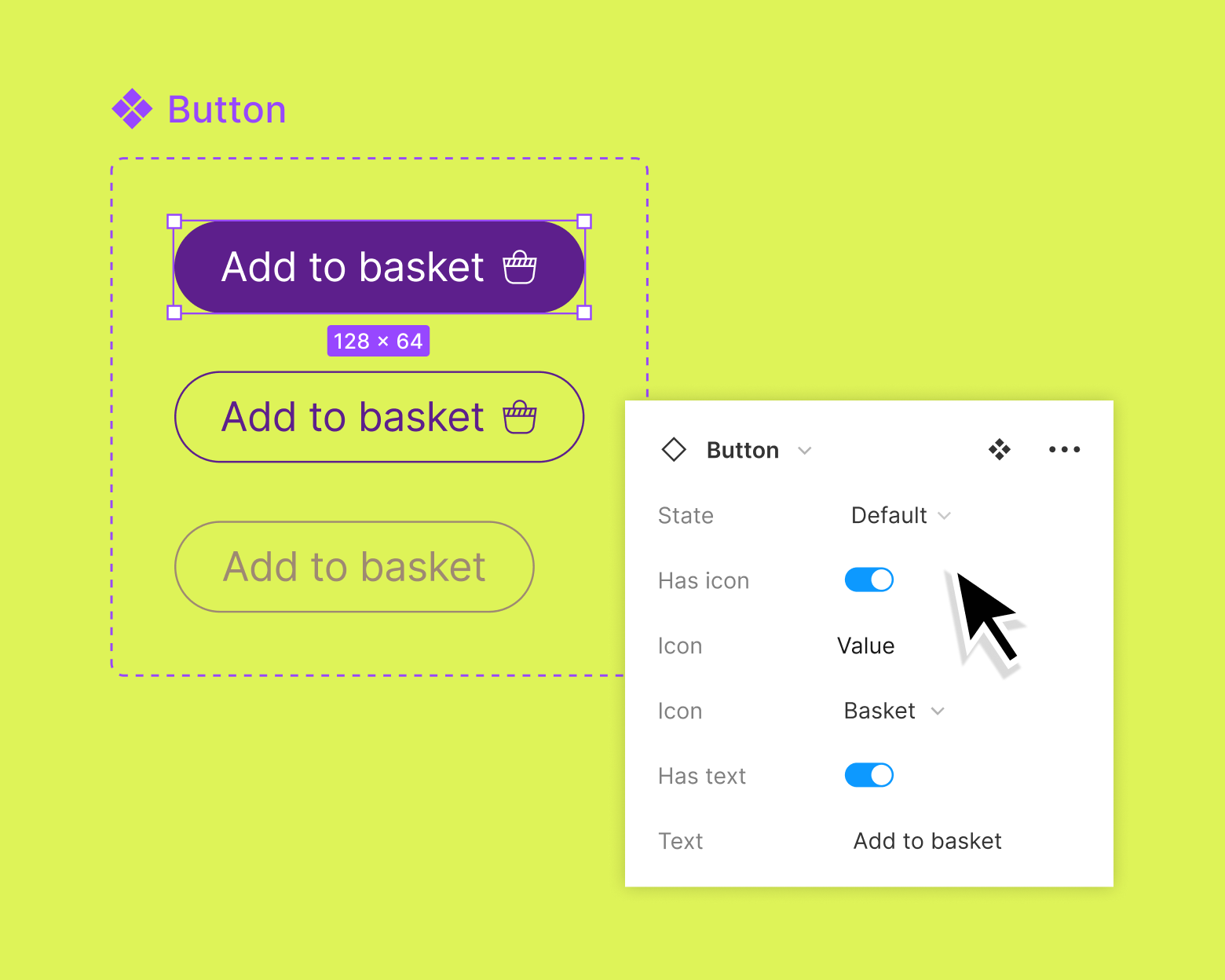
Align design systems to code
Easily create, maintain, and share components and styles and use the same language across design files and code with tokens.

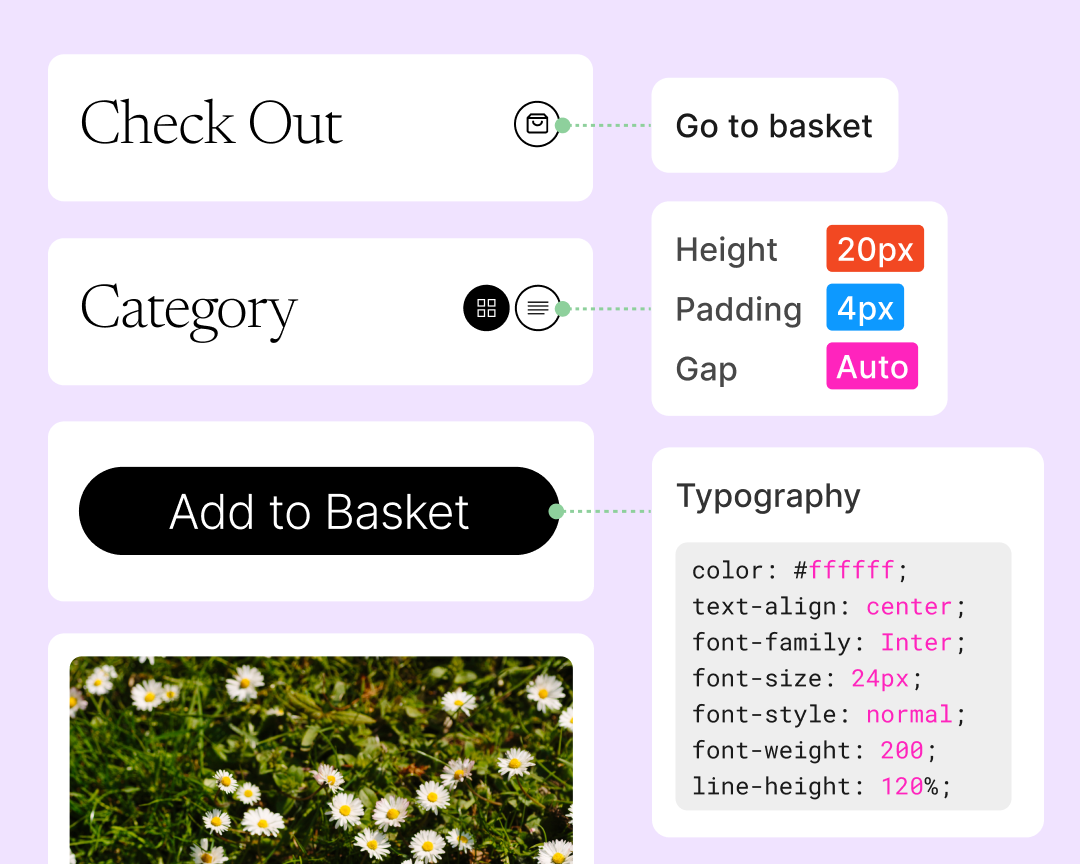
Build with Dev Mode
Bring clarity to your web designs and give developers the tools they need to translate them into code.
No matter the discipline, everyone has a centralized location to view, understand, and contribute to the work.
Lauren LoPrete, Design Systems Lead Dropbox

More resources for web developers

How we built our website design system
A look at how the Figma marketing team built, and continues to build, the design system for figma.com.

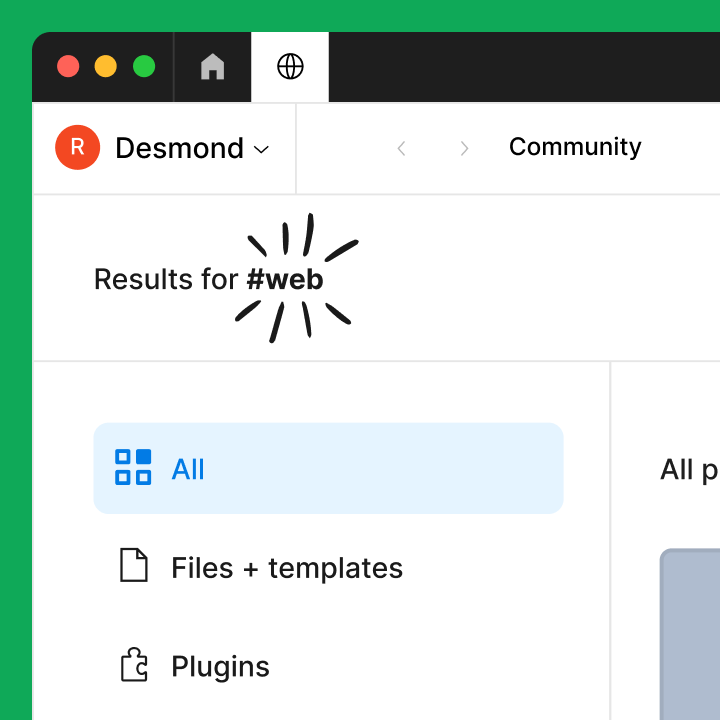
Community resources for web design
Browse inspiration, tools, and templates for web design—created and curated by the Figma community.

Figma's guide to prototyping
Learn how to get started with prototyping features in Figma.
FAQs
Yes, Figma is a free online platform designed for creating beautiful, responsive websites from wireframe to design to prototype to development.
Web design is process of creating visually appealing and functional websites. It involves arranging elements such as layout, color schemes, typography, and graphics to provide an engaging user experience. Responsive web design emphasizes responsive design, which ensures websites adjust and display correctly on various devices and screen sizes. This approach is essential to give users a seamless and consistent experience, regardless of whether they access it from a desktop, tablet, or smartphone.
Learning web design from a UI (User Interface) perspective involves mastering the art of creating visually appealing and user-friendly interfaces for websites and web applications. To get started, study UI principles and UX design. Learn HTML and CSS and responsive design. As you build your skills, use web design tools like Figma to build a portfolio. Take advantage of Figma’s free templates created specifically for designers.
Figma allows teams to design together in real-time, with features like contextual comments for instant feedback and easy sharing with cross-functional partners and stakeholders. This matters more than ever—Figma's State of the Designer 2026 report found that 90% of designers say collaboration is key to producing good work, and AI tools are drawing more PMs and developers into the design process earlier, making a shared, real-time workspace essential rather than optional.
Figma lets you create interactive no-code prototypes in just a few clicks, bringing your vision to life before development begins.
Dev Mode adds structure to handoff and gives developers the tools they need to translate web designs into code, making the transition from design to live site faster.
Yes, Figma includes tools like auto layout, components, and styles that help you create designs that work well on any device.
Figma's State of the Designer 2026 report—based on a survey of 906 designers globally—found that 72% of designers now use generative AI in their web design workflows, with 98% increasing their usage in the last year. At the same time, craft and quality remain central. Designers who focus on visual craft and attention to detail report higher job satisfaction and stronger business outcomes than those who don't. The web designers thriving in 2026 are those using AI to move faster while keeping design excellence at the core of every decision.
Components are reusable design elements that help you design consistently at scale and maintain uniformity across your web projects.
Yes, you can speed up your workflow with free component-based wireframe kits and templates built by the Figma Community.