Figma for UX Design
Design experiences users love
Go from idea to product faster by building better experiences, together. Figma is built for collaboration across the entire product development team so you can prioritize UX from start to finish.

Trusted by teams at





Set your product apart with a great user experience
Figma is a UX design tool that helps teams create in new ways and work together in real-time.

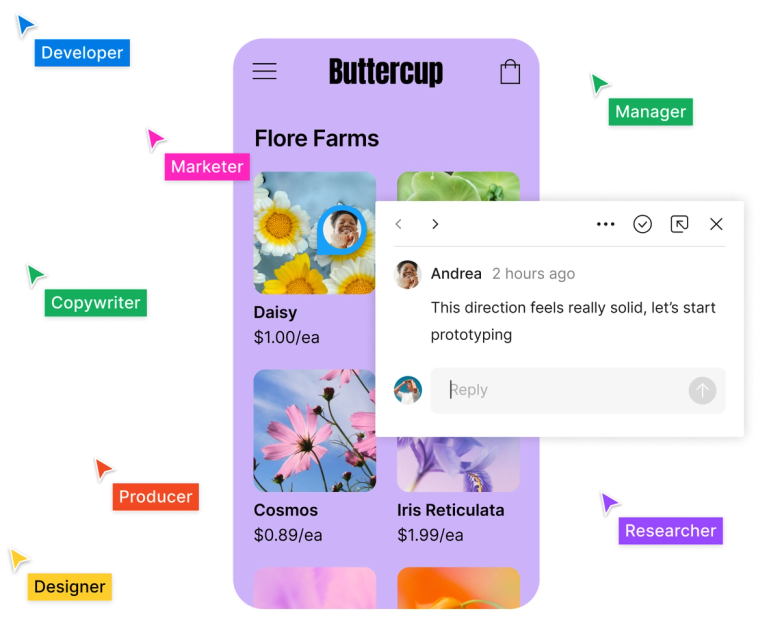
Co-create together
Great ideas can come from anyone. Create seamless user experiences together through real-time collaboration, contextual feedback, and easy handoff.

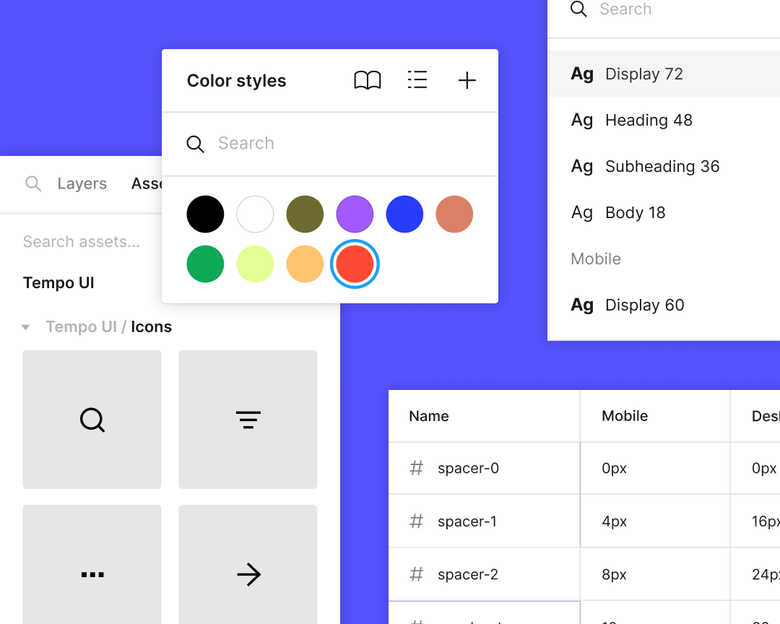
Drive UX design consistency
Save time and keep things consistent with reusable assets in shared libraries. Standardize components and variables so that there's more time for exploration, and less time doing busy work.

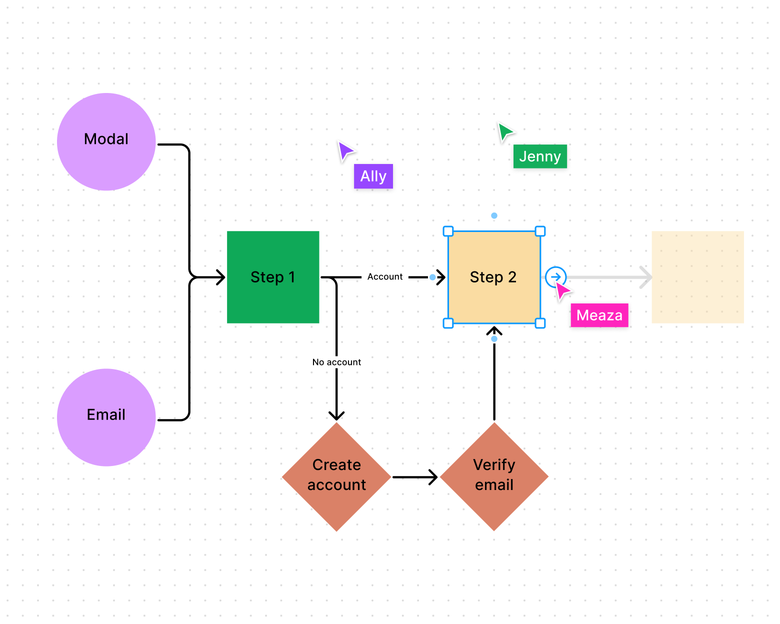
Go with the flow
Easily diagram your customer journey and user flows in FigJam with out-of-the-box shapes and connectors that snap to the grid—and, generate user flows in a click with the help of AI.
Explore UX design features
Prototype in the same tool you design in
Figma's prototyping tools make it easy to build high-fidelity, no-code interactive prototypes right alongside your designs.

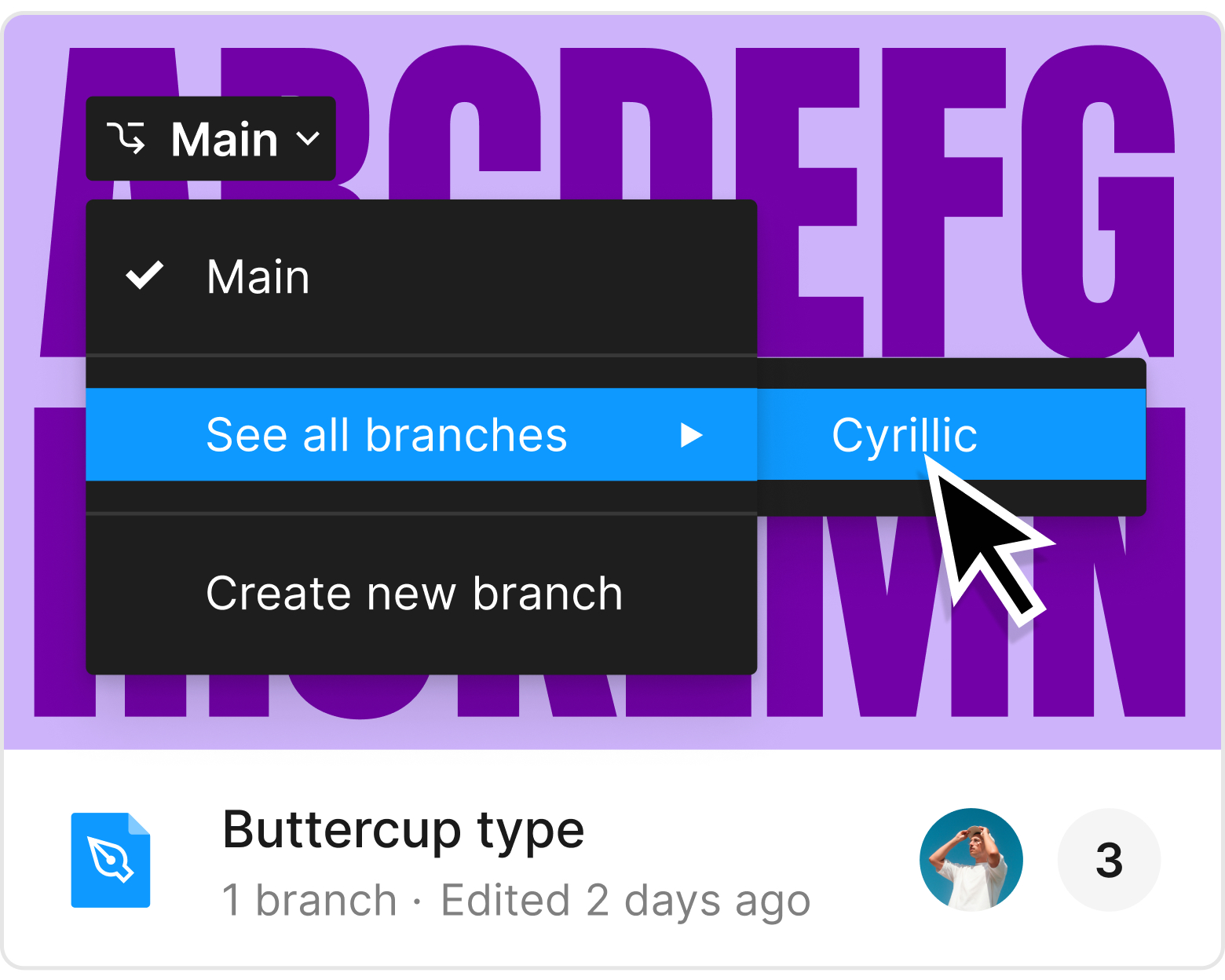
Branch off to iterate on design options
Use branching to freely explore possibilities, then bring those updates into your main design file with merging.

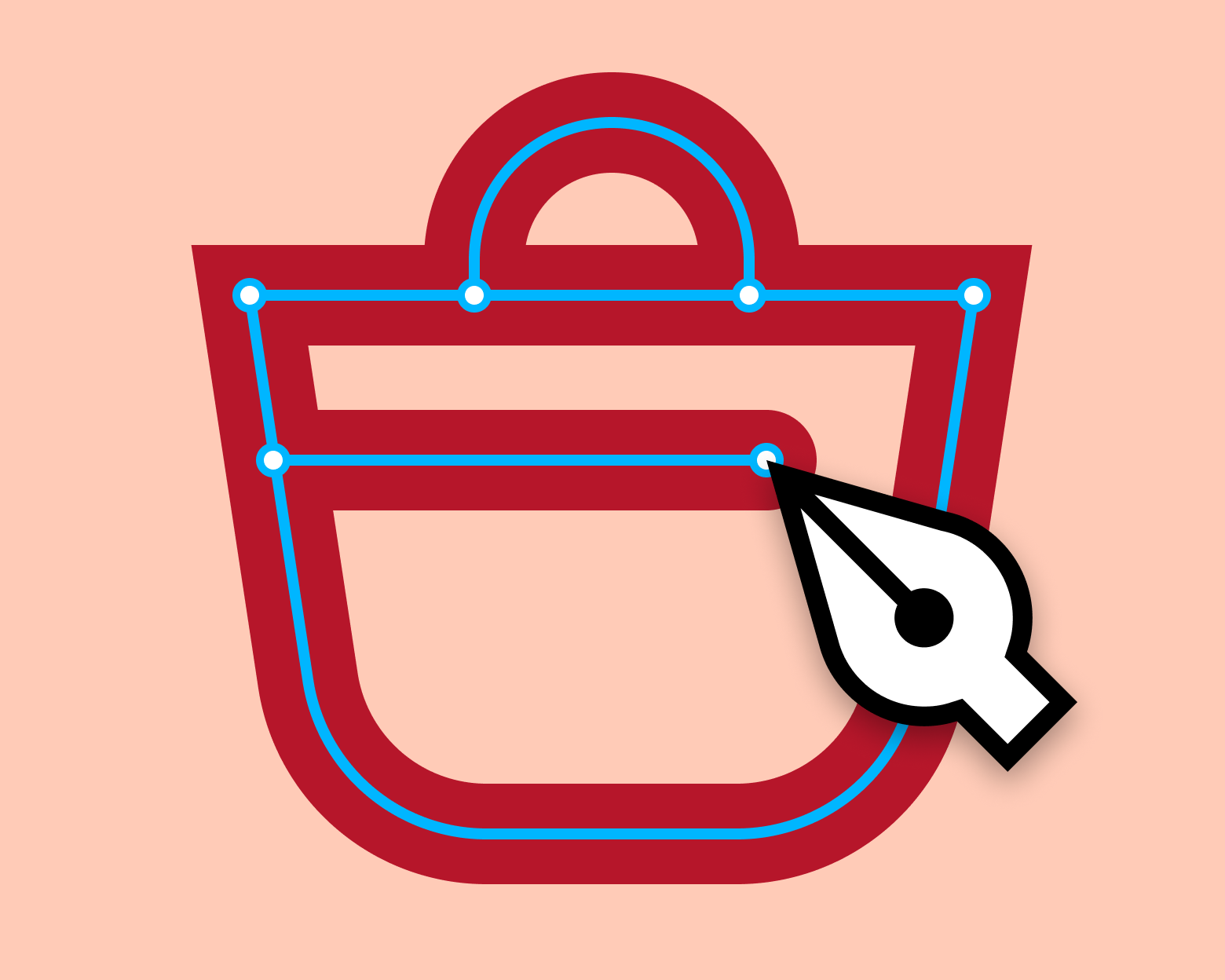
Create vectors
Use the pen tool to draw vector networks in any direction—no need to merge or connect to the path's original point.

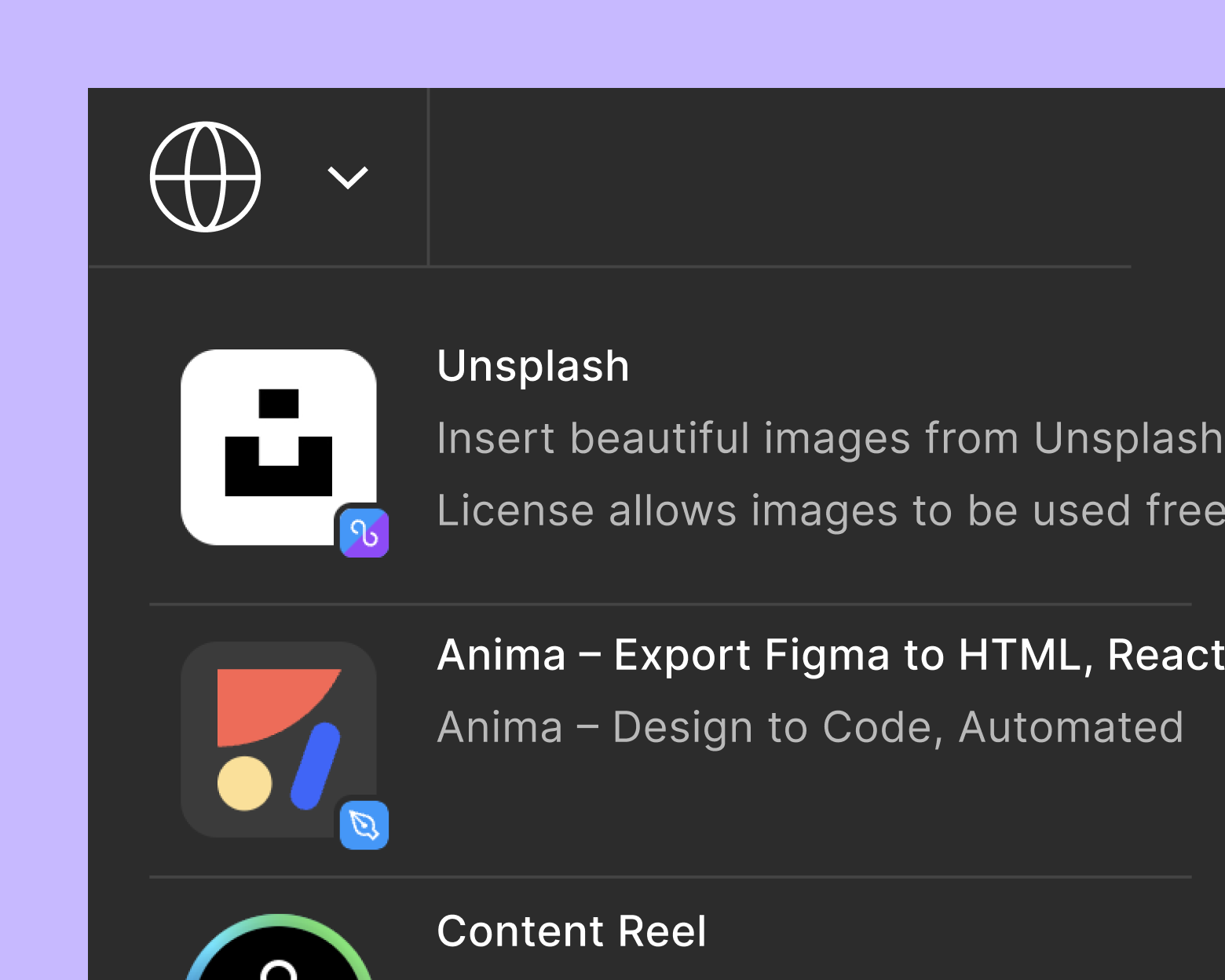
Customize your workflows
Automate tasks, bring data into your designs, and boost collaboration with a wide range of plugins and widgets.
Because of Figma, we were able to solve the problems on the fly as a team and walk away all believing in the same direction.
Andy Ford, UX Manager at Kimberly-Clark

Learn more about UX design

From Figma's design team: How to run a design critique
Learn six unique methods for design critique used by the Figma design team, along with some tips and best practices for running them effectively.


Meet the nonprofit training formerly incarcerated people for careers in UX design
The CROP Organization wants to forge a better path for those facing the challenges of reentry. Learn about their mission to create new inroads to the world of tech.


An insiders guide to a seamless Figma migration
Get insights and practical tips to make your transition to Figma smooth and successful.
FAQs
Figma is a free and collaborative web-based UX design tool that allows the entire team to see and interact with the latest designs by accessing a single, live URL.
UX design, short for User Experience design, focuses on creating meaningful and enjoyable experiences for users when interacting with a product or service. It involves understanding user needs, conducting research, creating wireframes and prototypes, and testing designs to ensure usability and satisfaction. UX design is important because it impacts how users perceive and interact with a product or service. A well-designed user experience can enhance customer satisfaction, increase engagement, improve conversion rates, and build brand loyalty.
You can continue learning about UX design in Figma’s resource library.
Both creative freedom and clarity matter. Figma's State of the Designer 2026 report—based on a survey of 906 designers globally—found that 91% of designers say clear goals and expectations help them do their best work, while 87% say autonomy directly boosts their performance. The UX designers who thrive are those with the space to explore ideas freely, anchored by shared goals and strong team communication.
According to Figma's State of the Designer 2026 report, AI tools are dissolving traditional boundaries in product development—drawing PMs and developers into the design process earlier, while pushing UX designers toward higher-order strategic thinking. As one designer put it: "The craft has matured. The value now lies in systems thinking and the ability to translate complexity into clarity." The UX designers adapting fastest are those using AI to handle surface-level tasks while focusing their energy on judgment, research, and experience quality.