

6 stages of the product development process
Learn how to master the stages of the product development process, from concept to launch, and how FigJam can help in this step-by-step guide.
Skip to main content
Building with AI


You have two versions of a design sitting in front of you, and a sprint review in three days. You know one will perform better, but without the right testing setup, you’re basically just guessing. That’s the problem AI for A/B testing tools is solving for product teams right now.
What used to require weeks of manual setup and statistical wrangling is getting faster, and designers, PMs, and engineers are all feeling the difference.
Read on to learn:
Many teams look for alternatives to A/B testing just to avoid the slow, manual process. AI A/B testing changes that by tightening the loop across the entire UX design and experimentation process, from surfacing what to test in the first place to routing traffic dynamically once an experiment is live.
Here’s what that looks like in practice:
Getting the most out of AI in testing starts before you run your first experiment. Here’s a step-by-step look at how to use AI for A/B testing.
AI-powered testing works best when it has a solid design system to lean on. Building your components around design tokens and variables in Figma Design gives AI tools the guardrails they need to generate on-brand, consistent variants.
Every test you run should feel like a real part of your product. With that kind of structure in place, AI can generate and refine variants that still reflect your brand’s logic, making it easier to compare directions and ship the ones that work.
Before committing to a full production build, you want to know your concept works for real users. And fidelity is a bigger factor here than it often gets credit for. Low-fidelity prototypes can be so different from your real product experience that they distract from your test results and undermine their credibility.
Since Figma Make generates prototypes that look and behave like a live experience, you get feedback grounded in reality. The tool generates high-fidelity prototypes from prompts, so you can test flows early and collect meaningful input while there’s still room to change direction.
From there, the strongest states come back to the canvas for refinement. This keeps your designs and validation data in sync, which means fewer surprises once you’re in production.
Turn a prompt into a clickable, high-fidelity prototype in seconds.
Once your designs are ready, the next step is getting them into a live testing environment. Most A/B test solutions sync via API or native integration, turning static frames into live test variables.
Think through the handoff early. A tidy design system helps your testing tool read and smoothly swap your design data. This is where the foundation you built in Step 1 pays off.
Once the connection is live, the platform serves variants to specific segments and tracks their performance. The goal is a setup where design and performance data feed into each other in one continuous cycle of improvement.
Before you hand off control, define the success metrics and brand constraints that your testing platform should respect. These might include conversion rate thresholds, accessibility and inclusion standards, or visual consistency rules.
Setting these upfront prevents AI from chasing a metric at the expense of the overall user experience. A button color change might boost clicks today, but it could clash with your design patterns or confuse long-time users. Guardrails keep these tradeoffs in check so a short-term win doesn’t create a long-term UX debt.
The A/B testing software landscape has become much more interesting lately. Here are seven options worth adding to your shortlist:
| A/B testing tool | Ideal for | AI focus | Data source |
|---|---|---|---|
| Figma Make | Rapid concept testing | Prompt-to-code mocks | Figma canvas |
| Optimizely One | Large-scale enterprise | Idea and traffic optimization | Native SDK / Edge |
| Statsig | Dev-driven management | Contextual copilot | Warehouse native |
| AB Tasty | Segment personalization | Sentiment analysis | Browser / Client-side |
| VWO | All-in-one CRO | Behavioral AI insights | Client and server-side |
| Eppo | Warehouse-native precision | ML model evaluation | Your data warehouse |
| Kameleoon | Hybrid and full-stack | Real-time intent forecasting | Client and Server-side |

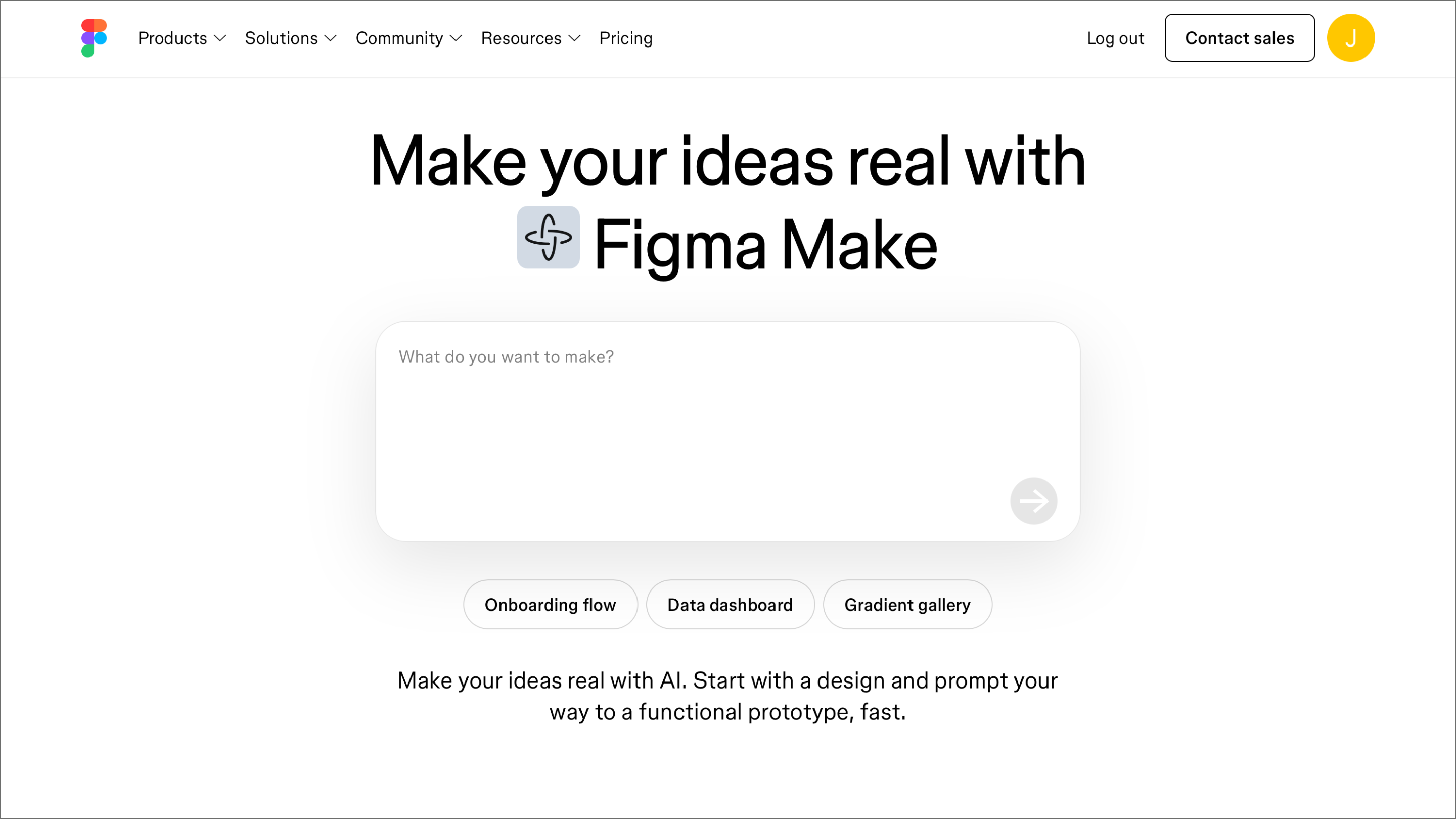
Ideal for: Rapid concept testing
Figma Make is a prompt-to-code tool that lets designers and non-technical teammates spin up interactive, high-fidelity prototypes. Describe what you want, and Figma Make generates a clickable experience you can put in front of users right away. The built-in chat interface lets you select any element and prompt changes directly, so the AI collaboration happens inside the canvas.
Within a testing workflow, Figma Make is your concept validation layer. You use it to explore multiple directions and pressure test edge cases before committing resources to a full production build. It’s built for teams that need to move fast without sacrificing the realism required for meaningful user feedback.
Key features:

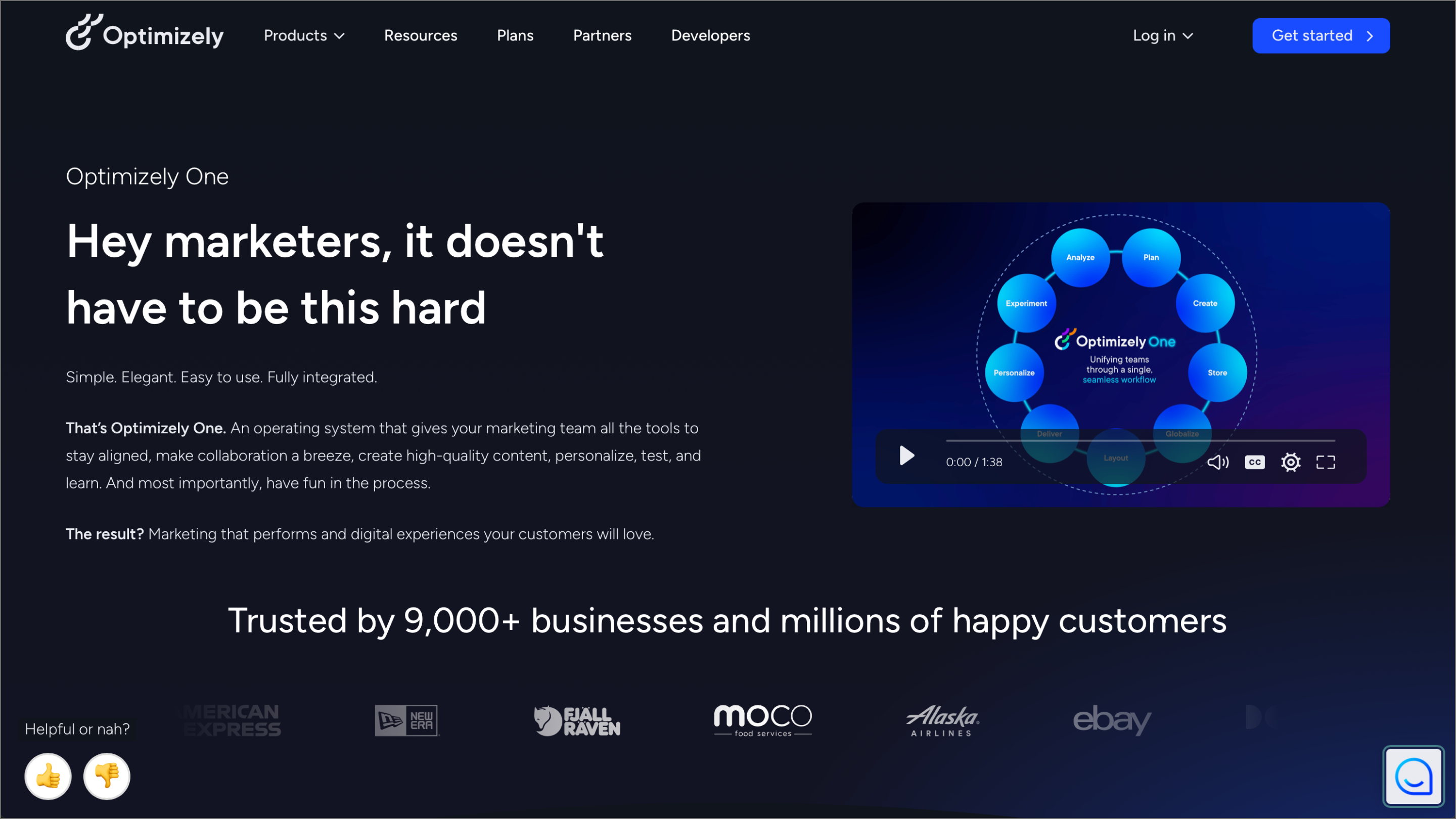
Ideal for: Large-scale enterprise programs
Optimizely One handles heavy-duty experimentation across Web, mobile, and backend environments. Teams running high-volume programs use it for the statistical rigor and steady infrastructure needed to scale. You can manage the whole lifecycle, so your experiments and results stay connected as you build.
Optimizely Opal draws on your full experiment history, win rates, and performance trends to surface test ideas grounded in what your program has learned. Once a test is live, it handles the optimization side too, shifting traffic and summarizing results without you having to babysit the process.
Key features:

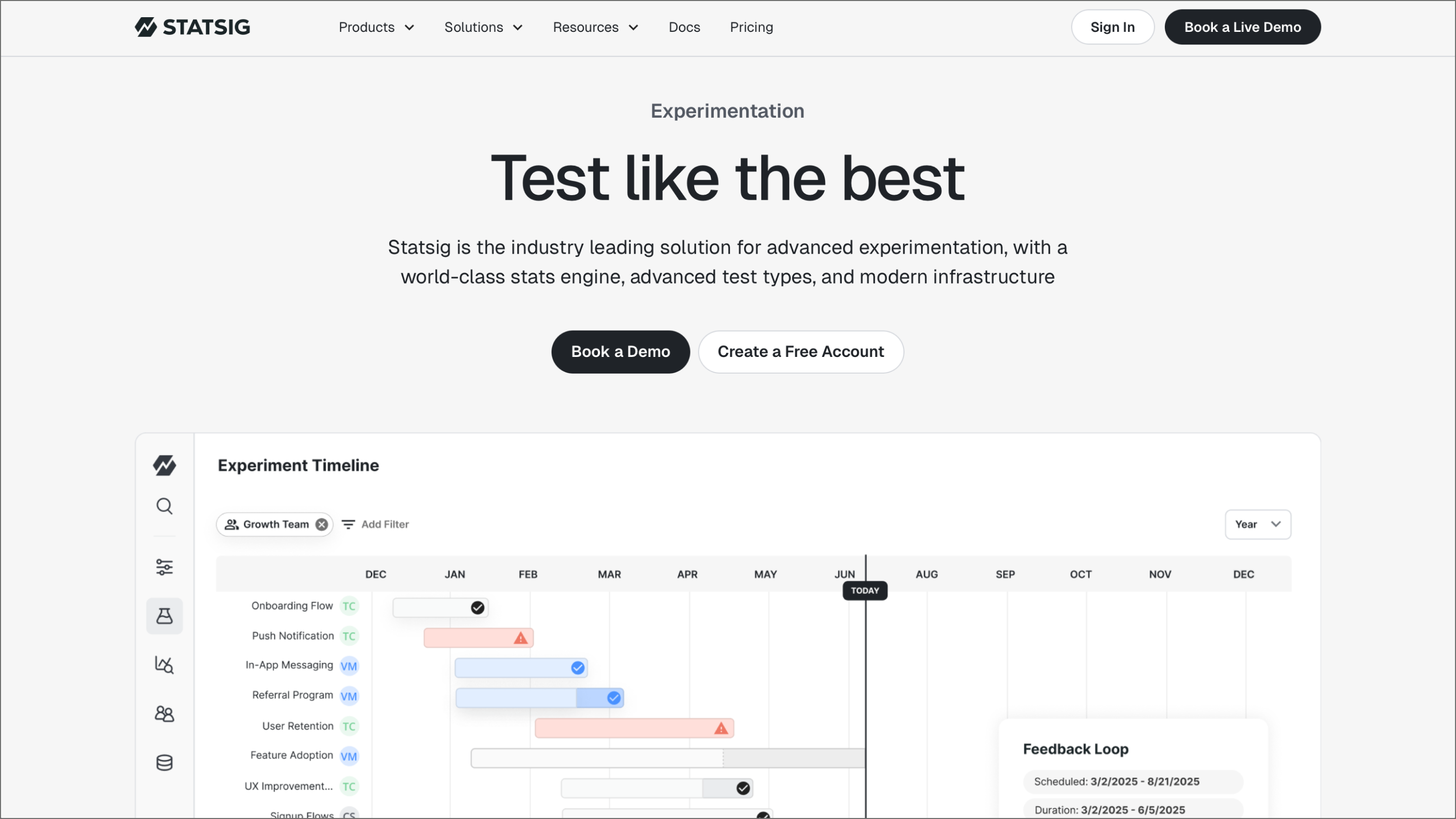
Ideal for: Dev-driven feature management
Statsig brings together feature flags, A/B testing, and product analytics in one place. Engineering and product teams use it to manage everything from gradual feature rollouts to full-scale experimentation. This keeps the data and the code in the same conversation, which is a huge win for maintaining velocity.
A built-in knowledge graph connects your codebase, feature gates, and metrics. Having that link gives you way more context when you’re trying to figure out why a variant performed the way it did. AI-powered copilot features also help you move through workflows faster by surfacing insights that would usually take an analyst hours to pull manually.
Key features:

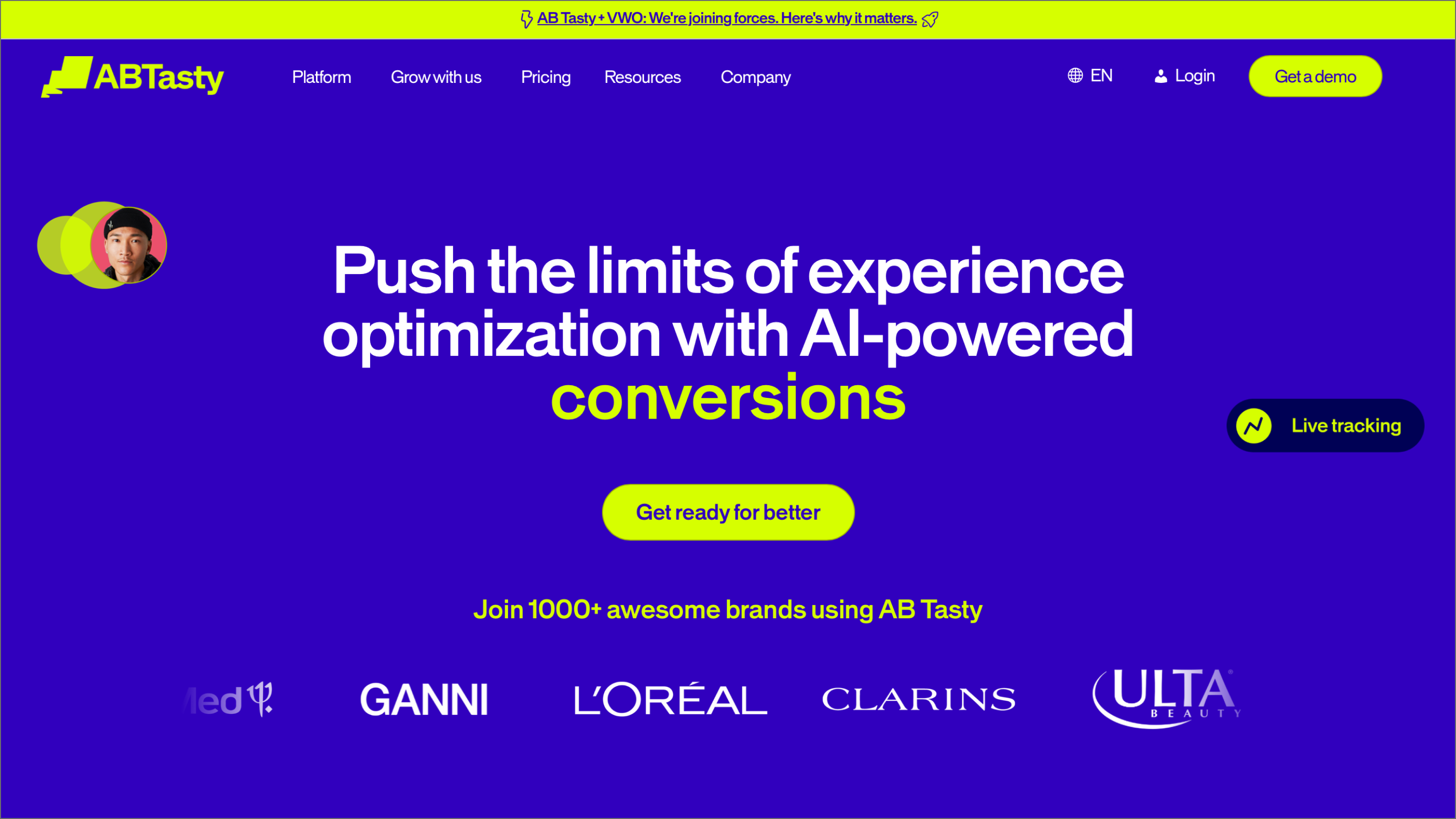
Ideal for: Segment-specific personalization
AB Tasty is a customer experience optimization platform with a strong emphasis on personalization. Rather than running a test, waiting for results, and then digging into who responded to what, AB Tasty factors in individual user behavior and motivation from the start.
Teams that have already defined their user personas will find a lot to work with here. AB Tasty uses that foundation to automate much of the analysis, freeing teams to focus on acting on what they learn rather than manually parsing data after every test.
Key features:

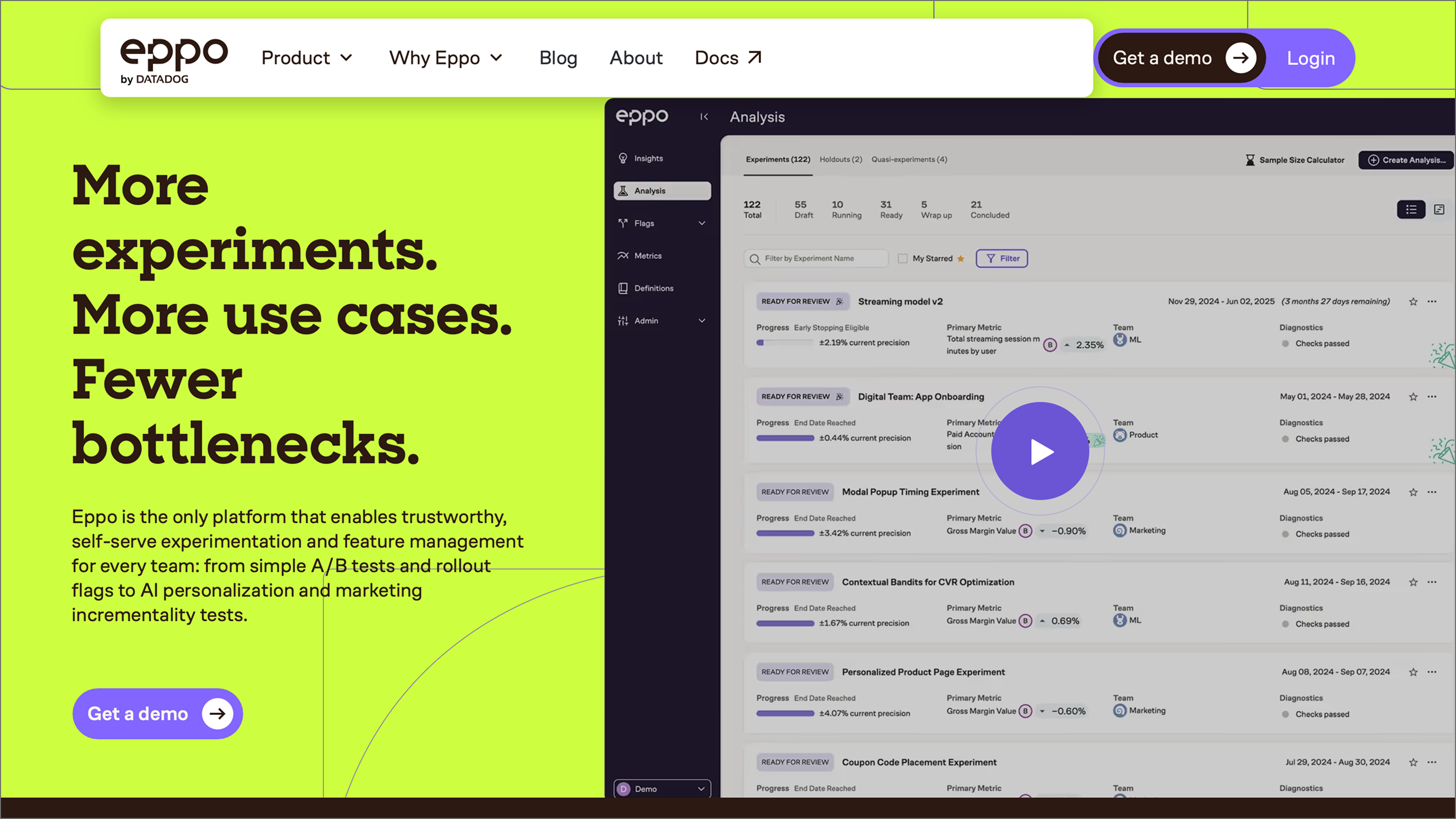
Ideal for: Warehouse-native precision
Eppo by Datadog sits directly on top of your existing data infrastructure, pulling from the same source of truth your team already trusts for business reporting. This helps eliminate data discrepancies that often crop up when you’re forced to move information between separate pipelines.
Whether you lean on Bayesian logic or sequential testing, you can call winners without second-guessing the results. CUPED variance reduction helps you reach significance faster, while AI model evaluation lets you test against real-world metrics to move past offline benchmarks.
Key features:

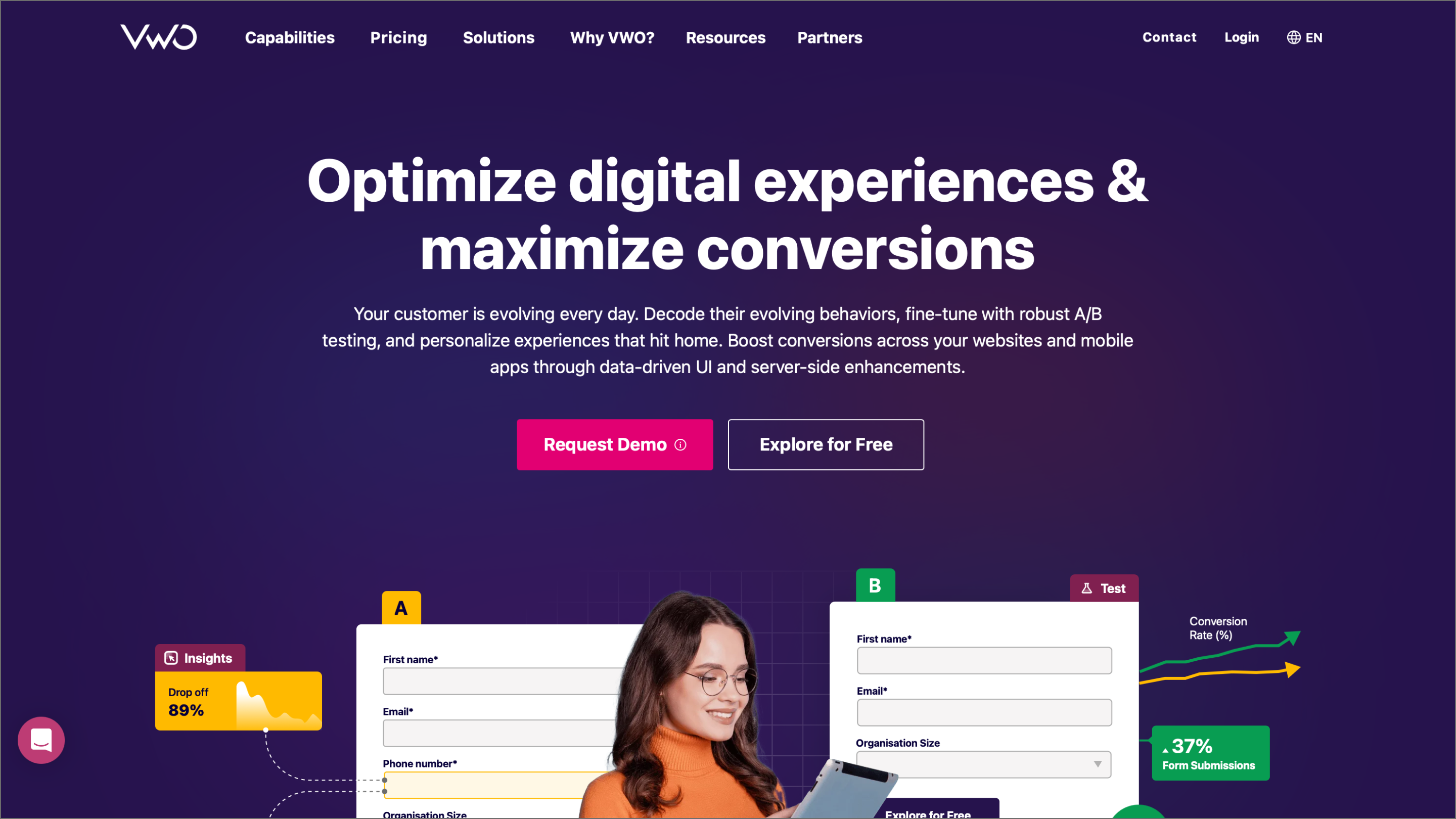
Ideal for: Visual-first CRO workflows
VWO has grown from a visual A/B testing tool into a full conversion rate optimization platform. It connects testing, behavioral analytics, and personalization, keeping your data consistent across the funnel.
VWO's AI copilot works similarly to others on this list, but it’s integrated across the entire platform. Describe what you want to test in plain language, and it handles the tracking setup, audience targeting, and design variations. It also digs into behavioral data to suggest new directions for tests that might not have been on your radar.
Key features:

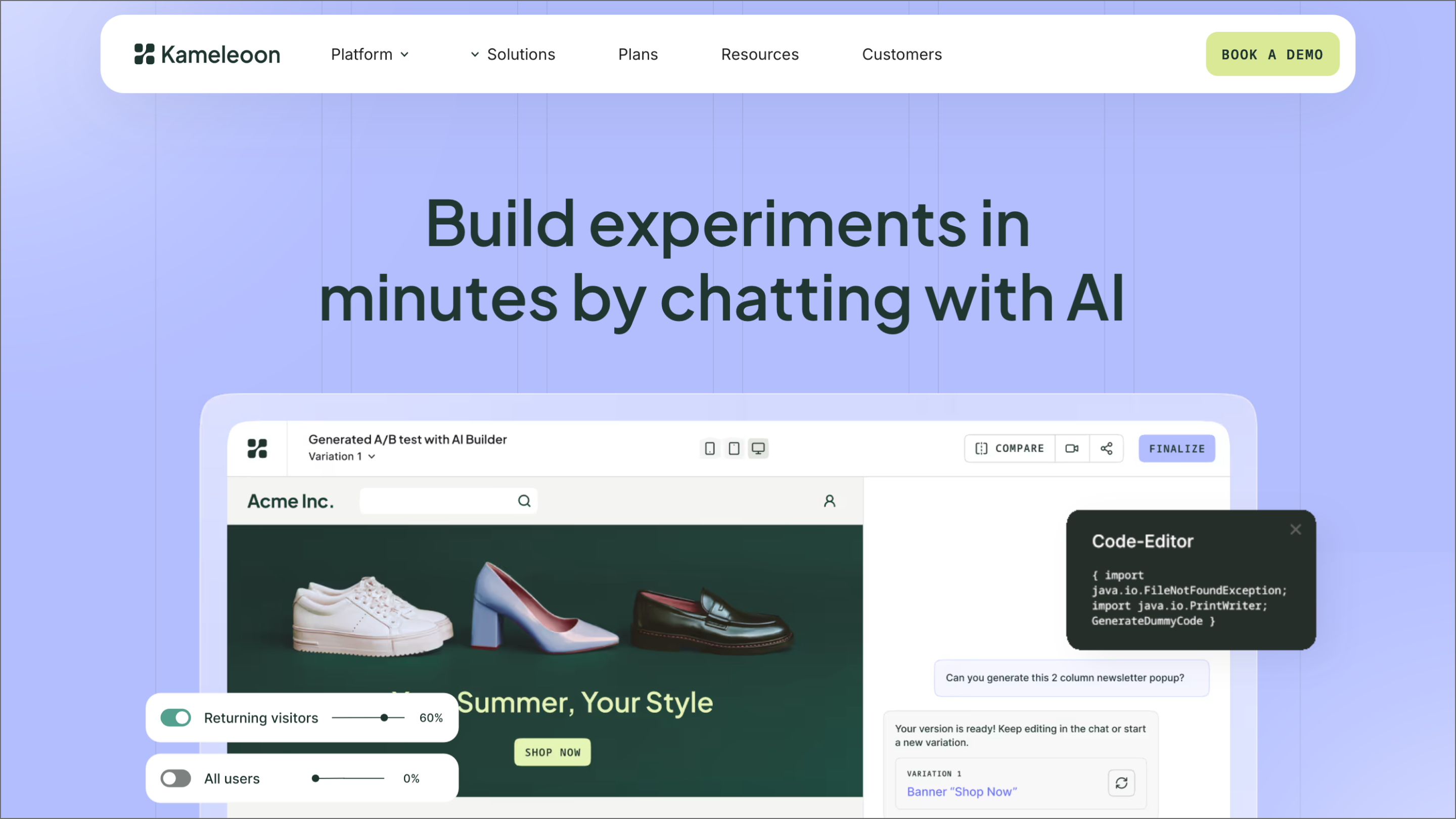
Ideal for: Hybrid and full-stack testing
Kameleoon lets teams run both client-side and server-side tests from a shared environment. Marketing, product, and engineering teams can each work in the tools and workflows they’re comfortable with while staying aligned on data and outcomes.
This tool works well for teams that need to test across both frontend experiences and backend logic without jumping between tools. Kameleoon is also worth noting for teams in regulated industries, as it’s HIPAA, GDPR, and CCPA compliant with a local storage architecture that produces more accurate visitor data across browsers.
Key features:
The right AI for A/B testing tools can speed up how your team learns and ships, but the workflow behind them matters just as much as the tools themselves. Getting your design logic right early makes every experiment easier to manage as you scale.
Here’s how Figma fits into the picture:
Figma Make lets you generate high-fidelity, clickable prototypes from a prompt—no engineering required.
Learn how to master the stages of the product development process, from concept to launch, and how FigJam can help in this step-by-step guide.


A go-to-market (GTM) strategy is your roadmap for launching a product. Learn how to define your target audience and value proposition for a successful launch.