Building a collaborative product design process
You don’t build a product without a whole lot of collaboration from engineers, designers, and product managers.
We knew this before surveying 100+ cross-functional product teams last year to learn how they collaborate.
What we didn’t know was why collaboration felt like a struggle sometimes. And more importantly, how do we make the most of our precious time working together to build the best products?
We learned there are five behaviours that lead to more creative, productive collaboration sessions:
- Co-creation: working at the same time in the same files
- Rapport: knowing your teammates beyond the work
- Role clarity: knowing who’s involved and who’s calling the shots
- Feedback: providing comments and discussion that support iteration
- Reflection: allowing time to discuss what’s working and what to improve

With that knowledge, we wanted to figure out how to foster these behaviours during design team collaboration events. Not just getting people to work together better, but giving everyone the space to share their unique input and challenges in the service of building a better product. And to do it all for dispersed teams, sometimes working hundreds of miles apart.
So, we studied how several successful product teams ran their remote collaboration sessions. We looked at our own internal practises. And we reviewed recent scientific literature about what makes remote work, work.
So, what did we uncover?
Well, we found that reflection and setting role clarity were agnostic; they were needed equally throughout every type of collaborative work session. Co-creation, rapport, and feedback, though, were particularly fostered or critical during specific activities. For example, co-creating was especially important in design sprints, while daily standups are prime time for building rapport.
This report is a guide to applying the five collaboration behaviours to events like remote design sprints and brainstorming sessions. In it, you’ll find dozens of ways high-performing product teams cultivate and stimulate creativity through virtual collaboration.
This is the first part of our three part series. Check out part 2, which provides advice on how to get better feedback in brainstorming sessions, and part 3, which looks at ways to make remote design sprints more co-creative.
Unlock creativity for remote teams
Collectively, we’re learning a lot about what it means to work via video screen. There’s plenty of psychology and neuroscience behind making online group sessions accessible, efficient, and effective for everyone.
But what does it mean for groups that sink or swim on their ability to iterate creatively?
In reviewing our research, we found three factors of remote collaboration that can either suppress or boost creative output:
- Access - Can everyone participate in creative sessions?
- Culture - Is the team supported in their creative endeavours?
- Technology - Is remote work technology taking a toll on creativity?
Here’s how to build rapport among team members that think and work differently from each other to make sure creativity flourishes during remote collaboration sessions.

Lean into diversity
One wonderful outcome of remote work is that people who were once left behind are now included; a wheelchair user can skip the barriers of travelling to a physical office, for example. But to gain all the perspectives from your diverse team, you’ll need a game plan that makes remote collaboration accessible to all.
Jake deHahn, for example, is a neurodiverse, deaf designer. He recently wrote about the frustration of hybrid meetings. deHahn relies on lip reading when meeting people in person and on video calls. When he’s remote, but some of his team are in person, he can’t see everyone speaking.
Some of the things you can do to make video calls more accessible:
- Ask in-person staff to attend meetings from their laptops or computers so remote viewers can see facial expressions
- Use chat and closed-caption (CC) functions
- State agendas verbally and explain what’s shown during screen sharing
There are several other actions you can take that will unblock everyone on your team during creative collaboration sessions.
Offer multiple ways to participate
Some of your most creative designers may not feel comfortable being in the spotlight. Project managers may not be used to working with design software. But your products are better when each gives their input.
During the meeting, create options for everyone to contribute by voice, chat, or even emoji if possible. Afterwards, set up methods for asynchronous contributions to give neurodiverse thinkers time to participate.
Provide records of all collaboration sessions
Reflection turned out to be one of the most beneficial activities from our survey. Considering what went right or wrong during a series of design sprints is much easier when there’s an easily accessible record of the design iteration, discussions, and context. That’s doubly true for team members that don’t receive or process information like the majority of people.
Retaining a record of each session in various formats will help everyone dissect the event and provide feedback. This may mean recording a video, creating a transcript, and sending out an email recap of the session.
And bonus, those artefacts can become a jumping-off point for your next work group, fast tracking ideas and jumpstarting the creative process.
Welcome requests for inclusion
As deHahn explained, not all disabilities or neurodiversities are visible. And some of your team members may not be comfortable talking about theirs.
You can ease this tension and make sure everyone is heard by adding an accessibility statement to meeting invites and agendas. Team members should be allowed to reply anonymously, but there’s also an argument for encouraging public requests; asking for what’s needed publicly can erase the stigma of doing so.
Additional accessibility resources
- Abilitynet.org: How to host an accessible online meeting
- Level Access: How To Make Virtual Meetings Accessible
- Section508.gov: Create Accessible Meetings

Create a culture of creativity
Rituals can jumpstart the creative process and break down barriers between teammates that don’t often work together. Over time, rituals become the foundation of a culture that encourages disruptive ideas—no matter where they come from.
A workplace ritual is a behaviour or activity, regularly practised, that creates a sense of community and reinforces some aspect of culture. For example, we kick off our Monday calls with a weekend update. Everyone shares a quick highlight of their weekend activities.
Rituals are particularly good at unblocking the creative process. According to neuroscientists, “ritual promotes thought suppression—tuning out the inner critic, dampening brain chatter, centering and focusing the mind and decreasing anxiety before executing complex tasks. … When inspiration is elusive, ritual appears to offer a shortcut to creative flow.”
Rituals don’t just offer a one-time creative octane boost. Tim Brown, CEO of design and innovation firm IDEO, says that, over time, they can move an entire team culture towards creativity. “Rituals help create a culture where people are empowered to be creative within an entire company.” Each little ritual, he says, nudges your culture towards the goal of creativity a little bit, until it’s intuitive and automatic.
We’ve included several examples of creativity-inducing rituals for facilitators in the brainstorming, sprint, and meetings sections of this guide. But to get you started, check out our How we Jam playlist on YouTube to learn how other teams design their team rituals.

Adapt for technology
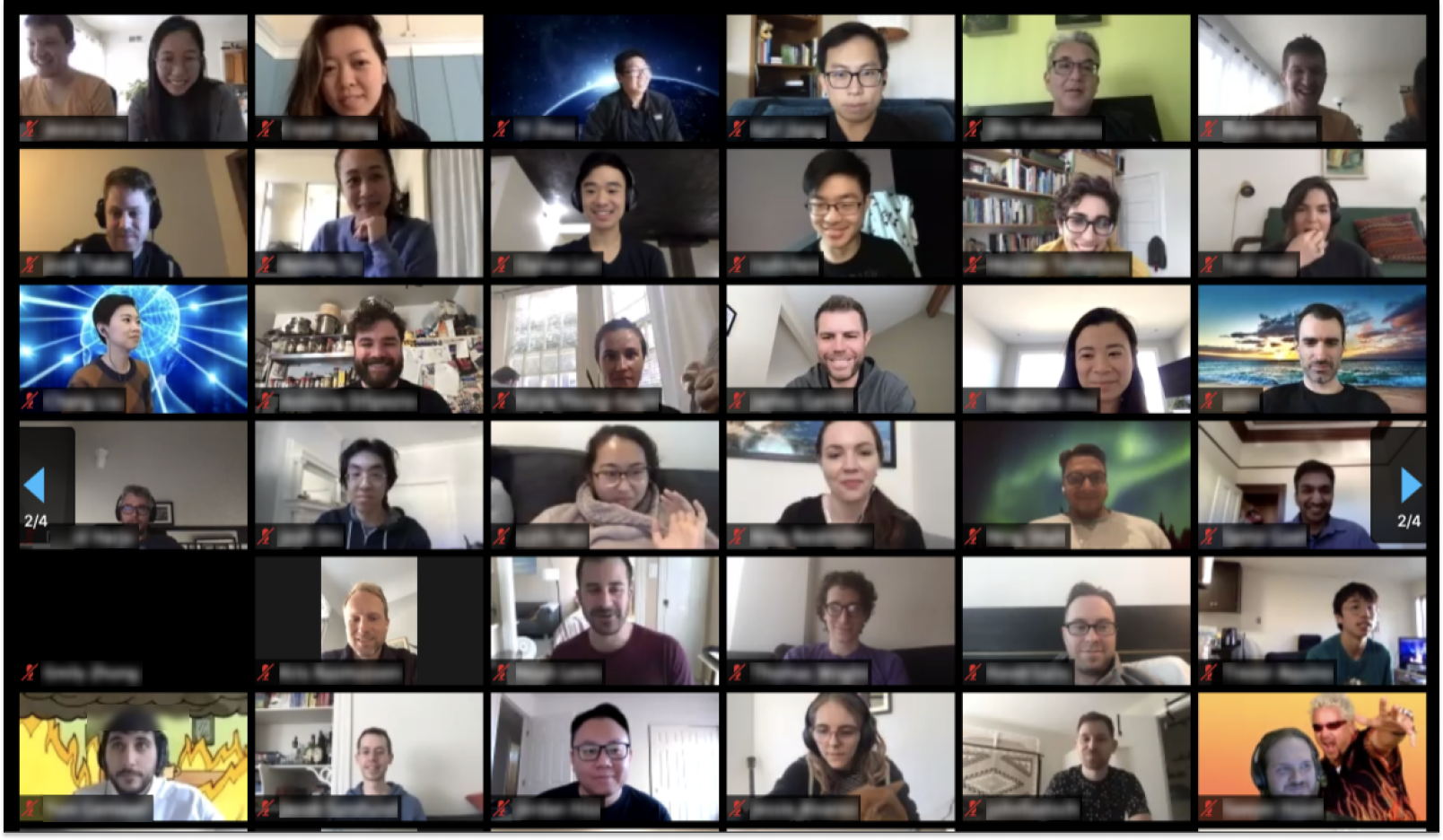
Collaborating via video conference is a necessity, especially for teams that co-create visual products. We’re learning that some aspects of digital meetings can actually hinder creativity.
For example, looking around the room on a Zoom call sends a negative social signal, so we tend to keep our eyes glued to the screen. That narrow cognitive focus makes it less likely that we’ll come up with truly novel ideas.
To keep your team at their creative peak, perhaps consider changing your Zoom etiquette. Encourage camera-off time and movement. Maybe it’s OK to pace off camera and look around while others are talking.
Another relatively new phenomenon called Zoom fatigue saps creative energy. Zoom fatigue can even lead to anxiety and burnout if left unchecked.
A study from Stanford showed four consequences of Zoom fatigue and some tips to fight it.
1. Too much close-up eye contact
On a Zoom call, it feels like everyone is staring at you, in close proximity, all the time, whether you’re speaking or not. That constant, close-up eye contact revs up social anxiety.
To ease the tension, take the call off full-screen and use an external keyboard placed farther away so it doesn’t feel like everyone’s violating your personal space.
2. Staring at yourself is tiring
We’re more critical of ourselves when we look in a mirror. Staring at our reflection for hours is not only stressful but also leads to negative emotional consequences. And that’s essentially what’s happening during long collaboration calls on Zoom.
The fix? Only use self-view to make sure you’re in-frame. Then turn it off, sit back, and enjoy the session.
3. We’re stuck in place
Human brains work better when we move around. In an in-person or audio-only meeting, there’s an opportunity to stand up, stretch, and stroll a bit. Or at least shift positions. On a video chat, however, the camera frame keeps us stuck in one spot.
Create a ritual of movement at the start of group creativity sessions. Try one of the exercises actors use, like shaking out hands, arms, and legs. Then encourage your team to sit farther back from the camera so they have space to shift, stretch, and doodle on a pad. Normalise movement during meetings.
4. Non-verbal cues are absent
Roughly half of our communication is nonverbal. When we’re meeting via video screen, much of that communication is lost, and some of it is changed; we use exaggerated head nods and vigorous thumbs up on Zoom that would be comical in real life. What we’d normally process subconsciously takes more work to figure out consciously.
The Stanford study says the way to ease the additional cognitive load is to take 100% audio-only breaks. That means not just turning off the camera but also looking away from the screen. That way, “for a few minutes you are not smothered with gestures that are perceptually realistic but socially meaningless.”
This is the first part of our three part series. Check out part 2, which provides advice on how to get better feedback in brainstorming sessions, and part 3, which looks at ways to make remote design sprints more co-creative.
See more
And for further information about how organisations are building a collaborative design process, check out our series of case studies and webinars below.

How Vodafone gets into market more quickly with Figma & FigJam

How Qonto reduces lead times and brings PDE teams together

Recreating the buzz of an in-person workshop, using Figma & FigJam

How N26 makes banking more approachable with Figma

How redefining the "designer" helps you scale