Get better feedback in brainstorming sessions
This is the second part of our three-part series. Check out part 1, which looks at ways to unlock creativity for remote teams, and part 3, which explores how to make design sprints more co-creative.
Building products is more complicated than ever. Good design requires input from developers, designers, product managers, and marketers. That’s why feedback scored so highly as a critical behaviour for successful collaboration.
But in their traditional in-person format, brainstorming sessions come with challenges. How do you bring a team spread across the country together? And what happens when one loud voice blocks free-flowing ideation?
Virtual brainstorming uses tools that make it easy for remote teams to collaborate more collectively.
Stop production blocking and evaluation apprehension
Picture it—in an in-person brainstorming session, a designer suggests rethinking how app users flow through the log-in process. It’s elegant and transformative, but a concerned developer in the room shuts down the discussion with talk of technical limitations.
The scenario is so common it has a name—production blocking. That’s when everyone else in a brainstorming group is kept from speaking, and distracted from ideating, while one voice dominates the discussion.
And now, the rest of the team is worried about being criticised for their ideas, so they never share them. That’s called evaluation apprehension, and it’ll seriously throttle new ideation and iteration.
Shifting to digital brainstorming sessions has proved to reduce both.
During remote sessions, everyone can iterate simultaneously. While one person presents their idea via virtual whiteboard, the team gets to riff on it in comments and add their “+1” as a vote of confidence.
With more paths to participate, introverts and internal processors are given space to share their unique genius. Developers are less apprehensive about critiquing a design. And no one person gets to dominate the discussion.
Generate more diverse ideas
Once everyone can brainstorm from wherever they may work, sessions can include more people with more diverse perspectives. But while two heads are greater than one, two dozen heads can actually be worse.
Why? Because large, in-person brainstorming groups have proven to net fewer ideas than smaller teams. That’s not true of virtual brainstorming. In fact, when people brainstorm remotely, the outcomes improve with group size.
When you build products remotely, you can invite the growth and finance teams into brainstorming sessions without fear of diluting your ideation process.
Tips to get the best feedback in a virtual brainstorming session
There are different rules for brainstorming with a dispersed team. You can’t just gather the gang in a conference room and start throwing Post-it Notes around. You need a different tech stack and a few new tactics to get everyone participating quickly and with excitement.
Build a virtual whiteboard: Watch this video to learn the basics of FigJam, so you’re ready to jam with your team on project plans, flow charts, and more. And here’s a quick brainstorm template to get you started.

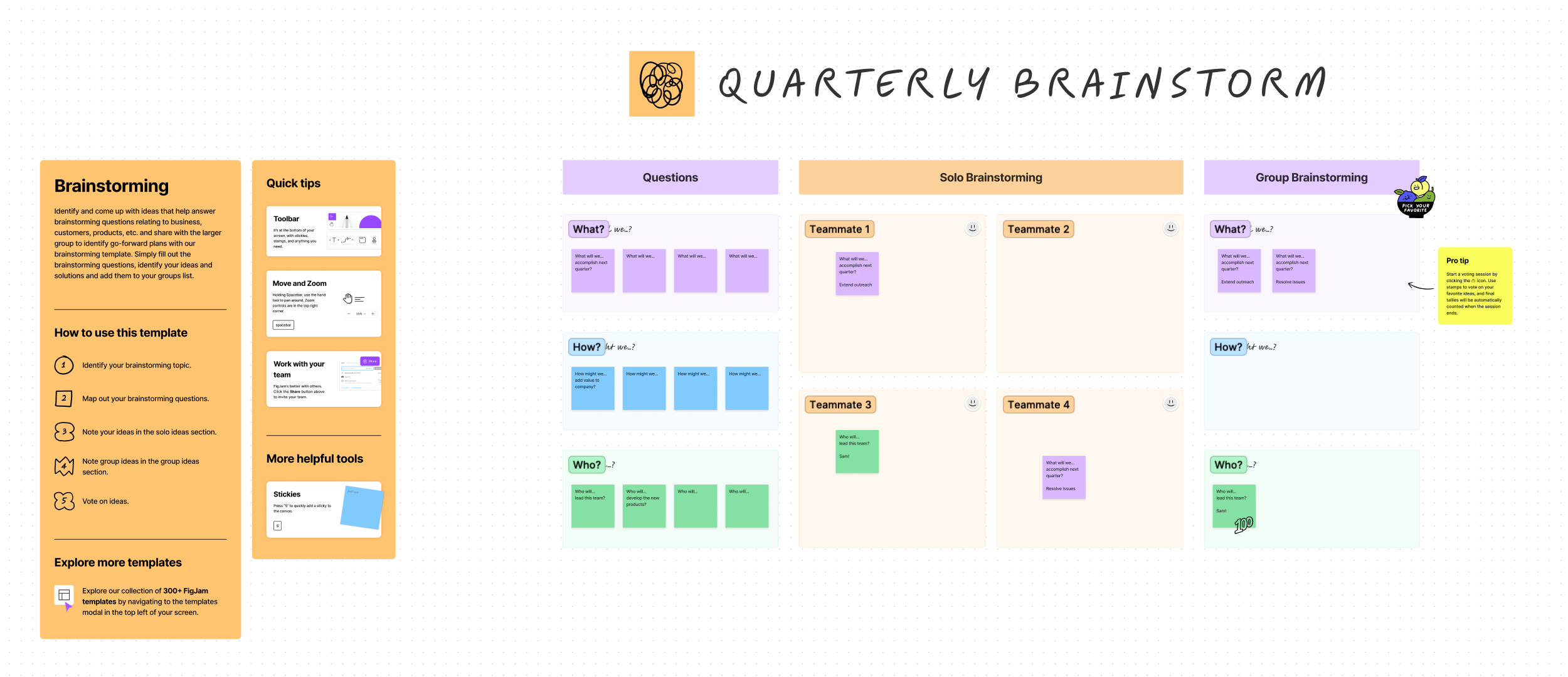
Give your team a head start: Pooled individual effort can be more productive than synchronous group sessions. Get the best of both worlds by giving your team early access to your workspace or providing a short list of leading questions ahead of the meeting.
Create a communications etiquette list: Fight Zoom fatigue and help your diverse team participate with a clear set of communication rules. Add things like using the “raised hand” button to speak, encourage the use of chat, and say when it’s OK to have video on/off.
Share everything ahead of time: Send links to all assets and documents in both a calendar invite and in an email a few days before the meeting. Include links to the whiteboard or question list, agenda, communication etiquette rules, and any background information that’ll add context to the problem you’re trying to solve. Don’t forget your accessibility statement.
2. Manage the session
Assign a co-facilitator: Have them watch the chat, manage tech issues, take notes, and monitor accessibility needs. That’ll keep you free to facilitate and better care for the needs of your team.
Post all assets: Present the goals, rules, agenda, and time limits both verbally and in a place people can refer to easily.
Lead off with an icebreaker: Make it something that sparks creativity. Tom Harman, design director at Monzo, gives his team 60 seconds to draw animals for the “Monzoo.”
Break into smaller groups: In creative endeavours, large groups tend to iterate on existing ideas, while small teams are more likely to find disruptive solutions. If you have a large team brainstorming, break them out into working groups of a few people. Then set aside time for each group to present their ideas.
Add music: Interpersonal musical entertainment is when multiple people become synchronised by a melody. We use that theory by playing music during the heads-down design portion of brainstorming sessions.
3. Post-session
Give time for post-session ideation: The best ideas happen when we’re least trying to find them. Science agrees. Gather those post-session “aha-moment” ideas by leaving access to the whiteboard open for a few days. This is also a great time to gather reflections on the session and its results from internal and external team members.
Communicate next steps: It’s frustrating to invest energy in a brainstorming session that doesn’t go anywhere. Plan out a communication strategy to share key milestones of post-session progress. For example, you could send emails that recap the session, show the designs that’ll move forward, and celebrate when a feature from your session launches.
Brainstorming frameworks that work virtually
There are plenty of ways to structure brainstorming sessions—some are better suited for remote work. It’s best to try a variety and critique each.
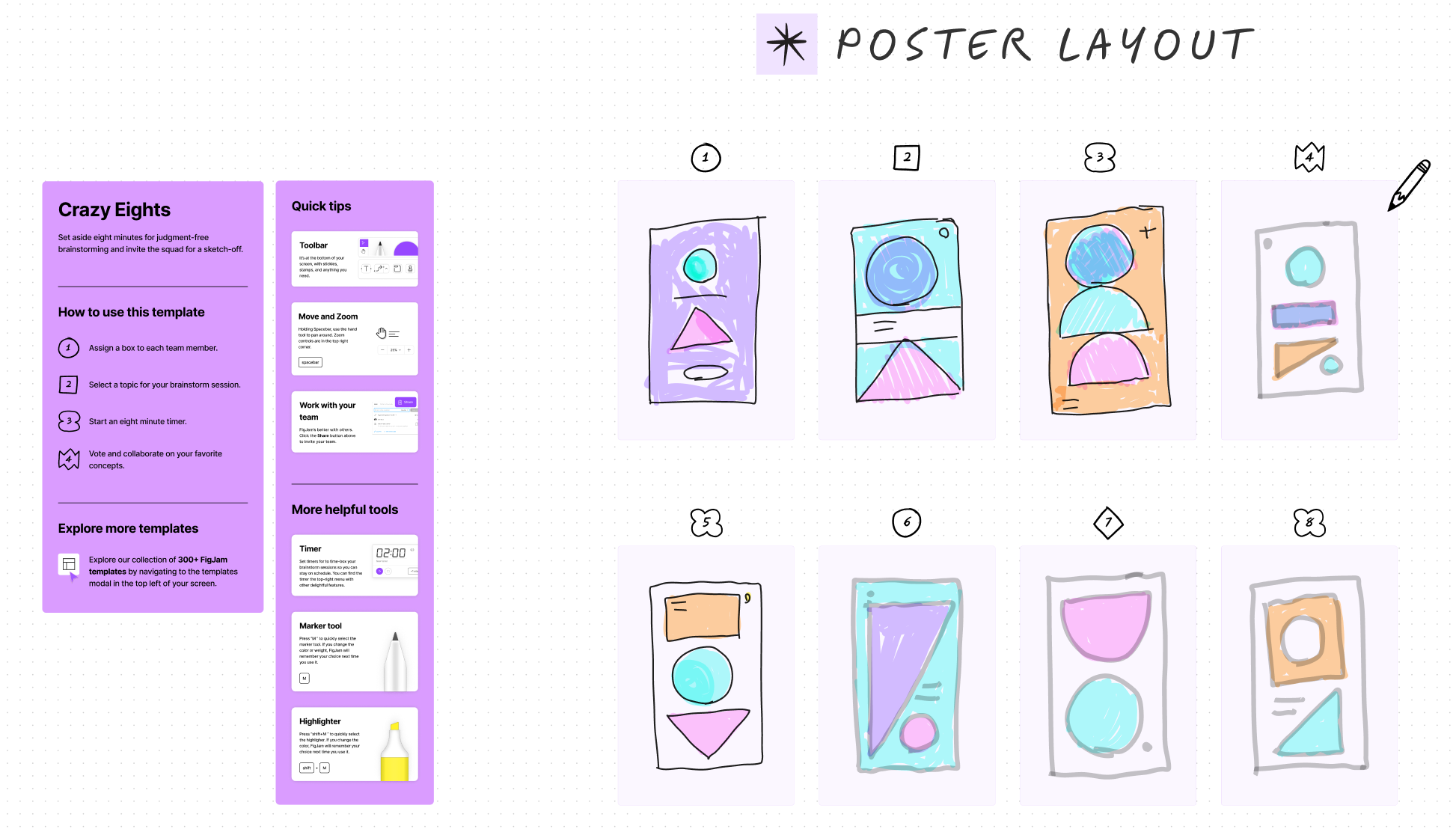
Crazy 8s is a favourite at Figma. You give each breakout team eight minutes to come up with eight solutions to a problem.

Mind mapping is a non-linear diagram of themes and concepts that relate to a central idea. It’ll turn a boring list of information into a visual, visceral image.
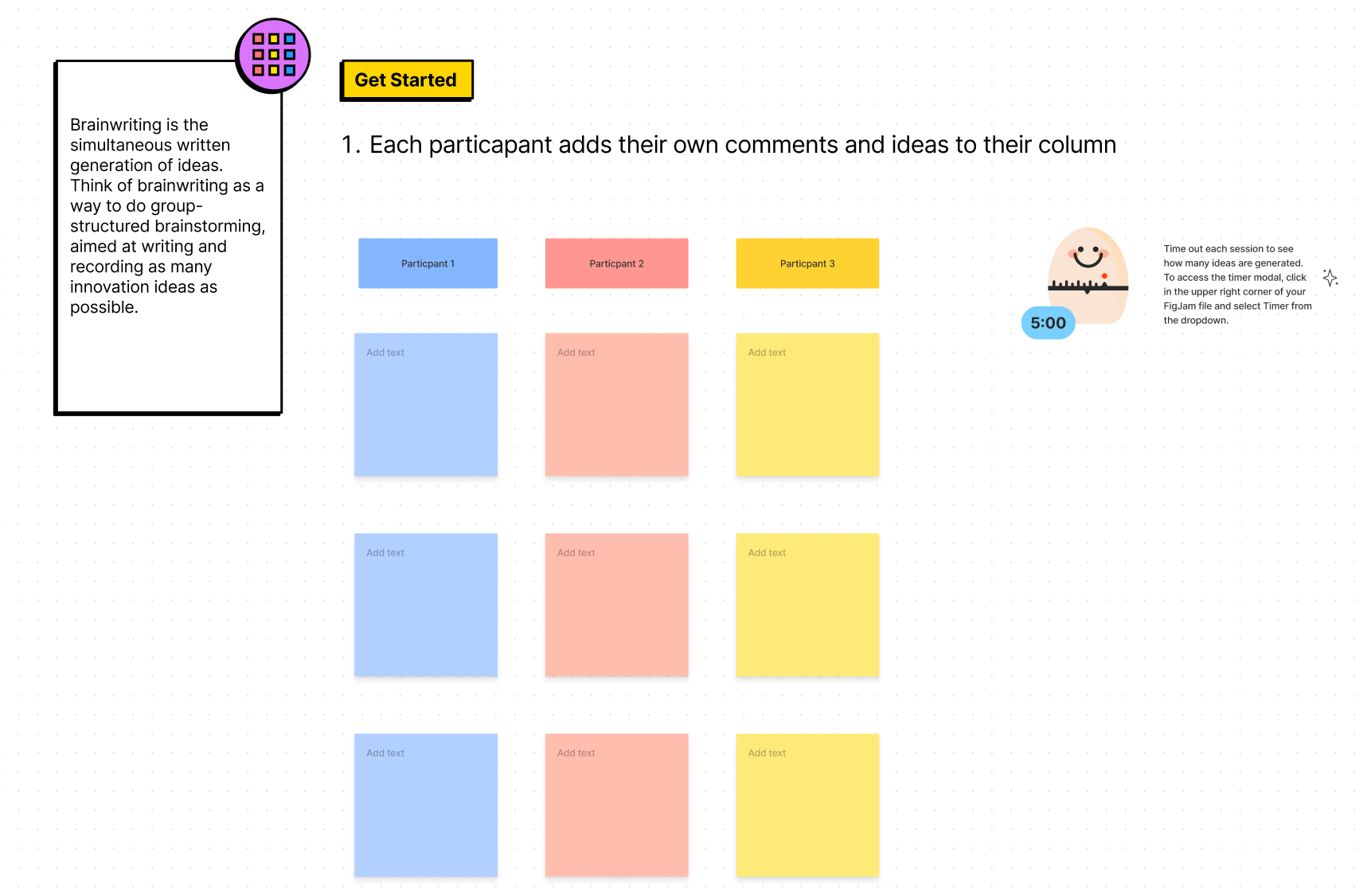
Brainwriting is like the telephone game but for creative ideation. Participants log their idea or design, then pass it to the next person in the group to iterate on or use to enhance their own idea. Brainwriting is especially well-suited to async brainstorming, which can help you overcome broad time zone differences.

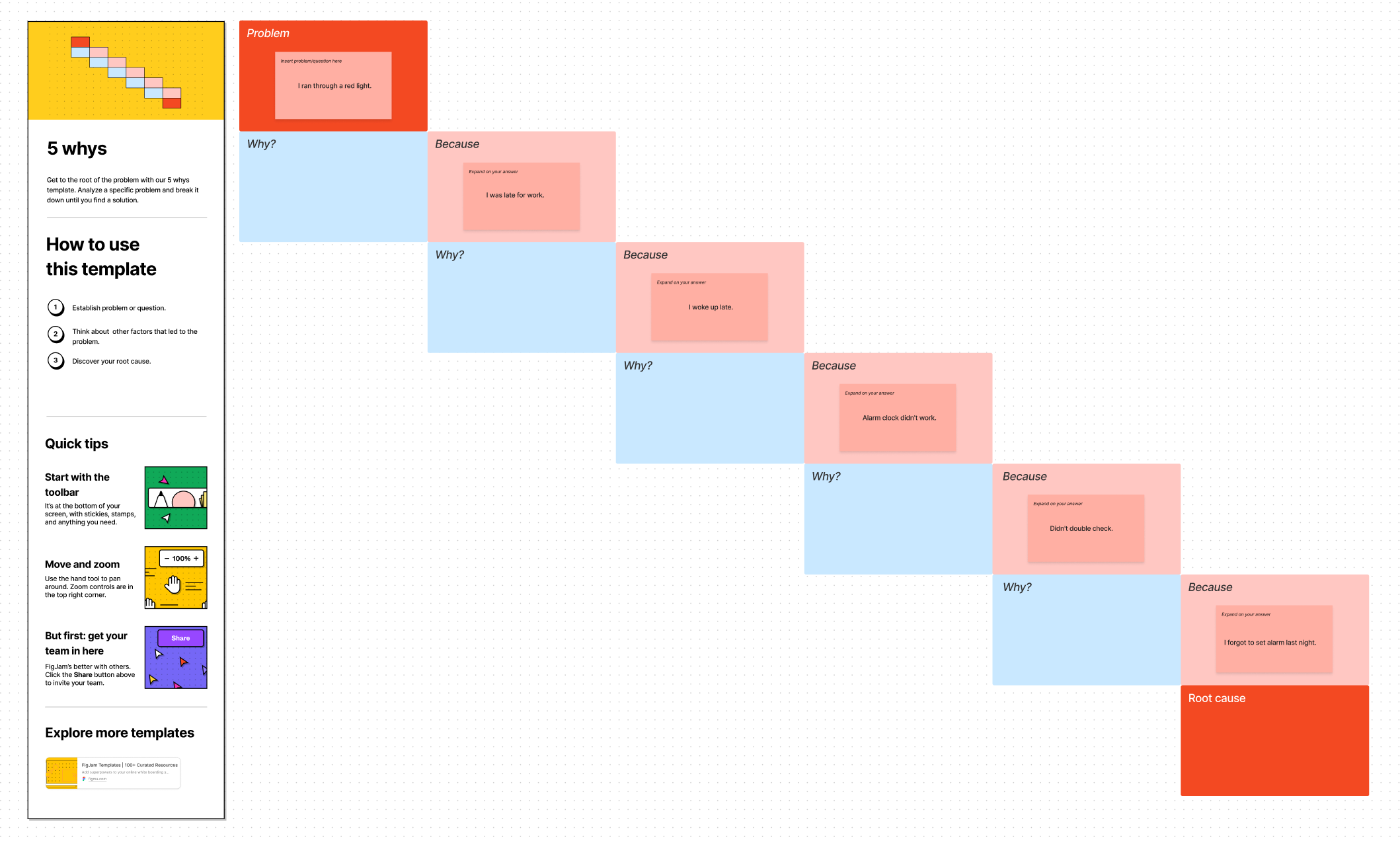
5 whys is a collaborative way to analyse the root cause of a problem. You simply ask a series of “why” questions until you’ve found the real reason something broke. Use it before a design sprint to crystallise the challenge your team is tasked with fixing.

This is the second part of our three part series. Check out part 1, which looks at ways to unlock creativity for remote teams, and part 3, which explores how to make design sprints more co-creative.
See more
And for further information about how organisations are building a collaborative design process, check out our series of case studies and webinars below.

How Vodafone gets into market more quickly with Figma & FigJam


How Qonto reduces lead times and brings PDE teams together


Recreating the buzz of an in-person workshop, using Figma & FigJam

How N26 makes banking more approachable with Figma

How redefining the "designer" helps you scale