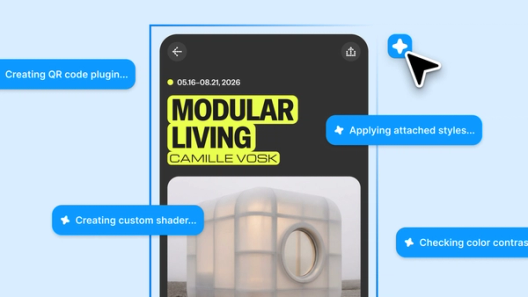
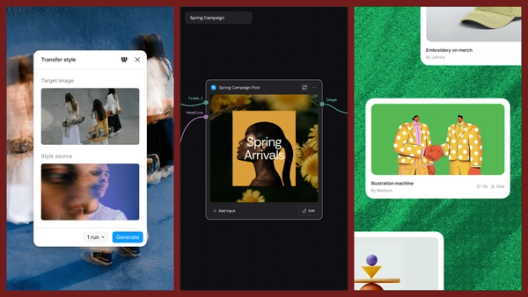
Code on the Figma canvas



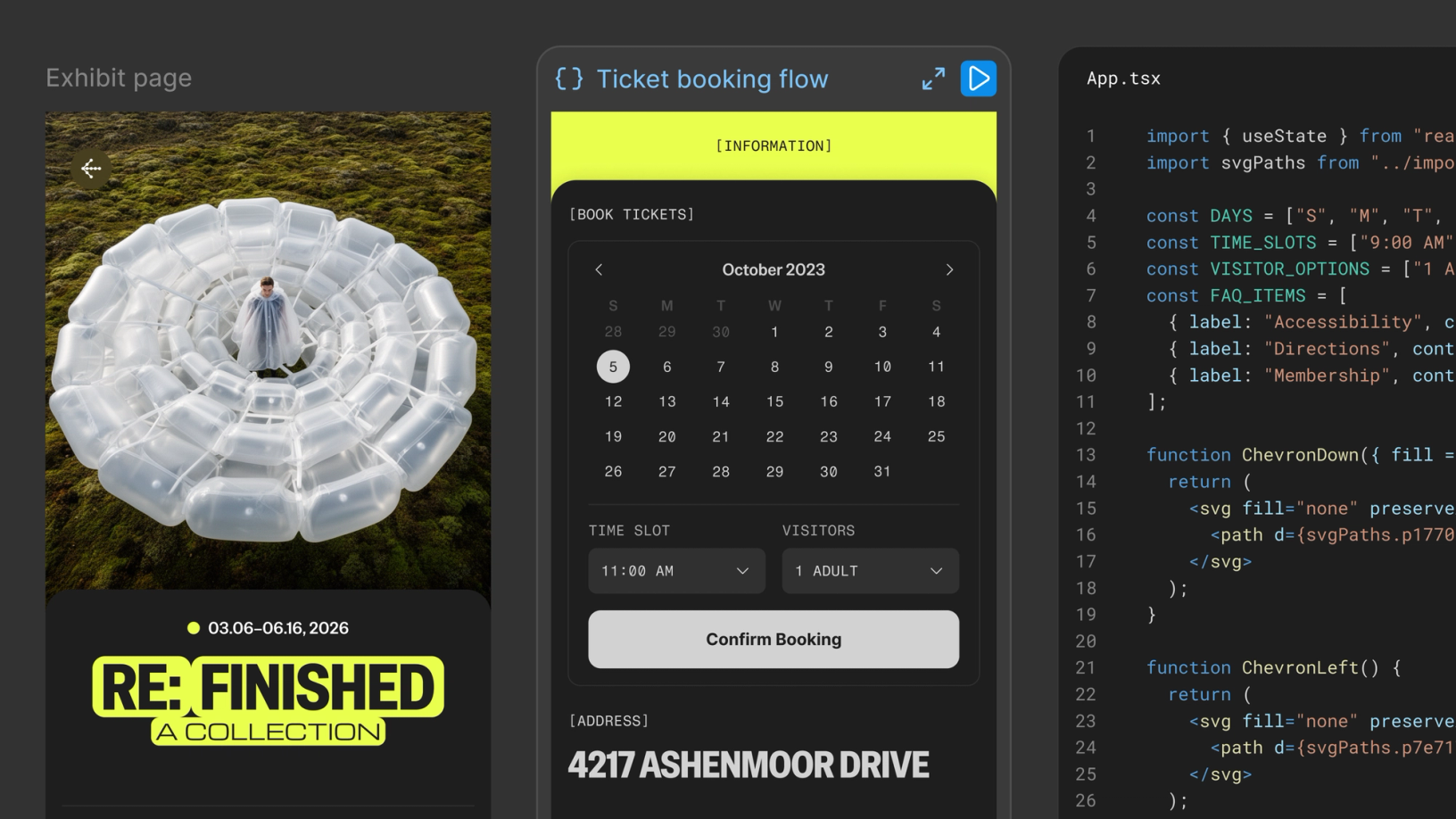
With code layers in Figma Design, you can explore multiple directions with code, side by side with your team.
Share Code on the Figma canvas
Agents have expanded who can build and what’s possible to create. But too often, the process of getting there happens alone, in separate chats, disconnected workflows, and isolated exploration.
Getting started is flexible:
In Figma Design add a code layer from the toolbar, create one from an existing frame, or ask the Figma agent to generate one. From there, start from a template or describe what you want to build. You can also bring in an existing codebase—import a GitHub repository or upload a local folder directly.
In Make generate and edit code, then bring it onto the canvas as a code layer to explore, compare, and refine with your team.
With code layers in Figma Design, interactive code becomes part of the canvas itself, making it easier for teams to explore, iterate, and shape ideas together in the same place.
Entertain all your alts
Designers have always duplicated frames to try alternatives—code layers work the same way. Working experiences can live on the canvas so you can compare how options actually feel, not just how they look. Move, adjust, and resize elements and get an immediate code response. Keep iterating with prompts and the agent generates a new version while preserving the original. Since code layers exist in your shared file, teammates can jump in, leave comments, and prompt against the same layer.

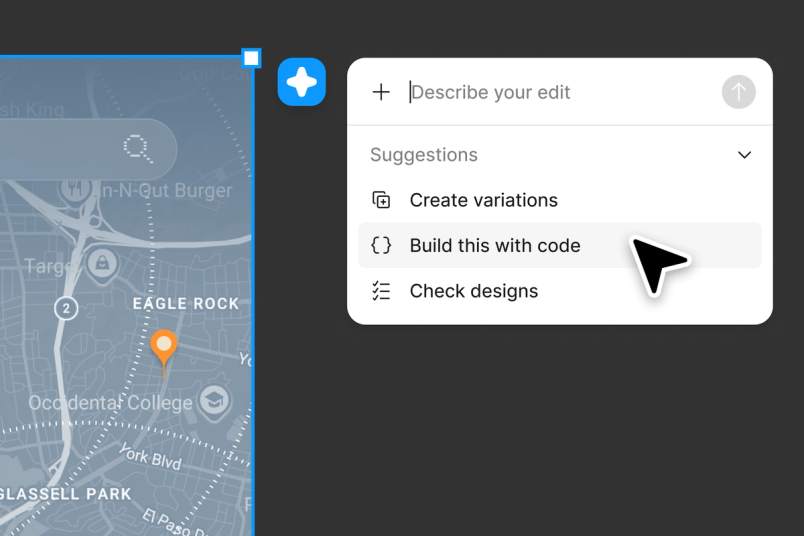
Move between your materials
Code layers make software explorable. By selecting extract designs you can make code visually understandable by converting the current state back into editable Figma layers. You decide what comes onto the canvas—a single screen, a specific state, or a full flow. From there, one click updates the code layer with your edits. So you can work fluidly between the canvas and code.

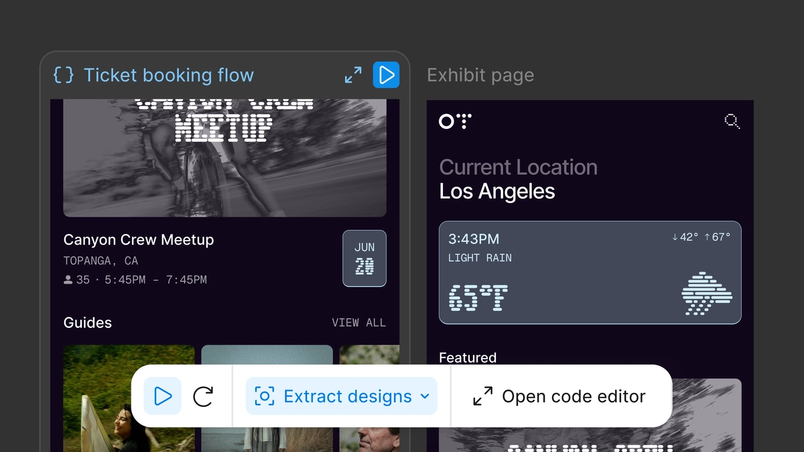
Refine with your judgment
When you want more specificity you can annotate in the code editor and ask the agent to make your desired change or click in and make the edit yourself. Once you're happy, convert it back to the code layer and push to your repo so your source reflects the changes you landed on. Now your whole team can see the update.

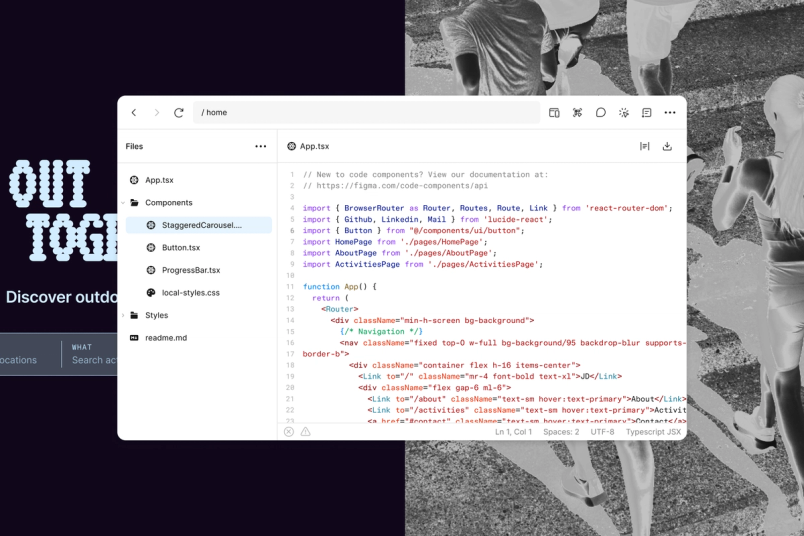
With code layers in Figma Design, the canvas becomes a shared space where design and code evolve together—a place to try things, compare them, and land on the right idea to build.
Code layers are rolling out in closed beta over the next few weeks. Sign up here to request early access. Visit our help center to see a round-up of what we launched at Config, and how to get started. Find answers and inspiration on all things Figma at Figma Learn.

Read Figma CEO and Co-founder Dylan Field’s recap of Config.