Config 2026: New materials, new tools and a more expressive canvas



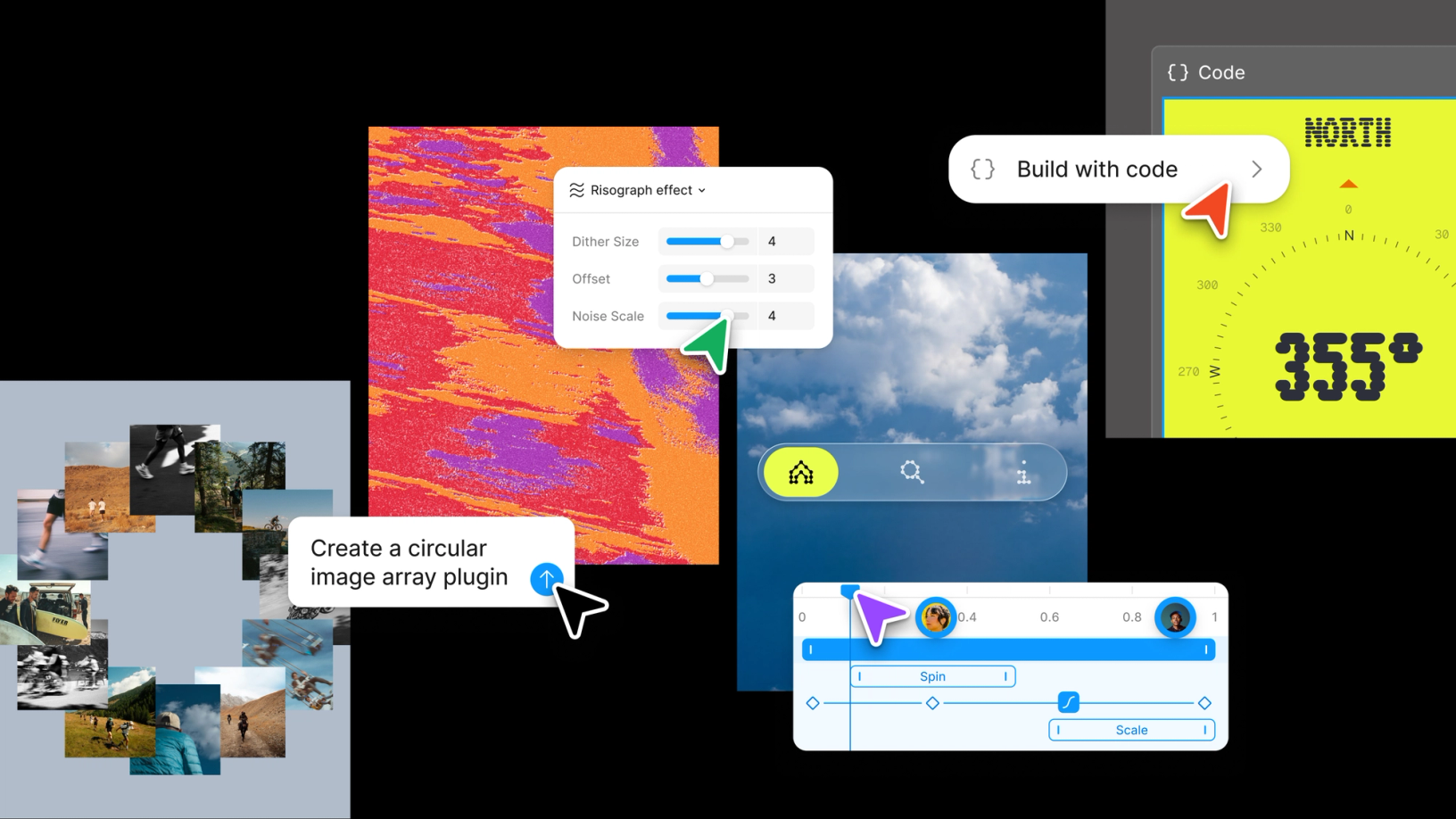
Push past what you thought was possible with code layers, Figma Motion, shaders, generative plugins and Weave tools, all on the canvas.
Share Config 2026: New materials, new tools and a more expressive canvas
Design is about asking the hard questions. Right now, these questions feel bigger than ever. What’s changing? What’s possible? And what does it even mean to create? Here at Figma, we keep coming back to one simple premise: No tool should limit where an idea can go.
This year’s Config announcements are all about limitless expression on the canvas. We’re supporting new materials to express anything you can imagine and introducing new tools to shape and push these materials further than ever: code, motion, shaders, generative plugins and Weave tools, all on the Figma canvas.
At past Configs, we’ve talked about AI lowering the floor and raising the ceiling. But while AI has lowered the floor, it has not raised the ceiling.
Designers, creatives, builders: You will raise the ceiling.
In the months and years ahead, I believe there will be an explosion of creativity, risk-taking and bold expression. Our goal at Figma is to help you design in a totally unbounded way with materials and tools that compose together, and let you riff and play at the speed at which you think. The canvas is more than where your work lives. It’s also where everything connects.
Here’s a look at everything we announced at Config 2026.
Code on the canvas
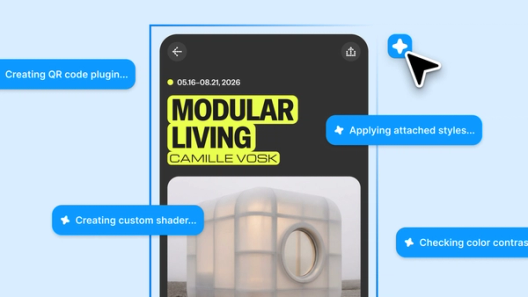
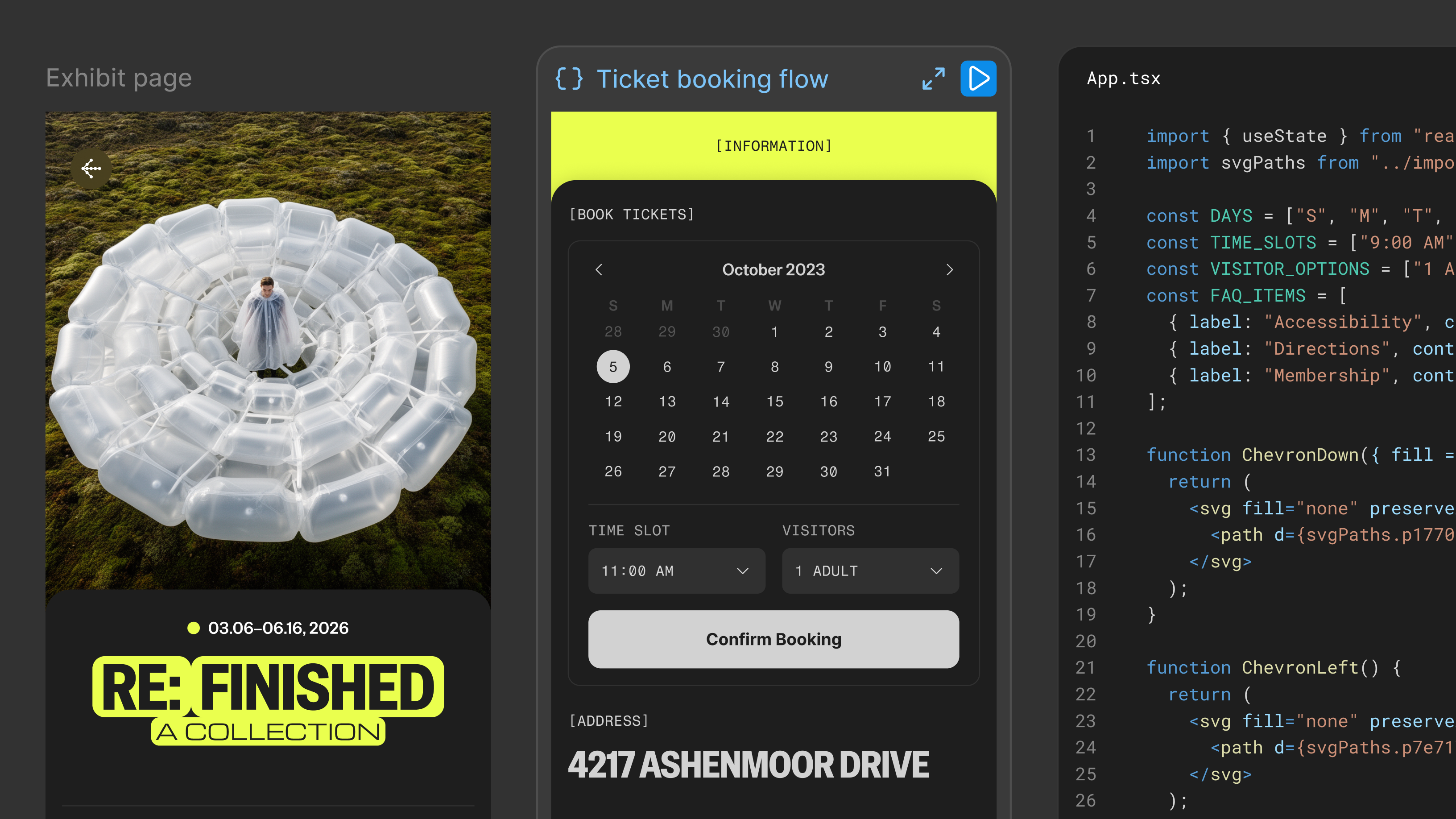
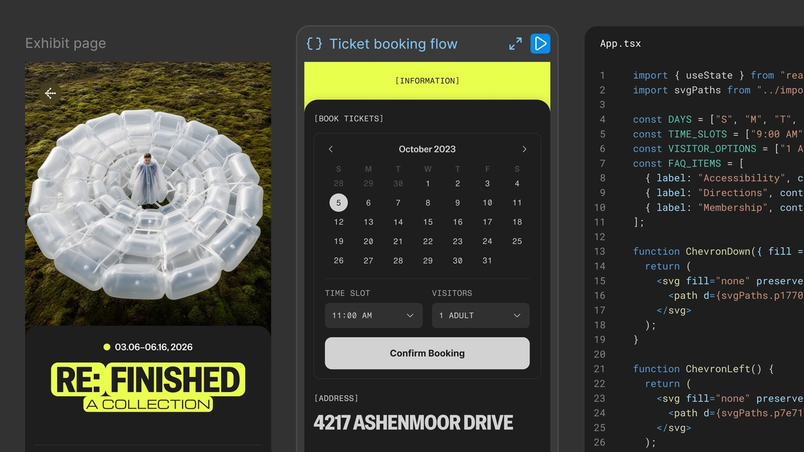
For years, the design industry has talked about “design versus code,” and tools (including Figma!) have forced a choice. But this is a false debate. Design is a process. Code is material, just like images, vectors and design layers. For a long time, code has lived in single-player environments built for linear thinking. Stated differently: The material was separated from the process. We believe code should be treated like any other design material. So we are introducing code layers in Figma.
On the canvas, you can turn any design layer into an interactive code layer with just a single click (or a prompt). You can quickly duplicate a code layer to explore multiple directions side by side, just like you would with a design frame.
From there, it works the way the canvas works: You can riff, comment and iterate with all your teammates in the same file.
For moments when you want to move from code back into design layers, you can extract design frames into editable design layers. Then, when you’re ready to go back, one click updates the code layer with what has changed.
Join the waitlist at figma.com/config-betas for early access when code layers rolls out starting in July.

Bring design to life with Figma Motion
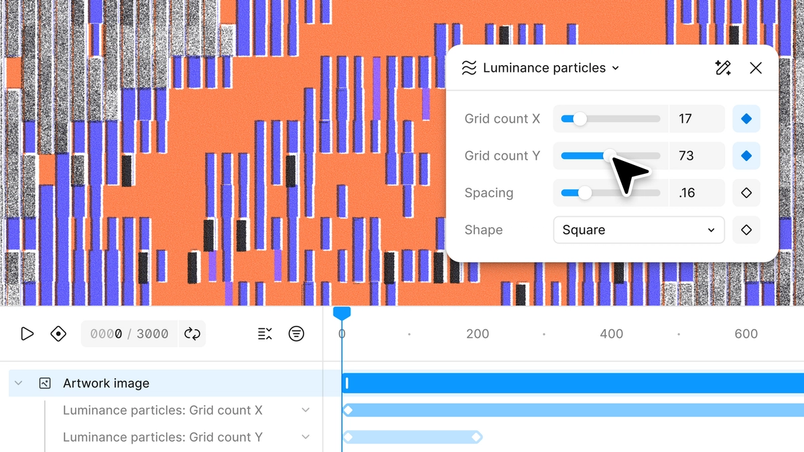
Motion designers make things feel alive in ways that are hard to explain, let alone replicate. So many of us have aspired to make this same kind of magic, yet it has felt out of reach. And it often meant moving into other tools. Starting today, you can build with motion directly in Figma.
In Figma Design, we’ve added a timeline, including keyframes, presets and much more. You can build motion from scratch, layer it onto existing designs or ask the Figma agent to generate a starting point. I hope you will find Figma Motion powerful, intuitive and a joy to use. If you’re already a motion designer, Figma removes the repetitive work, so you can focus on pushing your creativity further.
Because motion is built on Figma’s platform, it can now be a foundational element of your design systems. You can animate a component once, and that motion travels across every screen and every collaborator’s file, the same way fills and typography do.
Lastly, Figma Motion is also built to work in code. When you switch to Dev Mode, the full timeline is visible and inspectable: Every timing value, every easing curve, every keyframe is readable without interpretation. You can copy animation code directly in CSS, JSON or framework-ready React. Motion is also MCP-compatible, so you can pass any animated frame directly to a coding agent for implementation. You can also export as MP4, WebM, Animated SVG or GIF, and we're already working on delivering more formats and export types.
Shader fills and effects
Shaders have always existed in Figma, powering our canvas rendering behind the scenes. But making shaders can feel intimidating, and they are hard to share with your team.
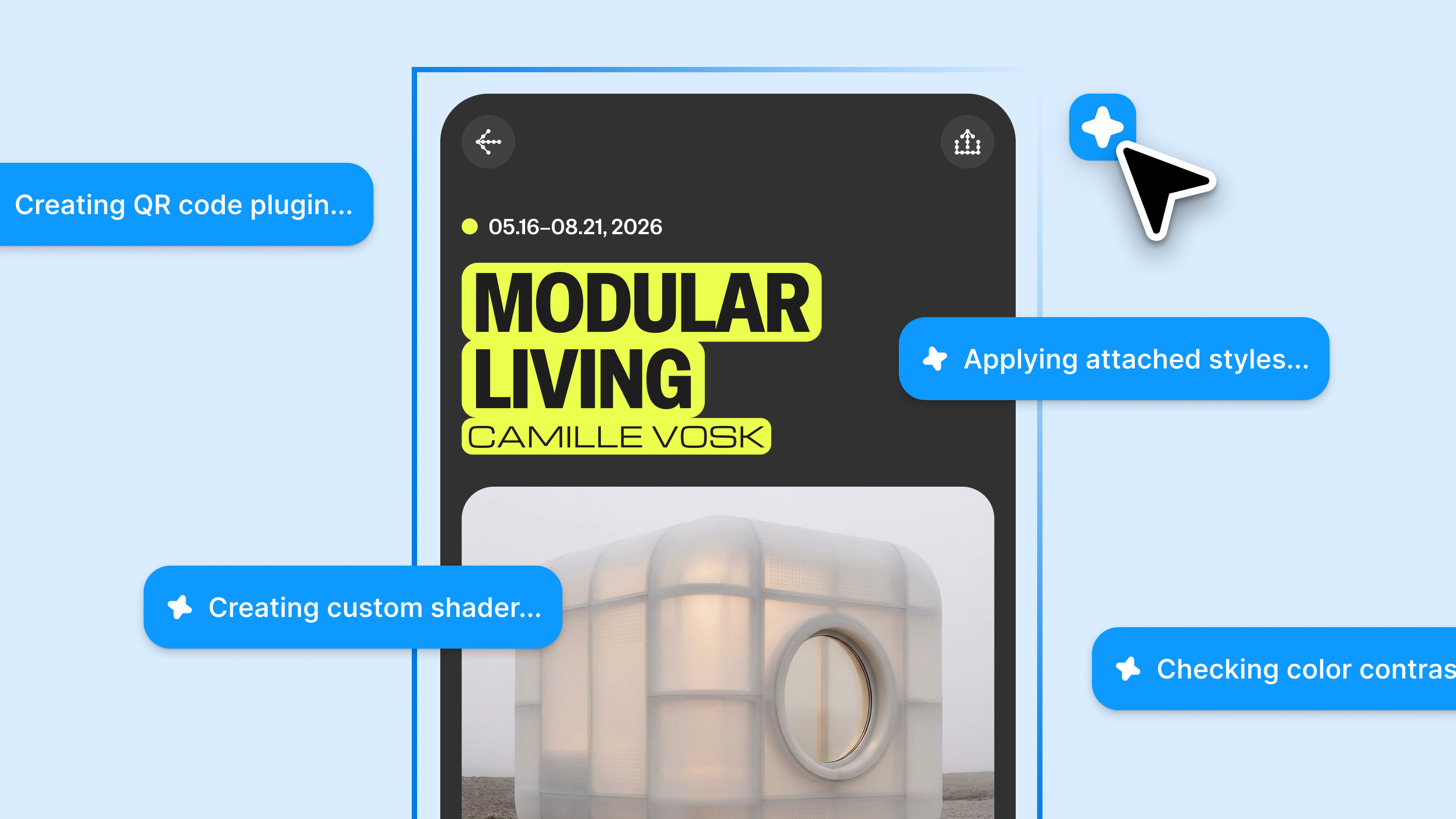
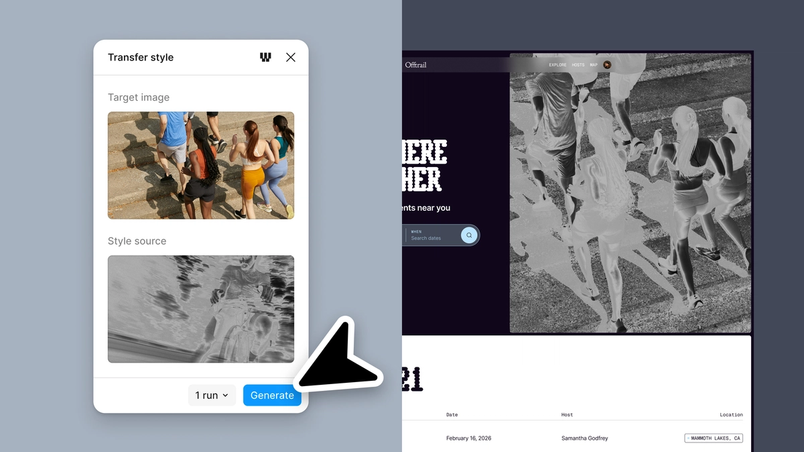
Now you can describe what you want, or use an image as a reference, and the Figma agent will build it for you. An effect transforms what’s already in the layer, and a fill acts as a new material. Because all of this is built with the Figma agent, shader fills and effects are parameterized by default. This allows you to add controls directly on the canvas and shape them in any way you want.
What comes back looks and behaves like it was always part of Figma. Parameters are surfaced as controls, stackable with other effects, and ready for seamless conversion to code and popular formats.
Interactive shaders are also coming soon, but we’re working to get performance just right.

Generative plugins
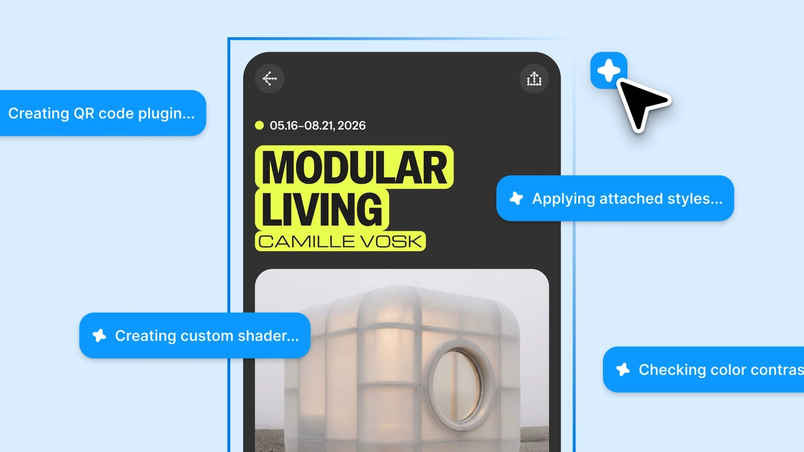
We’re seeing more and more teams build their own tools, and we think this is awesome! Every designer has unique workflows. Generative plugins make creating all the tools you want possible. To build a generative plugin, just describe the tool you need: the behavior, the controls and the parameters. No local dev environment or plugin API knowledge required. It feels native to the canvas just like any other Figma tool.
For both generative plugins and shaders, you can build something for yourself and share it with anyone in your file. Soon, you’ll be able to publish tools to your team, organization or the broader community.
Figma Weave tools
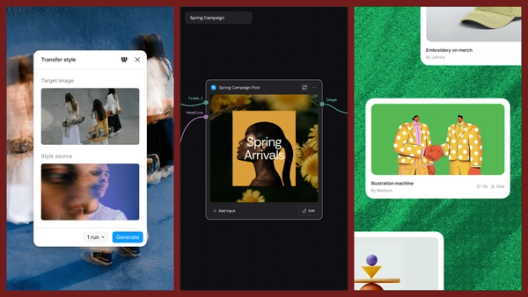
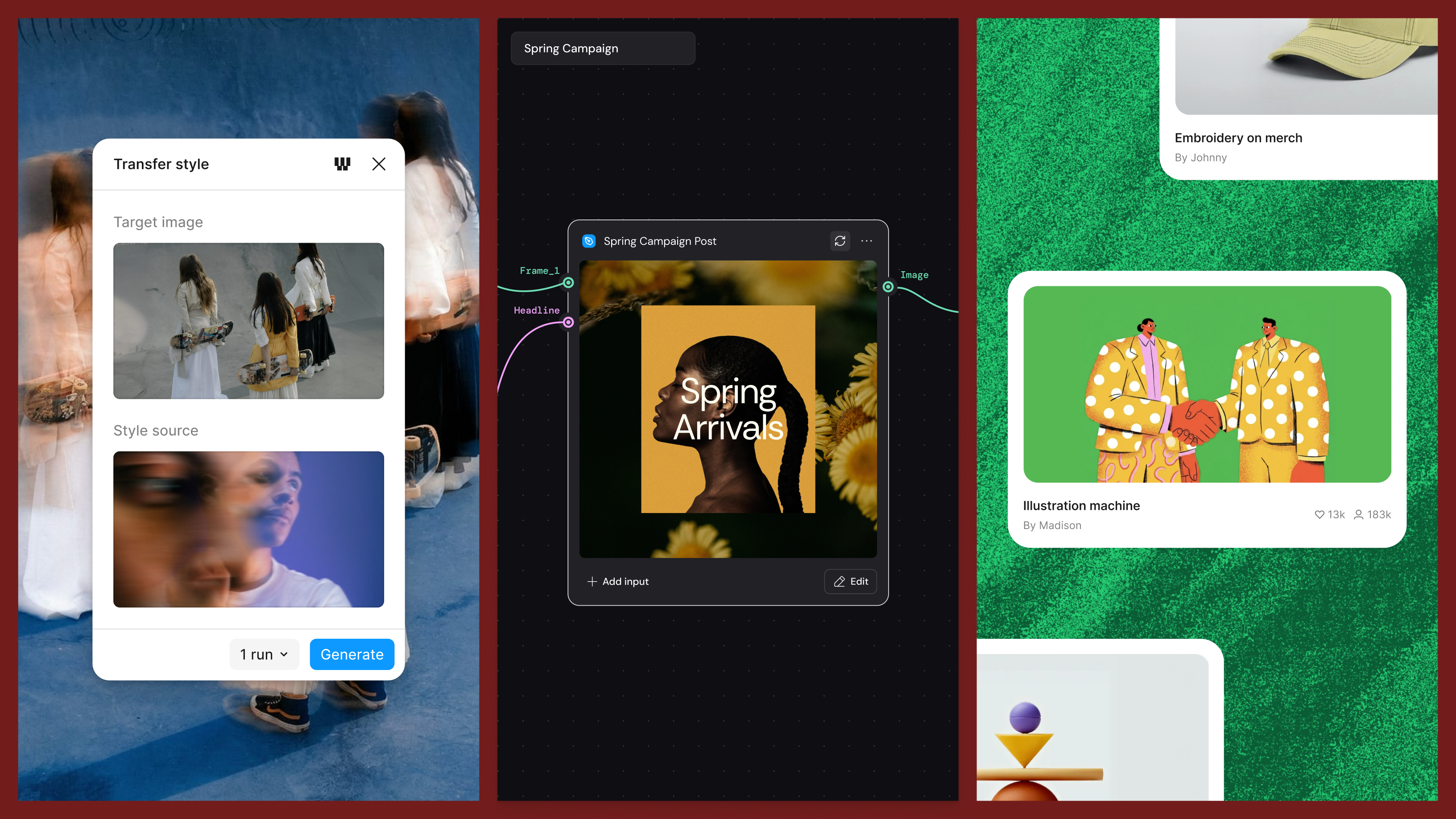
Figma Weave tools apply the same approach to visual content, allowing you to build and reuse expressive workflows. And they are now available in the Figma canvas.
Some context: Weave is a node-based canvas where you build generative workflows. You can connect models, transform assets, refine outputs and compare approaches. Instead of prompting for a single result, you’re working with model outputs like clay to sculpt a multi-model workflow that allows you to turn whatever is in your head into a visible process you can inspect, iterate on and reuse.
Today, you can build workflows in Weave and publish as templates for others to use or remix. Soon, you’ll be able to publish them as tools for your team, organization or community. To get you started, we’ve added a bunch of Weave tools to inspire you.


An agent that knows how you work
The Figma agent (launched to everyone yesterday!) is built to understand the design canvas.
Skills package up your workflows and conventions into reusable instructions for the agent. You can build your own, use skills from your team or pull from the community. Connectors let the agent reach the tools already in your stack—for example, Notion, Slack, Granola, Hex, GitHub, Atlassian and more—and then send updates back. Attachments can bring in research, briefs or any relevant artifact.
Agent chats are also now visible to your teammates by default, so you can see what directions others are exploring and build on their thinking. Of course, you can also make chats private when you need to.
The agent is also coming to more surfaces, like FigJam and Slides. Join the waitlist for early access at figma.com/config-betas.

With more possibilities than ever on the Figma canvas, we can't wait to see how you raise the ceiling. Go build something only you can make.
Visit our help center to see a round-up of what we launched, its availability and how to get started. Find answers and inspiration on all things Figma at Figma Learn.
Dylan Field is the co-founder and CEO of Figma. Dylan studied computer science and mathematics at Brown University where he and his co-founder, Evan Wallace, first started experimenting with design tools built on (and for) the web. With funding from a Thiel fellowship, they began Figma. Prior to Figma, Dylan interned at O'Reilly Media, LinkedIn, and Flipboard.