Introducing Figma Motion: Your canvas now has a timeline


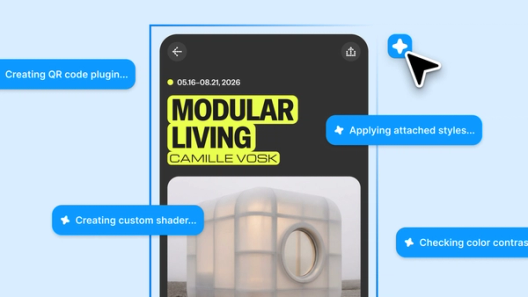
Motion now lives on the canvas—in the same file as your components, your variables, and your team—so your designs can come to life from day one.
Share Introducing Figma Motion: Your canvas now has a timeline

Customer snapshot: Atlassian
For Atlassian, motion in the canvas has removed the friction that can prevent it from being shipped. “It turns animated illustrations from a specialist handoff into a system capability,” says Senior Product Designer Alexandra Pereira. “Dev Mode and being able to comment on the timeline will allow for a seamless back and forth.”
For designers less familiar with motion, the agent guides them through the basics. “When I was animating a banner, I prompted the agent to give me suggestions on what was working, and what wasn’t,” says Lead Product Designer Davy Fung. This helps demystify motion for everyone, says Lead Motion Designer Maxwell Hathaway: “People get to see how things move really quickly, and that access is going to help them develop taste faster.”
When it’s done right When you’re designing motion, you’re designing with time. Understanding the mechanics turns movement into meaning.Principles in motion
Starting today, motion is native to the same canvas where the rest of your designs live. Motion is no longer a bottleneck or a one-person job. Any designer can now prompt the Figma agent to build motion directly on the new animation timeline, lowering the barrier to creation while raising the ceiling of what's possible. And with Dev Mode access and functionality, the whole experience is built for a much smoother handoff.
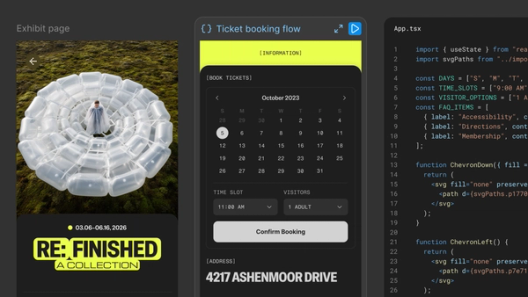
Design and animate in the same file
Custom animation styles are coming, so you'll be able to build and save your own soon.
Sitting alongside Design, Draw, and Dev modes, Motion is the newest layer of a connected experience on the canvas. Switch any frame to Motion mode, and the timeline appears alongside your design.
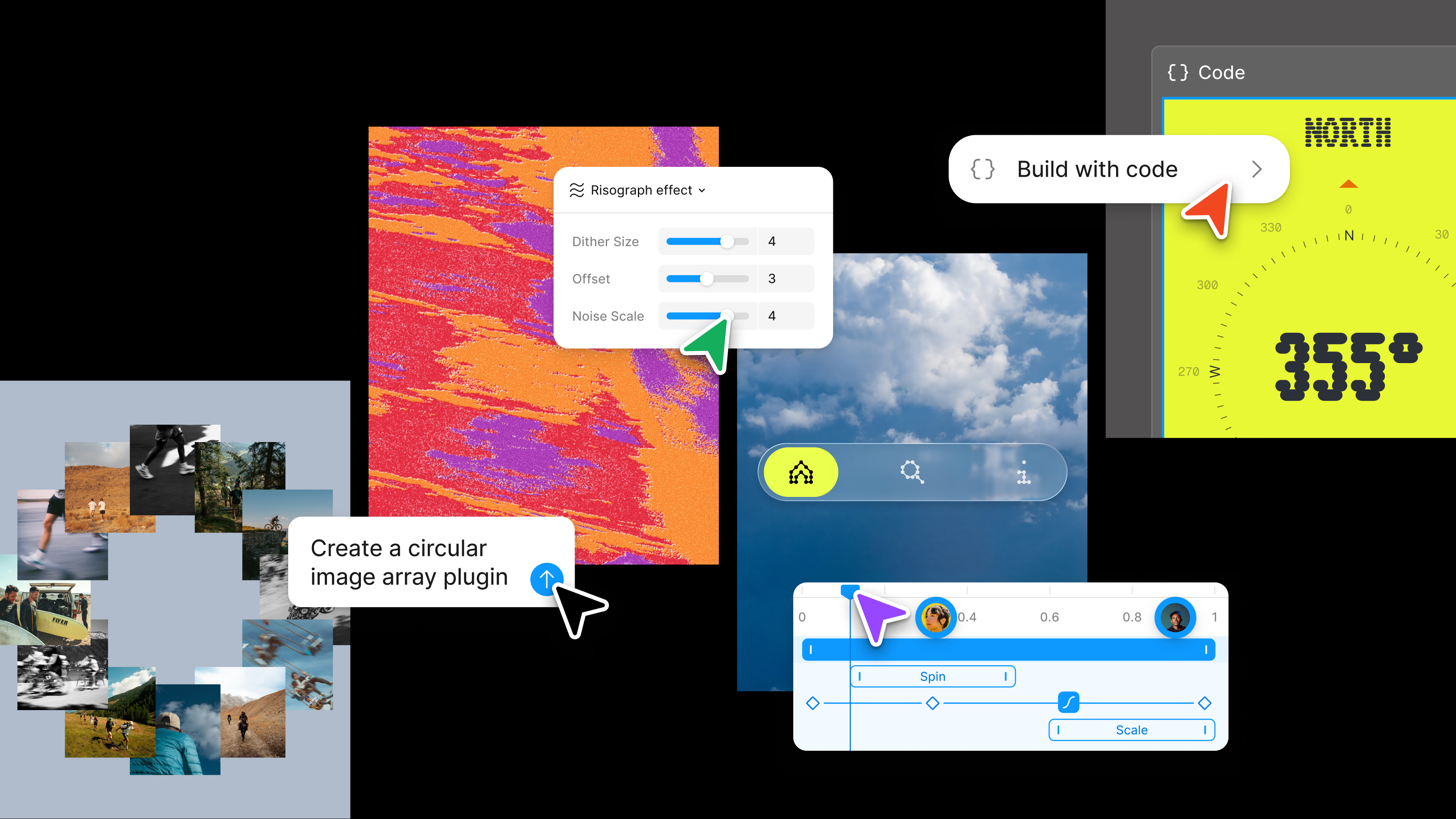
- Timeline control: Drag layers to adjust timing; scrub to preview any moment; and keyframe position, scale, rotation, and opacity independently. Enable auto keyframing to record every change you make while the playhead is moving. And with time-based comments on the canvas, anyone can point to a specific moment in the animation, bringing the whole team into motion reviews.
- Animation styles: Add preset animation styles—fade, move, scale—for the quickest way in, and then continue refining on the canvas. You can stack animation styles on the timeline to play at the same time, or drag to sequence them.
Atomic design is now atomic motion design because I have keyframes on the canvas. It’s the last big piece in the interactive world.
Customer snapshot: Adanna Onuekwusi
For product designer and illustrator Adanna Onuekwusi, motion has always been a way to bring delight and emotion into her work. But moving between external tools, browser-based plugins, and Figma to animate a single illustration meant constant context-switching. Having motion directly on the canvas changes that. “Having everything in one space is really helpful,” she says. “I can systematize the motion process and publish it as a library, so it extends the work from something one person does to something other people can benefit from.”
Build a motion system for all your files
Good motion isn't a collection of one-off animations. It's a set of values defined once and applied everywhere. But most teams have never had a place to build that system, so motion gets rebuilt from scratch every sprint, and what ships reflects whoever had time, not what was designed.
- Animated components: Components are the foundational unit of a design system. Now they carry motion, too. Once you build an animation for a component, it travels with that component across every screen and collaborator’s file, the same way fill and typography do.
- Motion variables: Motion variables let you customize that animation. Create an easing variable, define multiple modes for that variable, and apply it across your animations. Switch the mode at the page level, and every animation referencing that variable updates at once.
If it’s something you interact with every day, software should make you feel something. Motion is another pathway to bringing that to life.
Shader effects and motion
Every property a shader exposes can now be keyframed on the motion timeline. Traditionally, Figma's animatable properties were limited. Shaders change that—anything you can control with a slider or input field, you can now animate with keyframes over time.
3D transforms coming soon
Motion and 3D transforms are part of the same design decision. When you’re thinking about how something moves, you’re thinking about where it lives in space.
With 3D transforms, you’ll be able to rotate frames, vectors, and text on the z-axis with native controls and a live preview as you drag. Every transform stays fully editable. The result exports to CSS and connects through MCP, so the spatial design you build is the spatial design that’s in code. Combine 3D transformation with motion in the same file and you can prototype spatial interactions that weren’t possible in Figma before.
Go further with the Figma agent
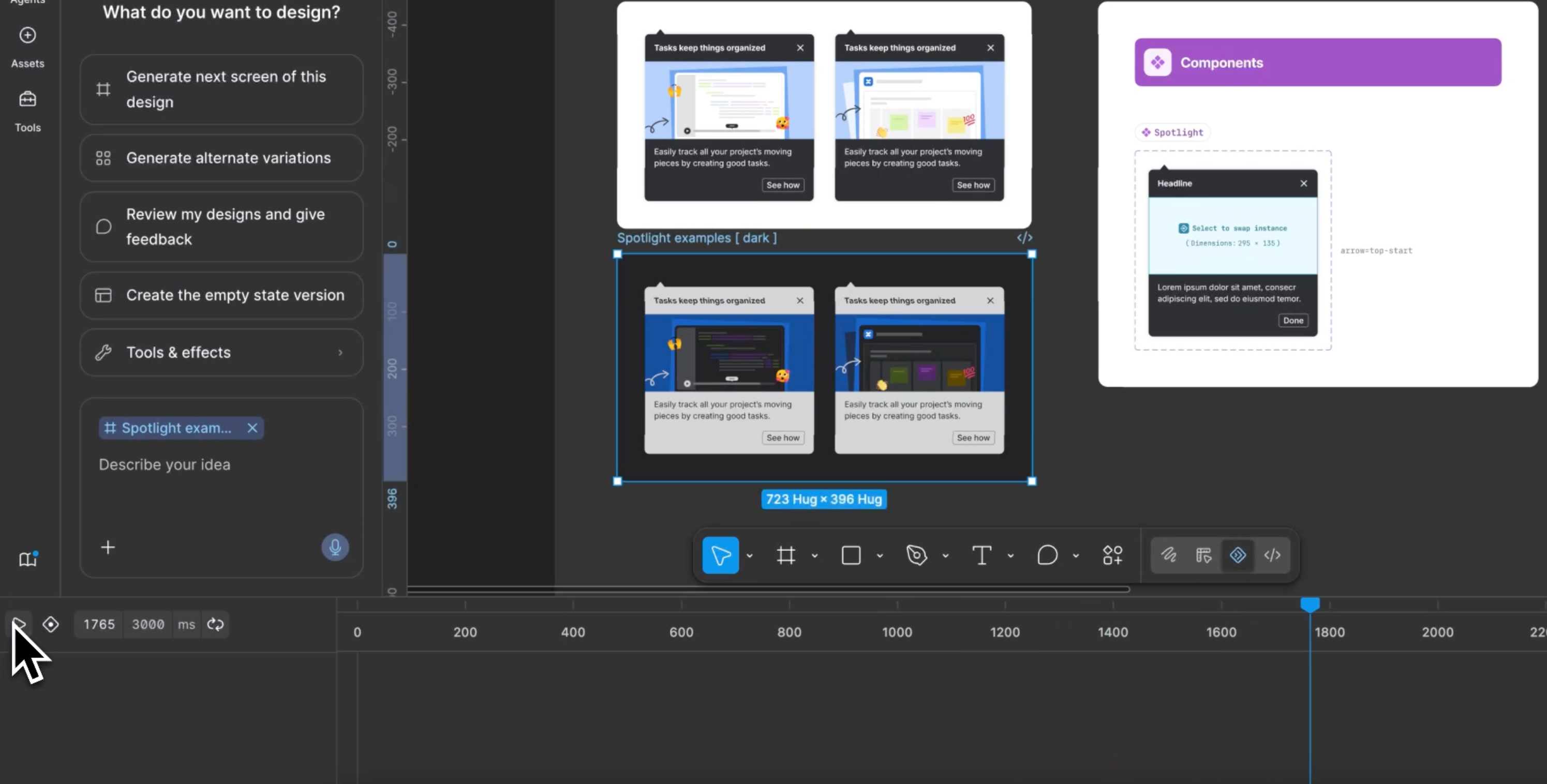
Motion is technically demanding. For a designer who hasn't animated before, the Figma agent Starting today, work with an agent that is built for Figma—directly on the canvas.The Figma design agent is here
For a designer who already animates, it handles the repetitive work so you can focus on pushing the work and dialing in the details. Adjust the easing curve or timing, add a property, or tear it down and rethink it. You can run several prompts at the same time, so you can stay in your flow while the agent tackles multiple frames.
Being able to generate within guardrails really matters for enterprise systems. It allows for consistency, accessibility, and implementation quality as much as speed.
Ship the motion you designed
Motion in production rarely matches exactly what was designed. Details that took hours to dial in, like easing and timing, get lost in translation between the file and the code. Figma closes that gap even before you reach the handoff. Select any animated frame and export an MP4, GIF, SVG, or WEBM directly from the file, so you can get early alignment and input.
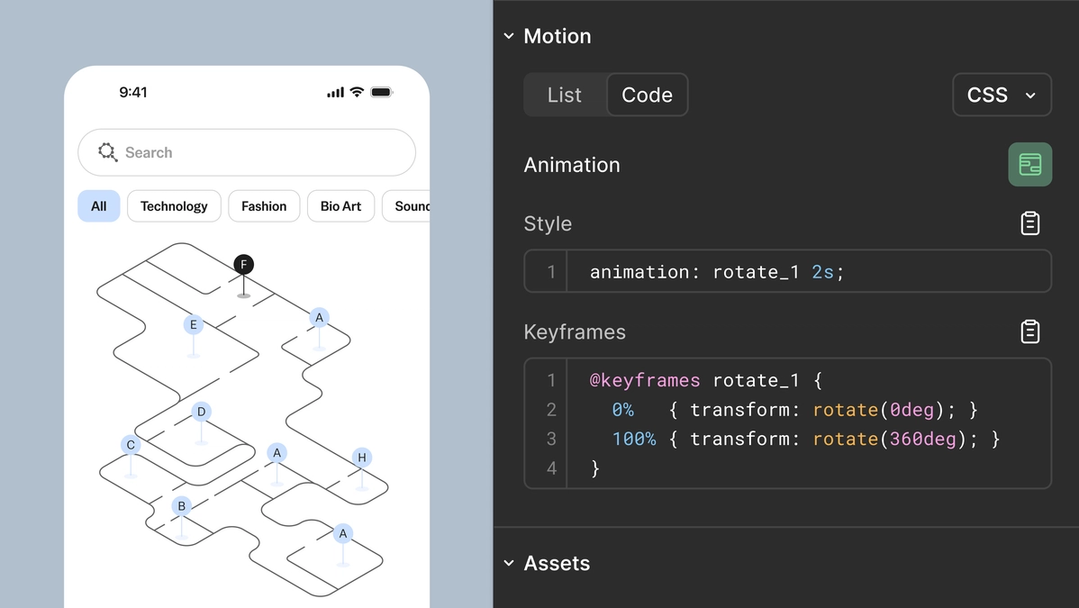
When the file is ready for development, switch to Dev Mode and open the Motion tab. The full timeline is visible and inspectable. Every timing value, easing curve, and keyframe is readable without any interpretation needed from the developer. They can copy animation code directly from the panel in CSS, JSON, or framework-ready React and motion.dev.
Motion is also MCP-compatible Figma’s MCP server brings your design decisions into the tools where code gets written—so what gets built actually matches what was designed. Here’s what that unlocks for everyone who builds products.
The TL;DR on MCP: Why context matters and how to put it to work

If a teammate can easily inspect and translate motion with the formats that we need, it reduces the gap between intent and shipping.
Animation is no longer a finishing step or a scope risk. Motion now moves through the design process the way everything else does: from the first frame to the final build, in one place.
Motion is in open beta. Starter users can access motion with limited exports. Full seat users on all plans can access motion primitives and export. Full design system integration and the Figma agent for motion are available on paid plans.
Learn the principles behind effective motion design and get hands-on practice creating animations in Figma Motion. Try out motion for yourself in our playground file or get started in the help center. Sign up here to join the waitlist for 3D transforms.

Read Figma CEO and Co-founder Dylan Field’s recap of Config.
Dave is a product manager on Figma's Expressive Design team, where he focuses on building tools that give creators more power to express themselves. He joined Figma with Modyfi in 2025, where he was head of product. Nothing makes Dave happier than seeing someone use the tools he's built to create something he never thought was possible.