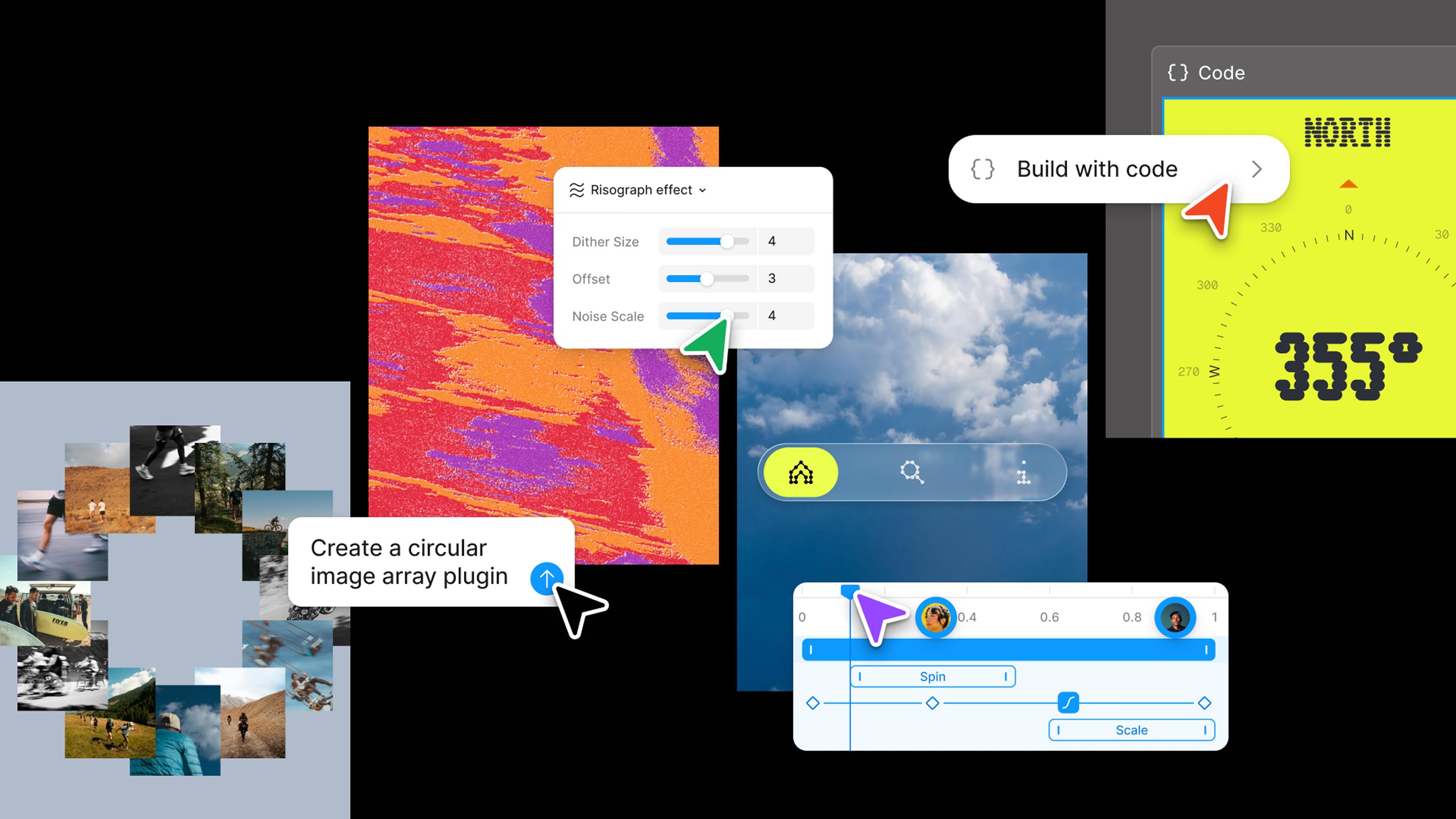
New - The editing panel in Figma Make
New release
Figma Make
Prototyping
New - The editing panel in Figma Make
New release
Figma Make
Prototyping
- Shape it yourself with granular control over spacing, type, and layout. Your edits stack in the chat panel, so you can review each one before you apply it.
- Point to what you mean with annotations—mark a spot and describe intent that's easier to say than to click, like "make this section feel calmer," and the agent makes the change right there.
- See it across screen sizes by switching device frames as you edit, so your design holds up everywhere.
- Reach the panel faster from the updated toolbar—Edit and Annotate to the agent are right where you start.