12 AI tools for product discovery in 2026
Share 12 AI tools for product discovery in 2026
Explore more from
Building with AI


Discovery usually forces a tough choice: slow down to do the research, or ship fast and hope you’re right. But you shouldn’t have to pick between speed and confidence. That’s why so many teams are handing off the busywork.
In our 2025 AI report, we found that 43% of developers and 38% of designers are already using AI for desk research, while nearly half rely on it to analyze user data.
AI tools for product discovery keep that momentum going. They handle the grunt work, so you can get the evidence you need without slowing down your build.
Read on to learn:
- 12 tools to use throughout the product discovery process
- The key features and use cases to help you fit them into your workflow
| Tool | Discovery phase | Ideal for | Key features |
|---|---|---|---|
| Figma Make | End-to-end discovery | Generating early prototypes instantly | Prompt-to-code, rapid iteration, multi-variant generation, built-in collaboration |
| Maze | Validation and product analytics | Unmoderated prototype testing at scale | Unmoderated testing, participant recruitment, question bias check, automated theme analysis |
| Sprig | Validation and product analytics | Capturing real-time feedback inside your product | In-product surveys, AI survey generation, granular user targeting, product health dashboards |
| Amplitude | Validation and product analytics | Tracking user behavior patterns | Natural language data queries, funnel analysis, user segmentation, retention charts |
| FullStory | Validation and product analytics | Spotting friction in the user journey | Session replay, frustration signals, AI session summaries, heatmaps |
| Dovetail | User research | Building a centralized research library | Automated transcription, insight tagging, video highlight reels, global search |
| Looppanel | User research | Rapid analysis of user interviews | Discussion guide mapping, AI-powered tagging, sentiment analysis, repository search |
| Insight7 | User research | Quantifying customer pain points | Multi-channel data ingestion, automated theme detection, sentiment visualization, persona segmentation |
| Kraftful | User research | Turning user feedback into specs | Auto-drafting PRDs, source citation links, AI-led user interviews, daily feedback digests |
| Crayon | Strategy and planning | Monitoring competitor moves | Competitive monitoring, AI-driven market answers, Slack alerts, win/loss analysis |
| Productboard | Strategy and planning | Prioritizing the roadmap with evidence | Flexible scoring models, Jira/GitHub integrations, customer portal, feedback insight links |
| ChatPRD | Strategy and planning | Drafting and stress-testing product specs | PRD generation, logic stress-testing, brainstorming mode, custom templates |
Validation and product analytics
Before investing in design or code, you need to know if the problem is worth solving. These validation tools help you test hypotheses and gather feedback on early concepts, so you don’t waste cycles building the wrong thing.
1. Figma Make

Ideal for: Generating early prototypes instantly
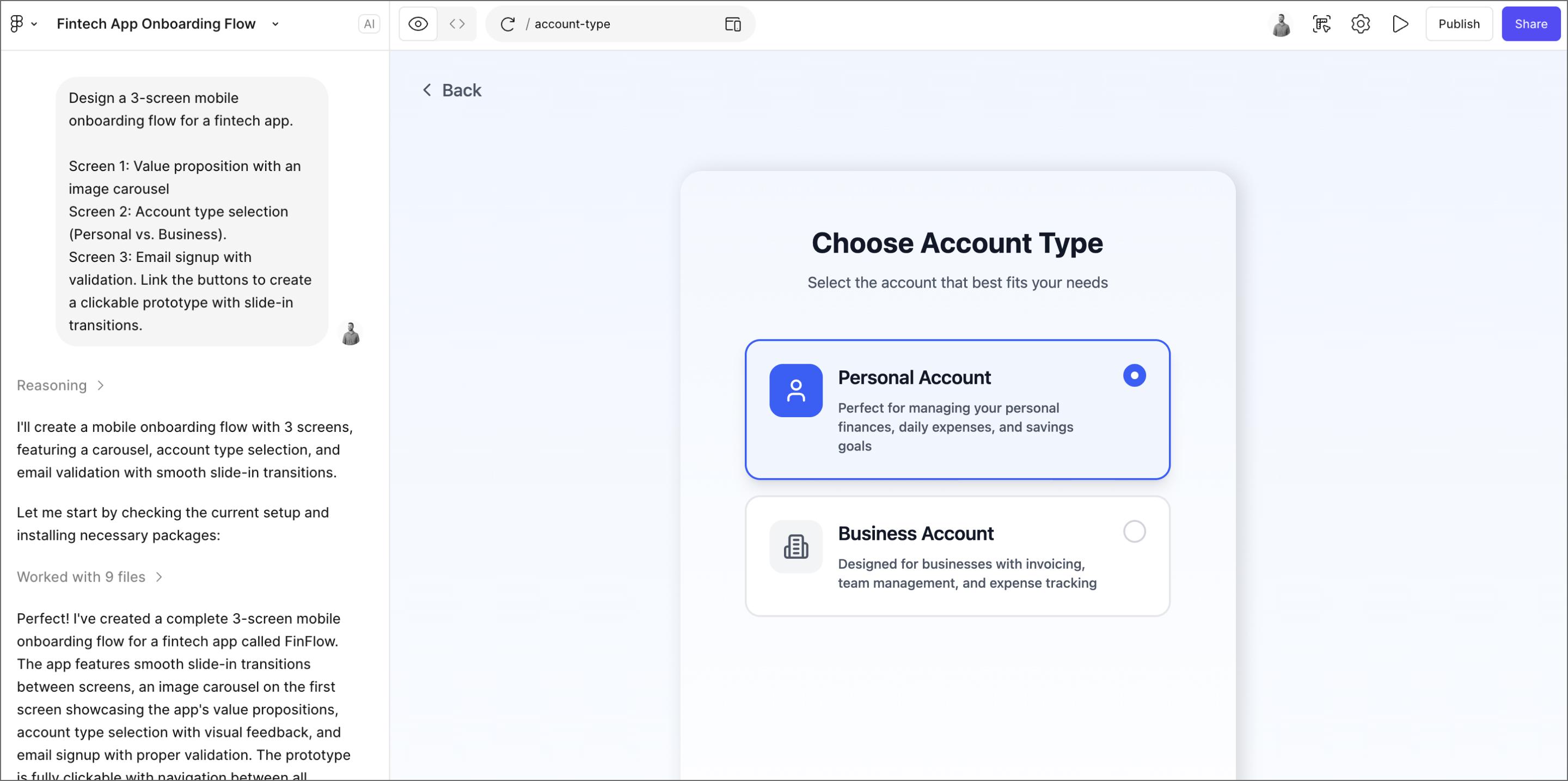
The biggest bottleneck in discovery is usually the wait time between having an idea and having something tangible to test. Figma Make removes that lag by turning text prompts into a clickable prototype in seconds. You jump straight into user validation, getting the data you need to decide what makes it into the roadmap.
Because Figma Make connects to your design system, it builds directly with your team’s components. You can skip the engineering queue and put a high-fidelity concept in front of users right away, so you can see how they navigate the real thing.
You can also annotate and jam on the file together in real time, bringing engineering and product into the design process from day one. This way, you spot any cracks in the logic early on, saving you from finding them two weeks into a sprint.
Key features:
- Prompt-to-code generation that uses your design system components
- Real-time iteration to update prototypes on the fly between user testing sessions
- Multi-variant generation to explore different solutions side-by-side
- Built-in collaboration tools to annotate and refine details with your team
Pro tip: Prototyping is just the start. You can also use Figma Make to generate assets and tools for every step of your discovery workflow.
- User research. Connect to real data (via Supabase) so your prototypes behave like a live app, helping you get higher-quality feedback and run rapid A/B tests.
- Internal tools. Need a better way to log interview notes? Spin up a quick, functional feedback tracker app for your team instead of buying a new SaaS tool.
- Strategy and planning. Build live roadmap dashboards or KPI trackers, then embed them directly into FigJam or Figma Slides to align stakeholders where they’re already working.
Turn prompts into working prototypes
Generate high-fidelity designs with your team’s components and start validating ideas in seconds.
2. Maze

Ideal for: Unmoderated prototype testing at scale
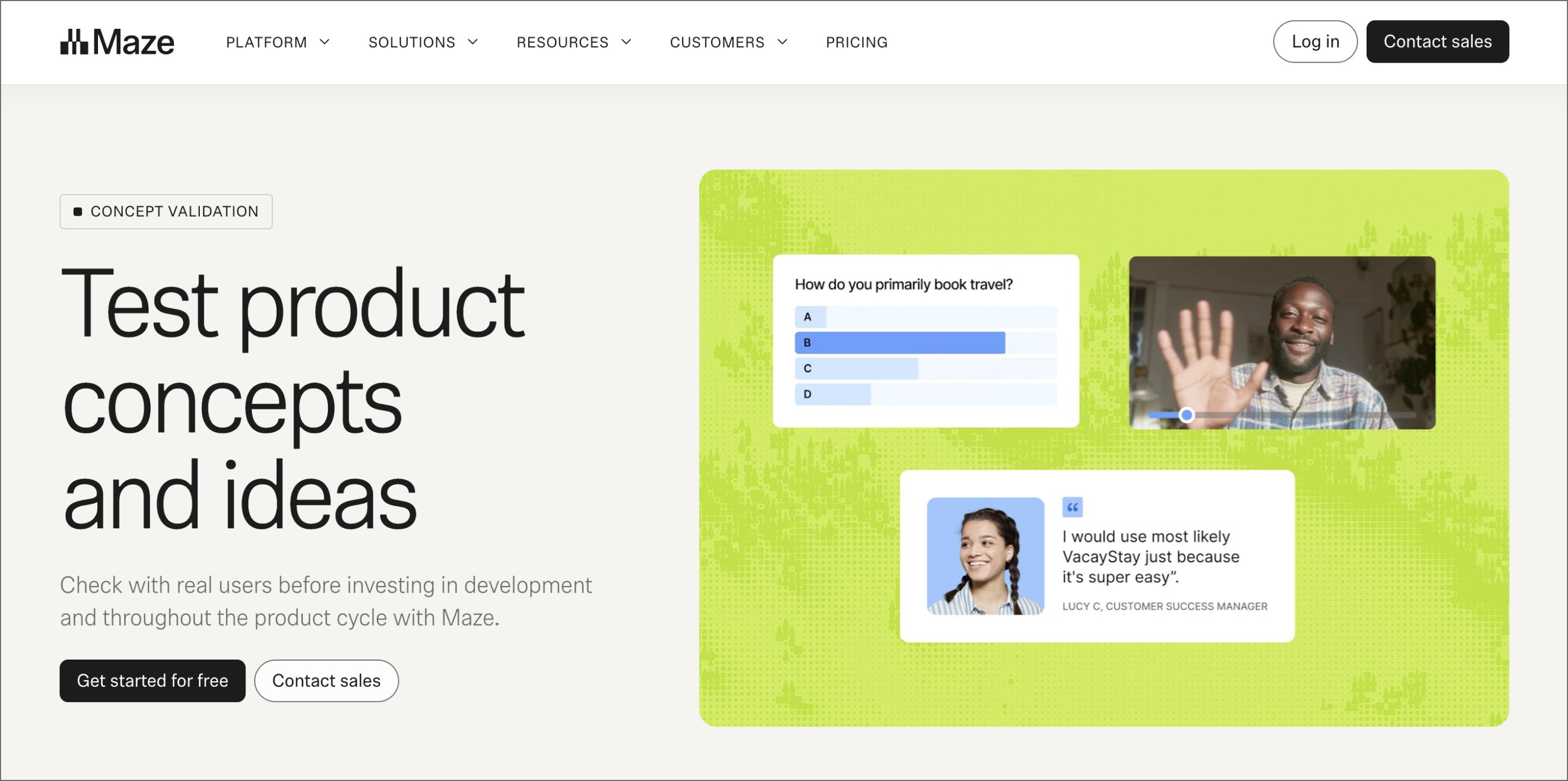
Maze is a product discovery platform that lets you test your designs without clearing your calendar. It runs unmoderated tests that feel like 1:1 interviews, giving you the scale of a survey with the nuance of a real conversation.
Its dynamic follow-up feature solves the problem of vague feedback. If a user gives a short answer, Maze’s AI instantly probes with a context-aware question like, “Which specific part of the navigation stopped you?”
Once results come in, Maze auto-generates reports that group feedback into themes and sentiments, helping you spot the patterns that matter immediately. It lets you skip the manual tagging and go straight to making decisions.
Key features:
- Prototype testing that syncs directly with your Figma files
- Maze Panel to recruit specific B2B or B2C participants in hours
- Bias check that rephrases your questions
- Automated theme analysis to group open-text feedback into common patterns
3. Sprig

Ideal for: Capturing real-time feedback inside your product
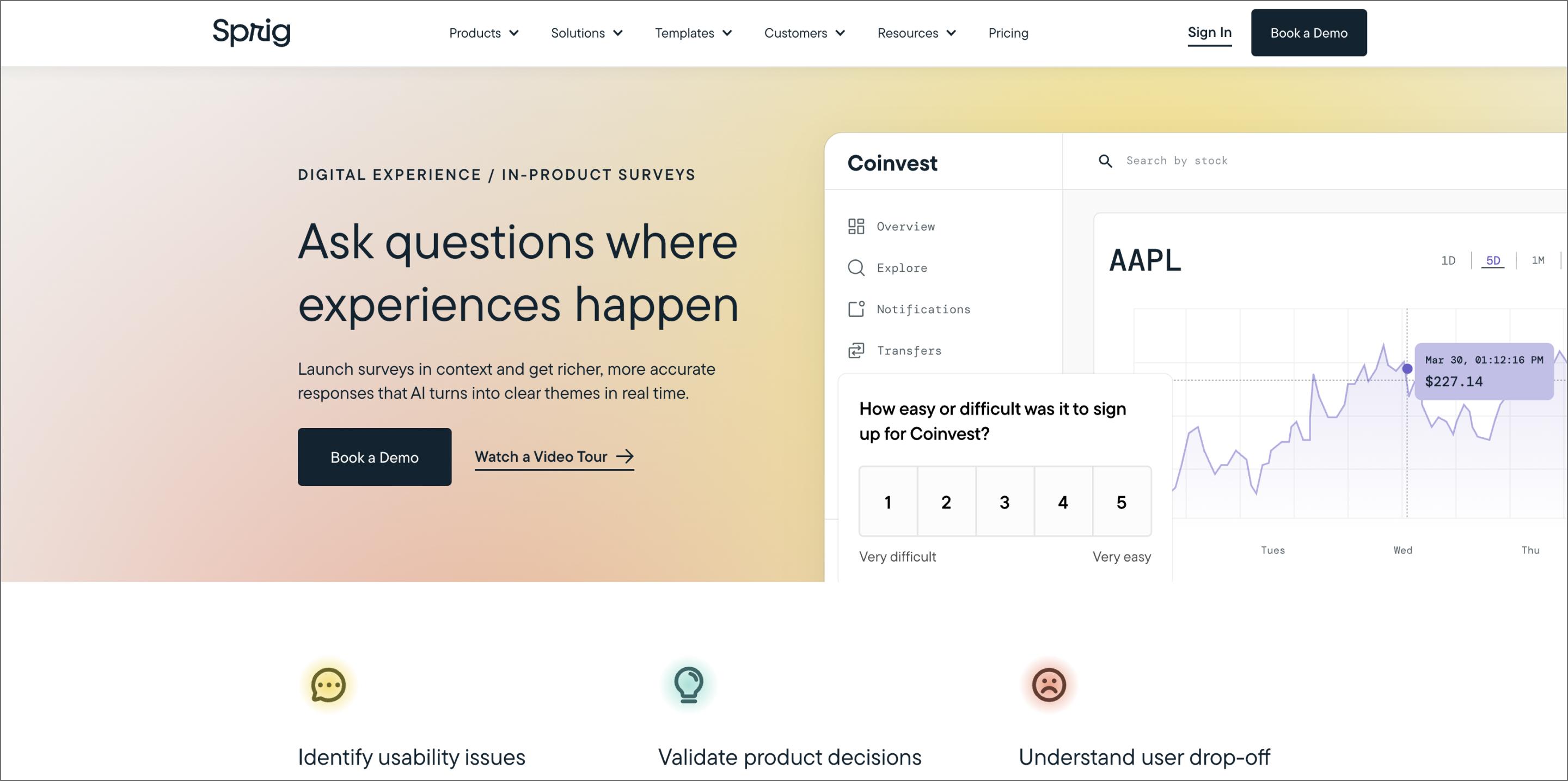
Sprig captures feedback while the context is fresh. It triggers in-product surveys based on user actions, giving you specific context that generic email surveys always miss.
This turns your live product into a continuous source of data discovery. You can target specific cohorts, like power users who just tried a beta feature, so you get relevant answers without annoying the wrong people. That means you validate decisions with the exact users you built the feature for, all without leaving the product environment.
When the data comes back, the focus is on speed. The platform groups similar open-text answers so you can see the trends immediately. You can spot the pattern and ship a fix before most teams would even finish writing the survey.
Key features:
- In-product surveys that run natively on Web and mobile
- AI Study Creator turns goals into fully formatted surveys
- Granular targeting triggers questions based on events or user attributes
- Unlimited dashboards track product health over time
4. Amplitude

Ideal for: Tracking user behavior patterns
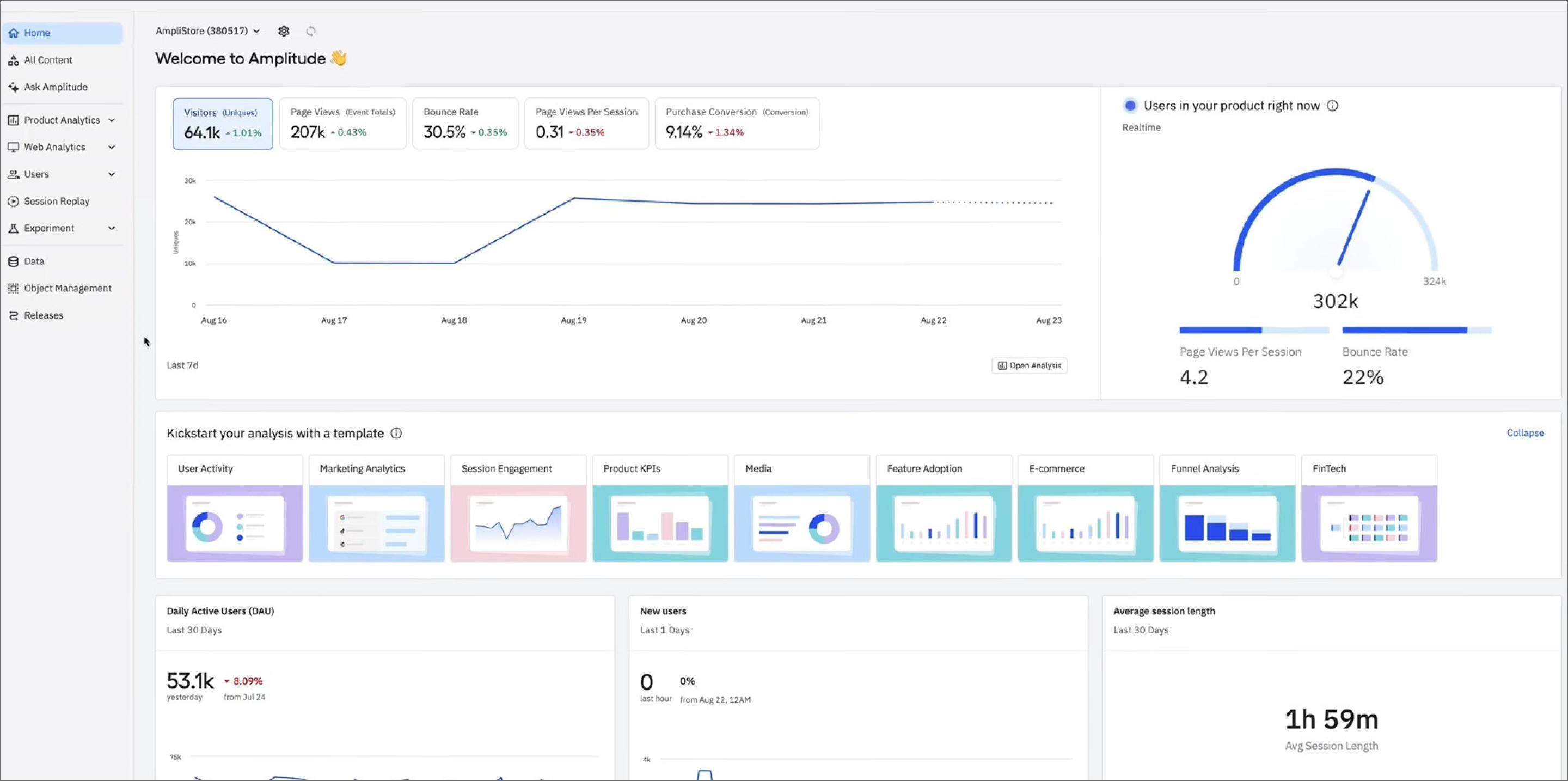
Amplitude gives you the evidence needed to guide your discovery. It tracks every click, scroll, and path users take across your product, highlighting where people get stuck or ignore a feature entirely.
Accessing this data is fast. With Ask Amplitude, you don’t need SQL or a data team. Type a question like, “How is retention trending for users who used the new export feature?” and the AI builds the chart for you. You get immediate answers to validate your hunches.
This clarity drives your product roadmap. You can prioritize problems based on hard facts rather than whoever yells loudest in the planning meeting.
Key features:
- Ask Amplitude generates charts and insights from questions
- Funnel analysis to pinpoint where users drop off in a specific flow
- User segmentation to group users by behavior
- Retention charts to track if your latest feature release kept users coming back
5. FullStory

Ideal for: Spotting friction in the user journey
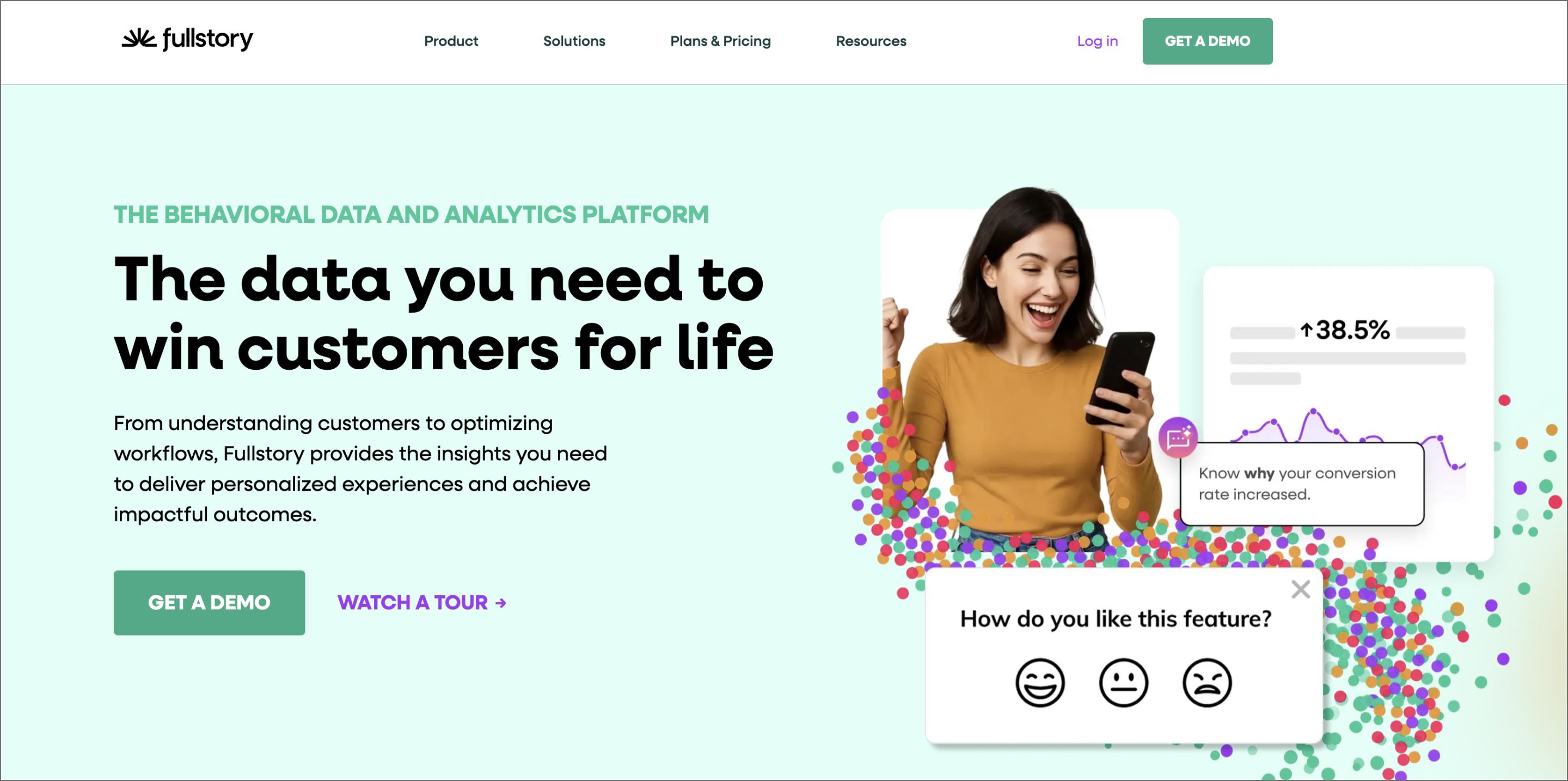
FullStory records user sessions on your live product to fill the context gaps in your metrics. It lets you watch the user experience like a movie, revealing where people rage click, scroll past your CTA, or get confused by a form field.
StoryAI makes this data manageable by curating the most important moments. You can give it prompts, like “show me sessions where users failed to check out,” and it generates a playlist of the relevant clips. It also auto-detects frustration signals to highlight friction points you didn’t even know to look for.
You move past testing hypotheses and start fixing the concrete obstacles blocking your users.
Key features:
- Session replay to watch users interact with your product
- Frustration signals that automatically flag rage clicks and error clicks
- StoryAI to summarize long sessions into key takeaways
- Heatmaps to visualize where users are clicking and scrolling
User research
Once you start talking to users, the data piles up fast. The following product discovery software structures that noise, helping you connect the dots between what users say and what you ship.
6. Dovetail

Ideal for: Building a centralized research library
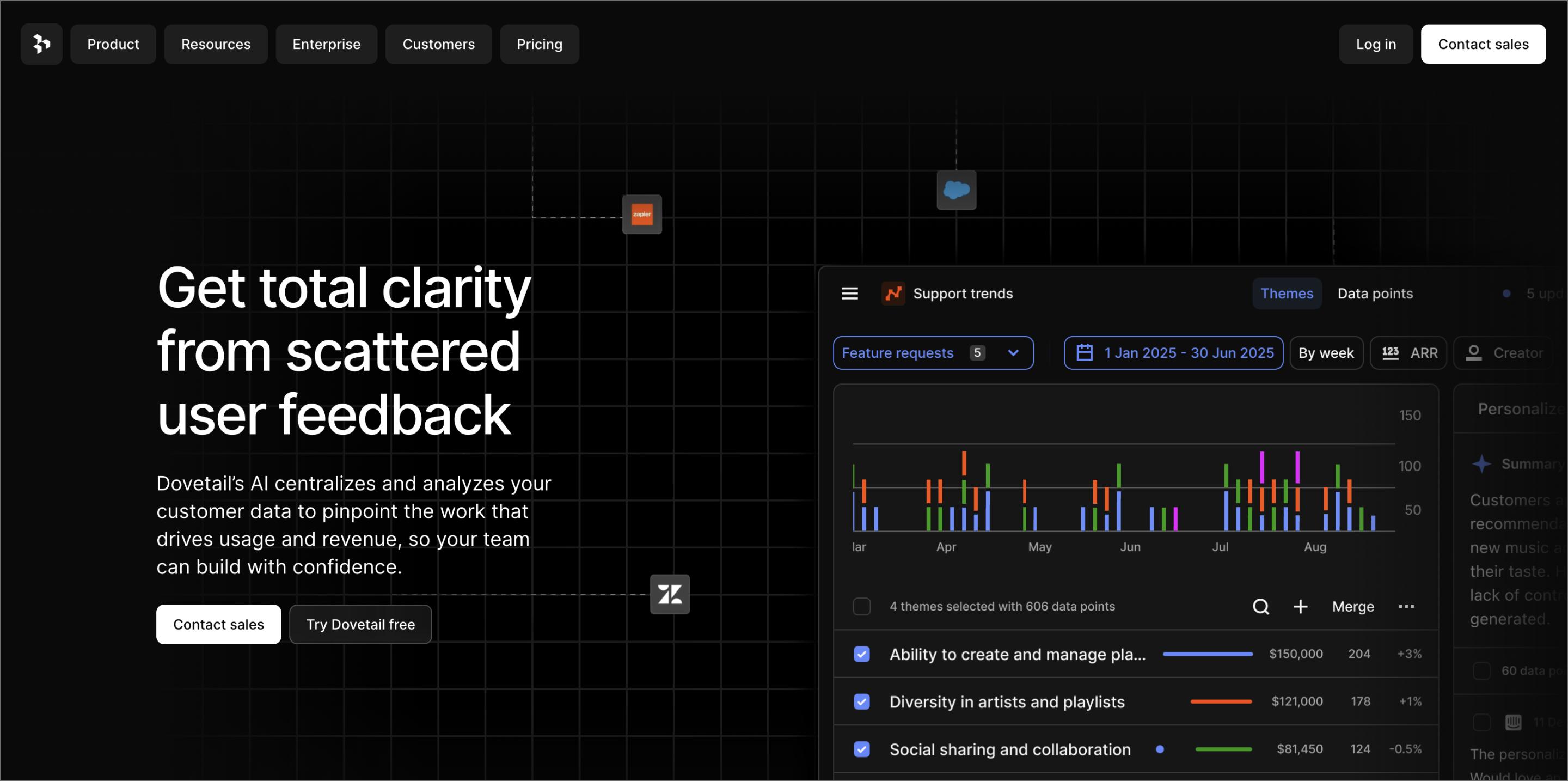
Dovetail prevents valuable research from getting buried in Drive folders or Slack threads. It acts as your team’s long-term memory, storing every interview, usability test, and support ticket so you don’t have to redo the work six months from now.
Upload a user interview, and the platform generates a transcript instantly. You can highlight key quotes and tag them, like “pricing concern” or “workflow friction,” making it easy to spot patterns across dozens of conversations.
Sharing these findings is just as direct. You can stitch together video clips into a highlight reel, allowing stakeholders to hear the customer’s voice firsthand. This settles roadmap debates with raw evidence.
Key features:
- Automated transcription generates searchable text from video and audio instantly
- Insight tagging categorizes feedback to reveal trends across studies
- Highlight reels stitch together video clips for stakeholder presentations
- Global search finds answers from past research
7. Looppanel

Ideal for: Rapid analysis of user interviews
Analyzing hours of interview footage is a major speed bump in discovery. Looppanel cuts that time down by recording your calls and delivering high-quality transcripts instantly.
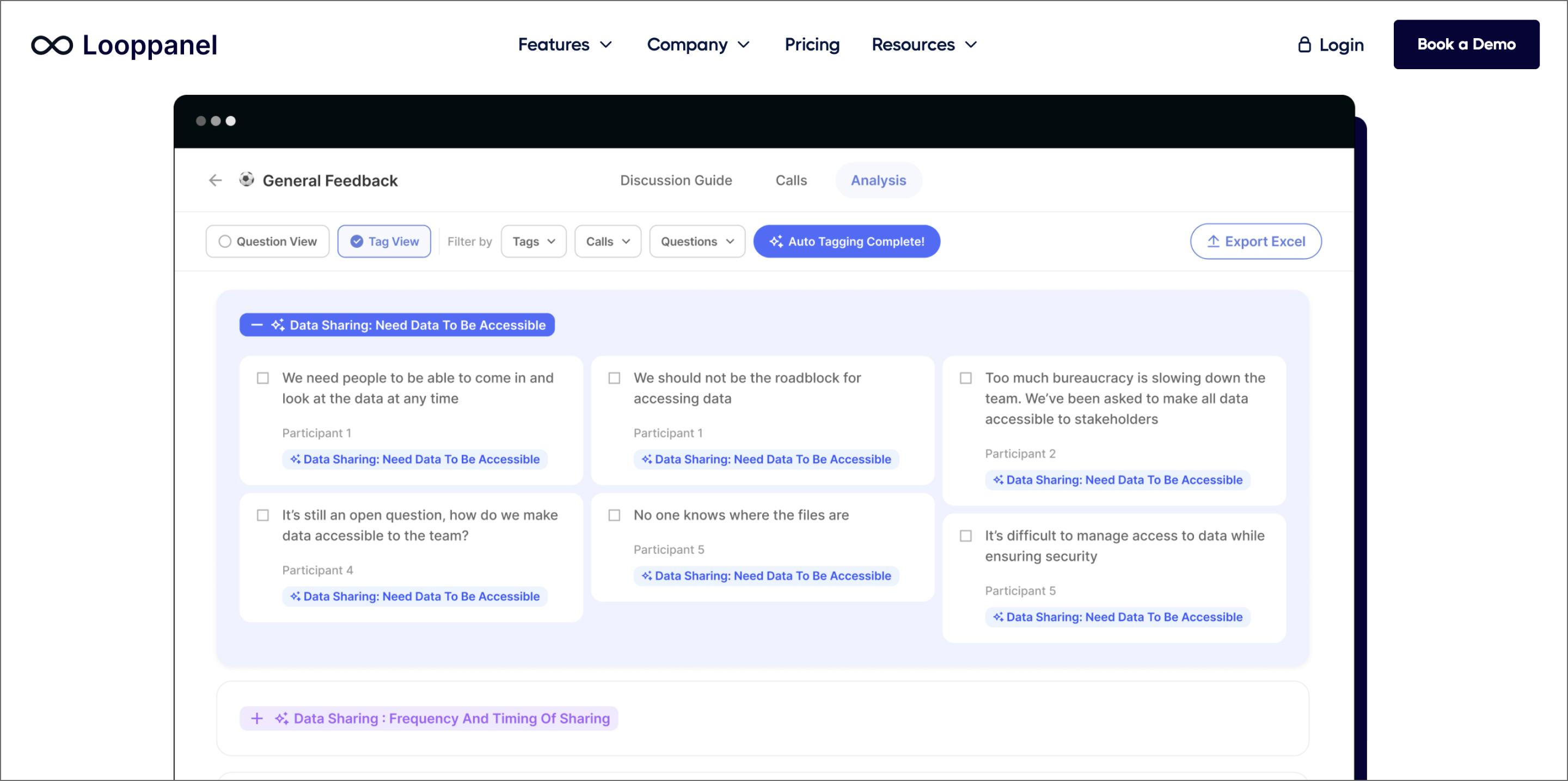
Its strength is context. Upload your discussion guide, and the AI maps the user’s answers directly to your questions. It automatically extracts relevant snippets, letting you skip the Ctrl+F marathon and jump straight to the insights.
This speed changes how you work. You condense days of tagging into hours of pattern finding, so the analysis keeps pace with your build cycles.
Key features:
- Discussion guide mapping automatically sorts user answers under your interview questions
- AI-powered tagging detects themes and sentiments
- Sentiment analysis flags positive or negative reactions to specific features
- Repository search lets you query your entire library of calls to find answers instantly
8. Insight7

Ideal for: Quantifying customer pain points
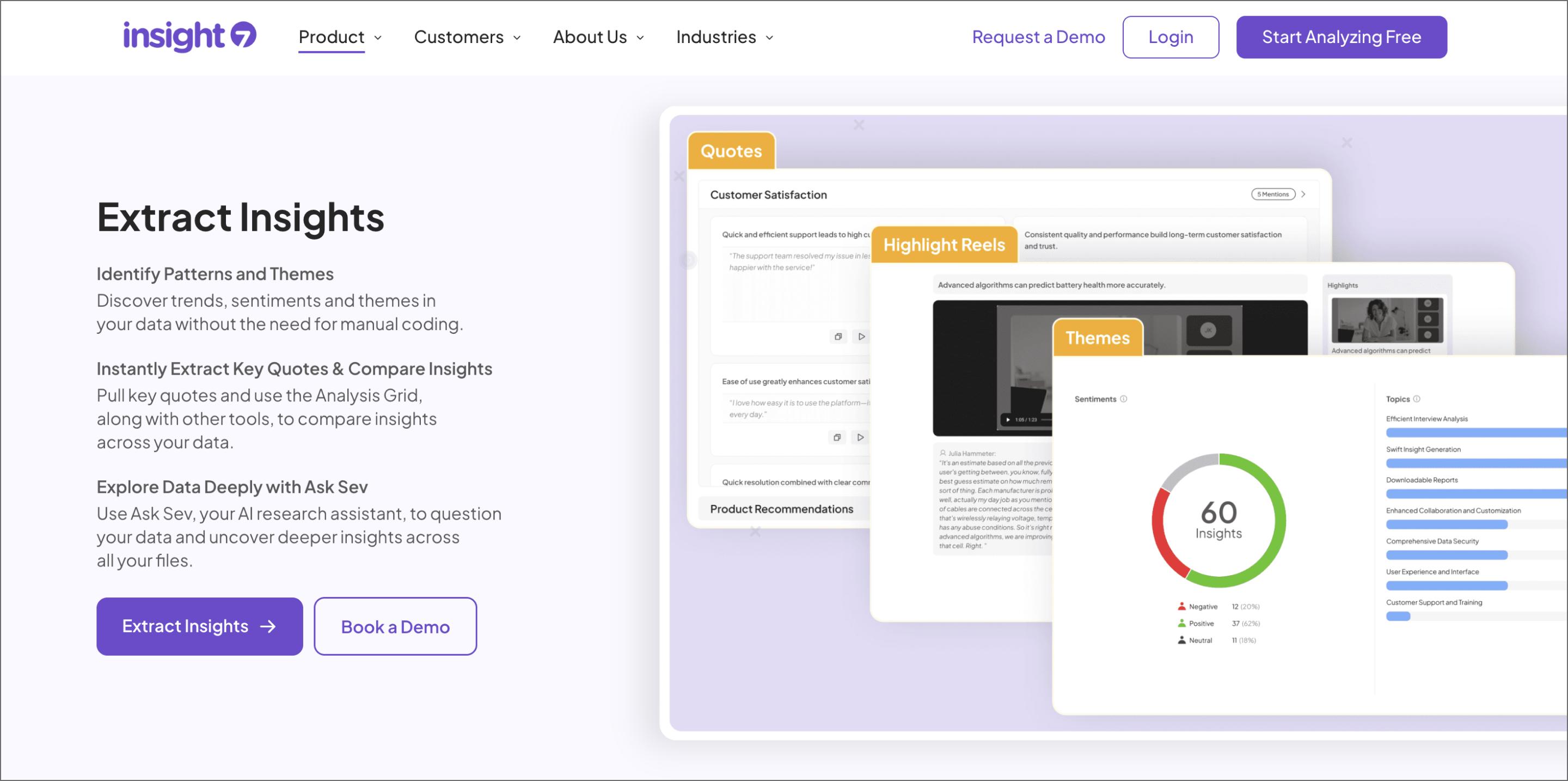
You have feedback pouring in, but it’s hard to know the scale of a problem. Insight7 pulls data from your support and sales channels, then ranks user needs by volume and sentiment, giving you the numbers you need to back up your roadmap.
The AI slices through the noise to isolate specific opportunities. It might flag that API latency is trending up 40% while Dark Mode requests are flatlining—turning a mountain of vague complaints into clear signals.
You catch the glitches that users are too polite to mention in an interview—or are too frustrated to explain clearly. Insight7 highlights these stumbling blocks, so you can fix them while they’re still active users.
Key features:
- Omni-channel ingestion pulls qualitative data from Gong, Zendesk, Jira, and CSVs
- Automated theme detection groups similar feedback from different sources
- Sentiment visualization tracks users’ feelings about specific feature changes over time
- Persona segmentation to see what “Power Users” are saying vs. “Leads”
9. Kraftful

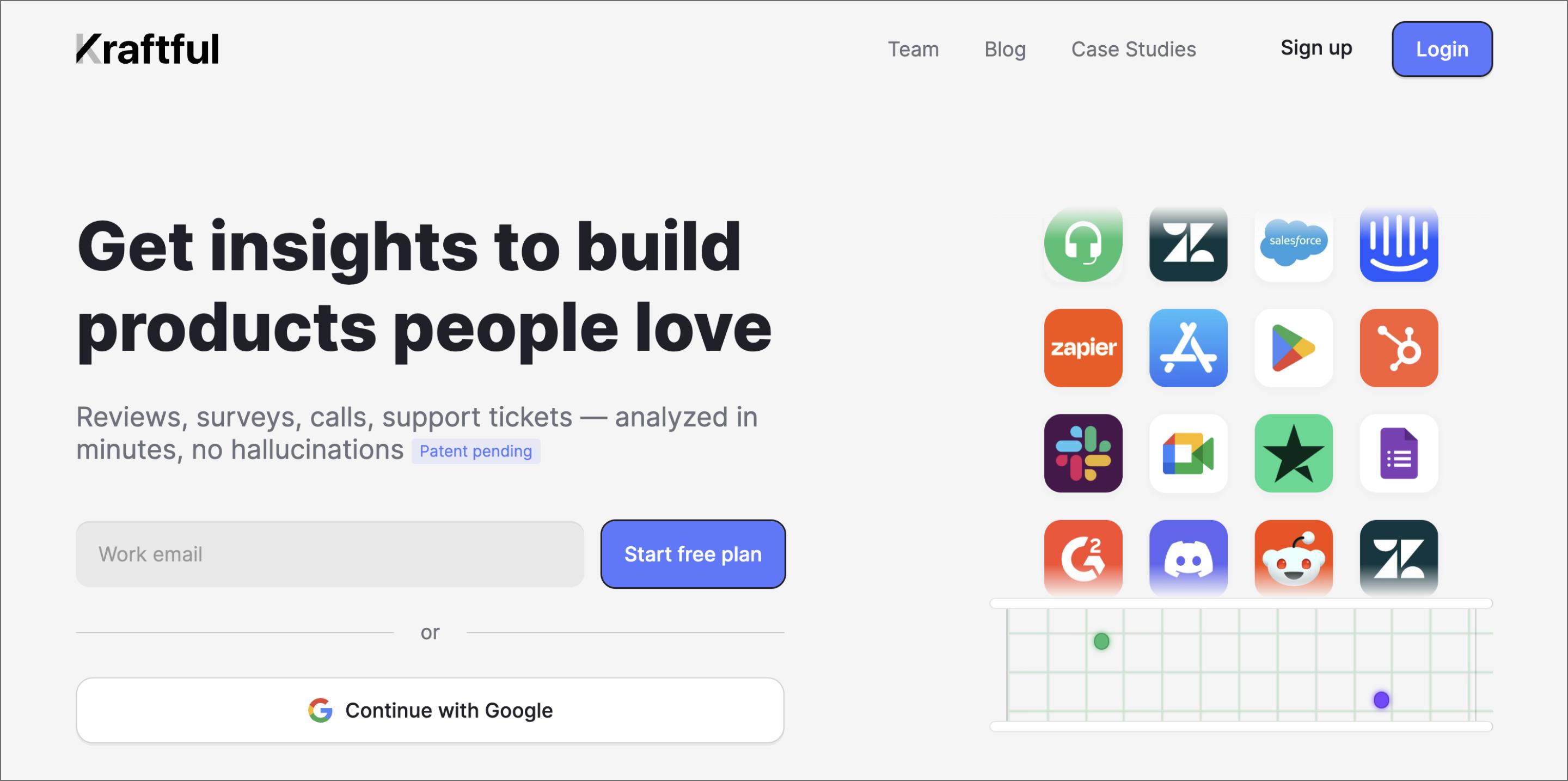
Ideal for: Turning user feedback into specs
Kraftful tackles the chore of writing specs by turning user feedback into a structured product requirements document (PRD). You select a trending topic, and the AI generates a complete ticket with user stories and acceptance criteria, ready to push straight to Jira or Linear.
It prioritizes accuracy over creativity. Every claim in the spec includes a citation link back to the original user quote, so you can verify it without having to scrub through transcripts.
If the feedback is too thin, Kraftful goes out and gets more. It uses an AI interviewer to chat with users, asking specific follow-up questions to fill in the gaps while you focus on the build.
Key features:
- Auto-drafting generates PRDs and Jira tickets directly from feedback
- Source citation link spec requirements back to the original user quotes
- AI interviews engage users in chat conversations to ask follow-up questions automatically
- Daily digests summarize new requests and complaints every morning
Strategy and planning
Strategy connects your vision to market reality. These tools use AI to synthesize competitive signals, prioritize feature requests, and draft rigorous specs. They help you commit to a direction so your team can focus on building what matters.
10. Crayon

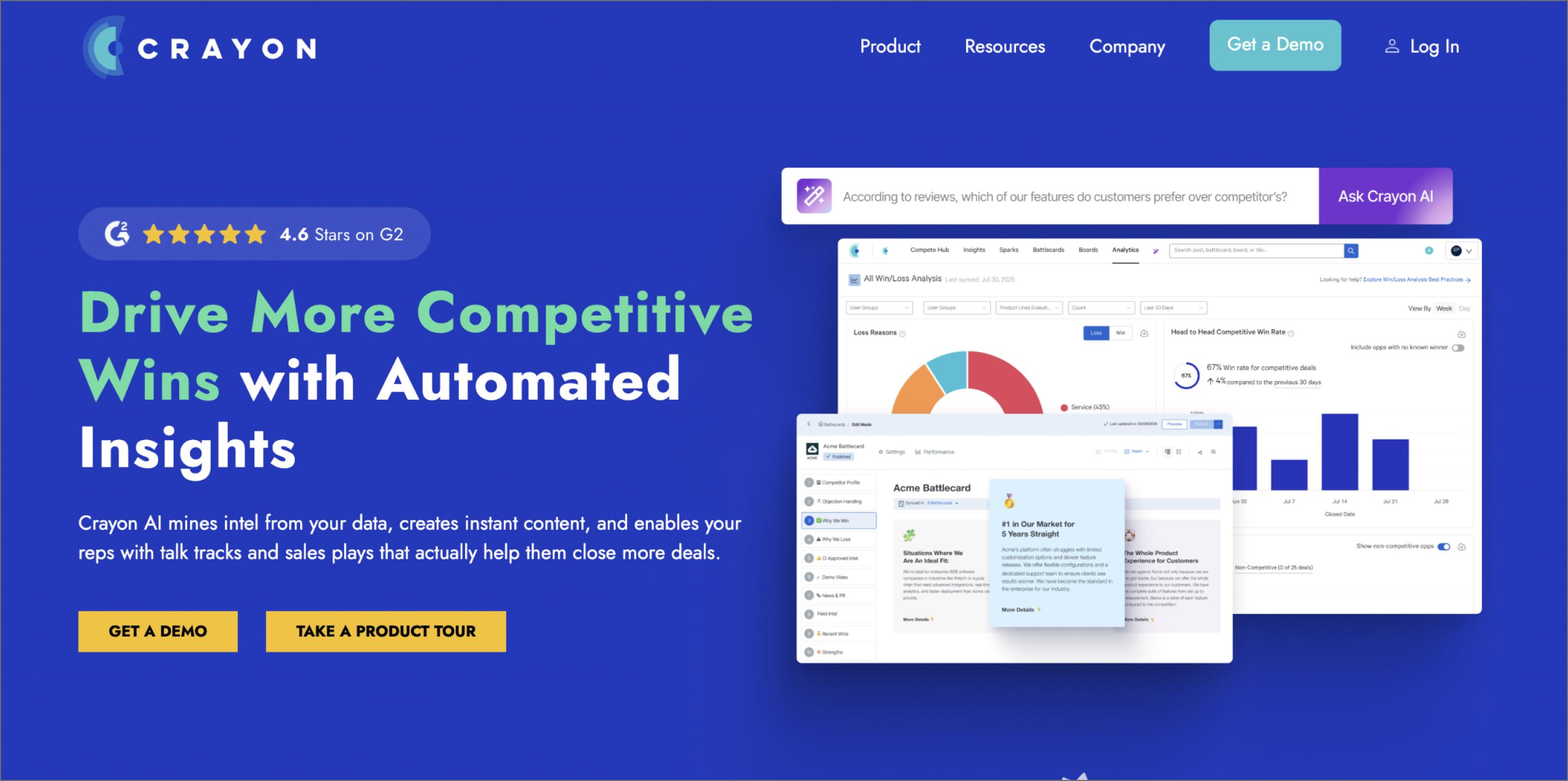
Ideal for: Monitoring competitor moves
Building a competitive product requires looking beyond your own roadmap. Crayon monitors your competitors’ entire digital footprint. It tracks over 100 data types—from subtle pricing page changes to new patent filings—so you always know what the rest of the market is doing.
Crayon’s AI turns that data into specific answers. You can ask questions like “How does our API limit compare to [Competitor]?” and get a summary backed by cited sources.
The updates come to you. Crayon pushes alerts directly to Slack or Microsoft Teams, so you catch market shifts without having to constantly check a dashboard.
Key features:
- Competitive monitoring tracks changes across websites, review sites, and SEC filings
- AI Answers provide cited responses to strategic questions
- Slack and Teams integration for real-time market alerts
- Win/Loss analysis explains why deals stall based on CRM data
11. Productboard

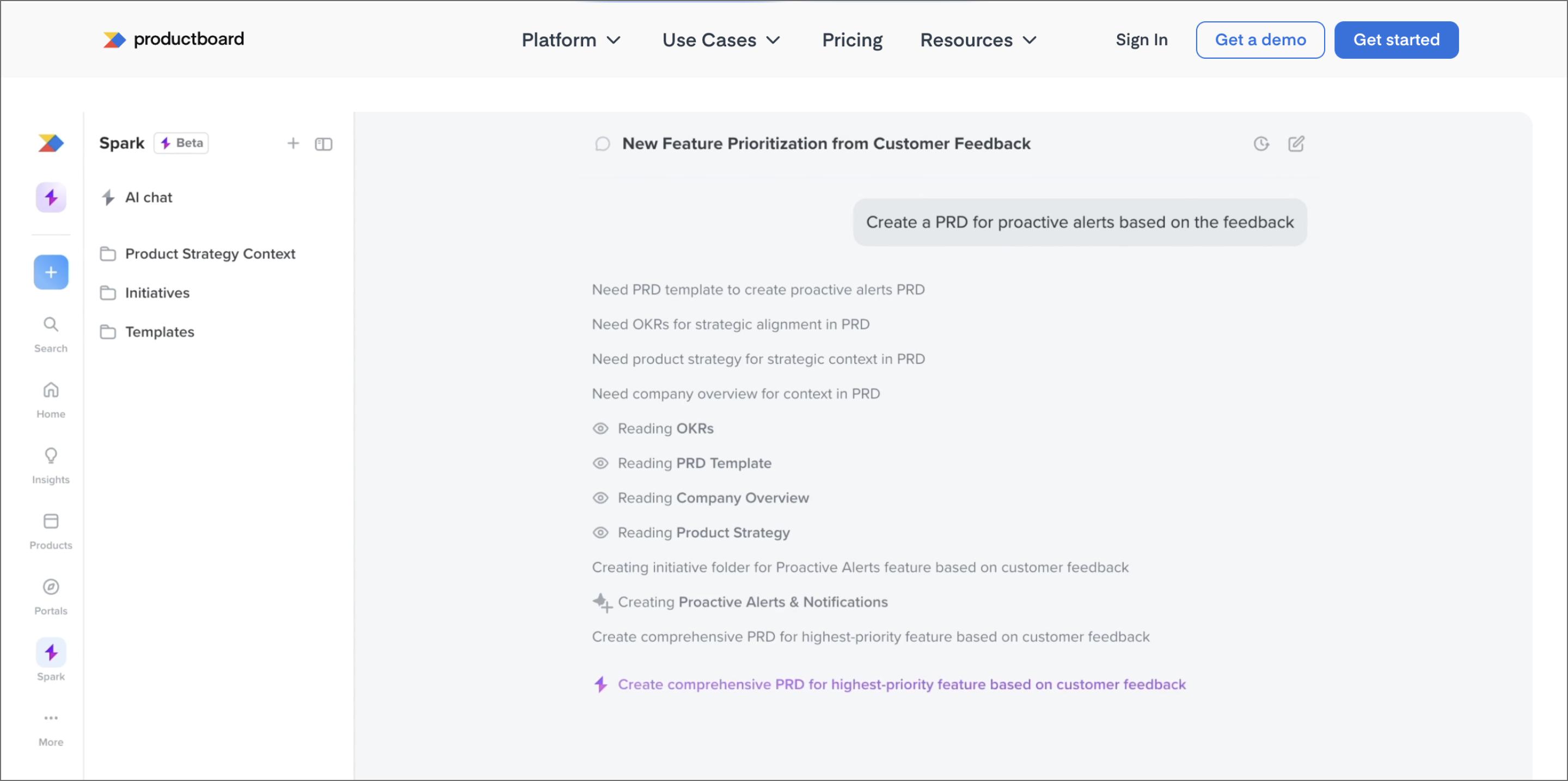
Ideal for: Prioritizing the roadmap with evidence
Productboard acts as a filter for your engineering queue. It consolidates requests from sales, support, and research into a single view, so you can turn feedback into clear specs. This keeps your issue tracker reserved for fully scoped work.
You can score features using frameworks like RICE or Value vs. Effort, and link each roadmap item directly to customer feedback. When stakeholders ask why a feature matters, you show them the evidence attached to the card.
Sharing the plan is also flexible. You can create tailored roadmap views for different audiences—high-level objectives for executives or granular timelines for developers—all updated from one source.
Key features:
- Flexible scoring models to rank features objectively
- Native integrations push validated features to Jira, Azure DevOps, and GitHub
- The customer portal allows users to vote on ideas and track feature progress
- Insight links connect feedback from Slack and Zendesk directly to roadmap cards
12. ChatPRD

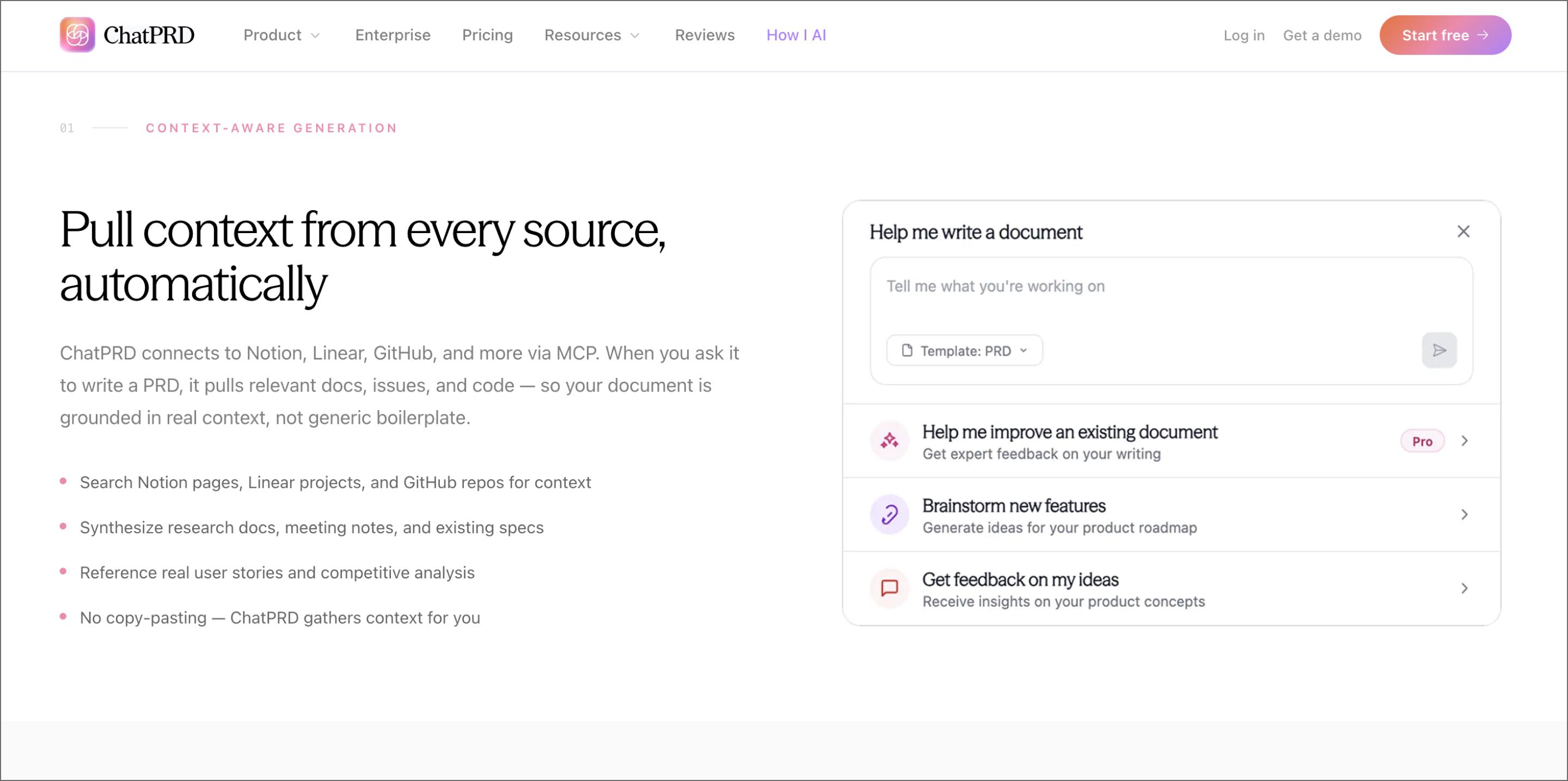
Ideal for: Drafting and stress-testing product specs
Generic AI models often struggle with the specific structure of product documents. ChatPRD is fine-tuned to handle that nuance. You feed it a feature idea, and it generates a complete spec with user stories, success metrics, and functional details.
It also helps you spot the gaps. It identifies missing edge cases and logic loops, so you can address potential pitfalls before they reach engineering. This helps you hand off a spec that’s already battle-tested.
You can use it to break large initiatives into smaller milestones or refine the acceptance criteria for specific tickets, making it a solid brainstorming partner for scoping work.
Key features:
- Generates full PRDs from rough notes, including user stories and success metrics
- Logic stress-testing highlights edge cases and gaps in your requirements
- Brainstorming mode helps break complex goals into sequenced milestones
- Custom templates to match your team’s documentation style
Close the discovery loop with Figma
AI tools for product discovery speed up the research, but you still need a place to synthesize what you find. Figma extends that workflow, so you can turn validated data into visual concepts immediately. It’s where your research takes shape, helping you prototype, test, and iterate without breaking your momentum.
Here’s how to consolidate your workflow in Figma:
- Spin up rapid prototypes with Figma Make to test your ideas instantly.
- Cluster your research findings in FigJam to spot connections and patterns that spreadsheets miss.
- Use Figma Design to turn your validated wireframes into production-ready mockups.
- Clarify the handoff with Dev Mode by giving developers the exact specs and assets they need to build.
Ready to start prototyping?
Figma Make helps you generate designs so you can visualize and test ideas in seconds.
Keep reading


What is product design?
Product design and UX design both involve designing user-centric experiences. Learn about their differences, then use Figma’s design tools to get started.


6 stages of the product development process
Learn how to master the stages of the product development process, from concept to launch, and how FigJam can help in this step-by-step guide.