Press & Media Resources

Figma Newsroom

Figma is where teams come together to turn ideas into the world’s best digital products and experiences. Founded in 2012, Figma has evolved from a design tool to a connected, AI-powered platform that helps teams go from idea to shipped product. Find the latest news, download media assets, and more.


News from Figma

Trust you can verify: Figma is now ISO 42001 certified

Saying you use AI responsibly is easy, but proving it to an accredited auditor is harder. We decided that was a standard worth meeting.

Learn more
Collage-style product graphic showcasing AI-assisted design and development workflows, with plugin creation prompts, visual effect controls, code generation tools, and interactive UI components arranged across a creative workspace.Collage-style product graphic showcasing AI-assisted design and development workflows, with plugin creation prompts, visual effect controls, code generation tools, and interactive UI components arranged across a creative workspace.

Config 2026: New materials, new tools and a more expressive canvas

Push past what you thought was possible with code layers, Figma Motion, shaders, generative plugins and Weave tools, all on the canvas.

Learn more
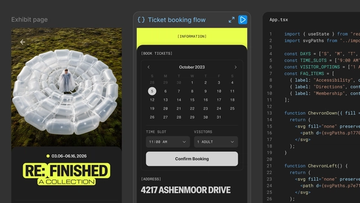
Split-screen product concept showing an exhibit webpage, a generated ticket-booking interface, and the corresponding React code implementation side by side, illustrating a design-to-code workflow.Split-screen product concept showing an exhibit webpage, a generated ticket-booking interface, and the corresponding React code implementation side by side, illustrating a design-to-code workflow.

Code on the Figma canvas

With code layers in Figma Design, you can explore multiple directions with code, side by side with your team.

Learn more
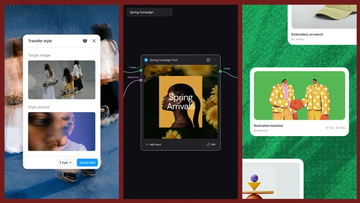
Three-panel product graphic demonstrating AI-powered style transfer. On the left, a "Transfer style" interface displays a target image of people carrying skateboards and a blurred portrait used as the style source. In the center, a workflow canvas labeled "Spring Campaign" shows a connected post-generation node producing a floral-themed social media graphic titled "Spring Arrivals." On the right, a gallery-style layout displays generated creative assets, including an illustrated handshake artwork and merchandise design cards, showing how transferred styles can be applied across a campaign.Three-panel product graphic demonstrating AI-powered style transfer. On the left, a "Transfer style" interface displays a target image of people carrying skateboards and a blurred portrait used as the style source. In the center, a workflow canvas labeled "Spring Campaign" shows a connected post-generation node producing a floral-themed social media graphic titled "Spring Arrivals." On the right, a gallery-style layout displays generated creative assets, including an illustrated handshake artwork and merchandise design cards, showing how transferred styles can be applied across a campaign.

Connecting Figma and Weave

Today, we’re announcing new ways your Weave creative workflows can live alongside your Figma frames.

Learn more

Introducing Figma Motion: Your canvas now has a timeline

Motion now lives on the canvas—in the same file as your components, your variables, and your team—so your designs can come to life from day one.

Learn more
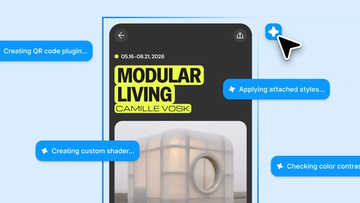
Mockup of a mobile design canvas in Figma surrounded by AI-generated task prompts. A poster titled “MODULAR LIVING” by Camille Vosk is selected on the canvas while blue status bubbles display messages such as “Creating QR code plugin,” “Generating code layer,” “Creating custom shader,” and “Checking color contrast,” illustrating AI-assisted design workflows.Mockup of a mobile design canvas in Figma surrounded by AI-generated task prompts. A poster titled “MODULAR LIVING” by Camille Vosk is selected on the canvas while blue status bubbles display messages such as “Creating QR code plugin,” “Generating code layer,” “Creating custom shader,” and “Checking color contrast,” illustrating AI-assisted design workflows.

Figma’s design agent, now with custom tools and greater context

Prompting gets you started. Custom tools, real context, and skills take the design agent further—so what ends up on the canvas actually looks like you.

Learn more

Media center

Brand

Find Figma logos, wordmarks, and brand guidelines.

Download assets

Product

Visuals of Figma’s products and feature highlights.

Download assets

Photography

Headshots of Figma leaders and photos from Figma events.

Download assets

Figma at a glance

Information is as of the three months ended March 31, 2025.

  • Figma has over 1,600 employees globally
  • 2/3 of monthly active users are not designers
  • Approximately 85% of monthly active users are based outside the U.S.
  • Over 50% of revenue is from outside the U.S.

Our products

Whether you’re ideating, designing, building, or shipping, Figma makes the entire design and product development process more collaborative, efficient, and fun—while keeping everyone on the same page.

Slide 1 of 8
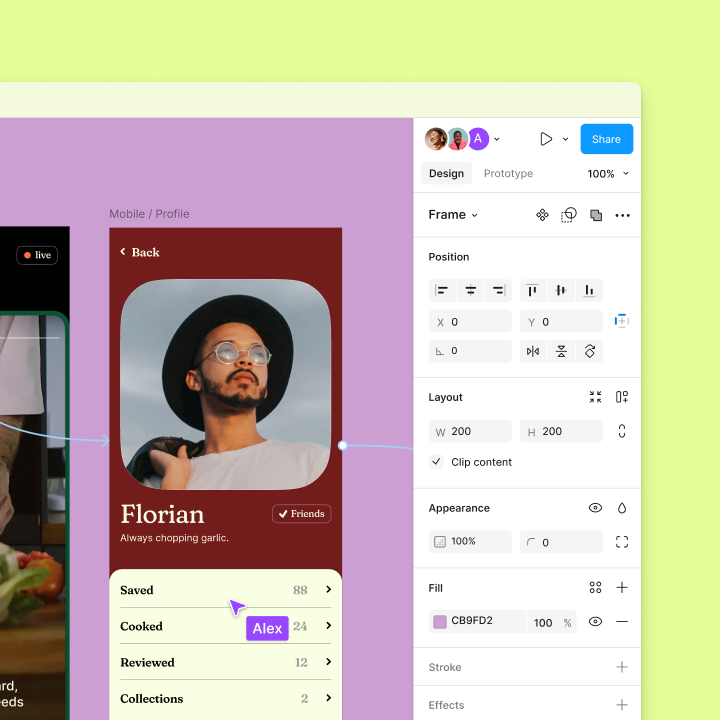
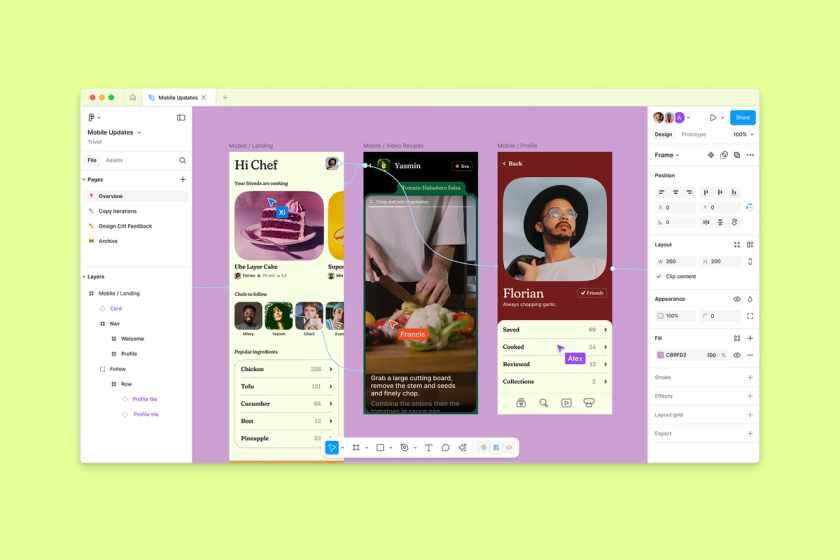
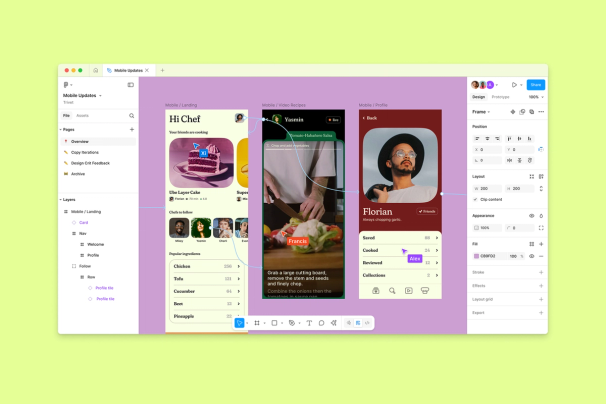
figma file with mobile designs of a cooking appfigma file with mobile designs of a cooking app

Figma Design

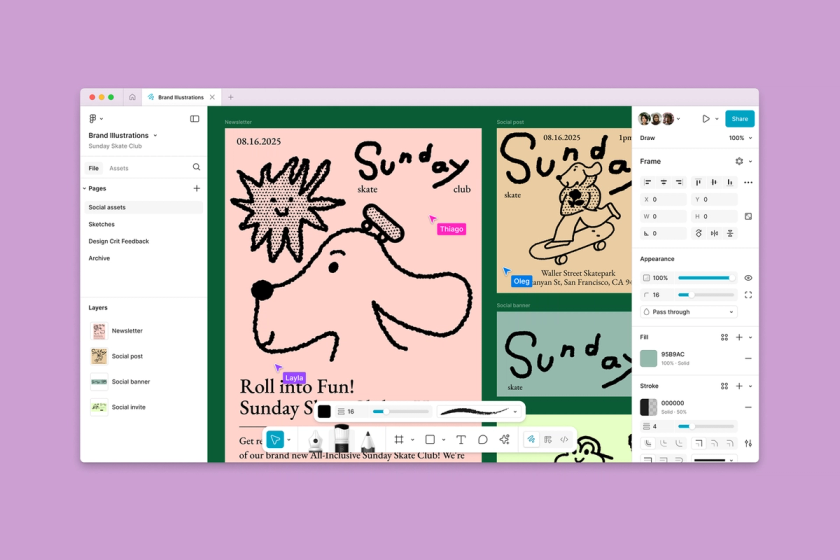
Figma Design is where teams come together to explore, iterate, and prototype the world’s leading digital products. The first design tool built for the Web, Figma Design combines powerful features with a collaborative workspace to help teams design and build better products together.
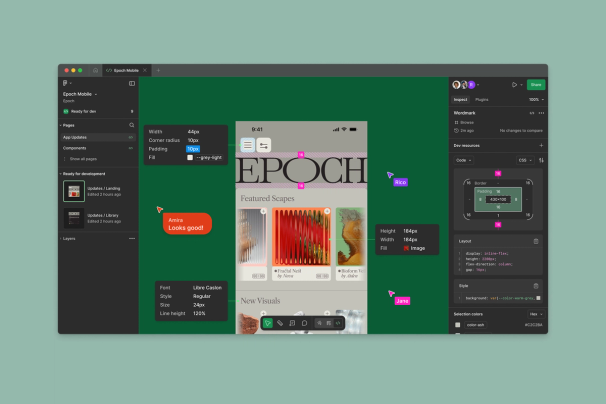
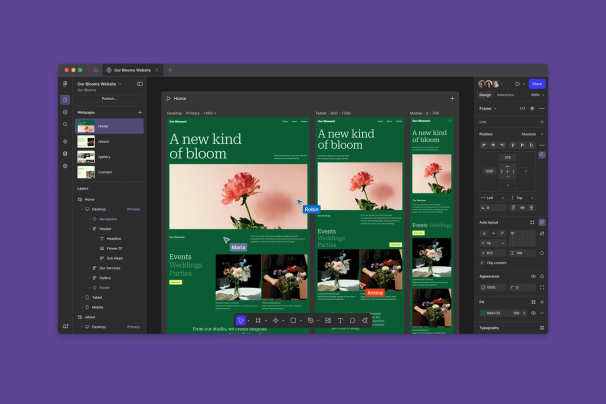
figma file with mobile designs of a cooking appfigma file with mobile designs of a cooking app

Figma Design is where teams come together to explore, iterate, and prototype the world’s leading digital products. The first design tool built for the Web, Figma Design combines powerful features with a collaborative workspace to help teams design and build better products together.
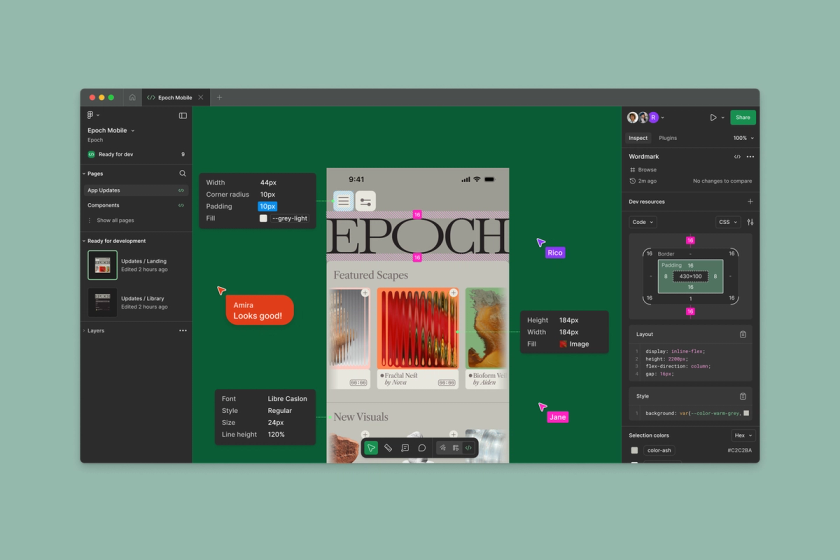
figma file design with dev mode enabled and code information for buildfigma file design with dev mode enabled and code information for build

Dev Mode is a workspace in Figma that helps product teams bridge the gap between design and code. With Dev Mode, designers and developers can work in different modes in the same files, helping teams ship products faster and more efficiently.

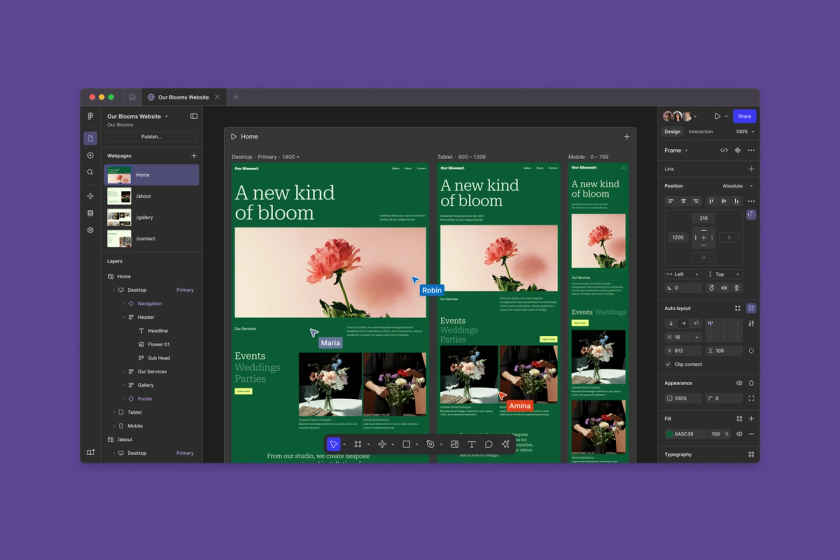
Figma Sites allows designers to build and publish dynamic websites, with limitless interactions and customizations powered by code and AI.

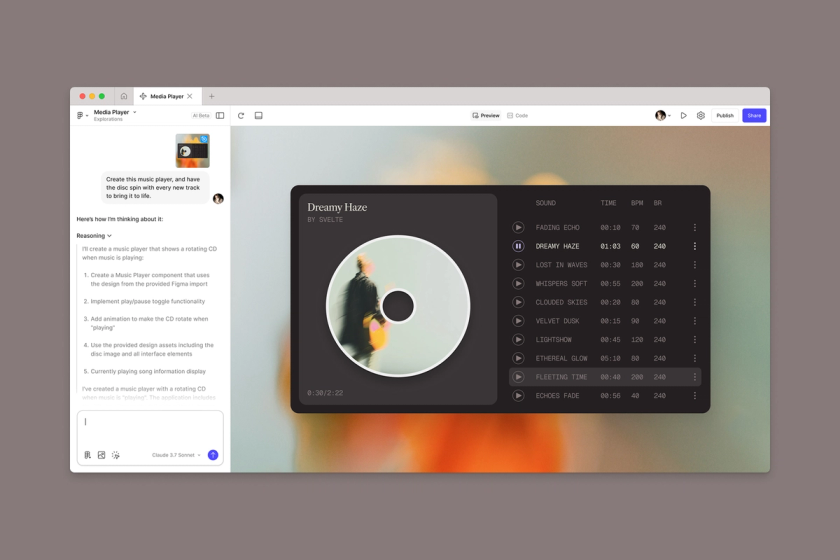
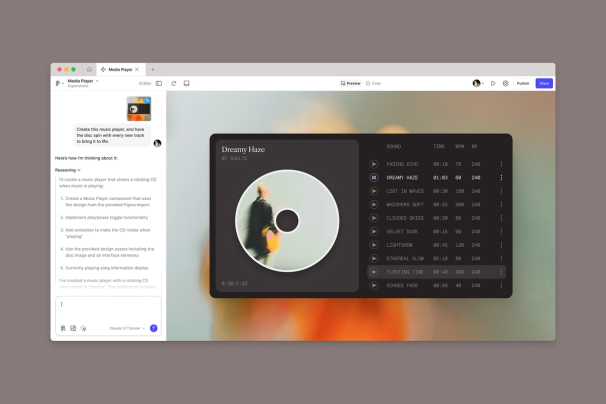
Figma Make is an AI-powered prompt-to-code tool that turns written descriptions or existing designs into working prototypes or apps, helping users at all skill levels quickly explore and iterate on ideas.

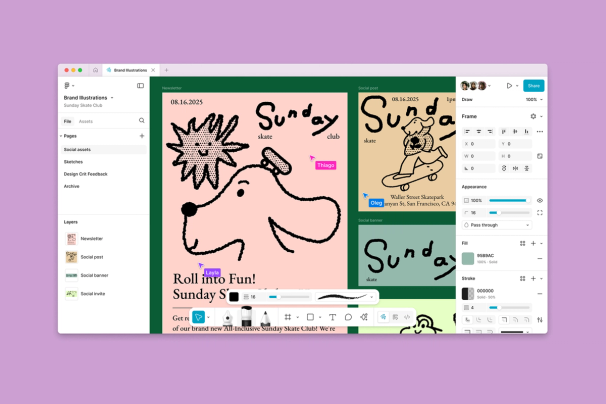
Figma Draw is a set of tools in Figma Design with enhanced vector editing and illustration features for greater visual expression.

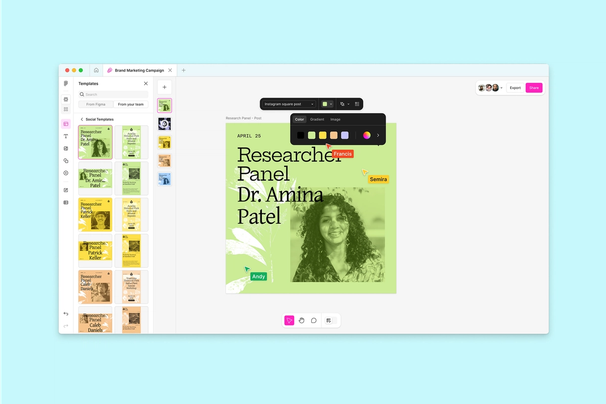
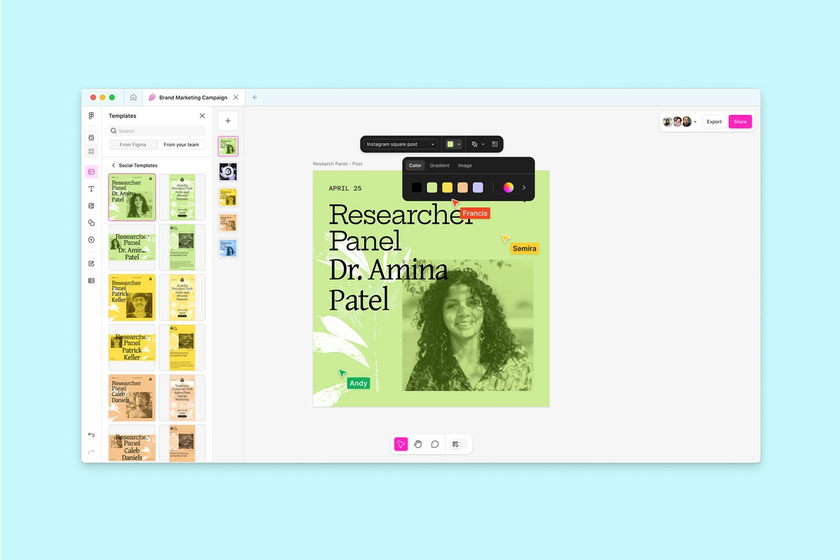
Figma Buzz is designed for brand and marketing teams to create visual assets at scale without compromising brand consistency, featuring built-in AI capabilities.

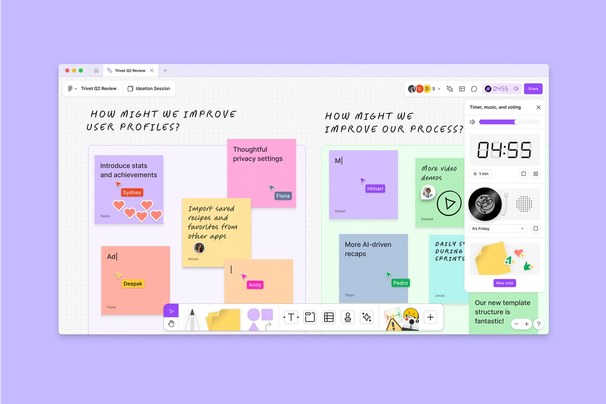
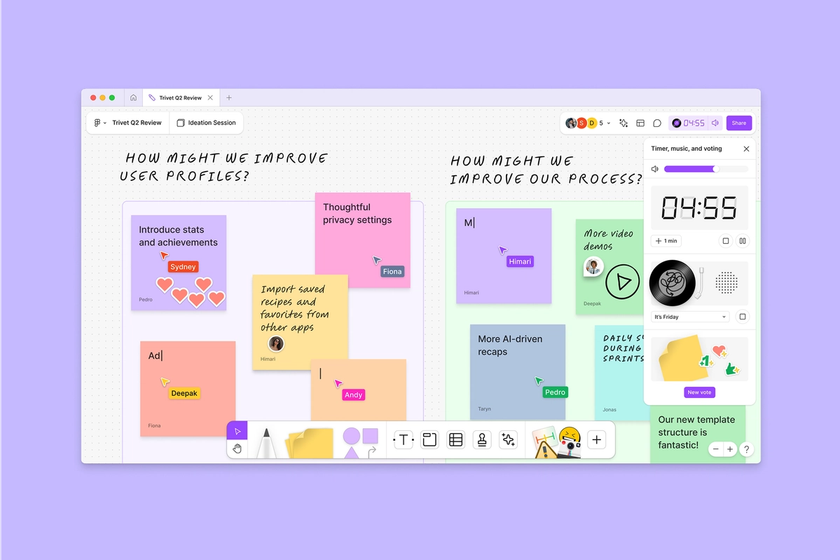
figjam board with sticky notes, reactions, a timer, and cursorsfigjam board with sticky notes, reactions, a timer, and cursors

FigJam is an online whiteboard to brainstorm, meet, and get work done. Built for all skill levels, FigJam makes everything from ideation to weekly syncs more productive and fun — whether you’re jamming alone or collaborating with a team.

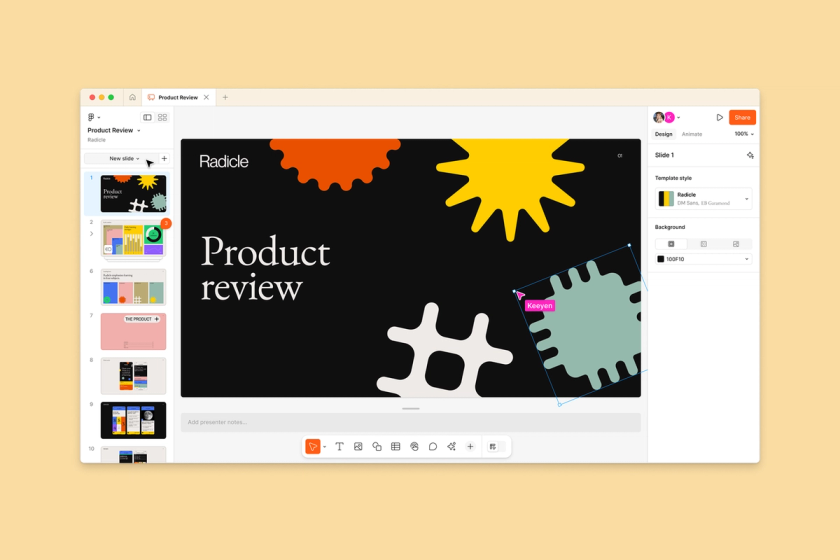
slides interface on hero slide with panel for settingsslides interface on hero slide with panel for settings

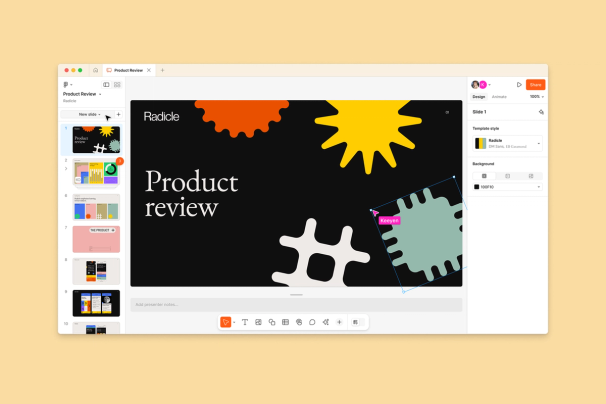
Figma Slides is a product for both professional designers and collaborators to co-create and deliver interactive presentations. Figma Slides pairs the design power of Figma with collaborative presentation tools to craft an engaging story.

Our customers

Who uses Figma?

icons of current figma customersicons of current figma customers

A global community

Many of the world’s leading companies across all industries trust Figma to design and build apps, websites, and other digital products. Figma is for anyone involved in the product development process — designers, developers, product managers, and collaborators.

Customer case studies

Figma for Education

Figma for Education brings Figma's design and collaboration tools to students and educators for free.

a young student typing on their laptopa young student typing on their laptopLearn more
Design has an opportunity to differentiate software in this age of AI.

Dylan Field
CEO & Co-founder

Featured stories

How I Built This

Figma CEO Dylan Field in conversation with Guy Raz

The Verge

Figma’s AI app building tool is now available for everyone

Fast Company

Figma's world is growing fast

Contact us

Reach out to the Figma Communications team for media inquiries. Please note that only members of the media will receive a reply.