
12 defining Web development trends for 2026
Explore Web development trends defining 2026. Learn how AI-driven workflows, server-first performance, and new browser standards are reshaping how teams build.
Skip to main content
Team productivity

The average software team runs on a dozen different tools. Designs live in one place, code reviews in another, and project updates somewhere else entirely. When AI started accelerating how fast teams ship, that fragmentation got harder to manage.
Software development collaboration tools help teams stay coordinated without slowing down. Whether you’re looking to smooth out a messy handoff or use AI to turn a mock into production-ready code, your stack should shorten the path from idea to ship.
Read on to learn:
Working on a shared canvas keeps the momentum going from the first sketch to the final push. These software collaboration tools bring designers and developers into the same workspace to catch technical constraints early.
| Design and real-time dev collaboration tools | Ideal for | Key features |
|---|---|---|
| Figma Design | Co-creating UI, prototypes, and design systems | Real-time multiplayer editing, collaborative prototyping, Code Connect, MCP server |
| Figma Make | Generating editable code with design system context | AI code generation, editable code output, faster feedback loops, real-time iteration |
| Anima | Turning design files into developer-ready production code | Automated code generation, interactive prototypes, asset management |
| Framer | Publishing interactive designs directly to the Web | Code-free publishing, interactive prototyping, built-in CMS |
| Penpot | Designing and prototyping on open-source Web standards | SVG-based design, real-time collaboration, self-hosted platform |


Ideal for: Co-creating UI and design systems with AI-generated code
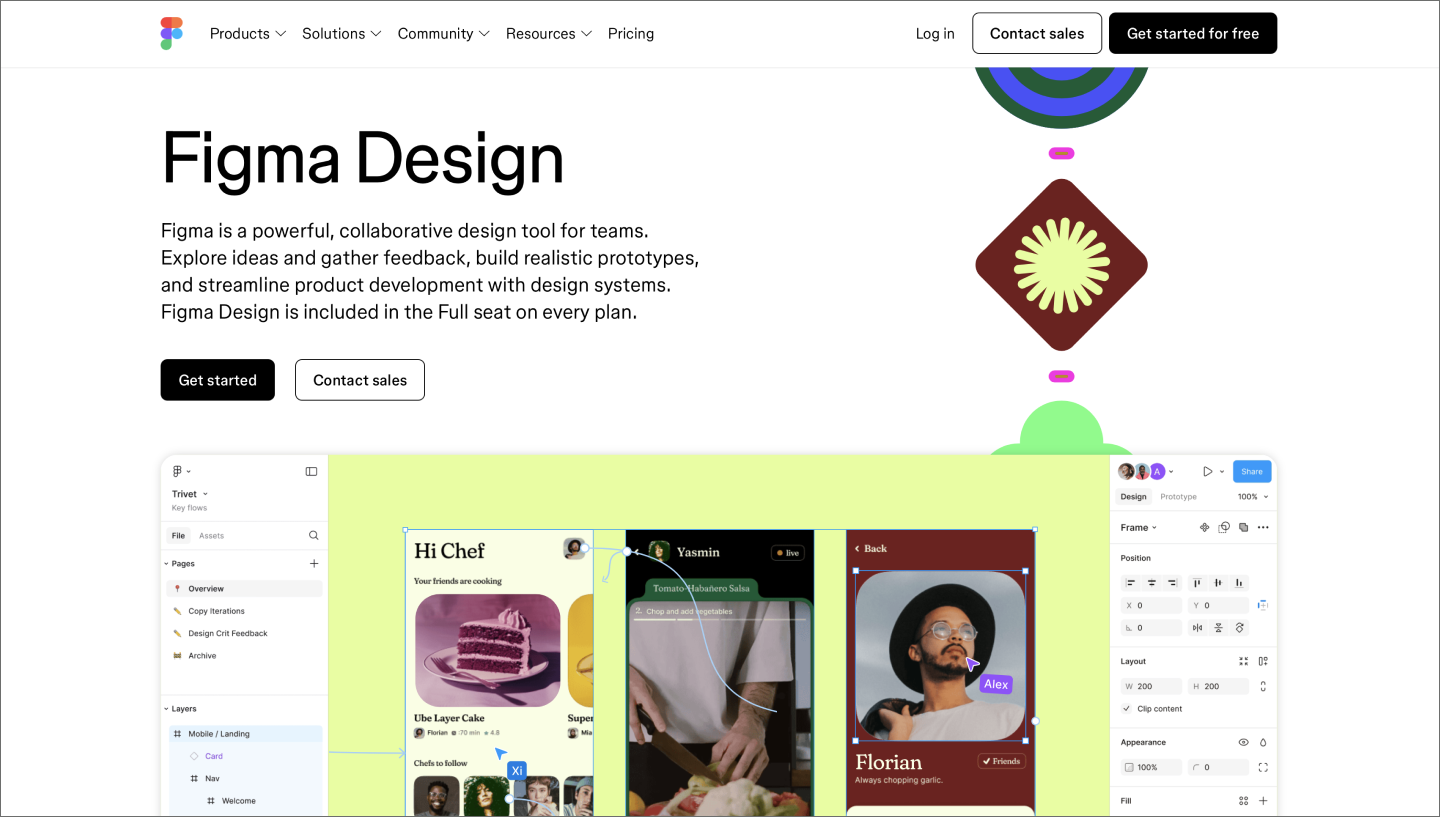
Figma Design is a shared space where your whole team can build and refine ideas. Multiplayer editing lets designers and developers work in the same file at the same time, keeping everyone synced and turning the handoff into a continuous conversation.
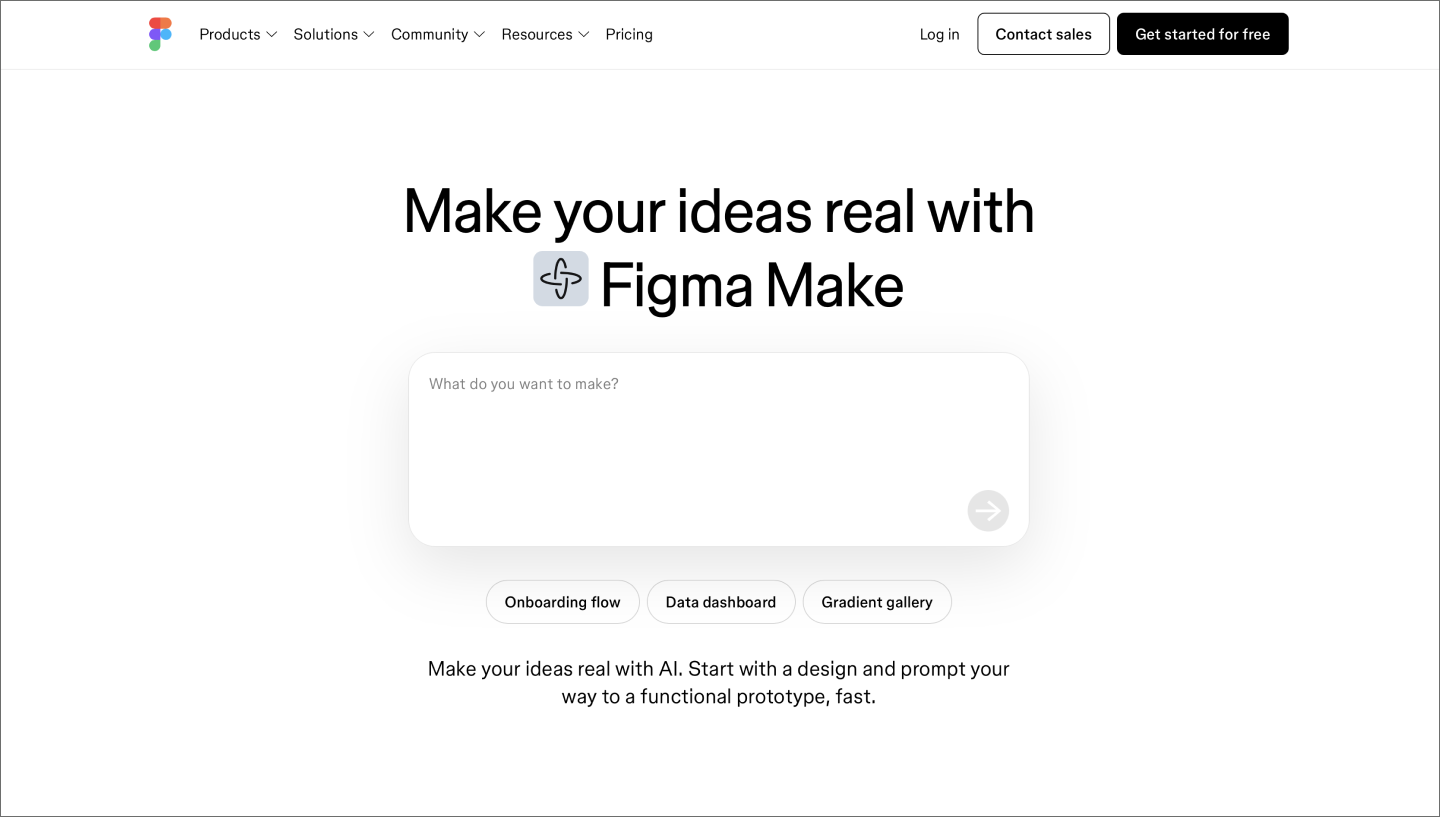
Figma Make speeds up that flow, helping you quickly explore ideas in high fidelity and compare side-by-side variations on the canvas. Code Connect and the Figma MCP server pull specific components and variables directly into development environments, so what ships reflects the design.
For teams focused on craft, Figma Draw and built-in image generation give you more expressive tools to work with. Pair those with a shared design system so that high-quality craft remains the default as you scale.
Bring your whole team into one shared space to design, prototype, and ship products faster together.

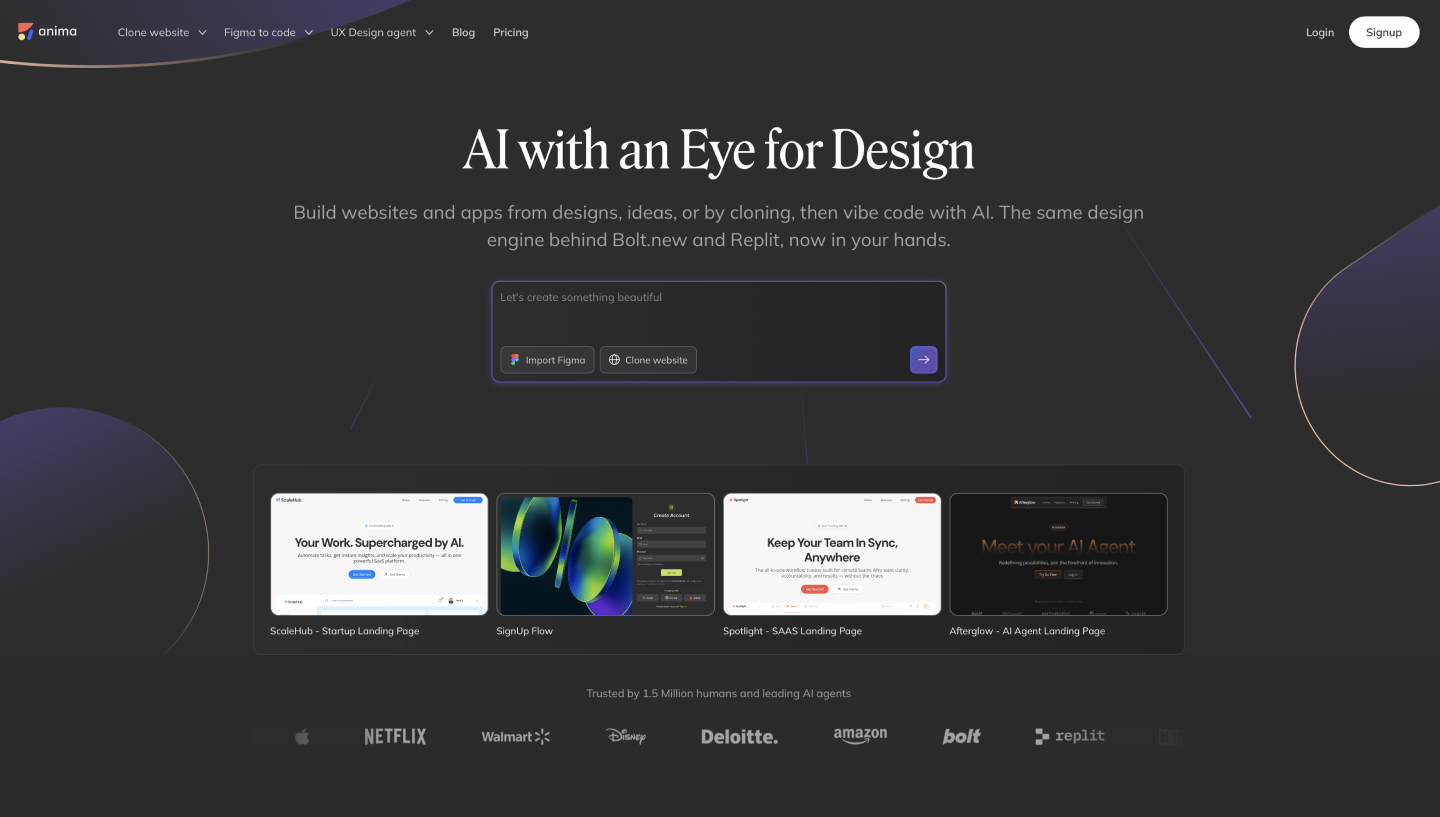
Ideal for: Turning design files into developer-ready production code
Anima sits between your design tool and your codebase, converting UI designs into developer-ready code. Teams working in Figma can use Anima to export components directly, cutting down the time developers spend manually recreating what designers have built.
The result is a tighter loop between design and engineering. Developers get a working starting point with accurate spacing, typography, and layout already baked in, and designers can preview how their work translates to code without leaving the design environment.

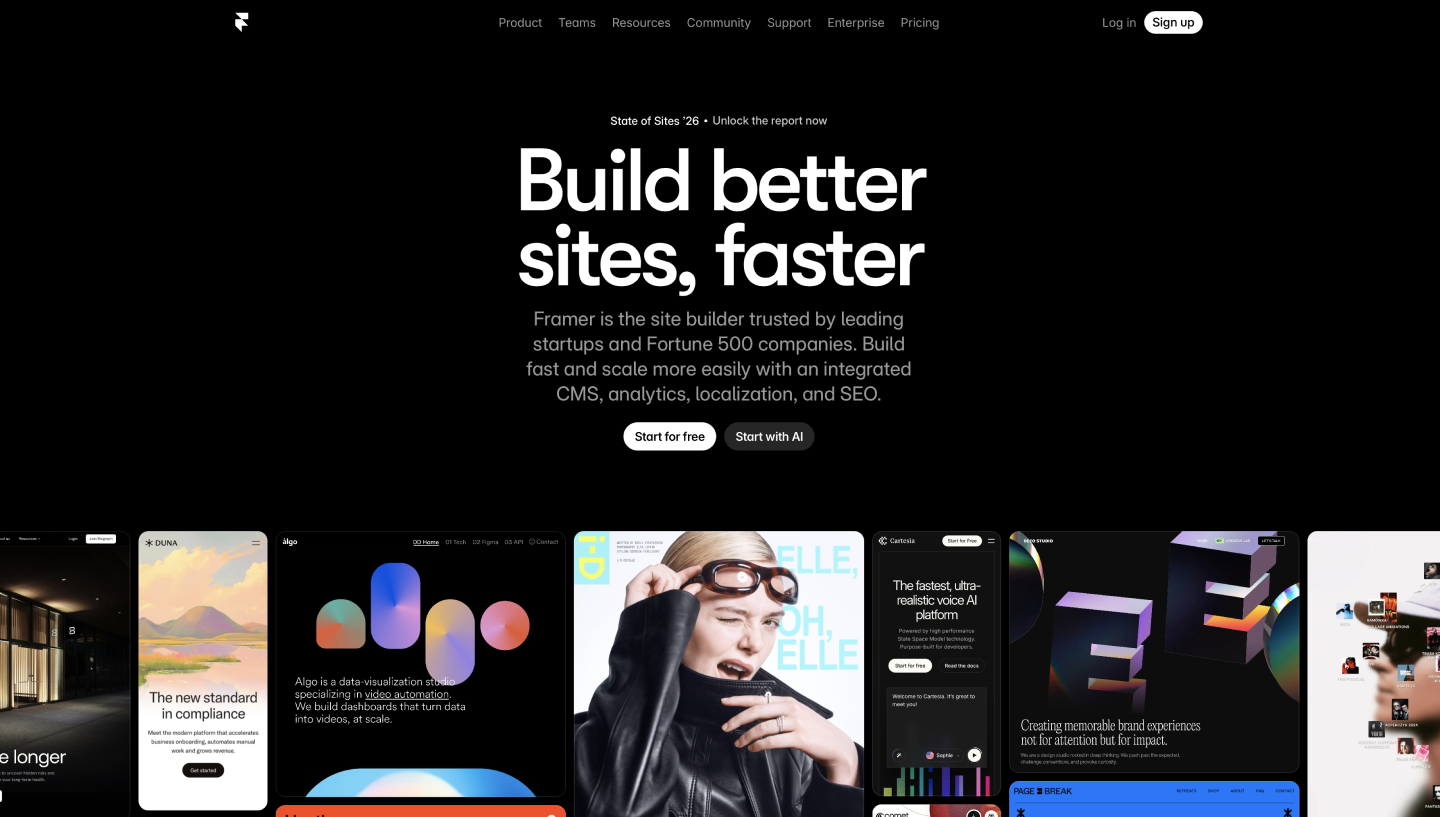
Ideal for: Publishing interactive designs directly to the Web
Framer is a design and prototyping tool that takes your layouts, interactions, and animations and publishes them as production-ready websites. The canvas works like a standard design tool, but everything you build is backed by real code.
Teams use Framer for landing pages, marketing sites, and product mockups where speed to publish matters. The built-in CMS handles dynamic content, and responsive breakpoints let you design for every screen size in the same file.

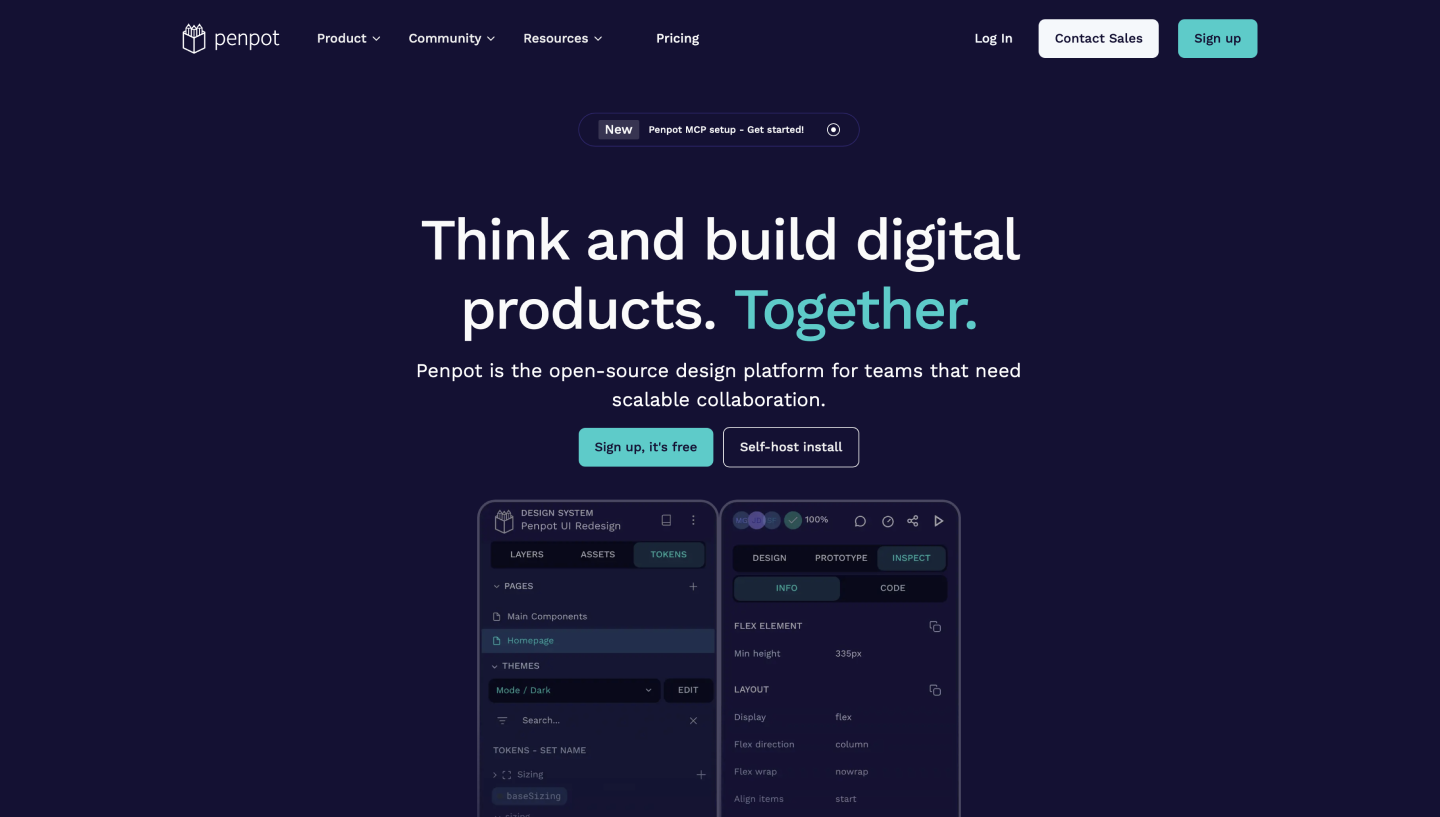
Ideal for: Designing and prototyping on open-source web standards
Penpot is an open-source design and prototyping platform built on SVG, the same standard that powers the Web. Because designs are expressed in web-native code from the start, developers can inspect and work with components in a format that maps directly to what they’ll write in production.
Penpot is self-hostable, which makes it a practical choice for teams with strict data privacy requirements or those who want full control over their toolchain. Designers and developers collaborate in the same file in real time, with CSS properties surfaced directly in the inspection panel, so the handoff context is always a click away.
Shipping great software takes a clear picture of what’s getting built, who owns it, and when it’s due. These agile collaboration tools help development teams track progress across projects and keep product and engineering moving in the same direction.
| Project management and tracking tools for developers | Ideal for | Key features |
|---|---|---|
| Jira | Tracking agile sprints and complex issue backlogs | Scrum and Kanban boards, granular issue tracking, GitHub and GitLab integrations |
| Linear | Streamlining workflows for high-velocity engineering | Minimal issue tracking interface, keyboard-driven workflows, automated issue management |
| Monday Dev | Unifying technical and non-technical stakeholders on a shared workflow | Customizable boards and dashboards, sprint and release tracking, GitHub and GitLab integrations |
| Asana | Managing tasks and goals across the full project lifecycle | Multiple project views, task dependencies and milestones, automation rules |

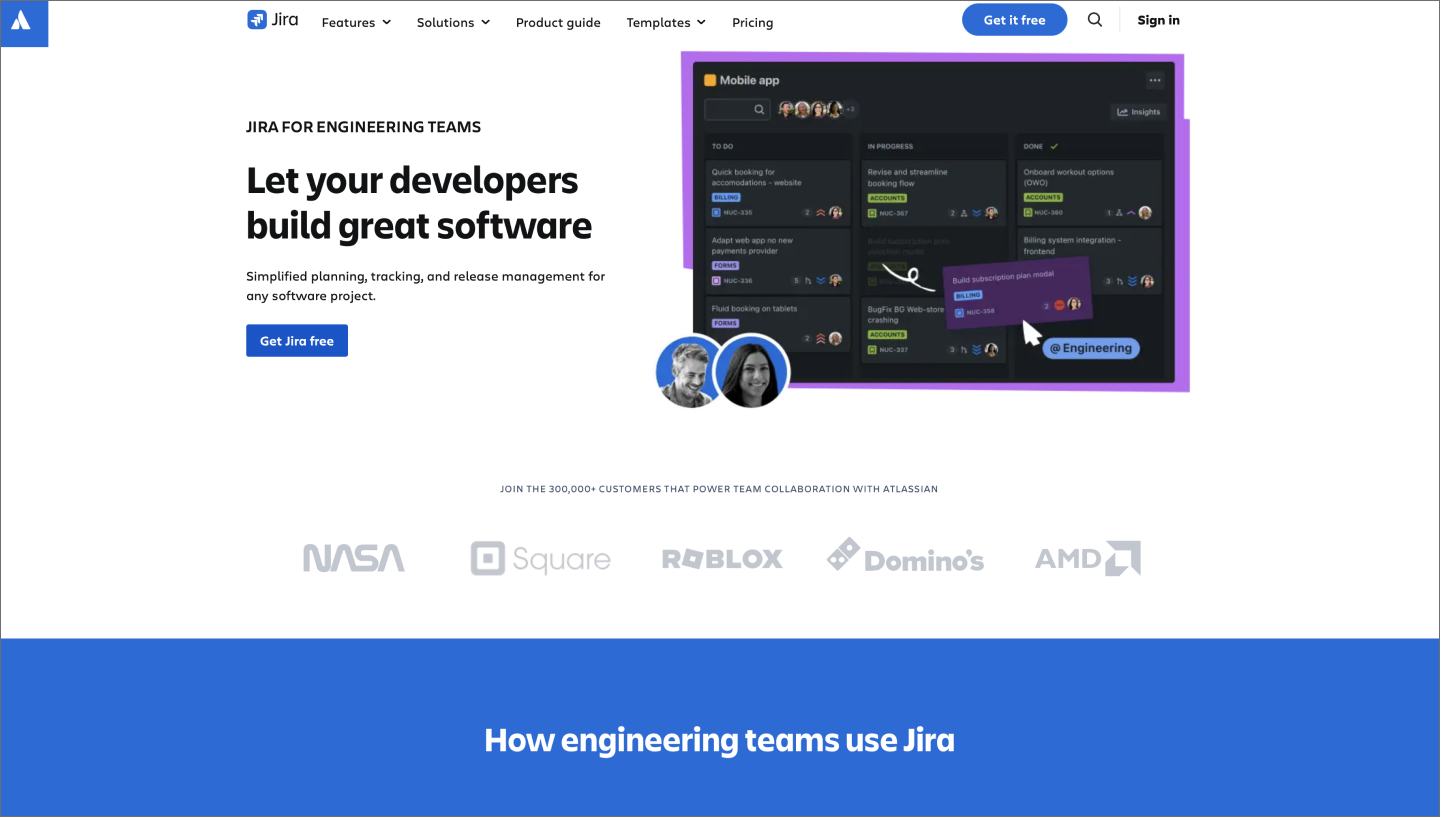
Ideal for: Tracking agile sprints and complex issue backlogs
Jira is one of the most widely used tools for issue and project tracking across software development teams. Built around Agile methodologies, it gives teams a structured way to manage backlogs, plan sprints, and track progress from requirements all the way through to release.
Where Jira earns its place in most development stacks is in the granularity of its reporting. Teams can break work down into epics, stories, and tasks, then track velocity and cycle time across sprints. That level of visibility gives engineering and product leaders the confidence to make confident prioritization calls.

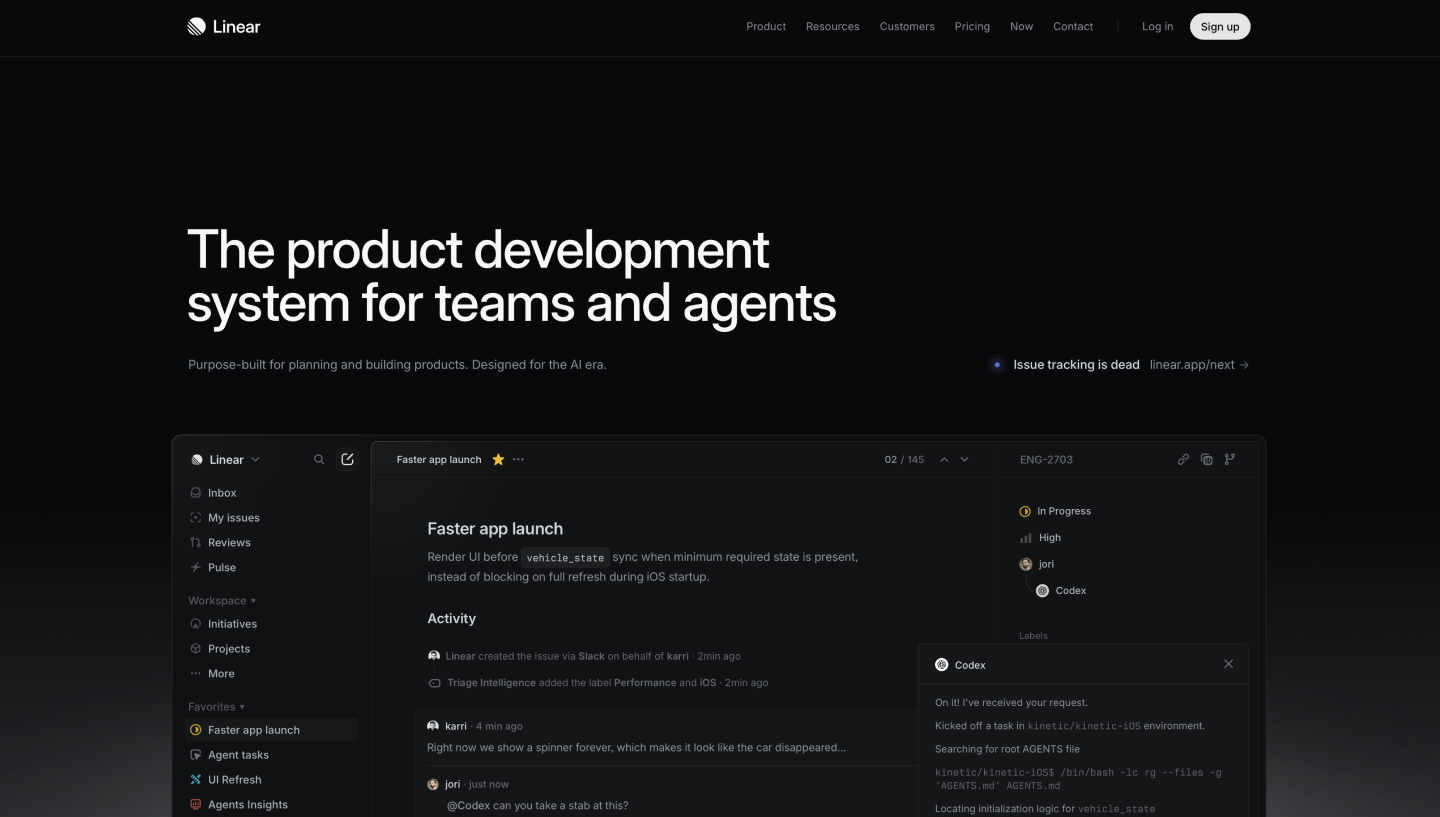
Ideal for: Streamlining workflows for fast-moving engineering
Linear is a streamlined issue-tracking tool built for software teams that want to move fast without the complexity of a heavyweight project management platform. The interface is intentionally minimal, stripping away configuration noise so you can jump straight into your active cycle.
It’s a popular choice for smaller engineering teams that want to cut down on meeting time and keep workflows tight. Keyboard-driven navigation and automated issue management mean less time clicking through menus and more time shipping.

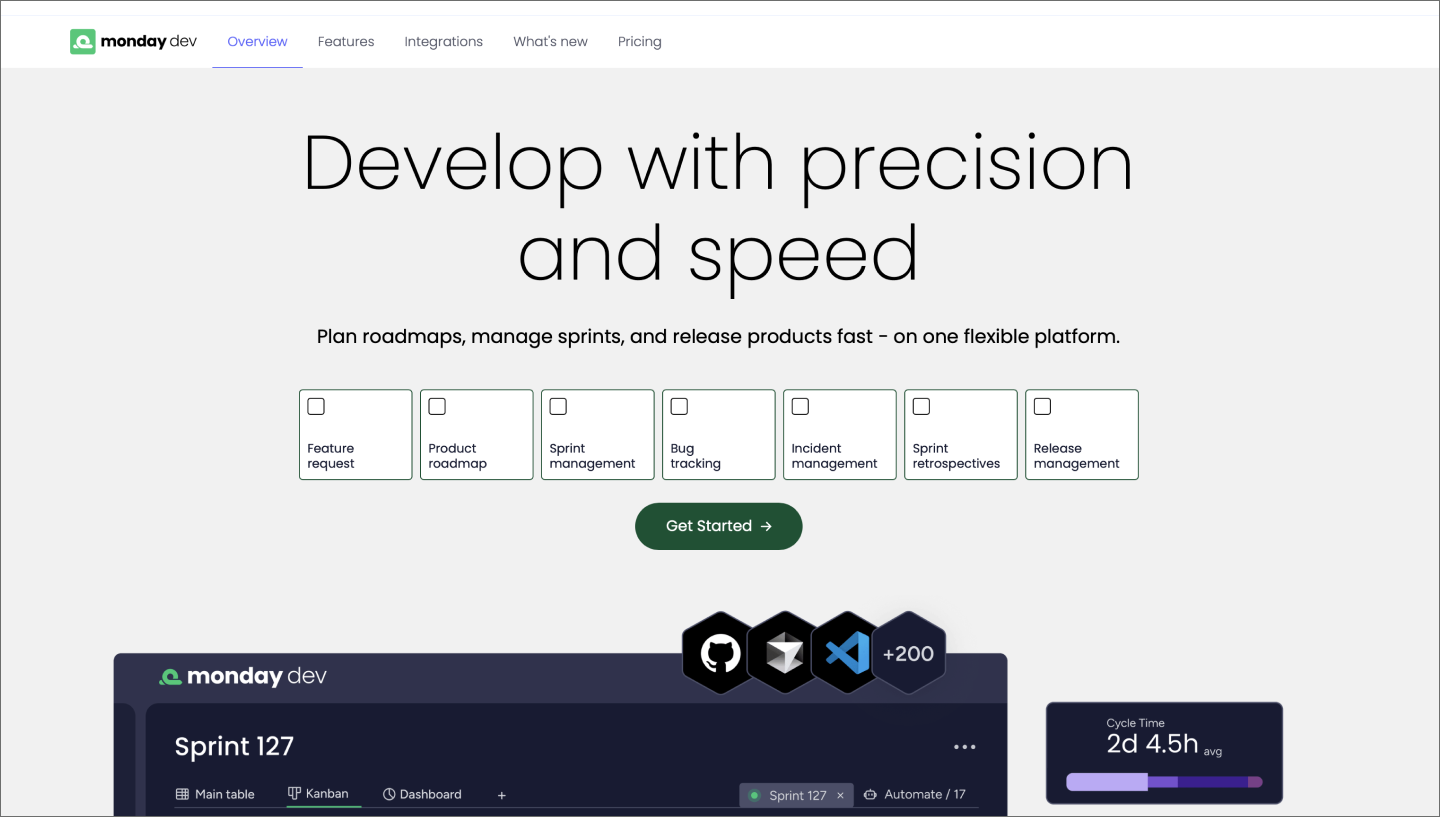
Ideal for: Unifying technical and non-technical stakeholders on a shared workflow
As a visual work operating system, monday dev adapts to how your development team works. Customizable boards and dashboards make it easy to map out sprints, track bugs, and manage releases without forcing teams into a rigid process.
Where it stands out is cross-role visibility. Product managers can track product roadmap progress, engineers can manage their sprint queue, and executives can check in on delivery timelines, all from the same platform. It also connects to tools like GitHub and GitLab, so code activity shows up alongside project context without anyone having to manually update a board.

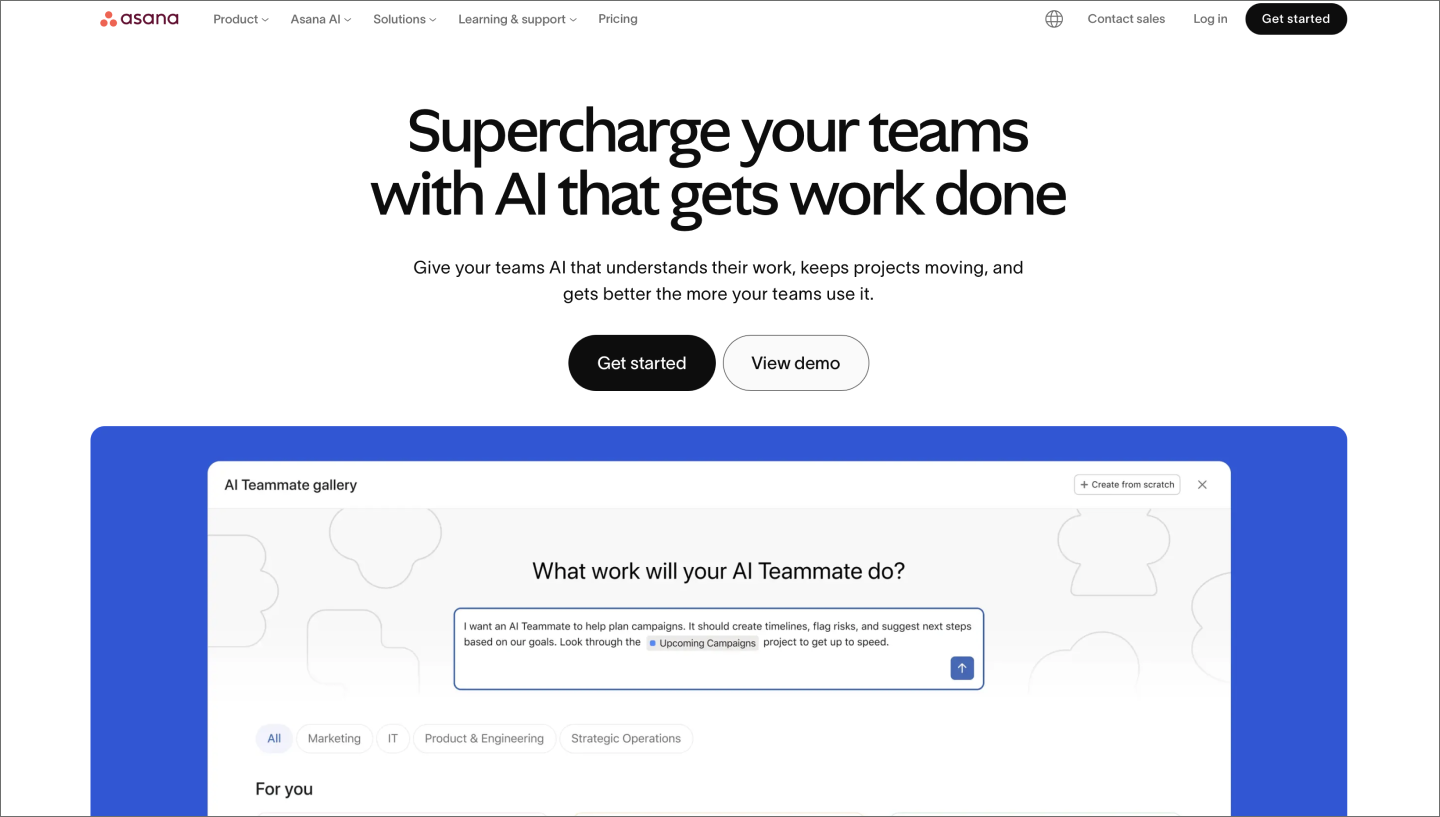
Ideal for: Managing tasks and goals across the full project lifecycle
Asana is a work management platform that helps teams coordinate tasks and goals across the organization. With multiple ways to view and organize work, it gives everyone from individual contributors to project leads a clear picture of what’s in progress, what’s coming up, and what’s blocking delivery.
It’s a particularly good fit for teams that need to connect high-level goals to day-to-day work. Asana’s timeline and dependency tracking make it easy to see how individual tasks roll up into larger project milestones, which helps keep cross-functional teams aligned as priorities shift.
Great software starts with a shared codebase that everyone can contribute to, review, and build on. These developer collaboration tools cover everything from version control and code review to full CI/CD pipeline management, providing engineering teams with a reliable foundation for shipping at scale.
| Code collaboration and development tools | Ideal for | Key features |
|---|---|---|
| GitHub | Hosting code repositories across distributed teams | Version control, pull requests, GitHub Copilot |
| GitLab | Consolidating the DevOps lifecycle into a collaborative platform | Built-in CI/CD, single DevOps platform, GitLab Duo |
| Bitbucket | Connecting code reviews to Jira-based project tracking | Git repository hosting, pull requests and code review, Jira and Confluence integration |
| Azure DevOps | Delivering software within the Microsoft ecosystem | Azure Boards, Azure Pipelines, Azure Repos |

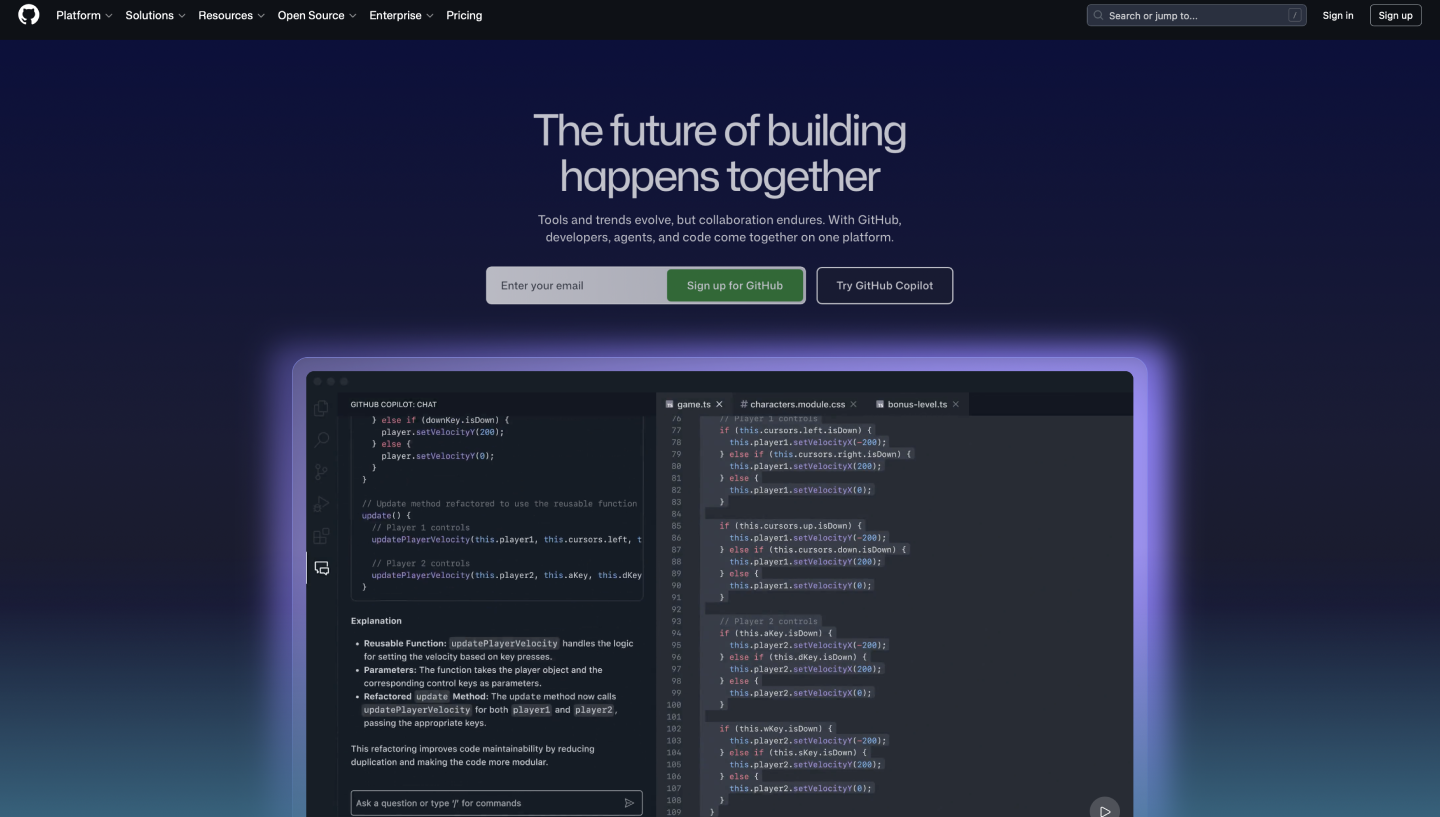
Ideal for: Hosting code repositories across distributed teams
GitHub is the most widely used platform for version control and collaborative code review. Built on Git, it gives teams a shared home for their codebase where contributors can propose changes, review each other’s work, and merge updates through a structured pull request workflow.
GitHub’s social coding model makes it the default hub for open source collaboration, with a community of over 100 million developers sharing and contributing to projects. For distributed teams, that same infrastructure makes it easy to coordinate contributions across time zones with a full audit trail of every change.

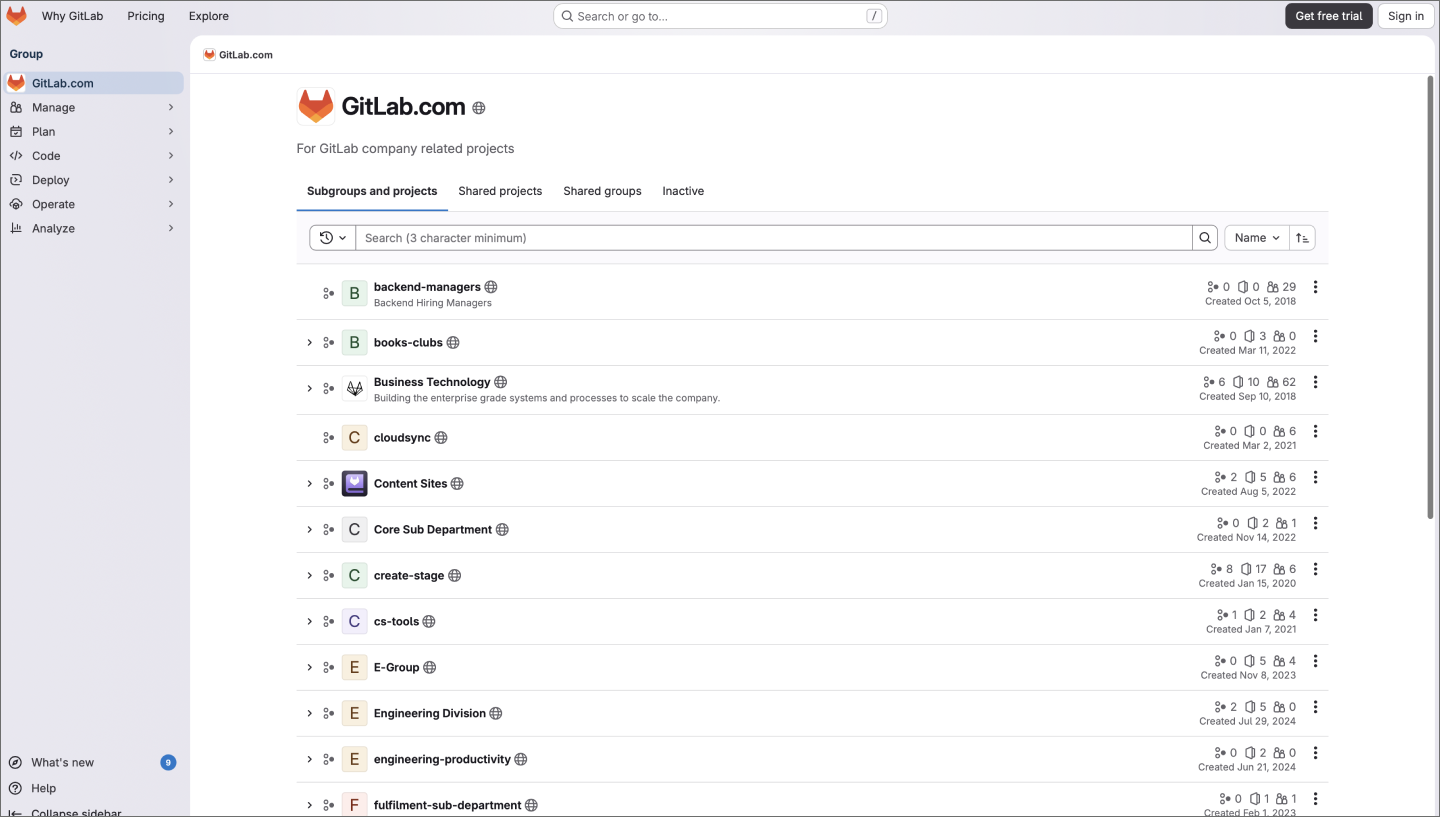
Ideal for: Consolidating the DevOps lifecycle into a collaborative platform
GitLab is a comprehensive DevOps platform that covers the full software development lifecycle in one application. From source code management and process mapping to security scanning and deployment, teams can manage every stage of delivery without stitching together a separate toolchain.
That consolidation speeds up delivery and improves visibility for teams looking to reduce tool sprawl. Built-in continuous integration and delivery (CI/CD) pipelines automate testing and deployment, and the integrated security features catch vulnerabilities earlier in the development process, before they have a chance to compound.

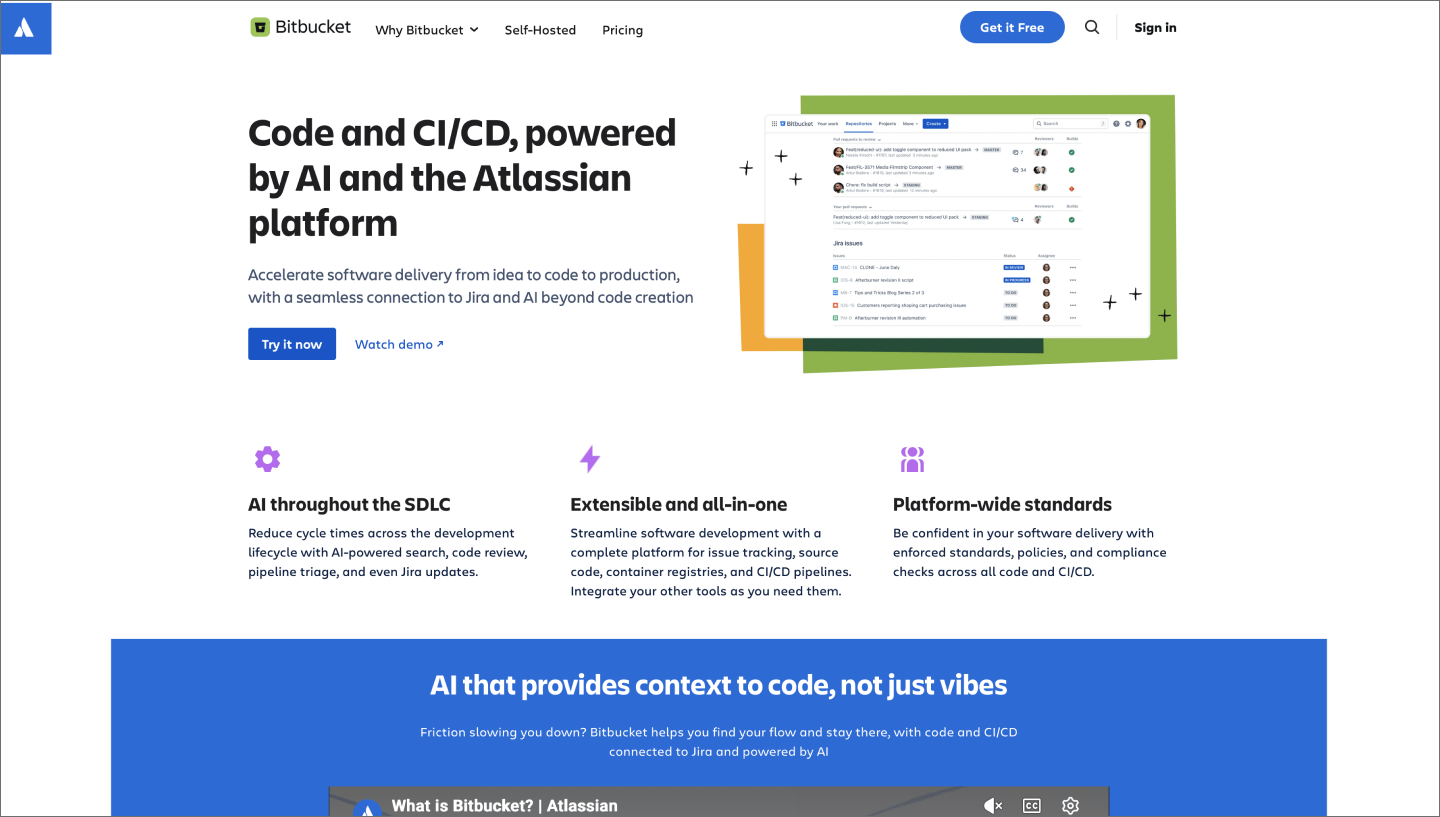
Ideal for: Connecting code reviews to Jira-based project tracking
Bitbucket is a Git-based code hosting and collaboration platform built by Atlassian. It gives teams a shared home for their repositories, with built-in code review tools, branch permissions, and pull request workflows that keep contributions organized and consistent.
Teams already using Jira for issue tracking and Confluence for documentation get a tighter feedback loop between code activity and project context. Commits and pull requests link directly to Jira issues, so development progress is always visible alongside the work it belongs to.

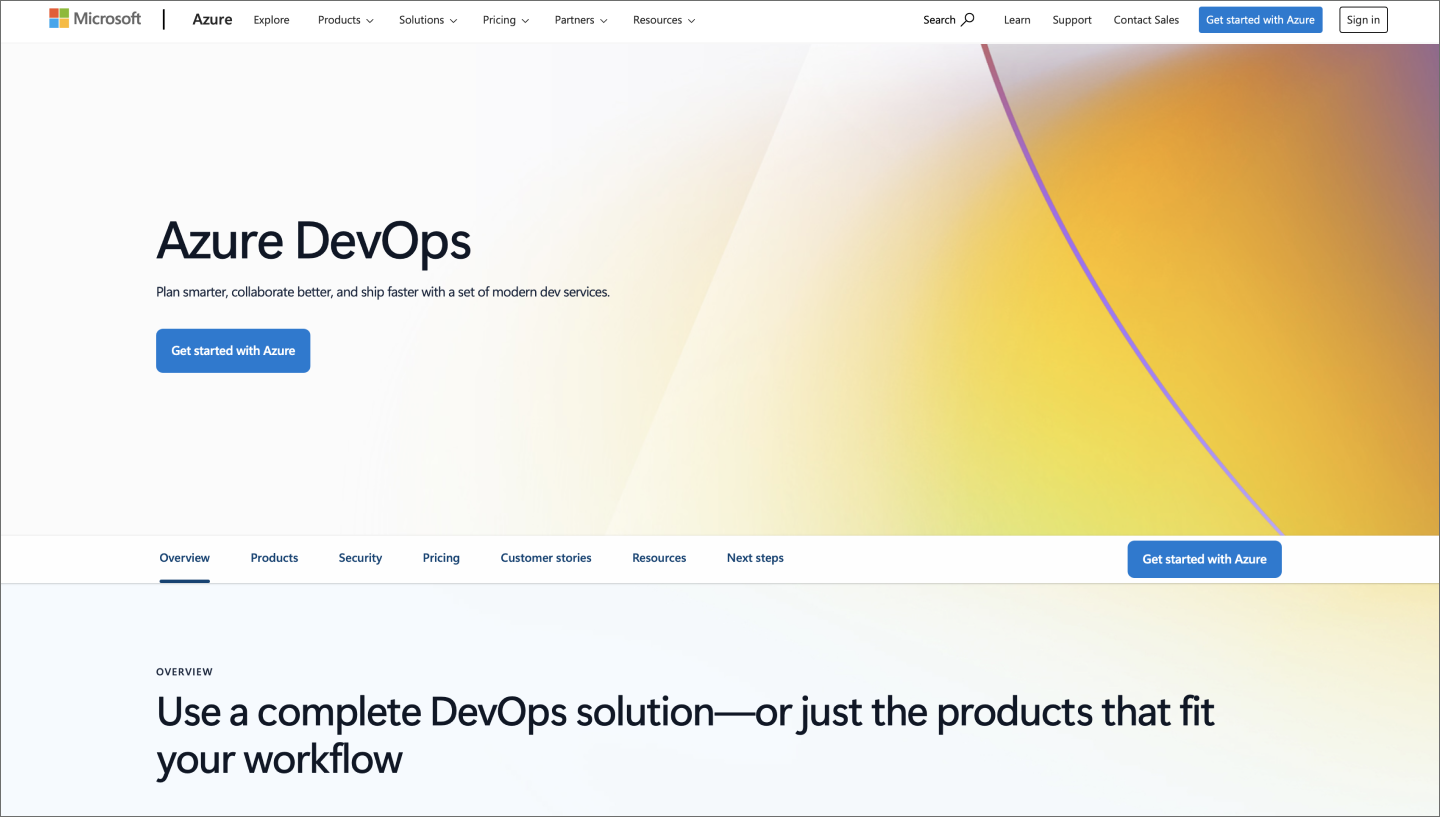
Ideal for: Delivering software within the Microsoft ecosystem
Azure DevOps is Microsoft’s cloud-hosted platform for software delivery, built around five services that cover the entire development lifecycle. Teams use it to plan work, manage code, and automate builds and deployments. It runs under a single authentication layer with deep integrations across Microsoft 365 and GitHub.
It’s a strong fit for enterprise teams with complex release processes. Azure Test Plans provides structured manual and automated testing, while Azure Artifacts manages package dependencies across the organization. Together, they give teams a consistent approach to every stage of delivery.
Even the best development workflow breaks down without a clear way to share context. These collaboration software tools keep teams aligned across async updates, technical documentation, and day-to-day communication, so knowledge doesn’t get lost in someone’s inbox.
| Communication and knowledge sharing tools for developers | Ideal for | Key features |
|---|---|---|
| Confluence | Centralizing project documentation and technical knowledge | Knowledge base, Jira integration, team spaces |
| Slack | Handling real-time engineering alerts and automated build notifications | Channel-based messaging, developer integrations, huddles |
| Notion | Organizing technical wikis alongside agile project tracking | All-in-one workspace, customizable databases, connected pages |
| Loom | Sharing visual context for bug reports and async reviews | Screen recording, async updates, instant sharing |

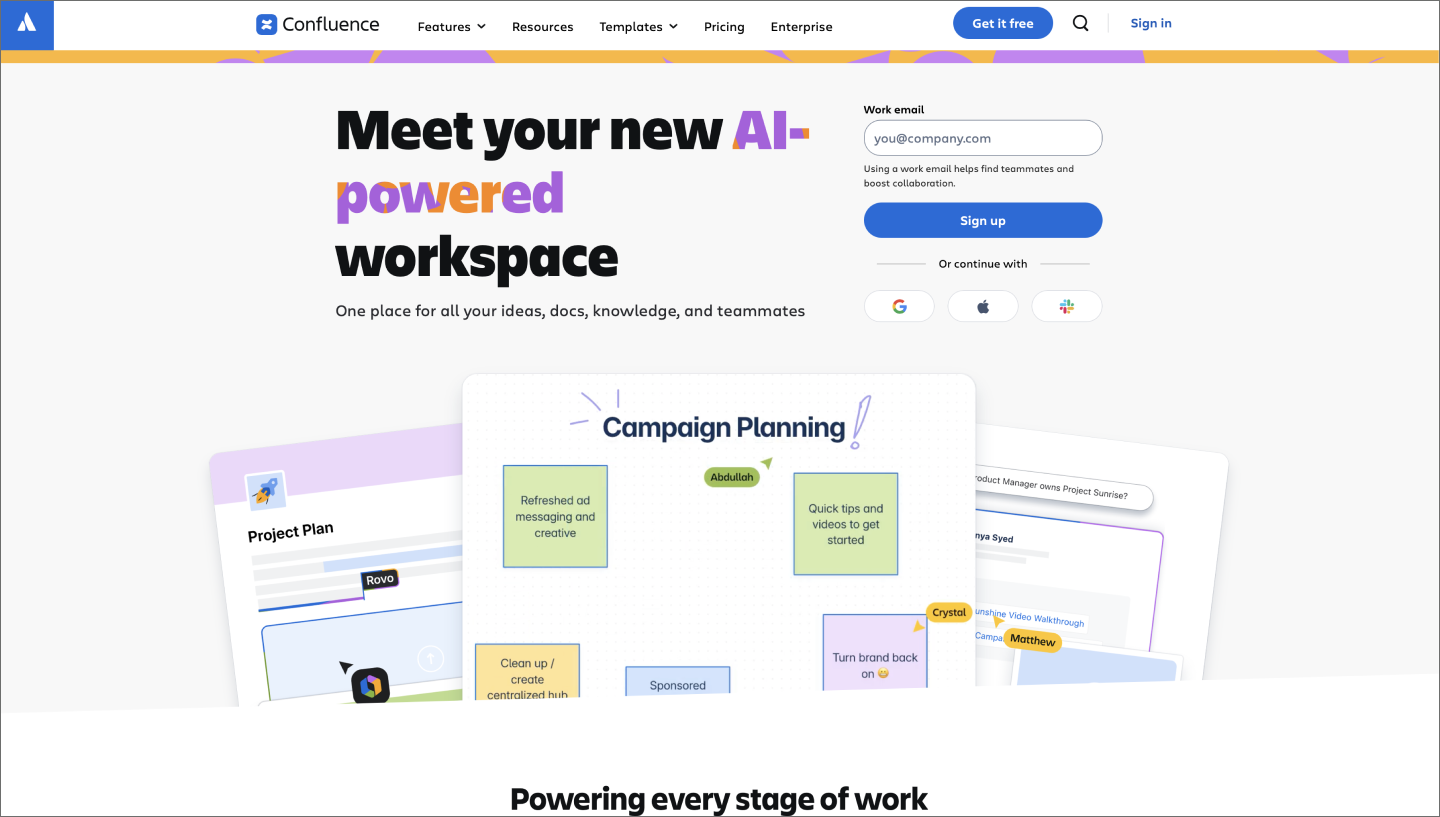
Ideal for: Centralizing project documentation and technical knowledge
Confluence is a collaborative knowledge base built by Atlassian that helps teams organize and maintain documentation. It keeps technical specs, architecture decisions, and onboarding guides in one place.
Linking pages directly to Jira issues keeps the context behind a decision alongside the work it informs. Teams can also organize content into dedicated spaces by project or department, making it easy to find the right documentation without digging through a shared folder.

Ideal for: Handling real-time engineering alerts and automated build notifications
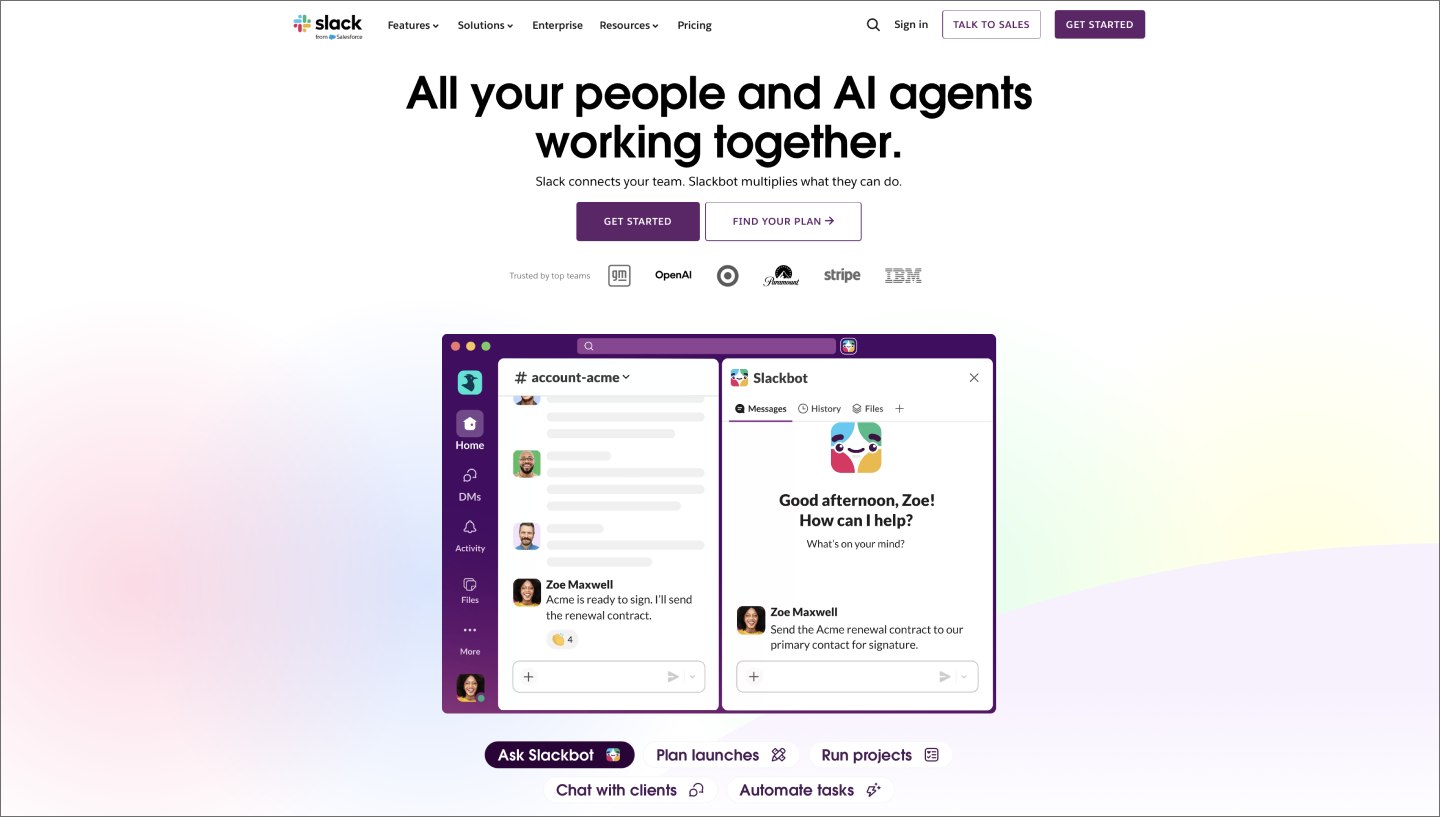
Slack is a productivity platform that organizes team communication into searchable channels. It gathers conversations into a workspace where messages, files, and tools are all accessible. For development teams, it connects every part of the tech stack to the daily conversation.
Build statuses and PR reviews in a channel keep the technical conversation next to the logs. That keeps teams in flow without jumping between tools. Meanwhile, Slack AI manages the message volume by summarizing long threads or project updates. The search tool also uses natural language to pull up specific code snippets and historical decisions when you need them.

Ideal for: Organizing technical wikis alongside agile project tracking
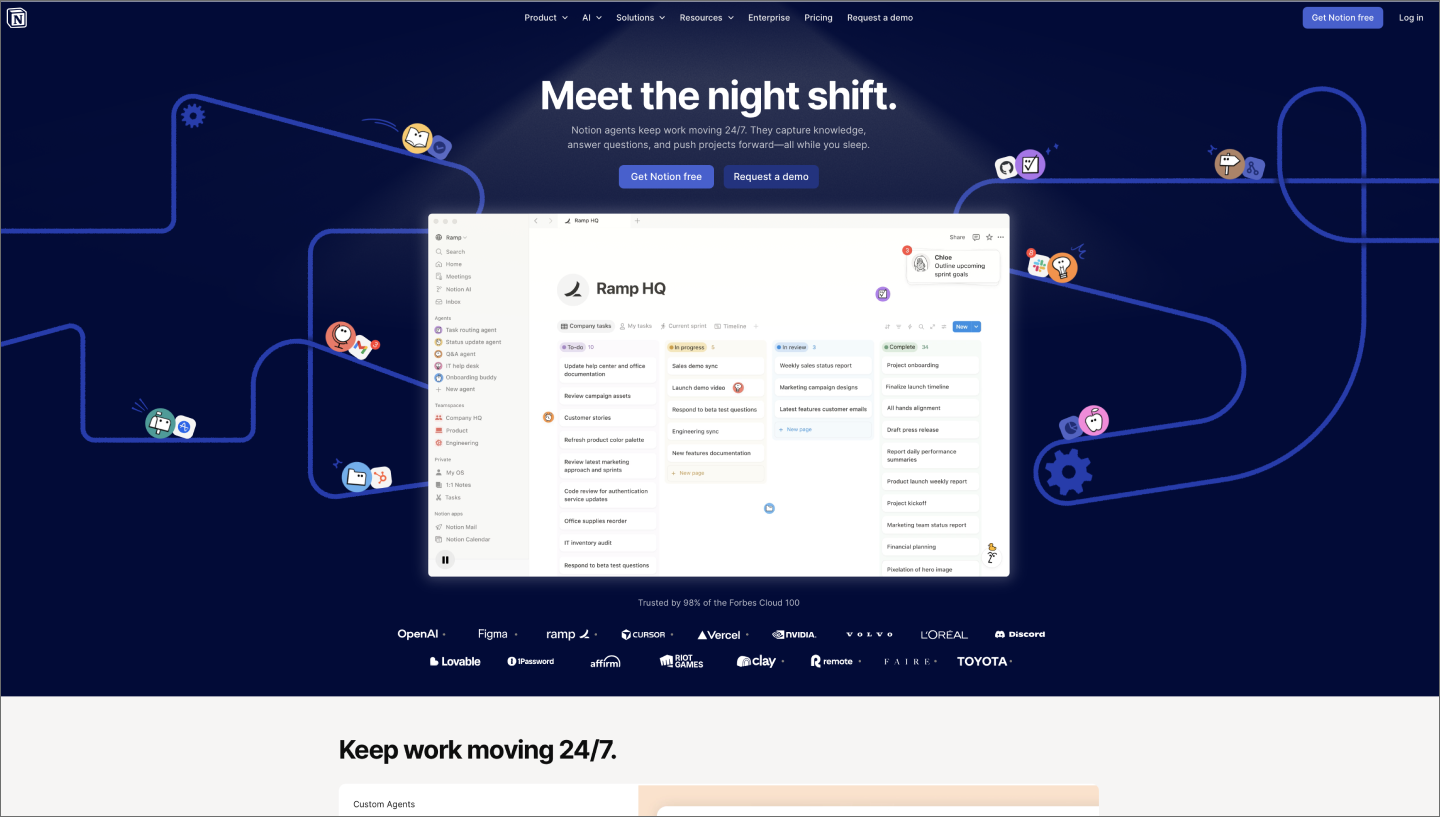
Notion is a flexible workspace where your project data, notes, and documentation live side by side. Its block-based system lets teams build custom layouts, from a high-level roadmap down to specific technical requirements. This keeps the strategy and the execution in the same view, so every development cycle stays on track.
Notion Projects connects development tasks directly to the engineering wiki and technical specs. Custom AI Agents handle logistics by triaging incoming bug reports or generating weekly status updates from project activity. With the new Notion MCP connection, developers can even surface workspace context directly within their code editor to stay focused on the build.


Ideal for: Sharing visual context for bug reports and async reviews
Loom is a video messaging platform that lets teams talk through quick screen and camera recordings. It moves complex explanations out of long blocks of text and into a format where your tone and visual cues stay intact.
Loom AI streamlines the documentation process as soon as the recording ends. If you’re walking through a bug, it can spin up a fully populated Jira or Linear ticket with the video, a summary, and technical metadata like console logs. Tacking a recording onto a pull request gives reviewers a guided tour of your logic, so they understand the reasoning behind your changes before the review even kicks off.
When you’re evaluating something new for your stack, look for the platforms that protect your team’s momentum and support your natural rhythm. These benchmarks can help you decide which tools are worth the switch.
Developer collaboration tools give design, product, and engineering teams a shared view of how the work is progressing. When information moves freely across the stack, it’s easier to see how design choices affect code and how constraints shape the roadmap. That visibility replaces handoff with a continuous conversation.
Connecting your design system to your codebase keeps this momentum. Code Connect links Figma components to production code, while the Figma MCP server brings that intent straight into the code editor. Surfacing specs where the work happens means less time hunting for details and more time building.
Deep integration helps code updates, build statuses, and design changes flow automatically across your environment. Connecting your Git provider to your project tracker or CI/CD pipeline automates the path from a code commit to a finished deploy.
Figma plugs into Slack, Jira, and GitHub to keep the whole team synced. These integrations surface live design statuses in Jira and send Slack alerts when components change. Pulling data into your primary workspace this way keeps the right context available exactly when it’s needed.
Collaboration runs on a spectrum from live pair programming to async code reviews. High-velocity teams need tools that support both, letting you jump into a quick sync for a brainstorm or leave detailed feedback on a pull request without breaking someone’s focus. That balance helps you move fast while respecting the heads-down time needed for deep work.
Figma’s multiplayer environment is built for this. Real-time co-authoring lets developers and designers iterate together in the same file, which cuts out the delays and confusion of traditional handoffs. This instant feedback loop keeps everyone aligned on the build and prevents the friction of constant status meetings.
AI coding tools are changing dev work by automating foundational tasks like boilerplate and bug triaging. Look for features that go beyond autocomplete—agentic task completion, repo-wide context parsing, that kind of thing.
Figma Make is great for generating functional UI and editable code that already matches your design system. GitHub Copilot or GitLab is better suited for repo-wide refactoring and complex backend logic. Using AI to handle these manual hurdles lets your team stay focused on solving the core problems.
Tool sprawl is a real cost. Every extra app means more context switching and more overhead. When you’re evaluating your stack, look for platforms that handle multiple stages of the build in one place.
Platforms like GitLab, Notion, and Figma combine features that used to require separate subscriptions. Bringing your version control, docs, and design systems into a few central hubs keeps your project's data organized and easier to find. Consolidating your stack this way helps the team focus on the build instead of jumping between tools all day.
The right stack should feel like a shortcut to production, not another process to manage. Integrating software development collaboration tools simplifies the path from initial concept to final deployment by keeping everyone aligned in one workspace. When you’re ready to bring design and development into one workflow, Figma has the tools to help.
Here’s everything you need to get started:
Figma Design supports rapid prototyping, so your websites or apps don’t end up bottlenecked while waiting for code approval.
Explore Web development trends defining 2026. Learn how AI-driven workflows, server-first performance, and new browser standards are reshaping how teams build.

Discover some of the top AI coding tools for 2026. Compare capabilities, pricing, and discover why Figma’s AI code generator leads the new design‑to‑code era.

Learn the key differences between Web design and development and their roles in creating stunning and functional websites.

Explore 8 of the best design collaboration tools of 2026 to help teams boost creativity, streamline workflows, and keep every project on track.

A project kickoff meeting sets up for success by aligning goals, timelines, and team roles. Learn what to include in a project kickoff and how to make it productive.

Turn your sprint reviews into actionable sessions. Discover how to collect feedback, set priorities, and boost team collaboration with this five-step guide.