

Launch your agency website faster with AI
Go from client pitch to live agency site—no coding required.
Showcase your agency with AI
Turn services into a site
Describe your agency’s offerings and Figma Make generates a polished layout.
Keep design and build in one place
Design, refine, and publish your agency site inside Figma Make.
Add case studies and team profiles
Import visuals, bios, or testimonials to highlight your work.
Customize for your brand identity
Tailor typography, colors, and layouts, or let AI suggest consistent styles.
Built by our community
Get inspired by incredible websites created with our AI website builder. From startups to enterprises, see what's possible when creativity meets AI.
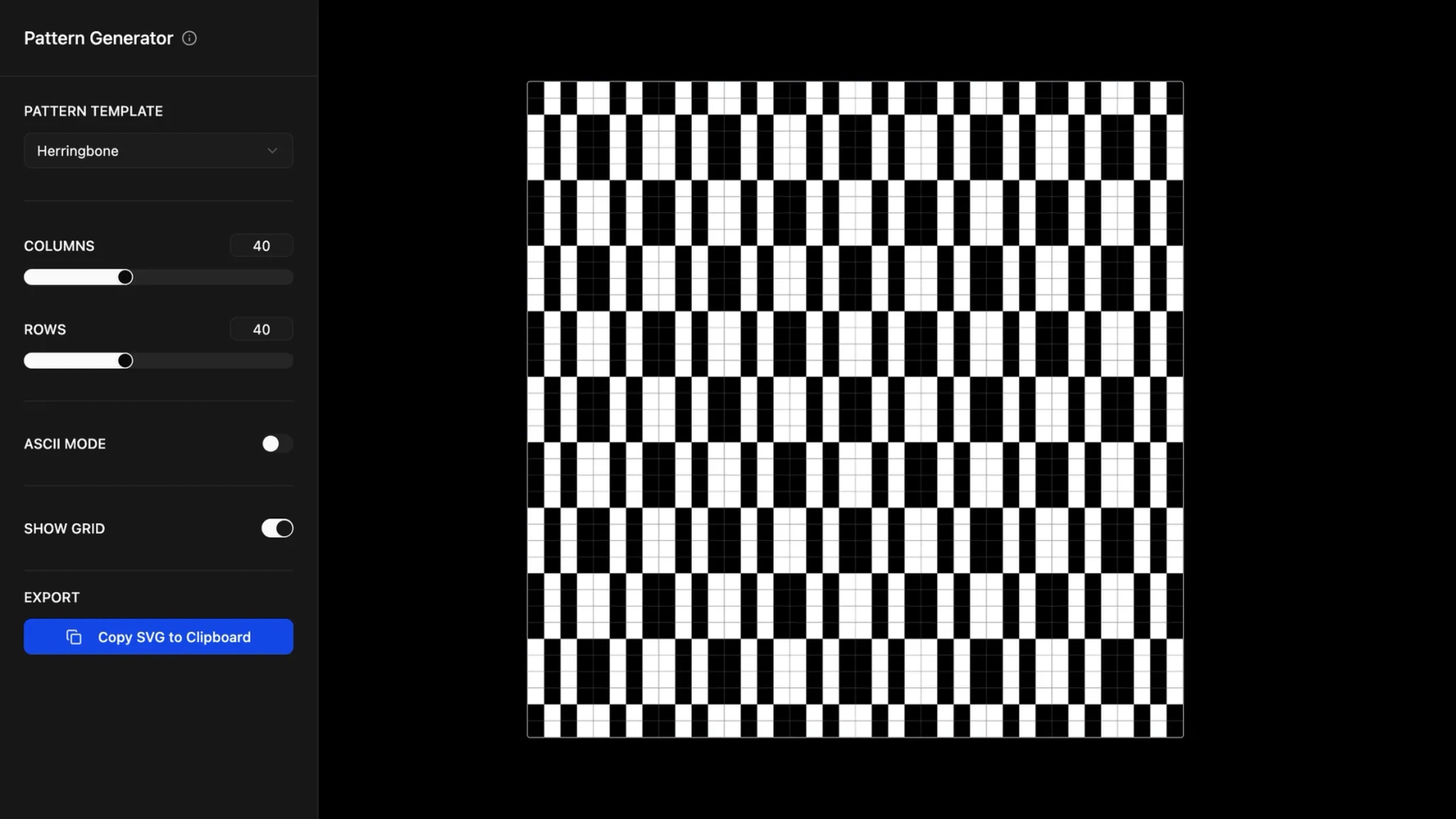
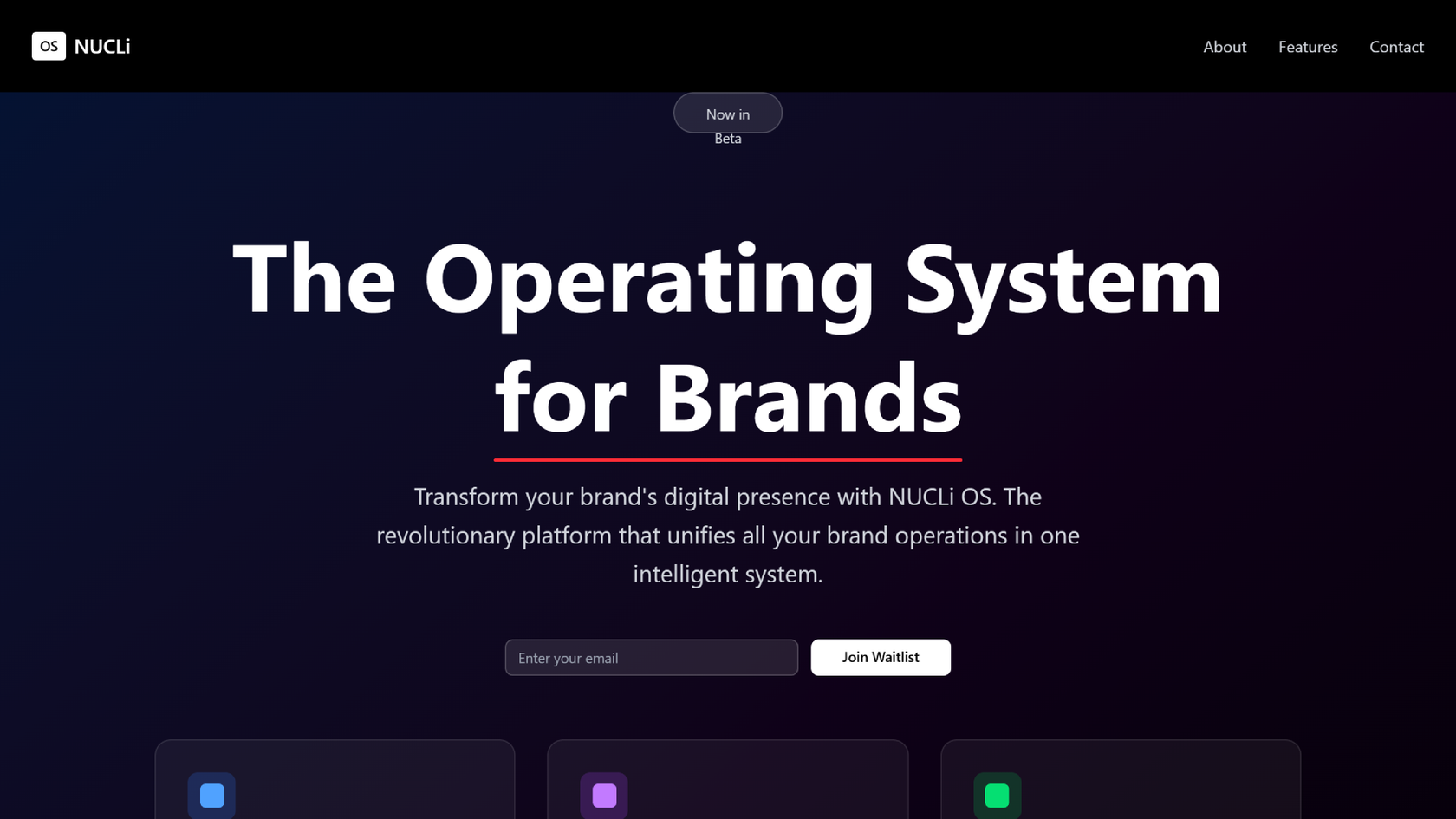
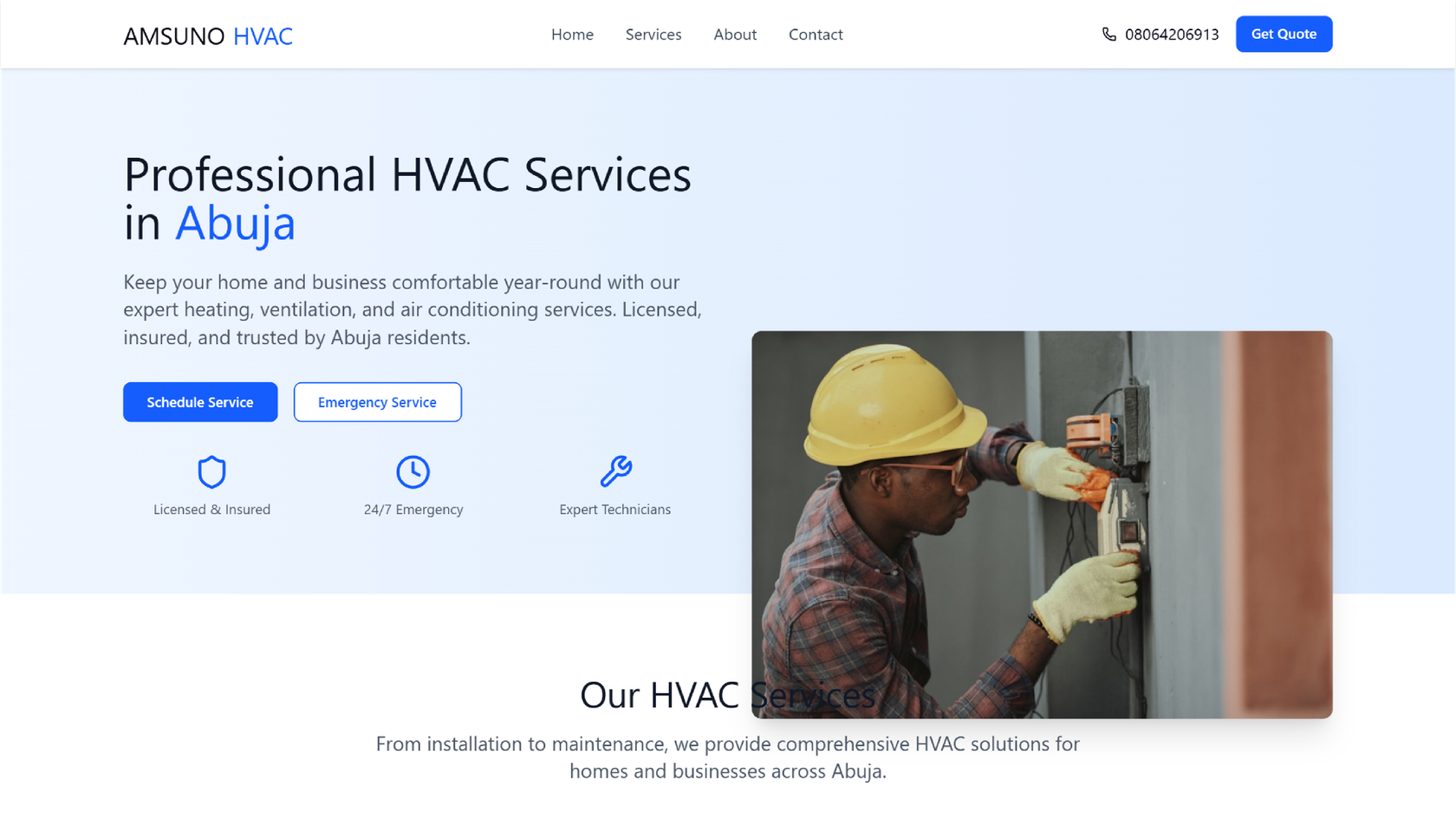
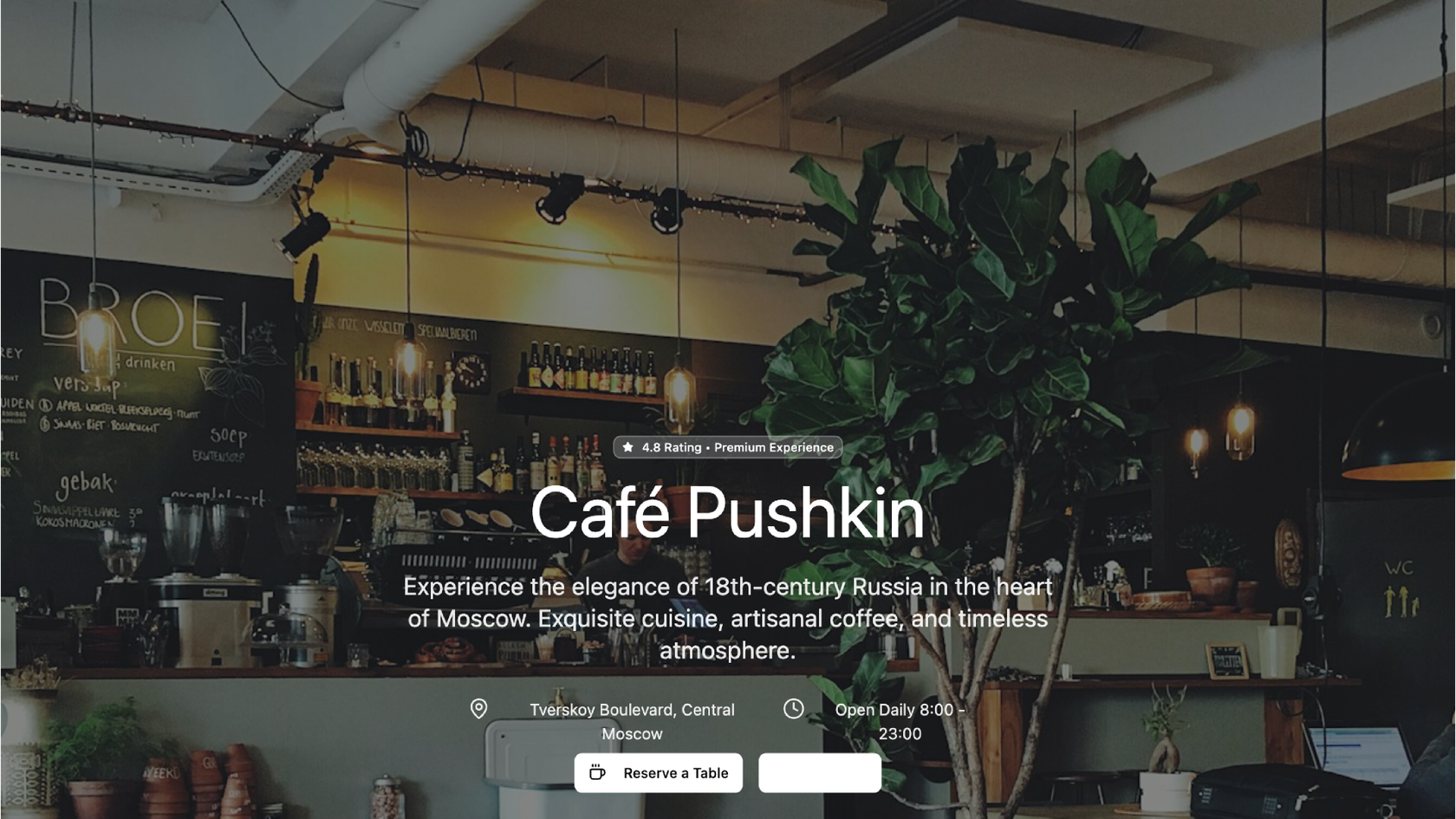
- Benjamin Leonard
- arshaikh

- abdullahimeg

- AI generator







How to build an agency website with AI in Figma Make
FAQs
From the blog

Got skills? Make the Figma agent a better collaborator
From sharing your best thinking to learning from your team’s go-to prompts, here’s what skills unlock in the Figma agent.

4 ways we’re using our MCP server at Figma
The Figma MCP server reaches further across the platform than it ever has. From updating a living deck to shipping a design to production—here's what that looks like in practice.


4 new ways to go from idea to product with AI tools
AI tools are changing how teams build products—from where they start to what carries through to production. Here's what that shift looks like across four organizations.
Figma Make, now on your local code
From visual editing to contextual prompting and collaboration, Figma Make is expanding how teams can design with code.

7 tips for using Figma Make credits more efficiently
While everyone’s talking about “tokenmaxxing,” we’ve compiled seven best practices to help you build smarter—without prompting more—in Figma Make.
How Figma AI tools helped us bring extra delight to the canvas
For our annual April Fun Day, we used Figma Make, Weave, and MCP to build six mini games that captured the spirit of play. Here’s what we learned.