
26 popular flowchart symbols explained
Flowchart symbols summarize decisions, steps, and inputs within a process or system. With 26 flowchart symbols, you can clearly map out intricate processes.
Skip to main content
Building with AI


Every team has a workflow. The problem is it usually lives in three different places at once: a Confluence doc nobody’s updated since Q3, a whiteboard photo from last Tuesday’s standup, and the head of whoever ran the kickoff meeting. Workflow design tools fix that by giving teams a shared, visual way to map how work moves so everyone’s working from the same picture.
That matters more than ever as product teams get more distributed and cross-functional. When the process isn’t visible, handoffs get messy and timelines slip. The right tool turns a tangled process into something your whole team can see, question, and improve together.
Read on to learn:
Workflow design maps out the sequence of tasks, decisions, and handoffs that move a product from idea to shipped. For product teams, that might look like a design review process, a sprint cycle, or the steps between a wireframe and a developer handoff.
Workflow design tools give that process a shared visual layer. Think canvases, diagrams, and interactive boards where teams can map steps and collaborate in real time. Instead of chasing status updates across Slack threads or decoding a doc written six sprints ago, everyone works from the same picture and can update it as things change.
Some workflow design software shines at visual diagramming, others at task management, and a few connect the entire product development process. Here’s a look at 11 options to help you find the right fit.
| Tool | Ideal for | Key features |
|---|---|---|
| FigJam | Cross-functional teams mapping and visualizing workflows collaboratively | Online whiteboard, built-in templates, sticky notes and voting, FigJam AI |
| Miro | Broad-purpose visual collaboration and workshops | Infinite canvas, Miro Blueprints, 100+ app integrations |
| Lucidchart | Structured diagramming and technical documentation | Structured diagramming, live data linking, Jira and Confluence integrations |
| Whimsical | User flow mapping and low-fidelity wireframing | Flowcharts and wireframes, Whimsical AI, integrated docs |
| Asana | Managing and automating repeatable work processes | Workflow Builder, timeline view, 270+ tool integrations |
| monday.com | Scaling complex, automated project roadmaps | Automation triggers, visual roadmaps, external stakeholder sharing |
| Jira | High-velocity engineering teams and complex issue tracking | Agile boards, custom issue types, Dev Mode integration |
| Linear | Lean, fast-moving issue tracking and sprint planning | Cycles, projects and roadmaps, Figma integration |
| Notion | Combining documentation and workflow tracking in one workspace | Connected workspace, flexible views, Notion AI |
| Canva | Visual diagramming for non-technical audiences | Whiteboard, template library, branded design integration |
| Overflow | Presenting high-fidelity, interactive user flows | Interactive flow diagrams, direct Figma import, design review tools |

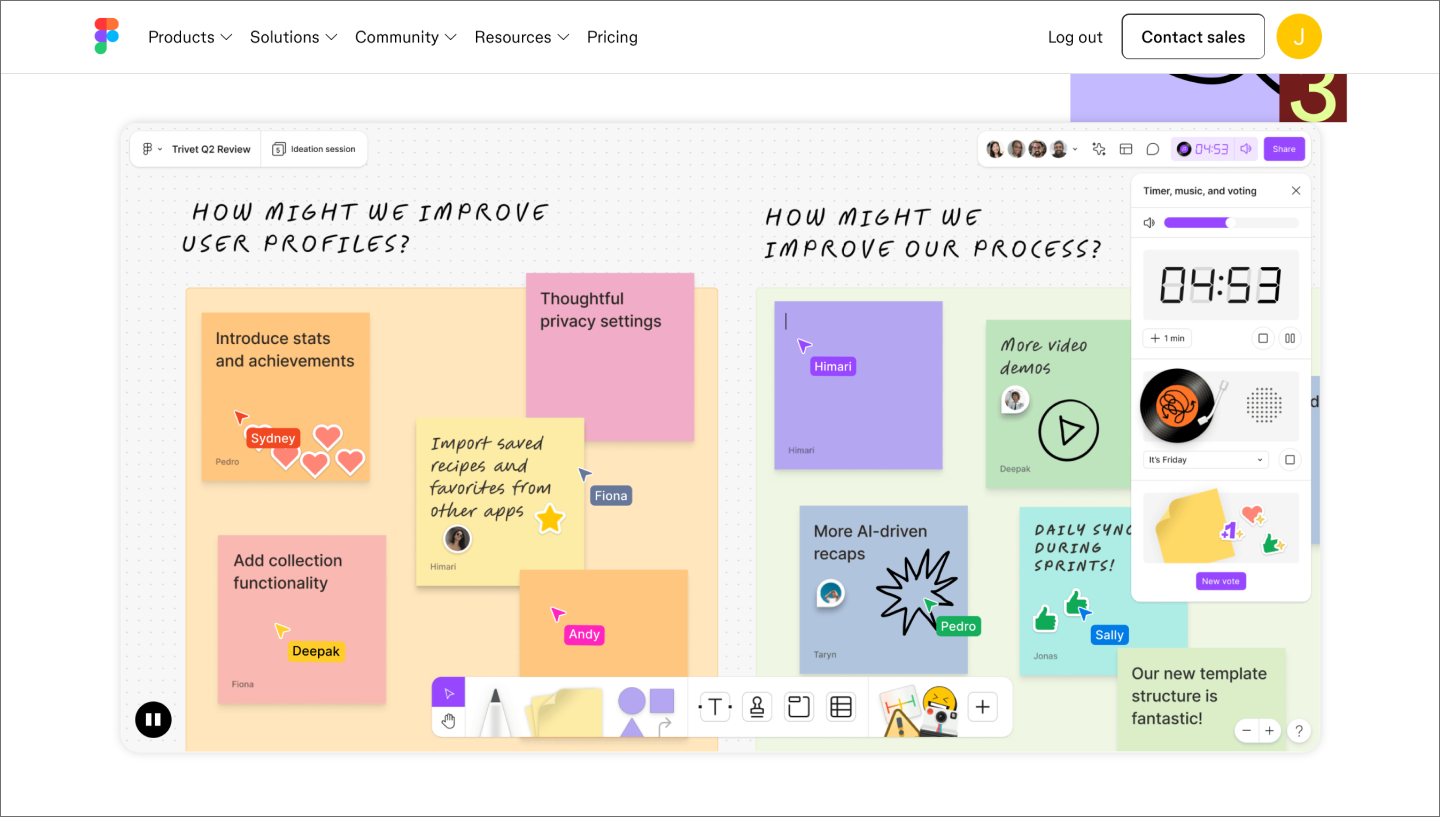
Ideal for: Cross-functional teams who need a shared space to map, brainstorm, and iterate on workflows together
FigJam is a free workflow tool where product teams can map out their process together, in real time or async. Whether you’re running a sprint planning session or diagramming a handoff sequence, FigJam gives your whole team a canvas to think on together. And because it lives alongside Figma Design and Dev Mode, you can move from a rough process map straight into high-fidelity production without losing context.
FigJam AI can generate diagrams from a prompt to get you started faster. For more technical work, you can connect to the Figma MCP server to pull in production UI or codebase context for wireframes and architecture maps. When you’re ready for feedback, turn your board into a deck with Figma Slides or embed a prototype to test ideas in context. You can even send a batch of sticky notes to Make to generate a functional prototype in seconds.
Key features:
Use this FigJam template to organize your team’s ideas into a clear visual path that shows exactly how a feature moves from start to finish.

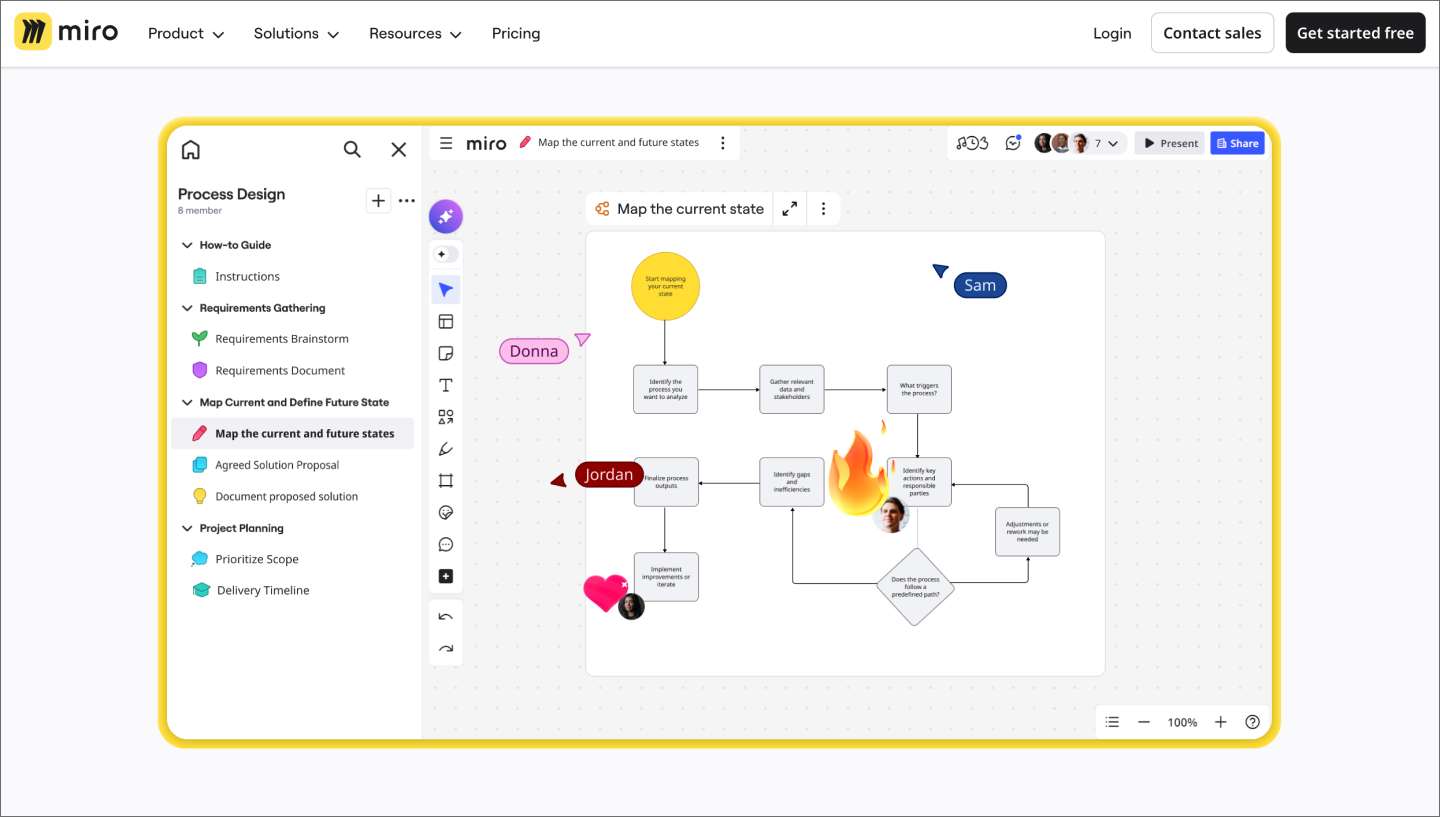
Ideal for: Broad-purpose visual collaboration and workshops
Miro is a collaborative whiteboard with a large template library covering everything from user journey maps and product roadmaps to brainstorming sessions. Since it connects to apps like Jira and Slack, it’s a practical choice for teams that need a shared visual layer without changing how they work.
Miro’s Blueprints help you skip the initial setup. That said, teams doing design-specific workflow mapping may find it less natural than with a product tool, and boards can get unwieldy without a clear owner.
Key features:

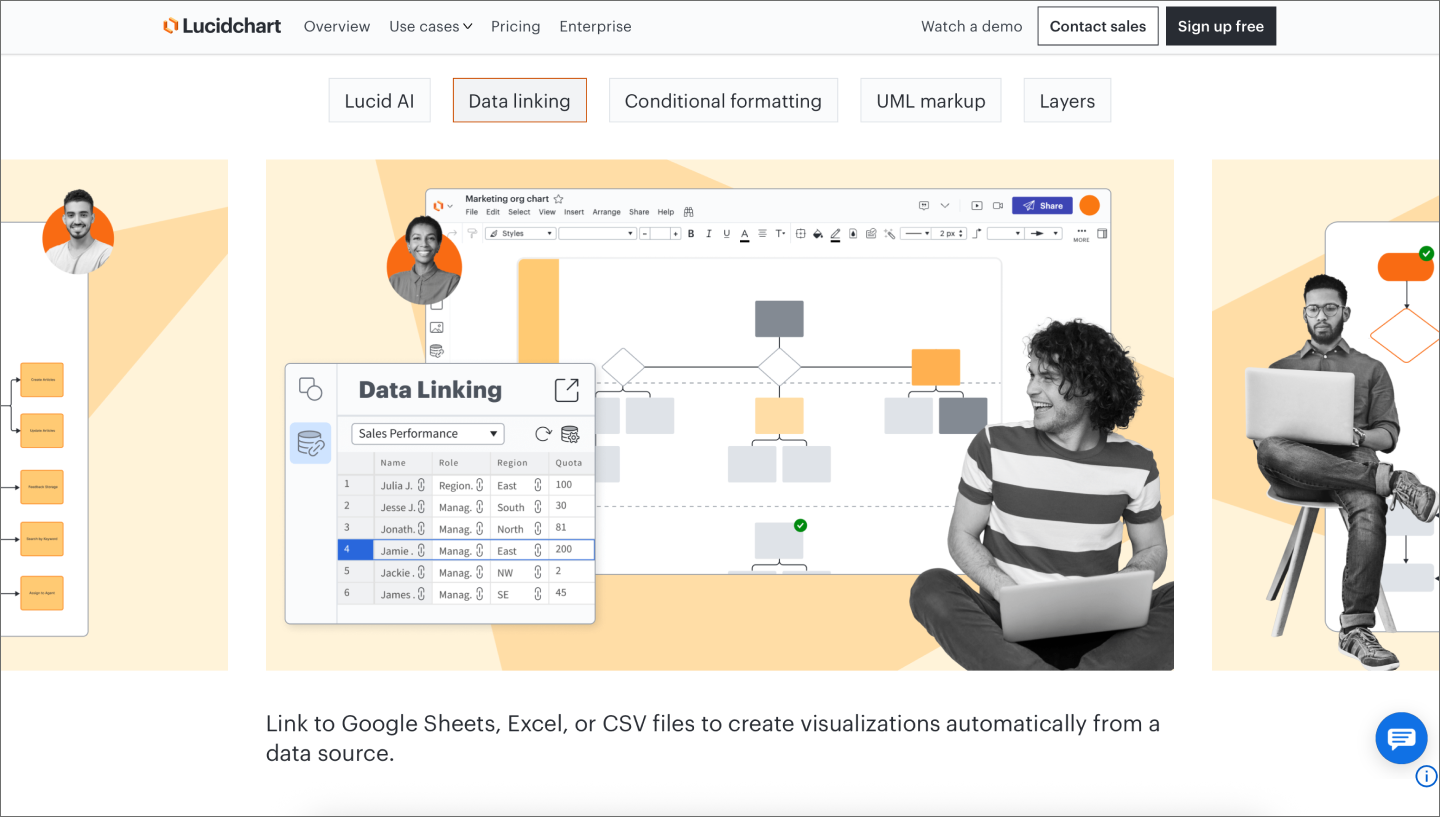
Ideal for: Structured diagramming and technical documentation
Lucidchart is a diagramming tool that offers more structure than a freeform whiteboard. It works well for mapping technical workflows, system architecture, and org charts, especially when the output needs to be formal and shareable with stakeholders. The drag-and-drop interface keeps things accessible, even for non-designers.
Lucidchart integrates well with the tools that product and engineering teams already use, including Jira, Confluence, Google Workspace, and Slack. Since it prioritizes precision and documentation, teams looking for a more collaborative space may find it feels a bit rigid for early-stage workflow design.
Key features:

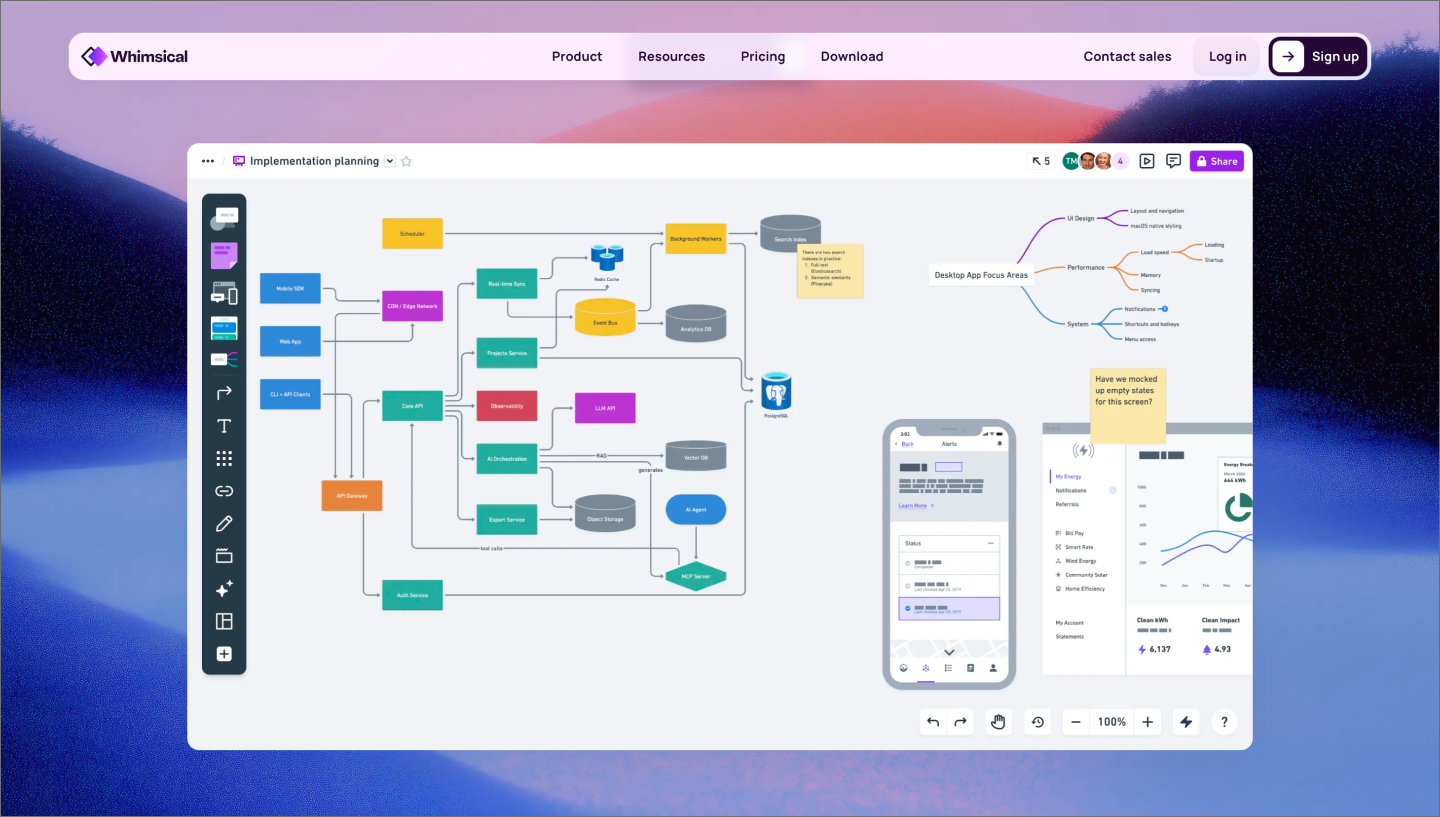
Ideal for: User flow mapping and low-fidelity wireframing
If your team needs to think through a flow fast, Whimsical is hard to beat. The tool combines flowcharts, wireframes, mind maps, and sticky note boards in one workspace, with an interface that gets out of your way. Product managers and designers consistently praise how quickly you can go from a rough idea to a clear diagram without much setup or learning curve.
Whimsical shines in early-stage discovery work, whether it’s mapping user flows, sketching low-fidelity screens, or aligning on a process. For high-fidelity design or complex, large-scale systems, you’ll want something more robust. It also has fewer integrations than some of the broader tools on this list.
Key features:

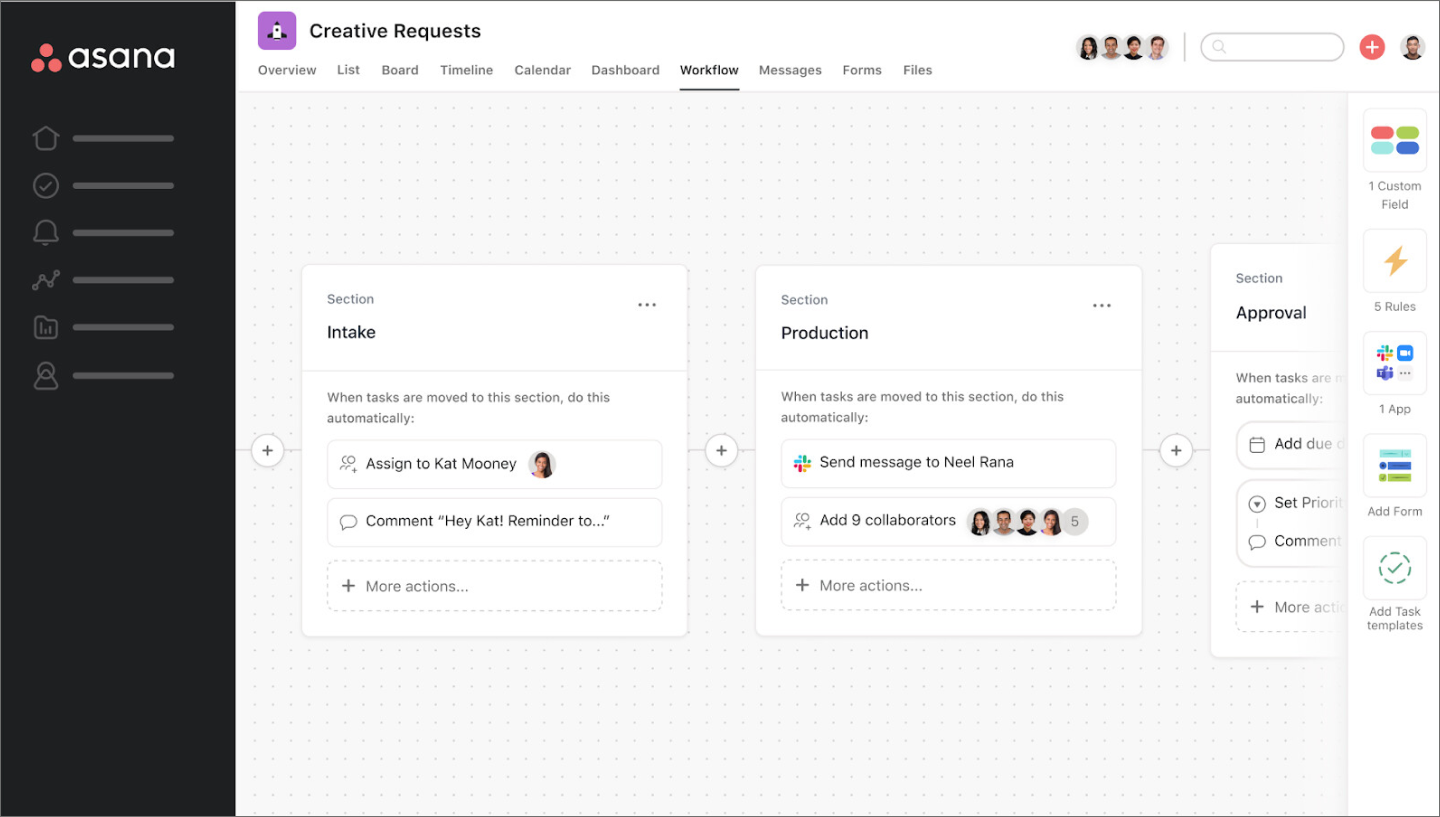
Ideal for: Managing and automating repeatable work processes
Asana is one of the most established online workflow management platforms. It’s built for executing a work breakdown structure once it’s defined, breaking initiatives into tasks, assigning owners, and tracking progress. Workflow Builder lets teams create repeatable processes with automated task routing, status updates, and intake forms, all without writing any code.
The combination of timeline views, goal tracking, and cross-team reporting gives a clear picture of where work stands at any given moment. Keep in mind that Asana is built around tasks and projects, so teams looking to map or redesign a workflow from scratch will likely want to pair it with a more visual tool.
Key features:

Ideal for: Scaling complex, automated project roadmaps
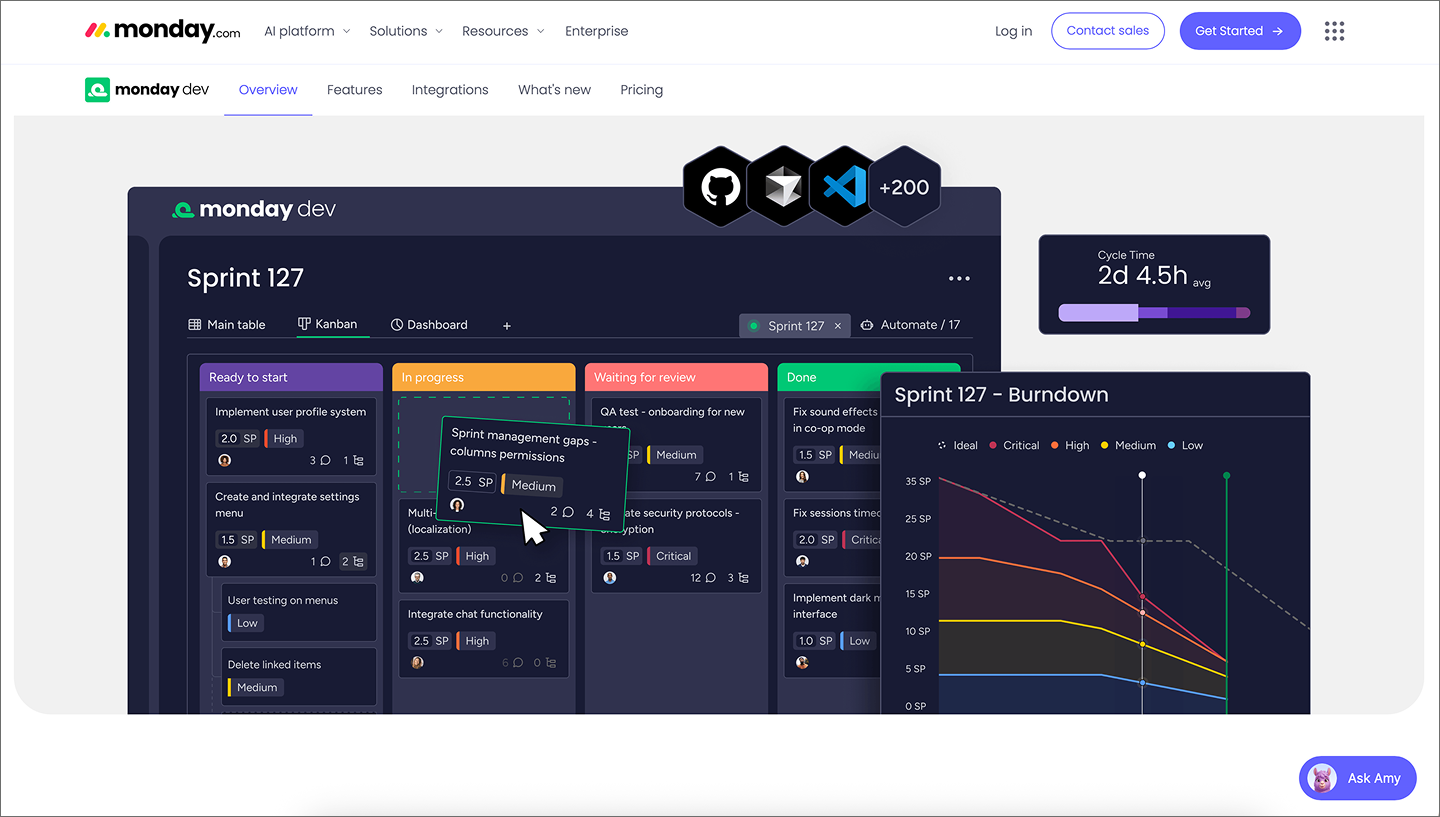
While you might map a workflow in FigJam, monday.com is where you can track its execution. It turns a process into a predictable, automated pipeline across design, dev, and marketing.
You can set up triggers that update statuses or notify teammates when a task advances to the next stage, which helps keep stakeholders in the loop. Just keep in mind that the grid-based structure is better for managing data than it is for freeform visual exploration.
Key features:

Ideal for: High-velocity engineering teams and complex issue tracking
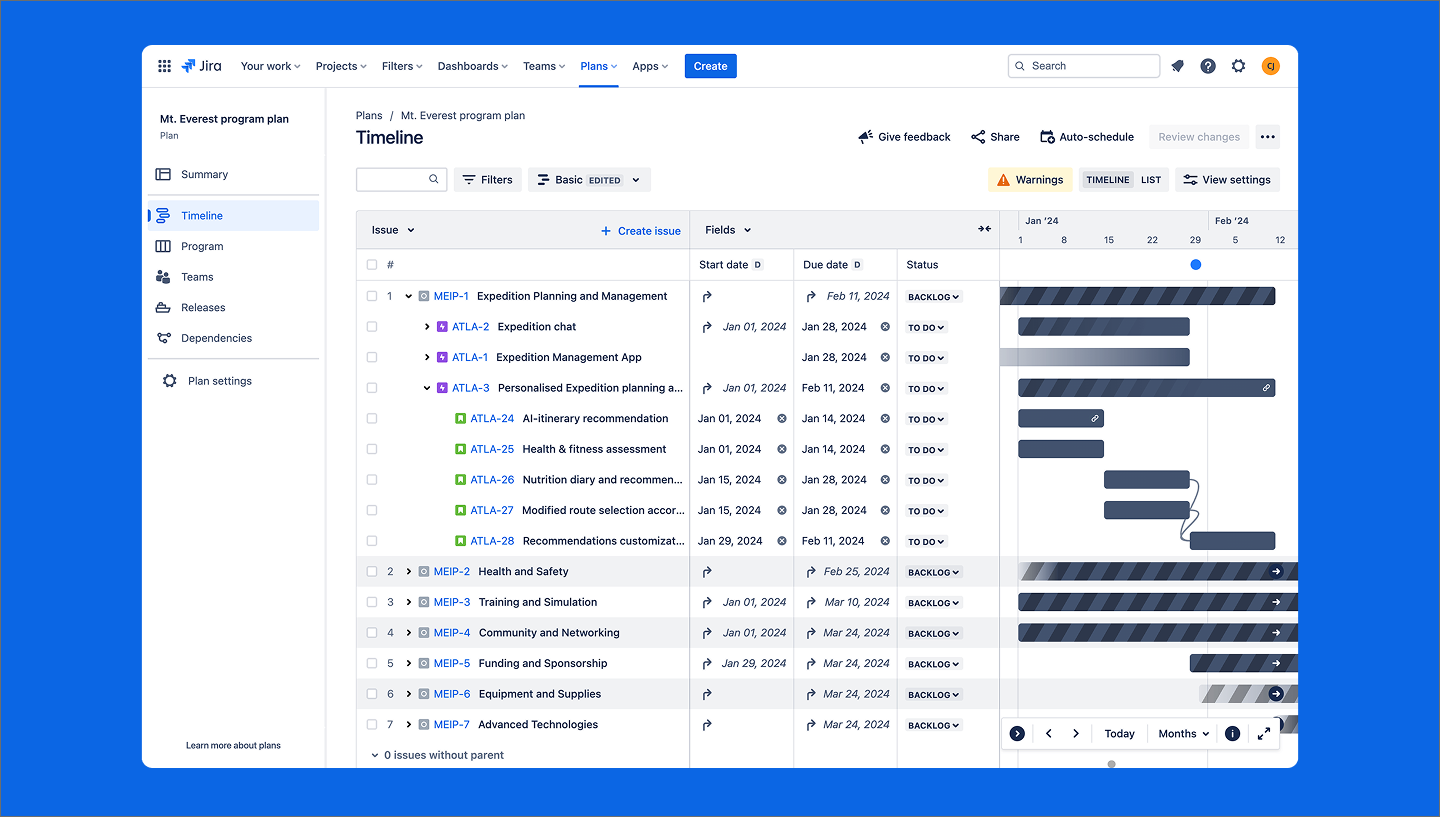
Jira is one of the most widely used tools for turning high-level design ideas into technical requirements. You can transform a brainstormed user journey into a structured build, managing development cycles from sprint planning to shipping code. For engineering teams, it’s the source of truth for how a feature goes live.
It’s more focused on engineering than other workflow management tools, giving developers a searchable record of every subtask and bug. You can even use the Jira widget in FigJam or the Dev Mode integration to link designs to technical specs, keeping everyone aligned during handoff.
Key features:

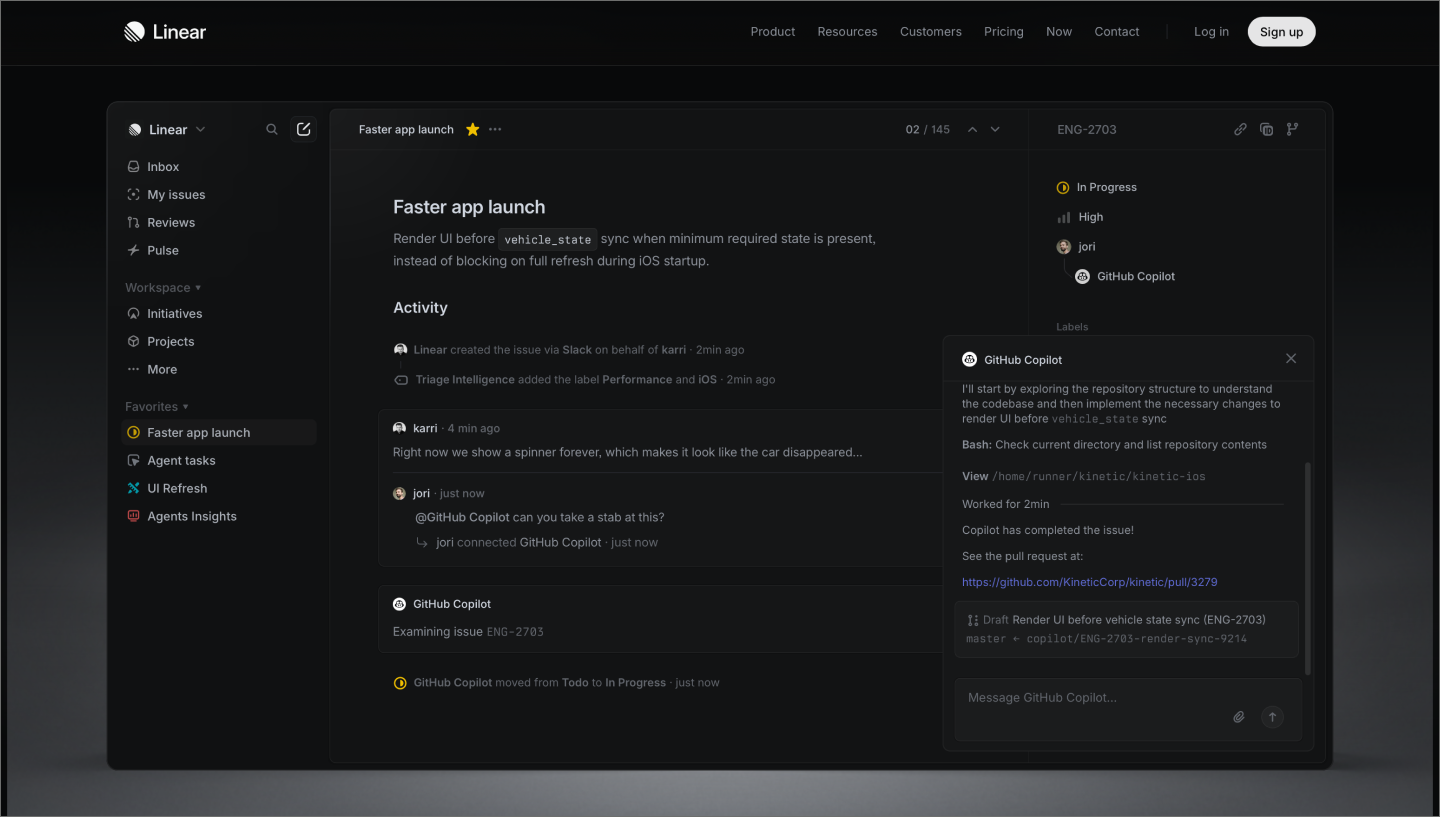
Ideal for: Lean, fast-moving issue tracking and sprint planning
Linear has built a reputation as the issue tracker that feels like it was made by product teams, for product teams. The interface is fast, keyboard-first, and opinionated in a good way. Setup is minimal compared to heavier tools, and there’s very little administrative overhead.
Cycles is Linear’s take on sprints: time-boxed periods where teams work through a defined set of issues, with incomplete tasks rolling over automatically to the next cycle. It keeps planning lightweight and momentum steady. Linear also integrates directly with Figma, so designers can link screens and flows to issues and keep design and engineering working from the same context.
Key features:

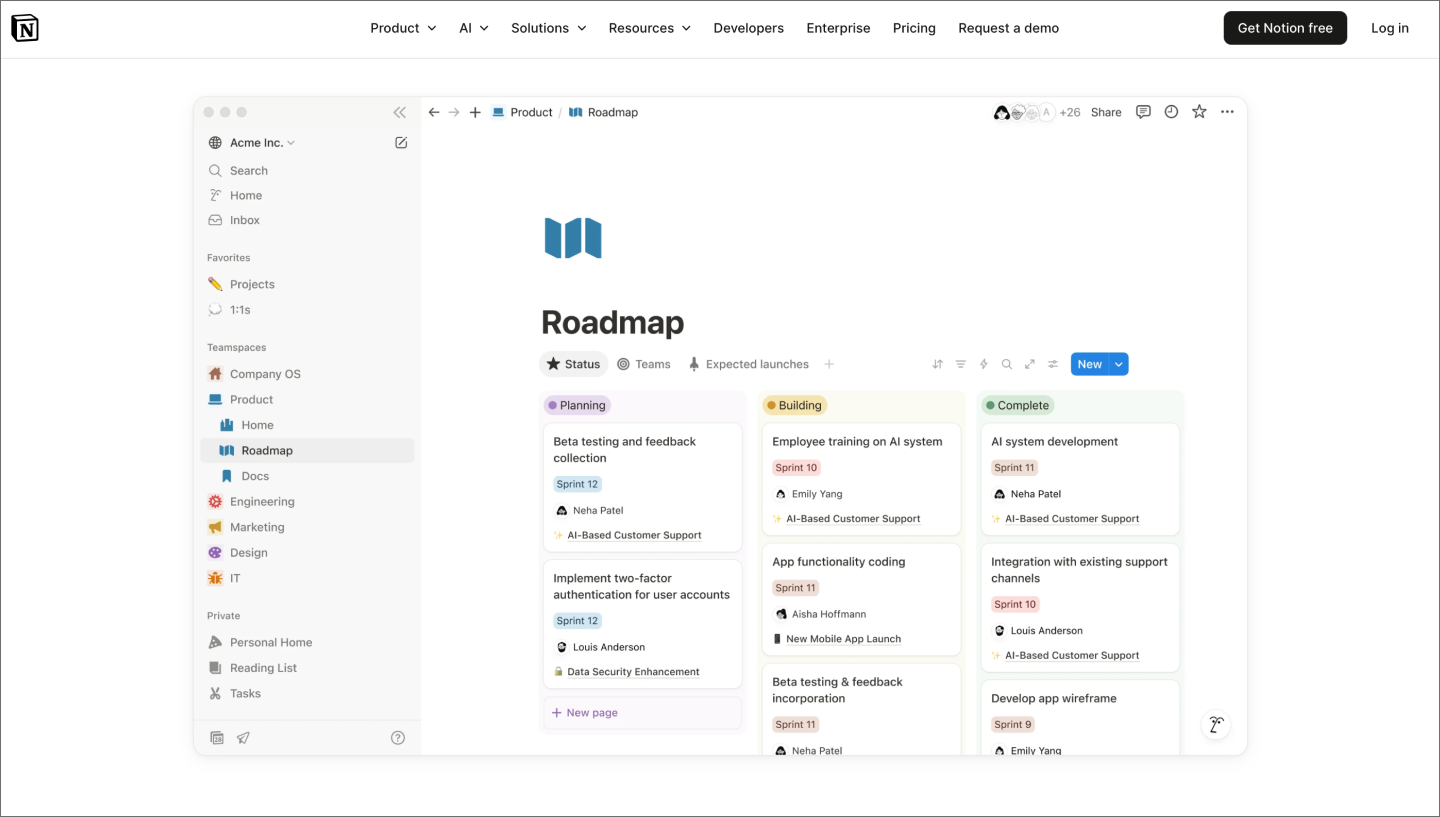
Ideal for: Combining documentation and workflow tracking in one workspace
Notion sits somewhere between a wiki, a project tracker, and a free workflow tool, which makes it appealing to smaller teams looking to consolidate tools. Docs, databases, task boards, and strategic planning templates all live in the same workspace, so context stays close to the work.
Its flexibility is a strength, but it requires more upfront thought than a more opinionated tool. Teams that need structured sprint planning or complex task dependencies will likely want a platform tailored to that level of detail.
Key features:

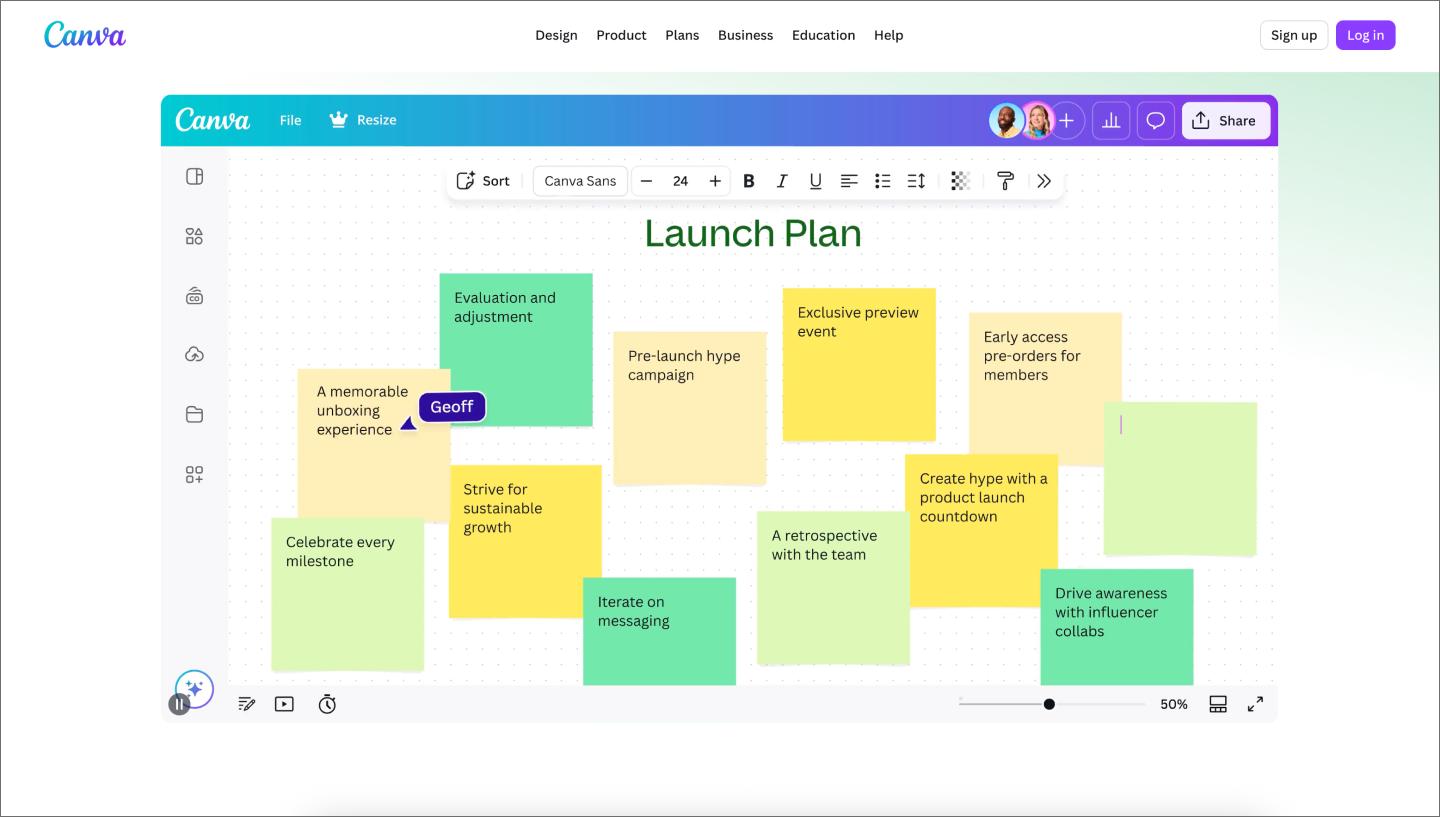
Ideal for: Visual diagramming for non-technical audiences
Most people know Canva as a graphic design tool, but its Whiteboard feature has made it a surprisingly capable option for quick process visualization. You get an infinite canvas, drag-and-drop shapes, and a template library covering different types of flowcharts and basic workflow diagrams.
Workflow diagramming is a secondary feature here, not the main event. Teams doing a serious process workflow software evaluation will likely want something more purpose-built.
Key features:

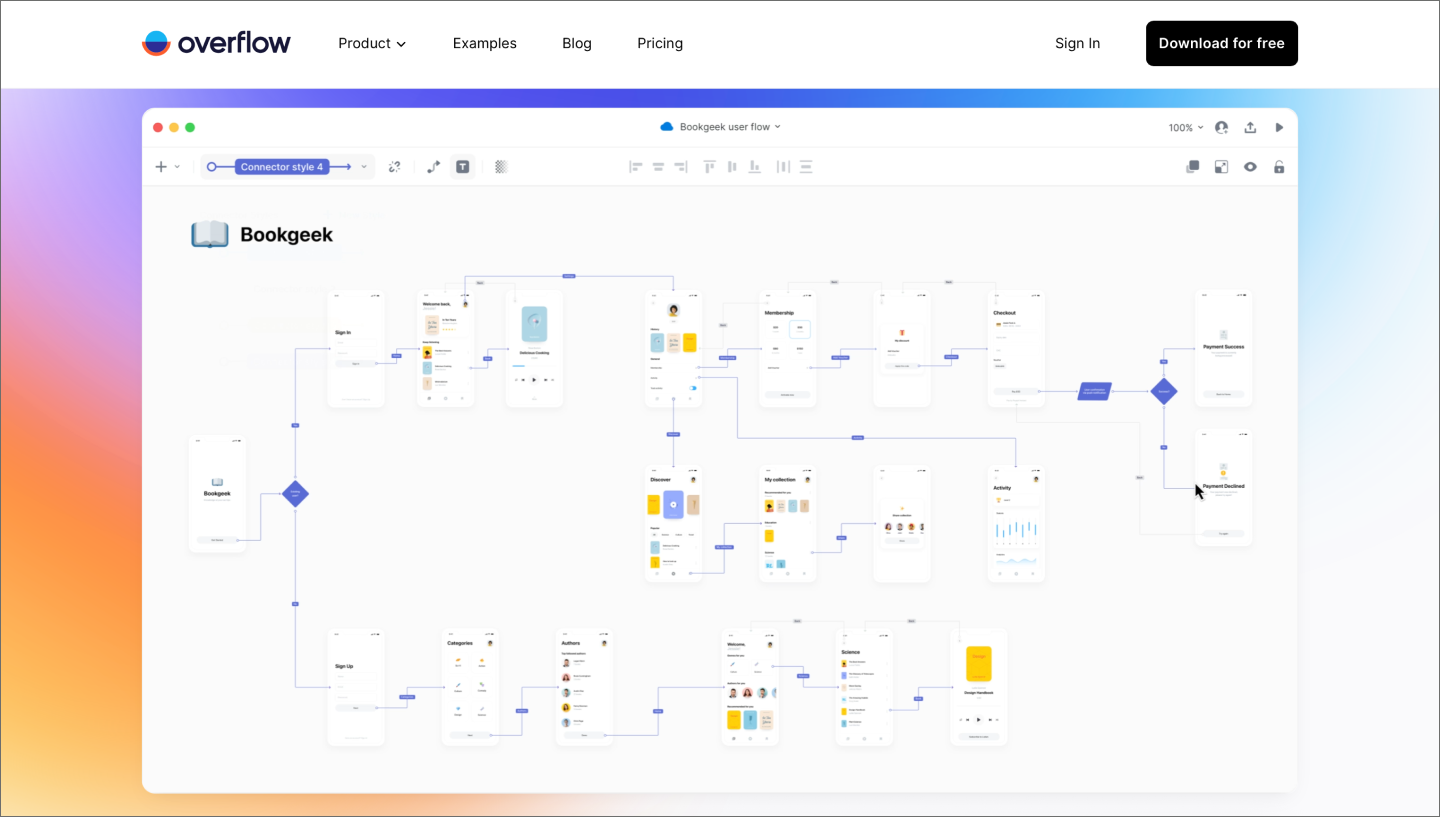
Ideal for: Presenting high-fidelity, interactive user flows
Overflow is a specialized pick for design-heavy teams that turns your frames into interactive user flows. Because it imports directly from Figma, you don’t have to maintain a separate set of assets or manually update screenshots every time a layer changes. You just pull in your frames and start mapping the logic.
This tool focuses entirely on the design review process. It simplifies a massive canvas into a clickable bird’s-eye view for stakeholders and developers. Overflow stands out from other tools by visualizing the product journey with high-fidelity polish.
Key features:
Start by thinking about the stage of your build. Your choice usually depends on whether you’re still defining the problem or if you’re already heads-down on the solution.
If you’re still mapping out a vision or getting stakeholders to agree on a direction, a visual canvas like FigJam is the right place for that work. Use these spaces for the creative parts of the process, building clarity and defining your problem statement. You get the freedom to sprawl and iterate during workshops without the constraints of a formal list.
Once you define that journey, you can use Asana or Jira plugins to turn your brainstormed sticky notes directly into actionable tasks. At this point, the focus shifts from finding the right path to managing the build’s logistics.
Think about who’s going to be looking at your maps. If your workflow needs to live in a slide deck or get a quick nod from an executive, visual clarity is a priority. FigJam produces polished outputs that anyone can understand. You can also convert your FigJam sections into Figma Slides to present your findings without the distraction of navigating a complex canvas.
Some workflows are strictly for the people building the product. Jira is great for the deep details of a development sprint, but it can feel like a maze for someone outside of engineering. If your primary goal is alignment across different departments, choose a tool that translates complex steps into a clear journey for everyone involved.
A new tool should work with the apps your team already uses. For example, FigJam is a natural fit for teams already using the Figma ecosystem, as it lets you move from a rough brainstorm to a high-fidelity prototype without any friction.
Other popular options like Jira, Asana, and Monday.com also play well with major design tools through plugins or integrations. The right choice should make your stack feel like one continuous environment.
Also, decide how much administrative weight you want the tool to carry. You might only need a whiteboard for visualization, or you might need an execution platform like Asana or monday.com to handle task routing. The choice depends on whether you want a static guide for your team or a system that updates itself as work progresses.
AI also helps bypass the manual setup. With FigJam AI, you can generate a complete diagram from a prompt instead of building it piece by piece. As you evaluate your options, consider whether your team needs AI design tools to help visualize the journey or if the priority is using AI to automate the logic behind it. Either way, clearing away the setup work keeps you in the flow of making.
A solid set of workflow design tools should eventually feel invisible. When your stack is dialed in, you get to focus on the details that actually matter to your users. We hope this guide helped you find the right fit for your team, and we’d love for you to try Figma.
Here’s how to get started:
Experience a shared online whiteboard where teams map processes, run workshops, and move from alignment to action.
Flowchart symbols summarize decisions, steps, and inputs within a process or system. With 26 flowchart symbols, you can clearly map out intricate processes.


Explore 8 of the best design collaboration tools of 2026 to help teams boost creativity, streamline workflows, and keep every project on track.

Turn your sprint reviews into actionable sessions. Discover how to collect feedback, set priorities, and boost team collaboration with this five-step guide.


Check out the best infographic examples and get inspired for your next data visualization project. Transform your findings into engaging visuals with FigJam.

What is a SWOT analysis? Learn the importance, benefits, and how to perform one step-by-step. Boost strategy and decision-making with FigJam templates.

Learn 13 actionable tips, and use FigJam templates and tools to unlock the power of collaboration and efficiency.