
How to use AI for product design: 7 use cases
Learn how to use AI for product design 7 different ways. Turn your ideas into working prototypes faster with prompt-based design and collaborative creativity.
Skip to main content
Building with AI

When you need to validate a product idea fast, waiting on wireframes isn’t an option. AI prototyping tools have made it possible to go from a rough idea to something clickable in minutes, and product teams are taking notice. According to Figma’s State of the Designer 2026 report, 60% of Figma files created in the last year were made by non-designers, a sign that prototyping has spread well beyond the design team.
The catch is that not every tool works the same way. Some generate polished UI mockups, while others produce working code you can click through in a browser. This guide breaks down nine of the best AI prototyping tools and what each one is built for, so you can find the right fit for your workflow.
Read on to learn:
| AI prototyping tool | Ideal for | Key features |
|---|---|---|
| Figma Make | Exploring multiple prototype directions before committing to a build | Prompt-to-prototype, multiplayer canvas, design system context, editable code output |
| Lovable | Validating a full-stack product concept | Full-stack generation, GitHub sync, visual editing |
| v0 by Vercel | Generating production-ready UI components | Text/image-to-UI, React/Next.js output, shadcn/ui components, Vercel deploy |
| Bolt | Rapid full-stack prototyping without any local setup | In-browser IDE, multi-model support, Figma and GitHub import |
| UX Pilot | Early-stage UX exploration | Text-to-wireframe and hi-fi generation, Figma integration, predictive heatmaps, and UX review |
| Relume | Planning website structure with AI-generated sitemaps and wireframes | AI sitemap generation, wireframe generation, Figma export, component library |
| Banani | Visualizing multi-screen Web apps and complex user journeys | Multi-screen flow generation, prompt-based iteration, Figma-ready export |
| Claude Design | Generating a quick first draft or proof of concept | Design system ingestion, functional React components, direct code handoff |
| Google Stitch | Rapidly iterating on UI through voice and code | Voice-driven iteration, production-ready code export, agent-friendly design systems |

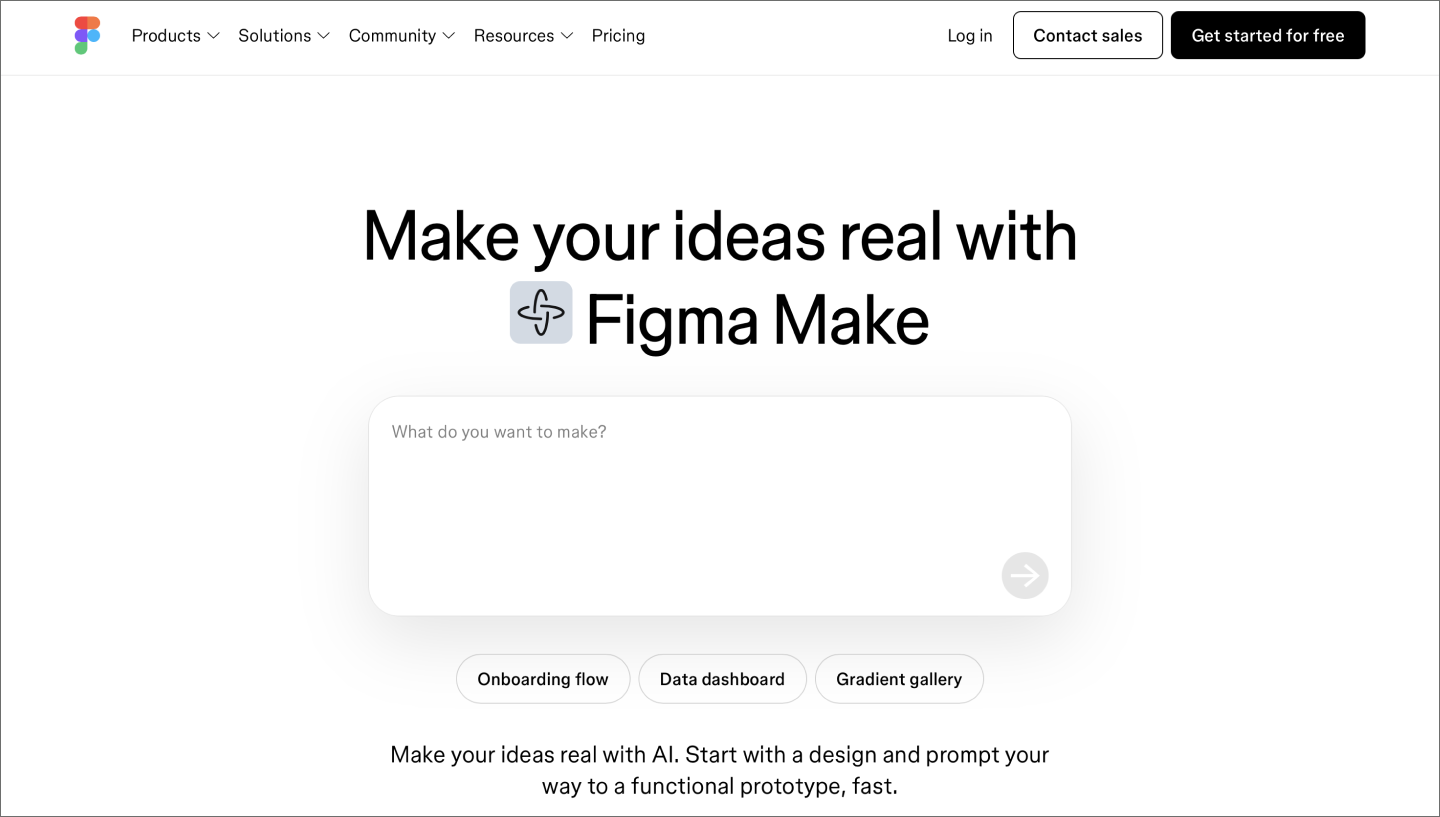
Ideal for: Exploring multiple prototype directions before committing to a build
Figma Make is an AI prototyping tool that turns natural language prompts into functional, interactive prototypes your whole team can build from. Start with a prompt, refine visually, and adjust the underlying code when you need more control. Because prototypes live on the Figma canvas, your team can pull up multiple directions side by side, react in real time, and align before anyone commits to a path.
Since Figma Make pulls in your team’s existing components, colors, and typography, prototypes look and feel like your actual product. That means you’re validating real experiences, not generic mockups. And because the output lives in Figma, it’s something you can build on all the way to production.
The Supabase integration lets you connect real data, user authentication, and backend functionality so you can validate full user flows. When you’re ready to hand off, the MCP server and Code Connect bring your design intent directly into the development workflow.
Figma Make transforms your ideas into interactive prototypes so you can validate them before committing to full development.

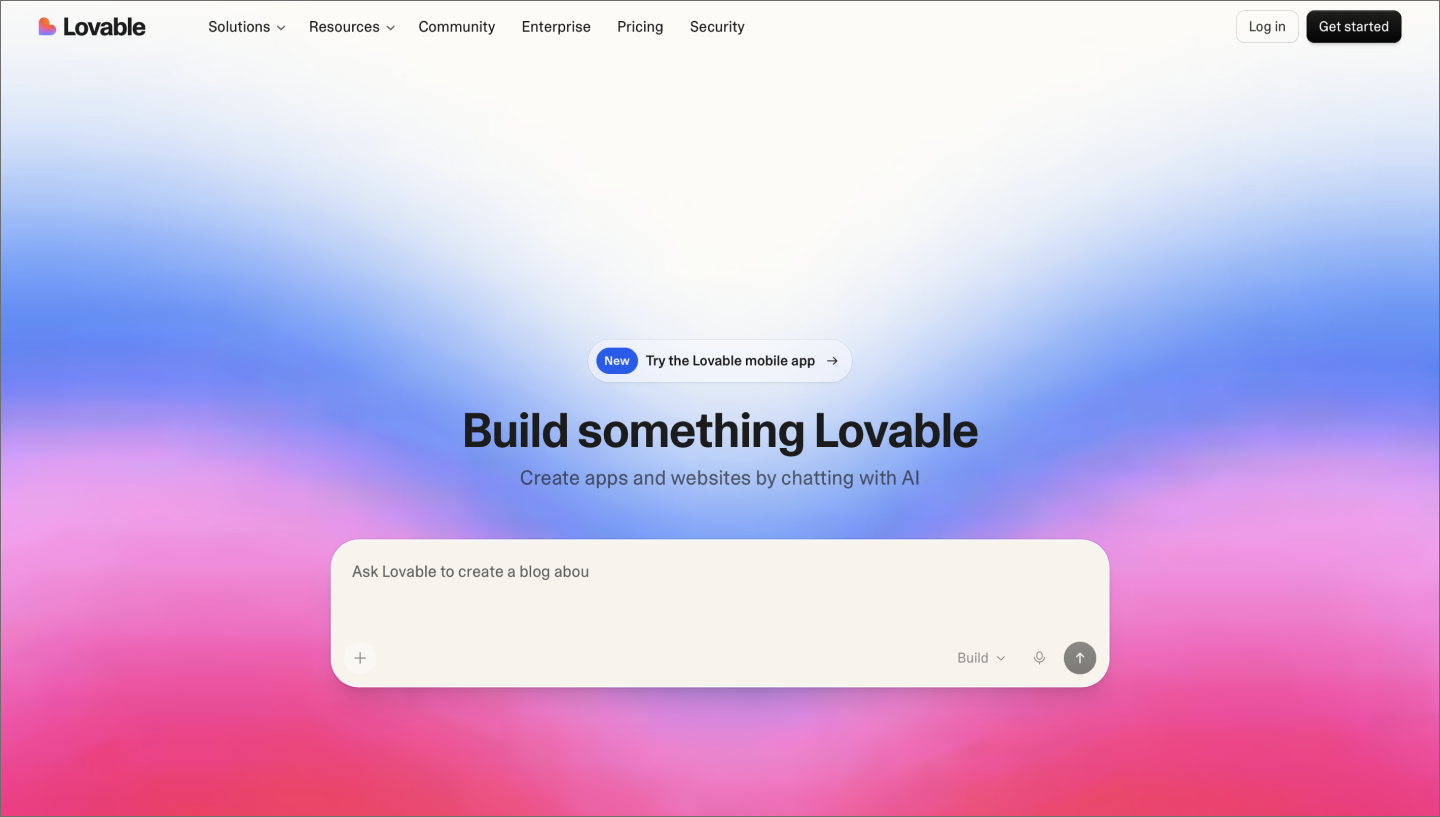
Ideal for: Validating a full-stack product concept
Lovable is a conversational AI platform that generates Web applications from natural language prompts, covering frontend, backend, database, and authentication in one workflow. Describe what you want to build, and it scaffolds the entire structure, including pieces you don’t explicitly specify.
Lovable Cloud handles database, authentication, and file storage natively through Supabase, so you can validate user flows with real data without connecting external tools. When you’re ready to hand off, the code exports to GitHub in standard React and TypeScript, so any engineer can pick it up and extend it.
The main tradeoff is that Lovable operates independently from your design system. Prototypes will be functional, but they won’t reflect your product’s look and feel, which often means rework downstream when designers and developers sit down to build.

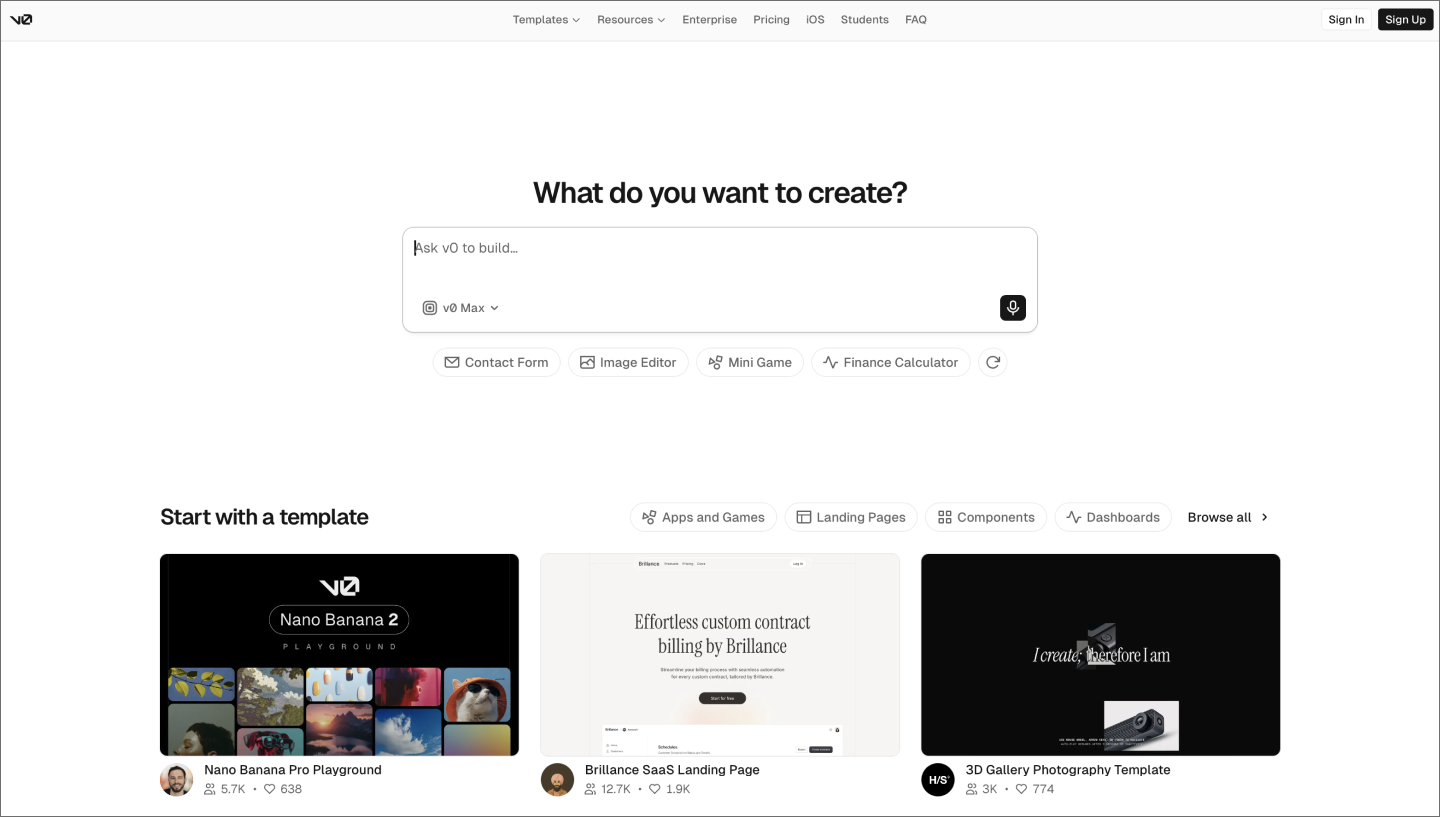
Ideal for: Generating production-ready UI components
As a frontend development tool, v0 by Vercel generates production-ready React and Next.js code from natural language descriptions. The output follows modern frontend best practices, producing components that developers can drop directly into an existing codebase. v0 consistently produces clean, consistent interfaces and deploys directly to Vercel in one click.
Backend logic, authentication, and databases require external tools, and there’s no shared canvas or real-time commenting, so review and iteration happen outside the tool. It’s a strong fit when you need a polished UI design to validate a concept before handing off to engineering.

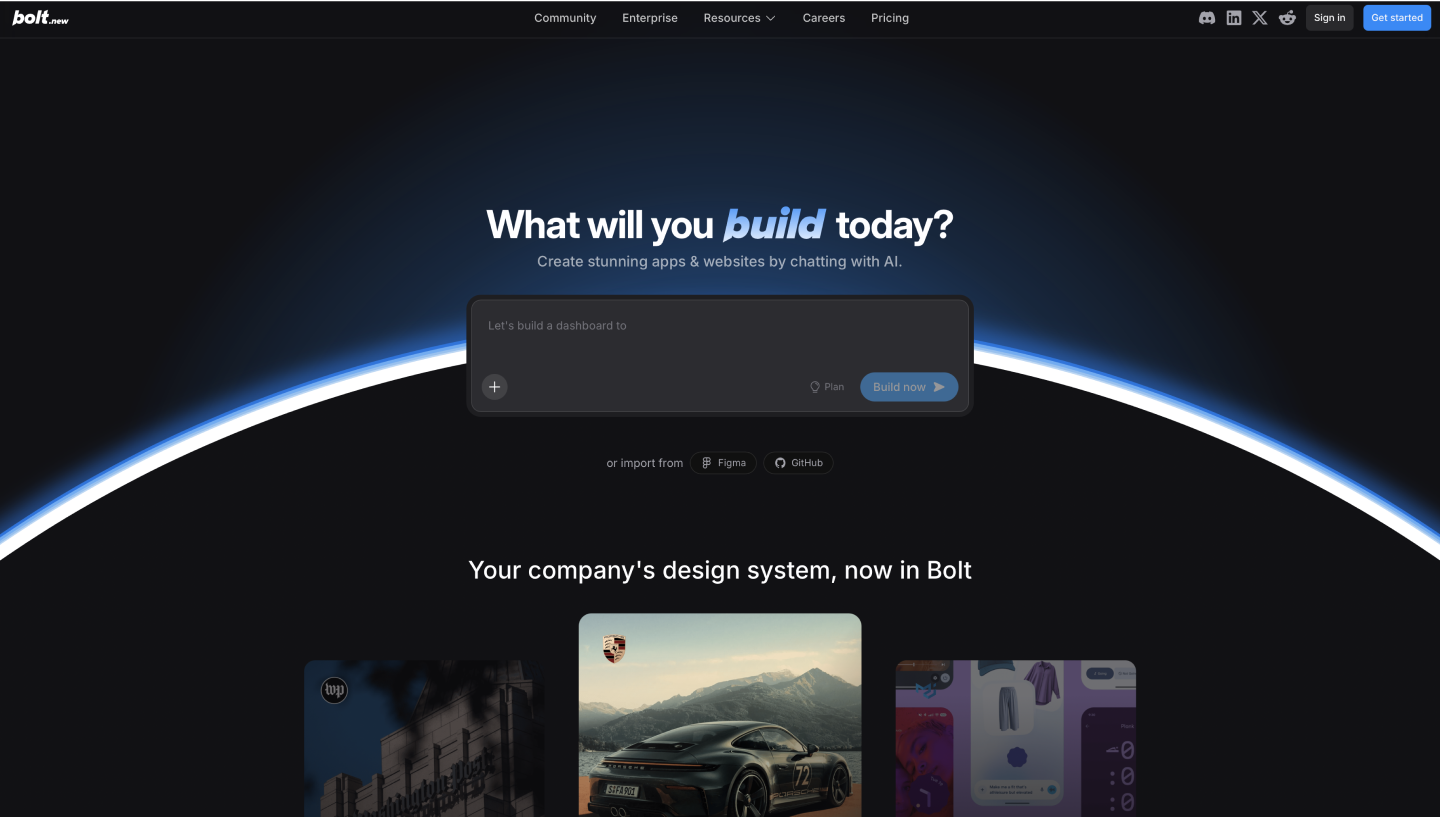
Ideal for: Rapid full-stack prototyping without any local setup
Bolt is a browser-based AI development platform that generates full-stack Web applications from natural language prompts. Under the hood, it runs a full Node.js environment directly in your browser tab via StackBlitz WebContainers, so there’s nothing to install and no configuration before you start building. Describe your idea, and Bolt scaffolds a complete full-stack application in seconds.
Speed is Bolt’s defining quality. A built-in visual editor lets you tweak layouts and styling without touching the code, and you can drop in a Figma design or GitHub repo as a starting point. Like v0, Bolt is primarily a solo experience with limited real-time collaboration, so it works best when one person is driving early exploration rather than a whole team reviewing together.

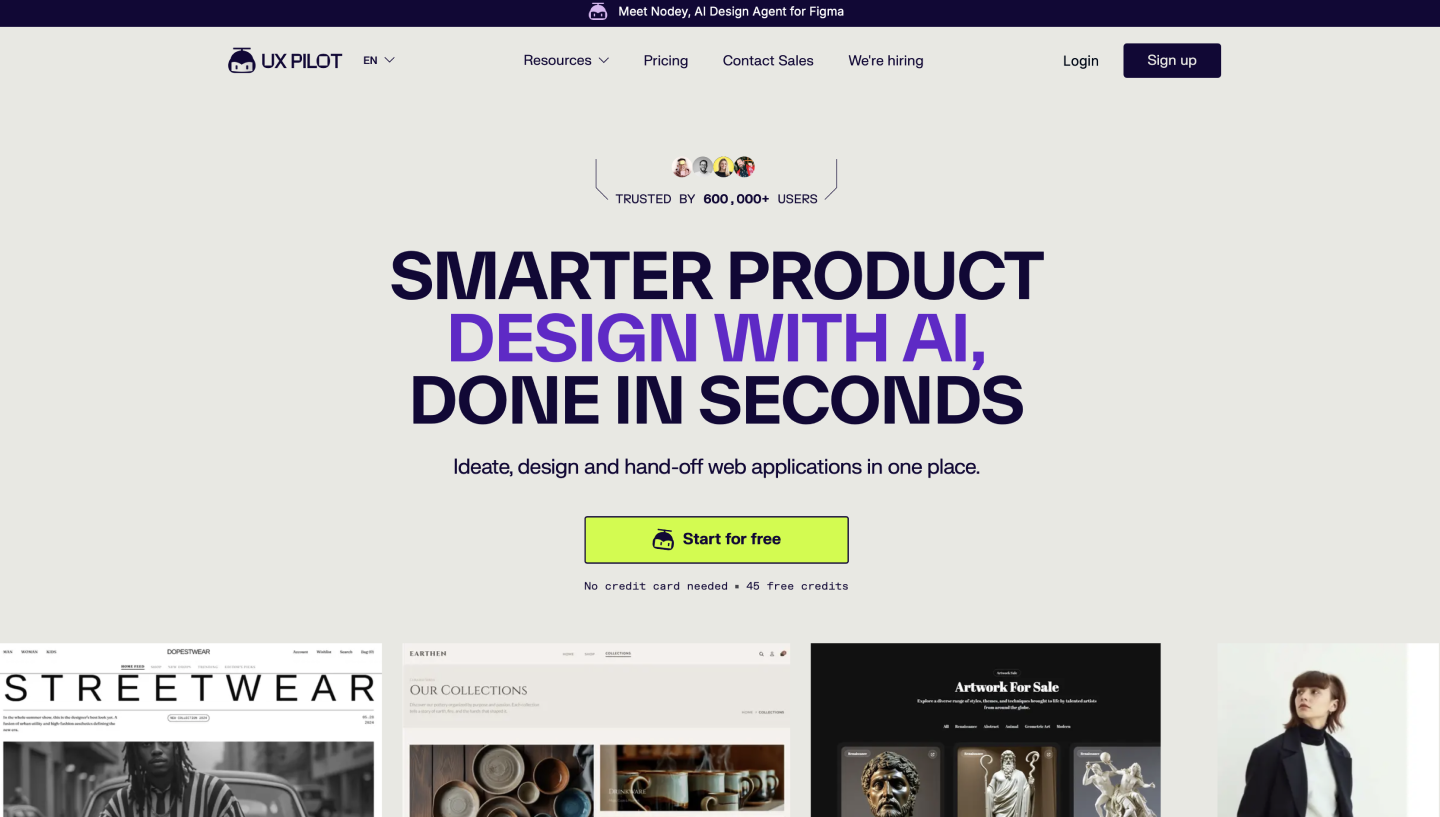
Ideal for: Early-stage UX exploration
UX Pilot is an AI tool that takes you from low-fidelity wireframes to high-fidelity screens in one workflow. Describe what you need, and it generates structured layouts, connected user flows, and polished UI, all built on a model trained specifically for UI/UX. It adapts to your design system, integrates with Figma, and exports code for developer handoff.
UX Pilot works in both directions with Figma, so you can push new designs over or bring existing files back in for analysis without disrupting your current workflow. It also includes predictive heatmaps and automated UX reviews that flag usability issues before anything gets handed off to a developer.

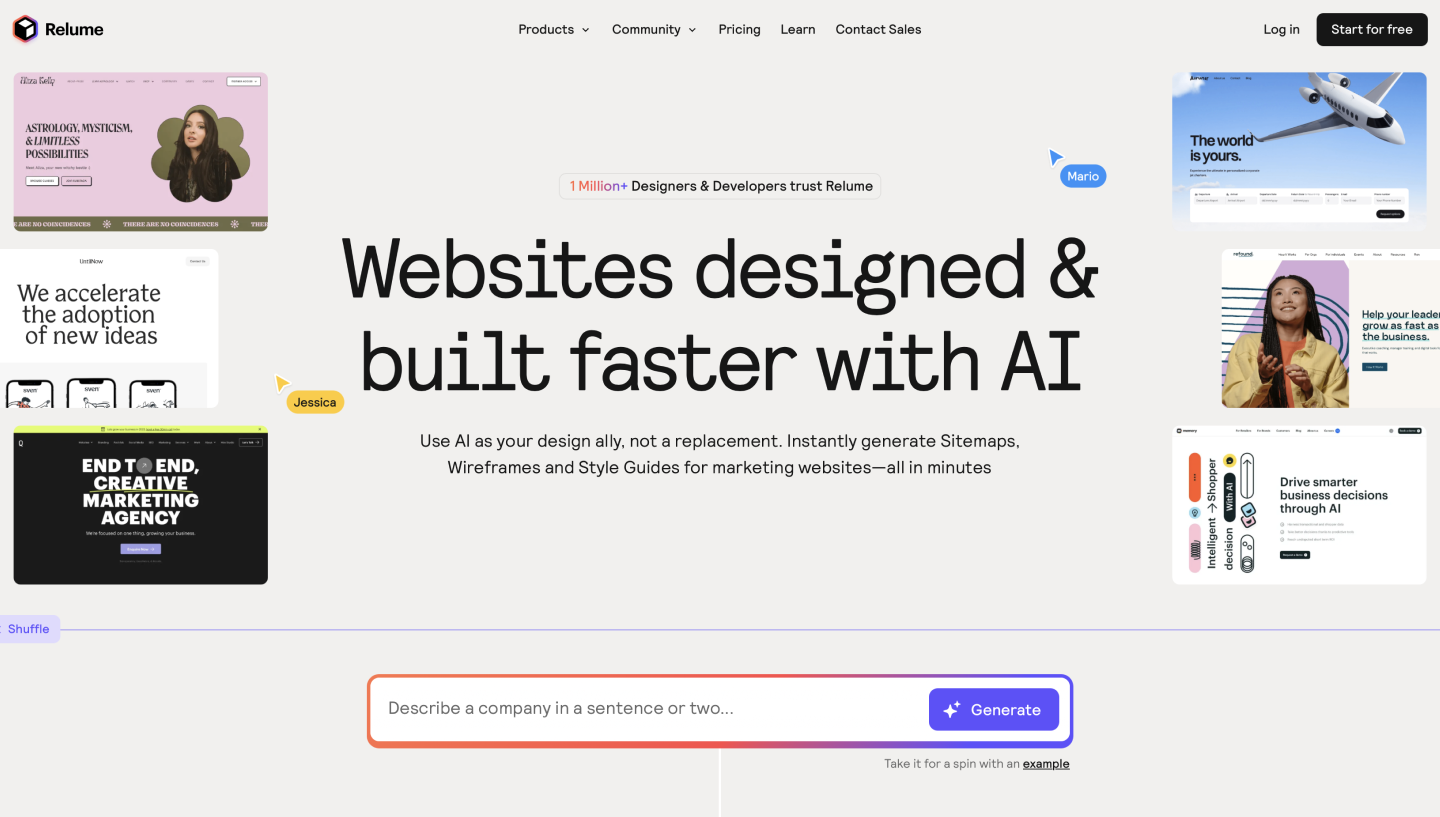
Ideal for: Mapping out Web information architecture
Relume specializes in building the structural backbone of a website. Feed it a project brief, and it generates a sitemap, so you can map out page hierarchy and user flow before any styling begins.
Once the structure is set, the tool builds out wireframes using a library of over 1,000 responsive components. This library-first approach means the generated layouts are grounded in proven Web design patterns, giving you a solid foundation for the next stage of design.
To move to high fidelity, you can sync these wireframes directly into Figma Design. Relume also connects to Webflow and React, making it a flexible starting point for teams that want to keep planning and to build tightly connected.

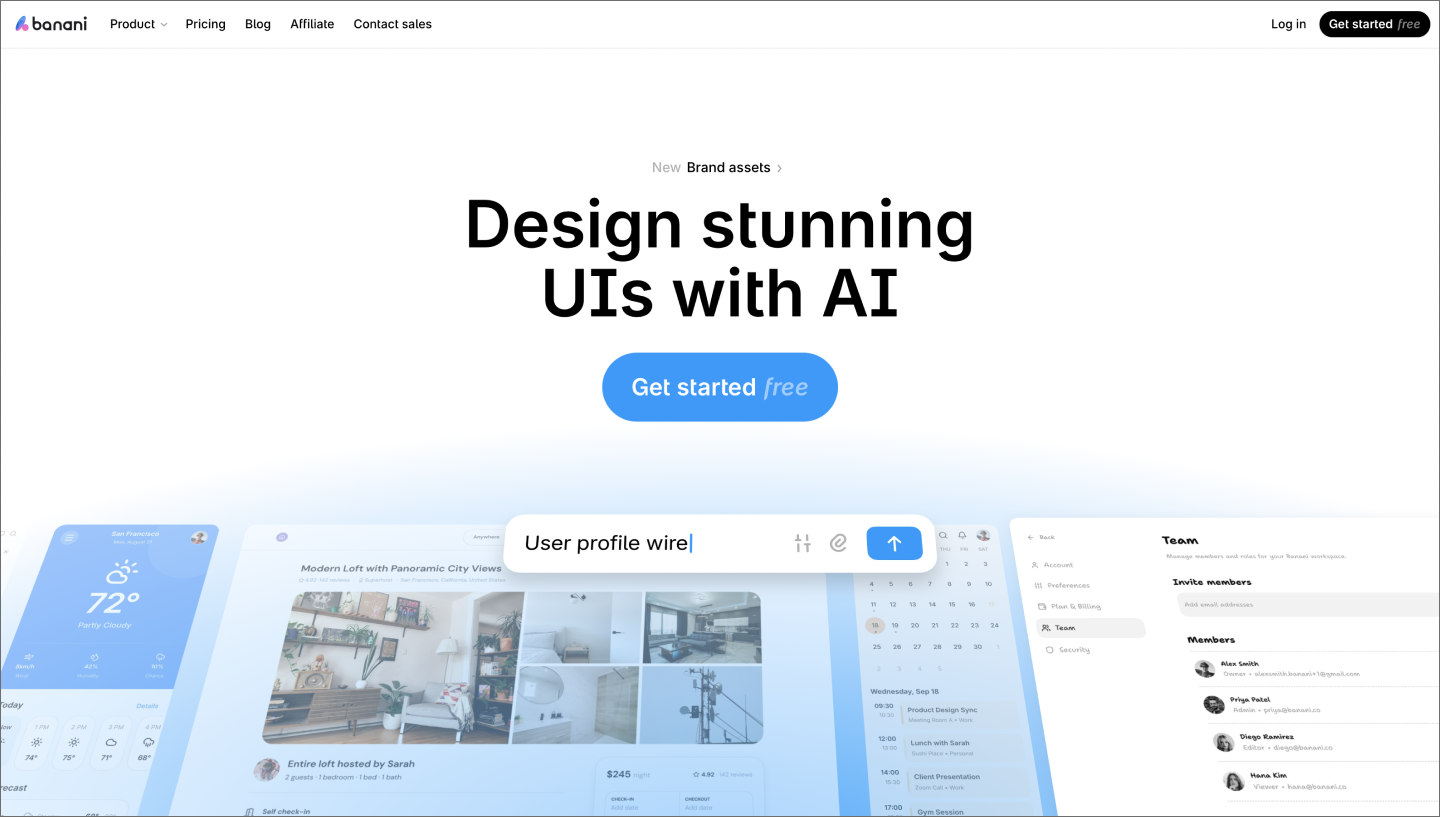
Ideal for: Visualizing multi-screen Web apps and complex user journeys
Banani turns a prompt into multi-screen prototypes, which is useful for visualizing complex onboarding or dashboard flows. You provide the vision, and it generates a functional starting point that captures the logic of the user journey.
The tool uses a credit-based system, so every generation or edit uses a bit of your monthly allowance. Once the flow feels right, you can move everything into Figma Design as editable layers with auto layout.

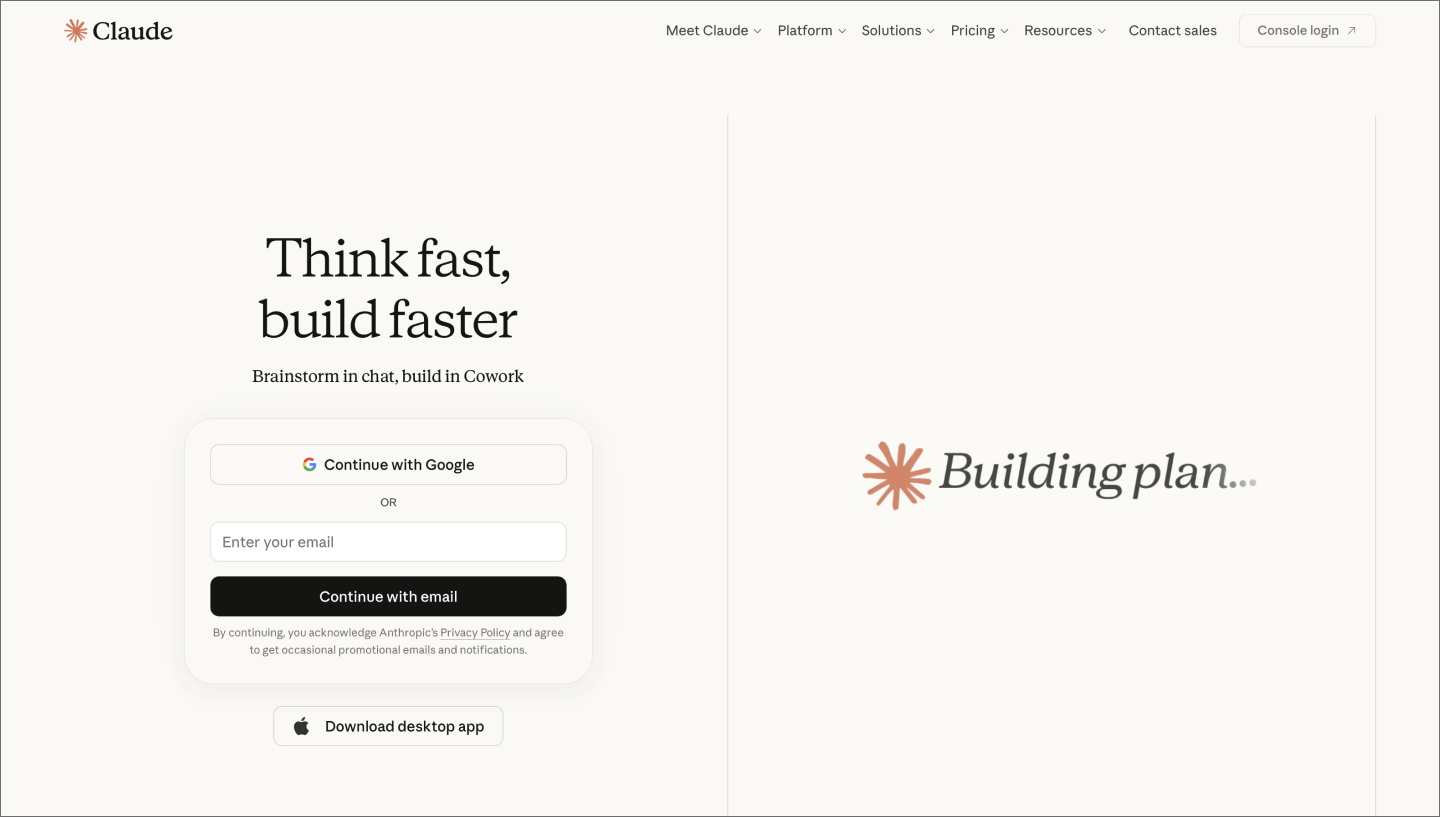
Ideal for: Generating a quick first draft or proof of concept
Claude Design is Anthropic’s dedicated visual workspace for generating UI from natural language. Connect your brand assets or documentation, and it generates screens that match your product. Since the output is production-ready front-end code, you can move directly into Claude Code or export as a clean HTML file.
The main limitation is that there’s no multiplayer canvas or real-time collaboration, so review and iteration happen outside the tool. It’s a capable option for generating a first draft fast, but less so for teams that need to explore multiple directions and carry work all the way to production.

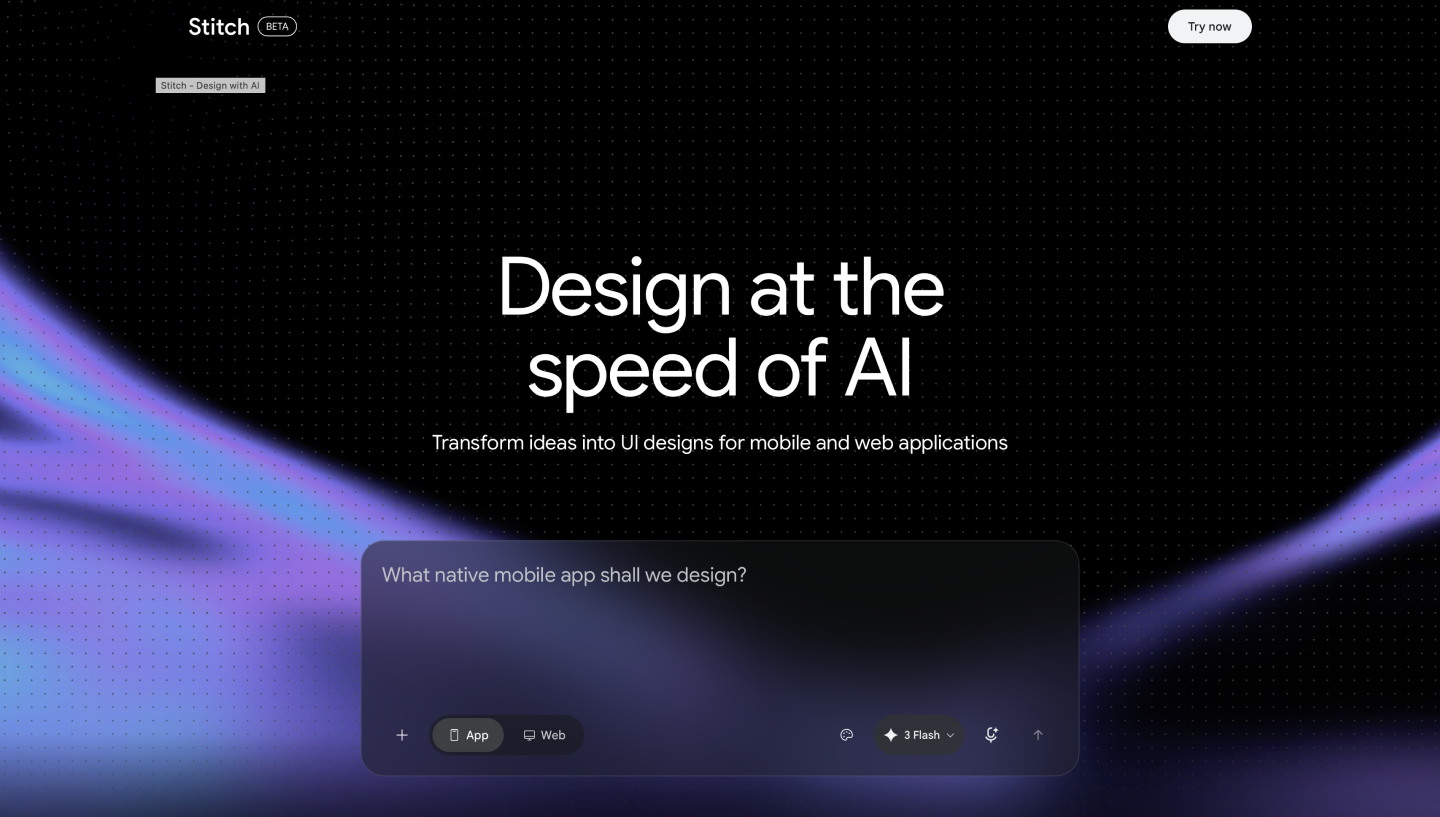
Ideal for: Rapidly iterating on UI through voice and code
Google’s Stitch is an AI-native design canvas built for the experimental parts of a project. Brief the AI on the high-level intent of your work, and watch it build high-fidelity screens in real time. It’s useful for rapid prototyping, letting you jump between sketches, text, and voice commands as you explore directions.
The standout feature is the integrated design agent powered by Gemini. You can talk to your canvas to request critiques or quick variations, like a glassmorphic style for your dashboard. Stitch produces structured components and clean React or Tailwind code rather than flat images. You can also export your design rules as a DESIGN.md file so other AI agents can follow your styling in future sessions.
Choosing the best prototyping tools for your workflow is more about your build process than a long list of features. These practical details will help you find the right balance between speed and control for your next project.
Fidelity is the first decision in any prototype. A low-fidelity prototype works well for testing a basic flow while keeping the focus on structure. When it’s time to nail the visual direction, high-fidelity prototyping helps everyone picture how the final product will look and feel.
Tools like Figma Make help you jump straight into high-fidelity interactions and UI patterns. Pick the level that answers your immediate questions so you can keep the project moving.
Most AI tools for prototyping focus on one of two outputs: design files or working code. Design-centric tools give you a canvas to polish layers and visual styles with precision. Code-centric tools generate live, ready-to-run logic for the browser or a developer handoff.
Figma Make sits at the intersection of both. It uses your existing components and styles to generate layouts that mirror your live product, so your early prototype stays connected to the real thing as you iterate on the details inside Figma Design.
Many AI design tools live outside your main design environment, so your early explorations stay disconnected from production files. The more handoffs between tools, the more context gets lost along the way.
Because Figma Make is native to your design environment, generated prototypes land directly on the canvas as editable layers, so the work your team reviews stays the same work that moves forward into production.
Iteration speed comes down to how many ways you can refine an output. Follow-up prompting lets you adjust direction conversationally, visual editing lets you tweak layouts without touching code, and direct code editing gives you precise control when you need it. Figma Make supports all three paths in one place, so you can move between them as the work evolves.
AI-generated prototypes are only useful if the right people can react to them. Most tools generate something you can screenshot or share via a link, but the review process still happens outside the tool, where it quickly loses context.
Figma Make keeps that conversation inside the work, so teammates can leave comments and iterate together. Product managers, engineers, and designers can all weigh in without anyone needing to export a file or schedule a separate review session.
AI prototyping tools have made it faster to explore ideas, pressure-test concepts, and get the right people aligned before any real dev work begins. The best fit depends on your fidelity needs, your team’s workflow, and how closely you need your prototype to reflect the product. For teams that want all of that in one place, Figma Make is a strong place to start.
Here’s how to put it all together:
Figma Make turns your prompts into functional, interactive, well-designed prototypes.
Learn how to use AI for product design 7 different ways. Turn your ideas into working prototypes faster with prompt-based design and collaborative creativity.

Usability testing turns feedback into design clarity. Learn all about its benefits, methods, and how to run effective tests with help from Figma.

Find some of the best AI design tools for 2026. Compare tool capabilities and benefits to streamline your design process and boost your creativity.

Curious how AI in design is changing the way teams work? See how tools like Figma make it easier to bring ideas to life with real-world examples.

Explore 12 real-world vibe coding examples that show how to build apps from prompts. Learn a workflow to turn your best ideas into functional prototypes instantly.

UX design is the creation of digital products around user needs and expectations. Learn key principles, skills, and how to use Figma for UX design.