


Analytics dashboard generator in Figma Make
Go from raw data to a polished, interactive dashboard—powered by AI. Figma Make acts as your analytics dashboard generator, helping you create layouts, logic, and real data connections using simple prompts.
Design and build dashboards with AI
Map your metrics with natural language
Describe your KPIs, filters, and visualization needs, and Figma Make generates a clean, editable dashboard layout from your prompts.
Prototype dashboards with your real data
Connect APIs or datasets to preview authentic behaviors—making charts, tables, and states feel like the real thing from day one.
Stay aligned with your design system
Build dashboards using your existing components and tokens to ensure every visualization stays on-brand and production-ready.
Iterate on structure, logic, and flow
Use prompts to adjust layouts, add interaction logic, or define data states—refining every detail into a dashboard your teams can trust.
Built by real teams.
See how makers, designers, and PMs are using Figma Make to build no-code web apps—from internal tools to product MVPs.
- Jacques Debeuneure Jr.
- Daniela Muntyan

- kishoree04u

- Seungmee Lee


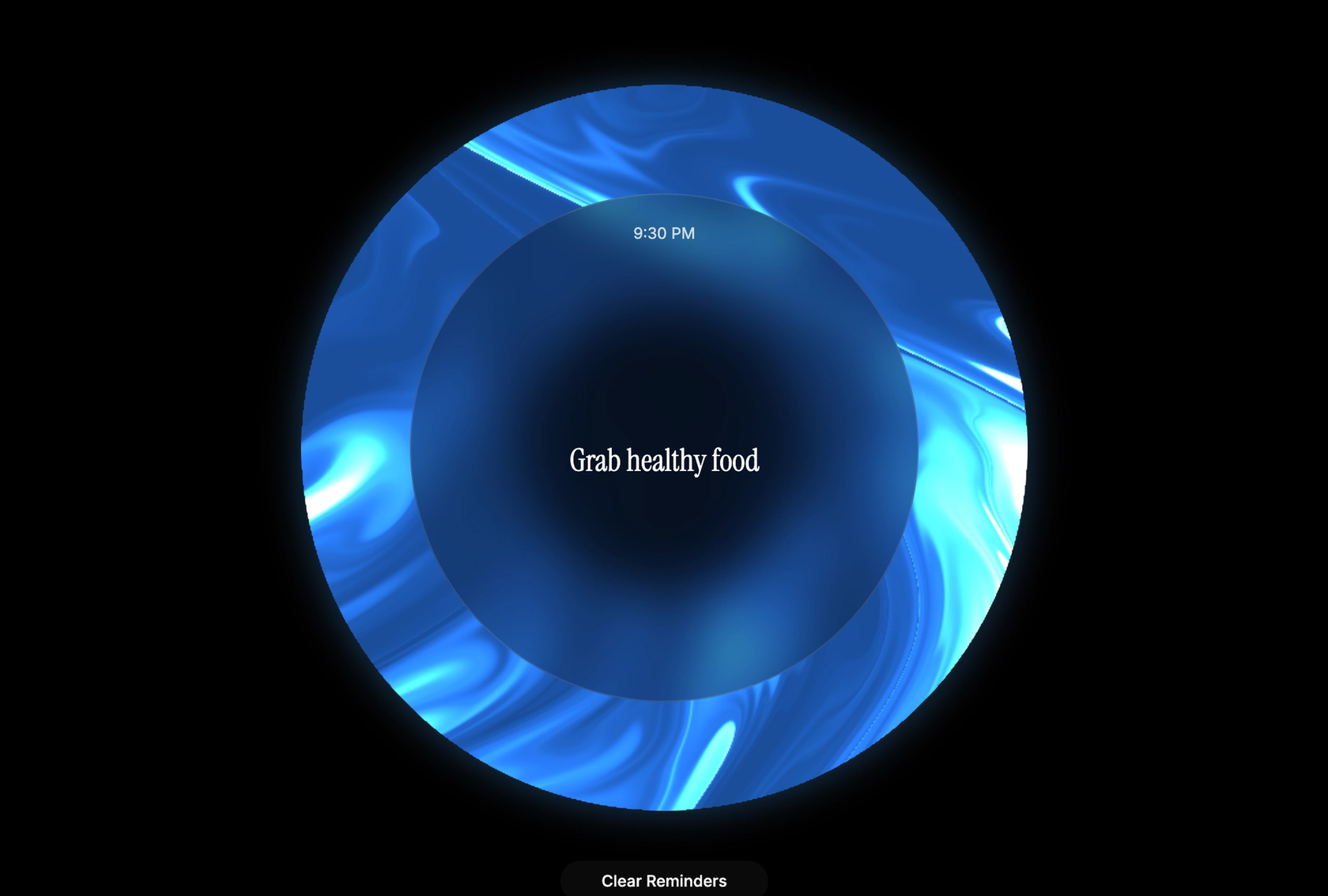


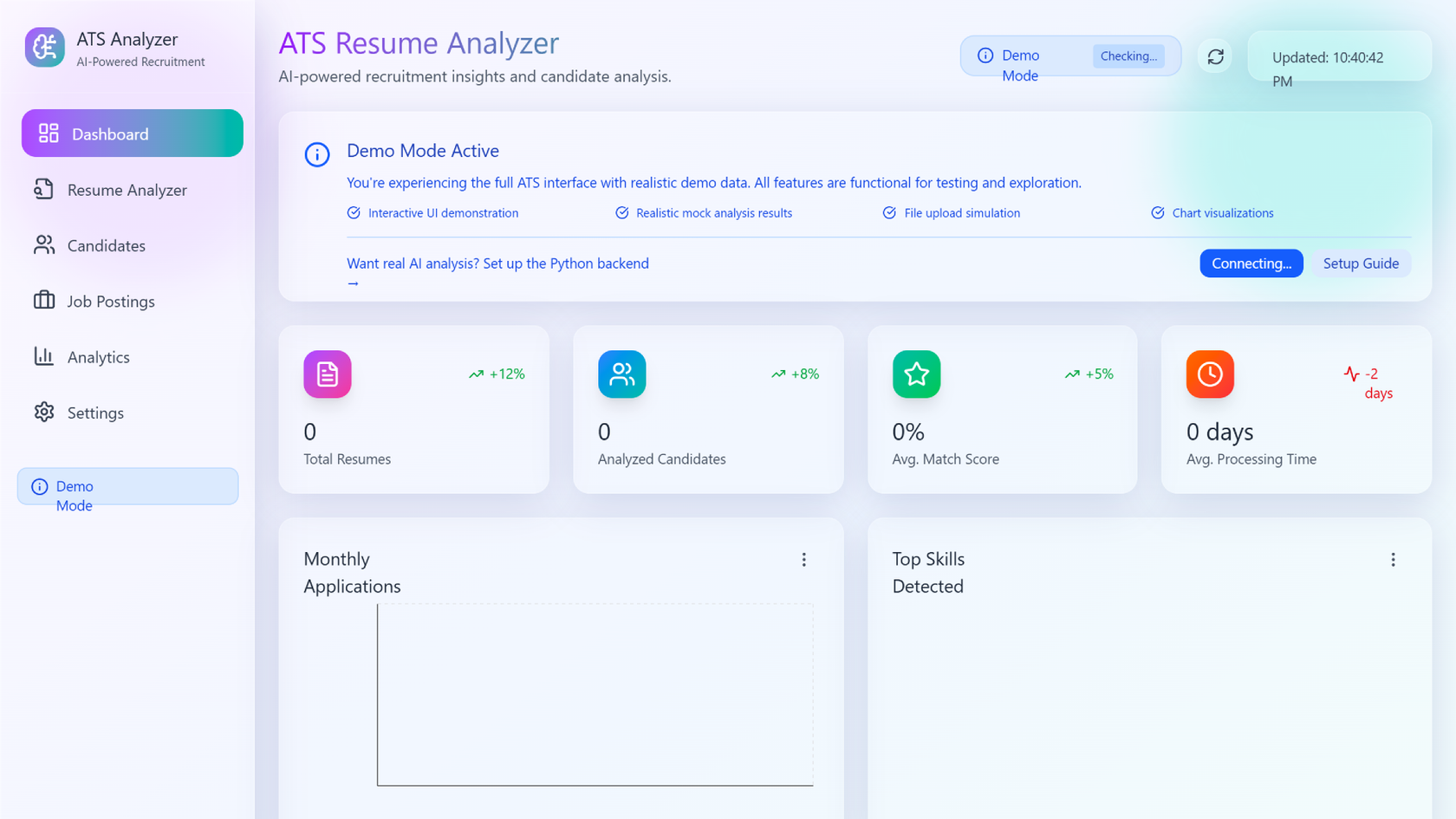


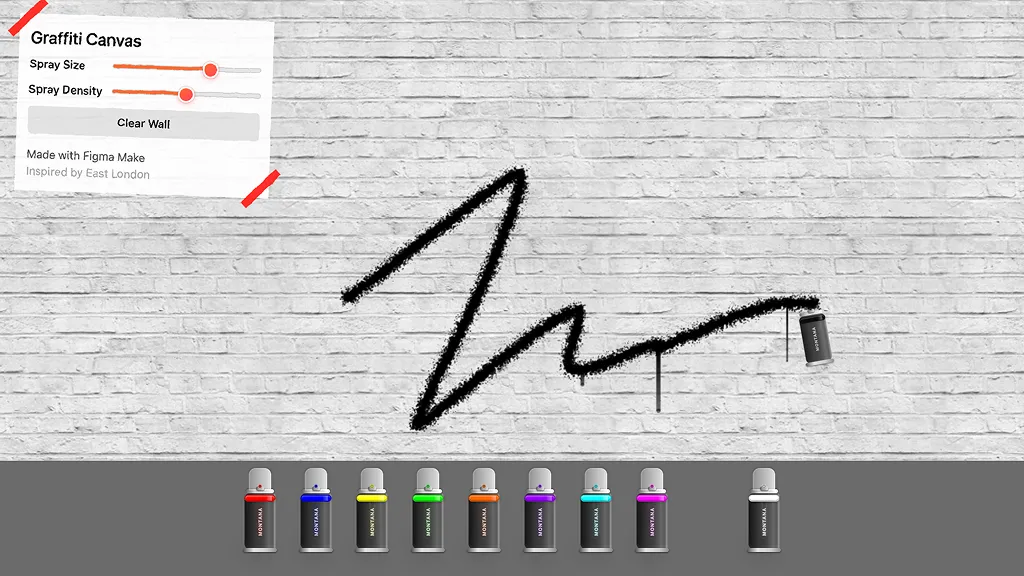

How to automatically generate a dashboard with AI in Figma Make
FAQs
From the blog


Got skills? Make the Figma agent a better collaborator
From sharing your best thinking to learning from your team’s go-to prompts, here’s what skills unlock in the Figma agent.


4 ways we’re using our MCP server at Figma
The Figma MCP server reaches further across the platform than it ever has. From updating a living deck to shipping a design to production—here's what that looks like in practice.


4 new ways to go from idea to product with AI tools
AI tools are changing how teams build products—from where they start to what carries through to production. Here's what that shift looks like across four organizations.
Figma Make, now on your local code
From visual editing to contextual prompting and collaboration, Figma Make is expanding how teams can design with code.


7 tips for using Figma Make credits more efficiently
While everyone’s talking about “tokenmaxxing,” we’ve compiled seven best practices to help you build smarter—without prompting more—in Figma Make.
How Figma AI tools helped us bring extra delight to the canvas
For our annual April Fun Day, we used Figma Make, Weave, and MCP to build six mini games that captured the spirit of play. Here’s what we learned.
More resources


What is MCP?
Read articleLearn about Model Context Protocol (MCP), the open standard that simplifies AI integration like a USB-C for data.


What is Vibe coding?
Read articleVibe coding combines mood-driven design with seamless coding to create immersive digital experiences that connect emotionally and function flawlessly.


How to design an app in five steps
Read articleBuilding an app requires research and constant iteration to meet customer needs. Learn how to design an app and how Figma can help in this guide.