


Your AI multi-step prototype generator, in Figma Make
Go from idea to testable flow with an AI multi-step prototype generator—create screens, logic, and real interactions in one place.
Design faster with an AI multi-step prototype generator
Map multi-step user journeys
Describe each step, branch, and state. Make generates screens, navigation, and transitions for complex flows automatically.
Generate structure and UI with AI
Start from a prompt to create layouts and components you can refine or extend—no coding required.
Connect real data when you need it
Add a Supabase backend for auth, storage, and a Postgres database to validate workflows with live data.
Share, test, and publish
Test responsiveness, get input, and go live whenever you’re ready.
Built by real designers.
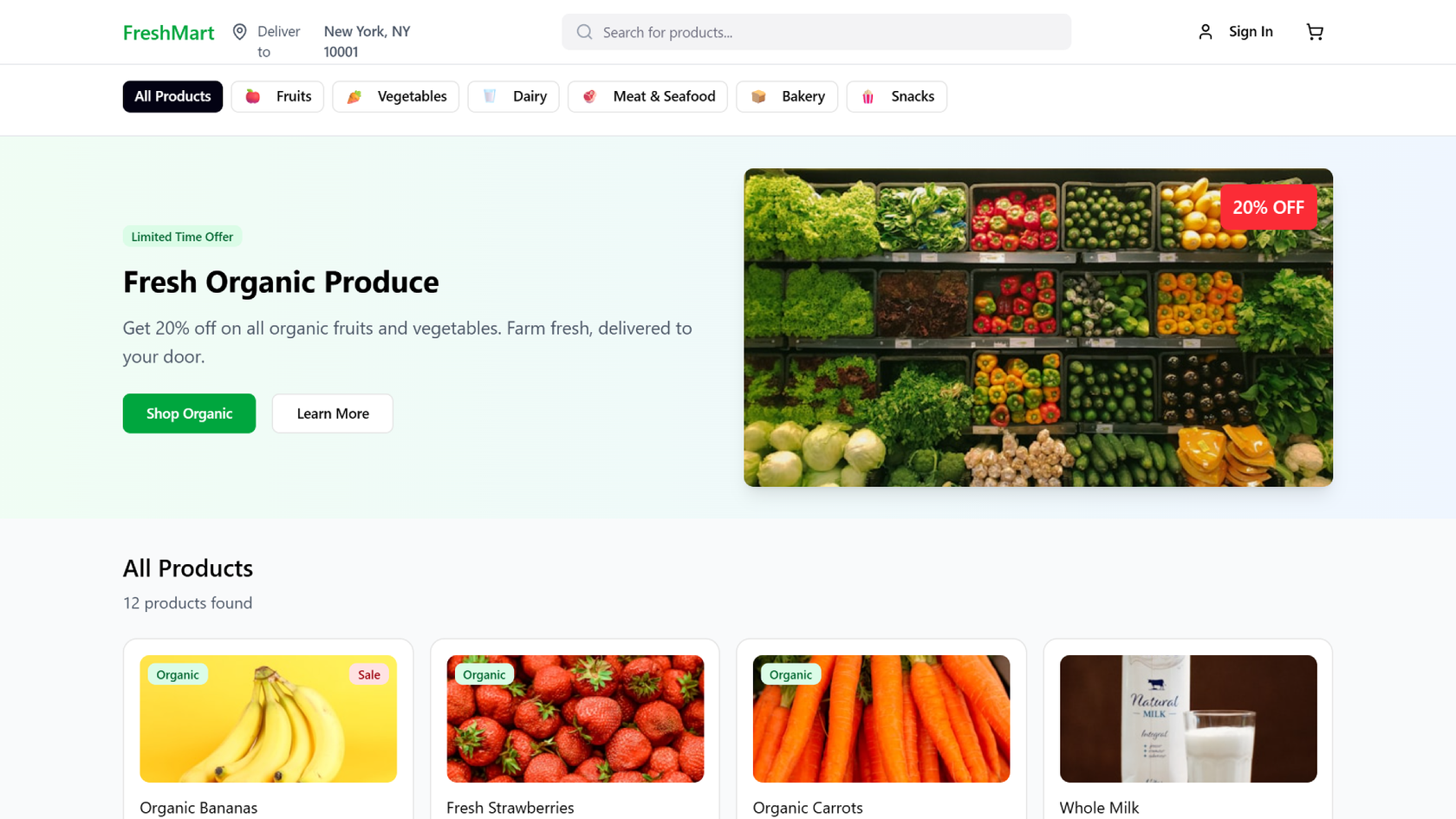
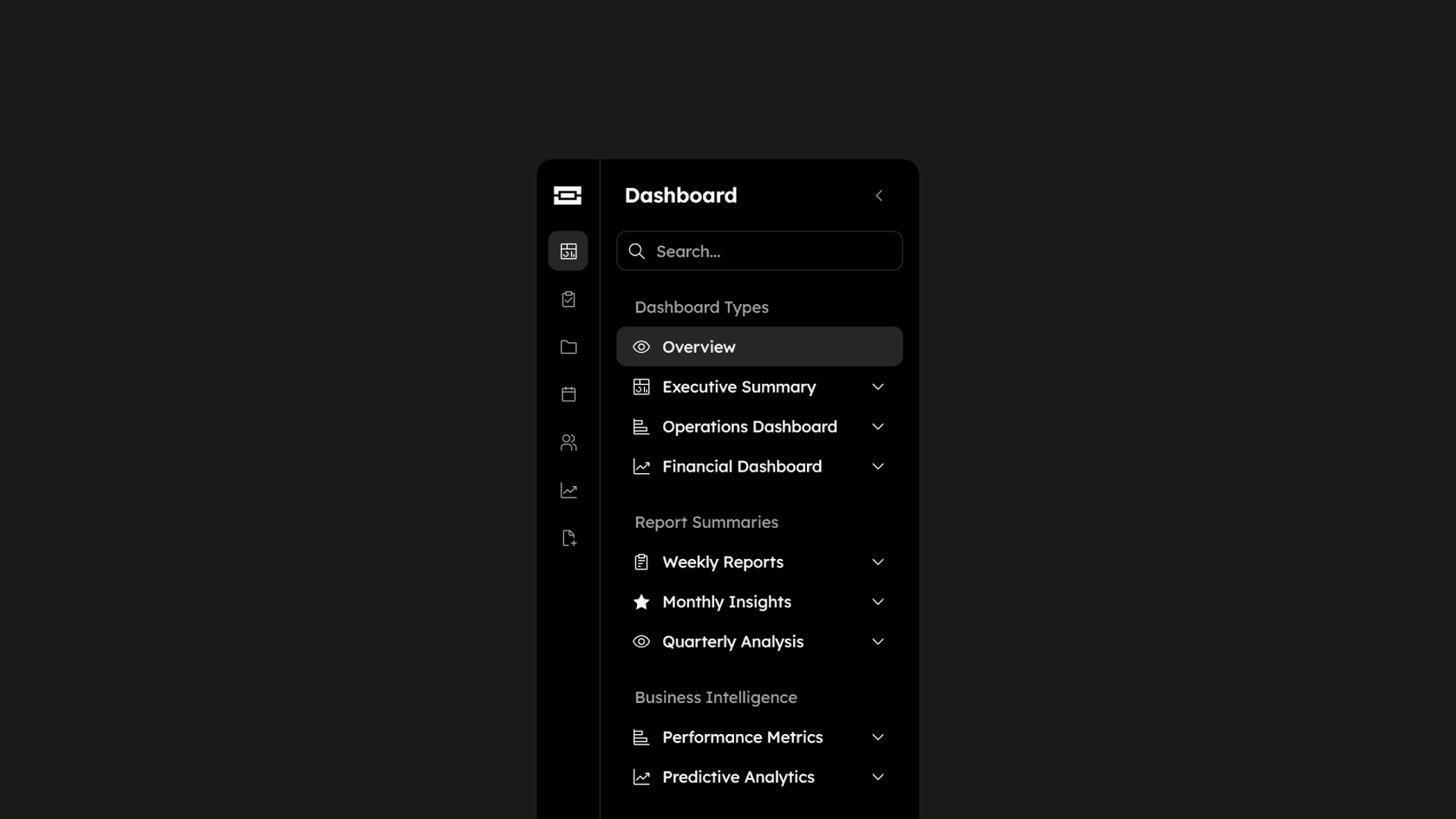
See what designers are building with AI UI tools in Figma Make—from marketing pages to product dashboards to mobile-first flows.
- Daniela Muntyan
- Abhiram Ramoju

- Yossef Saeed

- Joshua Guo








How to generate a multi-step prototype with AI in Figma Make
FAQs
From the blog

Got skills? Make the Figma agent a better collaborator
From sharing your best thinking to learning from your team’s go-to prompts, here’s what skills unlock in the Figma agent.


4 ways we’re using our MCP server at Figma
The Figma MCP server reaches further across the platform than it ever has. From updating a living deck to shipping a design to production—here's what that looks like in practice.


4 new ways to go from idea to product with AI tools
AI tools are changing how teams build products—from where they start to what carries through to production. Here's what that shift looks like across four organizations.
Figma Make, now on your local code
From visual editing to contextual prompting and collaboration, Figma Make is expanding how teams can design with code.


7 tips for using Figma Make credits more efficiently
While everyone’s talking about “tokenmaxxing,” we’ve compiled seven best practices to help you build smarter—without prompting more—in Figma Make.
How Figma AI tools helped us bring extra delight to the canvas
For our annual April Fun Day, we used Figma Make, Weave, and MCP to build six mini games that captured the spirit of play. Here’s what we learned.