

AI restaurant website builder for menus & reservations
Go from concept to table-ready site with an AI restaurant website builder—no coding required.
Design faster with an AI restaurant website builder
Publish menus in minutes
Describe your sections—hero, daily specials, and menu categories—and Figma Make generates responsive pages and gallery layouts.
Build websites with natural language
Type prompts like “menu grid, hours & location, reviews, booking form”—structure, layout, and interactions appear automatically.
Reservations & ordering flows
Add inquiry or booking forms and checkout steps. Connect to a backend or API to preview real submissions before launch.
Optimized for mobile & access
Start with responsive behavior, readable type, and clear navigation—then refine styles to match your brand.
Built by our community
Get inspired by incredible websites created with our AI website builder. From startups to enterprises, see what's possible when creativity meets AI.
- Benjamin Leonard
- arshaikh

- abdullahimeg

- AI generator


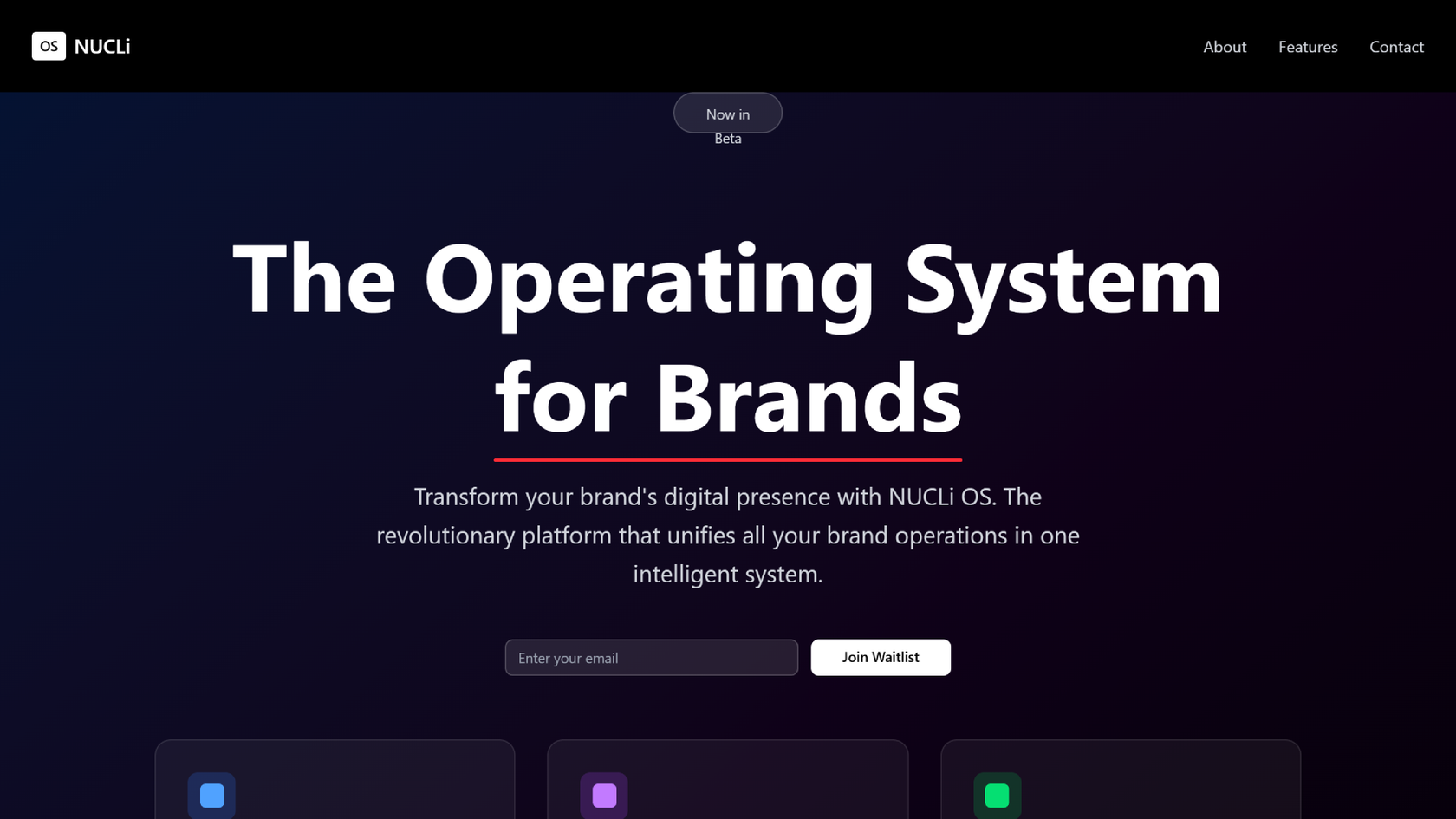


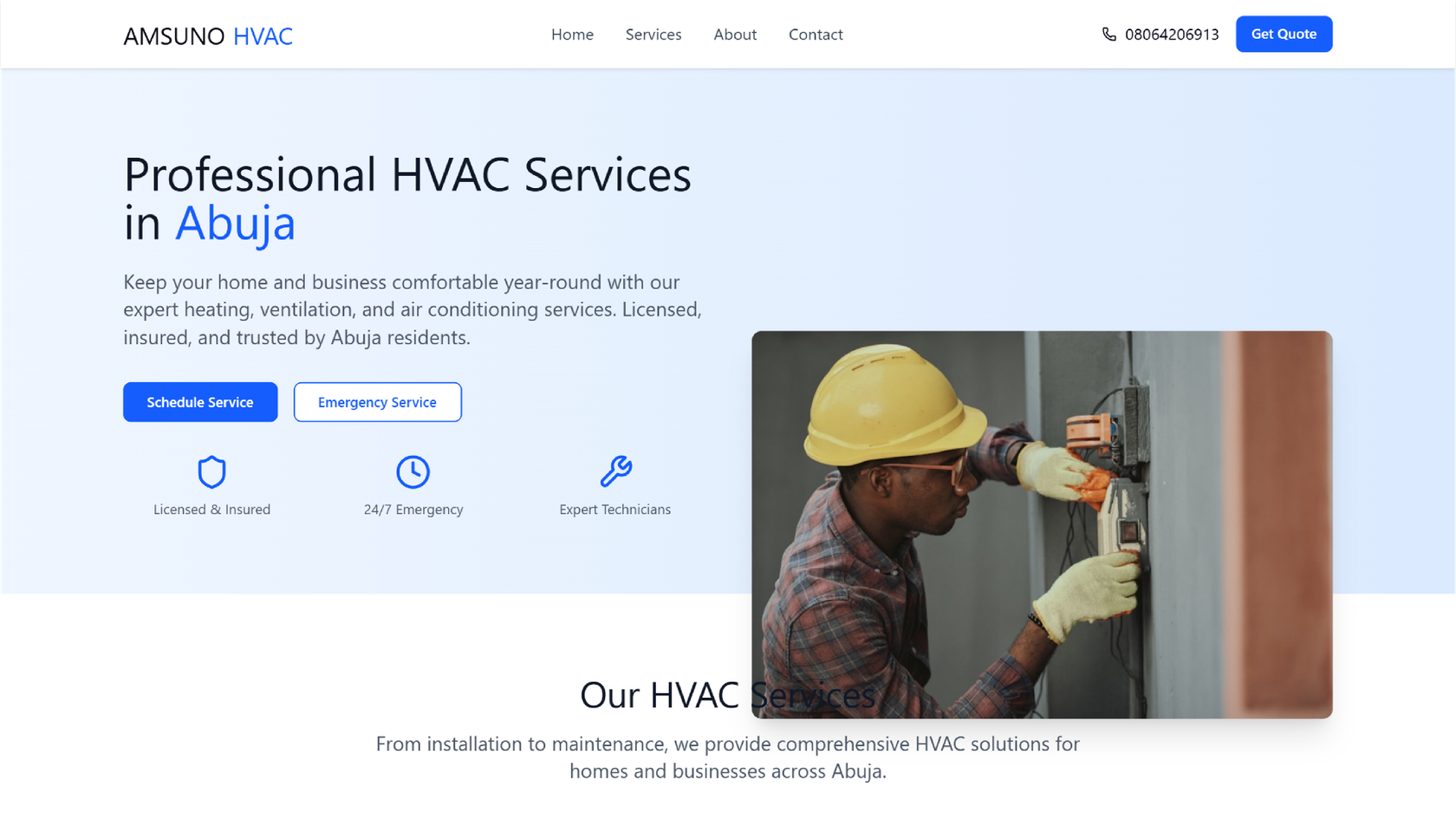


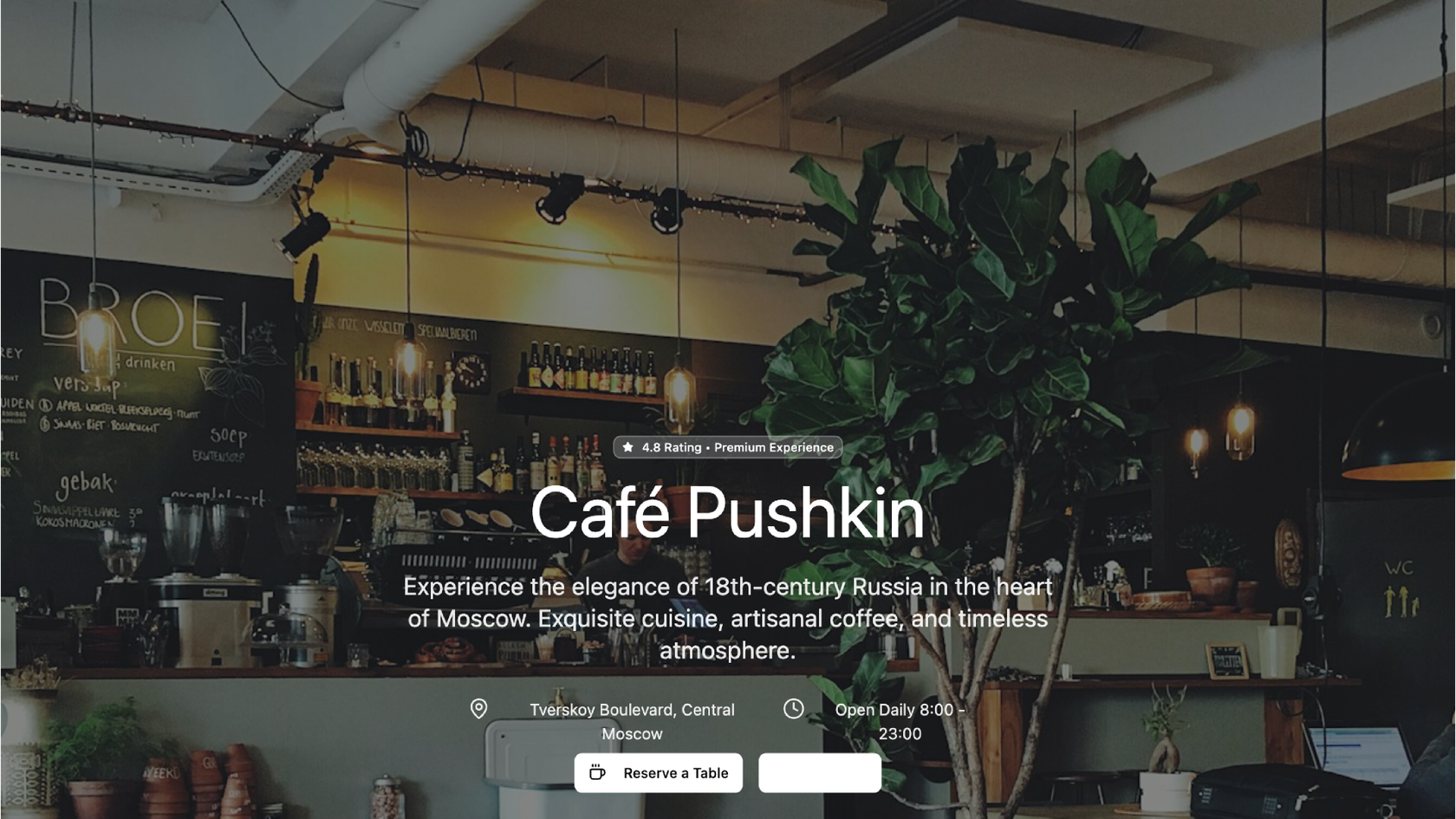

How to build a restaurant website with AI in Figma Make
FAQs
From the blog
Workflow lab: Deploying designs directly with Figma Make
The handoff from design to code doesn't have to be a one-way street. This workflow shows how a designer can connect a codebase to Figma Make, make the changes directly, and bring the whole team into review—right up to the PR.

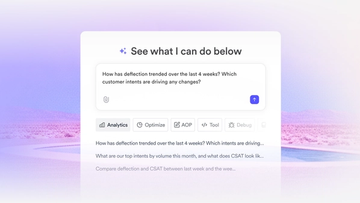
How Decagon uses AI for design system saturation
The fast-growing customer experience platform explains how Figma MCP and Figma Make helped them scale a new design system and keep pace with customer requests.
GPT-5.6 is now available in Figma Make
With accurate first results and fast iterations, OpenAI’s GPT-5.6 gives your builds a strong start in Figma Make.

Got skills? Make the Figma agent a better collaborator
From sharing your best thinking to learning from your team’s go-to prompts, here’s what skills unlock in the Figma agent.

4 ways we’re using our MCP server at Figma
The Figma MCP server reaches further across the platform than it ever has. From updating a living deck to shipping a design to production—here's what that looks like in practice.


4 new ways to go from idea to product with AI tools
AI tools are changing how teams build products—from where they start to what carries through to production. Here's what that shift looks like across four organizations.