


AI sales dashboard generator in Figma Make
Go from messy metrics to meaningful insight—fast. Figma Make is your AI sales dashboard generator, turning prompts into clean, interactive dashboards powered by real data. Describe the views, filters, or KPIs you want, and watch your dashboard come to life in seconds.
Design smarter sales dashboards with AI
Capture product thinking in minutes
Skip lengthy documentation. Prompt once to outline your sales flows, logic, KPIs, and edge cases.
Build on-brand dashboards using your design system
Plug in your existing components, grids, and styles so every chart, table, and metric aligns with your visual language.
Validate insights faster with real data
Connect your backend or APIs to preview dashboards in context—no placeholder numbers, no guesswork.
Go from prototype to production-ready code
Export functional code aligned to the components and patterns your engineering team already uses.
Built by real teams.
See how makers, designers, and PMs are using Figma Make to build no-code web apps—from internal tools to product MVPs.
- Jacques Debeuneure Jr.
- Daniela Muntyan

- kishoree04u

- Seungmee Lee


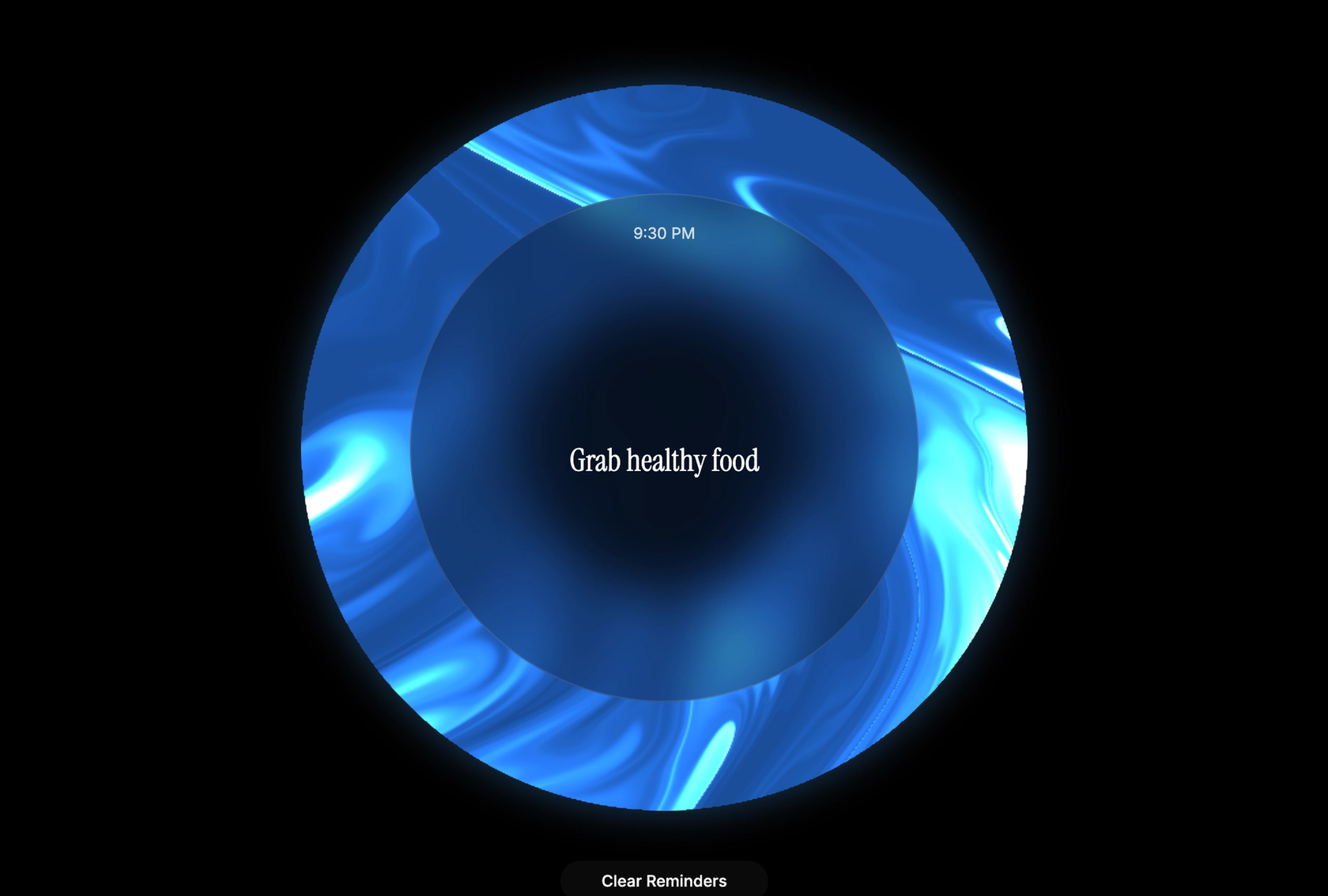


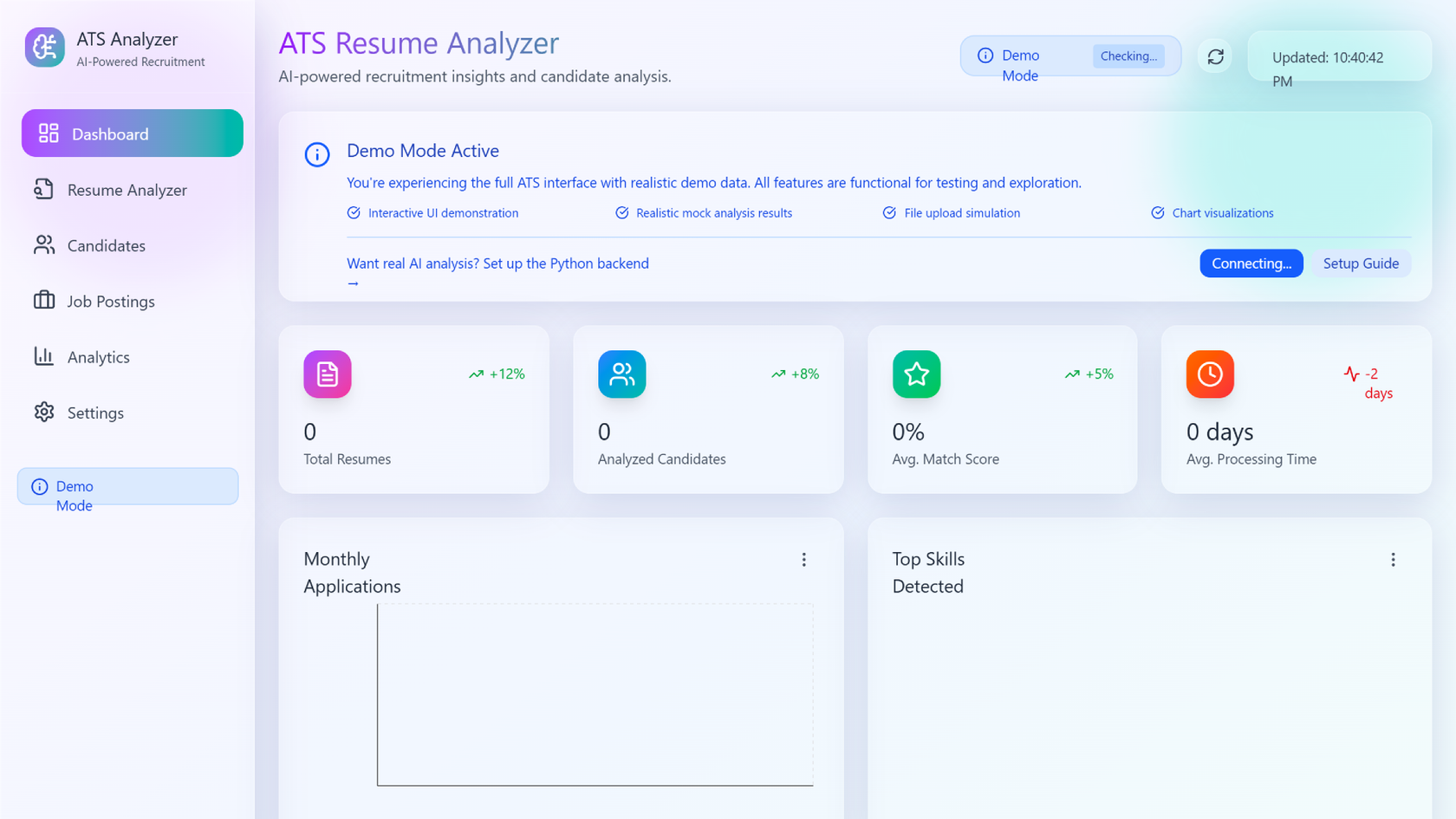


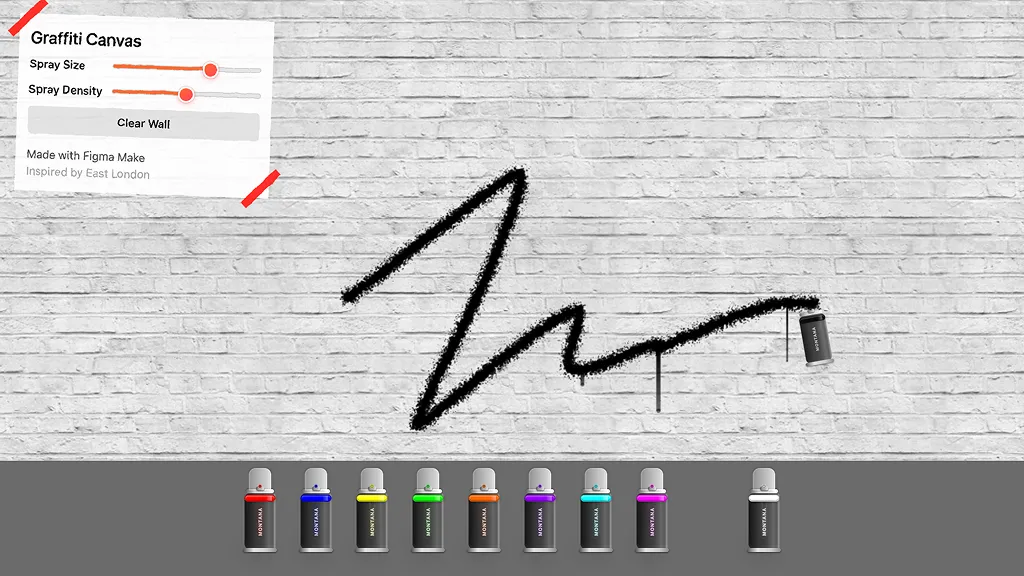

How to create a sales dashboard with Figma Make
FAQs
From the blog

How Decagon uses AI for design system saturation
The fast-growing customer experience platform explains how Figma MCP and Figma Make helped them scale a new design system and keep pace with customer requests.
GPT-5.6 is now available in Figma Make
With accurate first results and fast iterations, OpenAI’s GPT-5.6 gives your builds a strong start in Figma Make.

Got skills? Make the Figma agent a better collaborator
From sharing your best thinking to learning from your team’s go-to prompts, here’s what skills unlock in the Figma agent.


4 ways we’re using our MCP server at Figma
The Figma MCP server reaches further across the platform than it ever has. From updating a living deck to shipping a design to production—here's what that looks like in practice.


4 new ways to go from idea to product with AI tools
AI tools are changing how teams build products—from where they start to what carries through to production. Here's what that shift looks like across four organizations.
Figma Make, now on your local code
From visual editing to contextual prompting and collaboration, Figma Make is expanding how teams can design with code.
More resources

What is MCP?
Read articleLearn about Model Context Protocol (MCP), the open standard that simplifies AI integration like a USB-C for data.


What is Vibe coding?
Read articleVibe coding combines mood-driven design with seamless coding to create immersive digital experiences that connect emotionally and function flawlessly.


How to design an app in five steps
Read articleBuilding an app requires research and constant iteration to meet customer needs. Learn how to design an app and how Figma can help in this guide.