Prompt your sprint into shape
Describe the work, and Figma Make turns it into structured flows, user stories, and edge cases your team can align on right away.
Skip to main content
Skip the doc-heavy kickoff. Prompt your sprint into shape—flows, logic, and a working prototype your team can actually build from.
Describe the work, and Figma Make turns it into structured flows, user stories, and edge cases your team can align on right away.

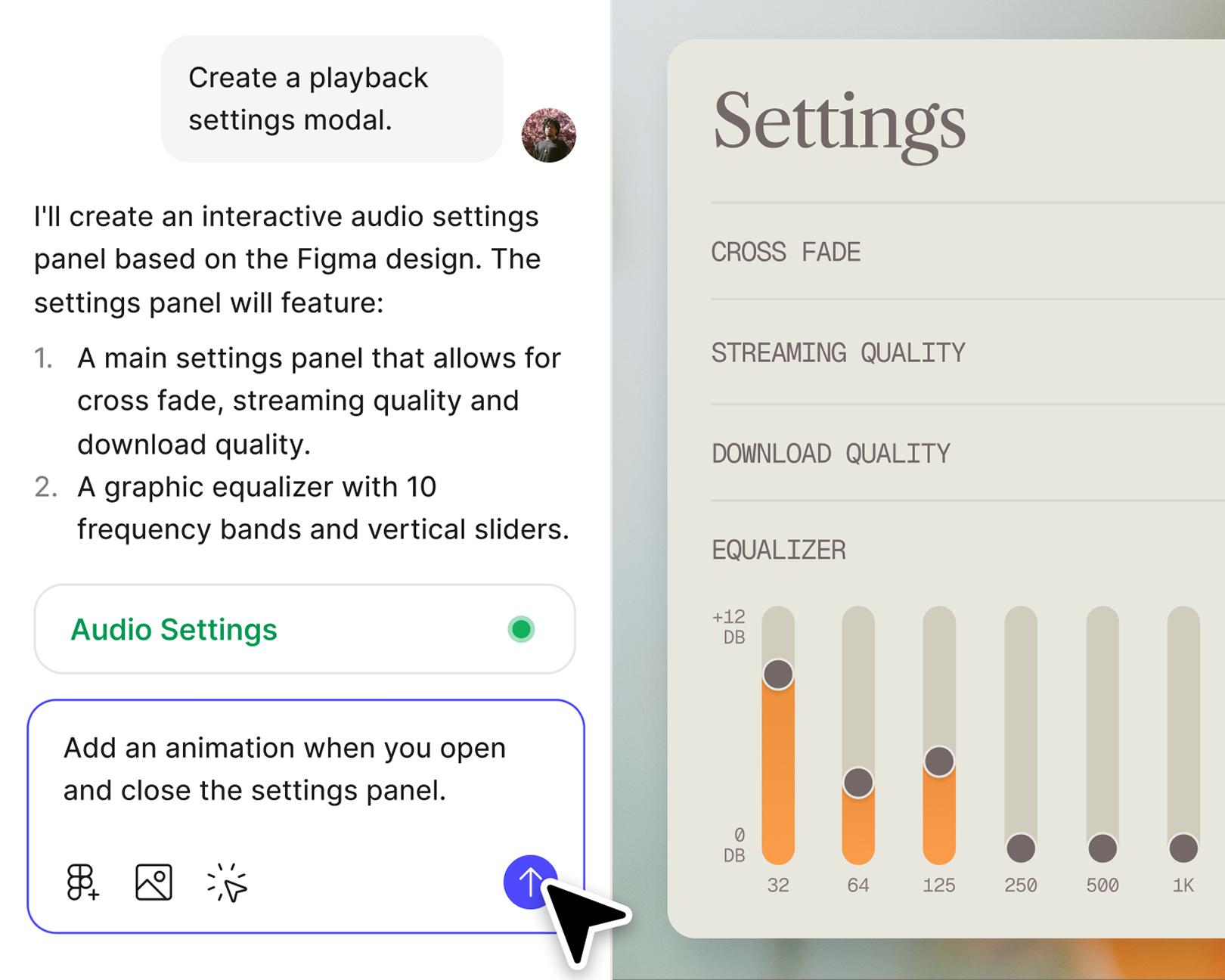
Capture product thinking in something teammates can click, not just read. Cross-functional alignment happens in minutes, not meetings.

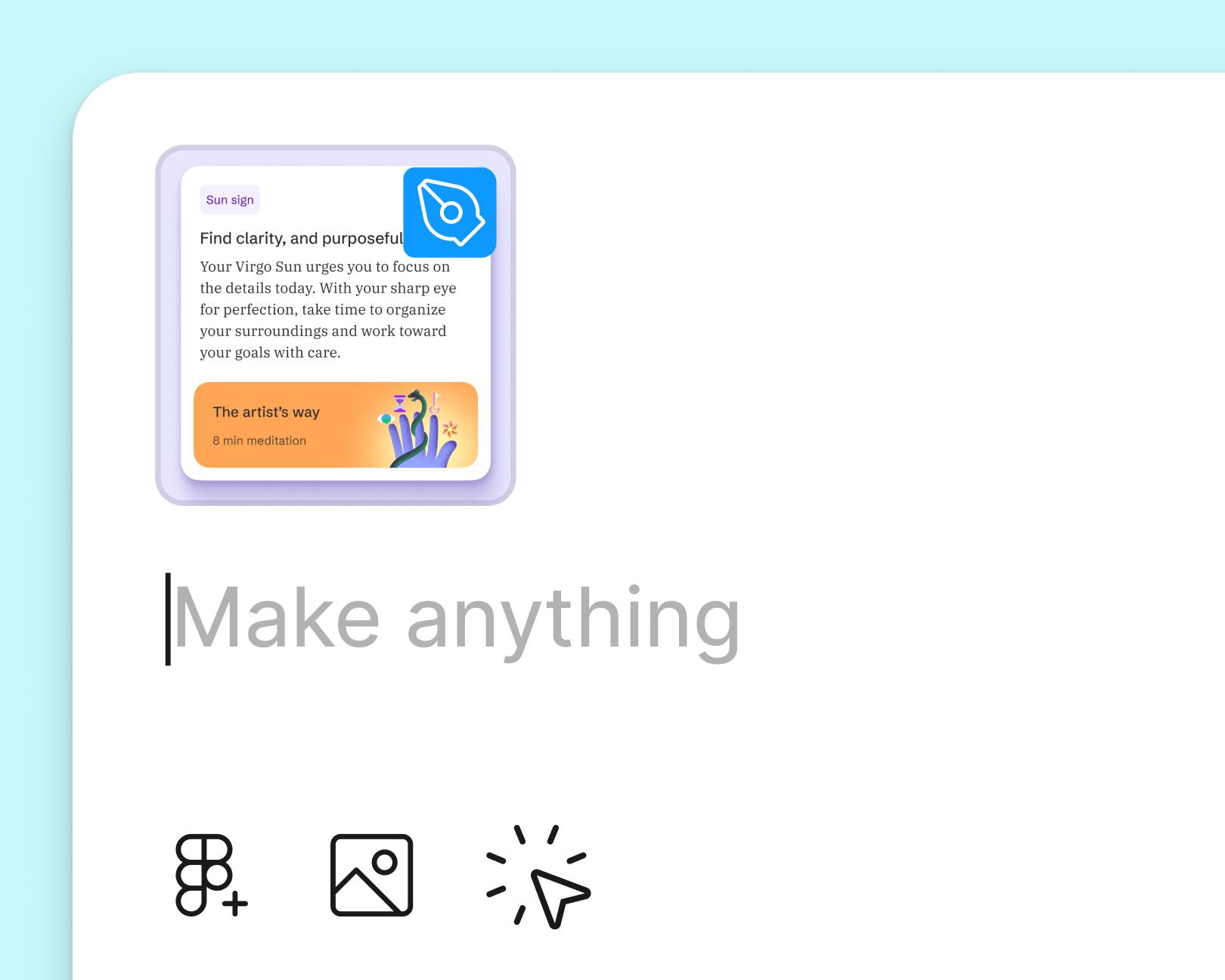
Pull in your team's components and styles so every sprint artifact looks and behaves like the real product—no visual drift, no rework.

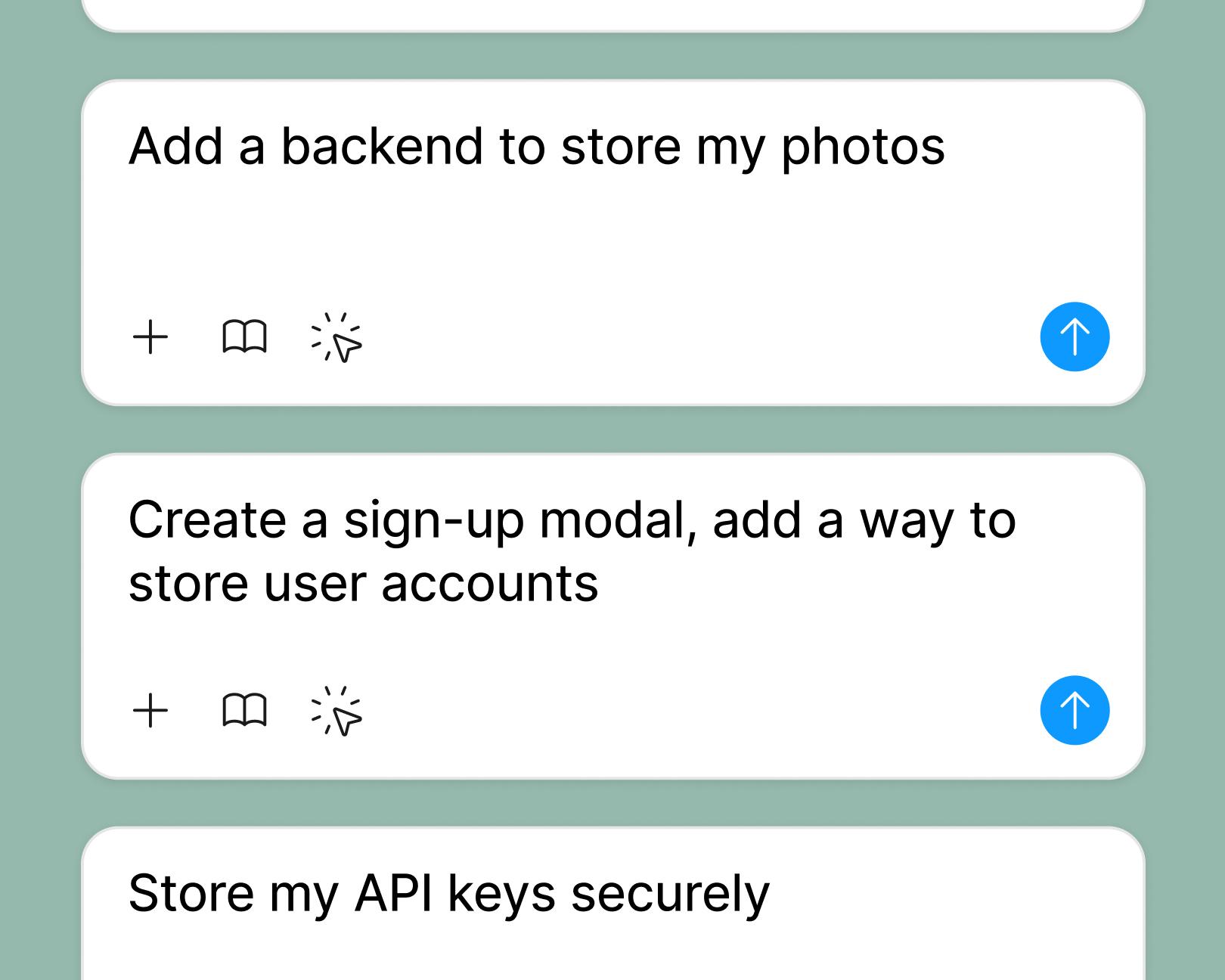
Connect a backend to test interactions with real data, so the work you scope is the work you actually ship.
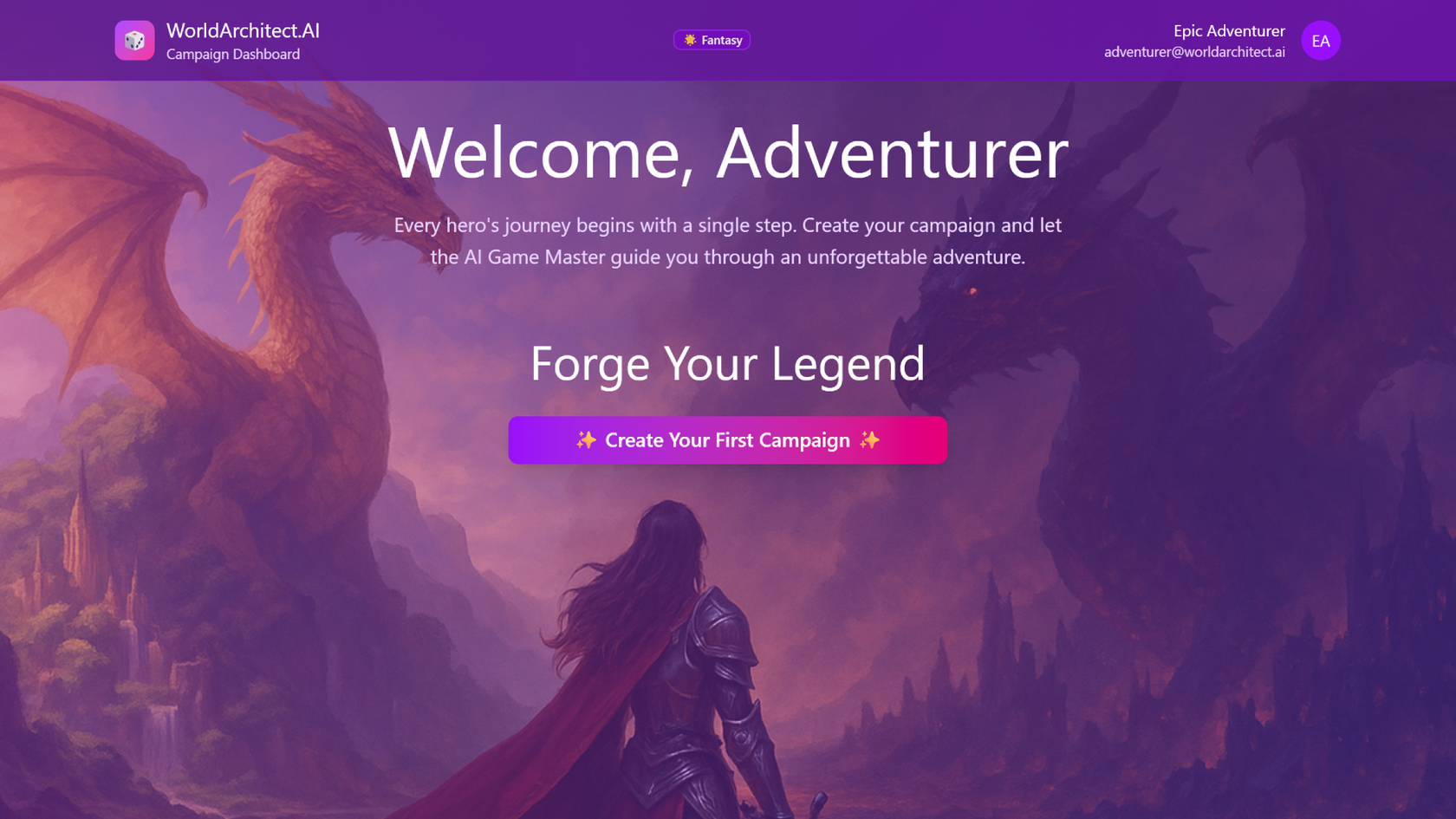
See how makers, designers, and PMs are using Figma Make to build no-code web apps—from internal tools to product MVPs.


AI tools are changing how teams build products—from where they start to what carries through to production. Here's what that shift looks like across four organizations.
From visual editing to contextual prompting and collaboration, Figma Make is expanding how teams can design with code.

While everyone’s talking about “tokenmaxxing,” we’ve compiled seven best practices to help you build smarter—without prompting more—in Figma Make.
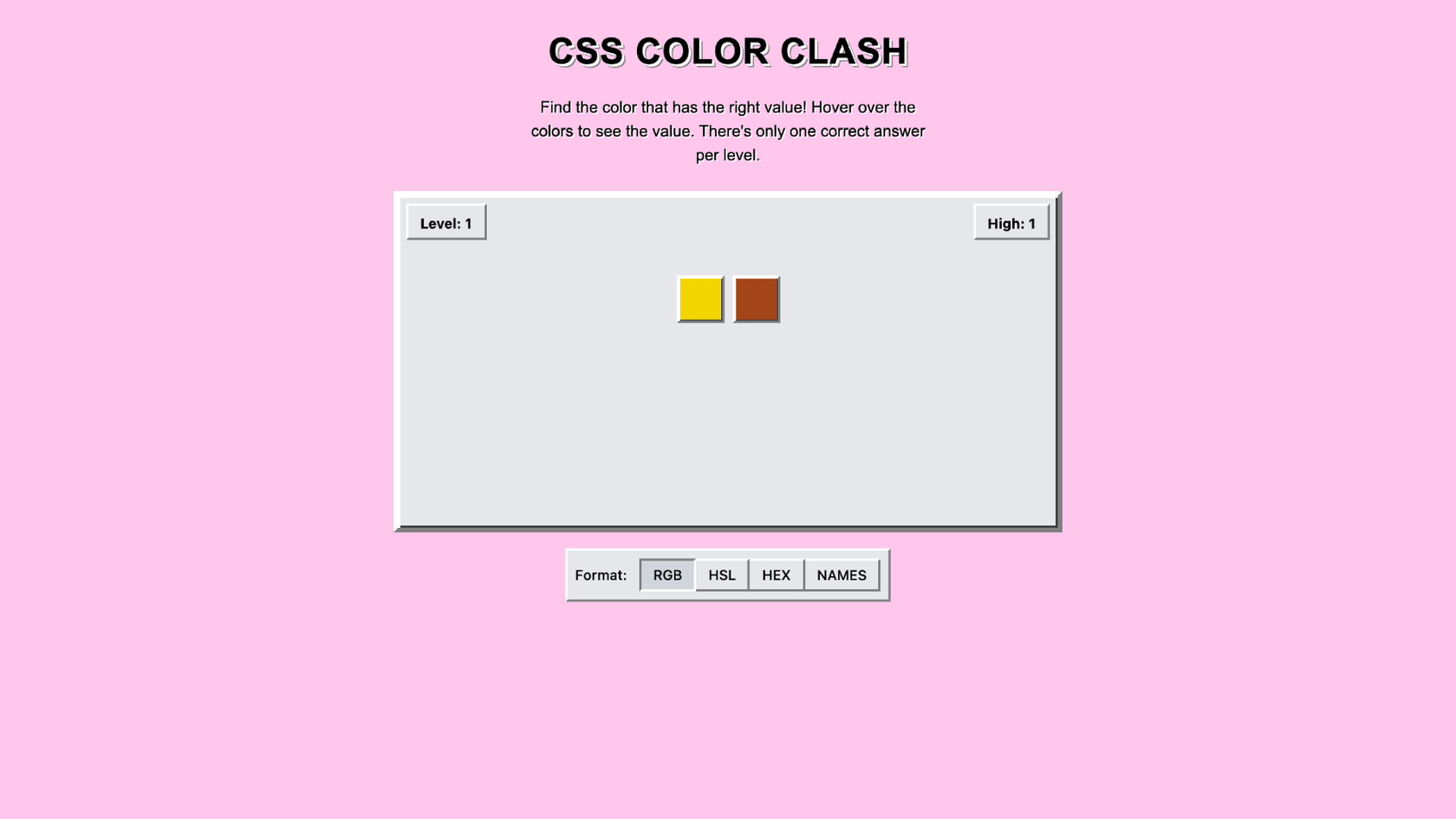
For our annual April Fun Day, we used Figma Make, Weave, and MCP to build six mini games that captured the spirit of play. Here’s what we learned.

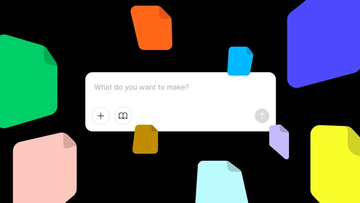
Starting today, Make kits and Make attachments bring context into Figma Make, so prototypes start from real components, data, and constraints.
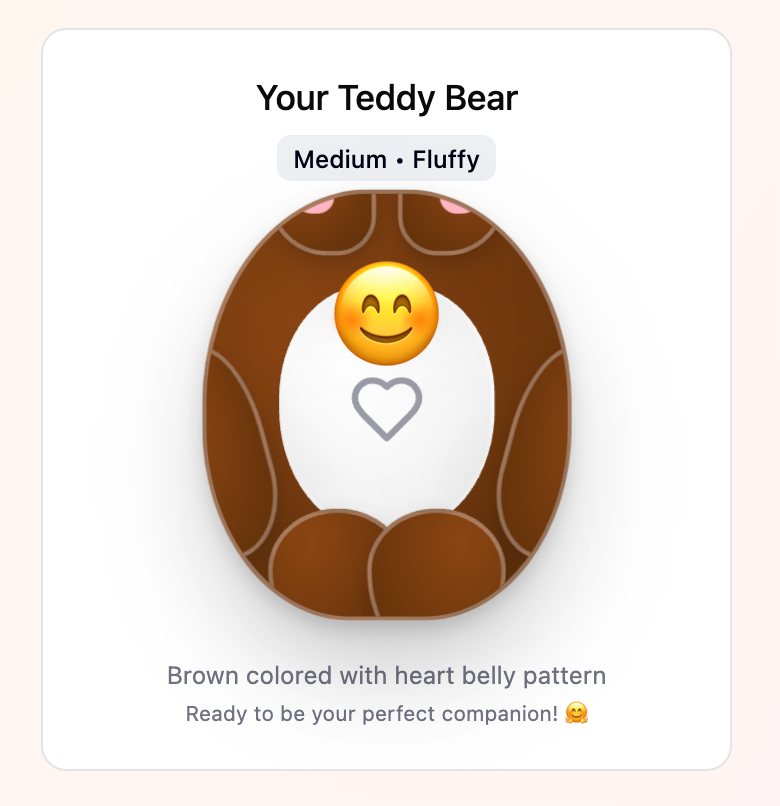
From a multiplayer embroidery sampler to a photo booth that works across time zones, this year's Make-a-thon winners offer new ways to connect, reflect, and play through software.

Learn about Model Context Protocol (MCP), the open standard that simplifies AI integration like a USB-C for data.

Vibe coding combines mood-driven design with seamless coding to create immersive digital experiences that connect emotionally and function flawlessly.

Building an app requires research and constant iteration to meet customer needs. Learn how to design an app and how Figma can help in this guide.