


Build smarter apps with an app logic generator
Turn product ideas into real, testable experiences with an app logic generator. Describe flows, states, and logic in natural language—and see interactive prototypes come together instantly.
Your idea to working app with an app logic generator

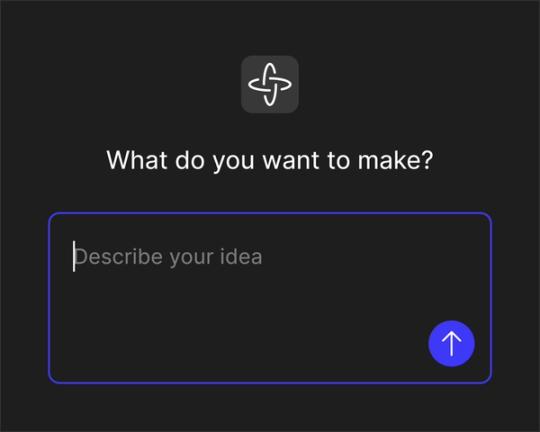
Turn product thinking into logic
Skip the PRD. Use the app logic generator to capture user flows, states, and edge cases from a single prompt—and align teams around a shared prototype.

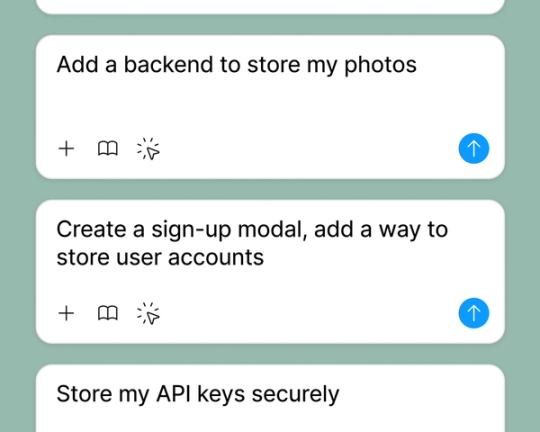
Validate with real data
Connect APIs or backends to your prototype to test logic, states, and flows with live data—not placeholders. looks and behaves like the real product.

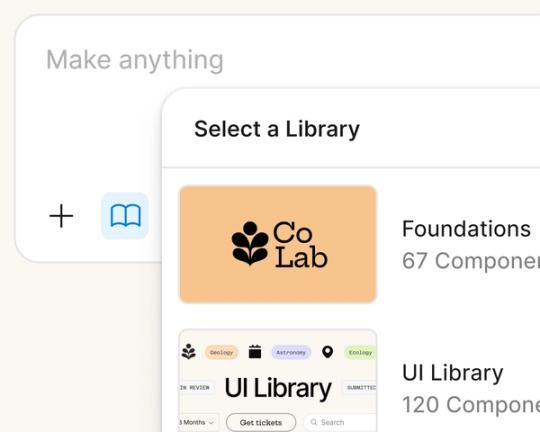
Build on your design system
Generate logic and interactions using your existing Figma components and styles, so every prototype looks and behaves like the real product.

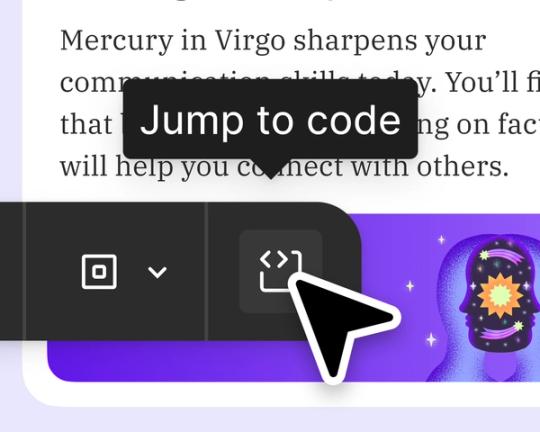
From prototype to production
Generate functional code that matches your components and logic, helping teams move from idea to build with less rework.
Built by real teams.
See how makers, designers, and PMs are using Figma Make to build no-code web apps—from internal tools to product MVPs.
- Jeffrey Lee-Chan
- Gui Seiz

- Matty Williams

- Sahil Ahuja









How to generate app logic with Figma Make
FAQs
From the blog
Workflow lab: Deploying designs directly with Figma Make
The handoff from design to code doesn't have to be a one-way street. This workflow shows how a designer can connect a codebase to Figma Make, make the changes directly, and bring the whole team into review—right up to the PR.

How Decagon uses AI for design system saturation
The fast-growing customer experience platform explains how Figma MCP and Figma Make helped them scale a new design system and keep pace with customer requests.
GPT-5.6 is now available in Figma Make
With accurate first results and fast iterations, OpenAI’s GPT-5.6 gives your builds a strong start in Figma Make.

Got skills? Make the Figma agent a better collaborator
From sharing your best thinking to learning from your team’s go-to prompts, here’s what skills unlock in the Figma agent.


4 ways we’re using our MCP server at Figma
The Figma MCP server reaches further across the platform than it ever has. From updating a living deck to shipping a design to production—here's what that looks like in practice.


4 new ways to go from idea to product with AI tools
AI tools are changing how teams build products—from where they start to what carries through to production. Here's what that shift looks like across four organizations.
More resources

What is MCP?
Read articleLearn about Model Context Protocol (MCP), the open standard that simplifies AI integration like a USB-C for data.


What is Vibe coding?
Read articleVibe coding combines mood-driven design with seamless coding to create immersive digital experiences that connect emotionally and function flawlessly.


How to design an app in five steps
Read articleBuilding an app requires research and constant iteration to meet customer needs. Learn how to design an app and how Figma can help in this guide.