
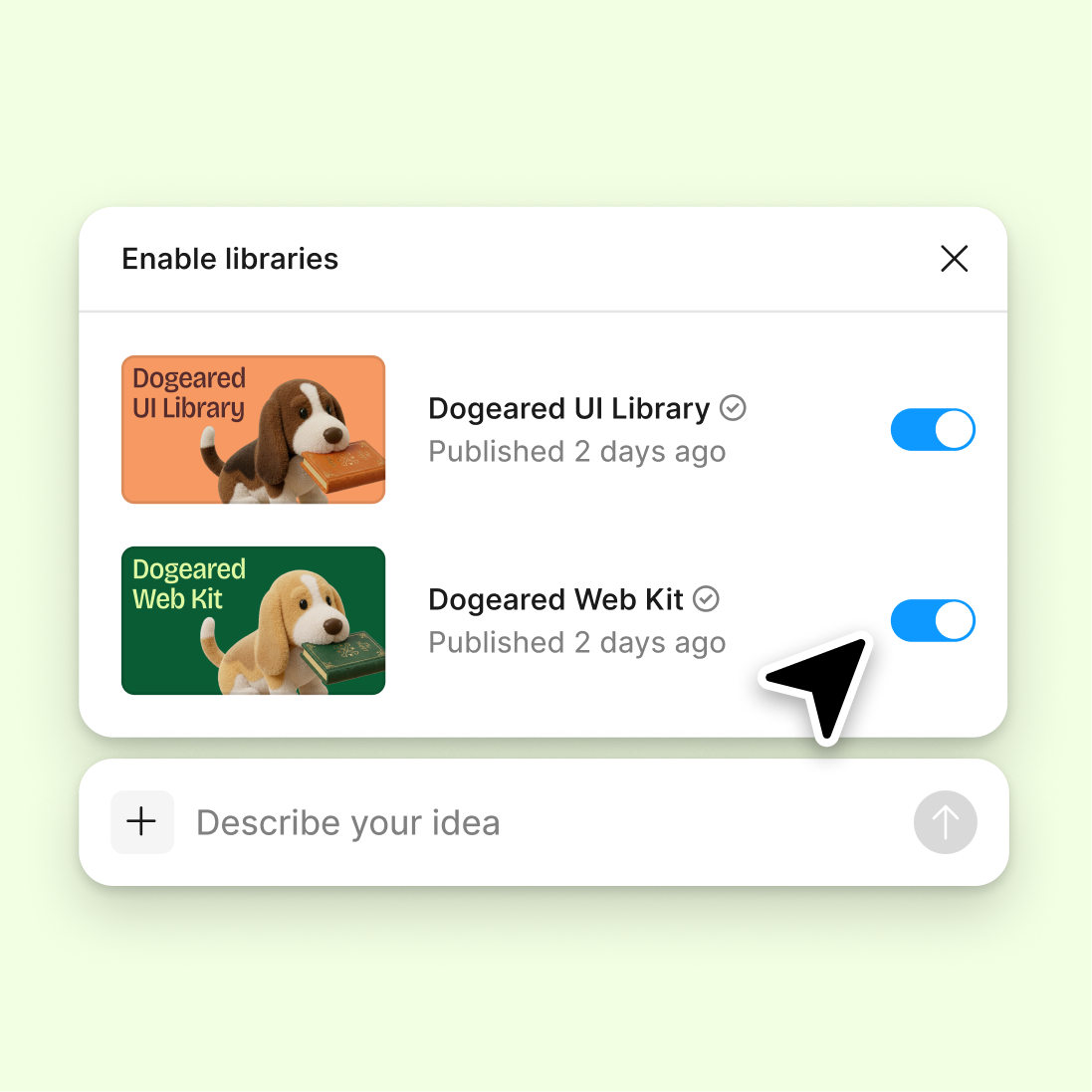
Connect a design library
Point the agent to your design system so every generated footer uses your real components, spacing tokens, and brand colors—ready for production.
Skip to main content
Create complete website footers with navigation, contact details, and social links using AI—directly in Figma Design. Your components, your styles, no rebuilding from generic templates.











Generate footer variations that match your brand, explore layouts in parallel, and keep your team aligned in the same file.

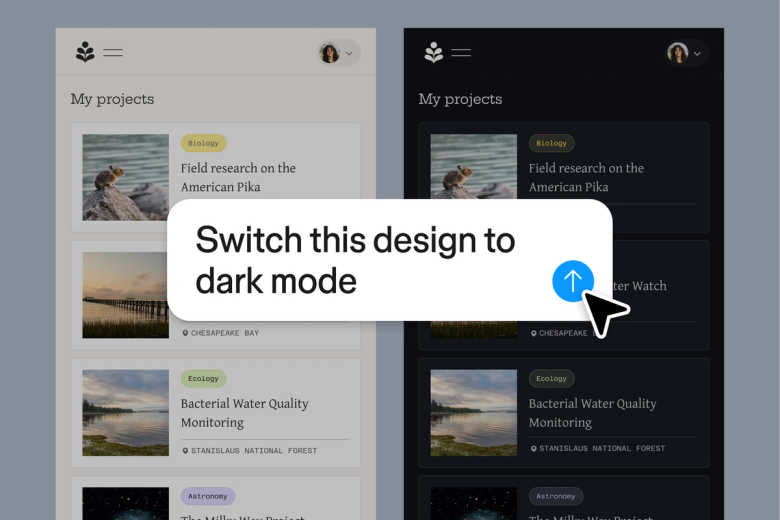
Figma's agent generates footer options using your real components, typography, and color tokens—not placeholder UI you'll need to rebuild. See production-ready variations instantly on your canvas.

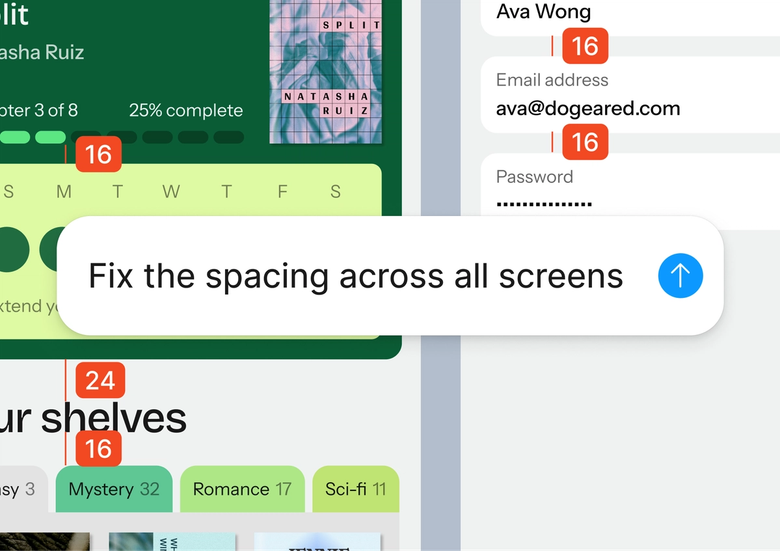
Skip the tedious assembly of navigation links, copyright text, and social icons. Describe what your footer needs and let the agent scaffold it, so you can focus on the design decisions that matter.

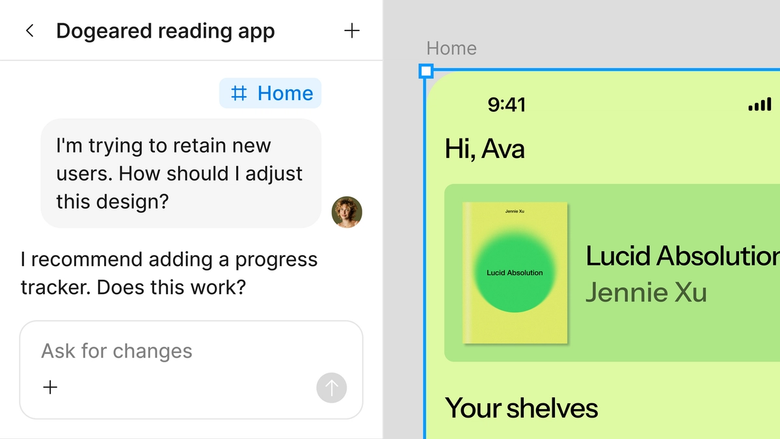
Generated footers live in the same file your team works in. Everyone sees the latest version, can comment directly, and build on it right away—nothing gets lost in export or handoff.
A closer look at what sets Figma's agent apart, built for the way design teams actually work.
Point the agent to your design system so every generated footer uses your real components, spacing tokens, and brand colors—ready for production.

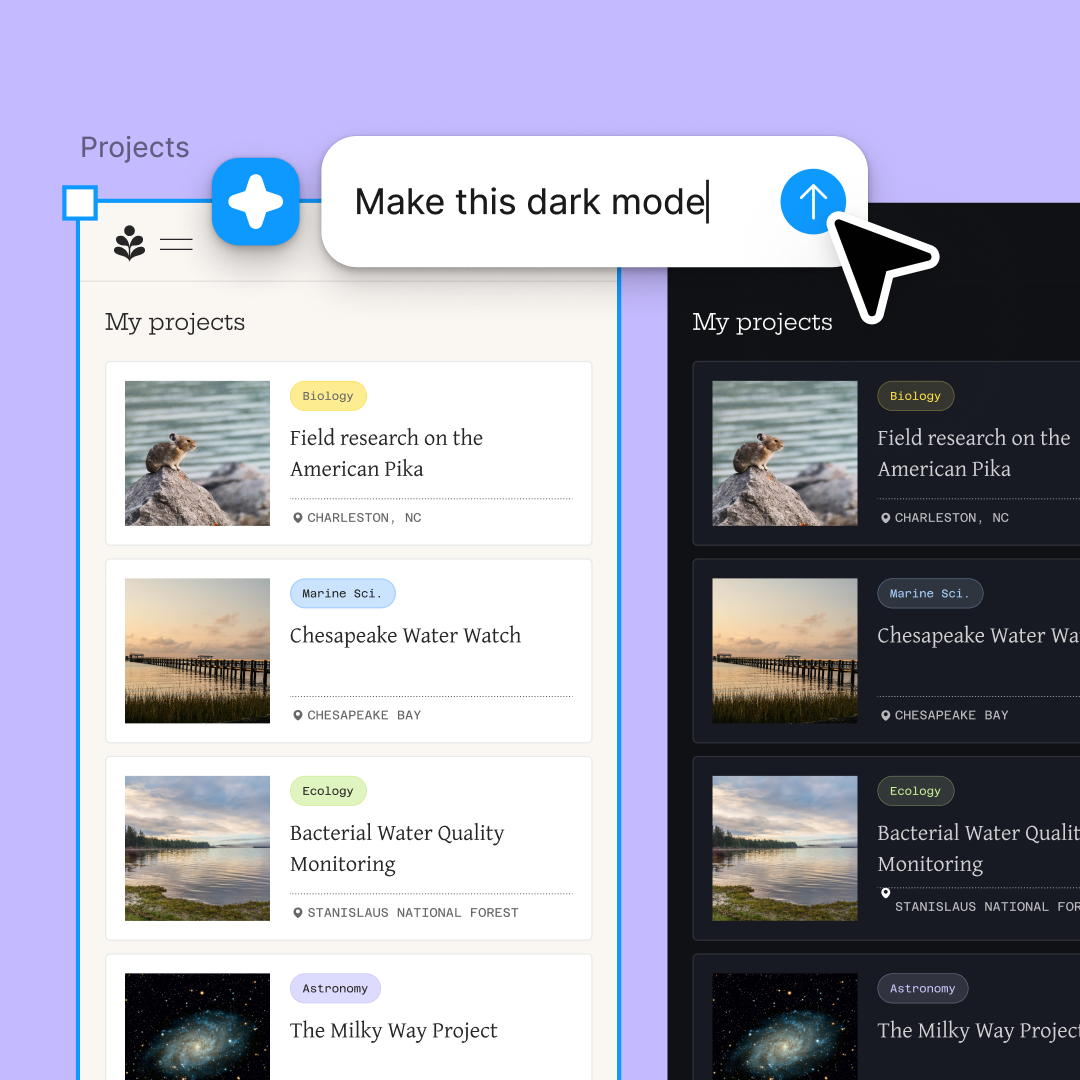
Generate multiple footer directions at once—different layouts, link structures, or visual treatments—and compare them side by side on your canvas.

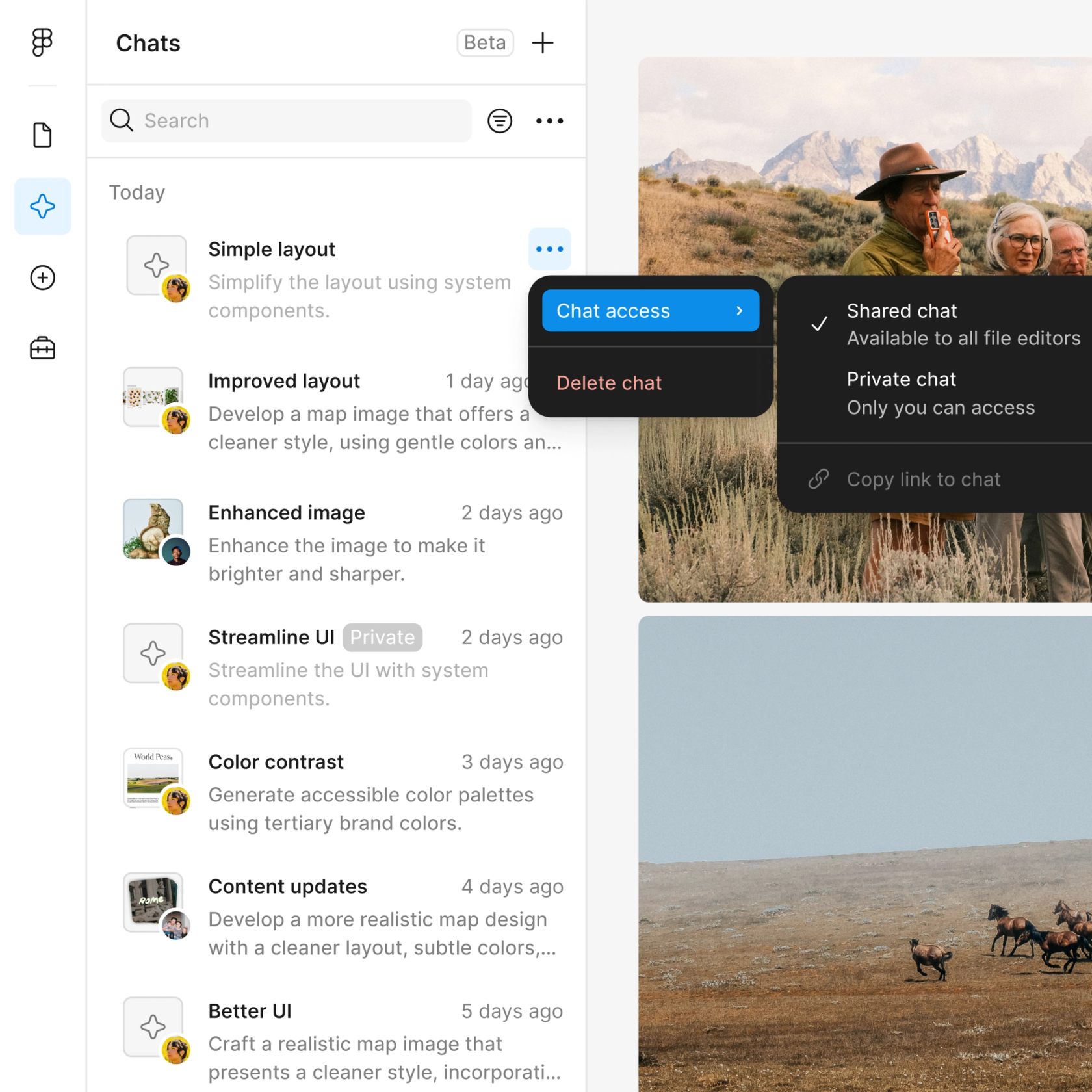
Share a thread and your team sees the full prompt, context, and iteration history. No separate handoff or explanation needed.

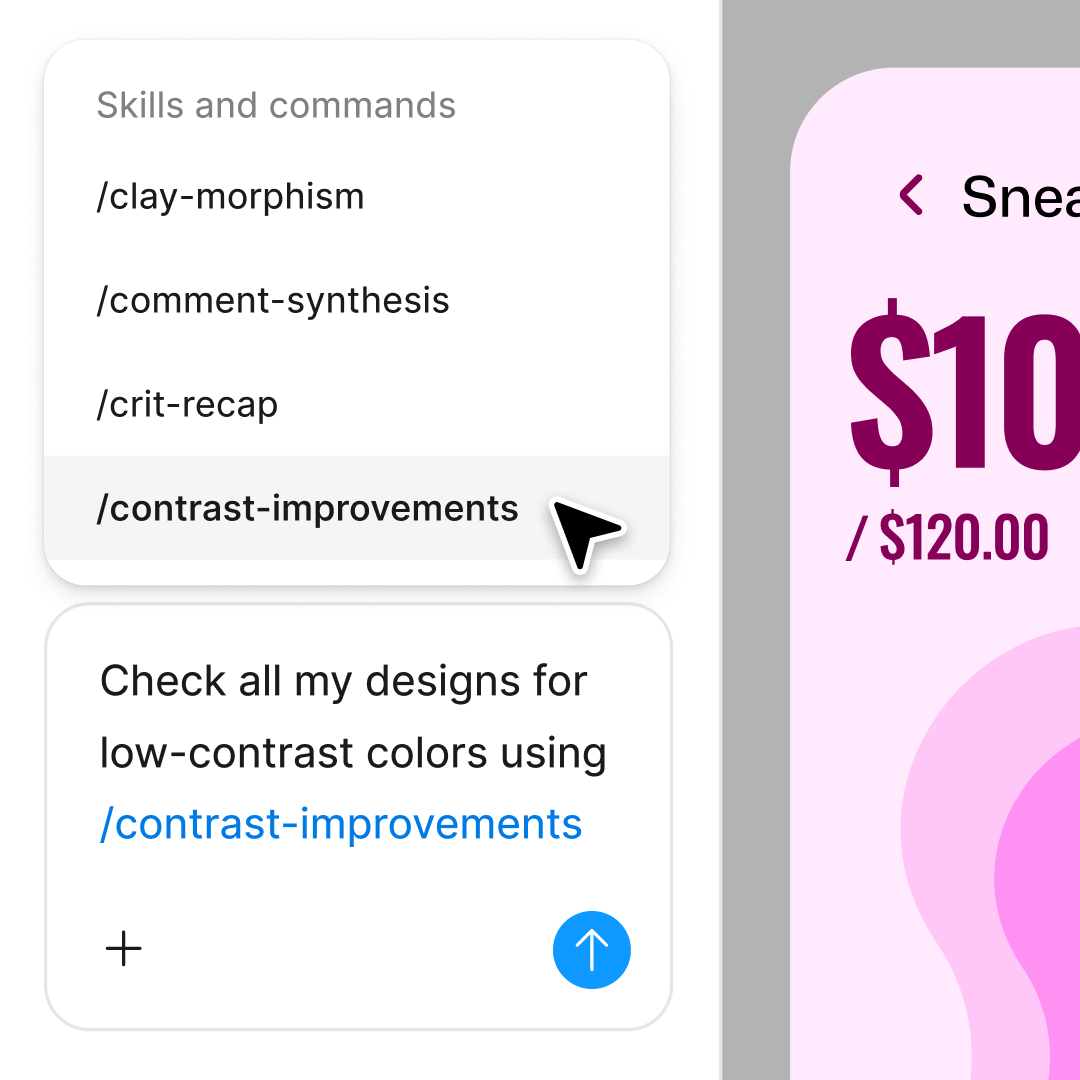
First pass not quite right? Adjust in the same thread or open a parallel one to try a different direction without losing your progress.
Figma feels like a natural extension of my hand. I do my design ideation on the canvas, and now the agent takes it the last mile. With my design libraries connected, I can move from design to code faster than ever before.
Andy Madrick
Product Designer, Notion

Select Agents in the left side rail or hit CMD + Enter. Add a frame to your canvas where you want the footer to appear.
Tell the agent what to include—navigation links, contact info, social icons, legal text. Point to your design library so it uses your real components.
Check the generated footer. Not quite there? Refine in the same thread or start a parallel one to explore a different layout direction.
Prompt again until the footer is right, then fine-tune by hand if needed. Everything stays fully editable on your canvas.
Watch Figma's AI Agent in action and see how to put it to work in your own workflows.

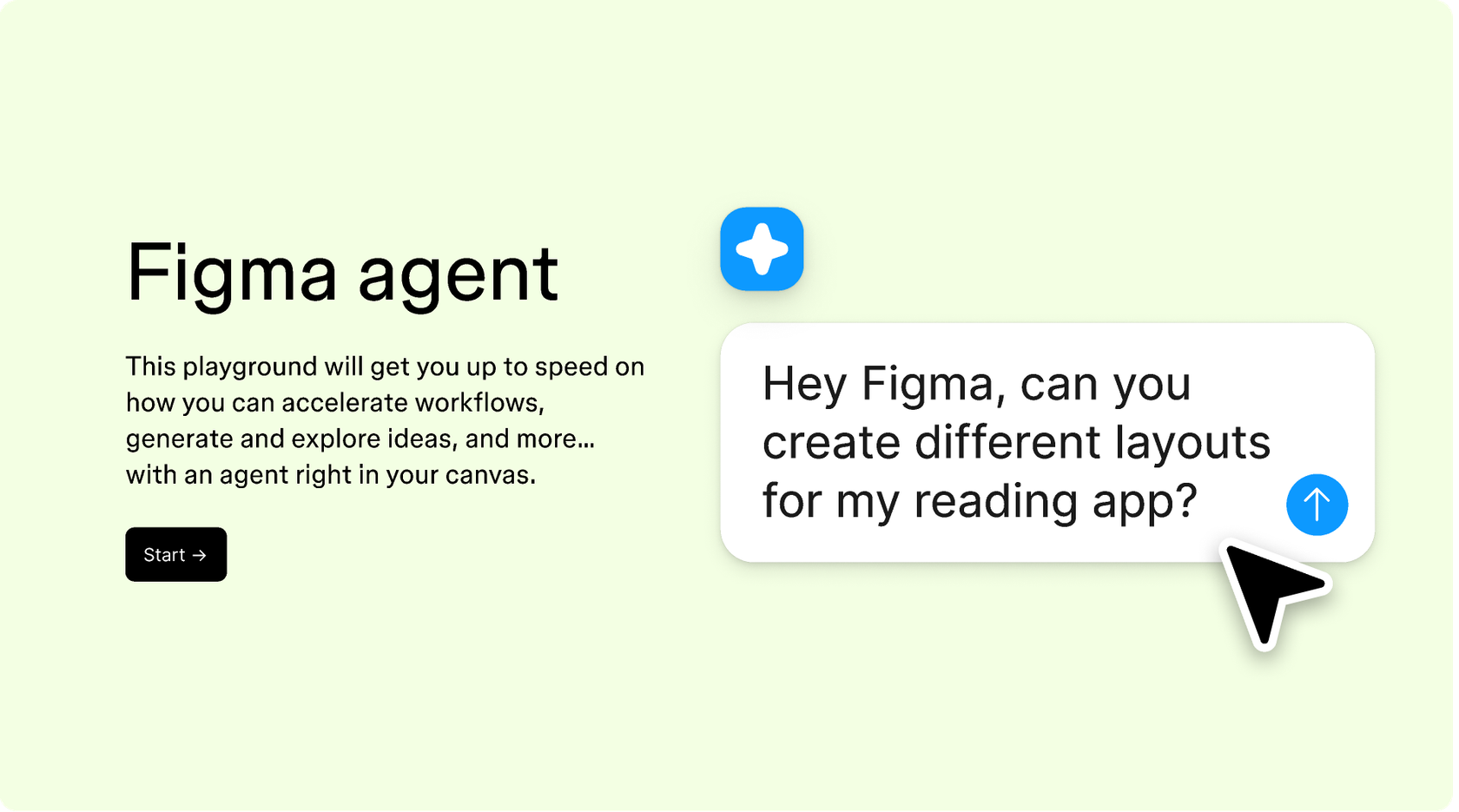
Hands-on playground to explore Figma agent's capabilities — from bulk edits to feedback implementation — with step-by-step guidance built right in.
Learn how to use Figma agent in your design workflows with a step-by-step tutorial from the Figma team.
Figma's agent is available on all paid Figma plans. You'll find it in the left navigation bar in Figma Design. During the current open beta, it doesn't consume AI credits—so it's a good time to explore, experiment, and share your feedback with us.
Build faster with Figma's agent


