Professional editing meets 3D generation
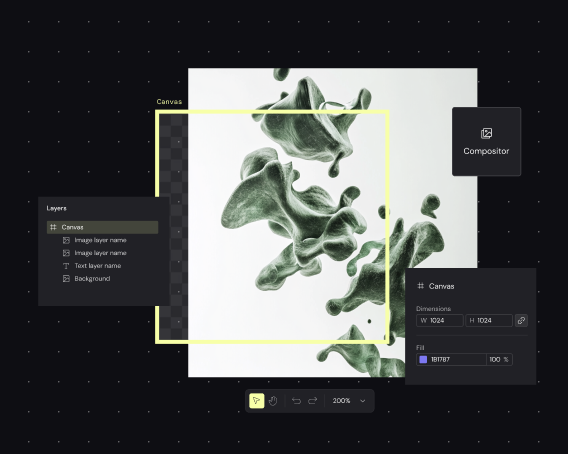
Refine your 3D renders without leaving the canvas. Adjust lighting, materials, and composition using professional-grade tools connected directly to your generation pipeline.
Skip to main content
Generate, edit, and render 3D models on one canvas — no tool-switching required.

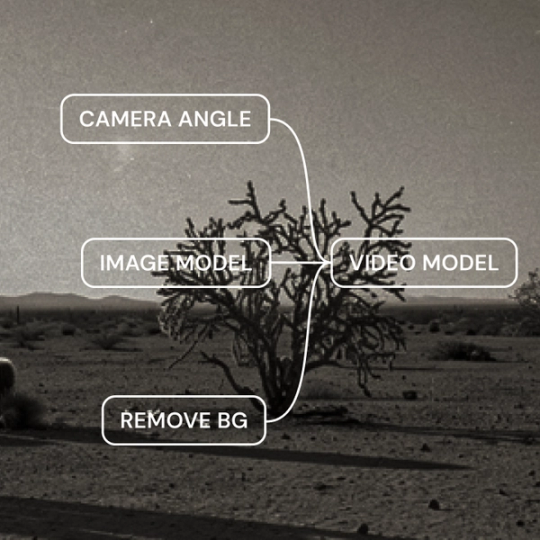
Figma Weave connects 3D generation to a complete editing pipeline. Build renders from AI-generated models, refine materials and lighting, and produce final outputs — all in one node-based workflow you can see and control.
Refine your 3D renders without leaving the canvas. Adjust lighting, materials, and composition using professional-grade tools connected directly to your generation pipeline.

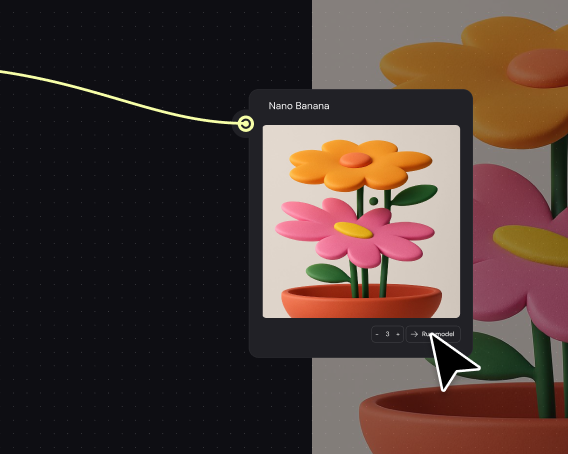
Connect to leading AI models for 3D generation without juggling separate subscriptions. Choose the right model for each asset — characters, environments, objects — and combine them in a single workflow.

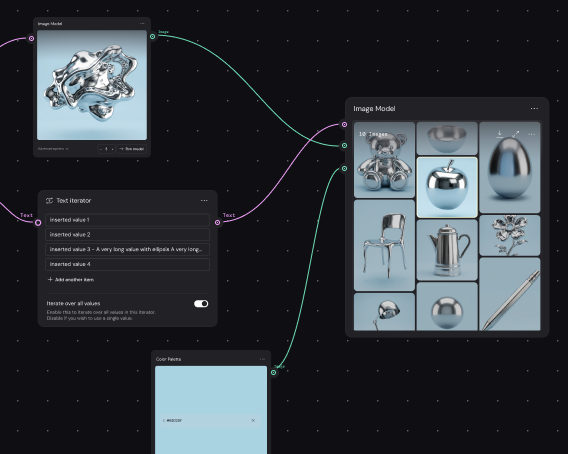
Build your 3D pipeline once, then apply it across product shots, scenes, or variations. Produce consistent renders at volume without rebuilding workflows from scratch each time.

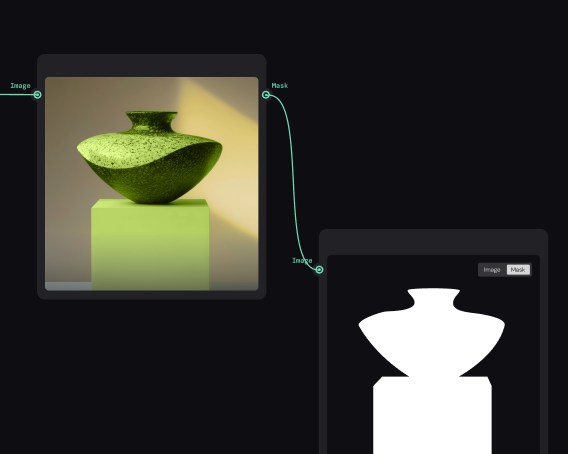
Encode your rendering standards into a reusable pipeline. Team members add inputs and get polished 3D outputs — no need to understand the full node graph or wait for one expert.
More resources
See how the Figma Community is using Figma Weave to create AI-generated images, video, and 3D.
A 3D rendering tool generates visual representations of three-dimensional models, simulating lighting, materials, and camera perspectives. Figma Weave combines AI-powered 3D generation with professional editing tools on a single node-based canvas.
Weave connects you to AI models that generate 3D assets from prompts or references. You build a visual pipeline of generation and editing nodes — controlling lighting, materials, and composition — then run the workflow to produce your final render.
Figma Weave works with common 3D formats as inputs and outputs within its workflows. Specific format support depends on the AI models connected to your pipeline. Check the help center for current compatibility details.
Render times vary based on complexity, model choice, and output resolution. AI-powered generation in Weave is typically faster than traditional rendering software, with most outputs ready in seconds to minutes rather than hours.
Yes. Figma Weave provides access to multiple AI models for 3D generation, combined with editing tools for refining materials, lighting, and composition — all in one connected workflow.
You can get started with Figma Weave for free. Advanced features and higher usage are available on paid plans.

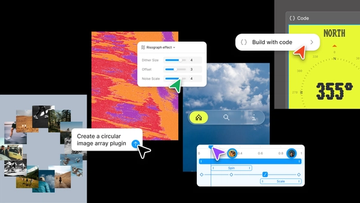
Push past what you thought was possible with code layers, Figma Motion, shaders, generative plugins and Weave tools, all on the canvas.

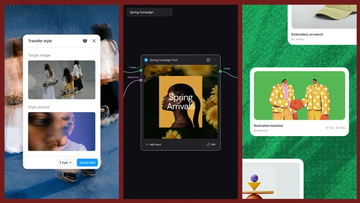
Today, we’re announcing new ways your Weave creative workflows can live alongside your Figma frames.
Aleph 2.0 brings frame-level creative direction to the Figma Weave canvas.

Lead Product Designer at Dropbox Sara Clayton used Figma Weave to add dimension to an Ideal Customer Profile in under two minutes. Steal her template to make your users feel real.

To build upon a visual language with AI, you need to harness the logic behind each prompt—building, editing, and directing how visuals come to life. Here, we share five creative workflows that show the breadth of what the Figma Weave canvas can do.
For our annual April Fun Day, we used Figma Make, Weave, and MCP to build six mini games that captured the spirit of play. Here’s what we learned.