
See and control every compositing step
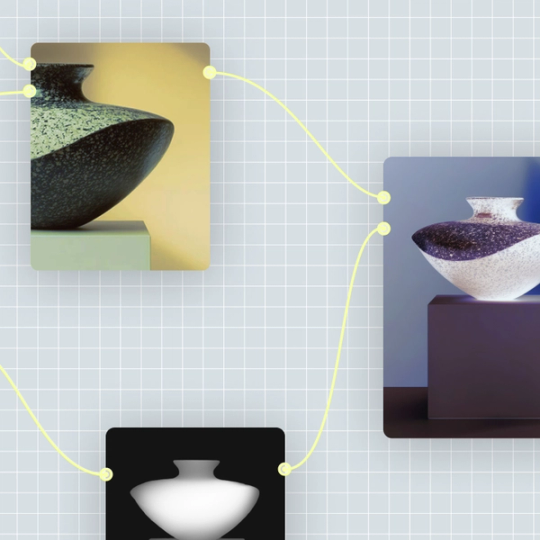
Each layer, mask, and effect is a visible node in your pipeline. Adjust the background removal settings, tweak the color match, or swap a model — without collapsing your work into a black box.
Skip to main content
Figma Weave brings AI-powered compositing into a node-based pipeline where every layer, mask, and blend is visible and controllable. Build complex compositions with the precision professionals expect, accelerated by intelligent tools.
Each layer, mask, and effect is a visible node in your pipeline. Adjust the background removal settings, tweak the color match, or swap a model — without collapsing your work into a black box.

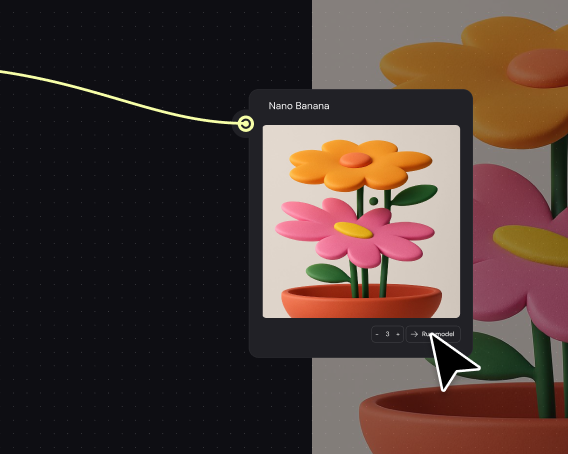
Access models from Runway, Luma, Kling, and more — all in one canvas. Use background removal from one provider, motion estimation from another, and blend them in the same workflow without switching tools.

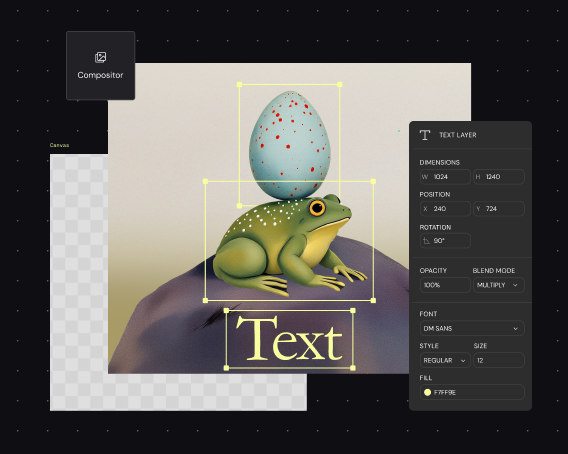
Layers, masks, mattes, color grading, and blending modes are native to the canvas. Refine AI-generated extractions, adjust edges, and composite with the same controls you'd expect from dedicated editing software.

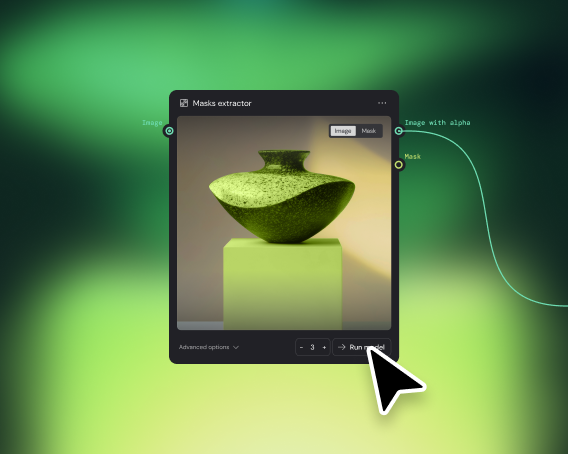
Experts build the compositing pipeline once — background removal, edge refinement, color matching all encoded. Team members add new footage and get finished composites without needing to understand every node.
More resources
See how the Figma Community is using Figma Weave to create AI-generated images, video, and 3D.
AI video compositing uses machine learning to automate tasks like background removal, object extraction, and layer blending. Figma Weave combines these AI capabilities with professional compositing tools on a single node-based canvas, giving you intelligent automation alongside manual control.
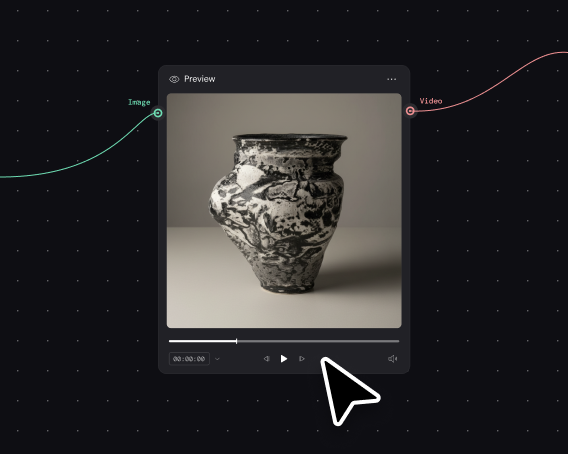
Figma Weave connects to multiple AI models that handle different compositing tasks — background removal, motion estimation, edge detection. You build a visual pipeline of nodes, each representing a step you can see and adjust, then run it to generate your composite.
Yes. AI models in Figma Weave can extract subjects from footage without requiring a green screen. The node-based workflow lets you refine the extraction, adjust edges, and apply additional masking if the automatic result needs fine-tuning.
You can get started with Figma Weave for free. Advanced features and higher usage — including access to more models and longer render times — are available on paid plans.
Most AI tools give you a single output from a single prompt. Figma Weave puts every compositing step — extraction, masking, color matching, blending — into a visible, adjustable pipeline. Professional editing tools are built directly into the canvas, so you're not moving files between separate applications.
Yes. Weave workflows are reusable systems. Build your compositing pipeline once, then run it on different footage to produce consistent results at volume — same background treatment, same color grade, same layer structure across every asset.

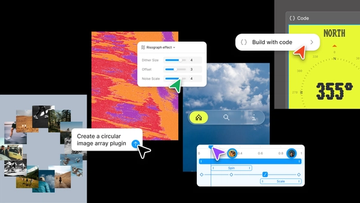
Push past what you thought was possible with code layers, Figma Motion, shaders, generative plugins and Weave tools, all on the canvas.

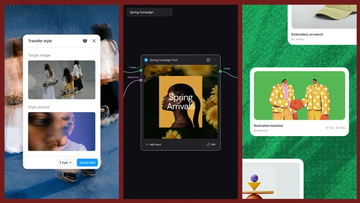
Today, we’re announcing new ways your Weave creative workflows can live alongside your Figma frames.
Aleph 2.0 brings frame-level creative direction to the Figma Weave canvas.

Lead Product Designer at Dropbox Sara Clayton used Figma Weave to add dimension to an Ideal Customer Profile in under two minutes. Steal her template to make your users feel real.

To build upon a visual language with AI, you need to harness the logic behind each prompt—building, editing, and directing how visuals come to life. Here, we share five creative workflows that show the breadth of what the Figma Weave canvas can do.
For our annual April Fun Day, we used Figma Make, Weave, and MCP to build six mini games that captured the spirit of play. Here’s what we learned.