Compositor node workflows, reimagined

Every AI model, professional compositing tools, and a node-based canvas—unified.

Node-based compositing meets AI generation

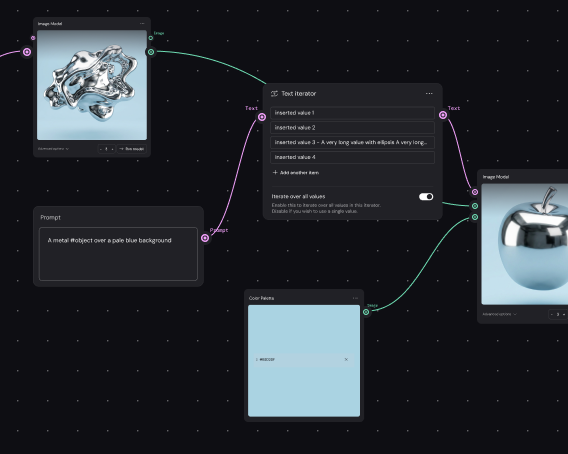
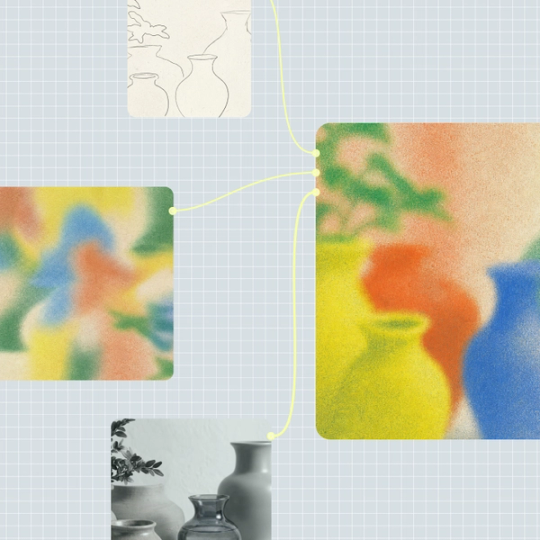
Weave brings compositor node workflows into a unified canvas where AI generation and professional compositing tools connect directly. Build visible pipelines, layer outputs, and refine every pass—all without switching between separate applications.

  • Professional compositing built into generation

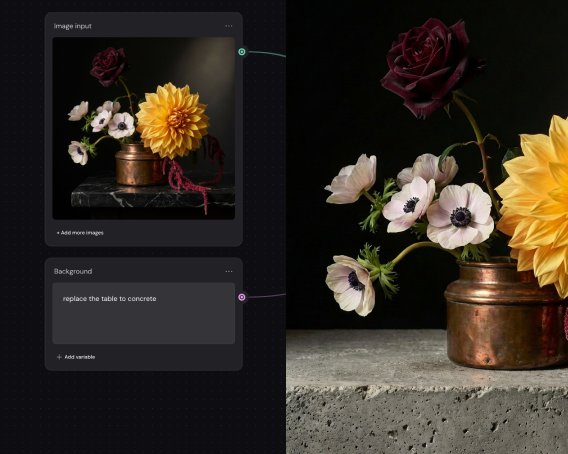
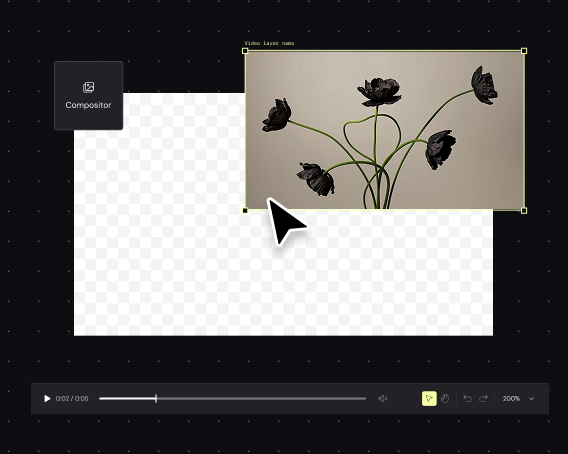
    Layers, channels, masking, and color grading live alongside your generation nodes. Blend AI outputs with real footage, adjust mattes, and grade passes—all connected in the same pipeline where content is created.

  • Visible node graphs that keep you directing

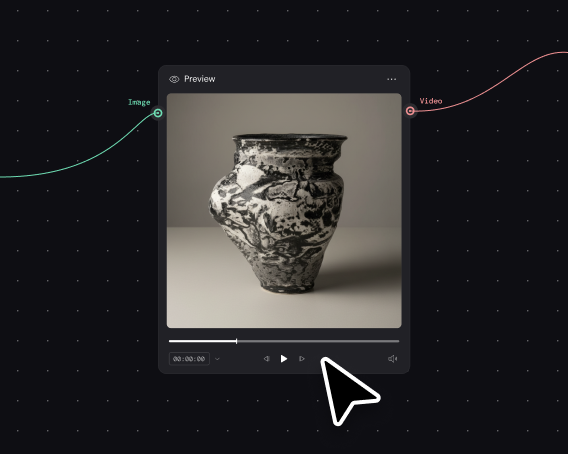
    Every generation step, every composite layer, every adjustment is a node you can see and modify. Your creative decisions stay explicit in the graph—not collapsed into a single prompt or hidden behind automation.

  • Build once, composite at volume

    Create a compositor workflow that handles AI generation, layering, and grading, then run it across hundreds of shots or variations. Consistent output quality at scale, without rebuilding the node graph each time.

  • Turn complex composites into team tools

    Senior compositors build the node workflow once, encoding logic for AI element generation and finishing. Others supply new inputs and get properly composited results without mastering the full pipeline themselves.

How to build compositor workflows in Figma Weave

Built by our community

See how the Figma Community is using Figma Weave to create AI-generated images, video, and 3D.

FAQ

A compositor node workflow connects multiple processing steps—AI generation, layering, masking, color grading—as visible nodes in a graph. Each connection shows how elements combine into a final output. Figma Weave uses this approach to link AI models directly to professional compositing tools.

In Weave, you add nodes directly to the canvas and connect them to build your pipeline. Generation nodes, compositing operations, and editing tools all appear as draggable elements you wire together visually.

Compositing combines multiple visual elements—generated imagery, footage, 3D renders, effects—into a cohesive final frame. Figma Weave integrates this with AI generation, so compositing happens in the same canvas where content is created.

Yes. Weave connects AI model outputs directly to compositor nodes. Generate a background, a 3D element, or an animated sequence, then layer, mask, and grade it alongside other assets in the same node graph.

Node-based workflows show every operation as a connected step in a visible pipeline, making complex multi-pass work easier to manage and modify. Weave's approach lets you trace how AI generation feeds into compositing decisions at every stage.

You can get started with Figma Weave for free. Advanced features and higher usage are available on paid plans.

Become an agent expert

Collage-style product graphic showcasing AI-assisted design and development workflows, with plugin creation prompts, visual effect controls, code generation tools, and interactive UI components arranged across a creative workspace.Collage-style product graphic showcasing AI-assisted design and development workflows, with plugin creation prompts, visual effect controls, code generation tools, and interactive UI components arranged across a creative workspace.

Config 2026: New materials, new tools and a more expressive canvas

Push past what you thought was possible with code layers, Figma Motion, shaders, generative plugins and Weave tools, all on the canvas.

Learn more
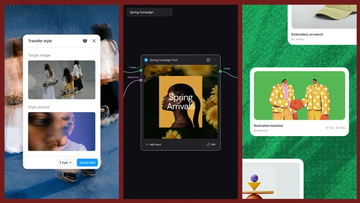
Three-panel product graphic demonstrating AI-powered style transfer. On the left, a "Transfer style" interface displays a target image of people carrying skateboards and a blurred portrait used as the style source. In the center, a workflow canvas labeled "Spring Campaign" shows a connected post-generation node producing a floral-themed social media graphic titled "Spring Arrivals." On the right, a gallery-style layout displays generated creative assets, including an illustrated handshake artwork and merchandise design cards, showing how transferred styles can be applied across a campaign.Three-panel product graphic demonstrating AI-powered style transfer. On the left, a "Transfer style" interface displays a target image of people carrying skateboards and a blurred portrait used as the style source. In the center, a workflow canvas labeled "Spring Campaign" shows a connected post-generation node producing a floral-themed social media graphic titled "Spring Arrivals." On the right, a gallery-style layout displays generated creative assets, including an illustrated handshake artwork and merchandise design cards, showing how transferred styles can be applied across a campaign.

Connecting Figma and Weave

Today, we’re announcing new ways your Weave creative workflows can live alongside your Figma frames.

Learn more

Direct every frame with Runway Aleph 2.0, now in Figma Weave

Aleph 2.0 brings frame-level creative direction to the Figma Weave canvas.

Learn more
An abstract flower with leaves turning into nodesAn abstract flower with leaves turning into nodes

Steal this template: Bring a user persona to life with Figma Weave

Lead Product Designer at Dropbox Sara Clayton used Figma Weave to add dimension to an Ideal Customer Profile in under two minutes. Steal her template to make your users feel real.

Learn more
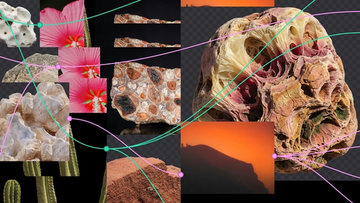
A collage of natural reference images—including a hibiscus flower, rock faces, cacti, and an orange desert landscape—connected by pink and teal lines with node points, representing a Figma Weave canvas linking visual assets together.A collage of natural reference images—including a hibiscus flower, rock faces, cacti, and an orange desert landscape—connected by pink and teal lines with node points, representing a Figma Weave canvas linking visual assets together.

Turning prompts into five scalable workflows with Figma Weave

To build upon a visual language with AI, you need to harness the logic behind each prompt—building, editing, and directing how visuals come to life. Here, we share five creative workflows that show the breadth of what the Figma Weave canvas can do.

Learn more

How Figma AI tools helped us bring extra delight to the canvas

For our annual April Fun Day, we used Figma Make, Weave, and MCP to build six mini games that captured the spirit of play. Here’s what we learned.

Learn more