Every 3D model, one unified canvas
Access leading image-to-3D AI models from multiple providers without juggling subscriptions. Compare outputs, pick the best model for your asset type, and keep everything in one workspace.
Skip to main content
Turn any image into a 3D model — every AI model, one canvas.

Figma Weave connects image-to-3D AI models to a professional pipeline. Generate models from photos, refine topology and textures, and integrate 3D assets into larger creative workflows — all without switching tools.
Access leading image-to-3D AI models from multiple providers without juggling subscriptions. Compare outputs, pick the best model for your asset type, and keep everything in one workspace.

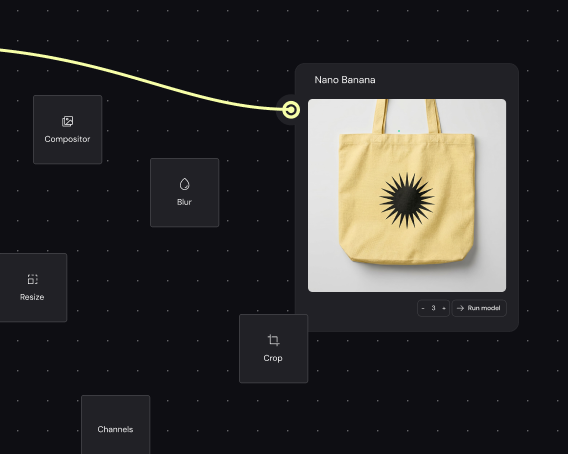
Refine generated 3D models without exporting. Adjust textures, tweak materials, and composite your models directly on the canvas — the same precision tools professionals expect, connected to generation.

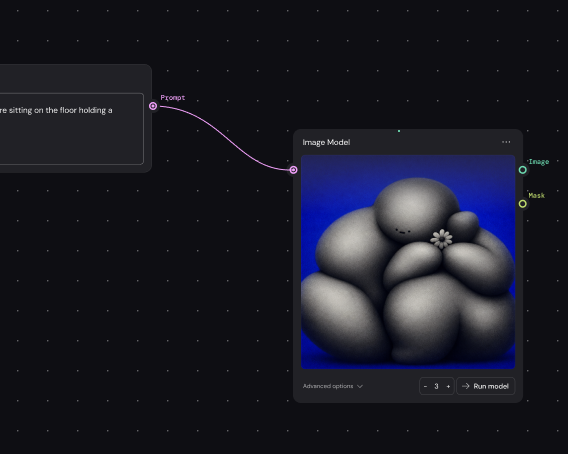
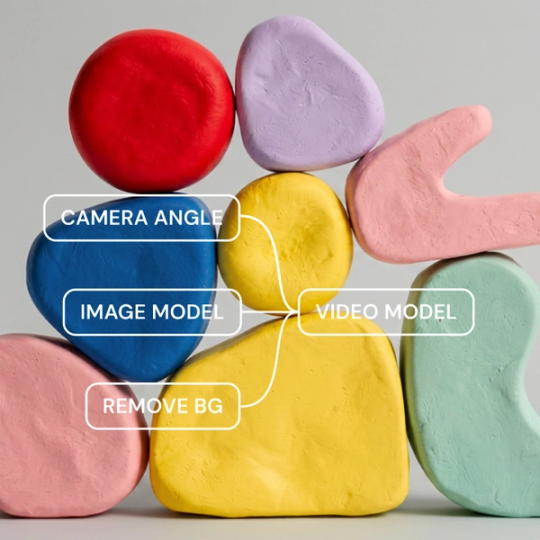
Weave makes your image-to-3D process visible. Each node shows how reference images, generation settings, and refinements connect — your creative decisions stay traceable, not buried in a single prompt.

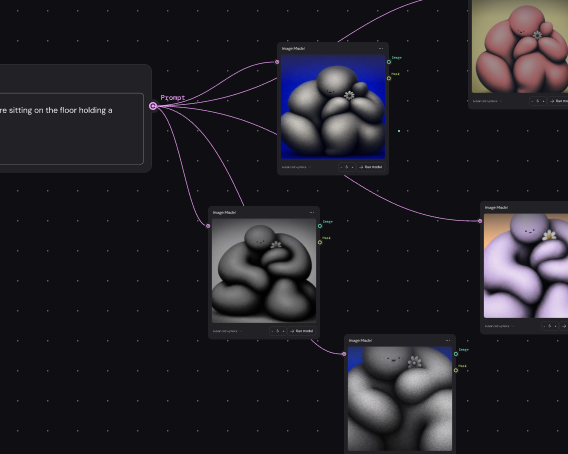
Build a pipeline once and run it across product photos, concept sketches, or reference images. Generate consistent 3D assets at volume for catalogs, games, or campaigns without rebuilding each time.
More resources
See how the Figma Community is using Figma Weave to create AI-generated images, video, and 3D.
Image to 3D model AI uses machine learning to generate three-dimensional models from two-dimensional images. Figma Weave connects you to multiple image-to-3D providers on a single canvas, so you can generate, compare, and refine models in one place.
AI analyzes depth cues, geometry, and surface details in a 2D image to infer three-dimensional structure. Figma Weave lets you feed images into different AI models and refine the results with professional editing tools built into the same pipeline.
Accuracy depends on the source image quality and the AI model used. Weave gives you access to multiple providers so you can compare outputs and choose the model that best captures the geometry and detail your project requires.
Export formats vary by model provider and use case — common outputs include OBJ, GLTF, and FBX. Figma Weave supports standard 3D formats so you can move assets into game engines, rendering software, or 3D printing workflows.
Many AI models can generate a 3D model from a single image, though multiple angles can improve accuracy. Weave lets you experiment with different input approaches and compare results across models to find what works best for your asset.
You can get started with Figma Weave for free. Advanced features and higher usage are available on paid plans, giving you room to explore image-to-3D generation before scaling up.

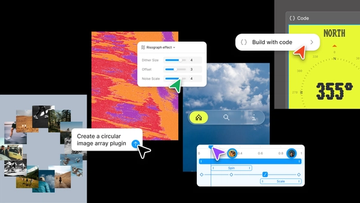
Push past what you thought was possible with code layers, Figma Motion, shaders, generative plugins and Weave tools, all on the canvas.

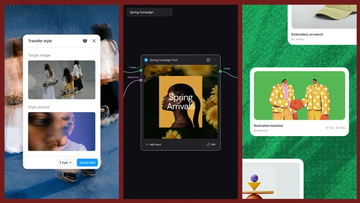
Today, we’re announcing new ways your Weave creative workflows can live alongside your Figma frames.
Aleph 2.0 brings frame-level creative direction to the Figma Weave canvas.

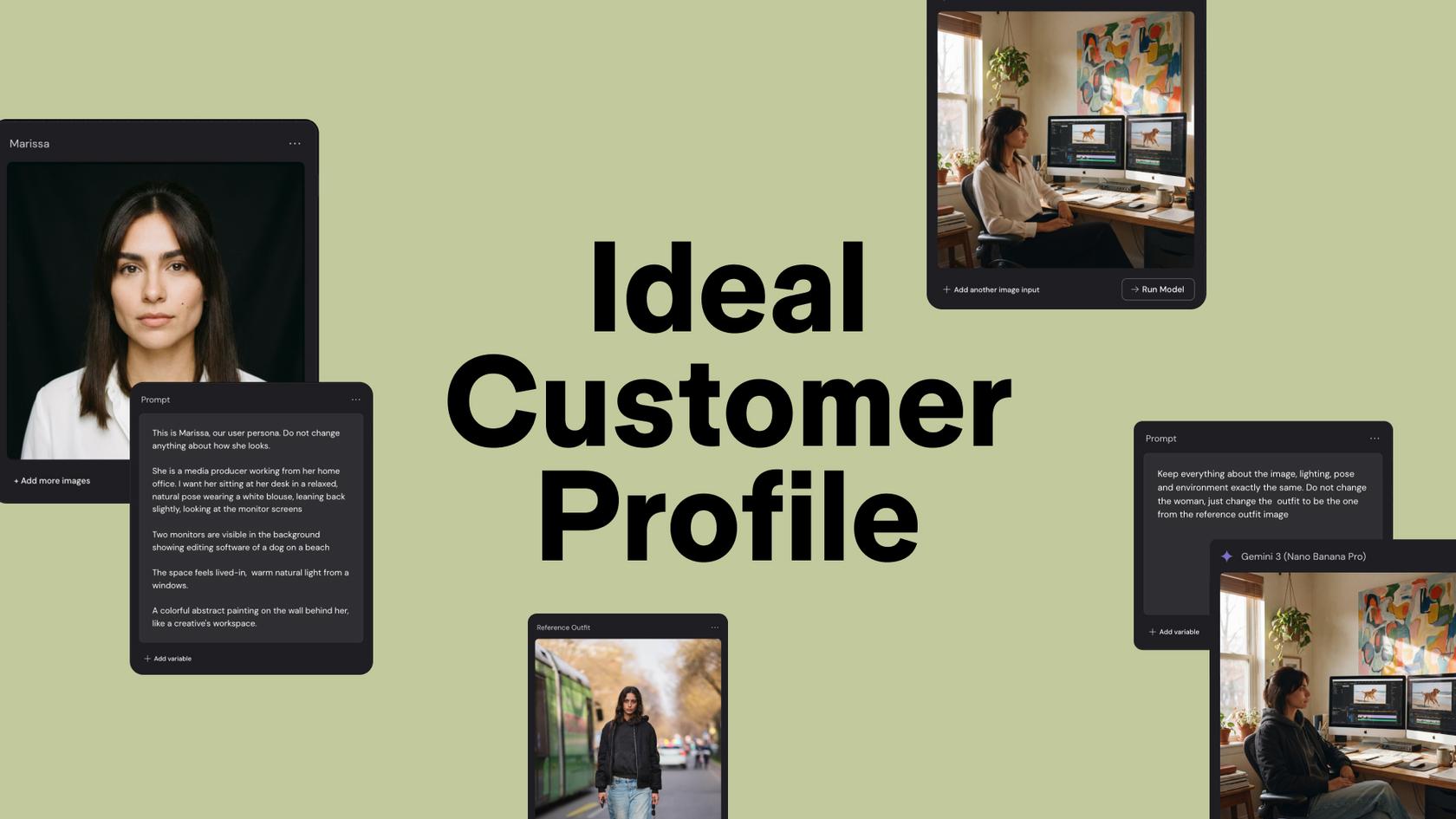
Lead Product Designer at Dropbox Sara Clayton used Figma Weave to add dimension to an Ideal Customer Profile in under two minutes. Steal her template to make your users feel real.

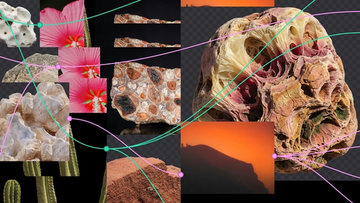
To build upon a visual language with AI, you need to harness the logic behind each prompt—building, editing, and directing how visuals come to life. Here, we share five creative workflows that show the breadth of what the Figma Weave canvas can do.
For our annual April Fun Day, we used Figma Make, Weave, and MCP to build six mini games that captured the spirit of play. Here’s what we learned.