
Every major AI model, in one place
Access image, video, audio, and 3D models from Google, Kling, Runway, Luma, and more without managing multiple subscriptions. Pick the best model for each step, right from your canvas.
Skip to main content
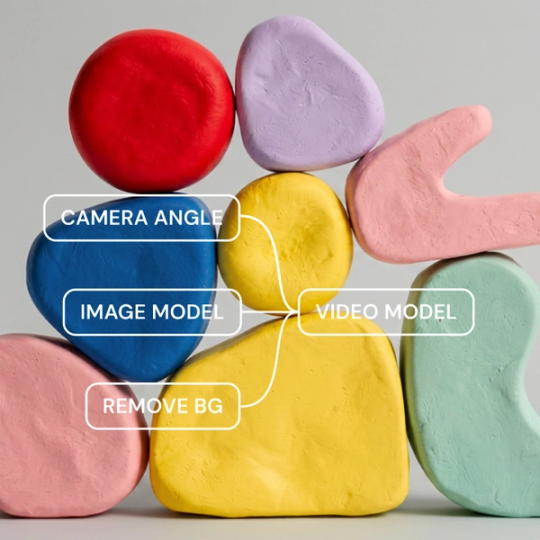
Figma Weave gives you access to every major AI model—image, video, audio, and 3D—next to the professional editing tools you'd expect from a dedicated suite. Everything runs on a node-based canvas, so you can see exactly how your pipeline works, control every step, and build workflows you can run again.
Access image, video, audio, and 3D models from Google, Kling, Runway, Luma, and more without managing multiple subscriptions. Pick the best model for each step, right from your canvas.

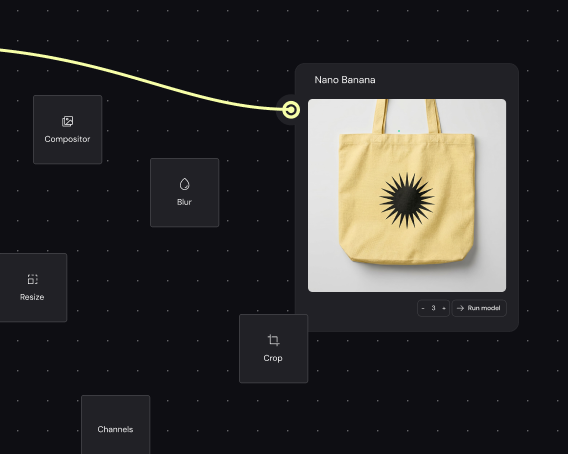
Layers, masking, color grading, compositing, inpainting, and relighting: all the professional tools you count on are native to the canvas, not bolted on after the fact.

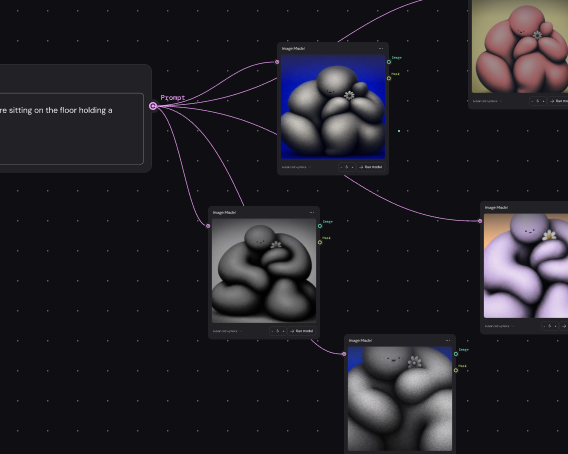
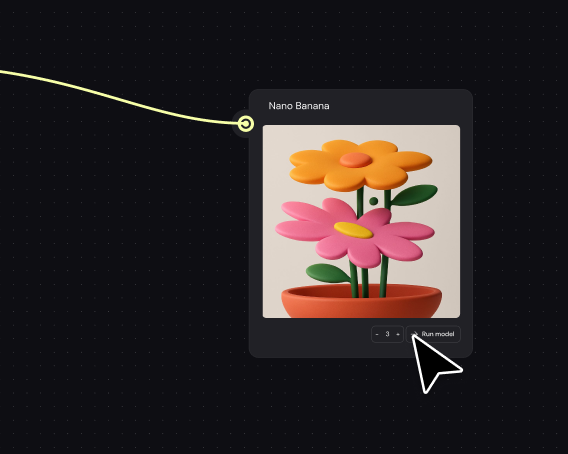
Figma Weave workflows are reusable systems. Run the same pipeline on different inputs to produce on-brand assets across formats, regions, and campaigns without having to start over every time.

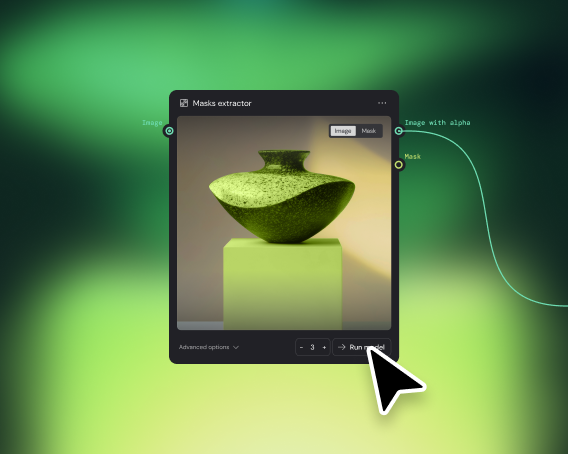
Build the pipeline once and encode your creative logic and quality standards into it. Share a simplified interface so anyone on your team can add inputs and get results—no dependency on one person's judgment every time.
More resources
See how the Figma Community is using Figma Weave to create AI-generated images, video, and 3D.
Figma Weave is an AI-powered creative platform that gives you access to every major AI model—image, video, audio, and 3D— plus professional editing tools in a single node-based canvas. You can build workflows that combine AI generation with compositing, masking, color grading, and more, then run them at scale.
Yes. Figma Weave supports image-to-video generation using models like Kling, Runway, Luma, and Wan. You can animate a still image, control camera movement, and refine the output with editing tools — all without leaving the canvas.
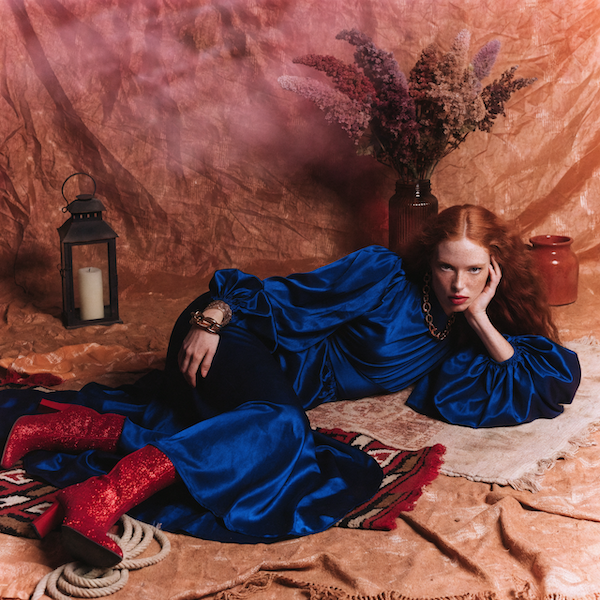
Figma Weave supports models from Google, Kling, Runway, Luma, Stable Diffusion, Recraft, Bria, and more. You can use different models for different steps in the same workflow, including image generation, video, 3D, and audio, without switching platforms or managing separate subscriptions.
Most AI tools give you a single model and a single output. Figma Weave puts every step (model selection, references, edits, sequencing) into a visual pipeline you control. You can also build reusable workflows and share simplified versions with your team.
Figma Weave works for AI image generation, image-to-video animation, 3D model creation, ad creative production, and more. It's built for professional creatives who need to produce at volume without sacrificing quality or creative control.
You can get started with Figma Weave for free. Advanced features and higher usage are available on paid plans.
Yes. You can build a workflow once and share a simplified version with your team. They add the inputs and get the results—no need to manage the full pipeline themselves.

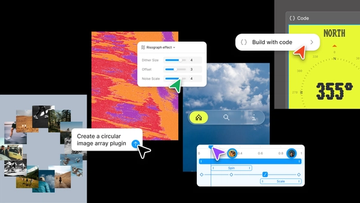
Push past what you thought was possible with code layers, Figma Motion, shaders, generative plugins and Weave tools, all on the canvas.

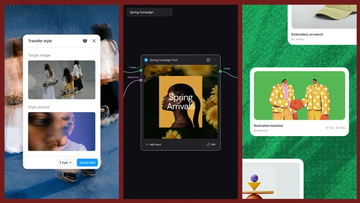
Today, we’re announcing new ways your Weave creative workflows can live alongside your Figma frames.
Aleph 2.0 brings frame-level creative direction to the Figma Weave canvas.

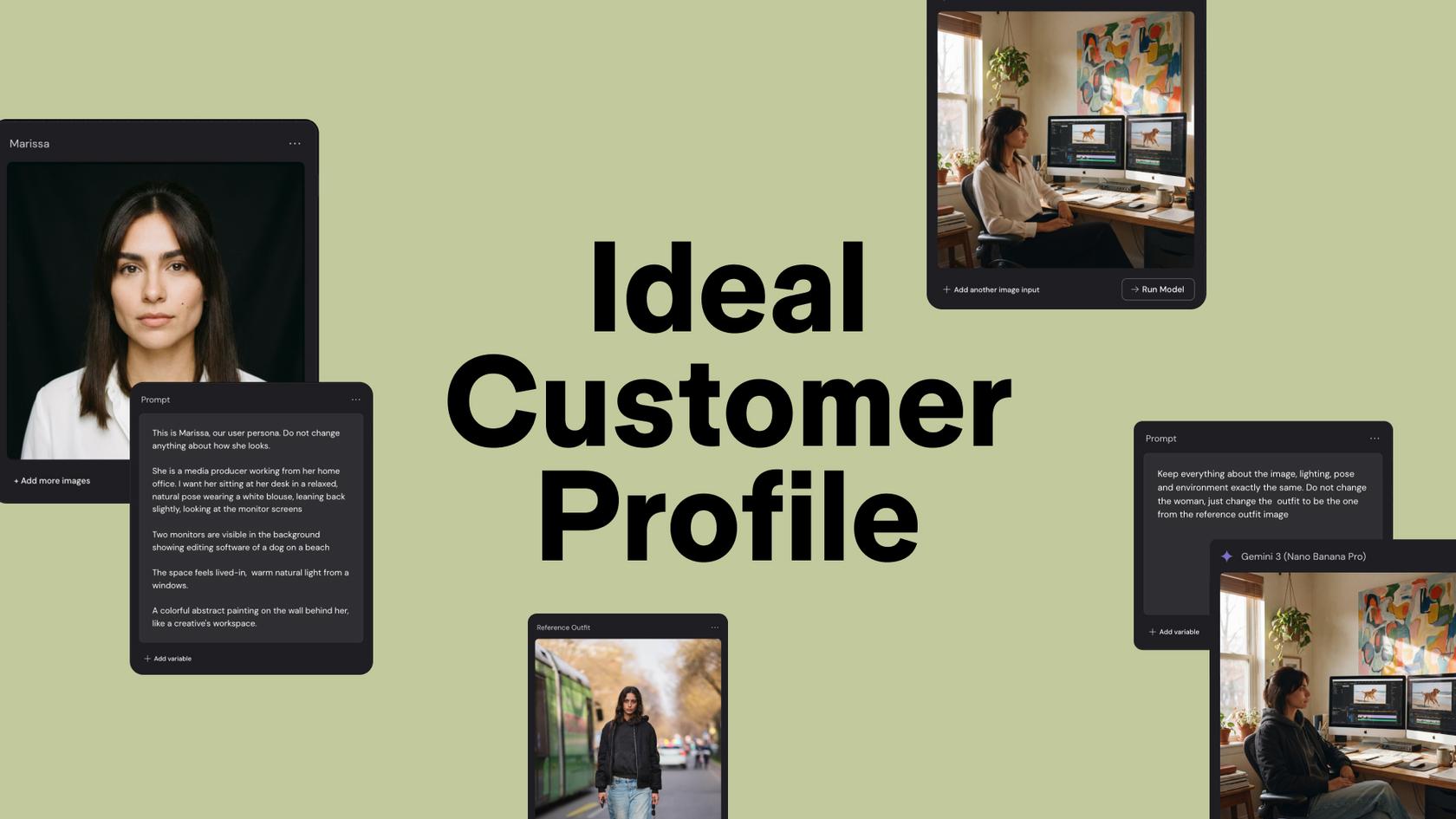
Lead Product Designer at Dropbox Sara Clayton used Figma Weave to add dimension to an Ideal Customer Profile in under two minutes. Steal her template to make your users feel real.

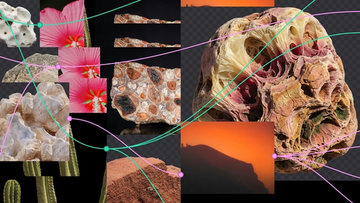
To build upon a visual language with AI, you need to harness the logic behind each prompt—building, editing, and directing how visuals come to life. Here, we share five creative workflows that show the breadth of what the Figma Weave canvas can do.
For our annual April Fun Day, we used Figma Make, Weave, and MCP to build six mini games that captured the spirit of play. Here’s what we learned.