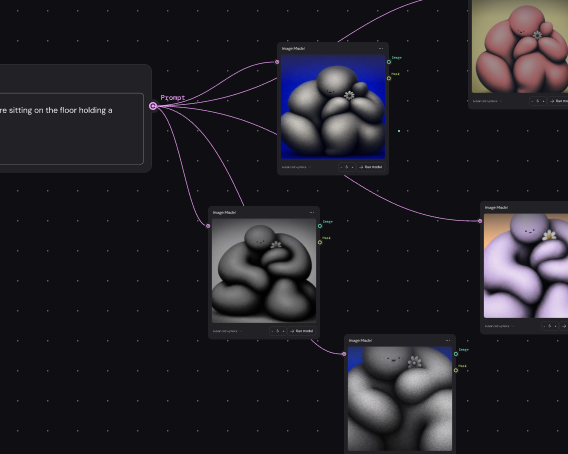
Generate interiors for your full inventory
Build your interior photo workflow once, then run it across your entire catalog. Produce consistent, on-brand cabin imagery at volume — across trim levels, colors, and vehicle lines — without starting over.
Skip to main content
Every AI model, professional editing, and no switching tools.

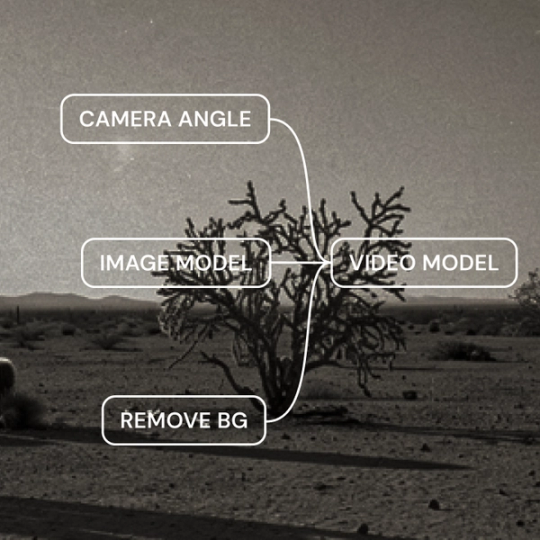
Weave brings AI generation and professional editing together on one canvas. Generate cabin shots, refine materials, adjust lighting, and produce dealer-ready interiors — all in a connected workflow.
Build your interior photo workflow once, then run it across your entire catalog. Produce consistent, on-brand cabin imagery at volume — across trim levels, colors, and vehicle lines — without starting over.

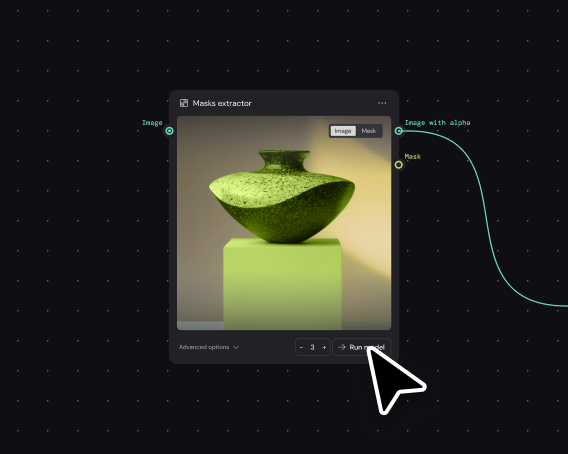
Build the interior generation workflow once with your quality standards encoded. Your team runs it through a simplified interface — upload the reference, get dealer-ready results without rebuilding the pipeline each time.

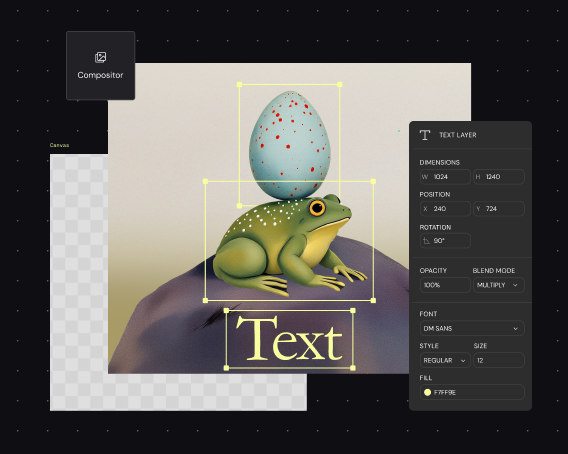
Go beyond generation without leaving Weave. Adjust lighting, enhance material textures, color grade leather and trim, and composite elements — professional finishing tools connected directly to your generated interiors.

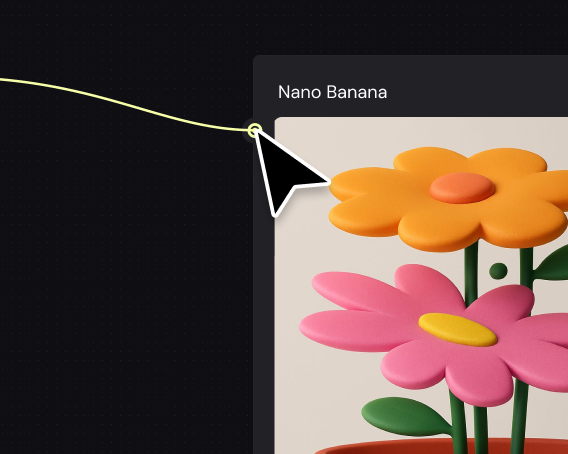
Access all major image generation models without managing separate subscriptions. Generate cabin views, dashboard details, and interior angles — choosing the right model for each shot, all in one place.
More resources
See how the Figma Community is using Figma Weave to create AI-generated images, video, and 3D.
Figma Weave is a node-based canvas that generates realistic car interior images using AI models. It combines generation with professional editing tools, letting you create and refine cabin photos in a single connected workflow.
Weave connects to multiple AI image generation models on one canvas. You can reference existing interiors, specify materials and lighting, then use built-in editing tools to refine textures, shadows, and details for photorealistic results.
With Weave's professional editing tools — color grading, lighting adjustment, and material enhancement — you can produce dealer-ready interior photos. The node-based workflow lets you refine every detail to meet listing standards.
Yes. Weave includes masking and compositing tools native to the canvas. You can isolate cabin interiors, remove unwanted backgrounds, and composite elements — all within your generation workflow.
Weave workflows are reusable systems. Build your interior photo pipeline once — with your lighting, angles, and quality standards — then run it across different vehicles to produce consistent imagery at scale.
You can get started with Figma Weave for free. Advanced features and higher usage are available on paid plans.

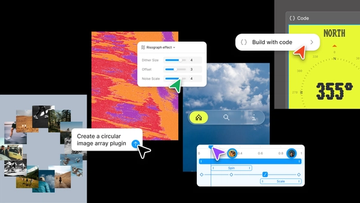
Push past what you thought was possible with code layers, Figma Motion, shaders, generative plugins and Weave tools, all on the canvas.

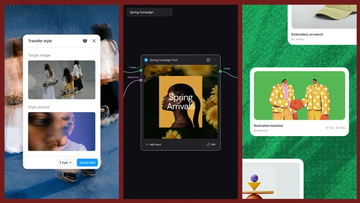
Today, we’re announcing new ways your Weave creative workflows can live alongside your Figma frames.
Aleph 2.0 brings frame-level creative direction to the Figma Weave canvas.

Lead Product Designer at Dropbox Sara Clayton used Figma Weave to add dimension to an Ideal Customer Profile in under two minutes. Steal her template to make your users feel real.

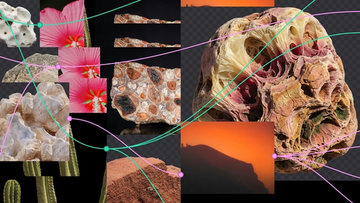
To build upon a visual language with AI, you need to harness the logic behind each prompt—building, editing, and directing how visuals come to life. Here, we share five creative workflows that show the breadth of what the Figma Weave canvas can do.
For our annual April Fun Day, we used Figma Make, Weave, and MCP to build six mini games that captured the spirit of play. Here’s what we learned.