
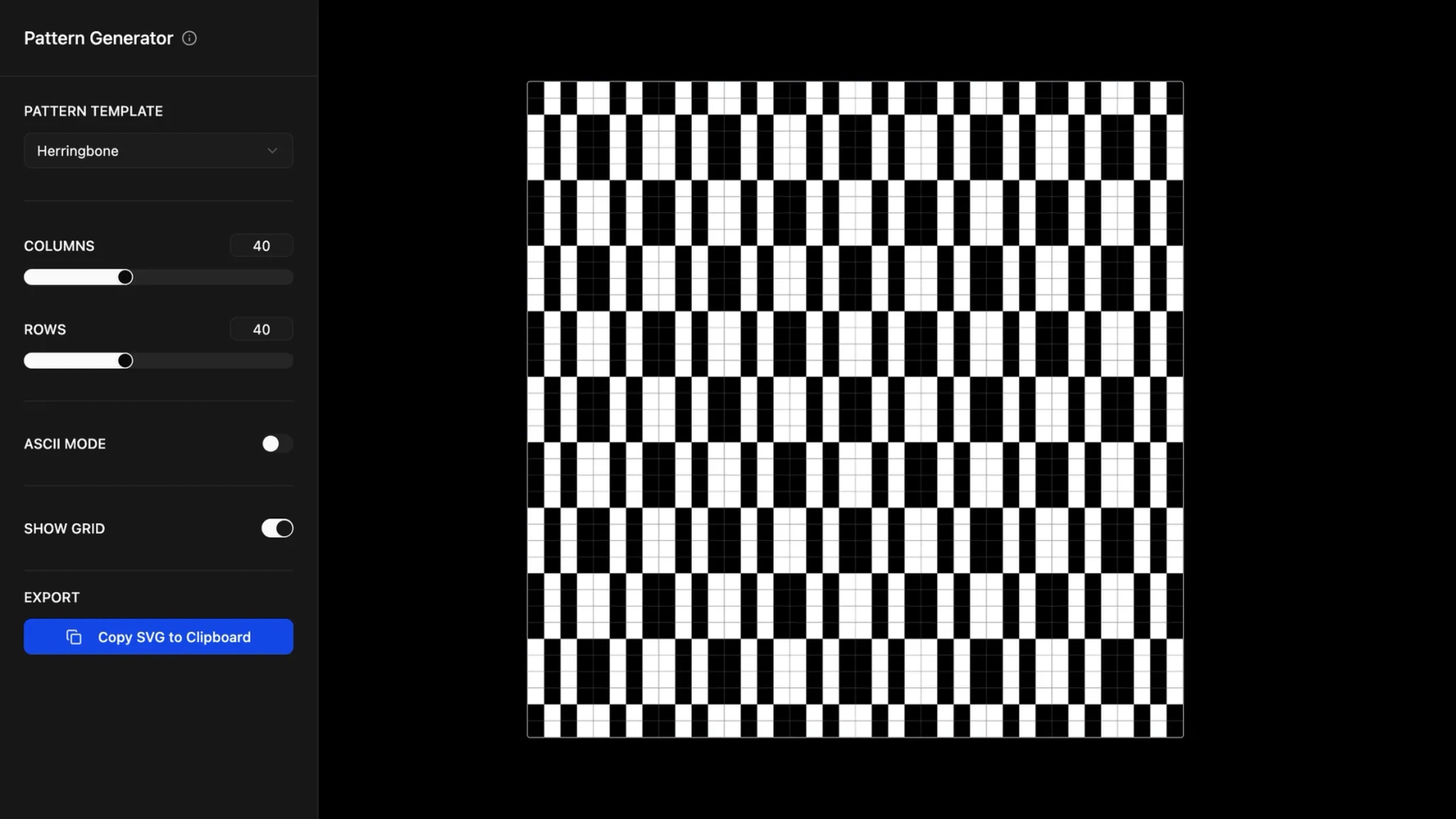

Build websites with AI in Figma Make
Transform your wildest website ideas into reality using Figma Make's AI website generator. From concept to launch, create stunning, responsive websites that convert—no coding required.
Go from idea to responsive, interactive site - no code required.

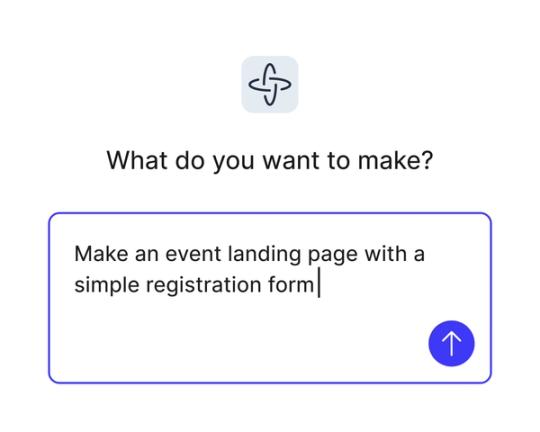
Build websites with natural language
Describe your site in everyday language, and Figma Make generates layout, structure, and interactions—automatically.

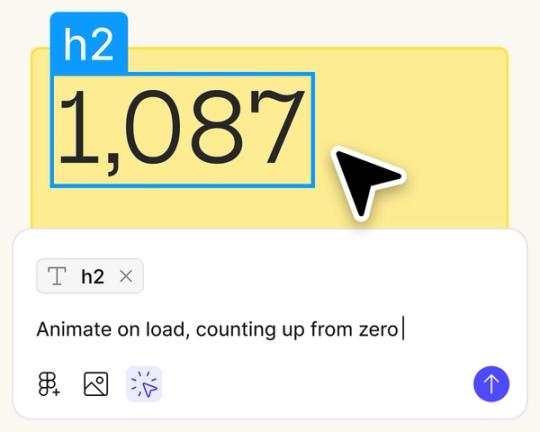
Design and build in one place
No need to switch between tools. Figma Make keeps you in flow from first frame to final handoff.

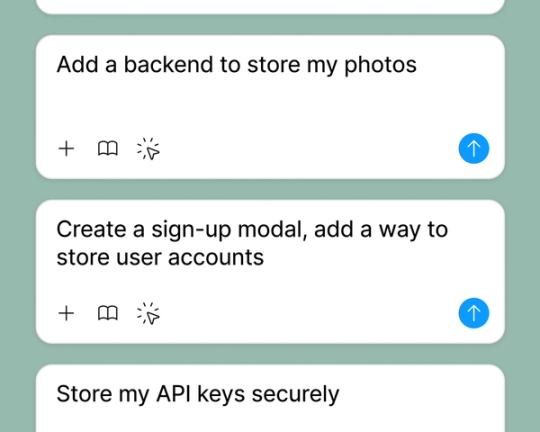
Add real data in seconds
Connect to a backend to simulate dynamic content and test how your site behaves before publishing.

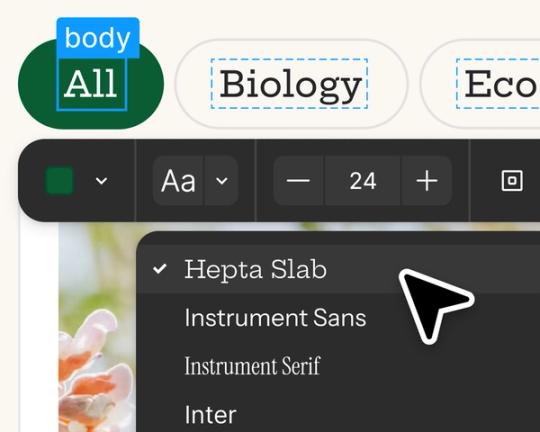
Create responsive, interactive pages
Add animations, layout behaviors, and logic to make your site feel polished - no code needed.
Built by our community.
Get inspired by incredible websites created with our AI website builder. From startups to enterprises, see what's possible when creativity meets AI.
- Benjamin Leonard
- arshaikh

- abdullahimeg

- AI generator


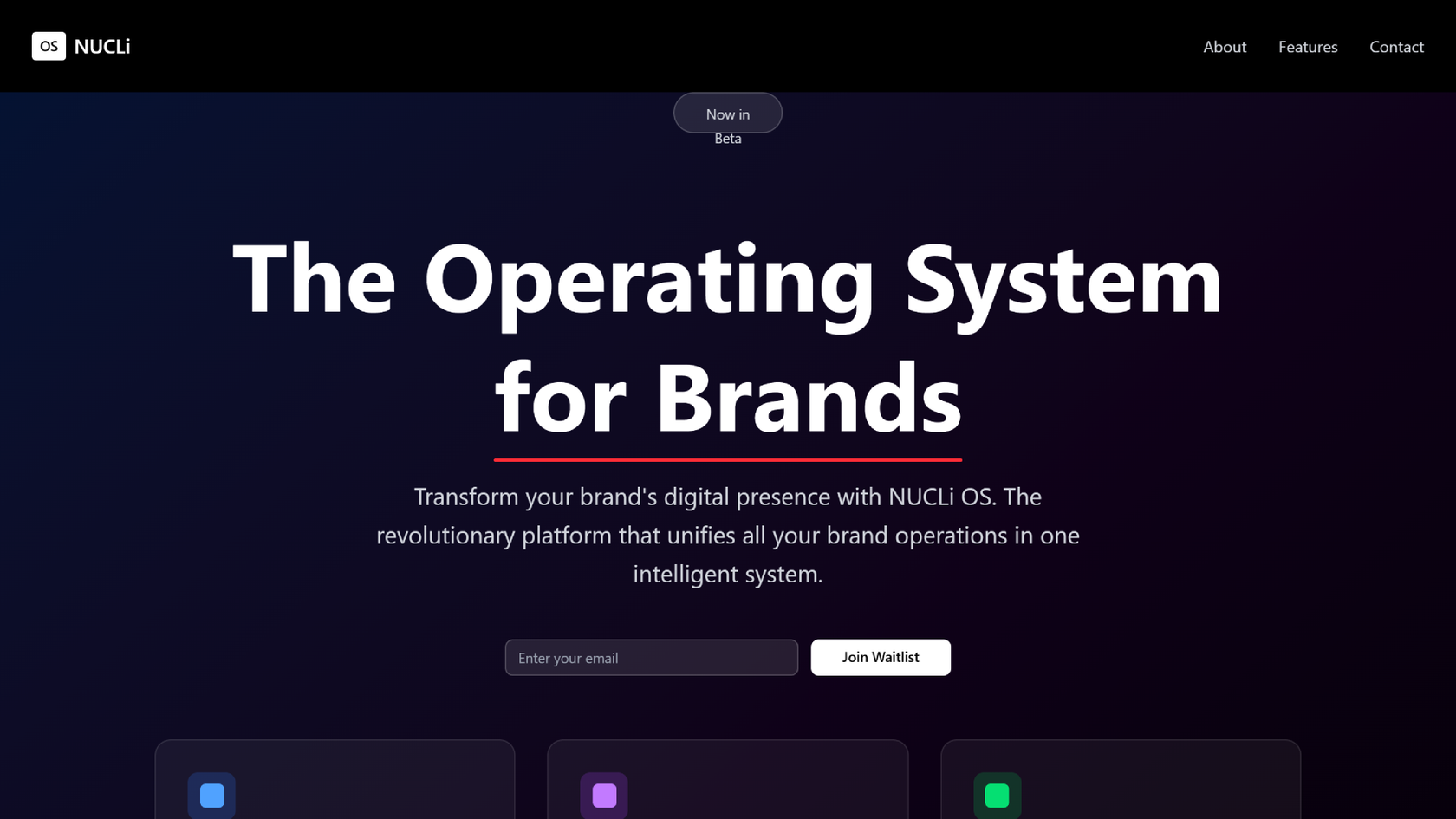





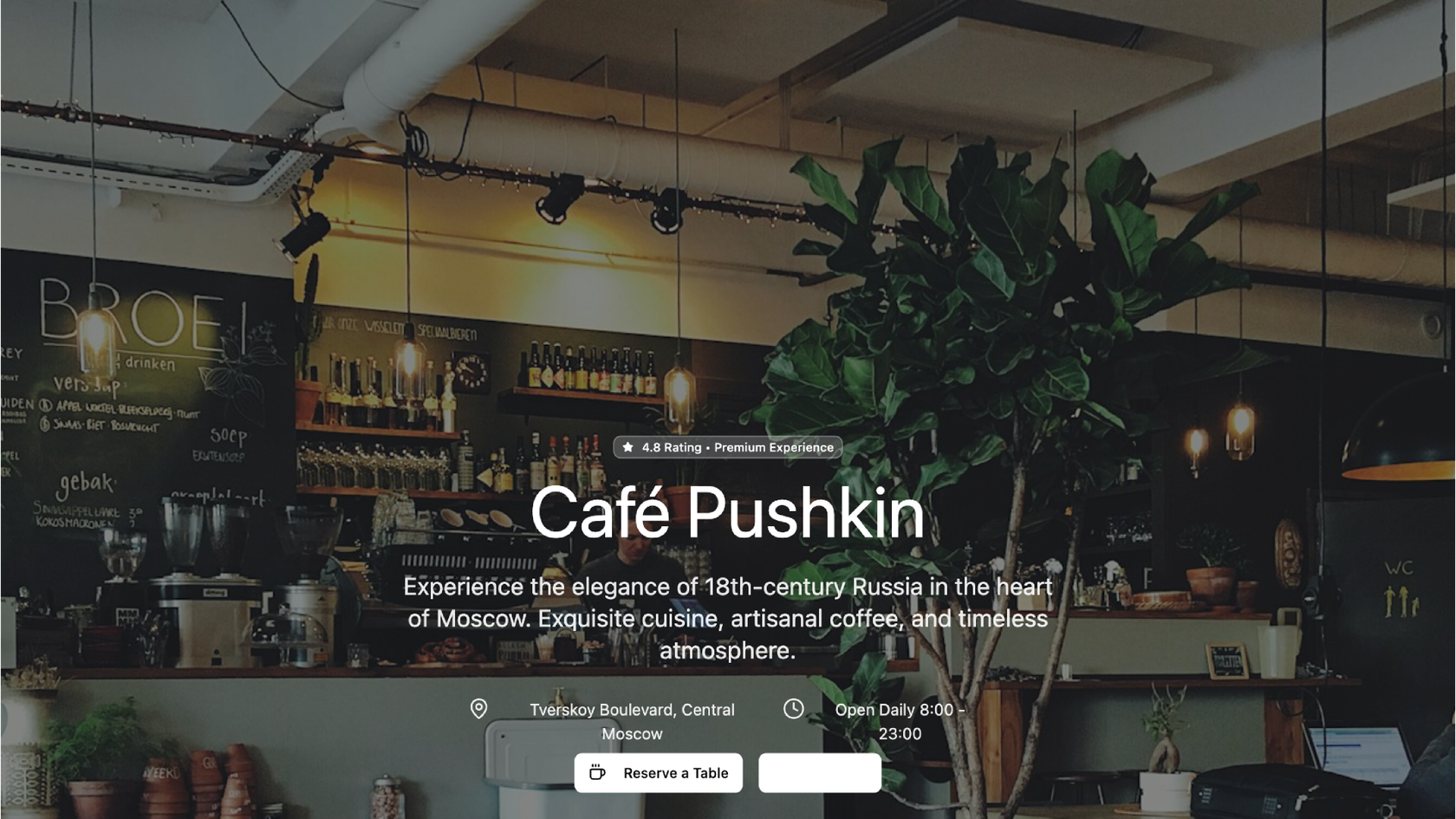

How to build stunning websites with AI in minutes
Tell our AI what you want to create. Be as detailed or as broad as you'd like—from 'a modern portfolio website' to 'an e-commerce store for handmade jewelry with a vintage aesthetic.'
Our AI instantly transforms your description into a beautiful, responsive website. It understands design principles, user experience, and your brand requirements to create something truly unique.
See your website come to life in real-time. Make tweaks, request changes, or add new features using simple prompts. Every interaction makes your website better.
Get clean, production-ready code that you can deploy anywhere. Your website is optimized for performance, accessibility, and search engines right out of the box.
FAQs
Figma Make's AI website generator is a powerful tool that transforms your ideas into functional, responsive websites using artificial intelligence. Simply describe what you want, and our AI creates beautiful, production-ready websites with clean code.
Not at all! Our AI website builder is designed for everyone—from complete beginners to experienced developers. You can create professional websites using natural language prompts, and the AI handles all the technical details.
Our AI is trained on thousands of successful web designs and understands design principles, user experience best practices, and modern web standards. You can describe your vision in plain English, and the AI will interpret your requirements to create appropriate layouts, color schemes, and functionality.
Absolutely! Every AI-generated website is fully customizable. You can modify colors, layouts, content, and functionality using our intuitive interface. The AI provides a strong foundation that you can then personalize to match your exact needs.
You can create virtually any type of website—from simple landing pages and portfolios to complex e-commerce stores and SaaS applications. Our AI adapts to different industries and use cases, ensuring your website fits your specific requirements.
Yes! The AI generates clean, semantic HTML, modern CSS, and optimized JavaScript that follows web standards and best practices. The code is responsive, accessible, and ready to deploy to any hosting platform.
From the blog
Workflow lab: Deploying designs directly with Figma Make
The handoff from design to code doesn't have to be a one-way street. This workflow shows how a designer can connect a codebase to Figma Make, make the changes directly, and bring the whole team into review—right up to the PR.

How Decagon uses AI for design system saturation
The fast-growing customer experience platform explains how Figma MCP and Figma Make helped them scale a new design system and keep pace with customer requests.
GPT-5.6 is now available in Figma Make
With accurate first results and fast iterations, OpenAI’s GPT-5.6 gives your builds a strong start in Figma Make.

Got skills? Make the Figma agent a better collaborator
From sharing your best thinking to learning from your team’s go-to prompts, here’s what skills unlock in the Figma agent.


4 ways we’re using our MCP server at Figma
The Figma MCP server reaches further across the platform than it ever has. From updating a living deck to shipping a design to production—here's what that looks like in practice.


4 new ways to go from idea to product with AI tools
AI tools are changing how teams build products—from where they start to what carries through to production. Here's what that shift looks like across four organizations.