
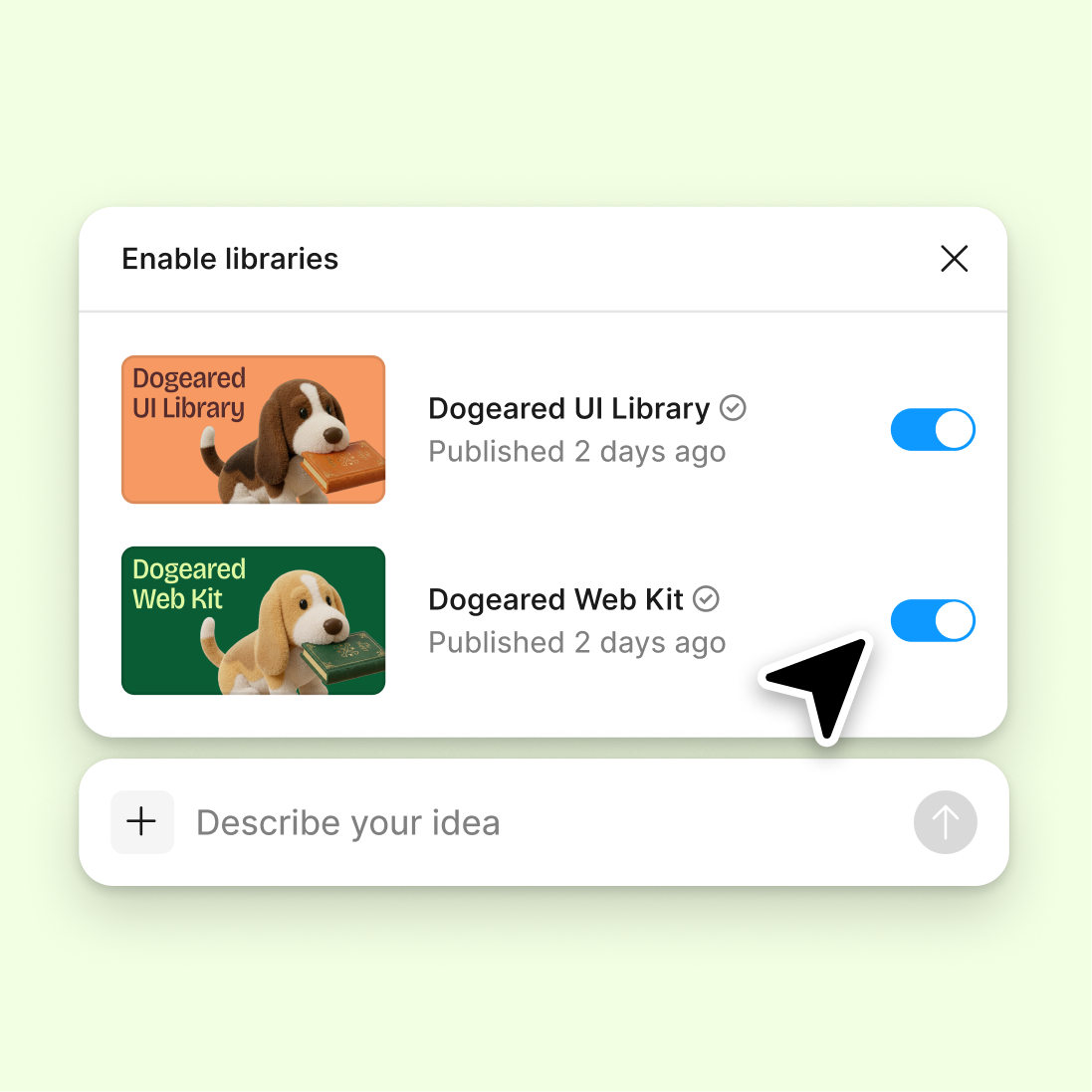
Connect to a design library
Generate and refine using your actual components, tokens, and variables—not placeholder UI you'll have to swap out later.
Skip to main content
Figma's agent reads through comment threads and distills them into clear summaries, action items, and themes—directly in your design file. No copying feedback into a separate doc, no context lost.











Design files accumulate comments fast. The agent surfaces what matters so you can act on feedback instead of hunting for it.


Stop scrolling through comment threads to piece together what people actually want. The agent distills feedback into a summary you can act on, so you stay focused on designing—not managing conversations.

The agent identifies recurring concerns, open questions, and clear next steps from scattered comments. You get structured insights instead of a wall of replies to parse yourself.

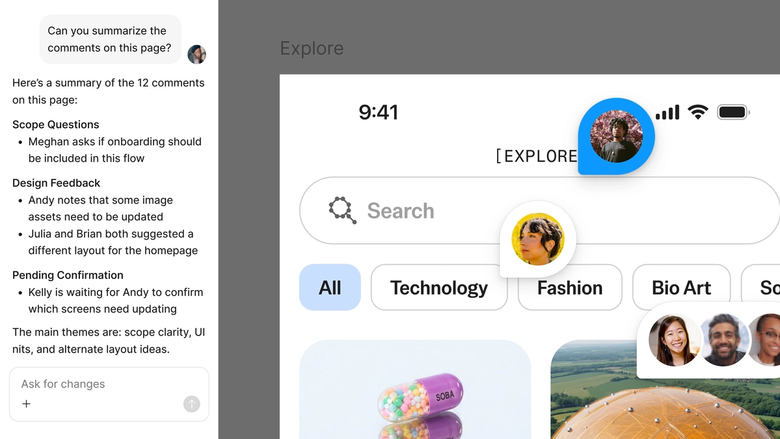
Summaries live in your shared file, so everyone sees the same takeaways. No more separate feedback docs that drift out of sync with the design.
A closer look at what sets Figma's agent apart, built for the way design teams actually work.
Generate and refine using your actual components, tokens, and variables—not placeholder UI you'll have to swap out later.

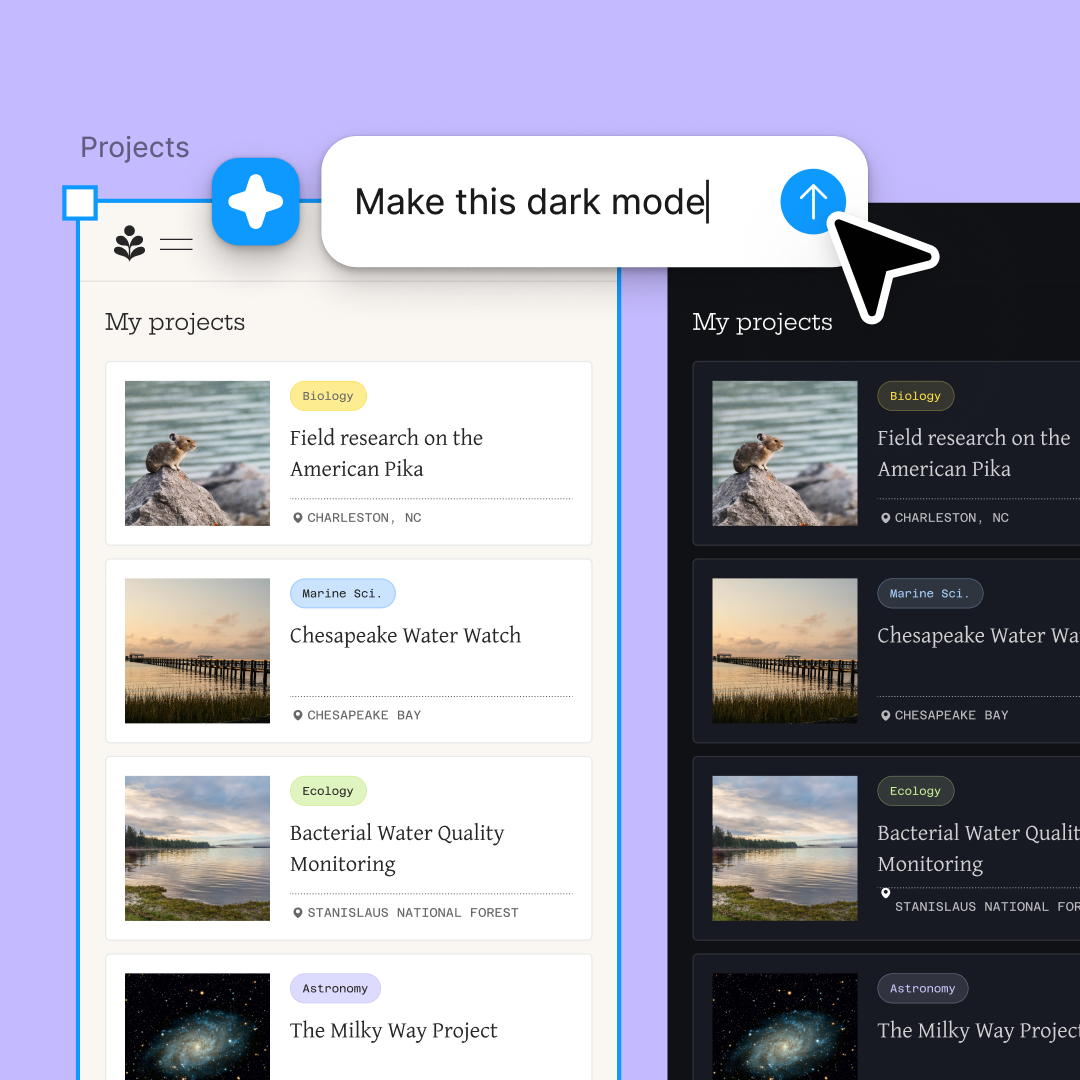
Run multiple prompts at once so you're evaluating directions in parallel, not burning time on each one in sequence.

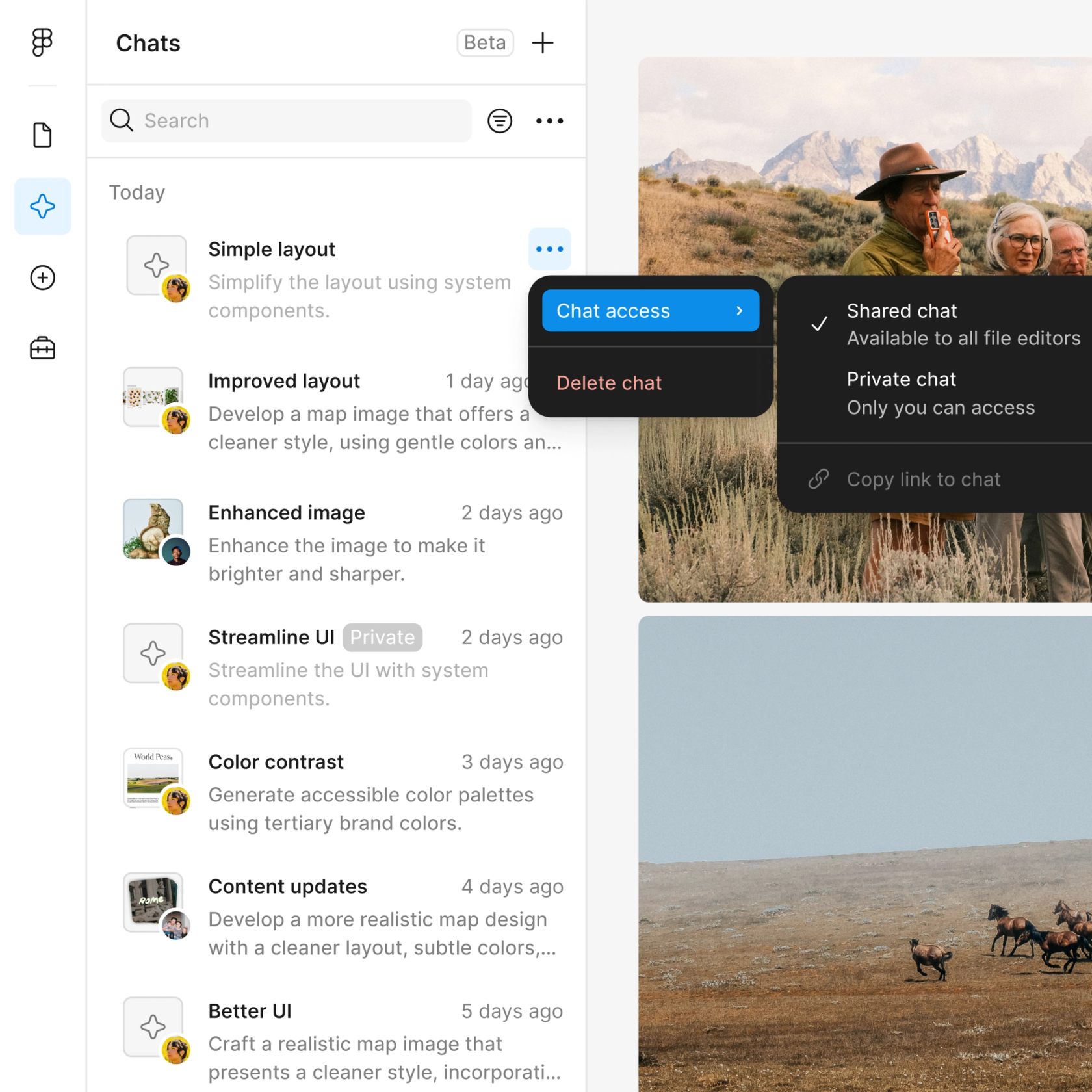
Share a thread and your team sees the full prompt, context, and iteration history behind any design. No separate handoff needed.

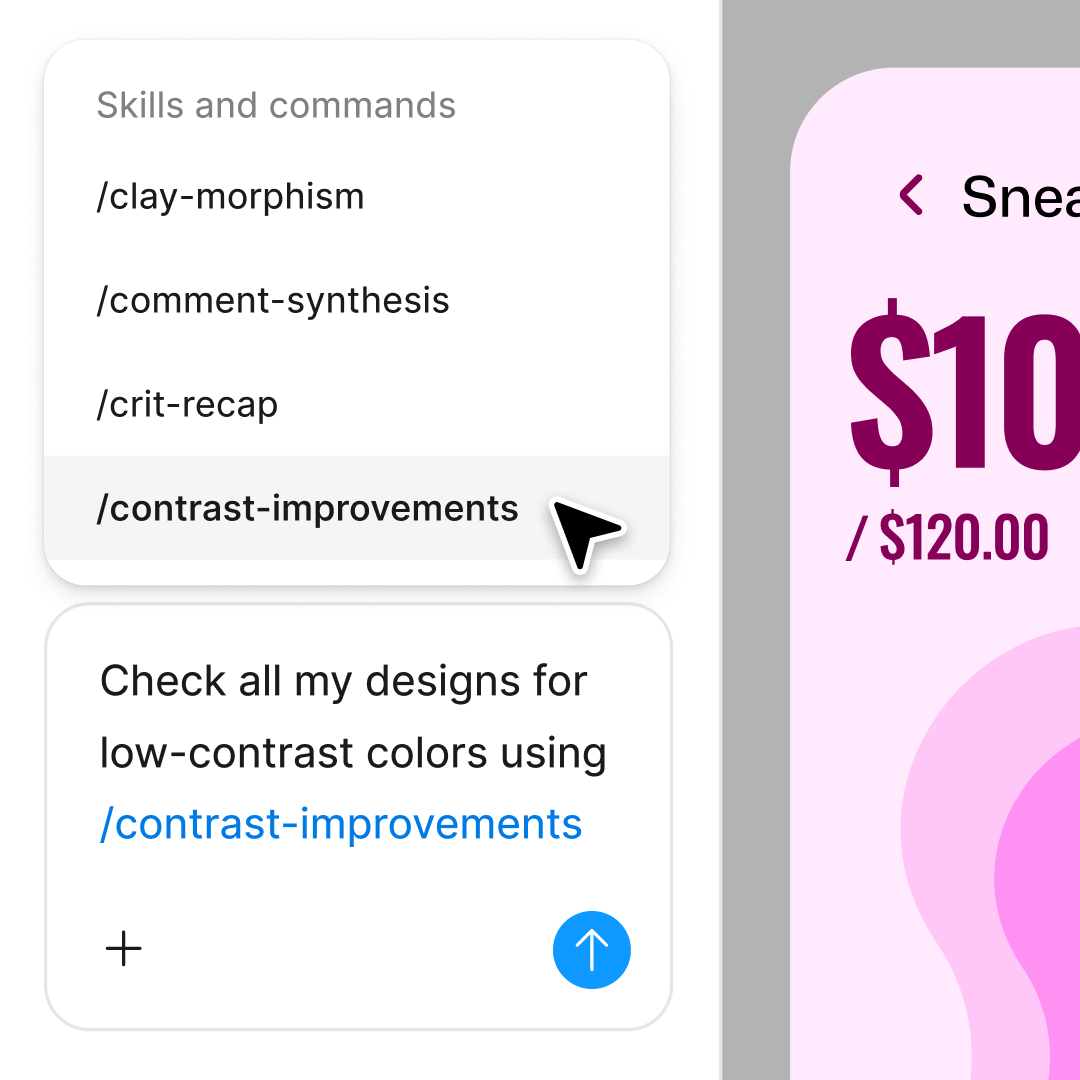
Package your team's workflows and conventions into reusable /commands anyone can run on demand.
Figma feels like a natural extension of my hand. I do my design ideation on the canvas, and now the agent takes it the last mile. With my design libraries connected, I can move from design to code faster than ever before.
Andy Madrick
Product Designer, Notion

Open the file with comments you want summarized in Figma Design. The more comments, the more time you'll save.
Open the agent from the left side rail or hit CMD + Enter. Tell it what you need—a general summary, action items, or themes from specific threads.
Check the generated data in your design. Refine in the same thread if you need adjustments, or run a parallel prompt to try a different data scenario.
The summary lives in your file. Share the thread so stakeholders and teammates see the same takeaways without reading every comment.
Watch Figma's AI Agent in action and see how to put it to work in your own workflows.

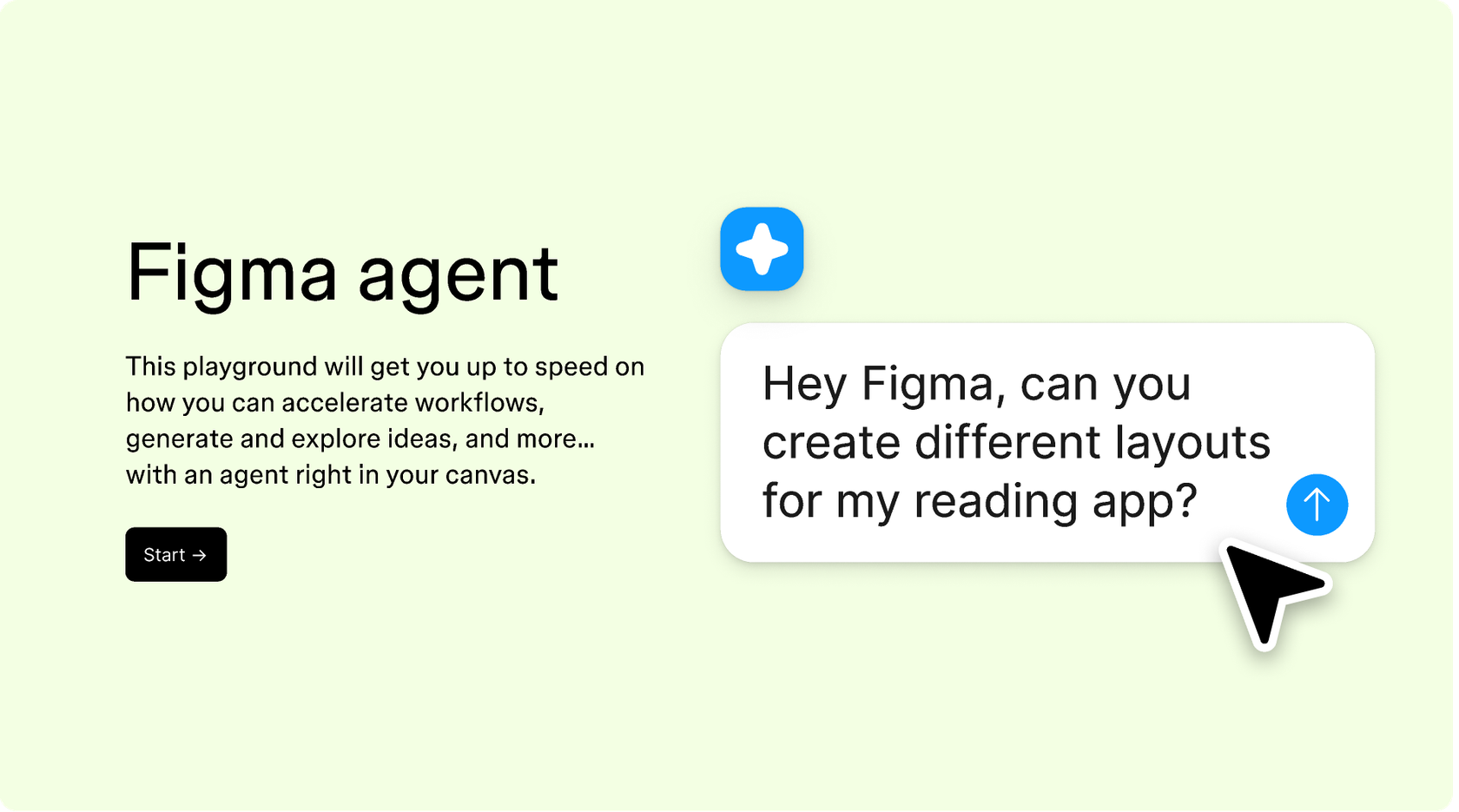
Hands-on playground to explore Figma agent's capabilities — from bulk edits to feedback implementation — with step-by-step guidance built right in.
Learn how to use Figma agent in your design workflows with a step-by-step tutorial from the Figma team.
An AI comment summarizer reads through feedback threads and distills them into clear takeaways—key themes, action items, and open questions. Figma's agent does this directly in your design file, so summaries stay connected to the work they reference. You get structured insights instead of scrolling through long conversations.
Figma's agent analyzes comment threads in your file and extracts the important points. You can ask for a general summary, specific action items, or recurring themes. The agent responds in a thread you can refine with follow-up prompts, and the summary stays in your shared file for your team to reference.
Open your file in Figma Design and select the agent from the left side rail or hit CMD + Enter. Ask it to summarize comments on a specific frame or across the file. The agent reads through the threads and returns a structured summary you can refine with follow-up prompts.
Figma's agent captures the main points and recurring themes from comment threads reliably, but it's always worth reviewing the summary against the original feedback for nuance. You can prompt again to clarify specific points or ask for more detail on themes that matter most to your decision.
Figma's agent is available on all paid Figma plans. You'll find it in the left side rail in Figma Design. During the current open beta, it doesn't consume AI credits—so it's a good time to explore, experiment, and share your feedback with us.
Build faster with Figma's agent


